Description
Ghostprint
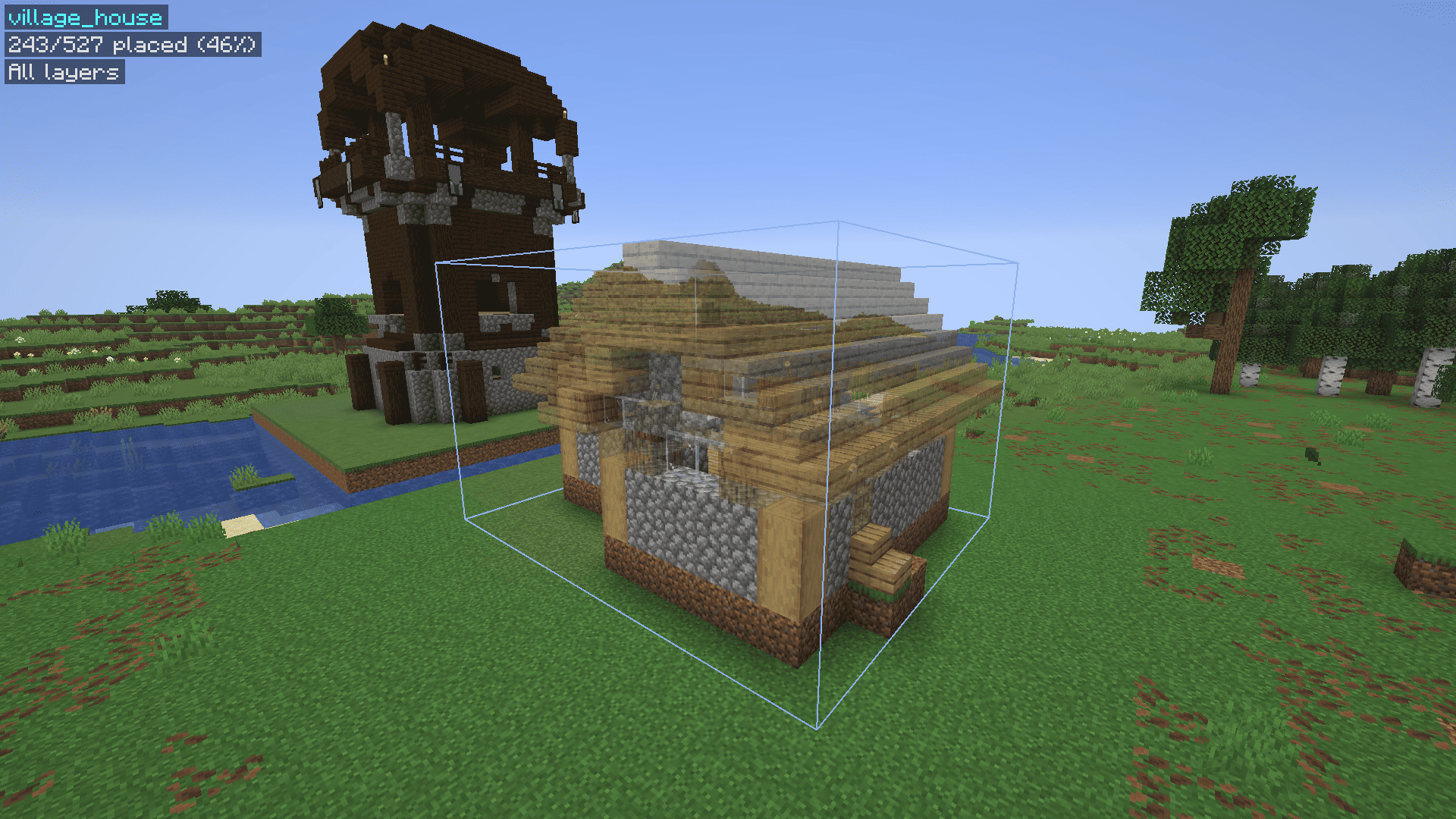
A client-side Fabric mod for Minecraft 26.3. Save builds as schematics, then place them as see-through "ghost" blocks to build from.
Made easier than some alternatives.
Works with WorldEdit (.schem) and can load Litematica (.litematic) files.
Requirements
- Minecraft 26.3
- Fabric Loader 0.19.5+
- Fabric API
How to use
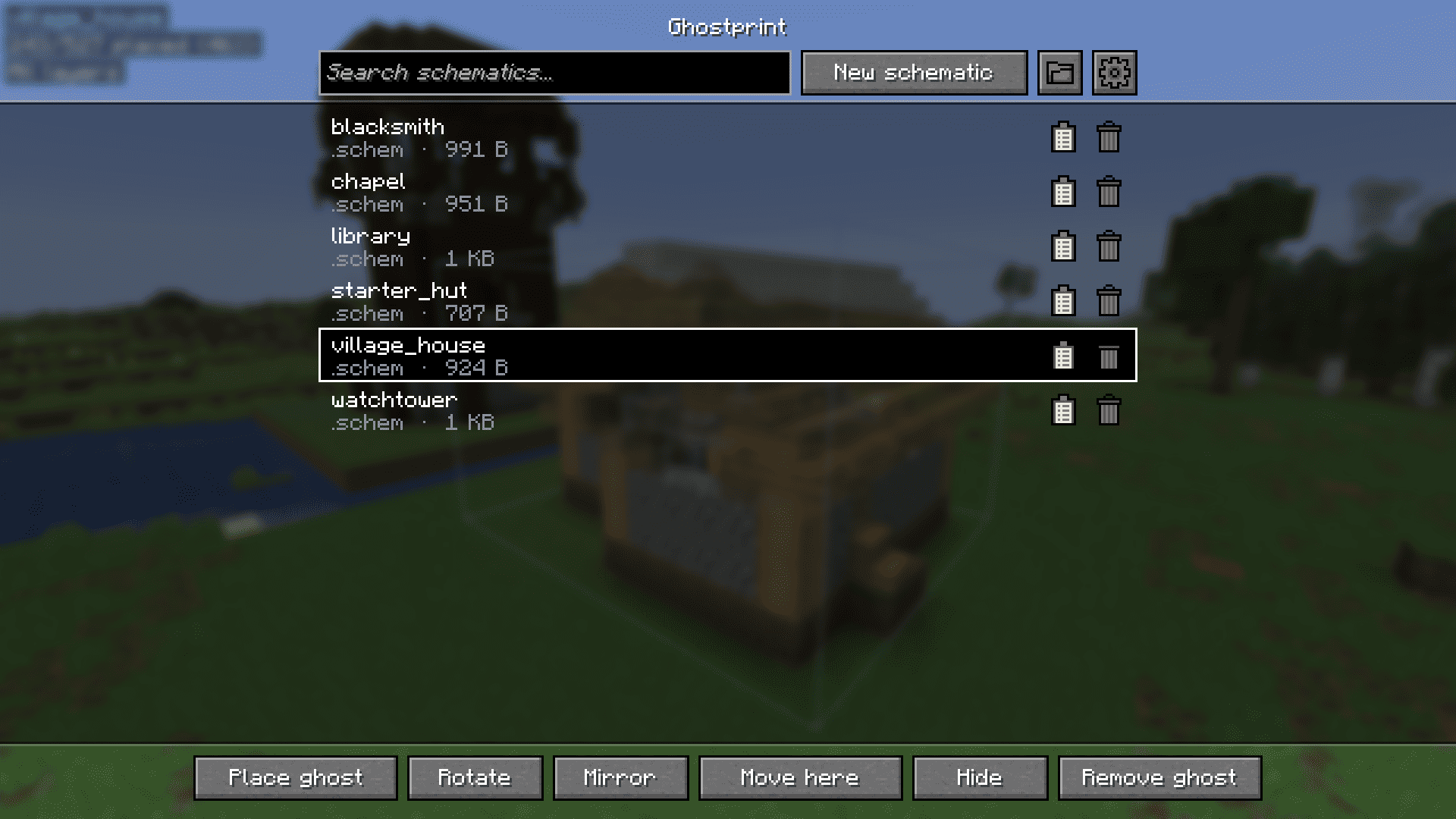
- Press G to open the menu.
- New schematic: pick two corners (left/right-click blocks with a stick), name it, save.
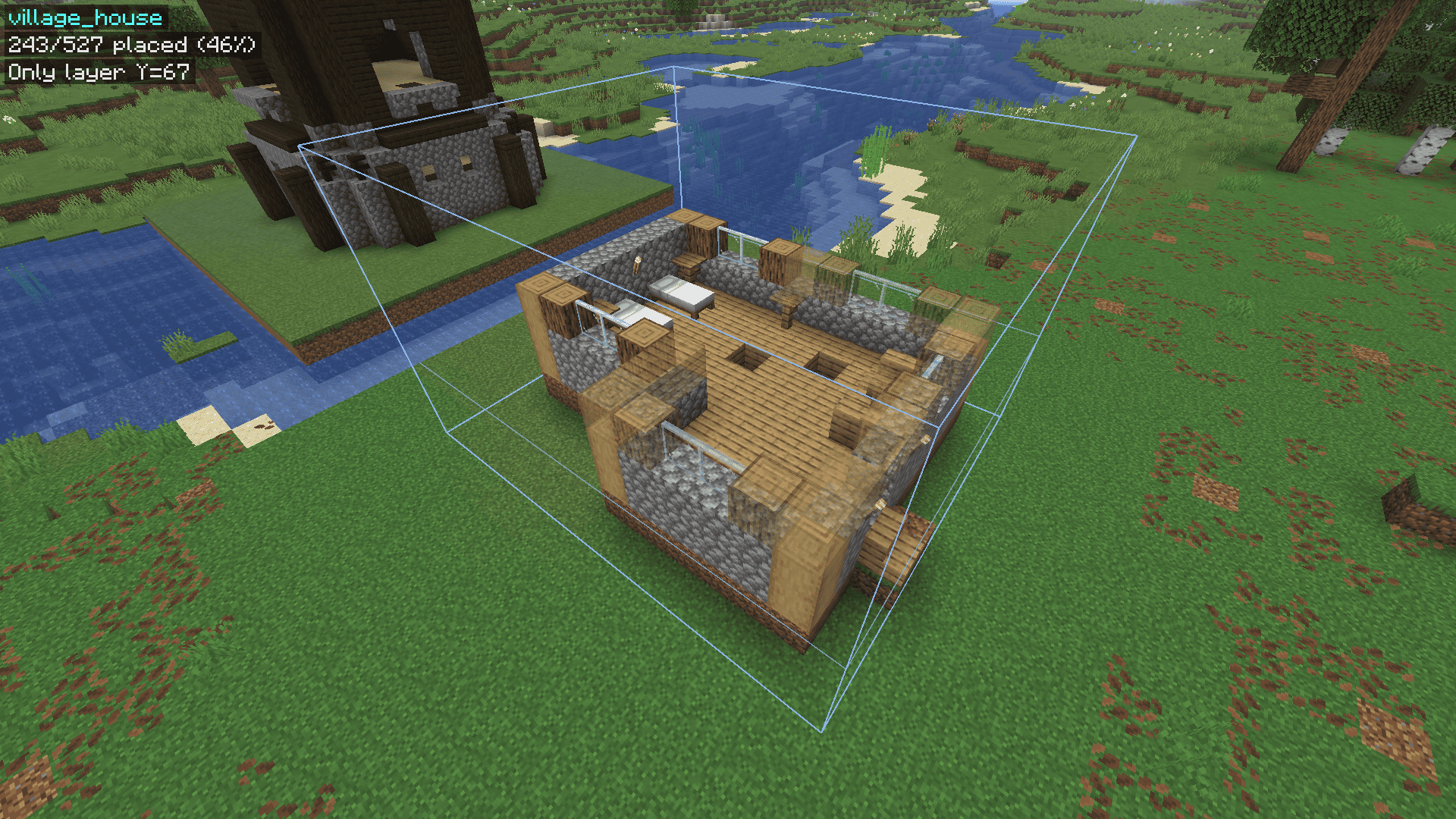
- Place ghost: select a schematic and place it at your feet. Move it with the arrow keys and Page Up / Down.
- Build: correct blocks disappear, wrong ones turn red, and the HUD tells you what goes where.
- Easy place: right-click a ghost block to place exactly the right block, facing the right way.
The clipboard icon next to a schematic shows its material list.
Good to know
- Schematics are saved in
.minecraft/schematics. (WorldEdit schematics folder also works) - Your ghost is remembered per world and server.
Issues
If you have any issues, feel free to DM me on discord. My username is sirkillian.
Ghostprint Team