Ghostbys Zoom
- By
Hold C to zoom in like OptiFine. Scroll while zooming to zoom further, with a smooth zoom and a cinematic camera.
Screenshot 2026-11-17 165717.png
Screenshot 2026-11-17 165707.png
Description
Ghostbys Zoom
Zoom in like OptiFine, on Fabric.
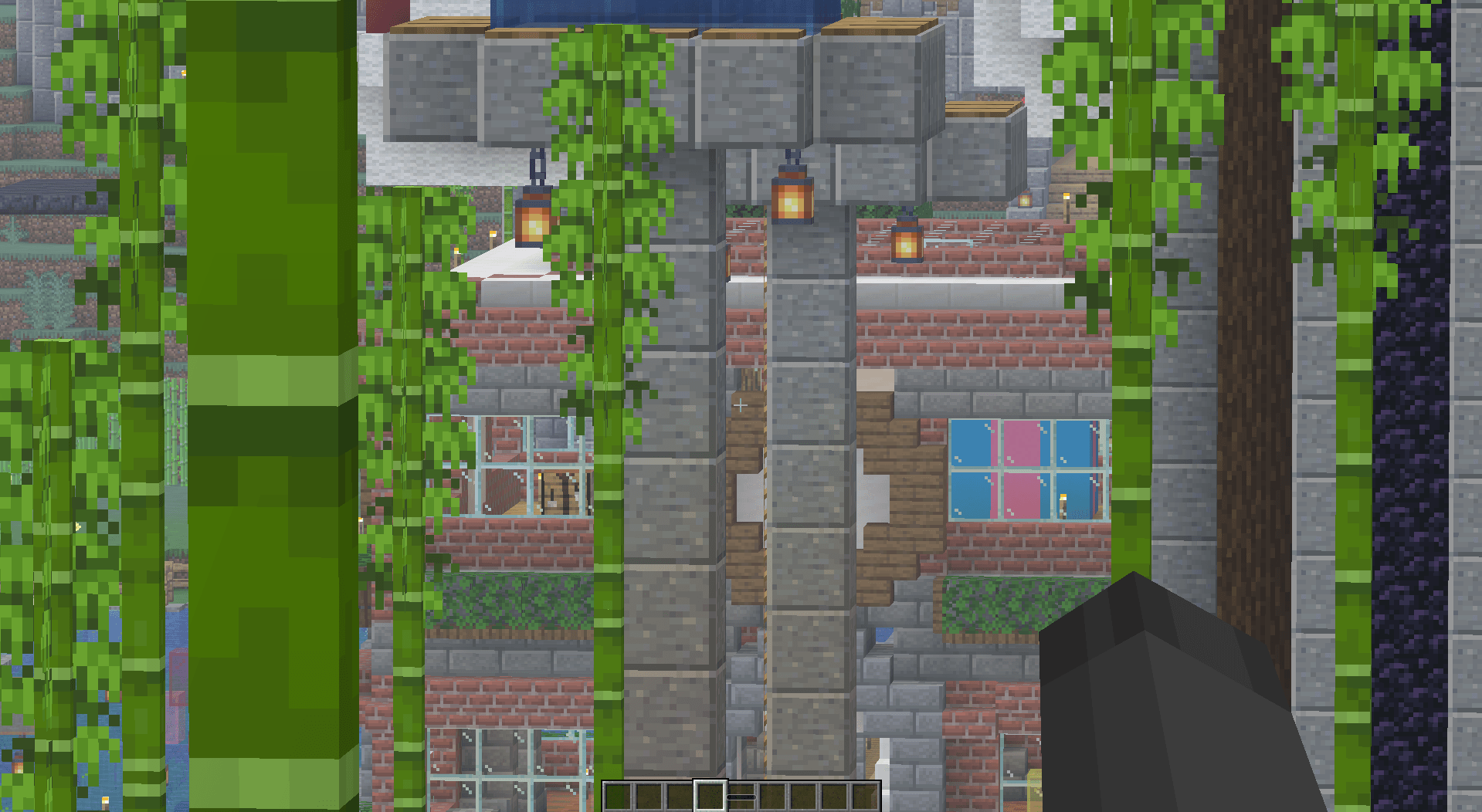
Hold a key to zoom in on anything far away. Let go and you’re back to normal.
Features
- Hold to zoom: press and hold C to zoom in, and let go to zoom back out.
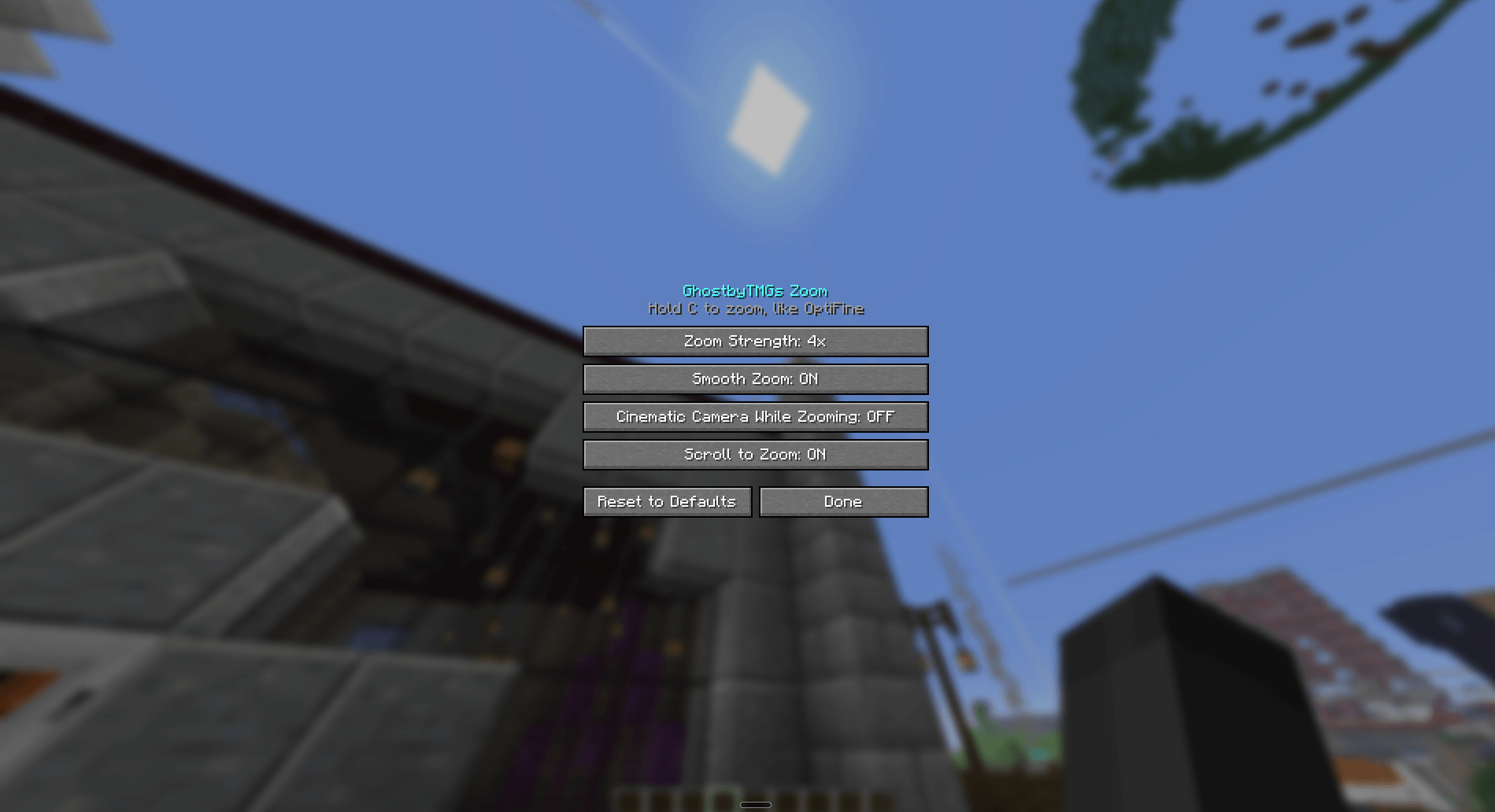
- Scroll to zoom further: while zooming, scroll up or down to zoom further in or out, up to 50x.
- Smooth zoom: zooms in and out smoothly instead of snapping.
- Cinematic camera: looking around is slow and smooth while zoomed, like OptiFine, so it’s easy to aim at far-away things.
- Your hand stays normal: only the world zooms, not your hand or items.
- Zoom strength: pick how far the key zooms to start with: 2x, 3x, 4x, 6x, 8x or 12x.
- Settings: open them from Mod Menu. The zoom key can be changed in Controls.
Versions
- Fabric: 1.21 – 26.2
Requirements
- Fabric API
- Mod Menu (optional)
Client-side only, so it works on any server.
Tip: C is also vanilla’s “Save Toolbar” key. If you use that, change one of them in Controls.
Ghostbys Zoom Team