GhostArmorMod
Unleash the forbidden power of the ghost by wearing the GhostArmor!
9184a6e1-5af6-4c9c-9cd3-8f419caa5efb.png
Description
Description
GhostArmorMod is an original mod developed for Minecraft Forge 1.20.1.
It adds ghostly armor that makes you invisible to hostile mobs in Minecraft!
Features
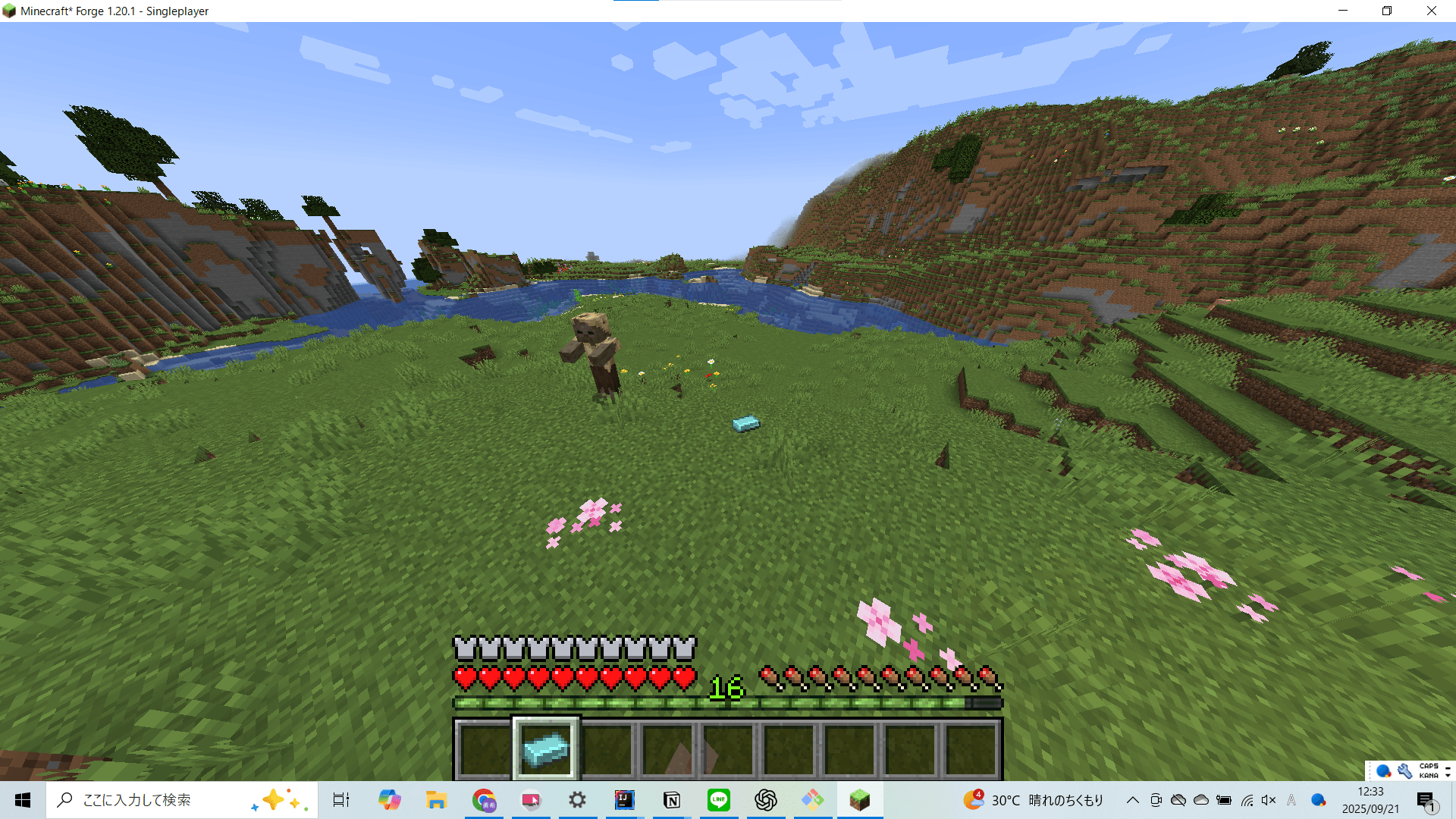
- New items: GhostIngot, MoltenGlassIngot, and SmeltedIronIngot
- New armor pieces: GhostHelmet, GhostChestPlate, GhostLeggings, and GhostBoots
- Equip the full set of armor to become transparent like a ghost
- With the full set equipped, you can fly through the air like a ghost by pressing the Z key
Installation
To install GhostArmor, follow these steps:
- Download the latest mod file from the provided URL
- Place the downloaded file into your Minecraft mods folder
- Make sure Minecraft 1.20.1 and Forge version 47.4.8 (or later) are installed
Usage
Equip all of the following: GhostHelmet, GhostChestPlate, GhostLeggings, and GhostBoots.
When the full set is worn, hostile mobs will not attack you, even at close range.
You can also fly through the air like a ghost by pressing the Z key.
Crafting Recipes
SmeltedIronIngot: Smelt an Iron Ingot in a furnace to obtain!

MoltenGlassIngot: Smelt a Glass Block in a furnace to obtain!

GhostIngot: Place one SmeltedIronIngot and one MoltenGlassIngot in the crafting table to obtain!

GhostHelmet: Arrange GhostIngots in the shape of a helmet on the crafting table to craft!

GhostChestPlate: Arrange GhostIngots in the shape of a chestplate on the crafting table to craft!

GhostLeggings: Arrange GhostIngots in the shape of leggings on the crafting table to craft!

GhostBoots: Arrange GhostIngots in the shape of boots on the crafting table to craft!

Source Code
[GitHub Repository](https://github.com/EuropaYuki/GhostArmorMod)
Youtube URL
The GhostArmorMod Team