Frontline
- By
"Real-time dynamic frontline and territory control system powered by strategic flag points for tactical combat servers."
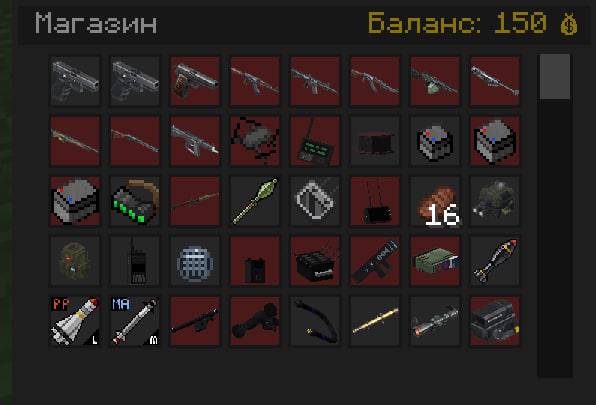
photo_2026-08-03_21-25-48.jpg
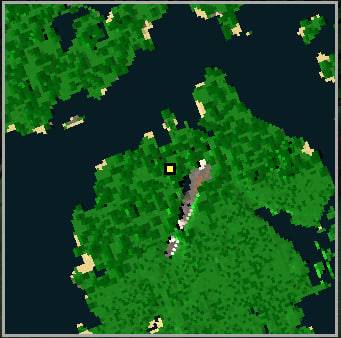
photo_2026-08-03_21-27-05.jpg
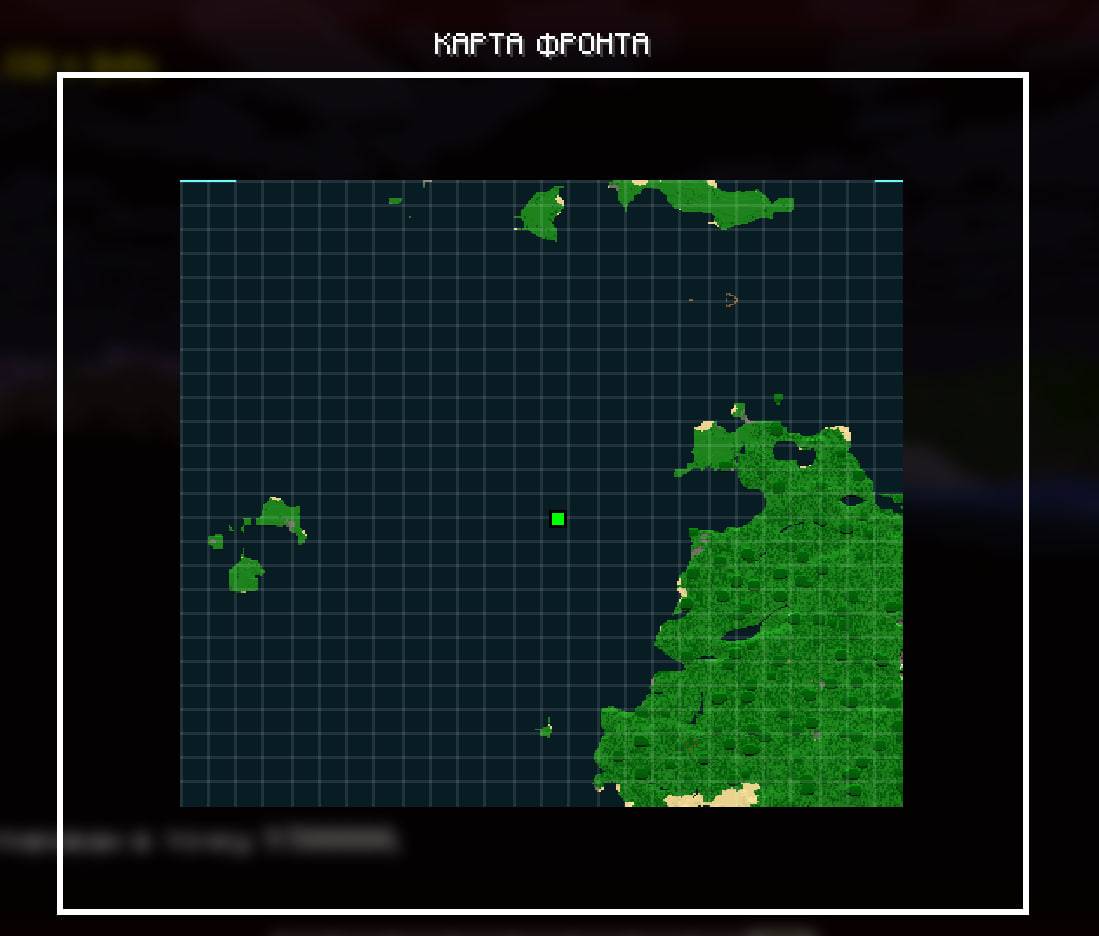
photo_2026-08-03_21-28-19.jpg
Description
Additional Features
- Presence-based capturing: capture objectives by standing inside the capture area. Enemy presence contests the capture.
- Six game modes: Frontline, Chain, Score, Capture & Hold, Combined, and Attack & Defense.
- Configurable match settings: capture duration, respawn delay, score limits, round timers, and preparation breaks.
- Deployment menu: choose your class, inspect its equipment, and select a spawn point on a terrain map.
- Tactical spawning: team bases, eligible forward positions, temporary rally points, and commander deployment.
- Commander deployment rewards: both the deploying player and the commander can receive a currency bonus.
- Team balancing: prevents players from joining an already larger side.
- Classes and loadouts: configurable classes, subclasses, and equipment kits.
- Combat economy: rewards for kills, assists, objectives, and medical support, with personal funds and shared team budgets.
- Brigades and leadership: brigade membership, shared brigade funds, military ranks, and commander voting.
- Categorized equipment shop: custom categories with held-item icons and separate purchase/deletion modes for administrators.
- Vehicle support: team-specific vehicle catalogs, deployment restrictions, and cooldowns.
- Frequency-based voice radio: microphone communication, adjustable volume, radio distortion, and transmission-end noise.
- First Aid integration: teammate treatment, reduced self-treatment effectiveness, defibrillator revives, and wounded-ally markers.
- Tactical HUD: a Tab leaderboard, mode information beneath the minimap, and elevated objective markers with distances.
- Visual settings: bodycam presentation, thermal vision, night darkness, and separate daytime/nighttime fog settings.
- SBW integration: FPV/Mavic drone modes and adjustable explosion block destruction.
- JSON configuration: editable kit and shop catalogs with reload commands.
Command Reference
Replace arguments in <angle brackets> with your values. Arguments in [square brackets] are optional. Administrative setup commands require operator permissions; some gameplay actions also depend on your team, rank, or brigade role.
Joining, Classes & Deployment
| Command | Description |
|---|---|
/frontline info |
Show battlefield information. |
/jointeam <team> |
Join a team, subject to team balancing. |
/frontline class menu |
Open the class and deployment menu. |
/frontline class list |
List configured classes. |
/frontline class select <id> |
Select a configured subclass. |
/respawn base |
Select your team’s main base. |
/respawn front |
Select an eligible forward spawn. |
/respawn auto |
Use automatic spawn selection. |
/respawn rally |
Select your brigade’s available rally point. |
/respawn commander |
Select deployment near an eligible commander. |
/rally kit |
Obtain a rally-point kit as a brigade commander. Place it on solid ground. |
/rally remove |
Remove your brigade’s rally point as its commander. |
/frontline point upgrade |
Upgrade an eligible friendly objective. |
Radio
Frequency settings are also available through the Radio tab in the map menu. The default push-to-talk key is V, configurable in Minecraft’s controls.
| Command | Description |
|---|---|
/radio |
Display your current radio status. |
/radio frequency <MHz> |
Tune to a frequency between 0.1 and 999.9 MHz. |
/radio off |
Switch your radio off. |
/radio volume <percent> |
Set radio volume from 0–100. |
/radio tail <milliseconds> |
Set transmission-end noise duration from 0–1000 ms. Use 0 to disable it. |
Players on the same frequency can communicate regardless of team. An enemy who discovers your frequency can listen in.
Shop, Vehicles & Budgets
| Command | Description |
|---|---|
/shop |
Open the equipment shop. |
/vehicles |
Open the vehicle shop. |
/vehicle spawn <name> |
Request a configured vehicle, subject to availability and deployment restrictions. |
/frontline budget show |
View your team’s shared budget. |
/frontline budget deposit <amount> |
Transfer personal currency into the team budget. |
/frontline brigade menu |
Open the brigade menu. |
/frontline brigade create <id> |
Create a brigade. |
/frontline brigade join <id> |
Join a brigade. |
/frontline brigade budget show |
View your brigade’s funds. |
/frontline brigade budget donate <amount> |
Donate to your brigade. |
/frontline brigade budget issue <player> <amount> |
Issue brigade funds when authorized. |
/frontline rank info |
View your rank. |
/frontline commander vote <player> |
Vote for a commander. |
/frontline commander remove <player> |
Vote to remove a commander. |
/frontline commander status |
View commander information. |
Battlefield Setup — Administrators
| Command | Description |
|---|---|
/frontline zone set <x1> <z1> <x2> <z2> |
Define the battlefield using block coordinates. |
/frontline team create <id> <colorHex> |
Register a team and its color. |
/frontline team base set <team> |
Set the team’s base at your current position. |
/frontline poi add <name> |
Create an objective in your current chunk. |
/frontline poi add <name> <radius> <chunkX> <chunkZ> |
Create an objective at specified chunk coordinates. |
/frontline poi remove <name> |
Remove an objective. |
/frontline poi list |
List objectives. |
/frontline point supply set |
Configure an objective supply location. |
/frontline class add <id> |
Add a class. |
/frontline class subclass add <class> <id> <kit> |
Add a subclass linked to a kit. |
/frontline rank set <player> <rank> |
Set a player’s rank. |
Objective capture currently uses the objective’s 16×16-block chunk. Chain ordering follows objective names; use names such as 01, 02, 03, 04, and 05 to keep the intended sequence clear.
Match Controls — Administrators
| Command | Description |
|---|---|
/frontline match mode <mode> |
Select a game mode. |
/frontline match start |
Start a new match. |
/frontline match restart |
Reset and restart the match. |
/frontline match stop |
Stop the match. |
/frontline match status |
Display match settings and status. |
/frontline match capturetime <seconds> |
Set capture duration for all modes: 1–3600 seconds. |
/frontline match respawn <seconds> |
Set respawn delay: 0–3600 seconds. |
/frontline match threshold <percent> |
Set the territory percentage required to win Frontline mode. |
/frontline match scorelimit <points> |
Set the score victory limit. |
/frontline match roundtime <seconds> |
Set Attack & Defense round duration: 1–7200 seconds. |
/frontline match roundtime red <seconds> |
Set round duration when red defends. |
/frontline match roundtime blue <seconds> |
Set round duration when blue defends. |
/frontline match breaktime <seconds> |
Set the next side-switch preparation break: 0–3600 seconds. |
/frontline match matchtime <seconds> |
Set total Attack & Defense match duration, including breaks: 1–86400 seconds. |
/rally lifetime <seconds> |
Set the lifetime of newly placed rally points: 30–3600 seconds. |
/rally reward <amount> |
Set the commander-deployment reward for each eligible participant. |
Available mode names:
front
chain
score
capture_hold
combined
attack_defense
In a five-objective Attack & Defense match, blue attacks 3 → 4 → 5 while red defends. After the preparation break and side switch, red attacks 3 → 2 → 1.
Kits & Shop Configuration — Administrators
| Command | Description |
|---|---|
/frontline kit set <name> |
Save your current equipment as a kit. |
/frontline kit list |
List saved kits. |
/frontline kit reload |
Reload kit configuration from JSON. |
/sell item <price> [section] |
Add the held item to the shop. |
/shop section create <name> |
Create a category using the held item as its icon. |
/shop section icon <name> |
Replace a category’s icon with the held item. |
/shop section remove <name> |
Remove a category. |
/shop section move <itemNumber> <name> |
Move a shop entry into a category. |
/shop section clear <itemNumber> |
Move an entry into the uncategorized section. |
/shop section list |
List shop categories. |
/shop reload |
Reload the shop configuration from JSON. |
/economy add <players> <amount> |
Give currency to selected players. |
/economy remove <players> <amount> |
Remove currency from selected players. |
/economy set <players> <amount> |
Set selected players’ balances. |
Use quotation marks for shop category names containing spaces, such as "Medical Supplies".
Main configuration files:
config/frontline-kits.json
config/frontline-shop.json
Visuals & Integration Settings
| Command | Description |
|---|---|
/bodycam on |
Enable server-controlled bodycam presentation. |
/bodycam off |
Disable server-controlled bodycam presentation. |
/bodycam hud full |
Use the full HUD. |
/bodycam hud minimal |
Use the minimal bodycam HUD. |
/bodycam hud off |
Hide the standard HUD through bodycam settings. |
/thermal on [true/false] |
Enable thermal vision; the optional argument controls visibility through walls. |
/thermal off |
Disable thermal vision. |
/frontline fog density <percent> |
Set fog density from 0–100. |
/frontline fog day <percent> |
Set daytime fog density. |
/frontline fog night <percent> |
Set nighttime fog density. |
/frontline night darkness <percent> |
Configure night darkness from 0–100. |
/frontline map size <pixels> |
Set the server minimap size: 60–250 pixels. |
/fl mapsize <pixels> |
Adjust your local minimap size: 40–200 pixels. |
/fl render |
Toggle the optional territory overlay in the world; disabled by default. |
/drone fpv |
Switch drone controls to FPV mode for all players. |
/drone mavic |
Restore Mavic-style drone controls for all players. |
/sbw explosion power <percent> |
Adjust SBW explosion block destruction: 0–100. Entity damage remains unchanged. |
Bodycam, thermal, fog, darkness, server minimap settings, and explosion configuration require operator permissions. The drone-mode command currently changes the mode globally.
Medical Gameplay
Medical support uses items and player interaction rather than a healing command. Sneak while using supported medical supplies on a teammate to treat them. Recoverable downed allies require a teammate with a defibrillator; bandages do not revive them. Successful medical support can earn currency.
The Frontline Team