


Forma
An in-game world editor for 1.12.2: fly a free camera, select, sculpt terrain, build shapes and move whole builds, with full undo/redo. No commands needed.
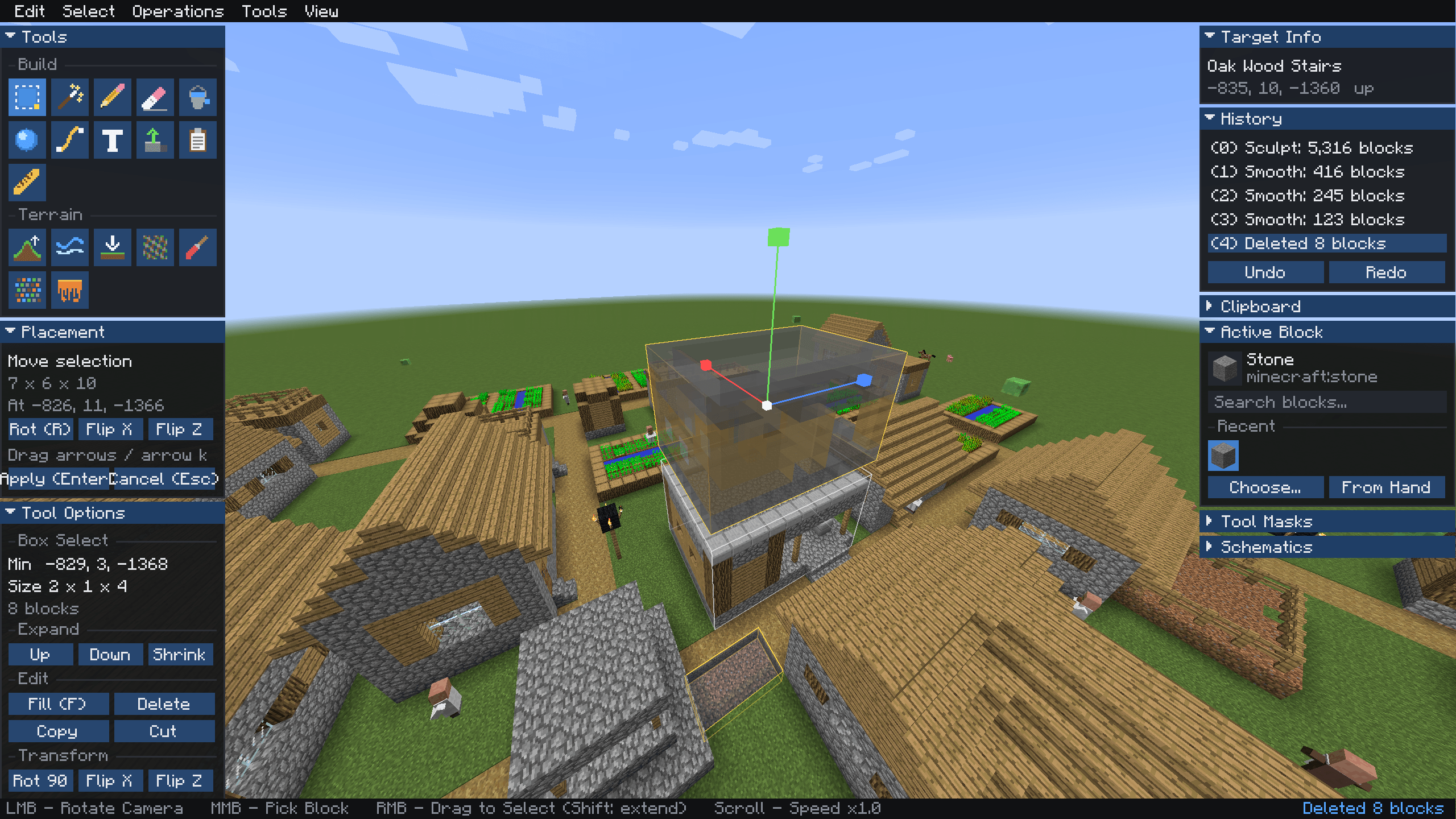
2026-10-31_15.50.13.png
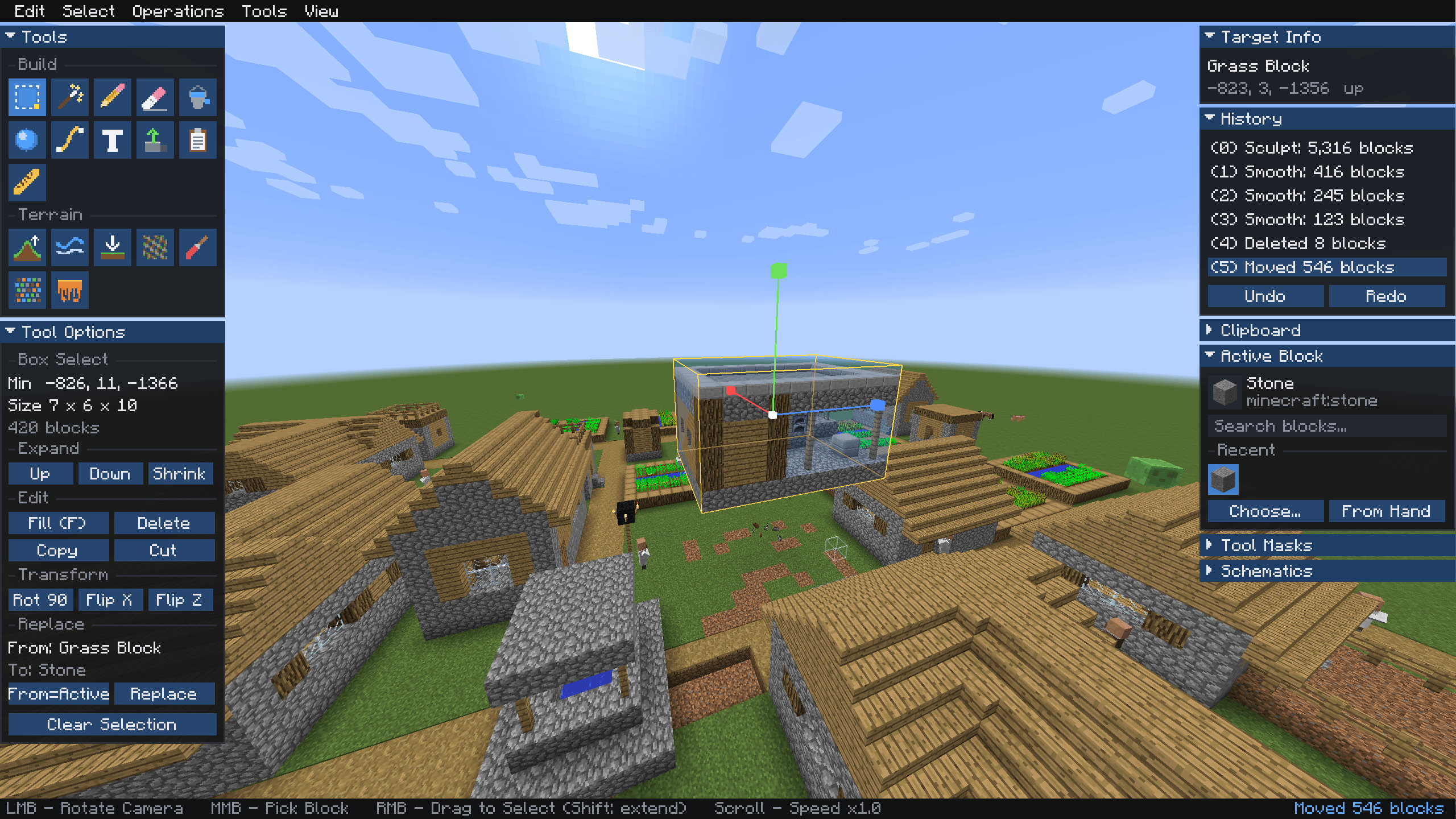
2026-10-31_15.50.20.png
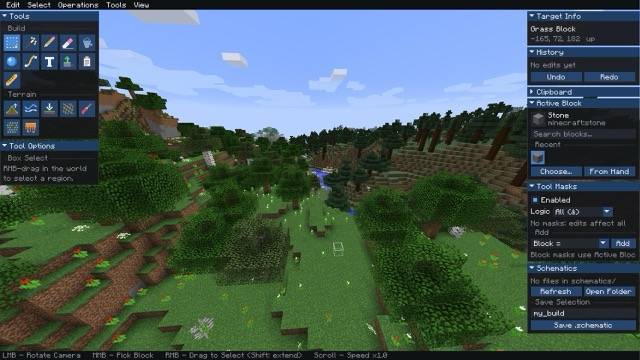
2026-10-31_15.48.27 Medium.jpeg
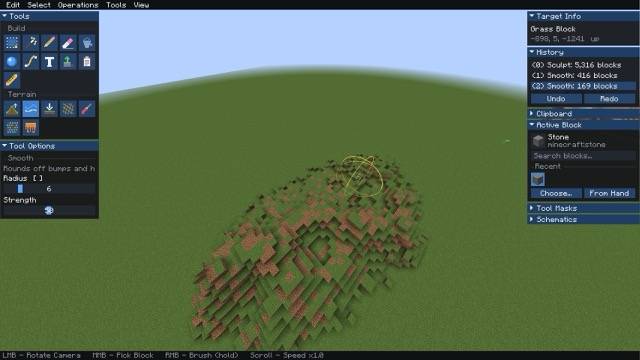
2026-10-31_15.49.26 Medium.jpeg
Play this mod with your friends!
Create your game server with 

Description
Forma: In-Game World Editor
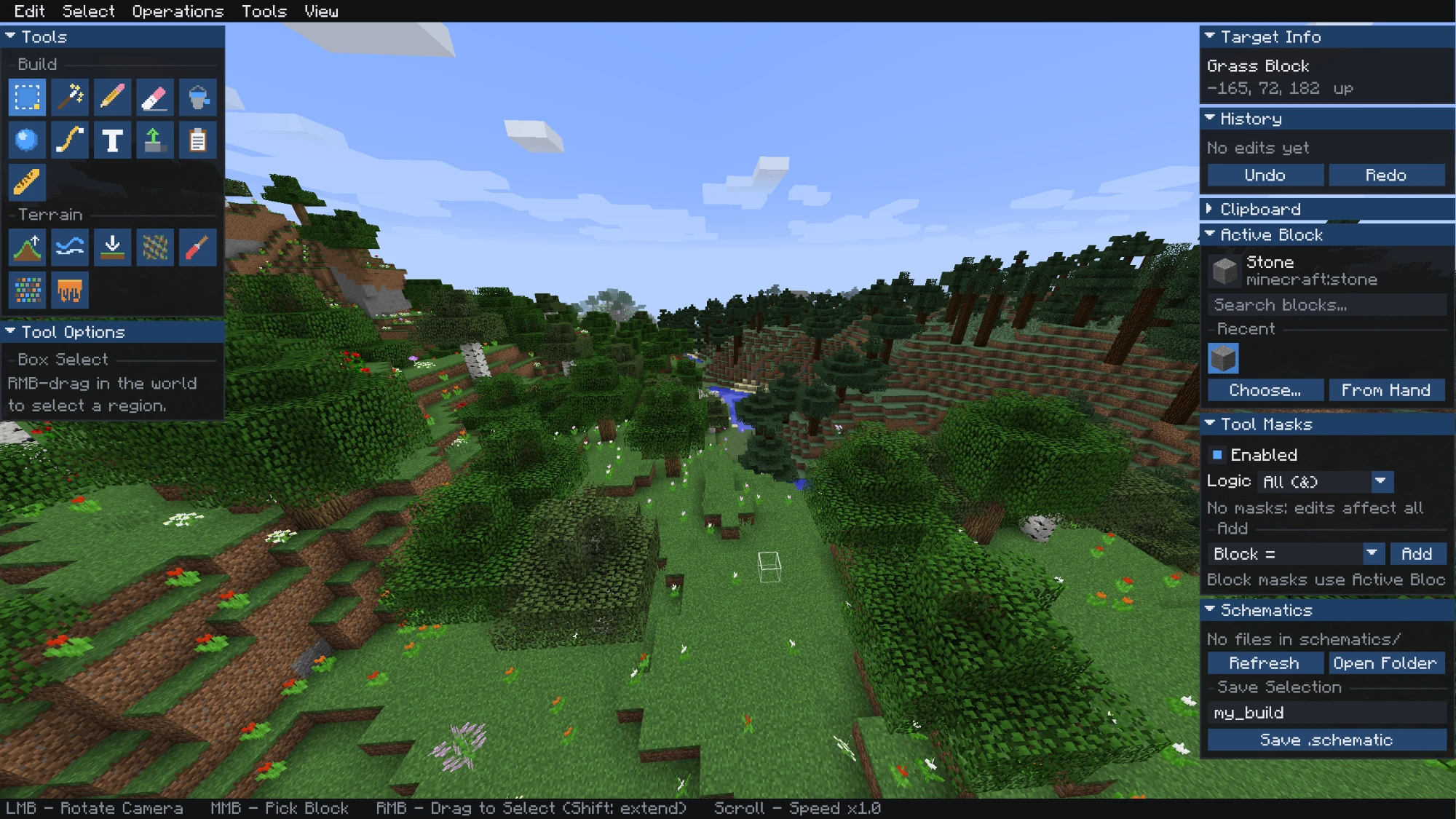
Forma turns Minecraft 1.12.2 into a visual world editor. Press Right Shift to leave your player behind, then fly a free camera and edit the world with panels and tools instead of commands.
✨ Features
- Free-fly editor camera with dockable panels
- Selections: Box Select and Magic Select, with fill, delete, copy, cut, rotate, flip and replace
- 3D move gizmo: drag the arrows or nudge with the arrow keys
- Build tools: Pencil, Eraser, Bucket Fill, Shapes (sphere, cube or cylinder), Path, Text, Extrude, Paste and Ruler
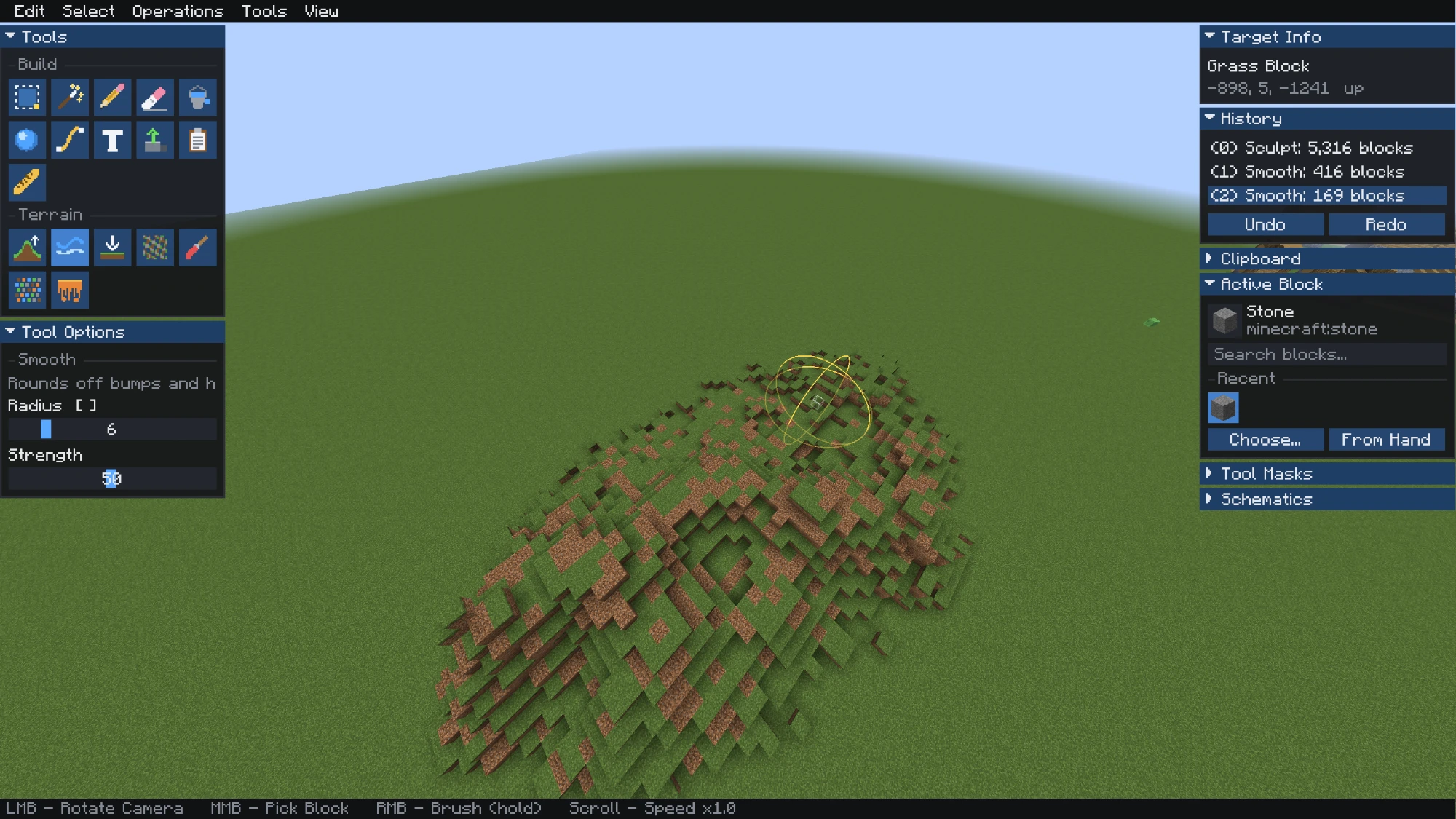
- Terrain brushes: Sculpt, Smooth, Flatten, Noise, Paint, Scatter and Melt/Grow
- Tool masks: limit edits by block, height, selection, nearby blocks and more
- Undo / Redo: up to 50 steps, each with a block count
- Schematics: save and load
.schematicand.schemfiles
🏔️ Terrain Brushes
Shape hills, valleys and coastlines. Each brush has an adjustable radius and strength.
📦 Selection & Editing
Select a region, then fill, replace, copy, rotate or flip it with one click.
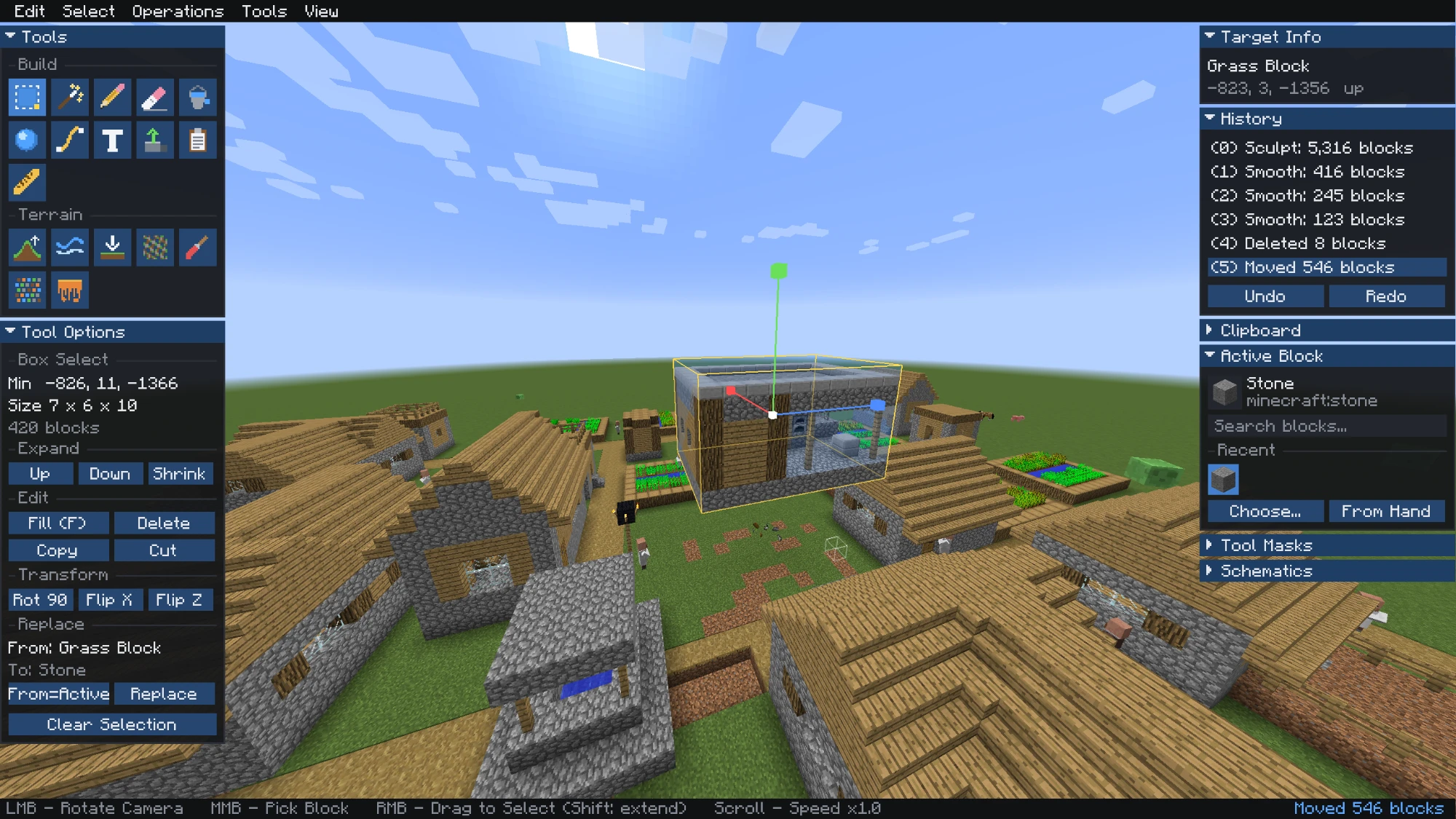
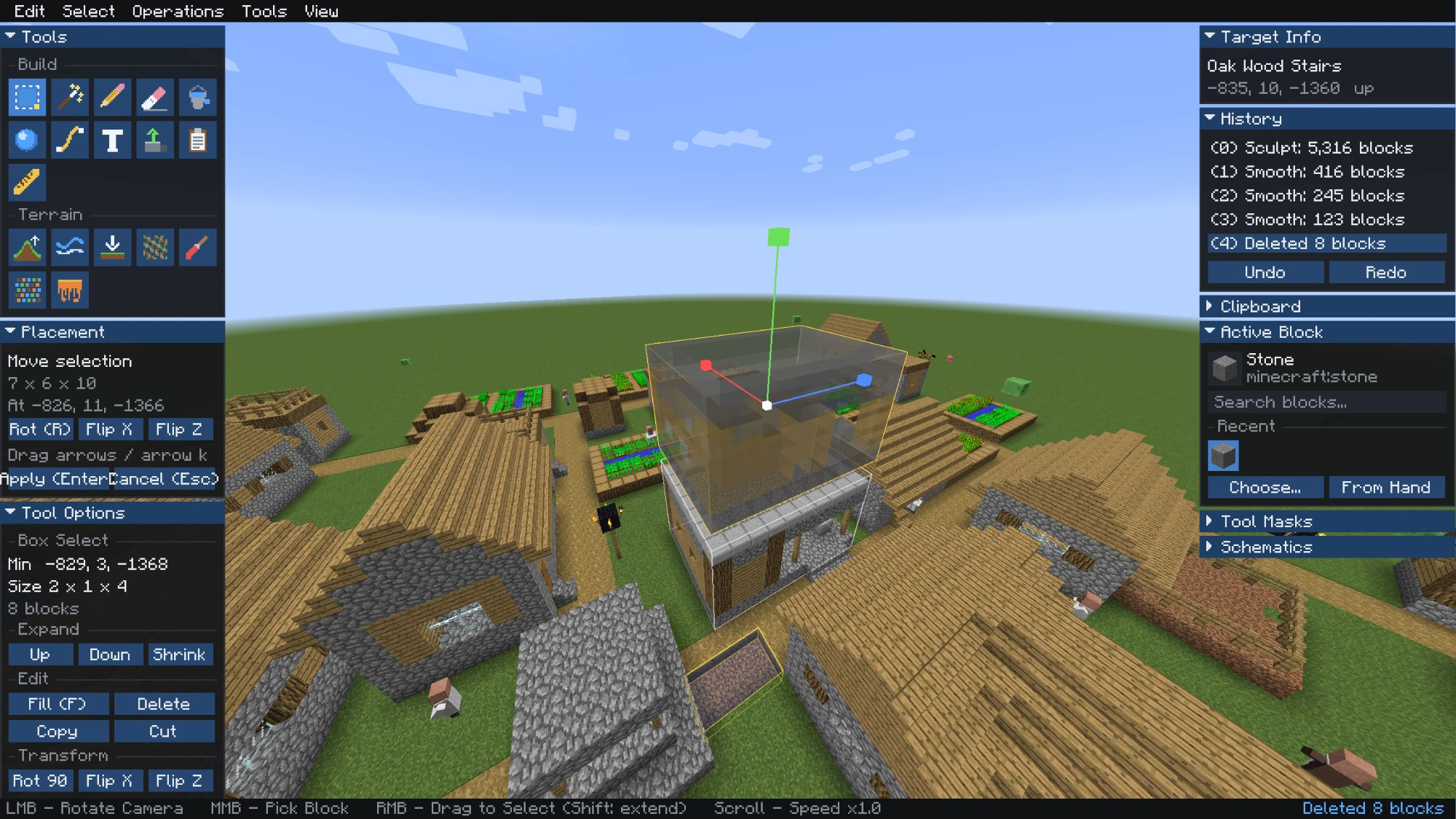
🧭 Move Whole Builds
Pick up a house and move it with the gizmo. Press Enter to apply or Esc to cancel.
🎮 Controls
| Input | Action |
|---|---|
| Right Shift | Open / close the editor |
| WASD, Jump, Sneak | Fly |
| Left mouse drag | Rotate camera |
| Right mouse | Use the current tool |
| Middle mouse | Pick block |
| Scroll | Change fly speed |
| 1–9 | Switch tool |
| Ctrl+Z / Ctrl+Y | Undo / redo |
| Ctrl+C / X / V | Copy / cut / paste |
| F / Delete | Fill / delete selection |
| R / X / Z | Rotate / flip while placing |
| [ / ] | Brush radius |
📥 Installation
- Install Minecraft Forge 1.12.2.
- Put the Forma jar in your
modsfolder. - To play on a server, install Forma on the server too.
Permissions: on servers you need operator rights. In singleplayer, edit in Creative mode.
Schematics are stored in .minecraft/schematics/.
📜 License
© 2026 Kristihack. All Rights Reserved.
Forma Team



