VisualControl
Take control of what you see in Minecraft.
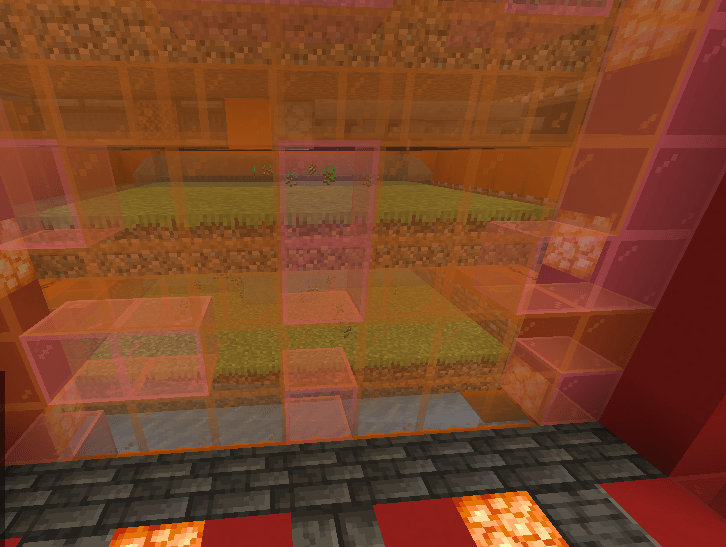
VisualControl is a client-side Fabric mod that lets you customize Minecraft's visuals. Hide specific blocks, dropped items, and particles, or disable selected animations — all from one clean, vanilla-style interface.
Features
| Feature |
Description |
| Block Visibility |
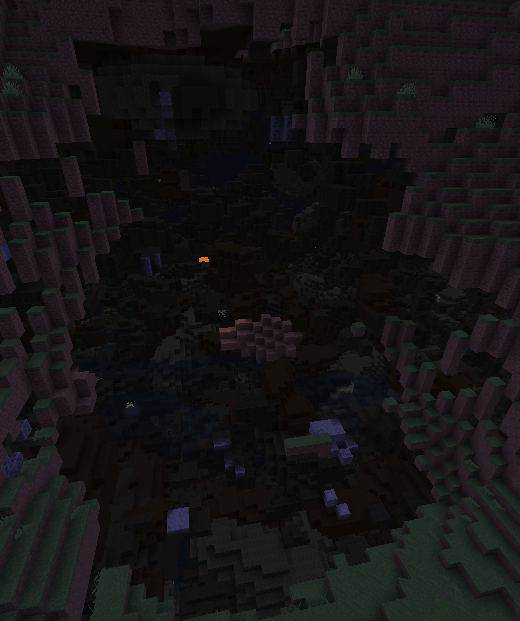
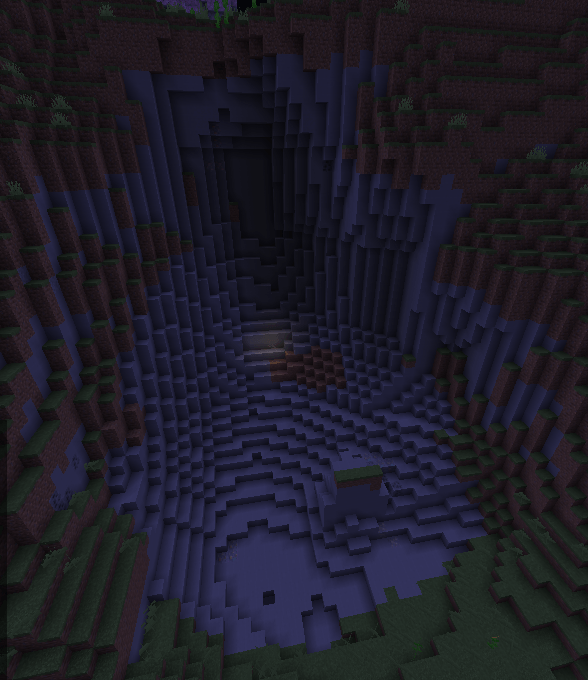
Hide selected blocks from your world with an X-ray-like effect. |
| Dropped Items |
Hide specific dropped items without affecting your inventory. |
| Particles |
Disable particles from individual blocks and supported effects. |
| Animations |
Control supported water, lava, block, item, and mob animations. |
| Vanilla Interface |
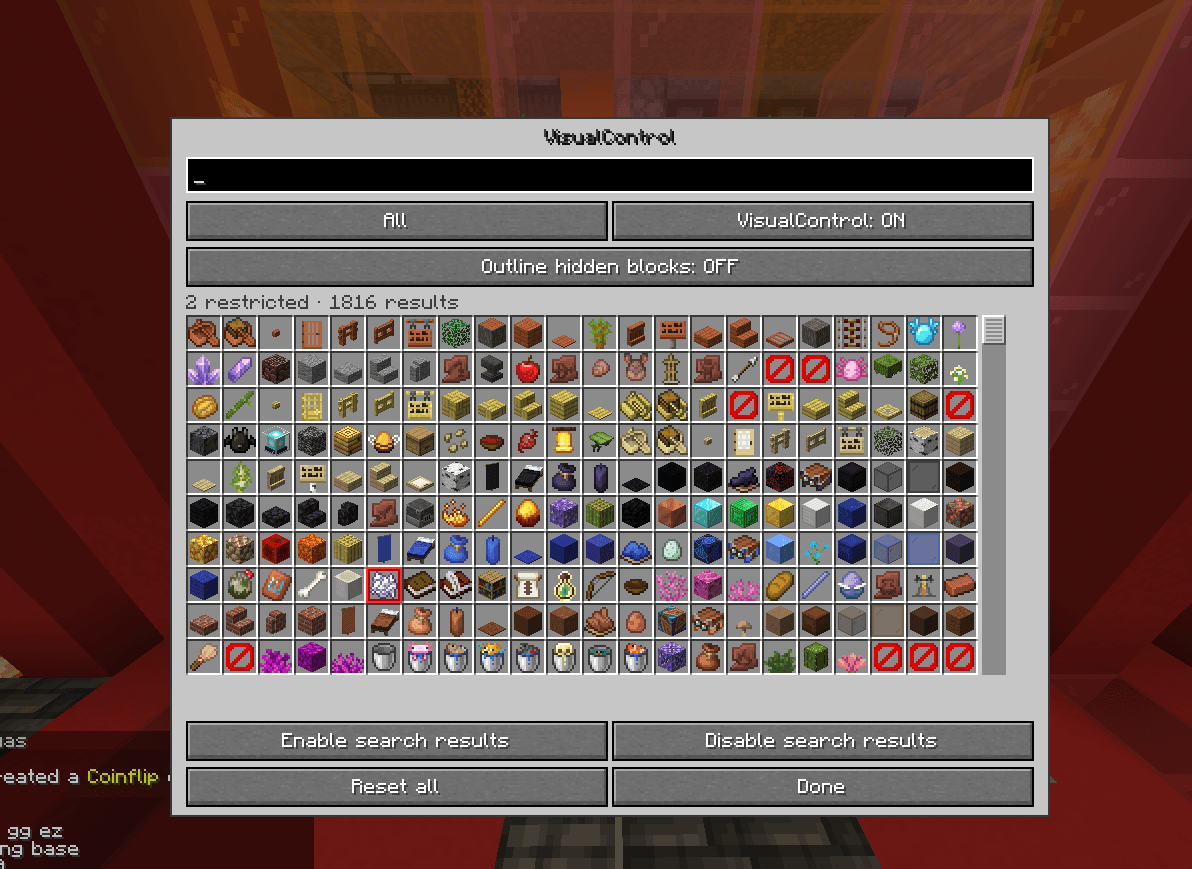
Manage everything through a searchable Minecraft-style menu. |
| Saved Settings |
Your preferences are automatically saved between sessions. |
Simple and Customizable
- Open the menu using your assigned hotkey.
- Search for any supported item or block.
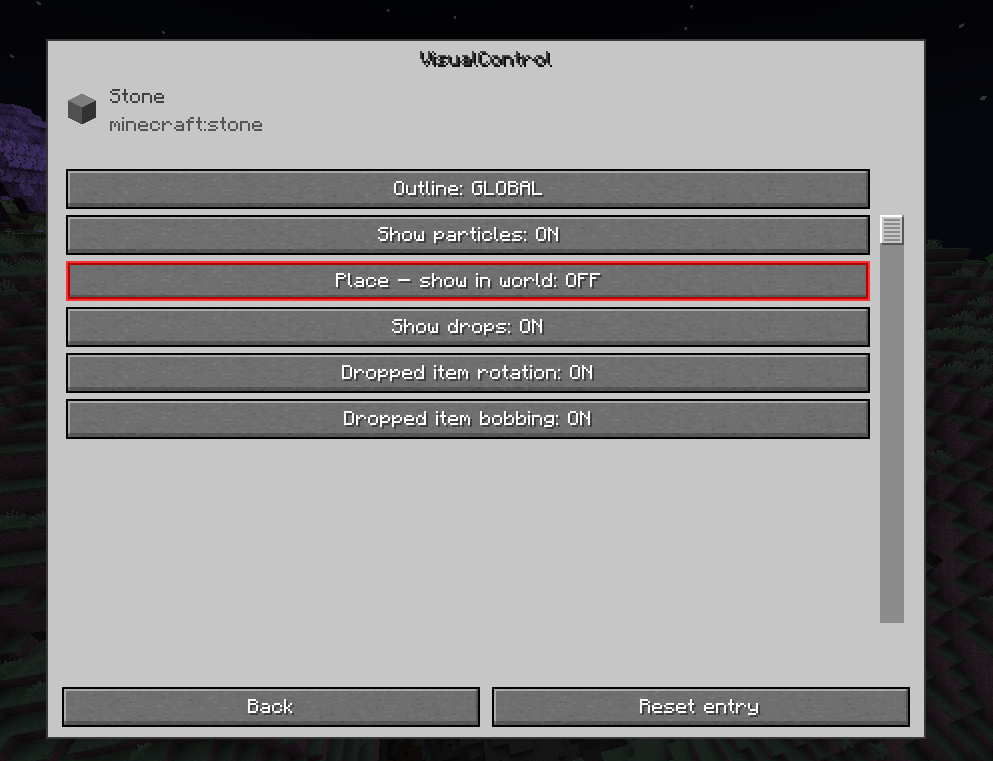
- Select the entry to open its settings.
- Customize which visuals should remain visible.
Disabled options are highlighted in red, making it easy to identify your active filters.
Each setting works independently. For example, you can hide dropped sugar cane while keeping placed sugar cane and its particles visible.
Client-Side Only
VisualControl is designed to work entirely on your client, without requiring server-side installation.
- No changes to world data.
- No changes to block collisions or game mechanics.
- Hidden dropped items can still be collected.
- No server installation required.
Note: Block visibility filtering only uses data already available to your Minecraft client. It does not bypass server-side anti-X-ray protection.
VisualControl — Your Minecraft. Your Visuals.