Flux Networks Favorites
- By
Flux Networks addon: star and pin your favorite Flux networks to the top of the list, and make enableChunkLoading=false really work.
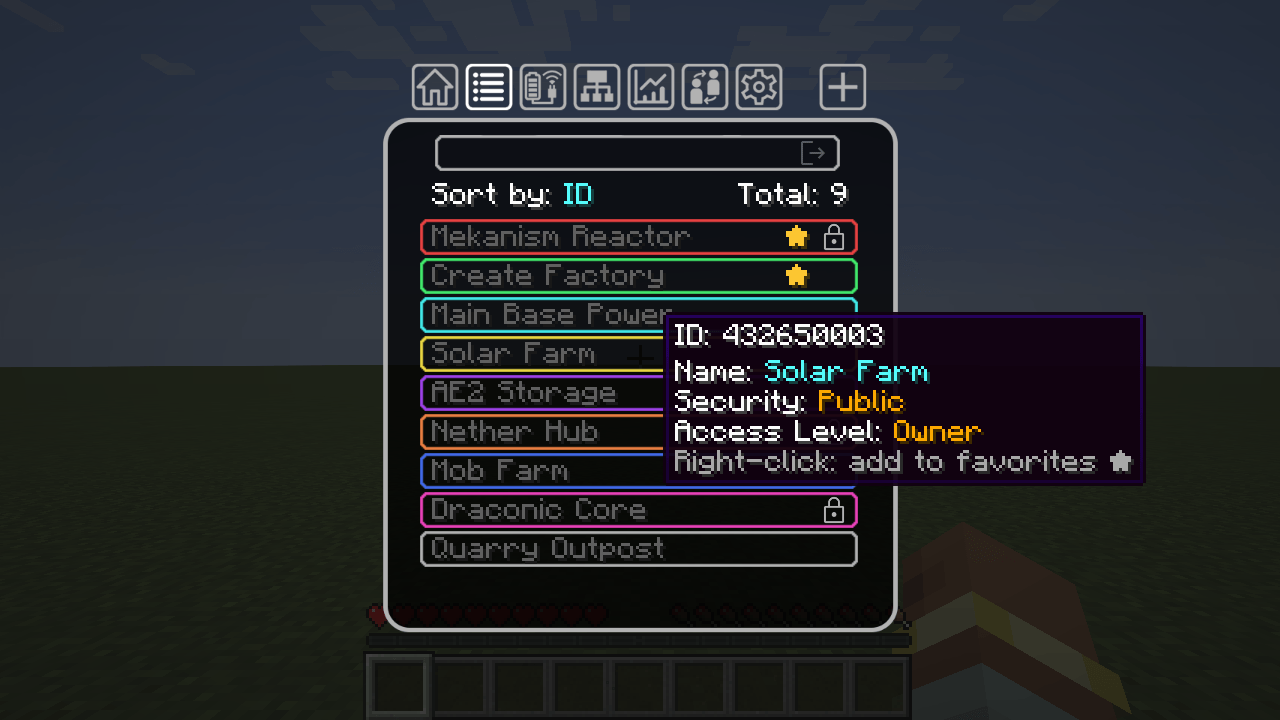
screenshot-list.png
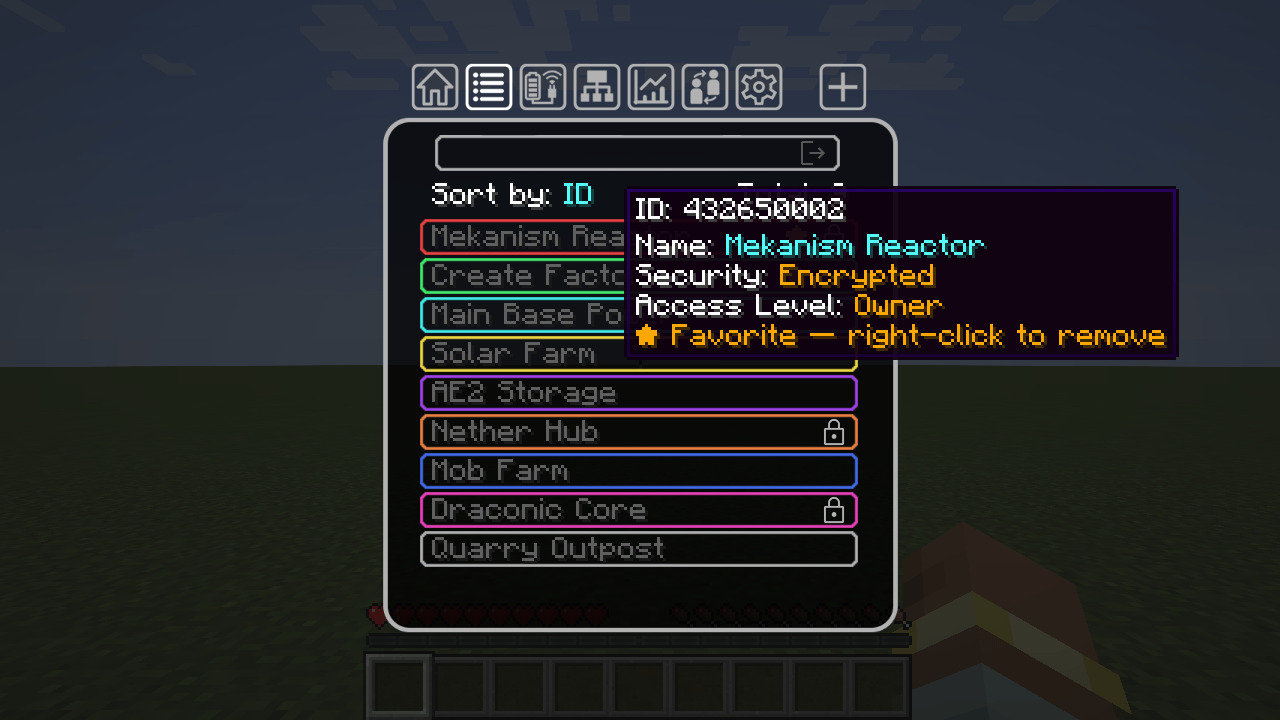
screenshot-favorite-tooltip.png
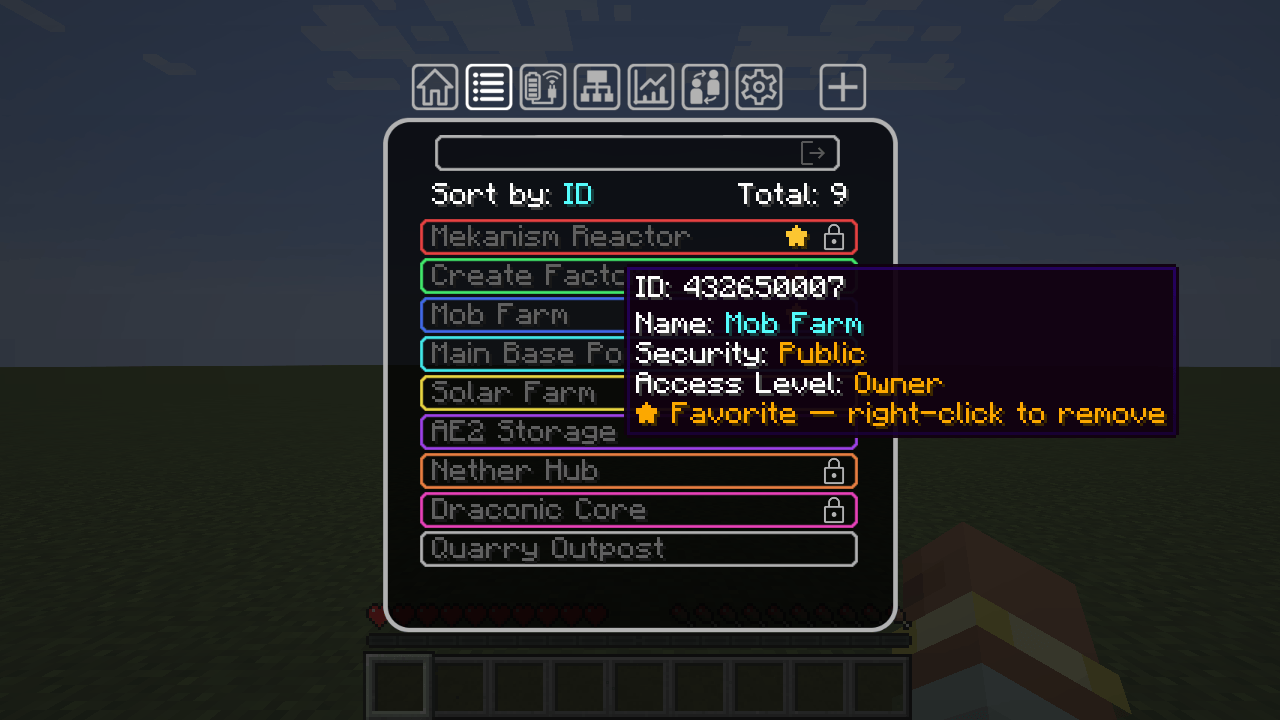
screenshot-right-click-added.png
Description
Flux Networks Favorites
A small Flux Networks addon for NeoForge 1.21.1 that fixes two things big servers complain about: finding your own network in a long network list, and Flux chunk loaders that stay on after an admin disabled them.
Favorite Flux networks (client side)
- Right-click any network in the Flux Networks Network Selection tab (Flux Point, Flux Plug, Flux Controller, Flux Storage, Flux Configurator) to star it.
- Starred networks are pinned to the top of the list, for both Sort by ID and Sort by Name.
- A gold star marks favorites; the tooltip shows how to add or remove one.
- Favorites are saved on your computer, separately for every server and singleplayer world (
config/fluxfavorites-favorites.json). No server install needed for this part.
Chunk loading enforcement (server side)
Flux Networks has a server option enableChunkLoading. When an admin turns it off, this addon:
- removes every Flux Networks chunk loader of every player when the server starts;
- keeps checking every 5 seconds, so turning the option off while the server is running also unloads them, no restart needed;
- turns the device's Chunk Loading switch off too, so the GUI shows the truth.
- Admin command (permission level 2):
/fluxfavorites chunkloaderslists the remaining Flux chunk tickets per dimension,/fluxfavorites chunkloaders clearremoves them all right now.
Install
- Requires Flux Networks 8.0.0+ for Minecraft 1.21.1 (NeoForge).
- Works on the client only (favorites), the server only (chunk loading), or both. Players without the mod can still join a server that has it.
FAQ
- Does it change Flux Networks' config? No. It only acts when Flux's own
enableChunkLoadingisfalse. - Modern UI? The classic Flux Networks GUI is supported. The optional Modern UI design of Flux is not.
- Forge 1.20.1? Not yet.
Flux Networks Favorites Team