Fire Support
- By
Call in airstrikes, artillery, missiles, gunships, drones and orbital weapons with a personal supply and research system.
Description

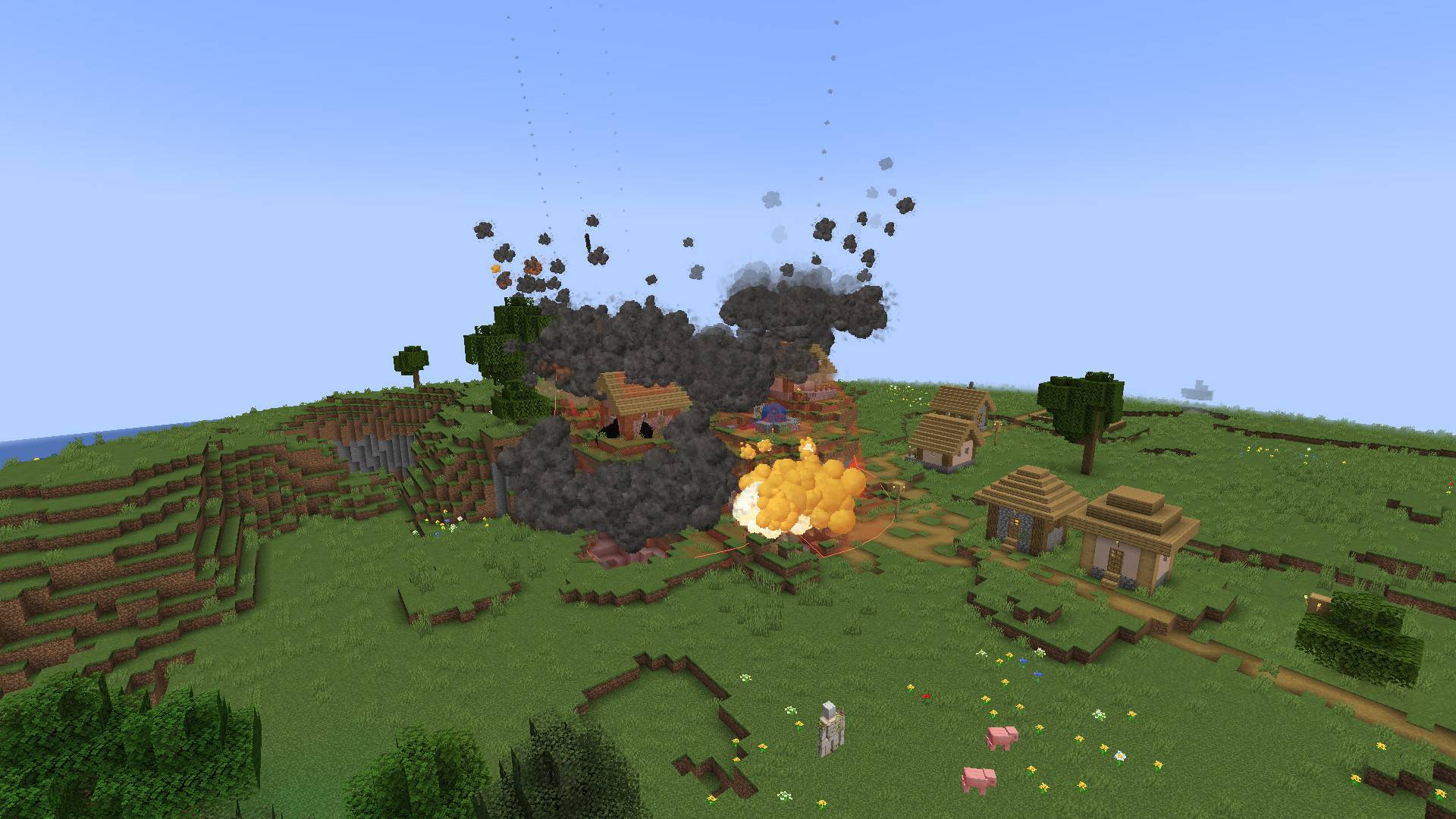
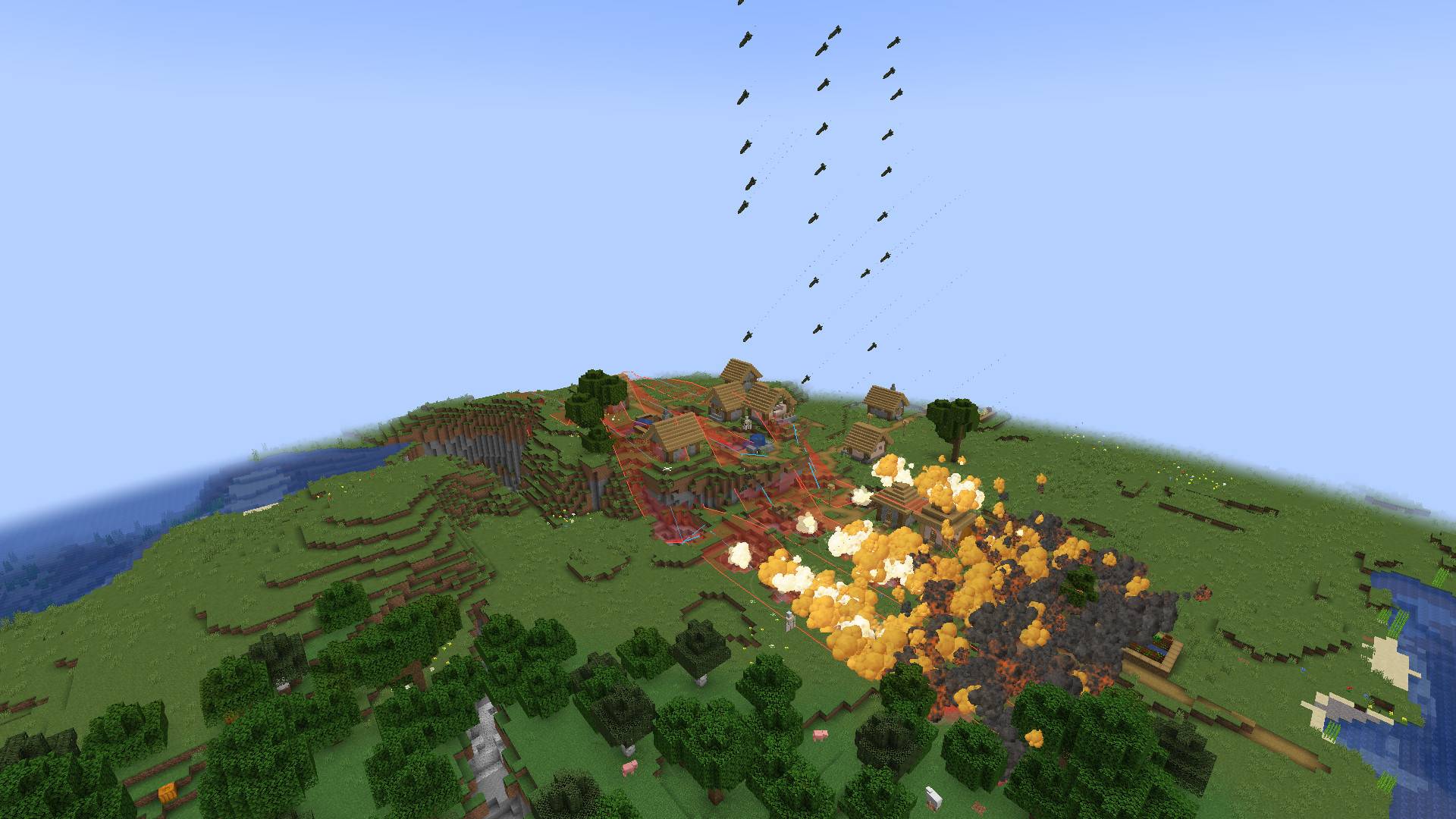
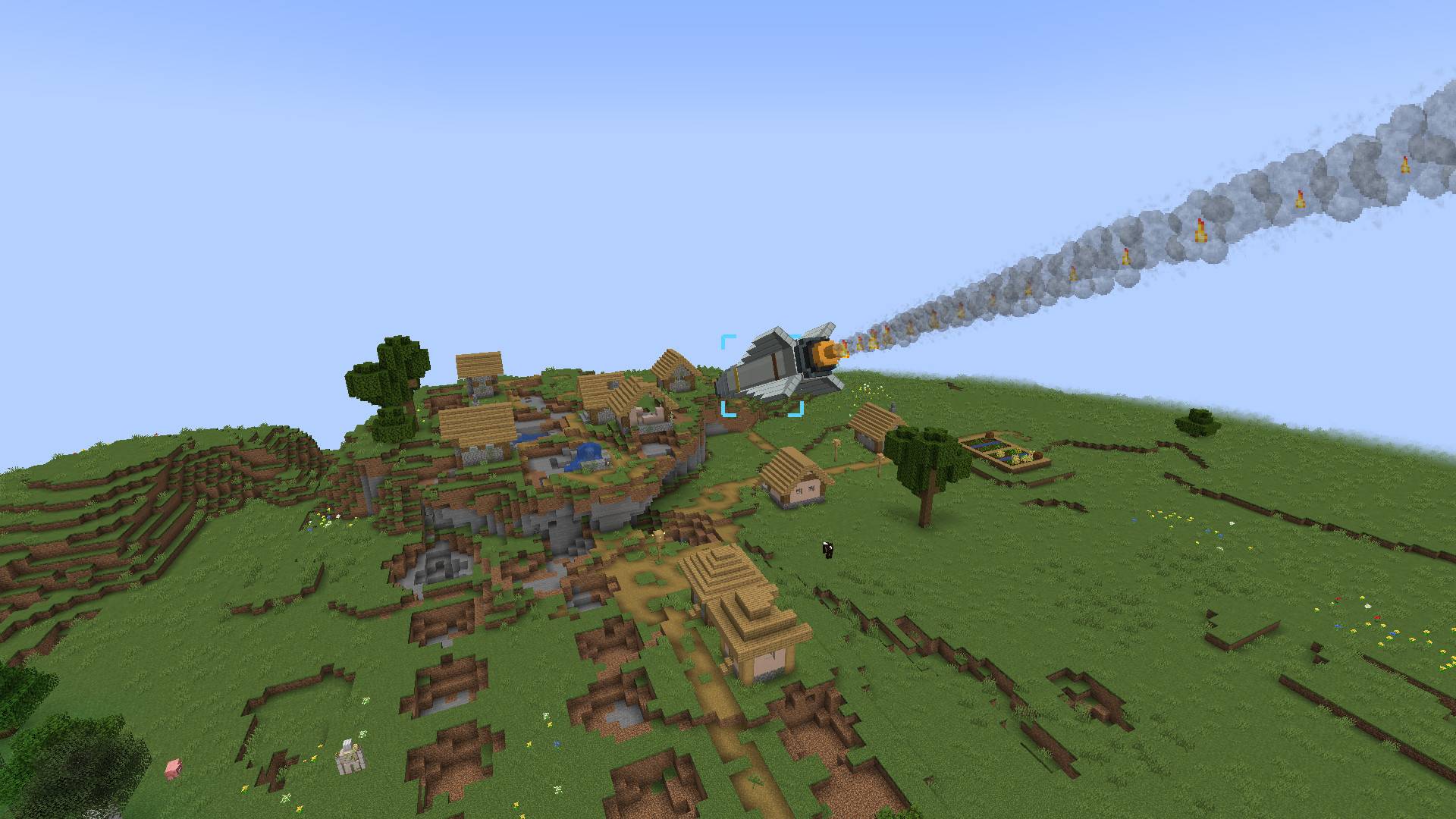
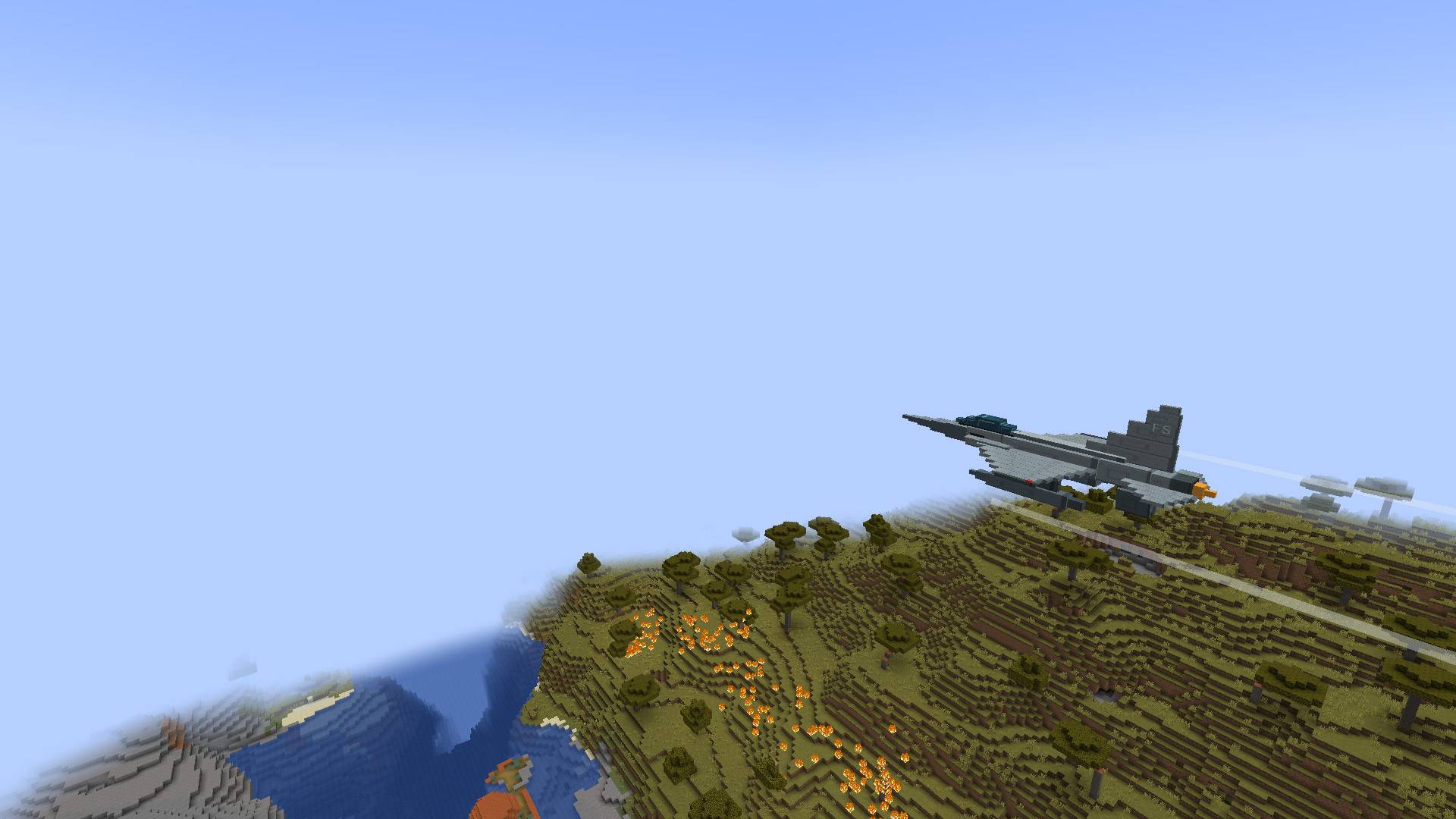
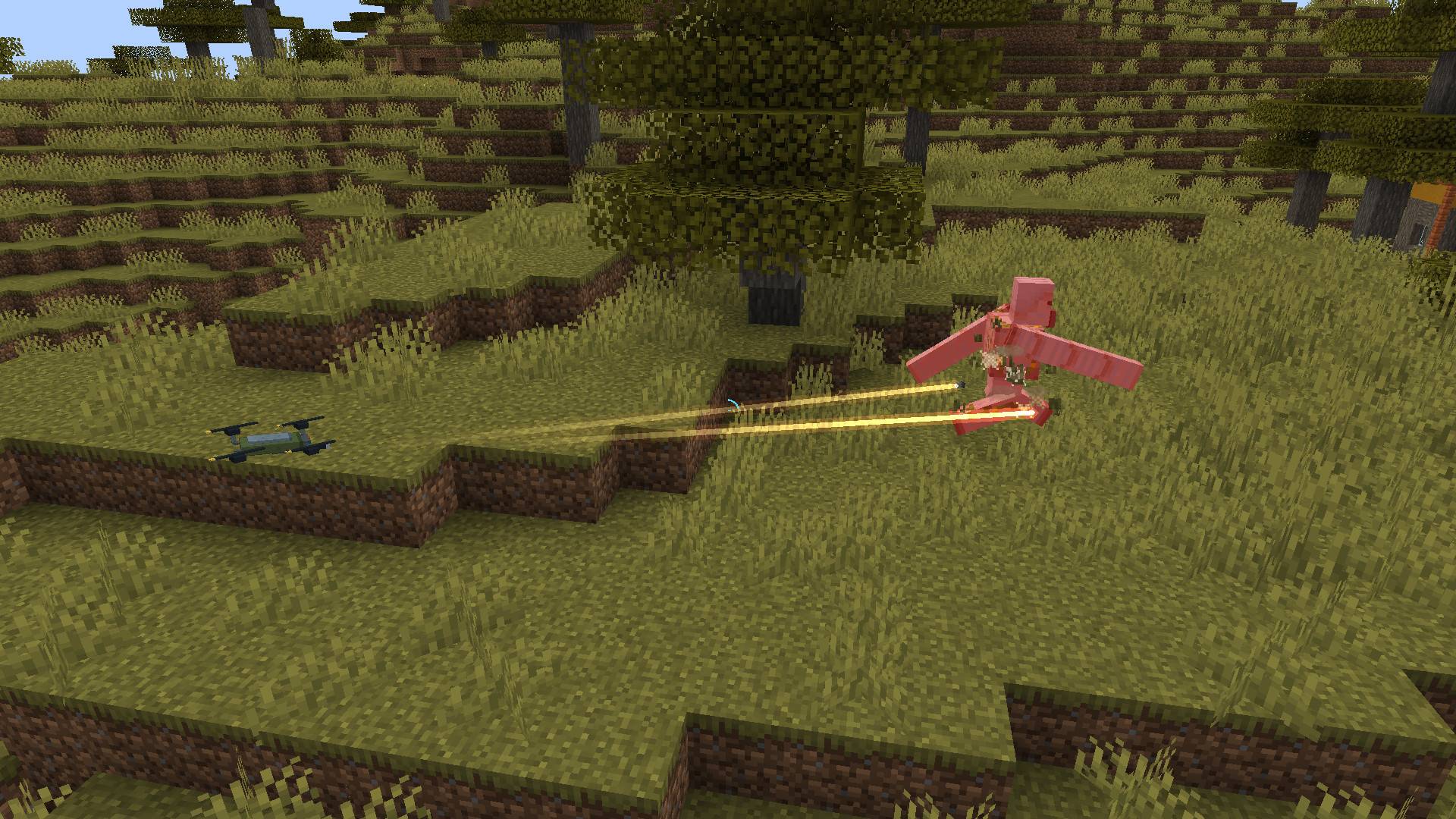
Call in tactical support from the sky, mark targets for gunship fire, or deploy armed drones into battle. Fire Support brings 45 weapon configurations to Minecraft, including airstrikes, artillery, guided missiles, and orbital weapons.
💣Choose your support
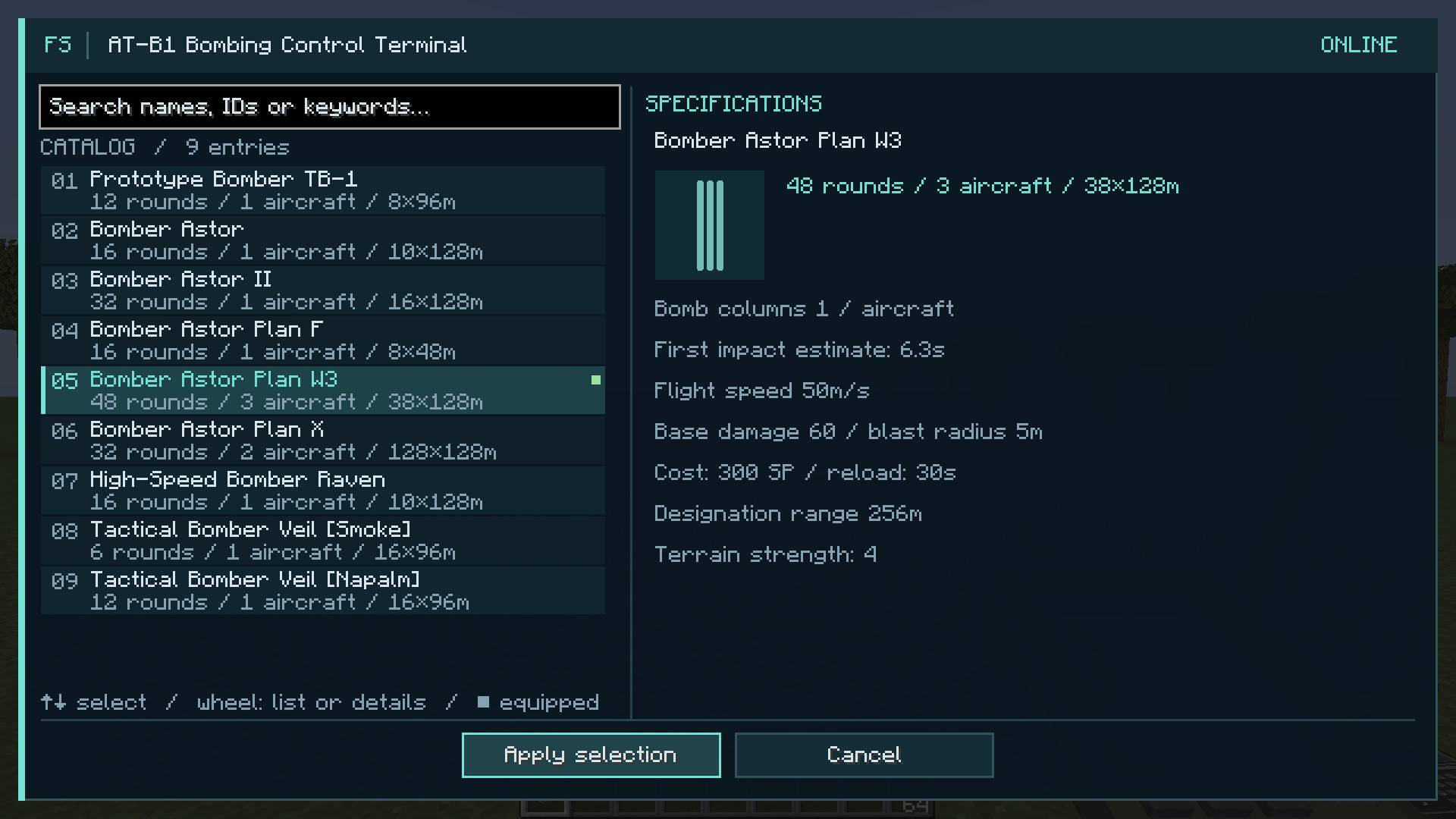
- Bombing and strafing runs — use an overhead targeting view to choose the attack area and direction before confirming the strike.
- Howitzers — charge and throw a smoke marker to call in arcing artillery fire. A short red trajectory preview helps you judge the throw.
- Guided missiles — designate terrain or track an entity with a laser. Different missile types have different turning capabilities.
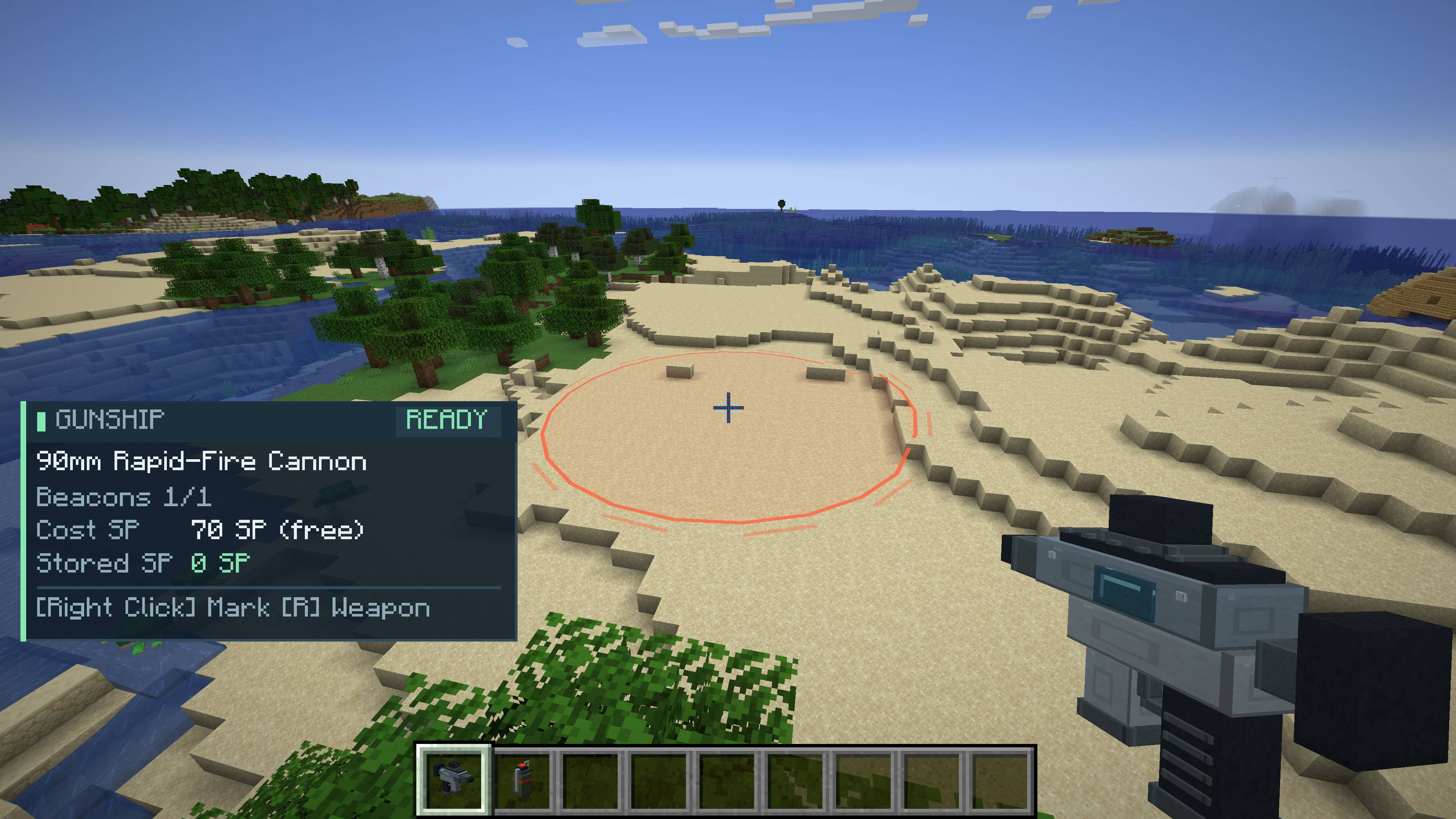
- Gunship support — fire a small sticky beacon to direct cannon, suppression or rocket fire from above.
- Armed drones — deploy gun, shotgun, rocket or flamethrower drones. They navigate around obstacles, attack their designated target and return to their standby positions.
- Orbital weapons — guide a sustained laser beam, call down a wide-area laser barrage, or deliver a powerful, concentrated strike.
- Smoke and napalm — interfere with mob detection or cover an area with persistent fire. Napalm and flamethrowers can ignite nearby flammable blocks.

Aircraft, projectiles, explosions, lingering smoke, flames and optical weapons have dedicated visuals and sound. Attack-area previews are visible only to the player requesting the strike.
💡Supply, research and manufacture
Start by crafting a Logistics Station from 5 iron blocks, 3 glass blocks and 1 redstone dust. Craft Military Supplies with one gunpowder, copper ingot, iron ingot and gold ingot.

At the station you can:
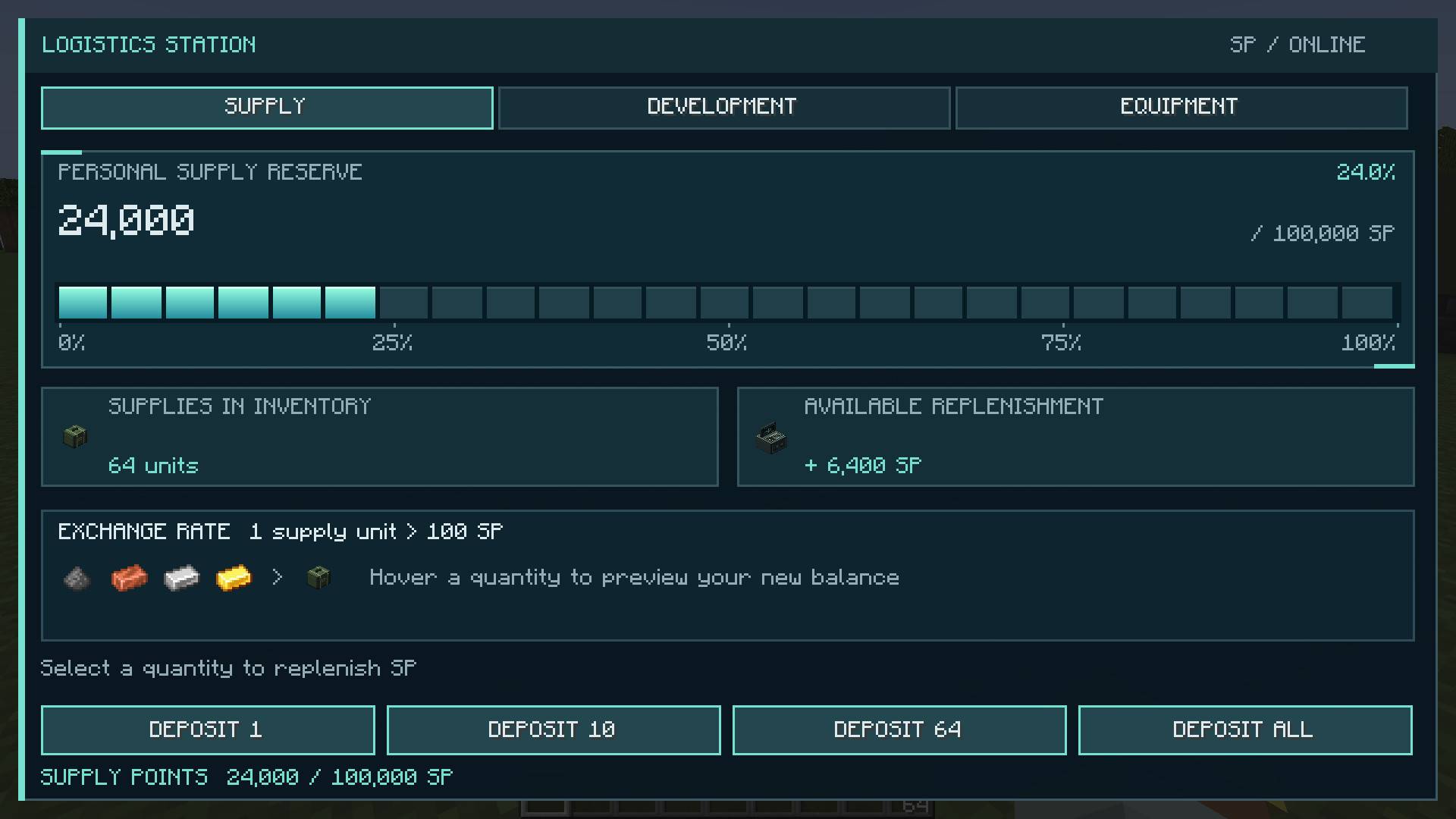
- Convert supplies into Supply Points (SP). The defaults are 100 SP per supply and 100,000 SP per player.
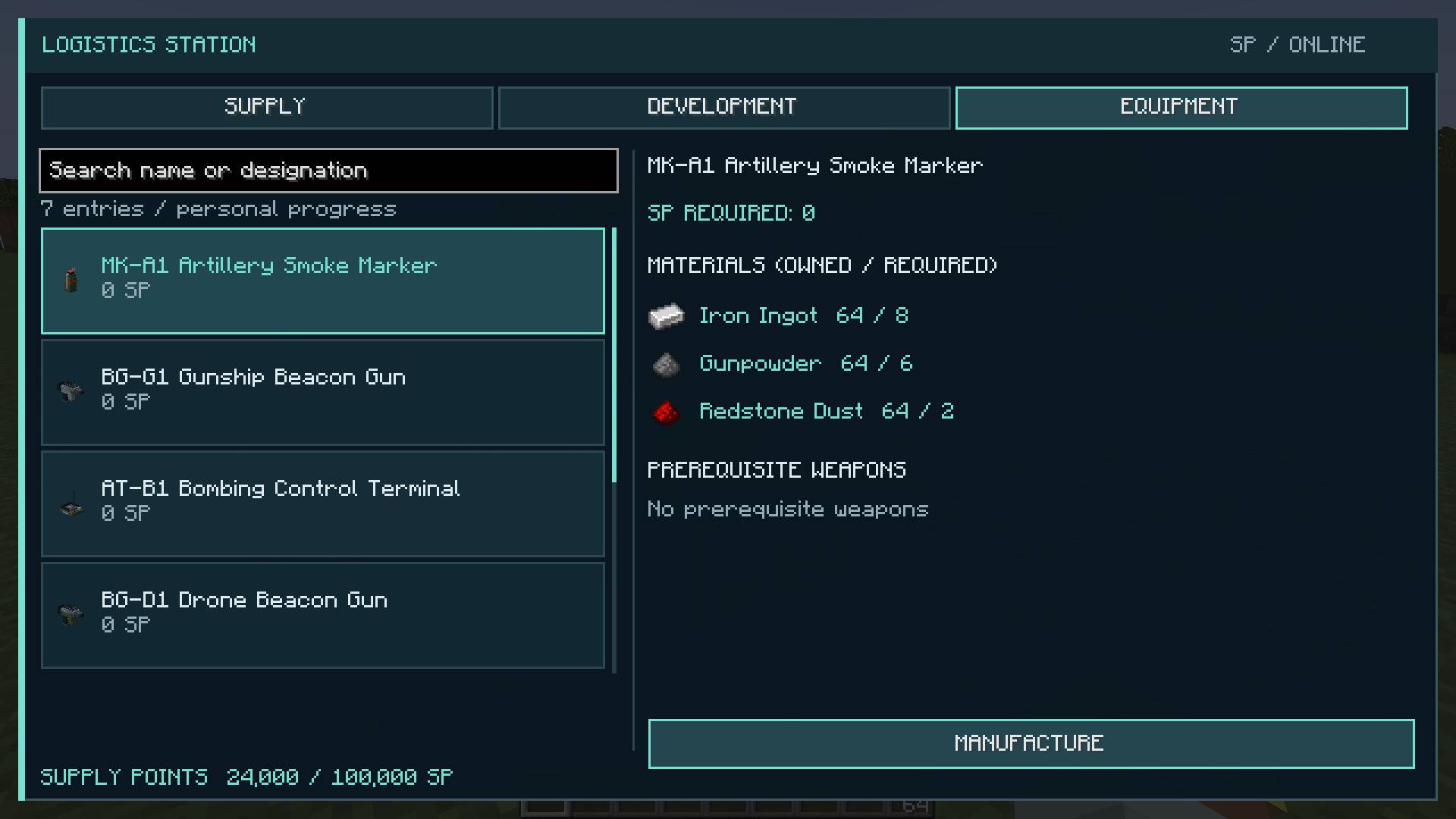
- Manufacture terminals, beacon guns, markers and designators from their listed ingredients. Equipment manufacturing uses a material list rather than a crafting-grid arrangement.
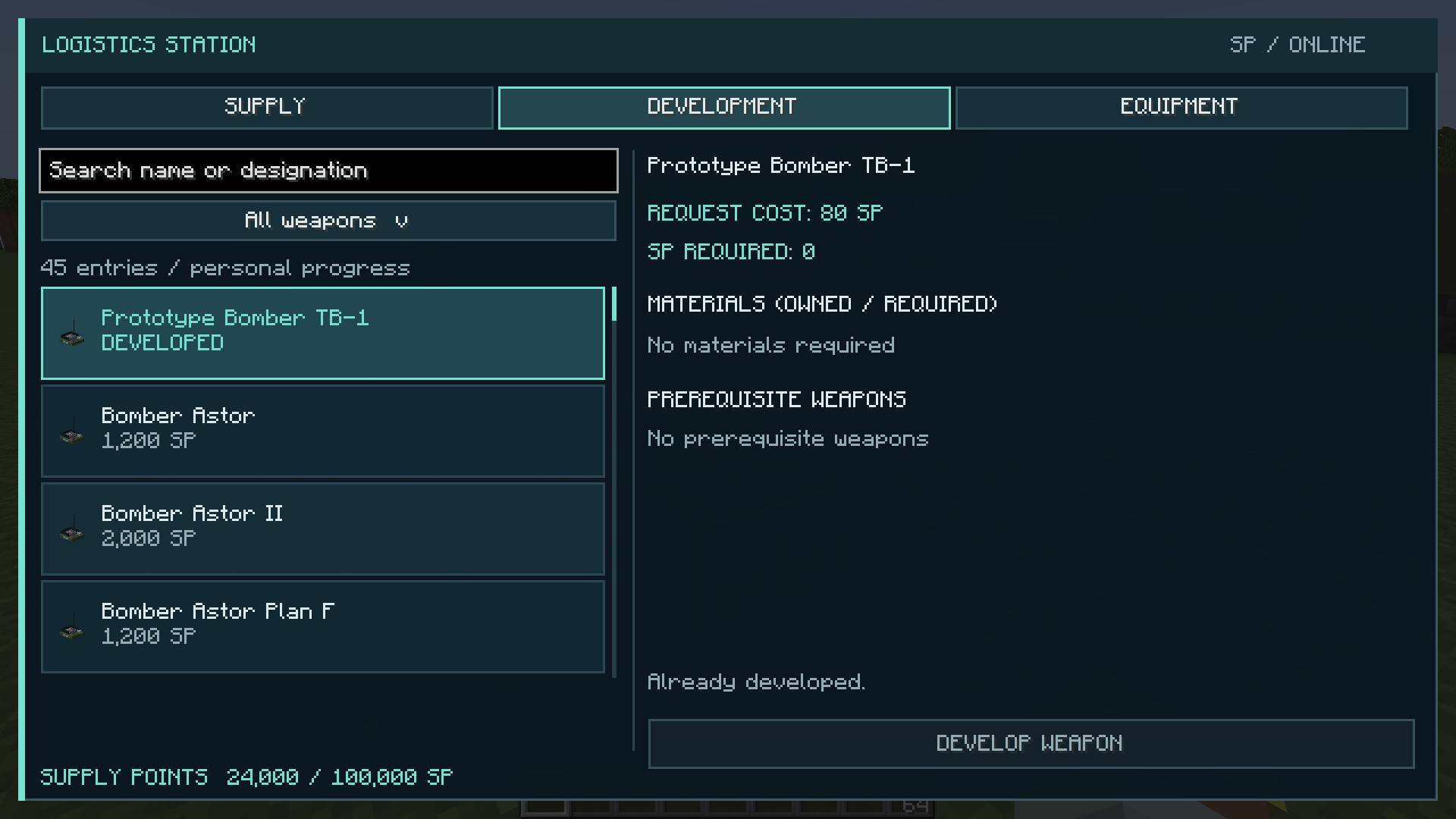
- Spend SP to unlock weapons and their variants. Research prerequisites and unlock progress are tracked separately for each player.

⚙️Basic controls
| Equipment or action | Default control |
|---|---|
| Choose a weapon configuration | R while holding support equipment |
| Open camera and visual settings | O |
| Start or cancel aerial targeting | Right-click |
| Rotate the aerial attack area | A / D |
| Adjust the targeting camera height | Mouse wheel |
| Confirm an aerial strike | Left-click after route preparation |
| Throw an artillery marker | Hold right-click, then release |
| Fire a sticky beacon | Right-click with a beacon gun |
| Designate a missile or orbital target | Hold right-click with the designator |
| Recall your drones | X while holding the drone beacon gun |
Key bindings can be changed in Minecraft's controls menu.
🔧Rules and customization
Only drone weapons can be used in the Nether and the End. Other support types check the caller and target for deep underground locations or thick cover; the HUD explains when a request is unavailable.
Terrain destruction, friendly fire, self-damage and ignition of flammable blocks are enabled by default. World/server configuration controls these rules, SP conversion and SP capacity.
Requirements
Fire Support Team

Owner