fine structure Litematica Extension.
- By
2026-09-23_01.44.08.png
WhatsApp Image 2026-09-23 at 01.46.05 (1).jpeg
WhatsApp Image 2026-09-23 at 01.46.05.jpeg
Description
Feinbau – Block Picker & Auto-Rotation for Litematica
An add-on for //www.curseforge.com/minecraft/mc-mods/litematica" rel="noopener nofollow" target="_blank">https://www.curseforge.com/minecraft/mc-mods/litematica" target="_blank" rel="noopener noreferrer">Litematica. Litematica and MaLiLib are required – Feinbau does not work on its own.
Feinbau adds two things Litematica users have wanted for a long time:
- Pick individual blocks for a schematic – just right-click them, no area boxes, no hotkey juggling.
- Every block gets placed with the correct rotation – pistons, observers, dispensers, stairs, hoppers and more, no matter where you are looking. This also works on normal servers where Easy Place can't set the rotation itself.
🪶 Pick blocks with a feather
Hold a feather in your main hand (you can change the item):
| Action | What it does |
|---|---|
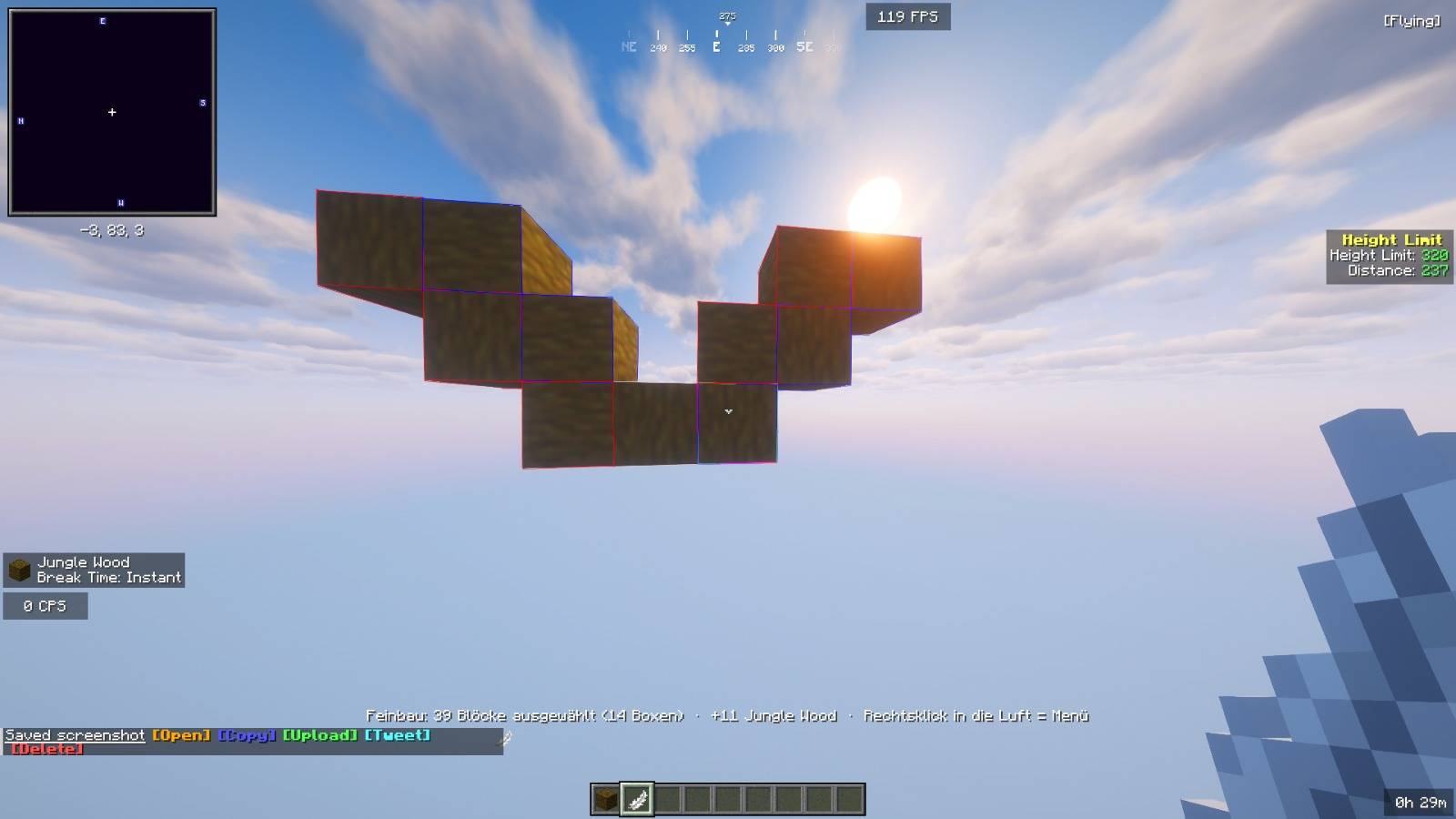
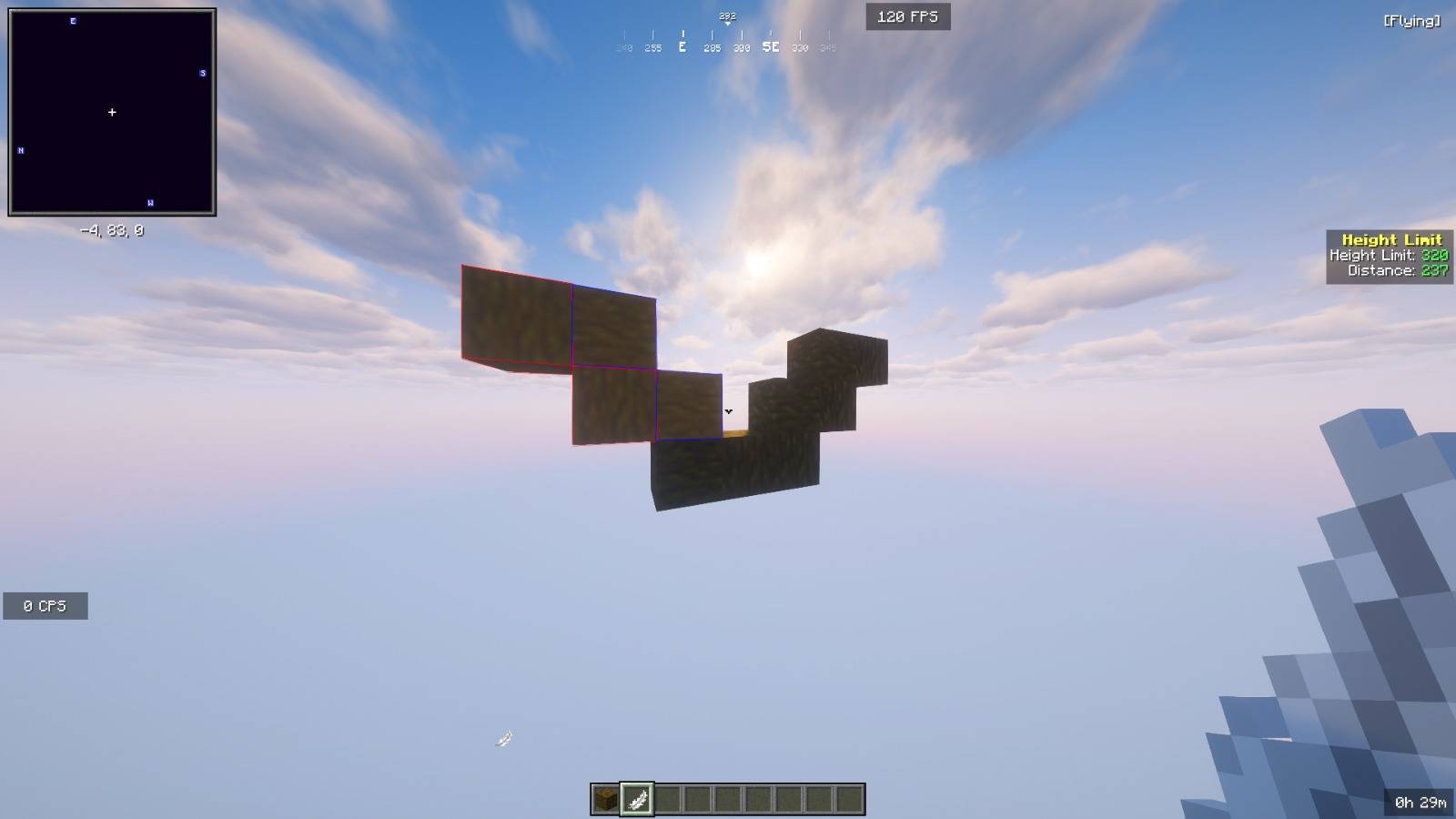
| Right-click a block | Select / deselect that single block |
| Hold right-click and sweep | Paint the selection over many blocks (or erase, if the first block was already selected) |
| Shift + right-click | Select the whole connected group of the same block (e.g. an entire redstone line) |
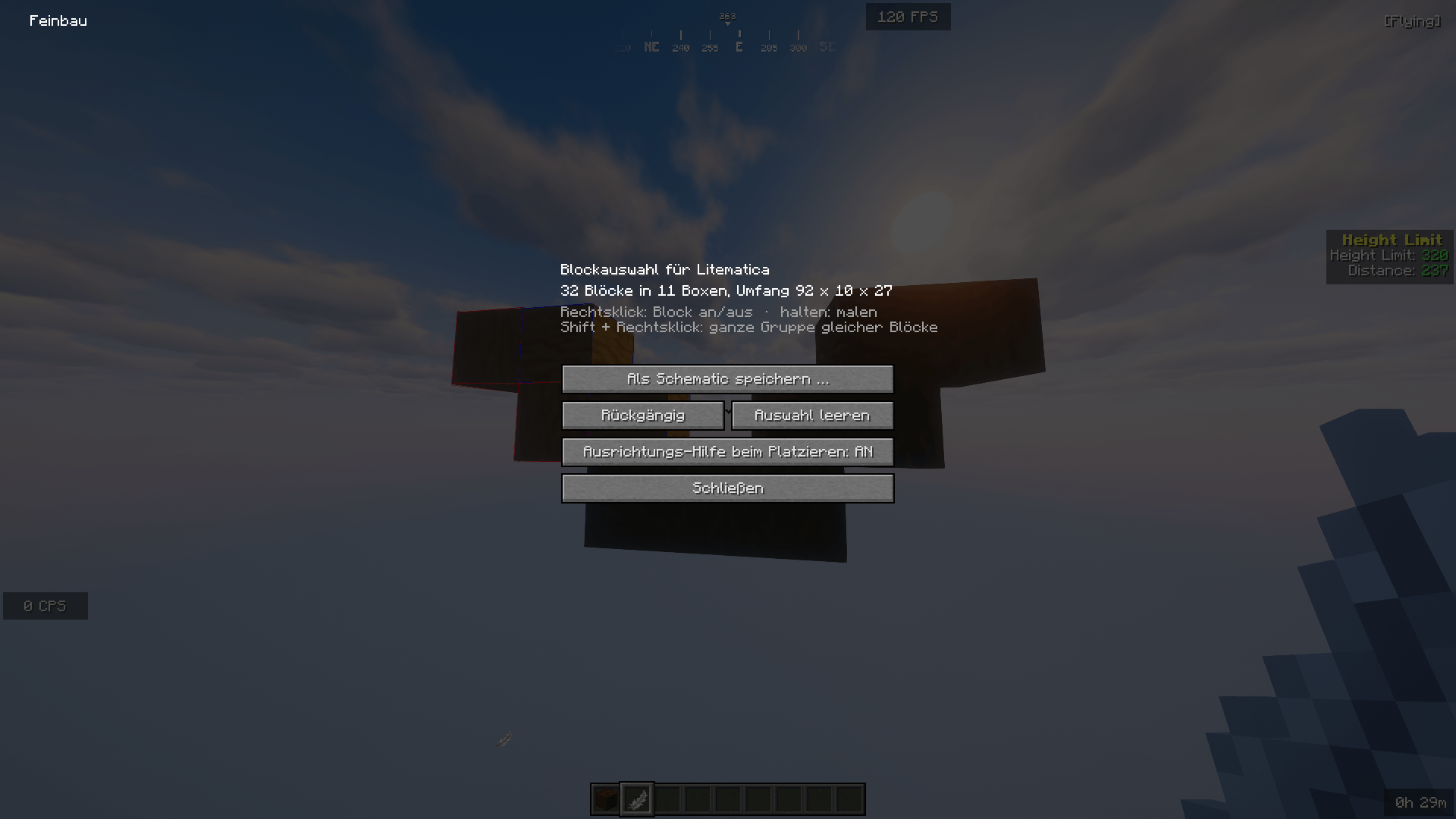
| Right-click the air | Opens a small menu: Save as schematic, Undo, Clear selection, toggle auto-rotation |
Your selection is a normal Litematica area selection. Feinbau automatically splits it into as few boxes as possible, and Save as schematic opens Litematica's usual save screen. Blocks you did not pick are not part of the schematic at all, so there is no surrounding terrain and nothing gets flagged as "wrong block" when you build it later.
While you hold the feather, right-clicks never open chests or flip levers, and Easy Place pauses so it won't swap the feather out of your hand.
🔄 Correct rotation when placing
Whenever you place a block into a spot where the loaded schematic expects exactly that block (with Easy Place or by hand), Feinbau works out which face to click, where to hit it and which way to look, so Minecraft sets the exact rotation from the schematic. You don't have to look in the right direction anymore.
- Stairs, slabs, chests, furnaces, hoppers, logs, buttons, levers, trapdoors, doors, signs, rails … are placed immediately.
- Pistons, sticky pistons, observers, dispensers, droppers, crafters and barrels are special: a vanilla server only takes over your head rotation in its next tick. Feinbau turns your head (invisible on your screen), waits about 0.1 seconds and then places the block. That delay is the reason these blocks often land the wrong way round with plain Easy Place.
- Feinbau only steps in when the block in your hand matches the block the schematic wants at that position. Everything else behaves exactly like vanilla.
- In singleplayer, Litematica already handles rotations through its own placement protocol, so Feinbau stays out of the way there.
The rotation logic was checked against Minecraft's own placement code for every rotatable vanilla block in every orientation, starting from several different view directions.
⌨️ Commands
/feinbau– short help/feinbau tool– use the item in your main hand as the selection tool/feinbau orientation true|false– turn auto-rotation on or off/feinbau save– open the save screen for your selection/feinbau clear– clear the selection
Settings file: config/feinbau.json (tool item, auto-rotation on/off, also-when-placing-by-hand, delay for piston-type blocks, max group size).
📦 Requirements
- Minecraft 26.2 with Fabric Loader
- Fabric API
- Litematica 0.28.x
- MaLiLib 0.29.x
Client-side only – nothing has to be installed on the server.
⚠️ Please note
- To get the rotation right, Feinbau briefly sends a different look direction to the server when placing a block. This is normal vanilla behaviour, but servers with a very strict anti-cheat could flag it. If that happens, turn auto-rotation off in the menu or with
/feinbau orientation false. Check your server's rules if you are unsure. - Some states can't be created with a single placement at all (for example a bed's head part or blocks that need special support). Those are placed the normal way.
- Languages: English, German.
The fine structure Litematica Extension. Team