Find My Blimp
- By
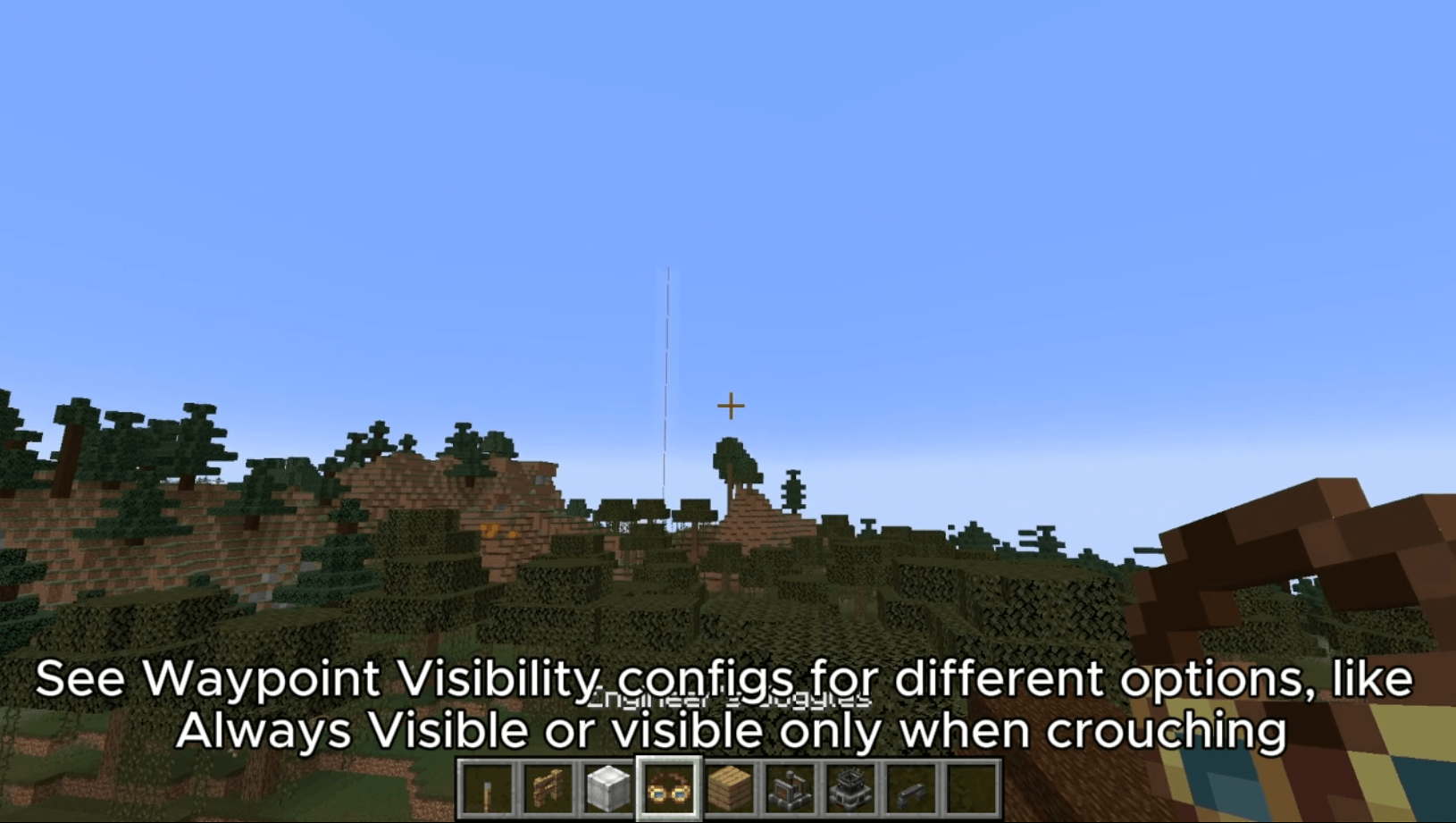
[HB's Find My Blimp] Allows players to sett in game waypoints to Create Contraptions and Aero Vehicles simply right click it with your Create Goggles in hand. Waypoints will be visible while you crouch with your goggles on. Different configs are available.
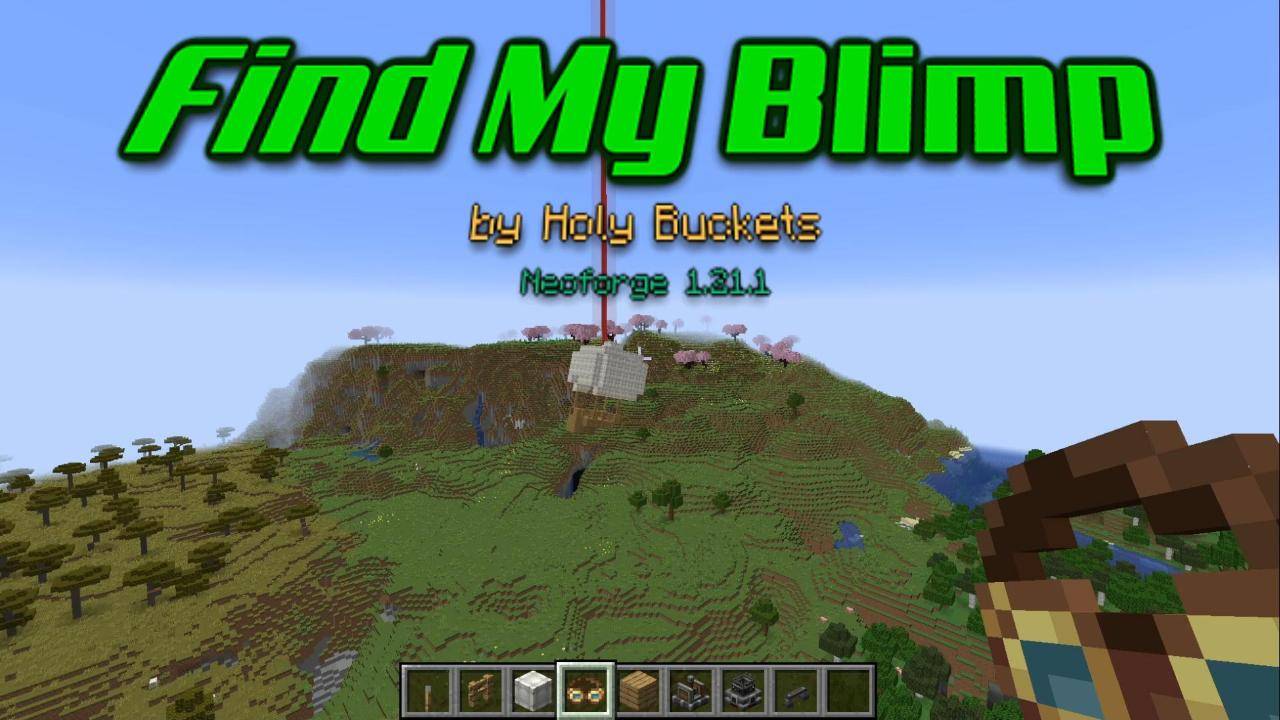
FindMyBlimp-Cover.jpg
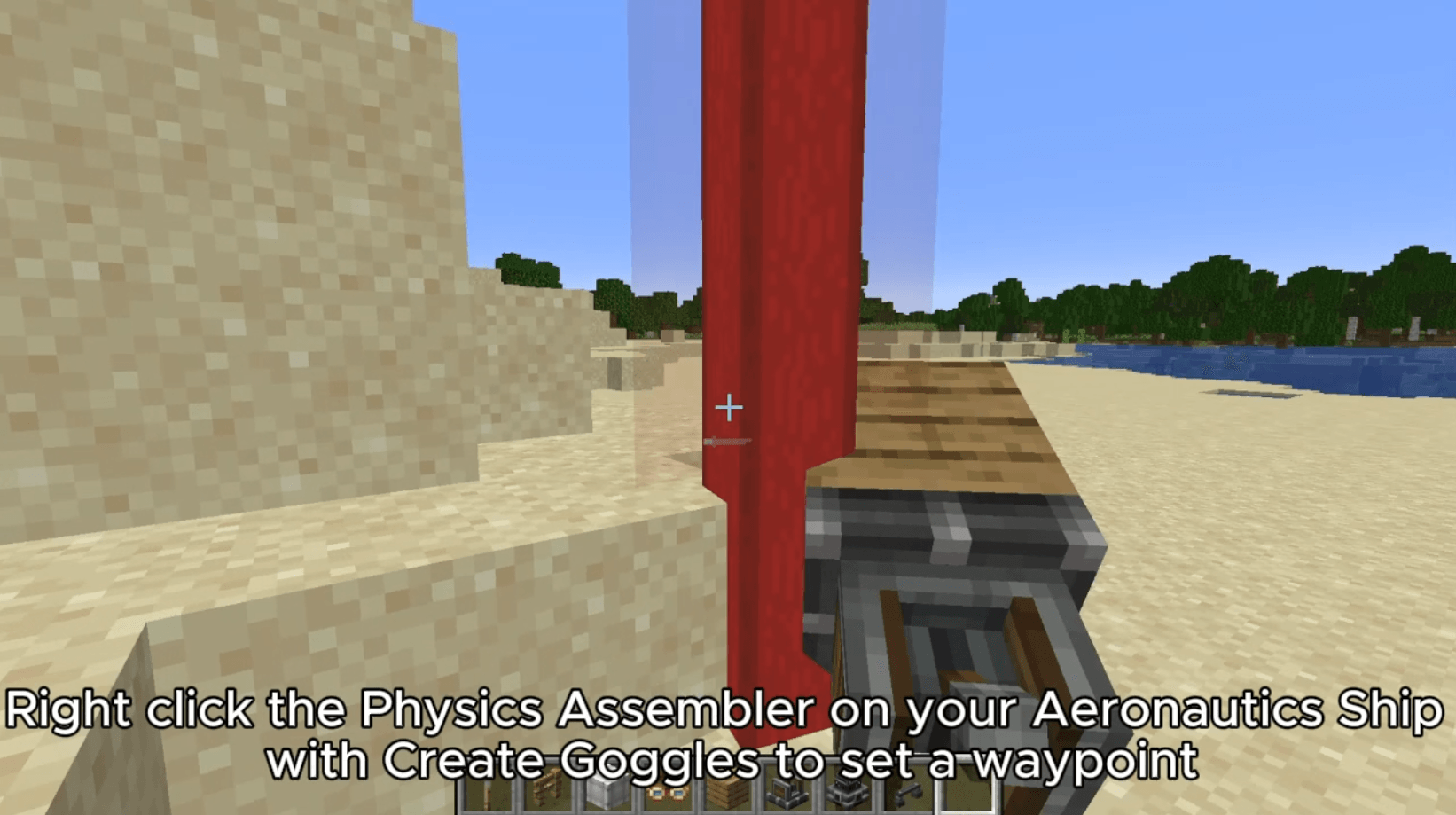
RightClickBlimp.png
OptionsBlimp.png
Description

Allows setting in-game waypoints on Create Contraptions and Aeronautics vehicles — just right-click with your Create Goggles in hand. Waypoints can be configured to be visible ONLY while wearing goggles or crouching.
Instructions
-
Build an Aeronautics vehicle or a Create contraption.
-
Right-click it while holding a pair of Create Engineer's Goggles. For Aeronautics, you MUST right-click the Physics Assembler itself while its connected to your Aeronautics Sublevel to initialize the waypoint
-
A waypoint is set on the vehicle and moves with it. Right-click again with Goggles in hand to remove it.
The waypoint is removed if the vehicle is deconstructed and is not rebuilt in the exact same location. If the vehicle is reconstructed in the same location, the waypoint stays visible for a few seconds after reconstruction.
Configuration
Waypoint Beam Visibility
Controls when the waypoint beam is rendered:
ALWAYS— always visible (Default)GOGGLES— only while wearing or holding Create Engineer's GogglesCROUCH— only while crouchingGOGGLES_AND_CROUCH— only while wearing goggles and crouching
Name-Tag Visibility (Not yet implemented)
Controls when a waypoint's floating name label is shown:
ALWAYS— always visible (Default)GOGGLES— only while wearing or holding gogglesLOOKING— only when your crosshair is on the waypointLOOKING_AND_GOGGLES— only when looking at the waypoint while wearing goggles
Find My Blimp Team