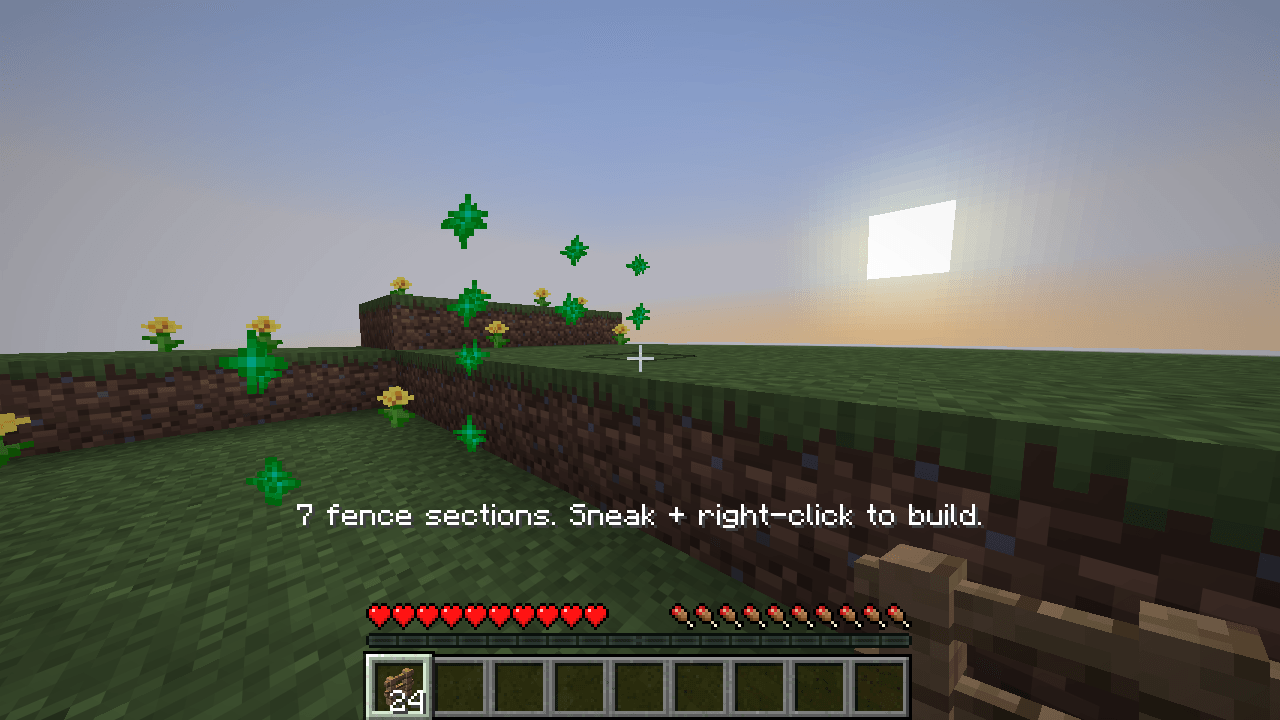
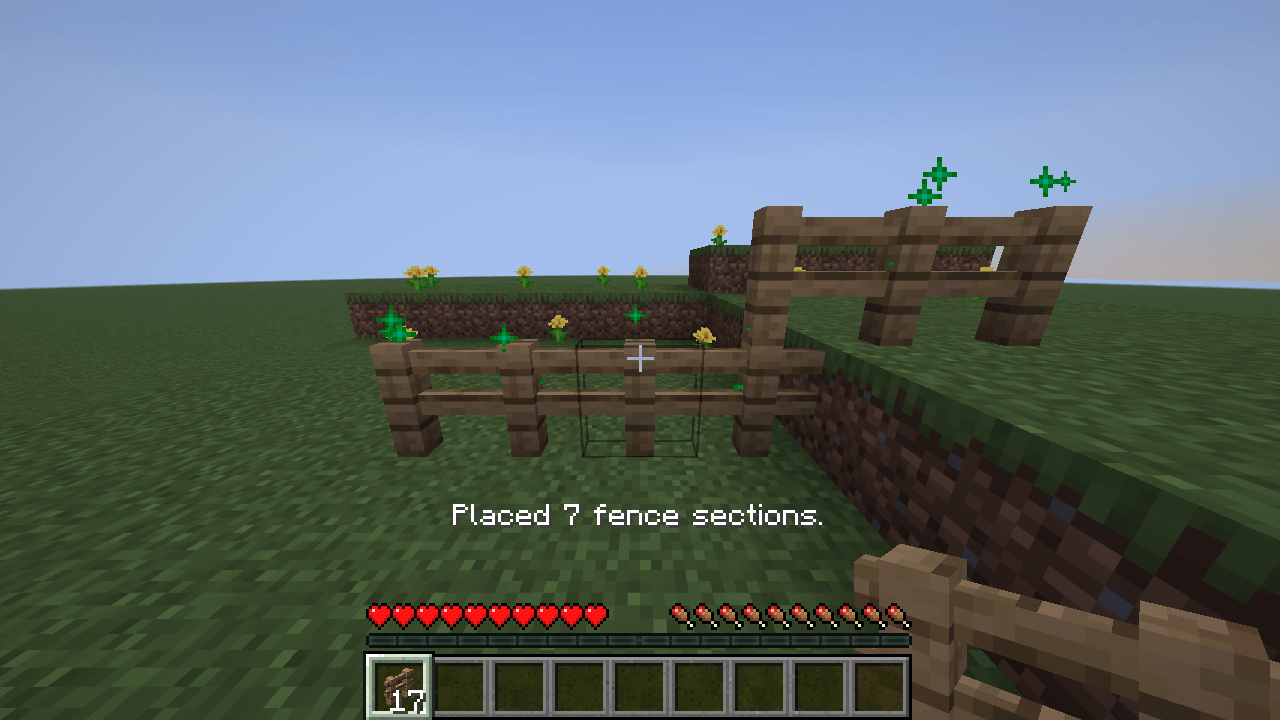
Build a fence over uneven ground without flattening your pasture. Fence Trail places a straight run of vanilla fence, including extra sections that connect the rails at one-block steps.
How to use
- Hold a vanilla fence. Sneak and right-click the top of a solid block to mark the start.
- Keep sneaking and aim at the top of another block on the same axis. Green particles show the route and the action bar shows how many sections you need.
- Sneak and right-click the endpoint to build. Click the starting block again to cancel.
Routes cover 2–16 ground blocks. Each rise or drop can be one block. In Survival, each section uses one fence from the stack in your main hand. Red particles indicate an obstruction or missing materials. Server restrictions can stop placement, leaving any sections already placed.
Installation
Choose the Fabric JAR for Minecraft 1.21.1, 26.2, or 26.3 and install Fabric API. Fence Trail works in single-player and on Fabric servers. Players can join a server running the mod with a vanilla client.
AI tools assisted with implementation, version ports, testing, and documentation.