Fast & More Commands
- By
GUI with commands, and new ones like /explode, /repeat, /setname, /durability, and more

On the GUI size of 2
On the GUI size of 2
FOR THE OUTDATED 1.12.2 VERSION ONLY!
FOR THE OUTDATED 1.12.2 VERSION ONLY!
h_mario | Fast Commands
Create your game server with 

Description
Made by H_mario
Made with MCreator https://mcreator.net/
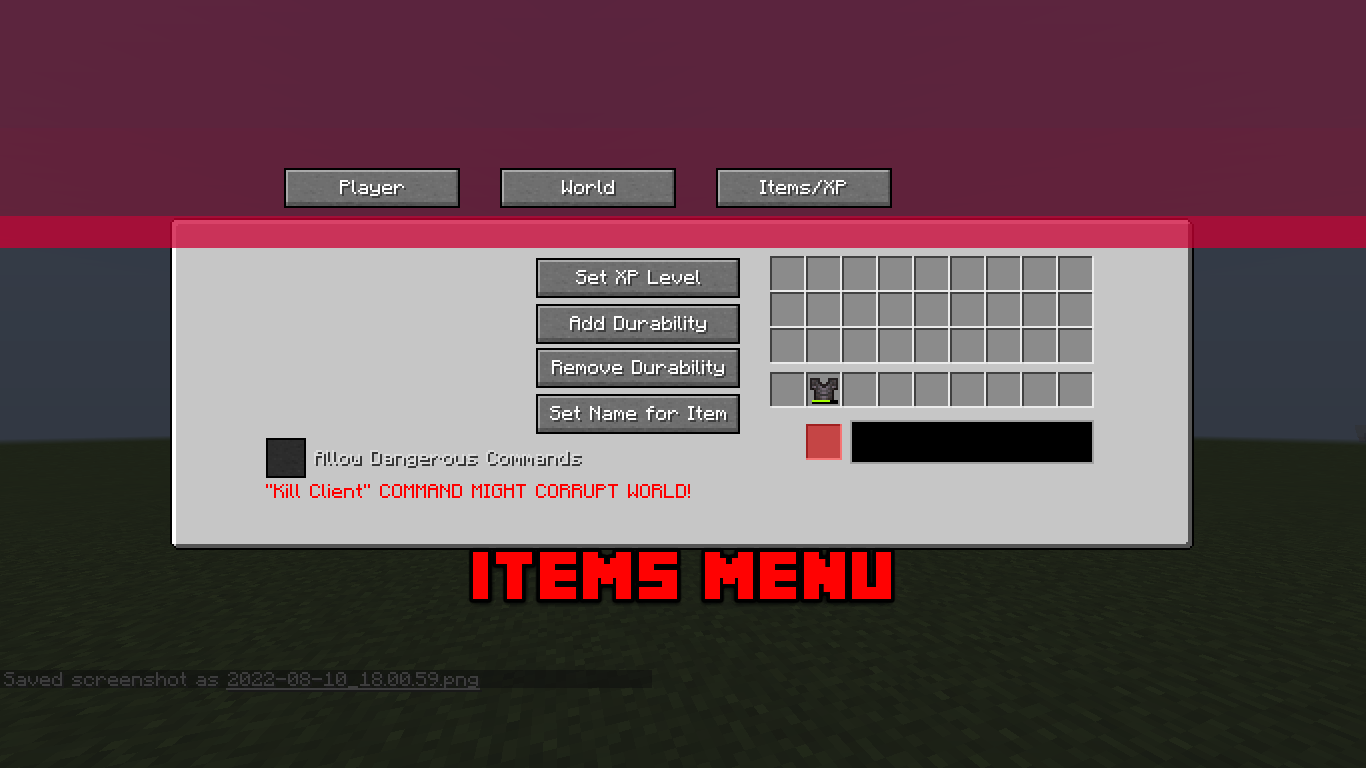
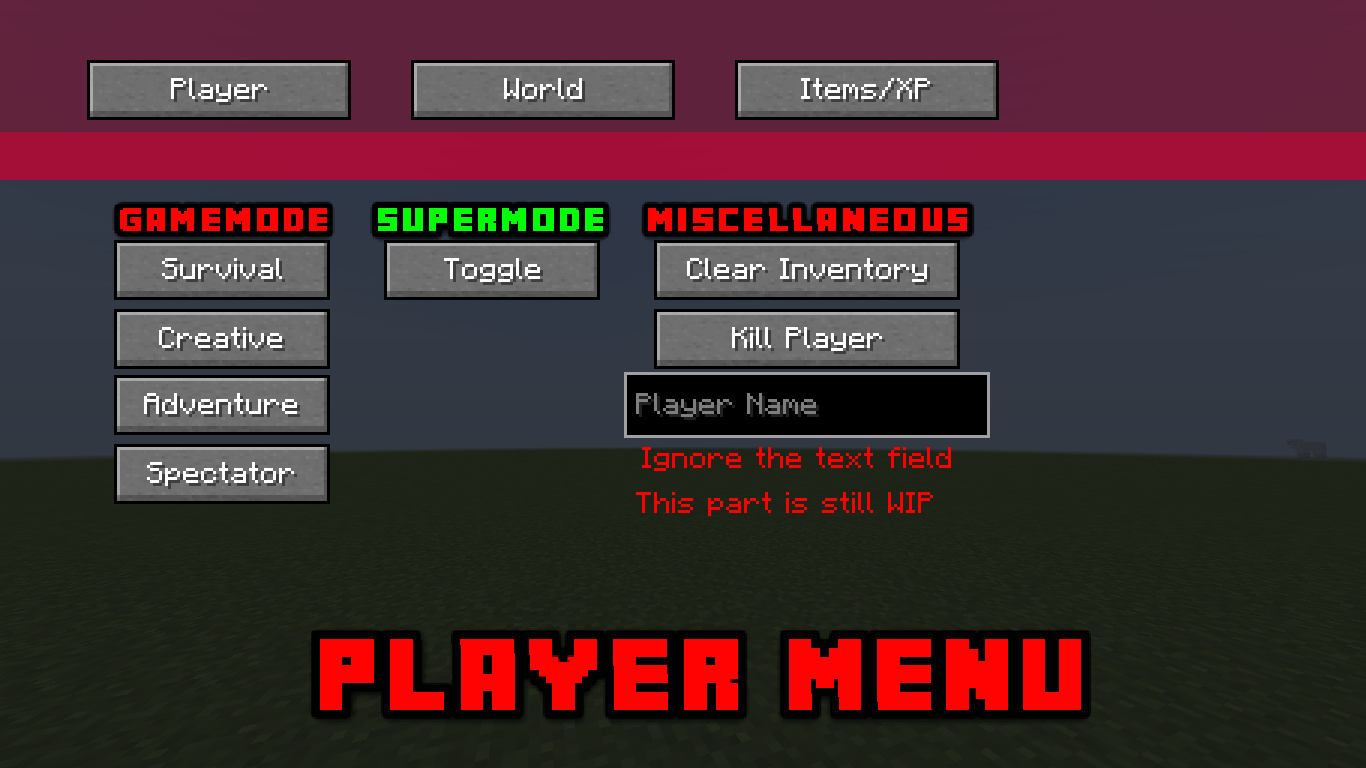
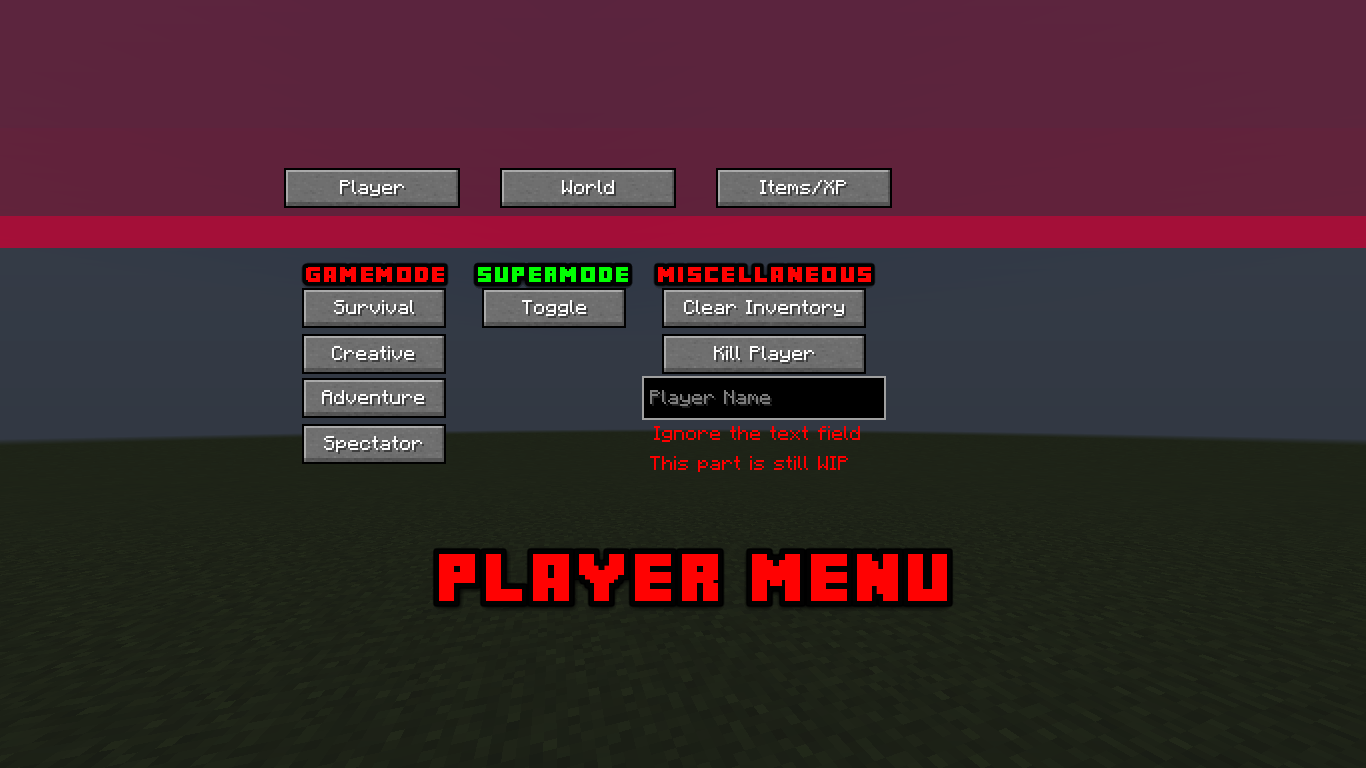
These images are somewhat outdated, this isn't what FC2.3 looks like but it does retain the same design
This mod allows you to efficiently execute vanilla (And some non-Vanilla) commands through a GUI or a keybind, and it also adds brand new commands to help you speed up things!
There are 3 GUI's:
> Player GUI: in which you can switch between gamemodes seamlessly and quickly, and also do /kill on players, or temporarily TP to a player or coordinate for a custom amount of time.
> World GUI: in which you can switch gamerules on and off, and switch the time of the world between "day, night, midnight and custom time", or explode with a custom explosion power.
> Item/XP GUI: in which you can set your desired XP level, Increase or decrease durability of an item, and change the display name of an item (works with more than one word as the name). It also allows for some dangerous commands that are toggle-able; Clear inventory and Kill the game client (Not recommended as it may corrupt your singleplayer world or undo some progress, It causes an unhandled exception which crashes the game)
The new commands that the mod adds:
/fcgui
Opens the Fast Commands GUI - Forms: "/fcgui" for the player menu, "/fcgui 2" OR "/fcgui world" for world menu, "/fcgui 3" for Items/XP menu, the menus can be opened in any menu made from Fast Commands
/durability <add/remove/set> <value>
Increases or decreases durability of the item in your hand
--- The rest are only for versions 1.18.2 and above:
/setname [color (1.18.2+ only)] <name>
Changes the name of the item in your main hand, and sets the color, simply write the color first then the full name
/giveiteminmainhand <player> [remove_item_once_sent]
Sends the item in your main hand to the player you mentioned, along with its amount. write true or false after the players name if you want the item to be removed once you send it
/getlocationinfo <player/coordinates>
Sends you a message in chat detailing the coordinates of the position, the distance between you and it, the amount of entities in proximity to it, whether it is under a block or not, in what cardinal direction relative to the world spawn it is, if it's in a village it will tell you, and in what dimension the player is in
/explode <player/coordinates> <power>
Creates an explosion at the position with a certain power value
/repeat <Number of repetitions> [interval] <command>
Allows you to repeat a command a specific number of times, and optionally once every -interval- seconds. The command has to be written between two double quotes " "
/stopallrepeatingcommands
For now, it only pauses all the commands being repeated with /repeat, I haven't been able to make it stop entirely though as when another /repeat command gets executed the first gets re-instated if the interval is long enough, There is a button that does this too through the world GUI
The new Command Execution Keybinds:
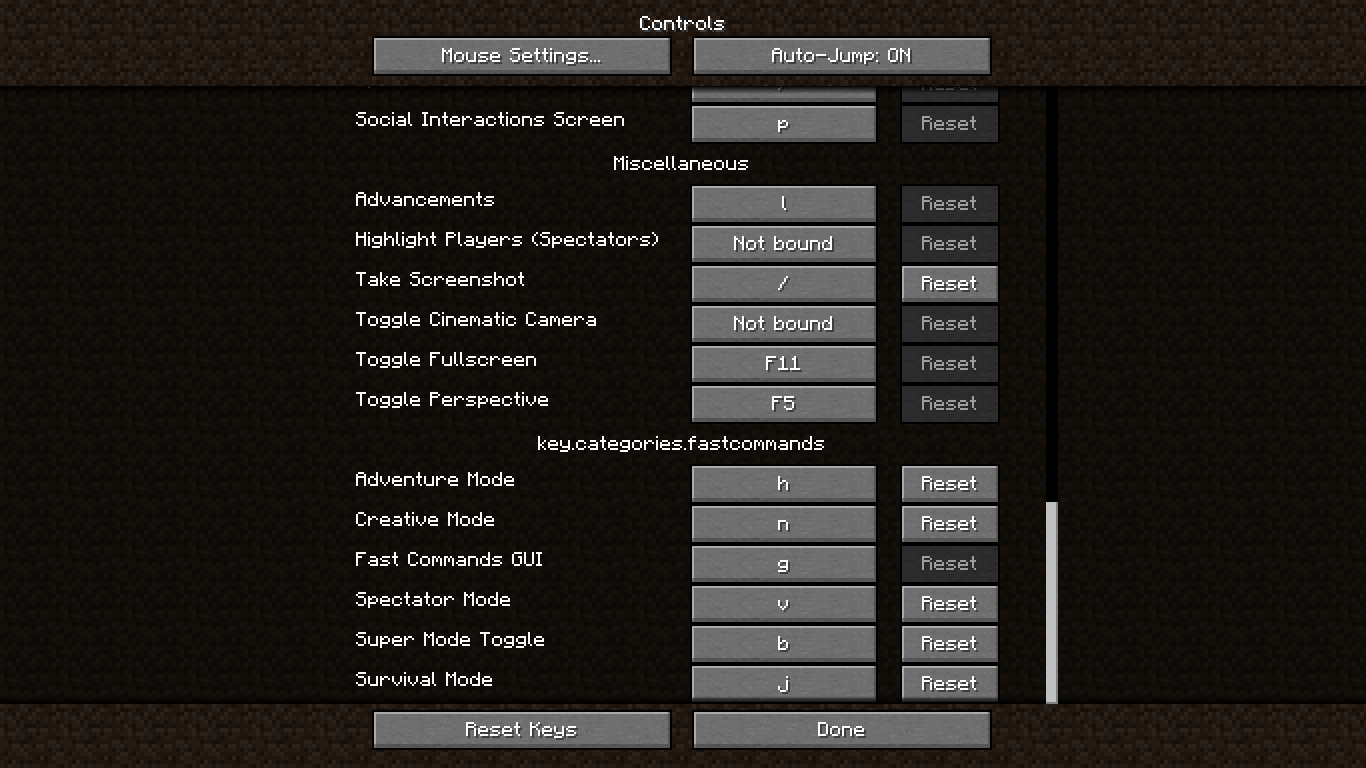
> Survival mode
> Creative mode
> Adventure mode
> Spectator mode
> Fast Commands GUI (Opens the Fast Commands GUI)
This mod has been rebuilt! Unfortunately I won't be able to backport to 1.12.2 so that version will have the legacy version of the Fast Commands mod, You are allowed to use this mod in modpacks, Any Issues report them here on the curseforge issue tracker!
Fabric version is planned. However, MCreator currently has some issues with fabric mods having GUI's. As soon as it becomes stable, I will port this mod to Fabric.
1.12.2 Users: Read This!
OLD VERSION'S DESCRIPTION FOR 1.12.2 USERS!
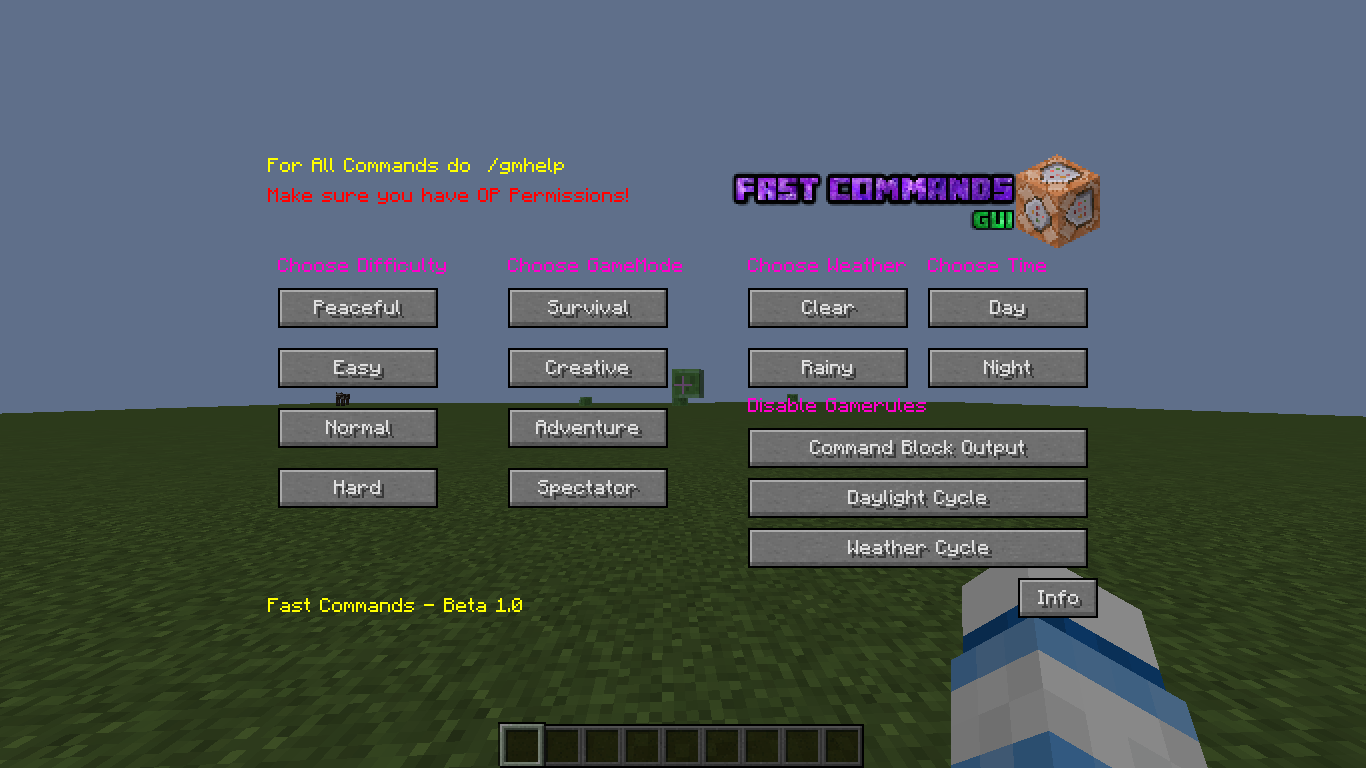
This mod adds alot of ways to change between:
- Time (day/night)
- Gamemodes (Creative/Adventure/Survival/Spectator)
- Weather (Clear/Rainy)
- Difficulties (Peaceful/Easy/Normal/Hard)
- Toggleable Gamerules (DoDayLightCycle, DoWeatherCycle, CommandOutput) In the 1.12.2 version, it's untoggleable, only can be disabled, to enable it you have to use vanilla commands.
- Misc stuff (Like Spawn creeper, Get immunity, clear effects, full heal, etc) MISC stuff isn't in the 1.12.2 version!
This mod adds the ability to change between all gamemodes/difficulties/time/weather in an instant!
- First way is through the use of Keybinds, all Keybinds are very much customizable (Look in images to see the all the Keybinds).
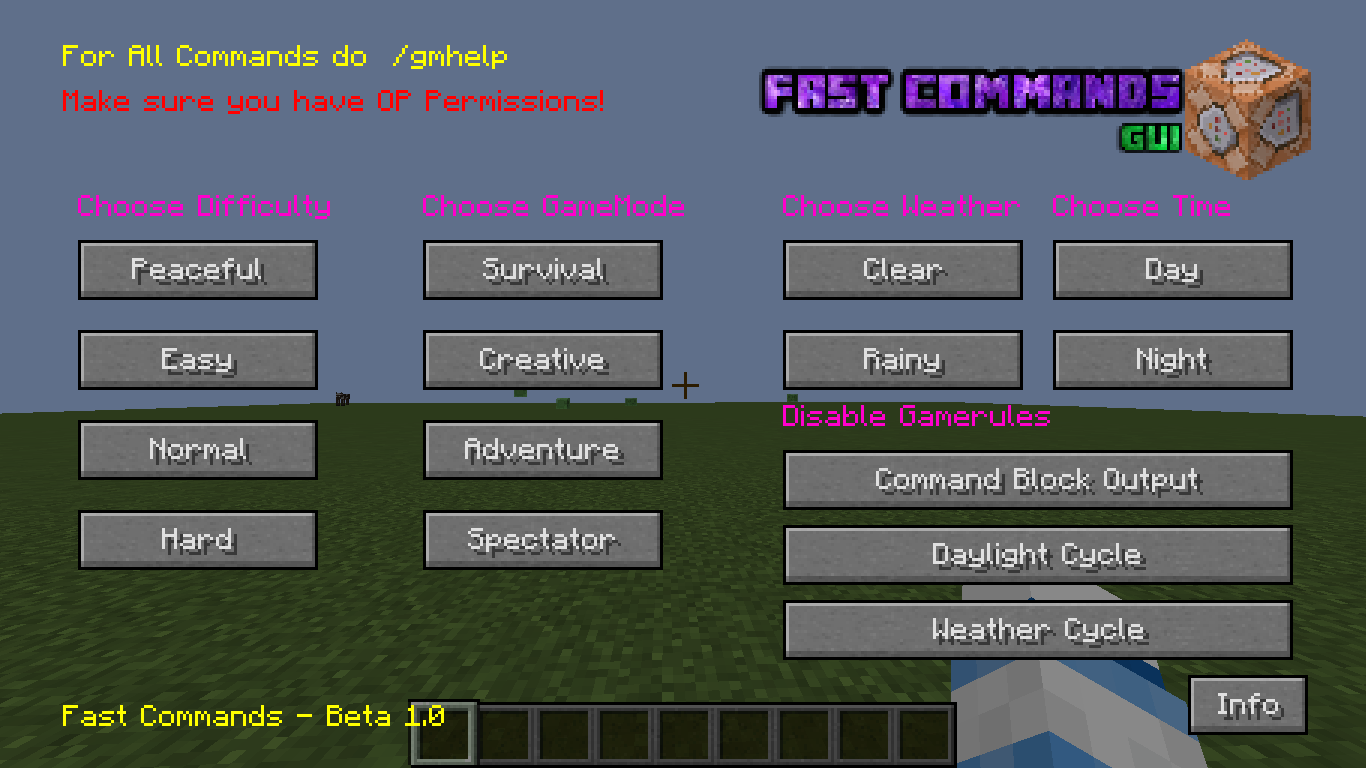
- Second way is through the use of a Custom GUI, This GUI contains everything you need to quickly change between gamemodes/time/difficulties/weather and some important Gamerules (Look in images for the GUI), It contains a 2nd Page full of useful Commands (such as heal, estinguish, set on fire, etc).
- Third way is through the use of Shortened Commands.
Commands:
- /gmhelp - Gives you a list of all shortened commands in the corrosponding version (1.12.2 is more Outdated than 1.16.5)
- /gmgui - Opens the Command GUI (you can also open it through controls).
- /gm0 or /gm1 or /gm2 or /gm3 - for Gamemodes.
- /tn or /td - /tn is for Night, /td is for Morning, These commands aren't included in the 1.12.2 version!
- /wc or /wr - /wc is for Clear Weather, /wr is for Rainy Weather, These commands aren't included in the 1.12.2 version!
To open the GUI use /gmgui or just open it through a keybind in the Misc section of the vanilla minecraft controls.
Images of the GUI and Keybinds are in the Images Tab. (Outdated Images)
Fast & More Commands Team