FarmGrid
- By
Plan irrigation with a precise square grid. See existing farmland, immediately tillable terrain and separate hydration layers.
preview-1.png
preview-2.png
preview-3.png
Description
FarmGrid
Design better farms with precise irrigation guides.
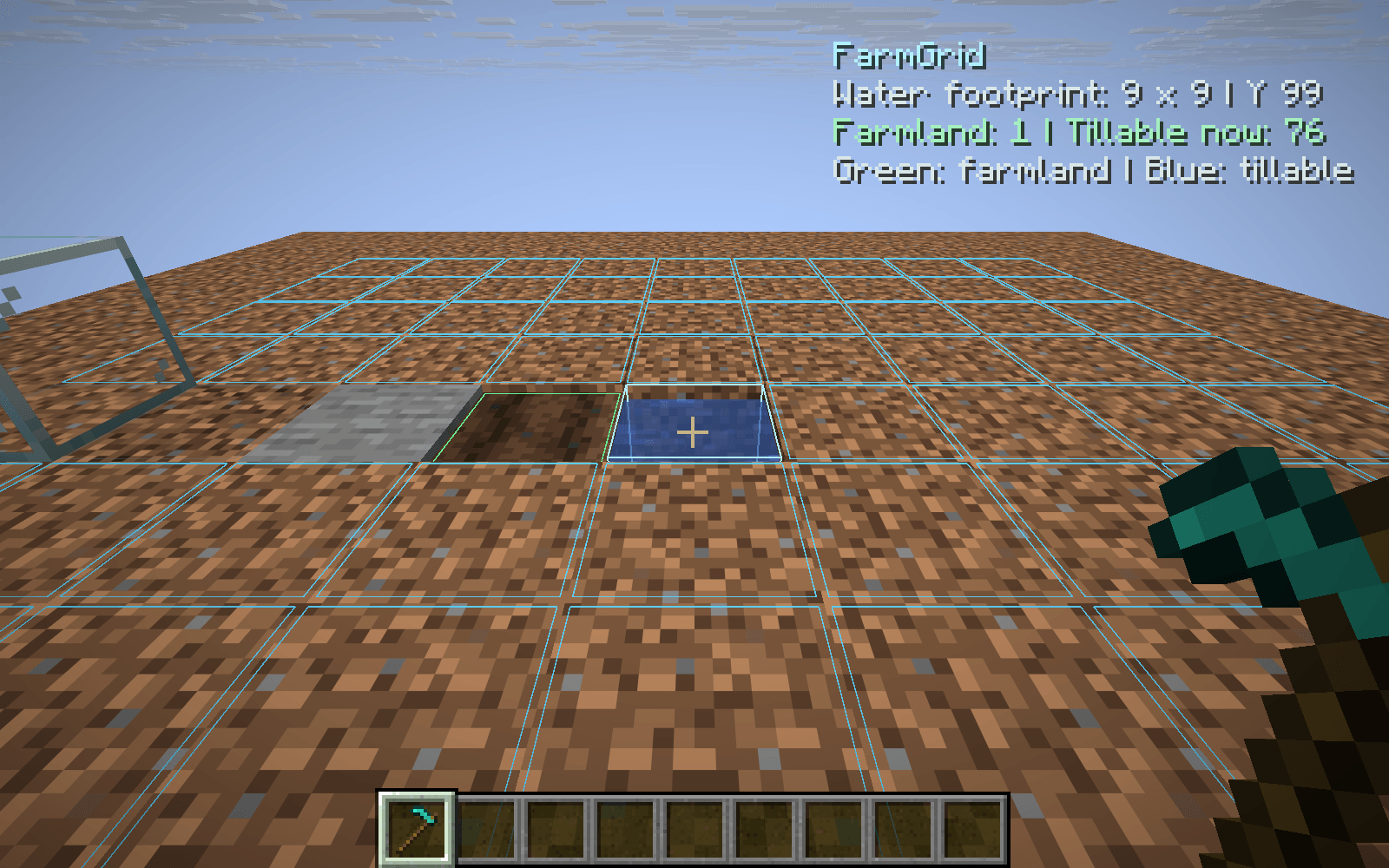
FarmGrid displays a small, transparent irrigation preview when you hold a hoe and look directly at water.
See the square footprint
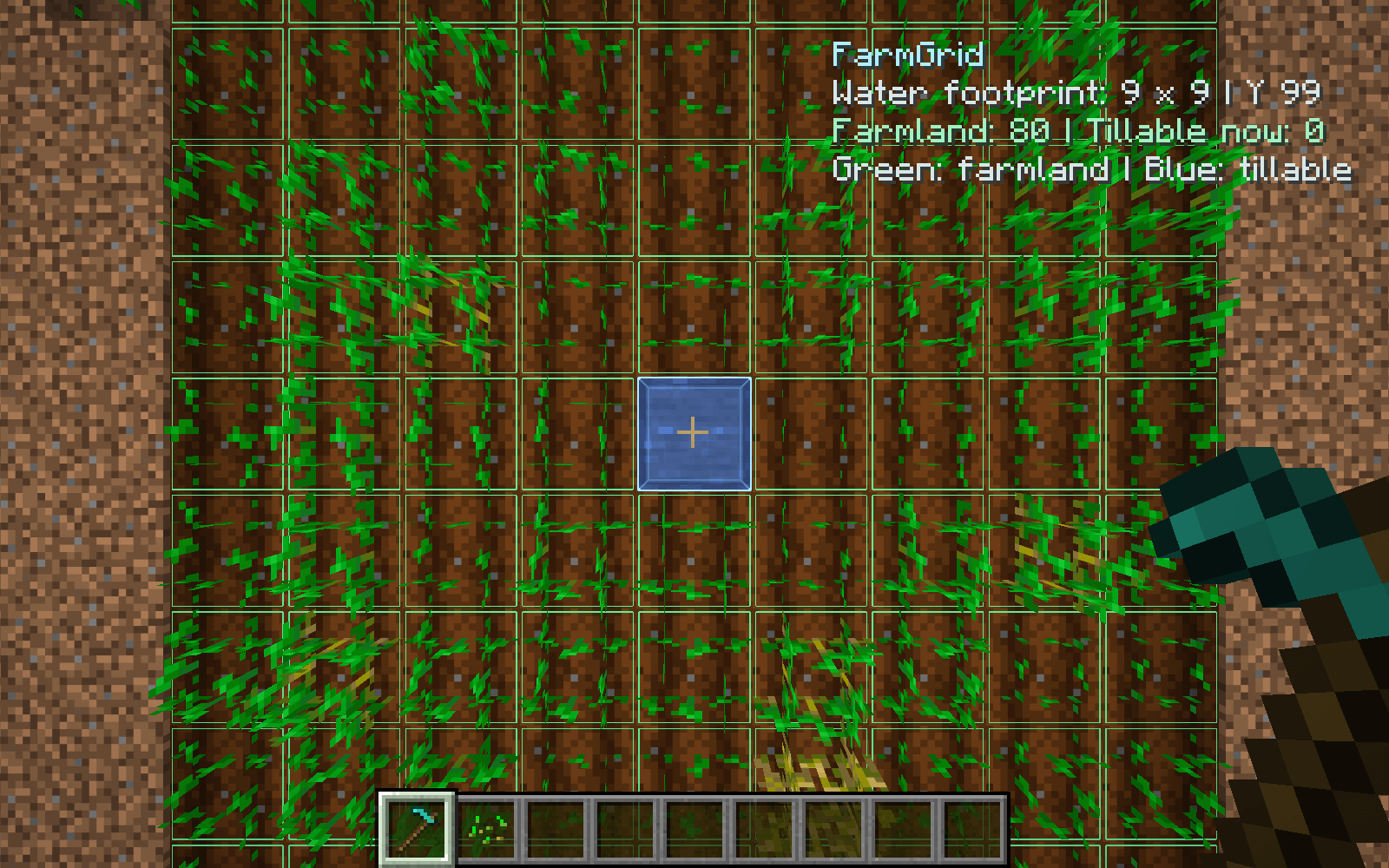
A thin grid marks the water’s 9 × 9 horizontal coverage, including its diagonal corners. Green cells show existing farmland, blue cells show terrain that can be tilled immediately, and muted gray cells show unsuitable positions. The central water block is not counted as farmland.
Choose the right height
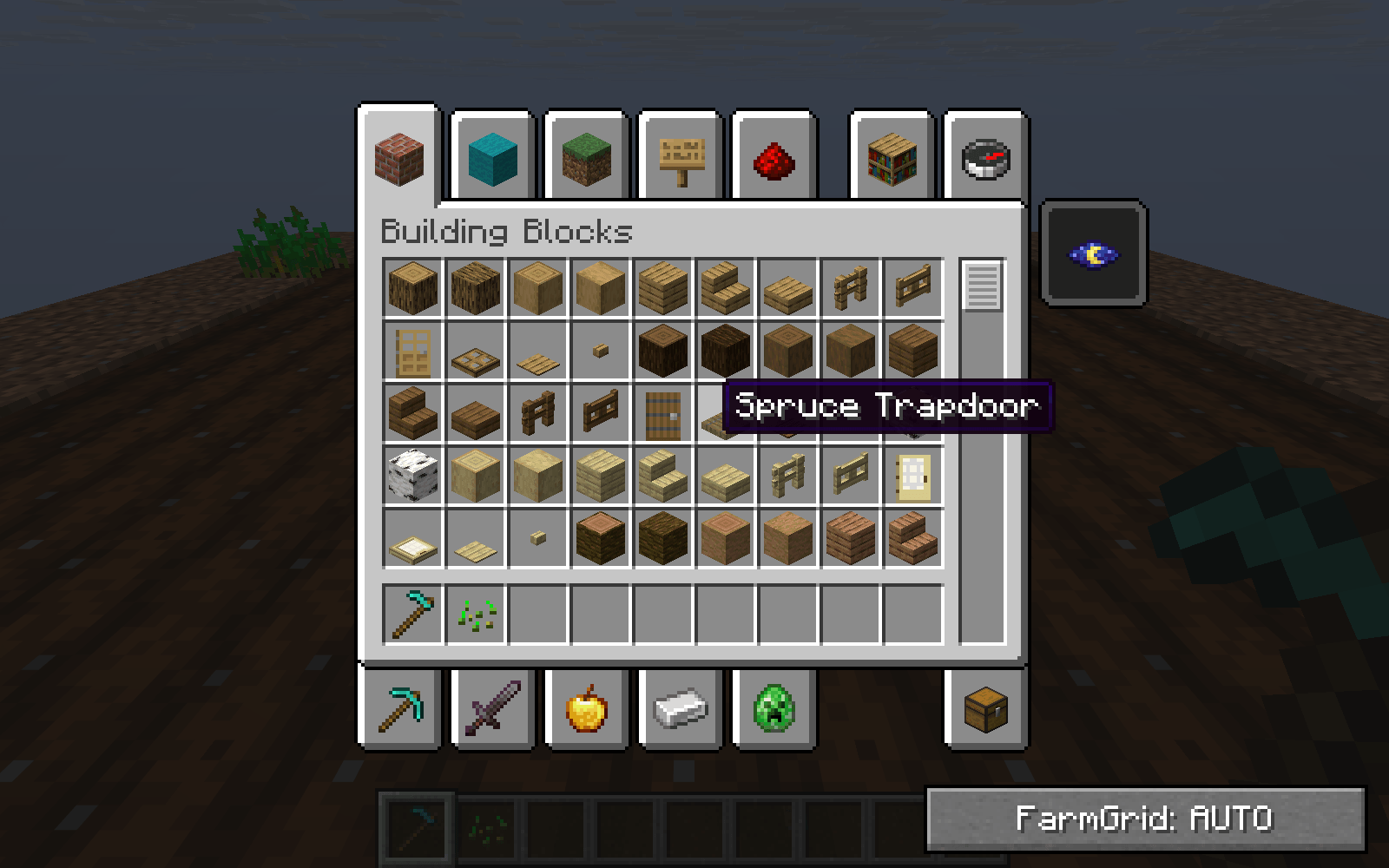
Water coverage can apply to farmland at the water’s height or one block below it. FarmGrid displays one clearly labeled layer at a time. Automatic selection prefers the layer with more usable terrain; a small lower-right inventory button cycles between automatic, same-height and lower-layer previews.
Useful information, little clutter
Counts existing farmland and immediately tillable blocks separately.
Recognizes source water, flowing water and waterlogged blocks.
Follows your target and refreshes as nearby terrain changes.
Hides the contextual preview in menus and when the HUD is hidden.
Offers local controls for the grid, text and refresh interval.
The preview describes water-based coverage using visible terrain. Rain and server-specific mechanics can affect actual moisture. It does not alter blocks, automatically till soil or guarantee permanent hydration.
FarmGrid Team