Far Plane Two Continuation
- By
This mod is unofficial reworked continuation of Far Plain Two. Allows you to play with render distance at 30.000.000 blocks without lags
2026-10-14_02.54.02.png
2026-10-14_02.53.42.png
251564.jpg
Description
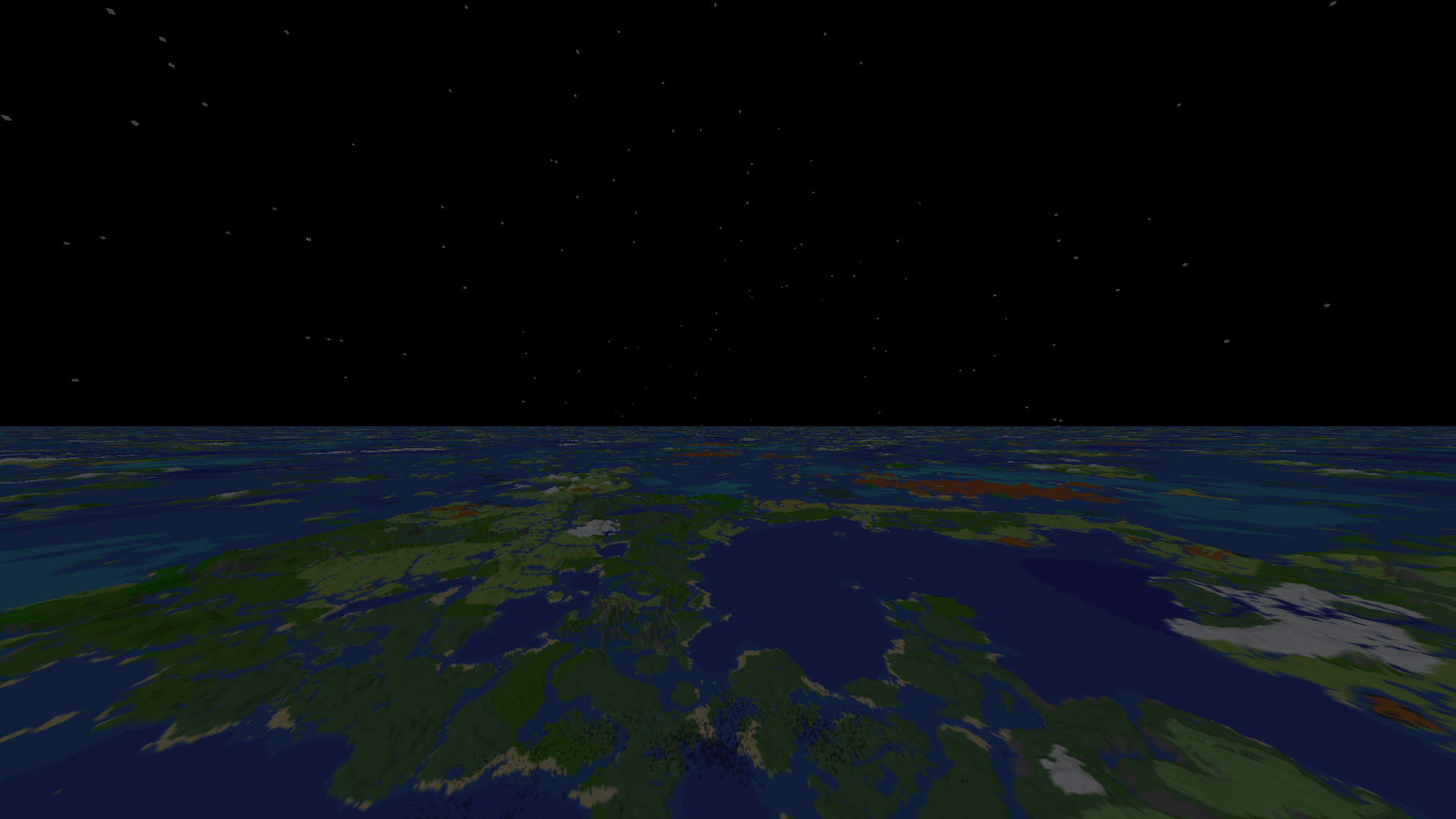
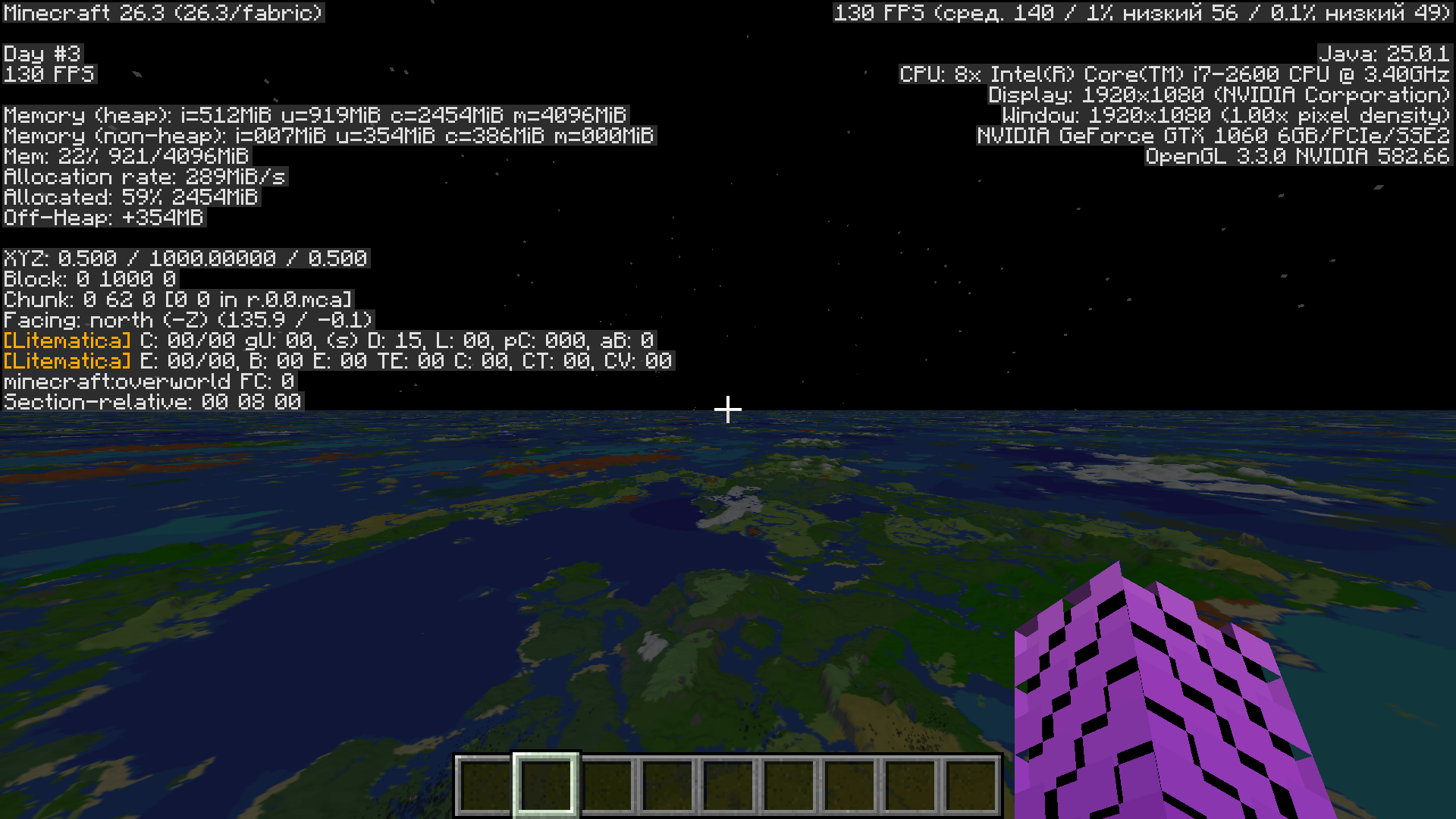
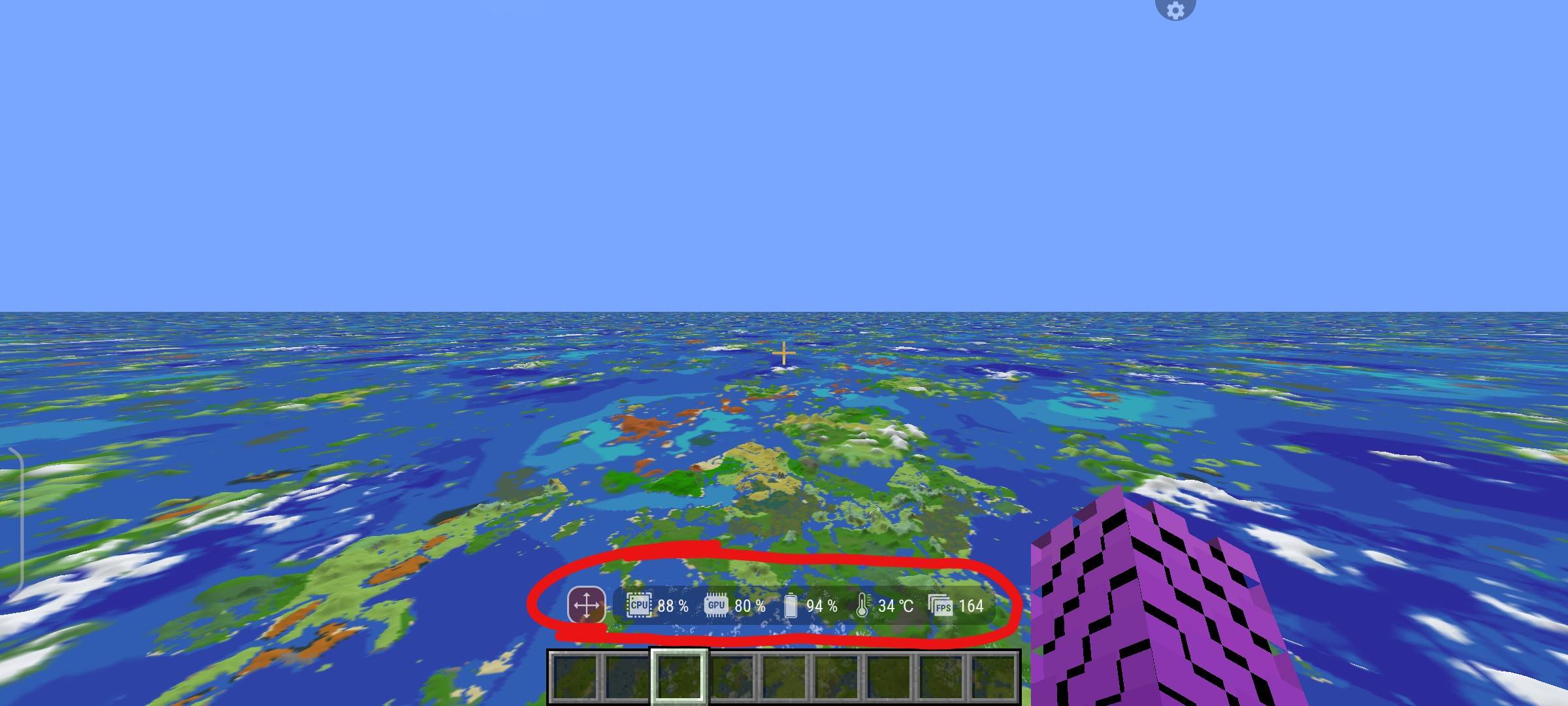
Level-of-detail terrain up to the edge of the world (30 000 000 blocks). A continuation of the idea of FarPlaneTwo by DaPorkchop_. Works on Vulkan and OpenGL, on PC and on Android. Install on both the client and the server, in singleplayer the client is enough.
Support for all dimensions will be added in future versions. For now, the Overworld and the End are supported.
The mod has two LOD areas:
Distant Terrain - the main LOD area, up to 30 000 000 blocks. It is built straight from the world generator, without generating chunks, so it is less detailed and puts little load on the system.
Detailed Terrain (Virtual chunks) - a ring around the vanilla chunks, from 2 to 256 chunks. It shows real blocks: trees, buildings, translucent water, plants, snow. Where you have already been, it is read from the saved world. Where nobody has been yet, the mod makes virtual chunks: light copies of chunks made with vanilla’s own world generation, in memory only. Nothing is added to your world, and once a chunk is really generated, its real blocks are used.
Virtual chunks look almost like vanilla and load from scratch fast enough to keep up with elytra flight. So, unlike Distant Horizons or Voxy, you don’t have to pregenerate the world first (pregeneration is still available, see the commands below). Detailed terrain is CPU-intensive, but it runs in the background and keeps the FPS stable.
How the blocks look can be set from flat colors up to vanilla textures with leaves, grass, flowers and translucent water. Distant and Detailed Terrain have their own settings for every dimension.
The mod is compatible with most optimization mods, including Sodium.
Requires Fabric API
Commands
Values in < > are numbers you enter without the brackets, for example /farplane pregen 64.
/FPhelp- shows the list of commands in chat. Works for every player./farplane pregen <radius>- generates detailed terrain within<radius>chunks (1-256) around you ahead of time. It only makes virtual chunks; your world is not changed. Areas that are already done are skipped./farplane pregen <radius> <x> <z>- the same around the block columnx z, for example/farplane pregen 128 0 0./farplane pregen status- shows progress and the time left./farplane pregen stop- stops pregeneration; what is done stays saved.
Keys (can be changed in Controls):
- F7 - turn LOD terrain on/off
- F8 - open the settings (You can also open the same settings from mod menu or video settings)
- F3 + O - clear the LOD cache of the current dimension
Far Plane Two Continuation Team