


FakeFPSingame
- By
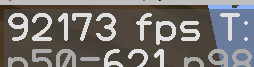
Ekran görüntüsü 2026-08-07 194120.png
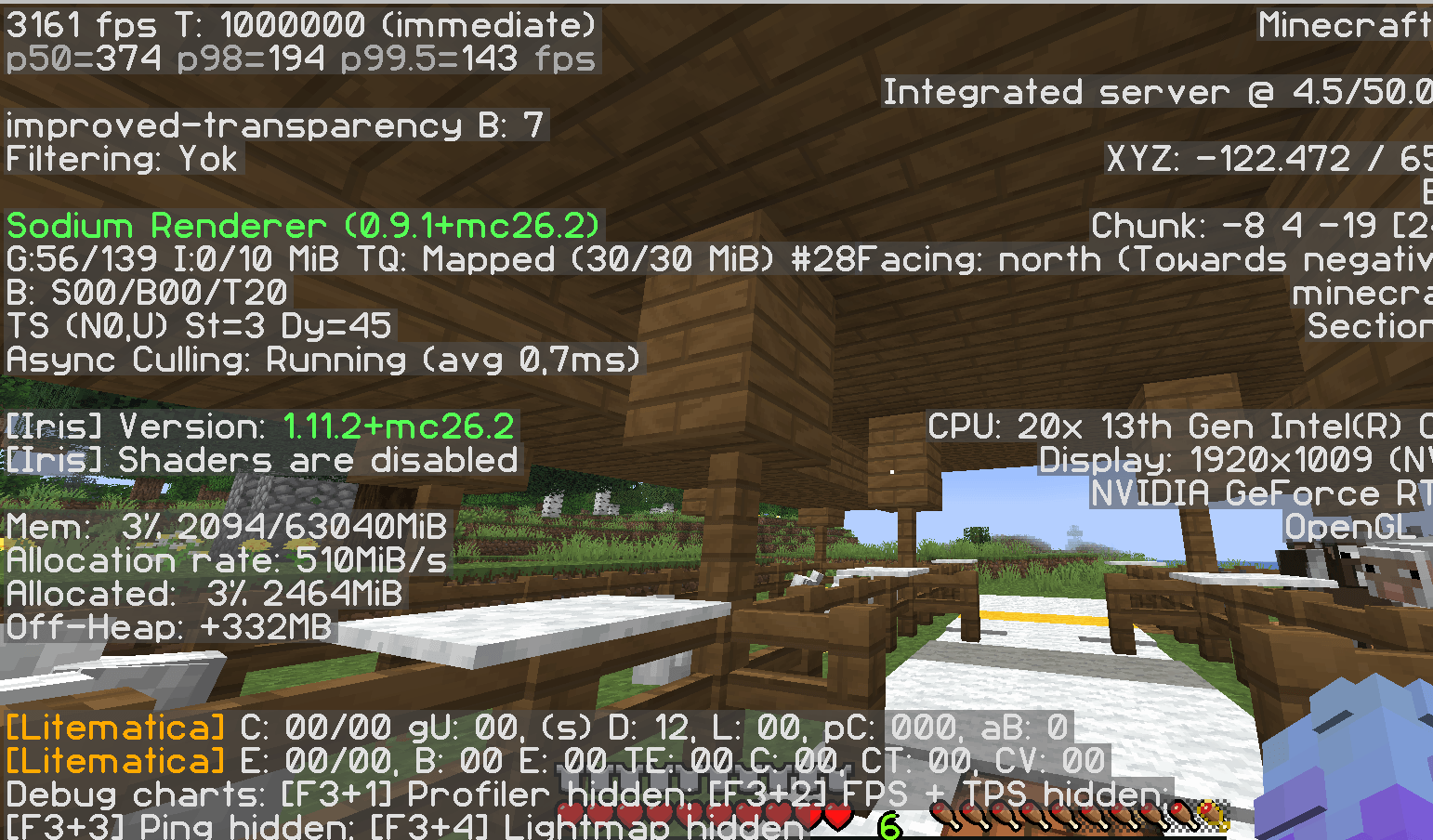
Ekran görüntüsü 2026-08-07 194051.png
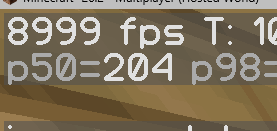
Ekran görüntüsü 2026-08-07 194243.png
Description
Fake FPS Mod This mod completely disables Minecraft’s real FPS counter and replaces it with a custom fake FPS value of your choice. Its purpose is to display a high or fixed FPS number on screen regardless of your actual performance. Features
Fake FPS Display: Shows the FPS value you set instead of the real one (usually in the top-left corner or on the F3 debug screen). Fully Customizable Value: You can set any number you want through the config file or an in-game command (examples: 999, 144, 60, 1, etc.). Hides Real FPS: Completely removes Minecraft’s original FPS counter so your true performance is never visible. Lightweight & Compatible: Purely visual change — does not affect game performance, causes no lag, and works with Forge / Fabric (depending on the version you use). Simple Setup: Drop the mod into your mods folder and start playing.
How these features affect the player experience
No matter how low your real FPS is, you will always see the fake number you chose on screen. This allows you to: Take screenshots or record videos that look like you have very high FPS. Troll friends or viewers by claiming “my FPS is always 500+”. Hide poor performance during streams or recordings.
The mod does not increase your actual frame rate, tick rate, or game speed in any way. It only changes the number that is displayed. It is purely visual / entertainment-focused.
Who is this for?
Content creators who want high-FPS looking footage Players who enjoy trolling friends Anyone who simply wants to see a custom FPS number for fun
Installation: Place the mod in your mods folder → launch the game → set your desired FPS value in the config or via command.Note: This mod provides no gameplay advantage or performance boost. It is only a visual modification.
The FakeFPSingame Team
