Screenshot 2026-06-22 160758.png
Screenshot 2026-06-22 160706.png
Screenshot 2026-06-22 000213.png
Screenshot 2026-06-21 151247.png
Description
Fake Players
Player look-alikes that mine, chop, guard, and haul - for you.





🤖 What is it?
Entities that look exactly like real players - auto-grabbed skins, armour, full inventories, the lot. Bond one to yourself, give it a job, and it gets to work.
🎬 Showcase
🧍 The Fake Player
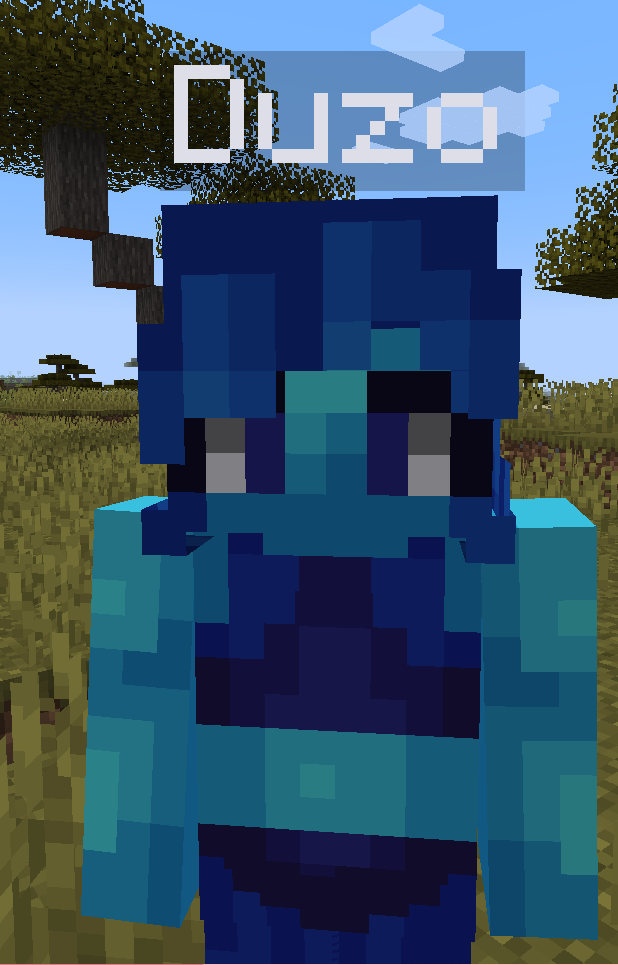
- Looks like a player - real model with a skin grabbed from any username (or URL / the trending list); slim & classic.
- Acts like one - wanders, sits, sleeps, wears armour, holds items, chats, fights back.
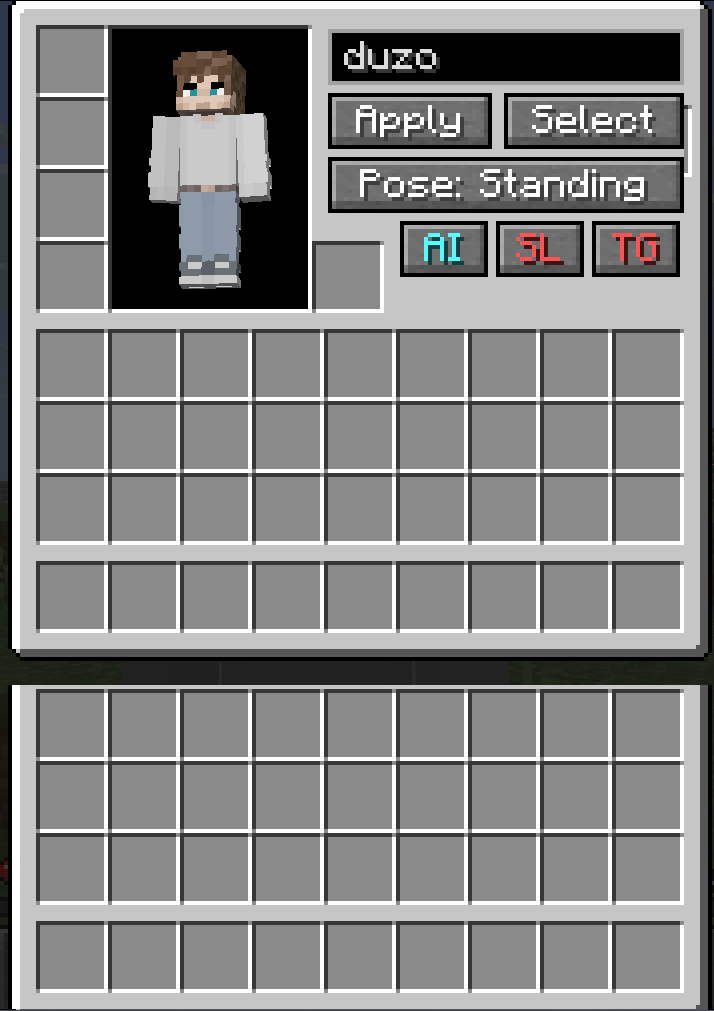
- Carries an inventory - managed through its GUI.
🧠 AI Jobs
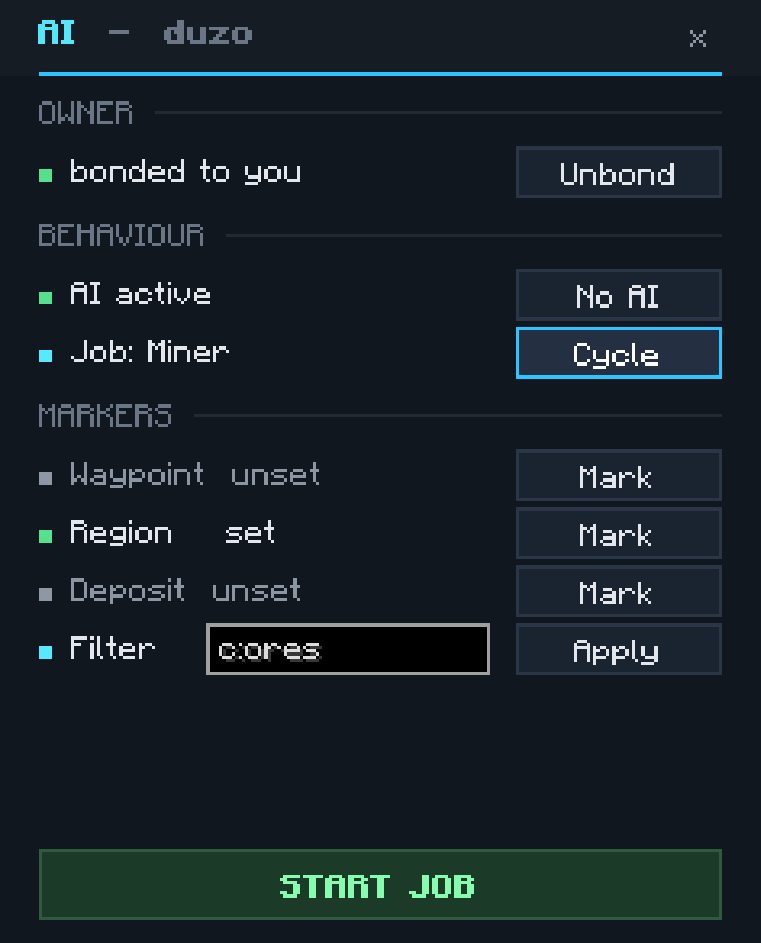
Shift + right-click a fake → AI → Bond, then pick a job. The GUI hands you markers (waypoint, region, chests); right-click to place them - the fake follows you while you do. Each job's menu shows only the markers it needs, and fakes visibly open the chests and barrels they work from.
| Job | Needs | Does |
|---|---|---|
| Idle | waypoint (optional) | Walks to its waypoint, else waits. |
| Follow | bond | Sticks within 32 blocks, teleports if it lags behind. |
| Guard | patrol points | Patrols your points and attacks hostiles in range. Hold the Waypoint marker to edit points - right-click adds, sneak + right-click removes. |
| Miner | region + deposit | Strip-mines ore (c:ores by default) and banks the haul. |
| Lumberjack | region (+ deposit) | Fells whole trees, replants, bonemeals; auto-collects drops. |
| Courier | source + deposit | Hauls matching items from one chest to another. |
| Fisherman | waypoint + deposit | Sits at the water and casts a real bobber; banks the catch, swaps a fresh rod when one breaks, and uses your rod's enchantments. |
| Farmer | region + deposit | Tills a plot, waters it, plants any seed (modded too), bonemeals, then harvests and replants on a loop. |
| Crafter | table + source + deposit | Walks to a crafting table and lays out a recipe you teach it by hand; chain it onto another job's chest for a pipeline. |
Tuning lives in players.json (guardRadius, minerMaxBlocksPerSecond, minerBailY).
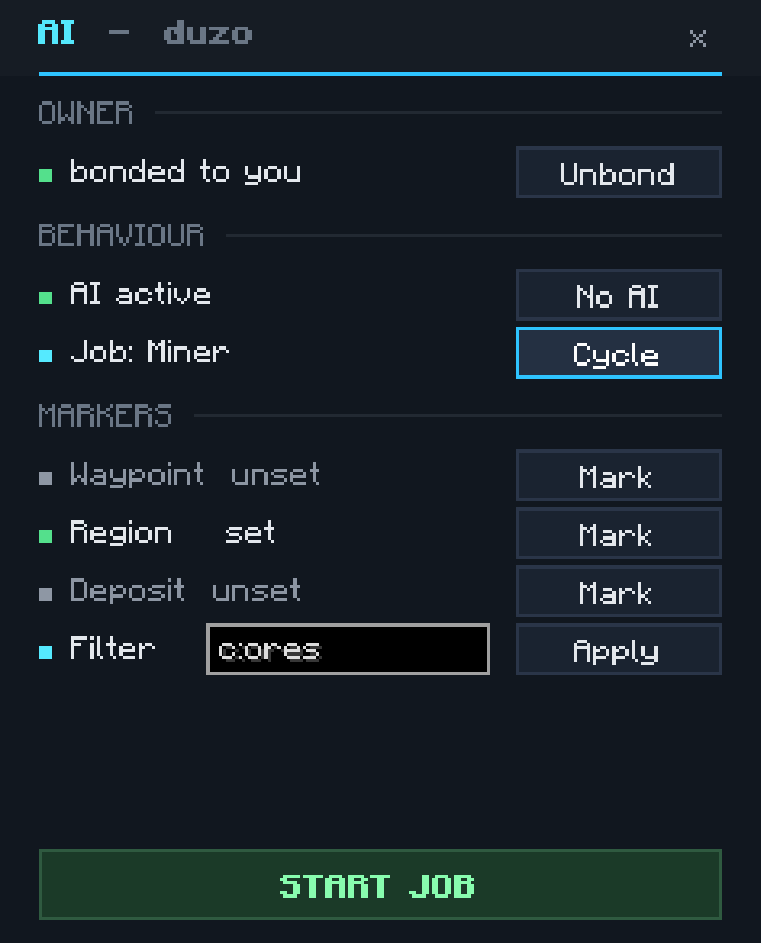 AI sub-menu
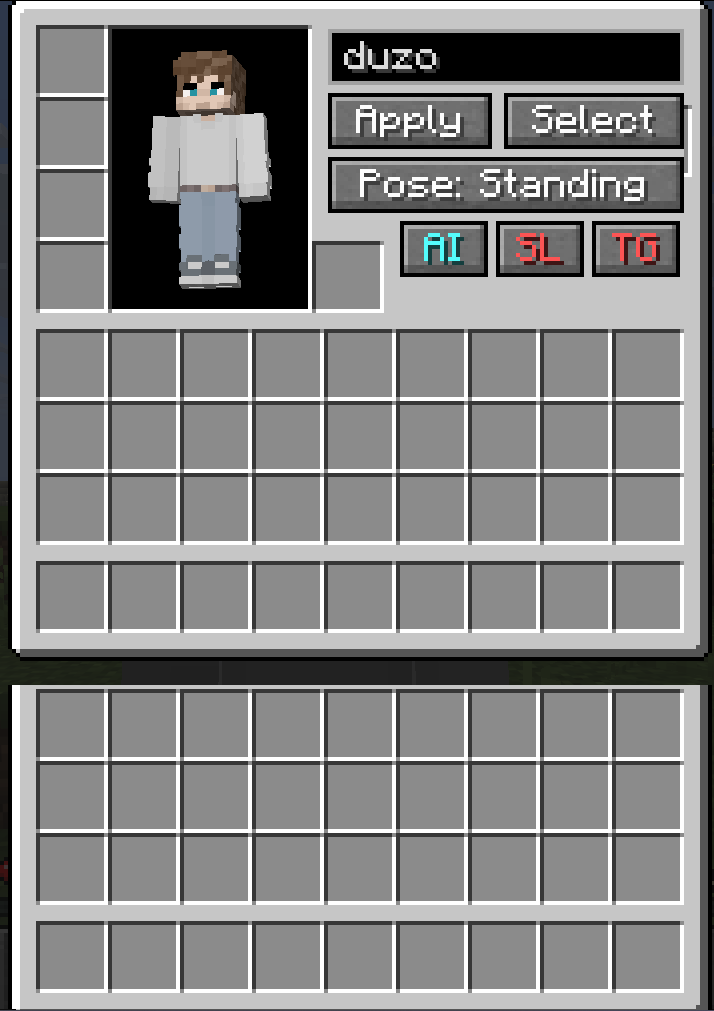 Management GUI
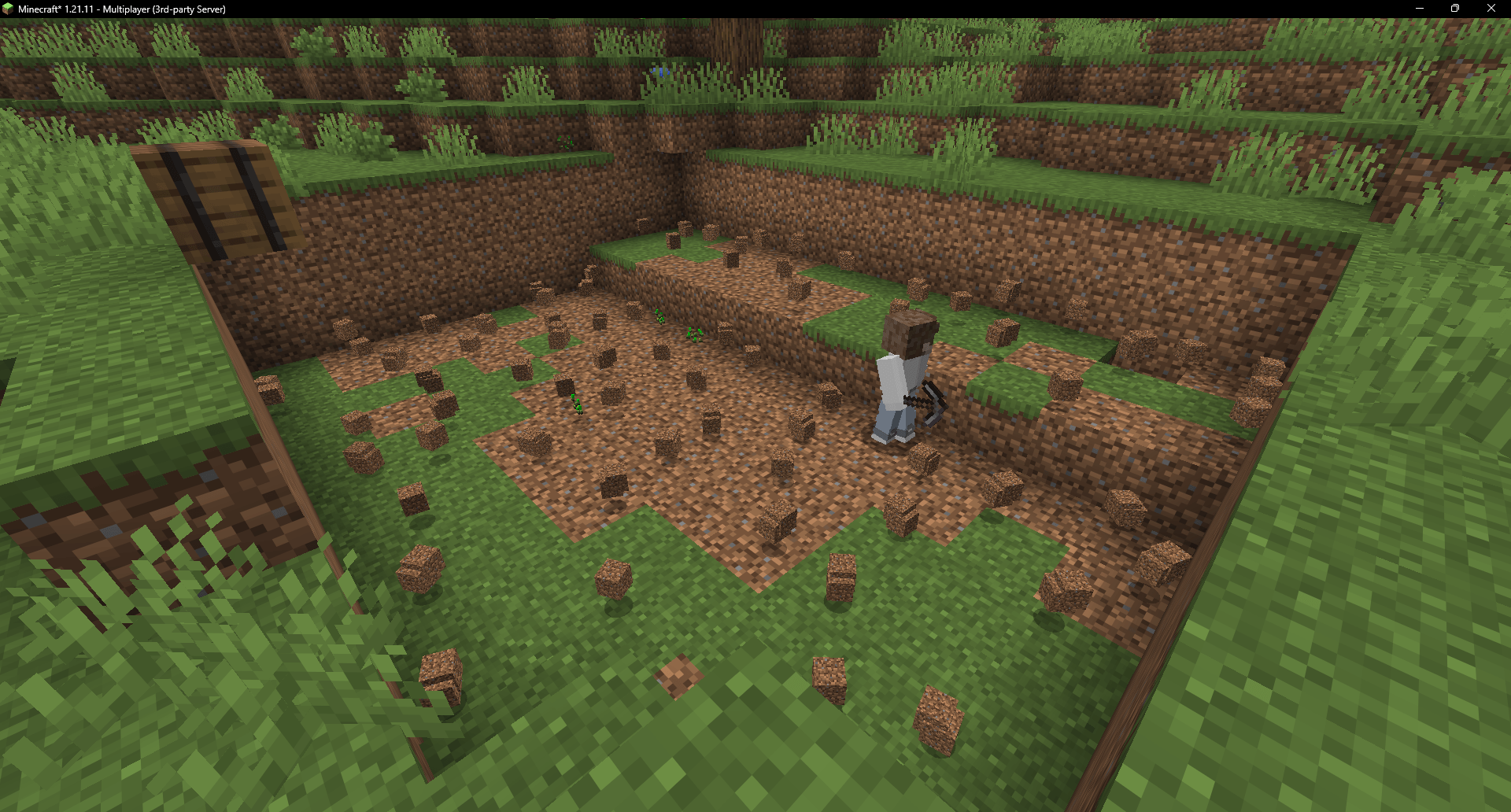
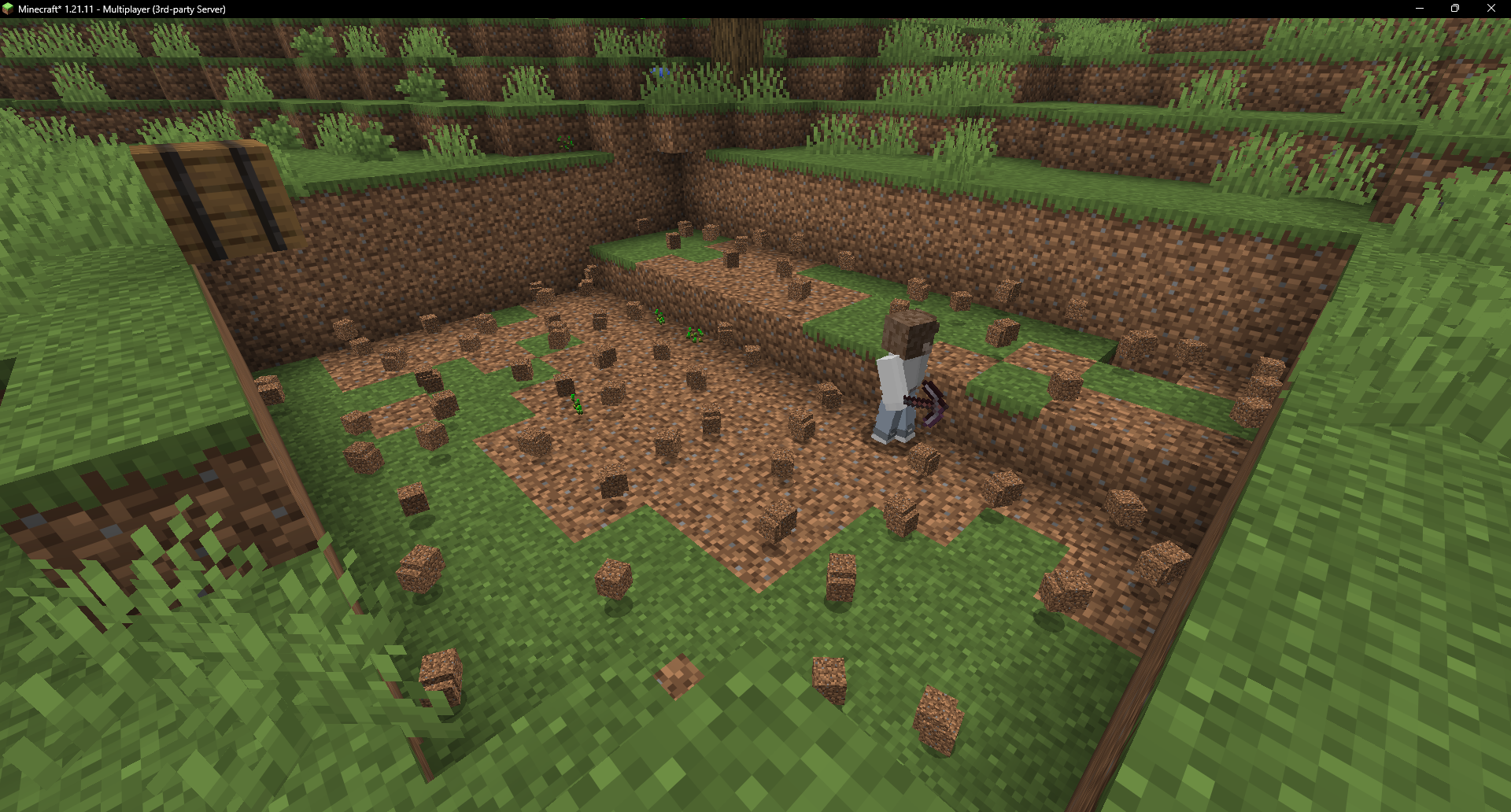 Miner clearing a quarry
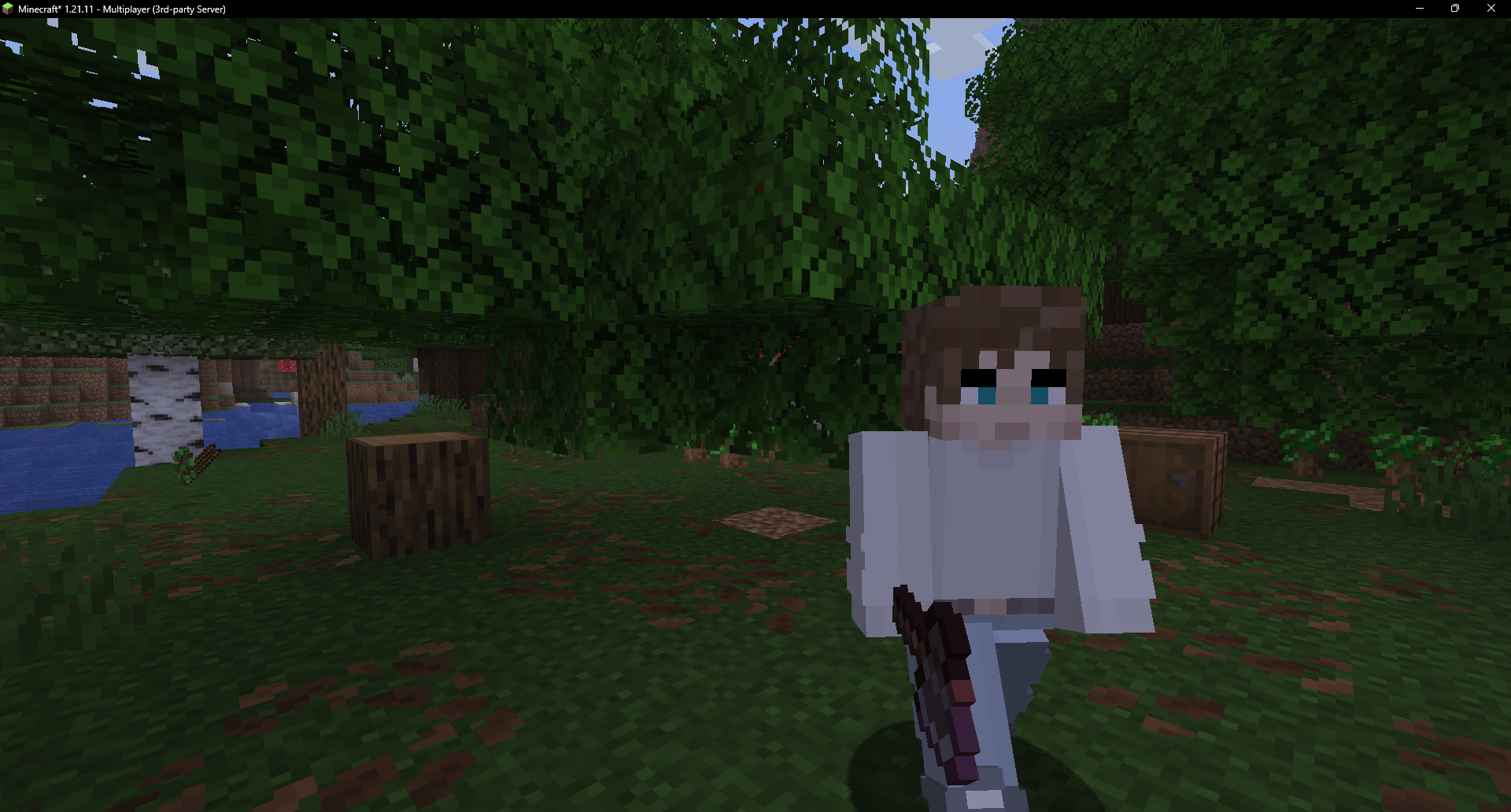
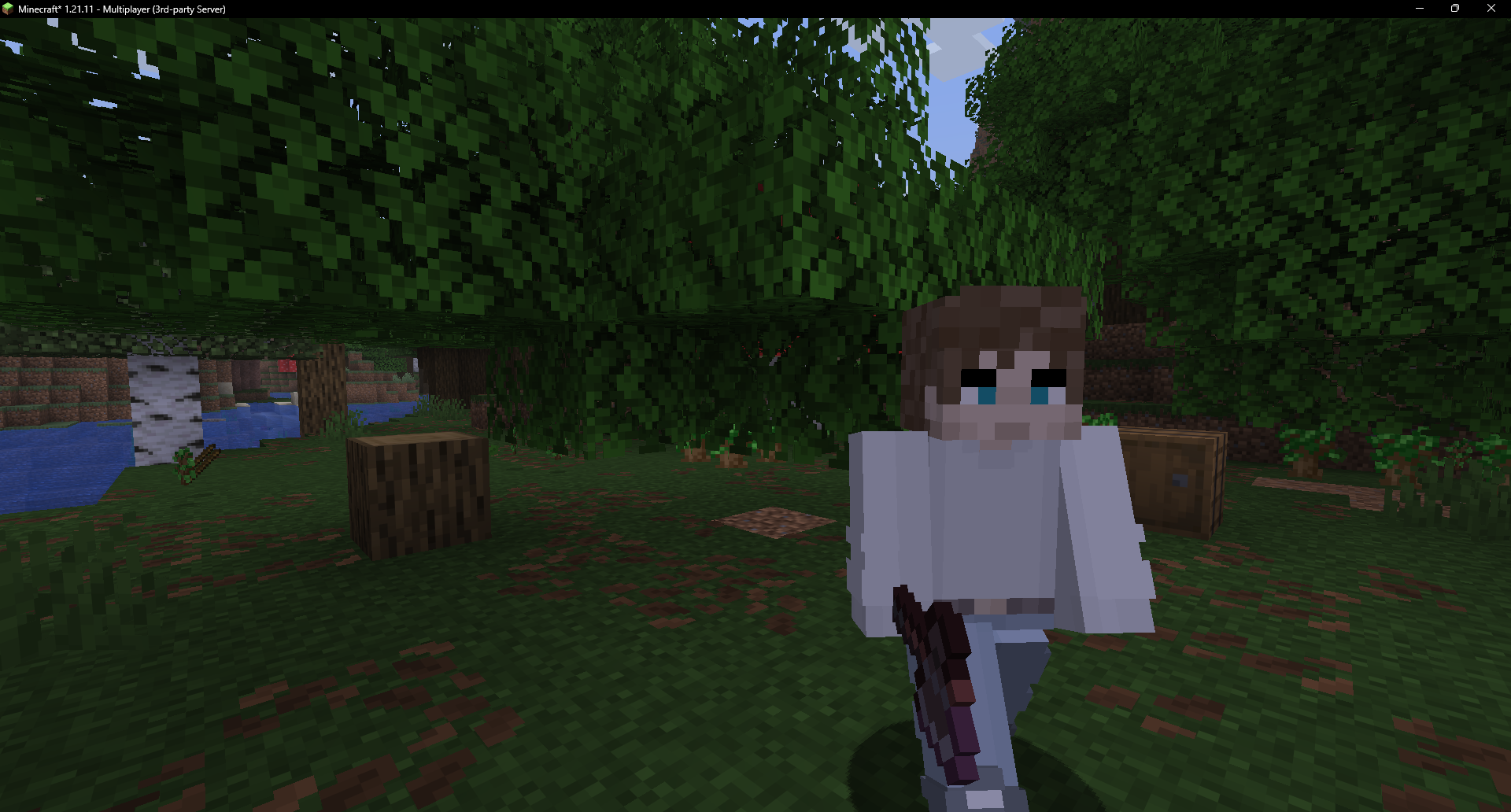 Lumberjack after felling a tree
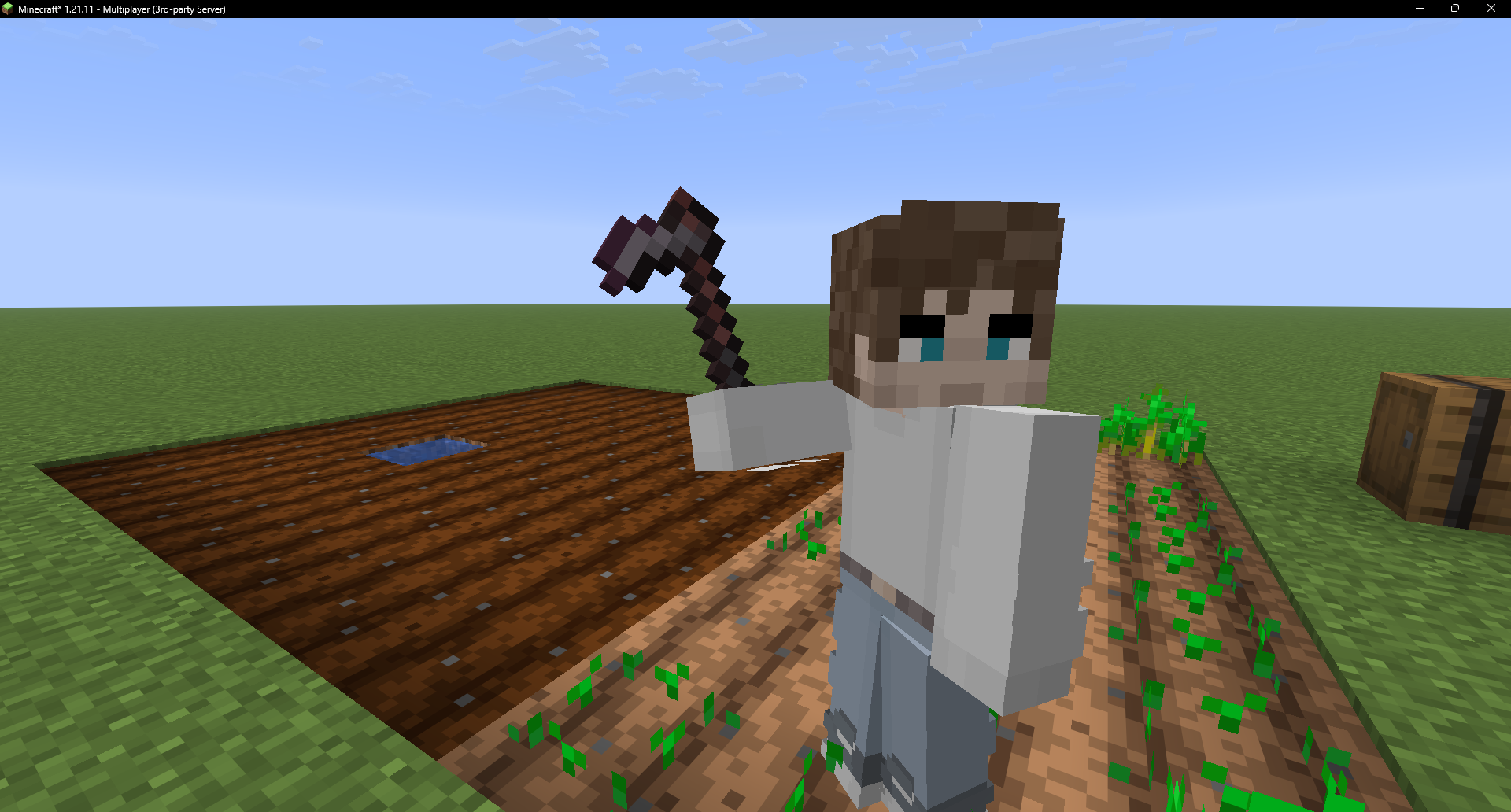 Farmer tending a watered plot
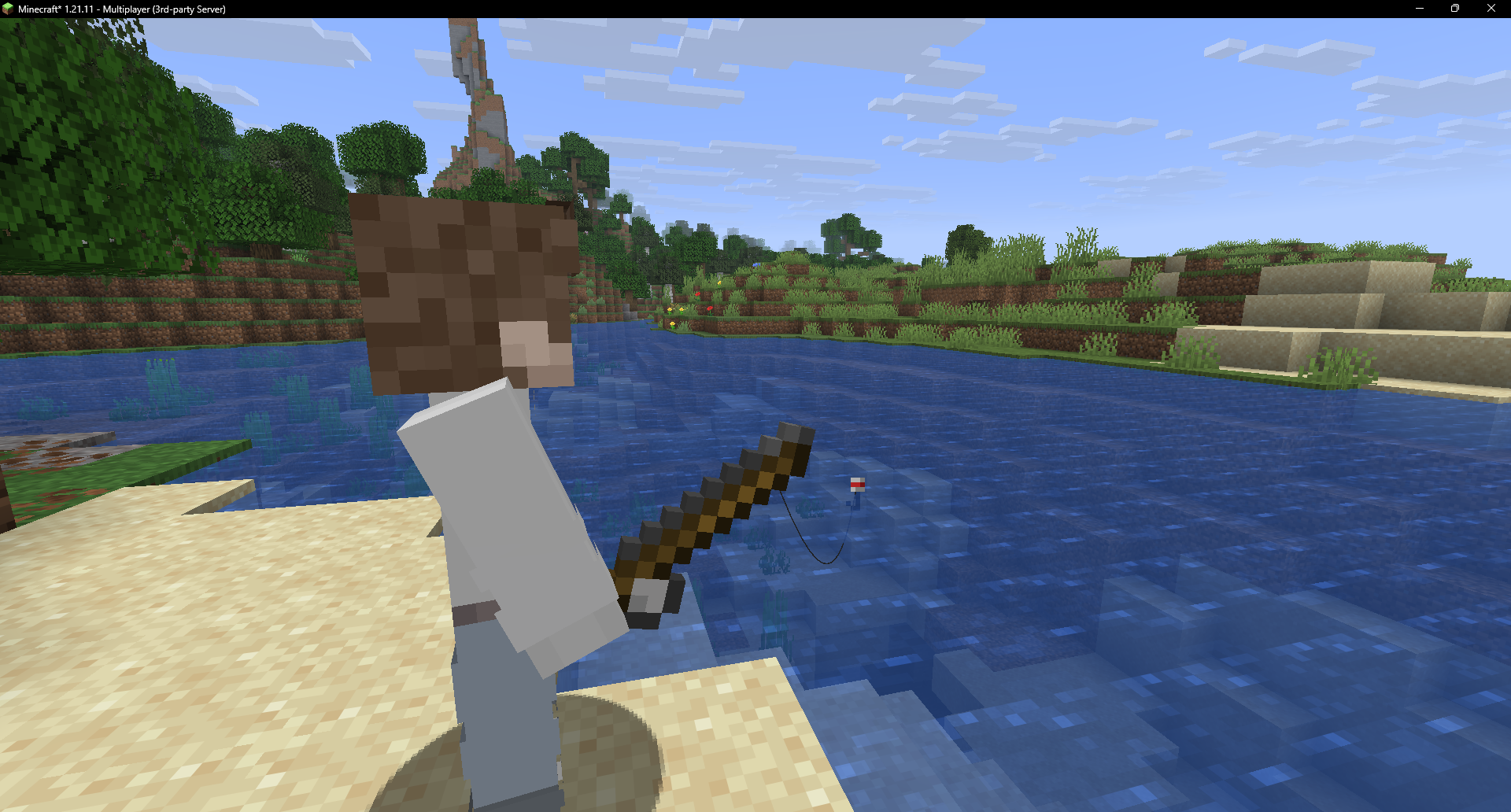 Fisherman casting at the water's edge
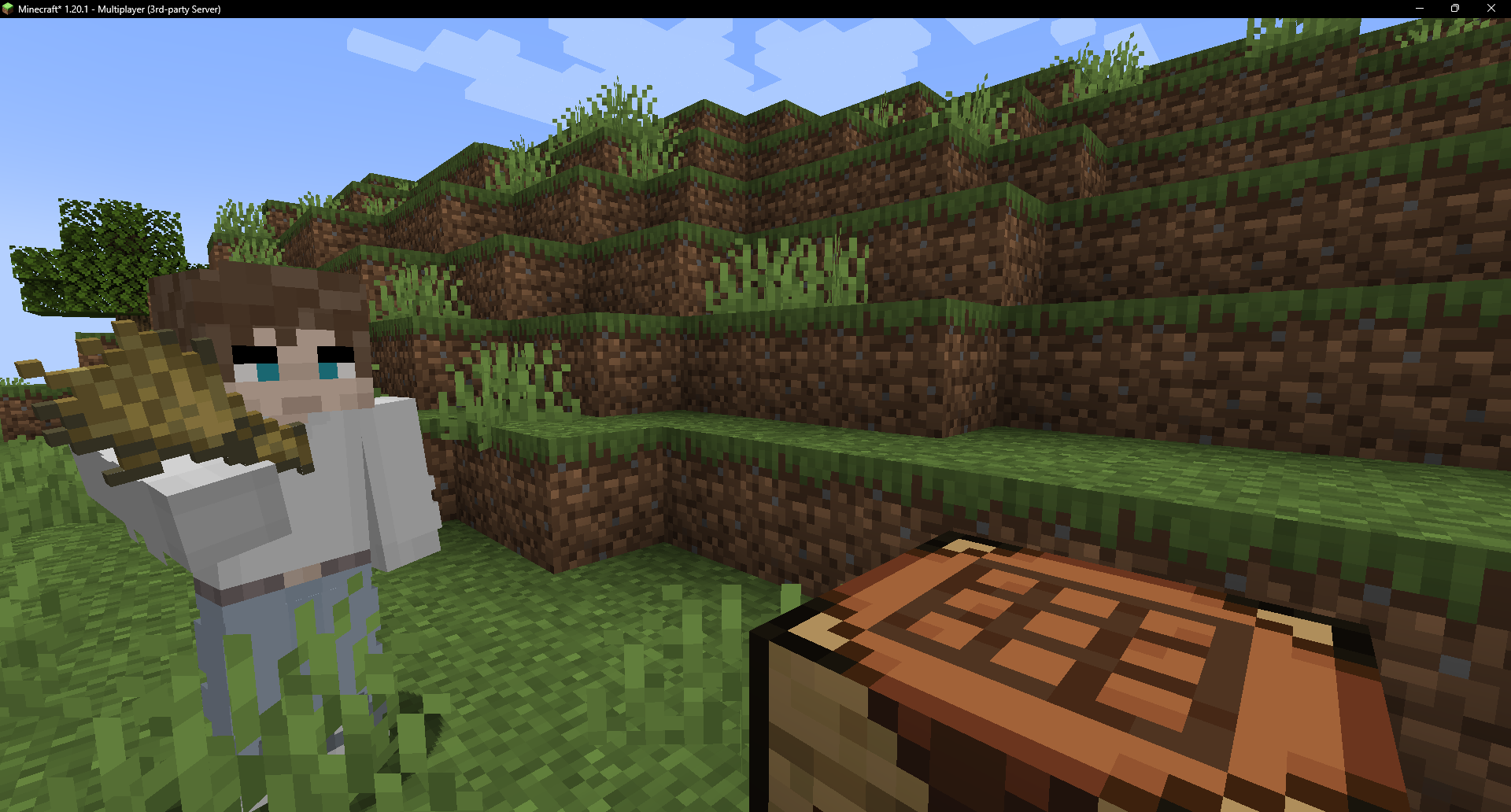 Crafter crafting by hand at its table
🎨 Skins
Name a fake after a player and it wears their skin - always matching. Also:
- URL -
/players url <entity> <url> - Trending - browse and apply from the in-game list (shift + right-click).
- Slim & classic both supported.
🛠️ Get one
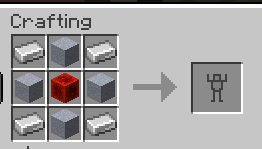
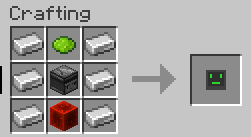
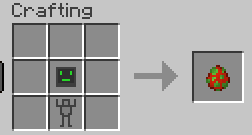
Craft a Robot Shell and a Robot AI and combine them in a crafting table (or use a Player Spawn Egg).
🔗 Links
🙏 Credits
- Jeryn - skin API and downloading code.
The Fake Player Team


Owner