


ExplosionVisualizer
Use real-time 3D rendering to display various information about the explosion
This mod is a powerful tool. It can simulate and display various details of explosions in real-time, including explosion rays, blocks that will be destroyed, the explosion center, estimated damage to nearby entities, and sample points of entities about to be affected. #IMPORTANT Please check the Changelog for the latest updates!
BASIC COMMANDS /explosionVisualizer mainRender <toggle> <- #Enable Rendering
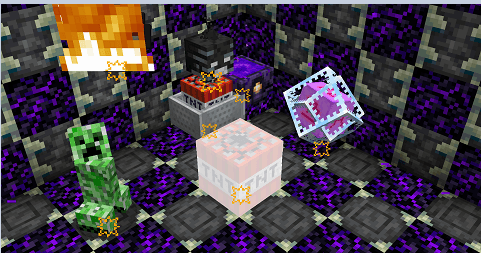
/explosionVisualizer renderBlockDestruction <toggle> <- #Enable block destruction projection rendering Block destruction projection
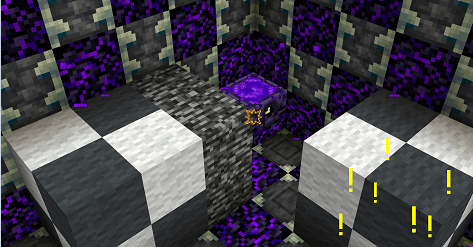
/explosionVisualizer rendererEntityDamage <toggle> <- #Enable entity damage projection rendering Replace this with a description
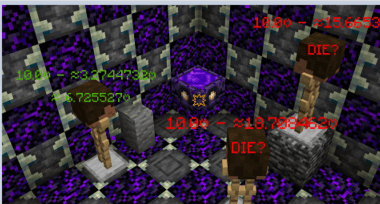
/explosionVisualizer rendererEntityRaycast <toggle> <- #Enable entity sample-points & raycast rendering Replace this with a description
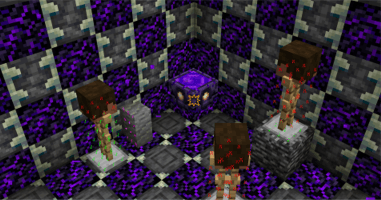
/explosionVisualizer renderExplosionBlockDetectionRay <toggle> <- #Enable explosion sample-points & raycast rendering Replace this with a description
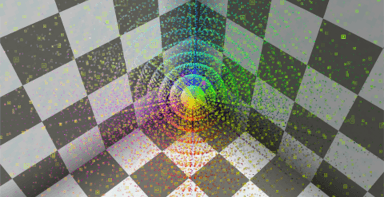
ADDITIONAL COMMANDS /explosionVisualizer fakeExplosion add <name> <x> <y> <z> <power> <IgnorBlockInSide(Boolean)> <-#create fake explosions Replace this with a description
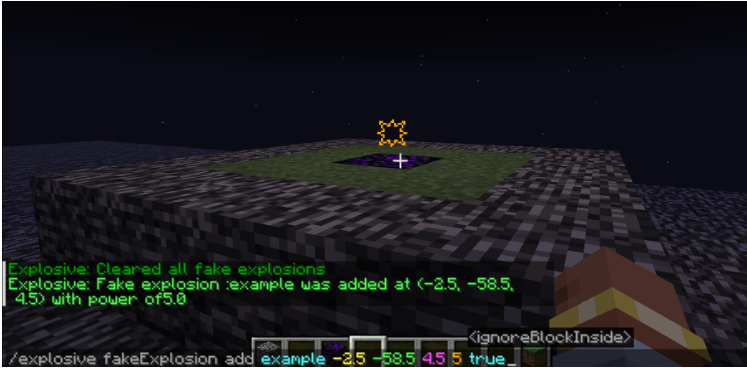
/explosionVisualizer fakeExplosion add <name> <x> <y> <z> <power> <IgnorBlockInside(Boolean)>
<name> : <String>(a name) <x> <y> <z> : <Float> <Float> <Float> (Explosion center's position) <power> : <Float> (Explosion power) <ignoreBlockInside> : <Boolean> (Sometimes the explosion center is inside a block, which affects the evaluation of the explosion. Enabling this option will ignore the block at the explosion center) /explosionVisualizer fakeExplosions remove <name> <-#remove the fake explosion by name
/explosionVisualizer fakeExplosions removeall <-#remove all the fake explosions Replace this with a description
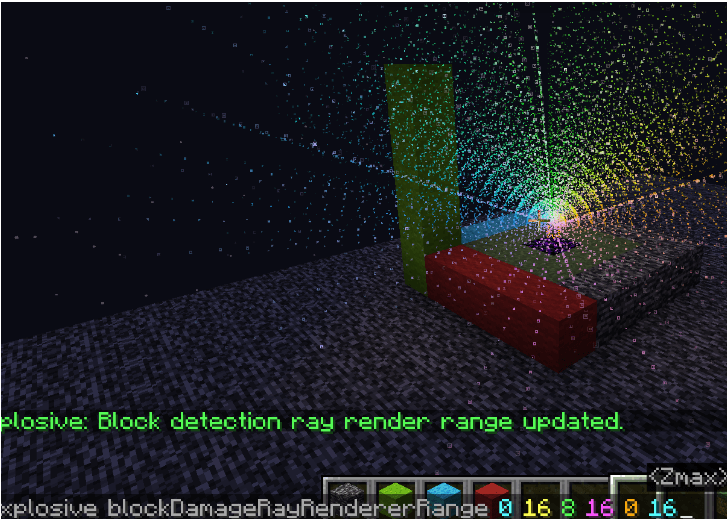
/explosionVisualizer blockDamageRayRendererSettings range <Xmax> <Xmin> <Ymax> <Ymin> <Zmax> <Zmin>
/explosionVisualizer blockDamageRayRendererSettings range <Xmax> <Xmin> <Ymax> <Ymin> <Zmax> <Zmin>
<Xmax> : <Int(0<sub>16)> <Xmin> : <Int(0</sub>16)> <Ymax> : <Int(0<sub>16)> <Ymin> : <Int(0</sub>16)> <Zmax> : <Int(0<sub>16)> <Zmin> : <Int(0</sub>16)> In Minecraft, 1532 rays are emitted from the center of the explosion towards the outermost layer of a 16x16x16 voxel grid surrounding the explosion center. (See" https://minecraft.fandom.com/wiki/Explosion" for details.)
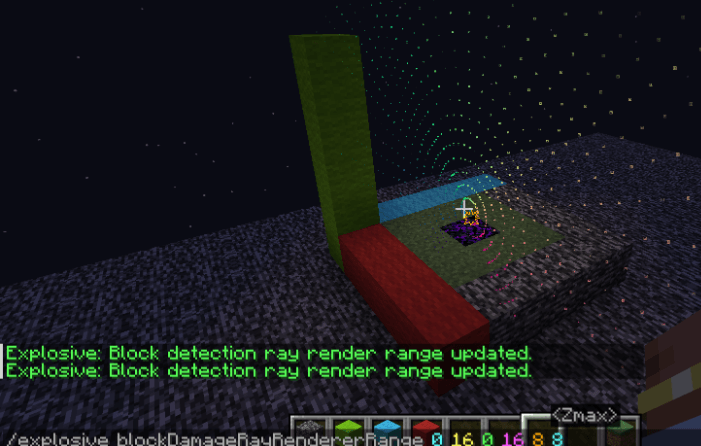
Displaying them all together can look very cluttered. This command allows you to slice these rays for easier viewing.
<Xmax> : <Int(0<sub>16)> <Xmin> : <Int(0</sub>16)> <Ymax> : <Int(0<sub>16)> <Ymin> : <Int(0</sub>16)> <Zmax> : <Int(0<sub>16)> <Zmin> : <Int(0</sub>16)> are filters to limit the range. Here are some examples..
(0 16 0 16 88)
(0 7 5 16 6 16)
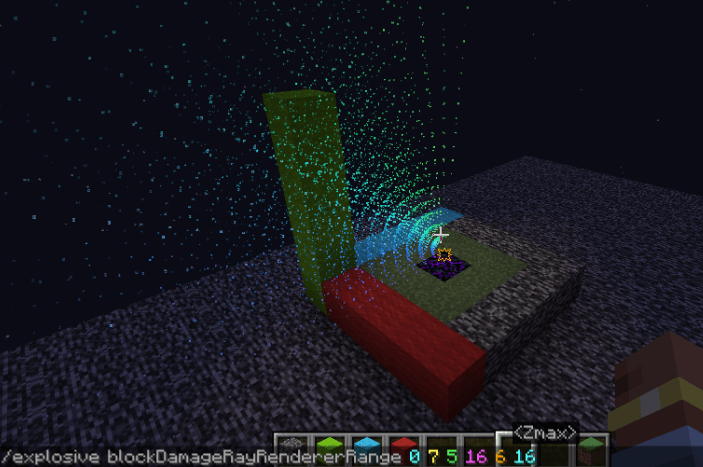
(0 16 8 16 0 16)
The ExplosionVisualizer Team

