settings.png

Description

EssentialAdditions
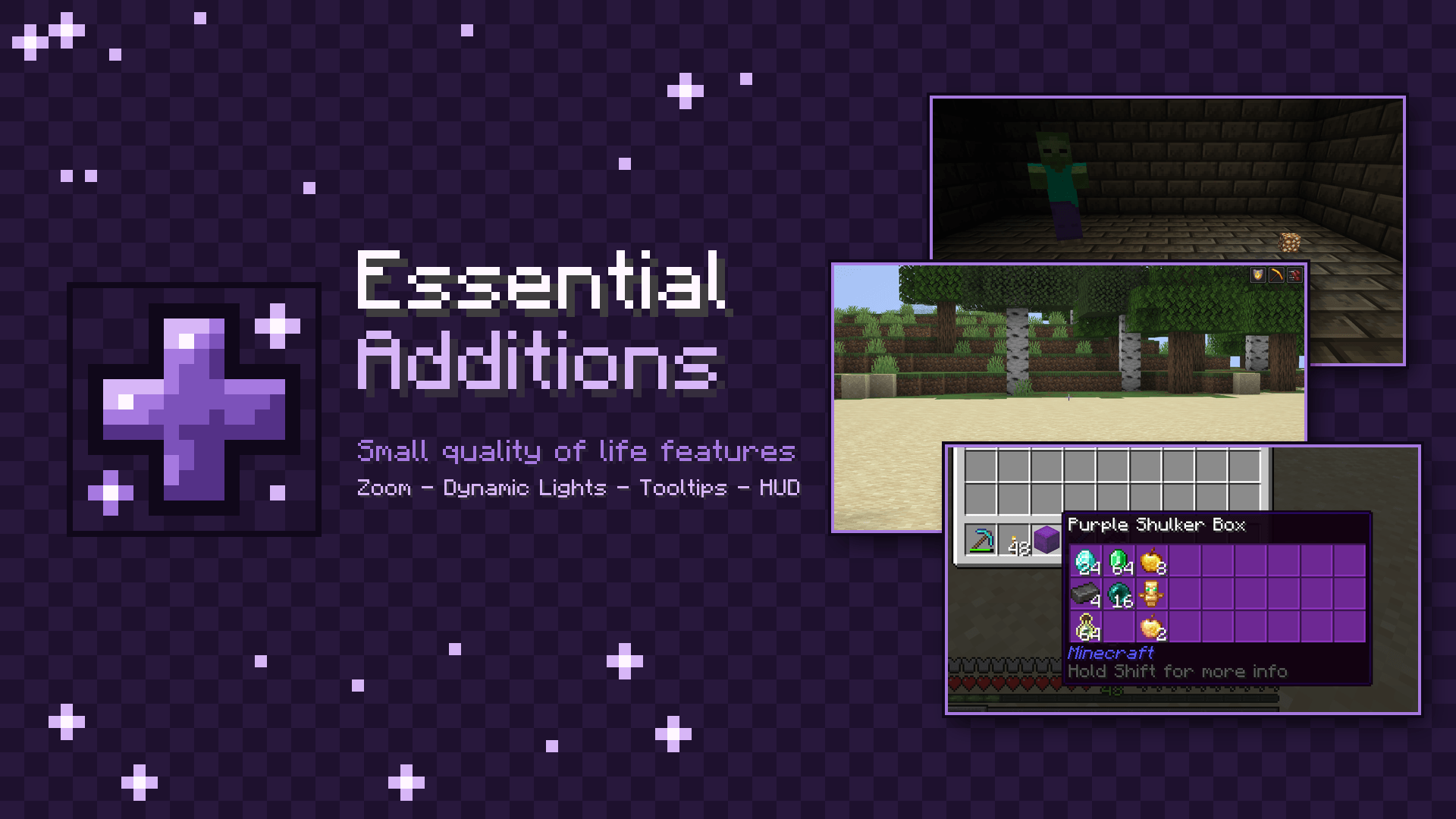
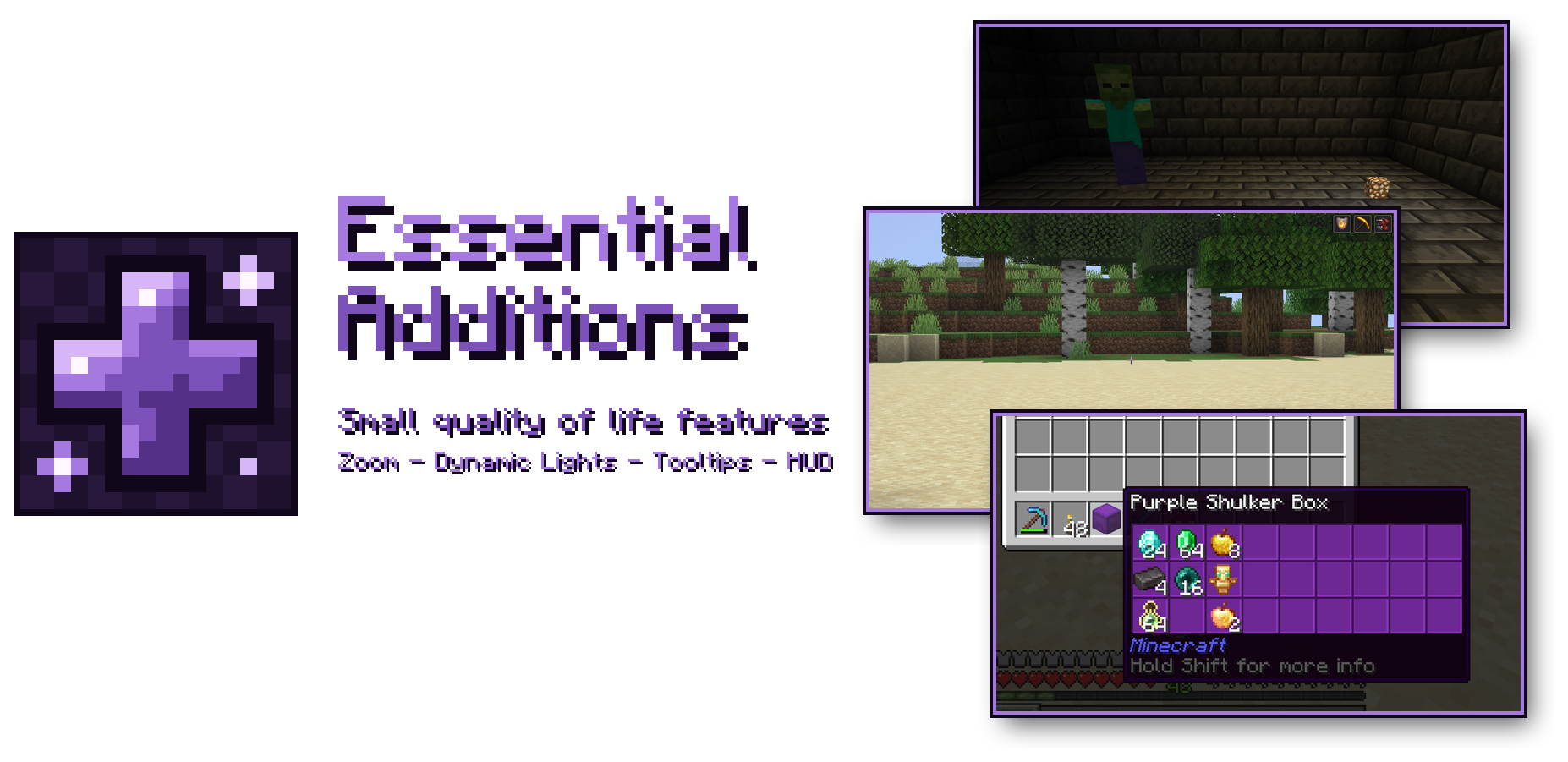
Many small quality of life features in one client-side mod.
Zoom, dynamic lights, better tooltips, HUD elements and more, each one switchable and configurable in one settings window.
Features
Every feature can be turned on or off on its own, and every one has its own settings.
Zoom
Zoom like OptiFine or Zoomify, on C by default.
- Hold the key or press it once to toggle
- Scroll while zooming to zoom further in or out (up to 50x)
- Smooth animations, smooth scrolling and adjustable durations
- Lower mouse sensitivity the further you zoom in, so aiming feels the same
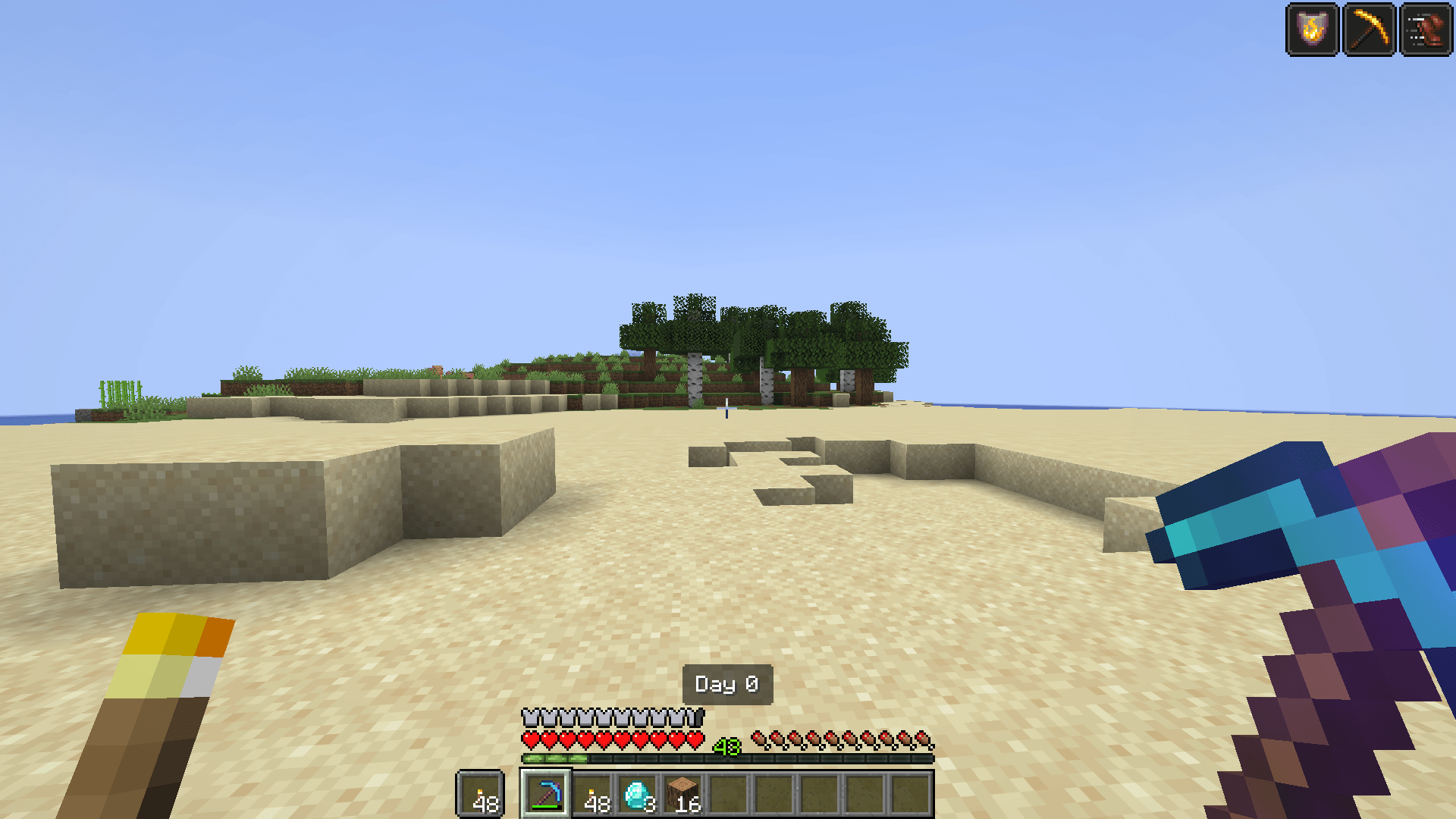
- Optional cinematic camera; the hand is hidden while zooming
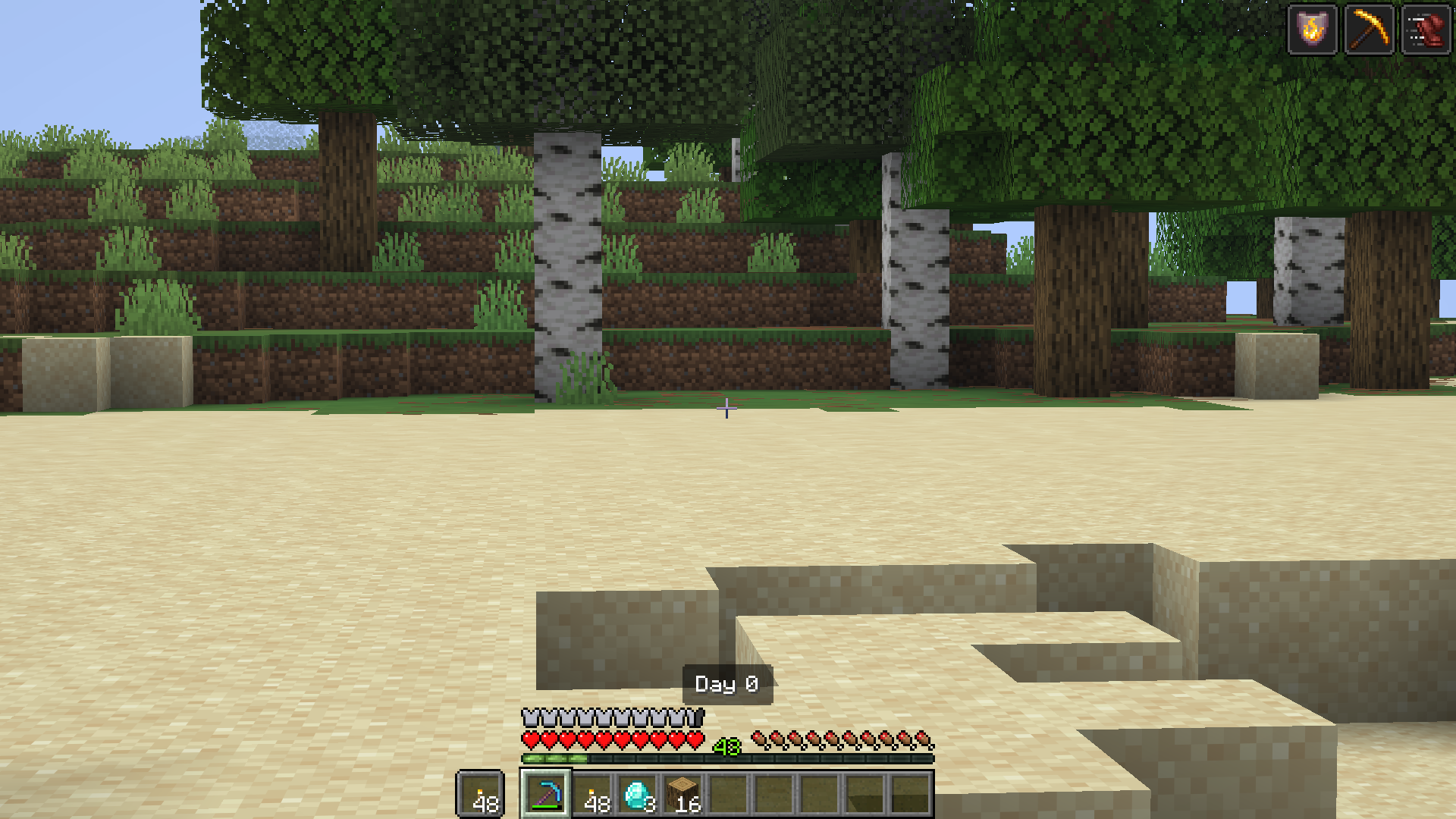
Dynamic Lights
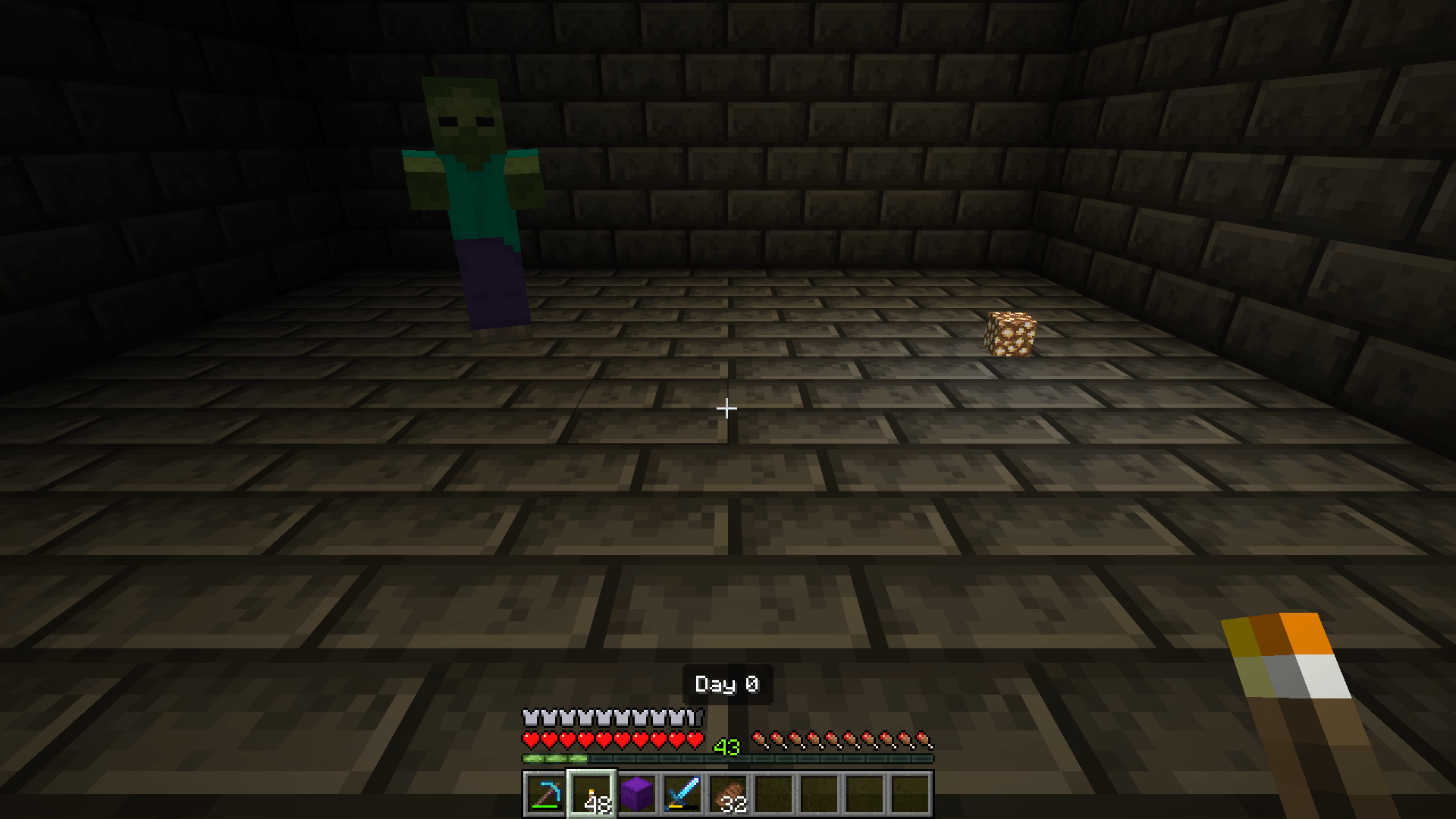
Light sources light up their surroundings while they move, like LambDynamicLights.
- Torches, lanterns, glowstone and other light items in your hands or in the hands of other players and mobs
- Dropped light items on the ground
- Burning mobs and players, glowing mobs like blazes, magma cubes and glow squids, fireballs, lit TNT and creepers that are about to explode
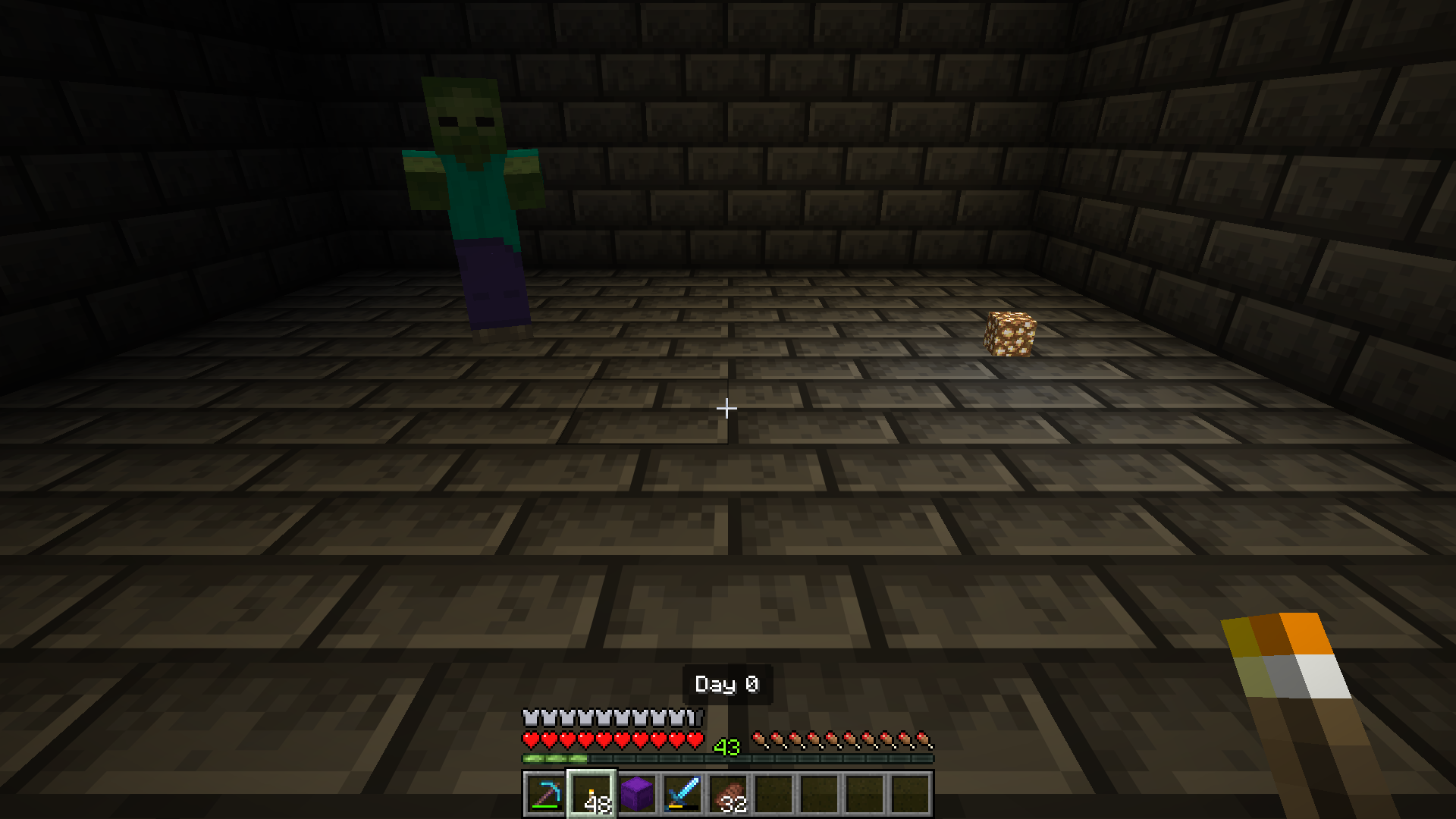
Advanced Tooltips
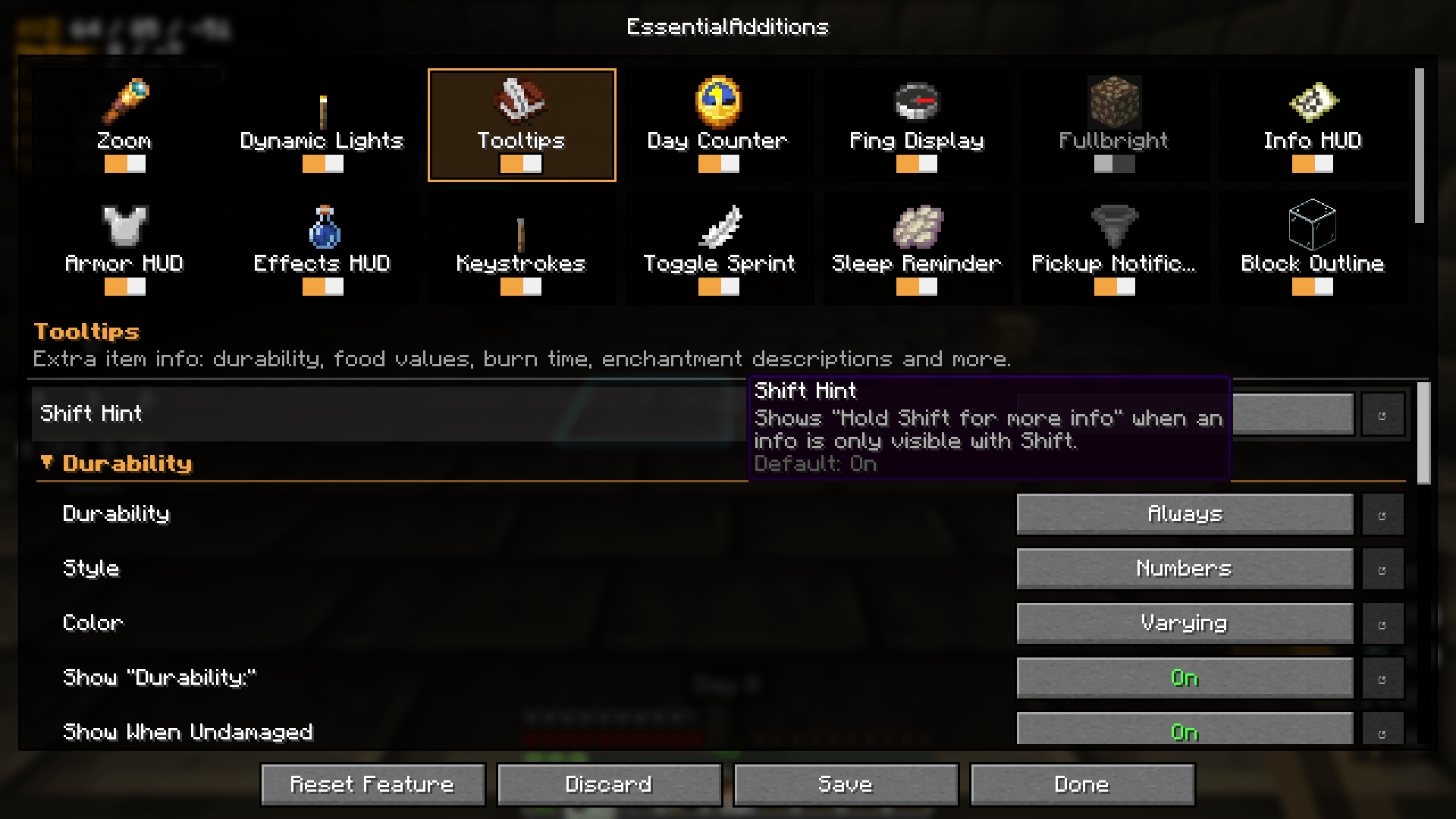
More information on items. Each line can be shown always, only while holding Shift, or never.
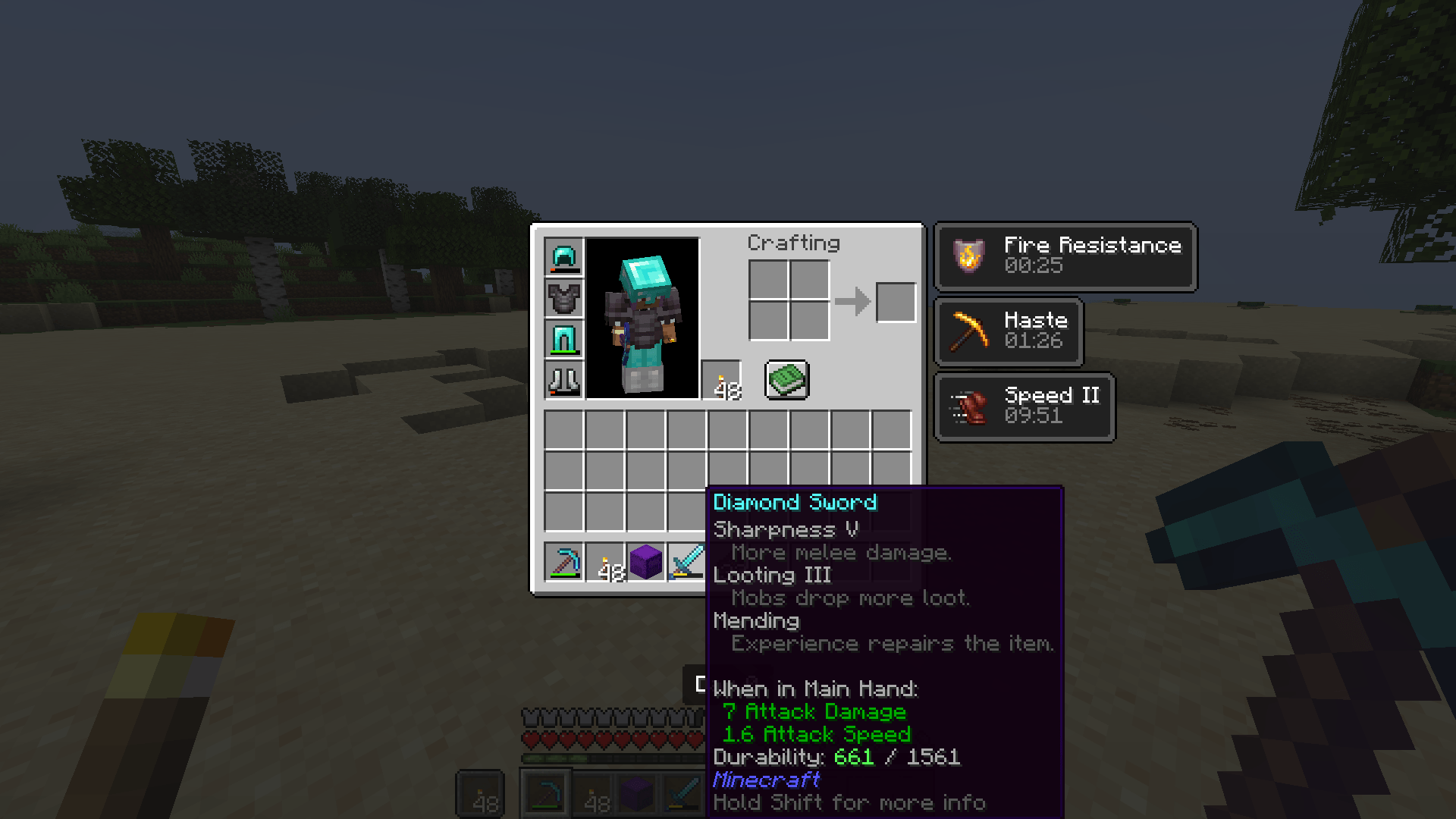
- Durability as numbers or a bar, colored by the remaining durability
- Food values: hunger and saturation
- Burn time of fuels in the furnace
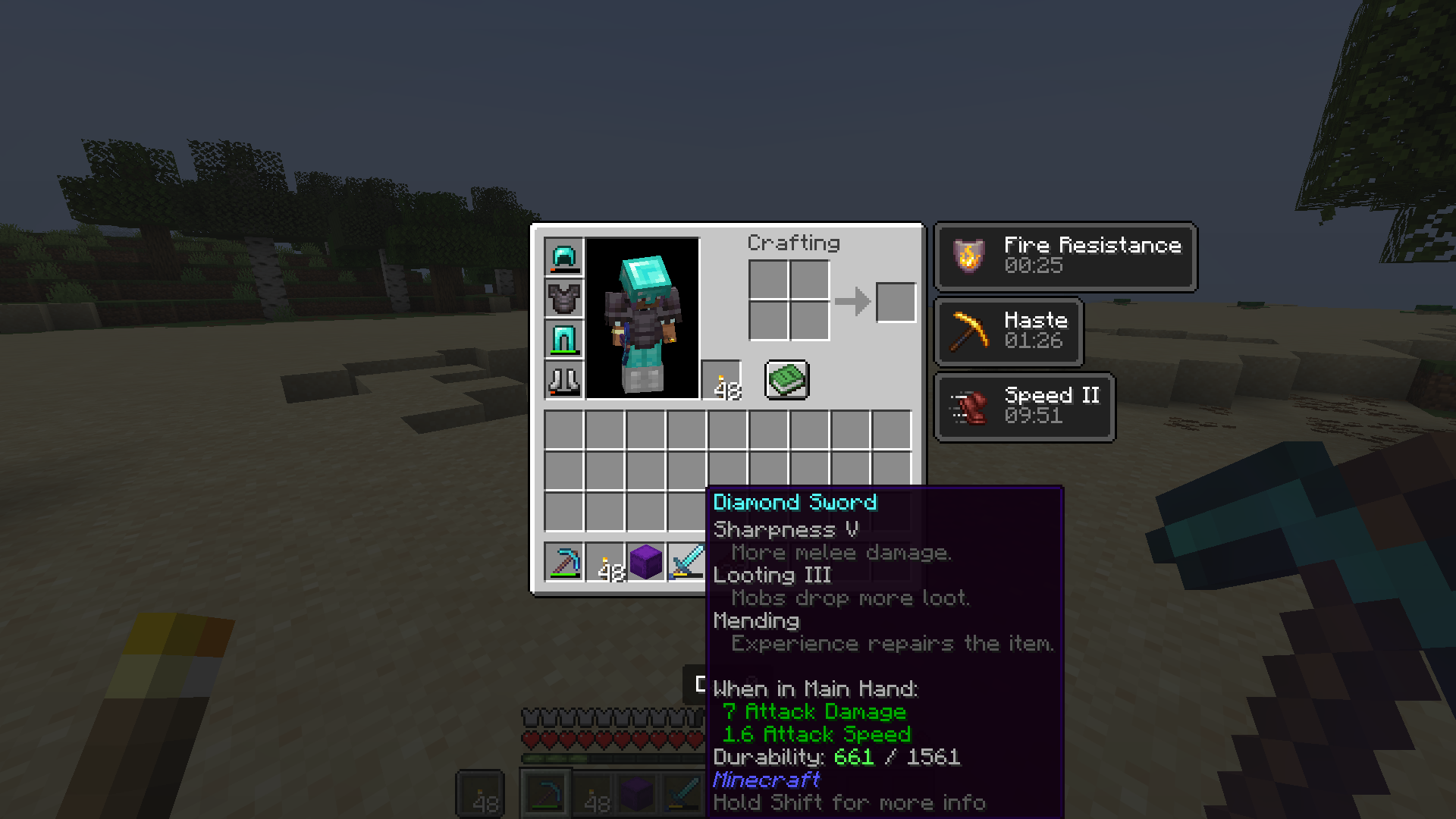
- Enchantment descriptions under every enchantment
- Repair cost in the anvil, mining speed and tier of tools
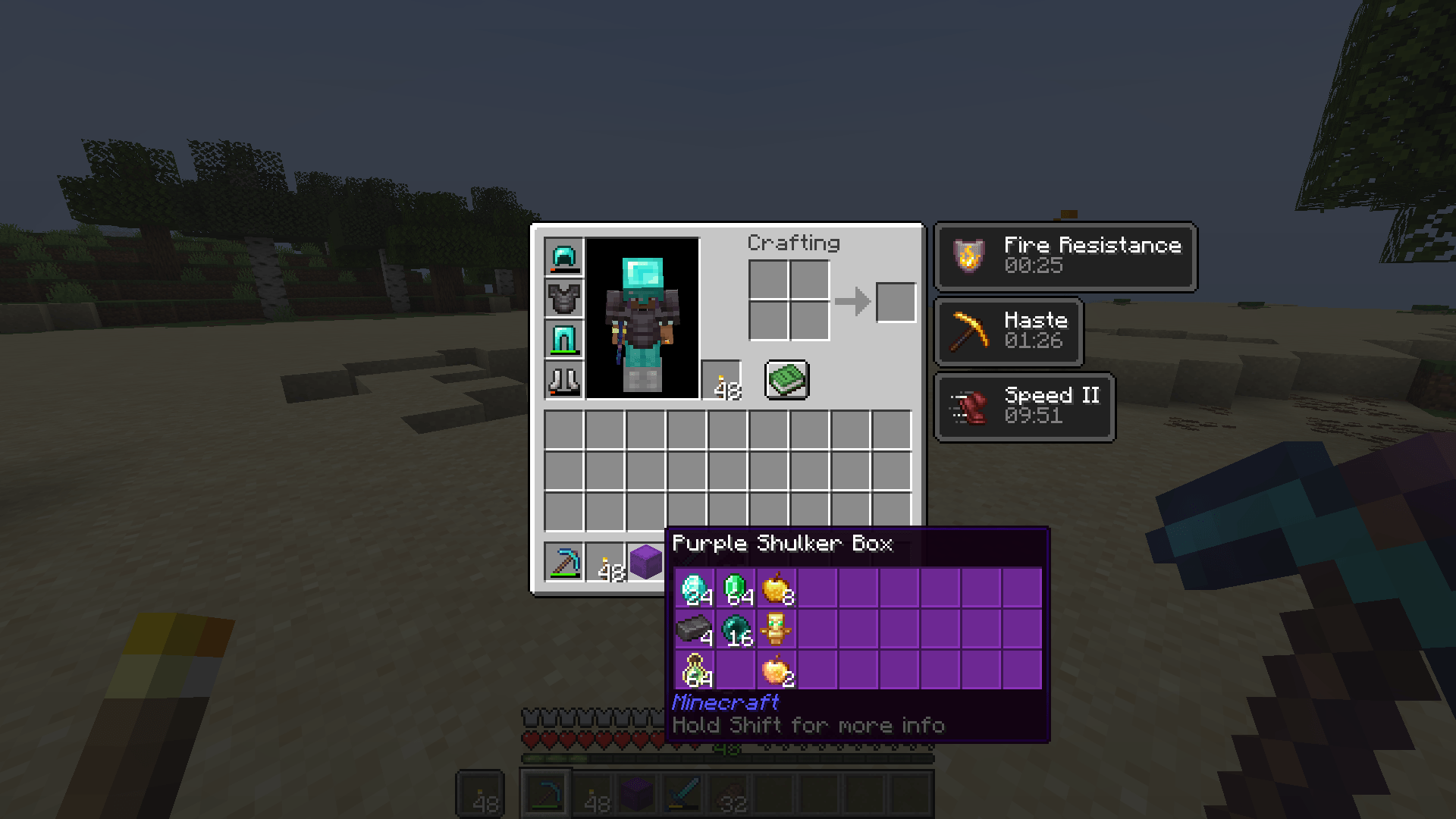
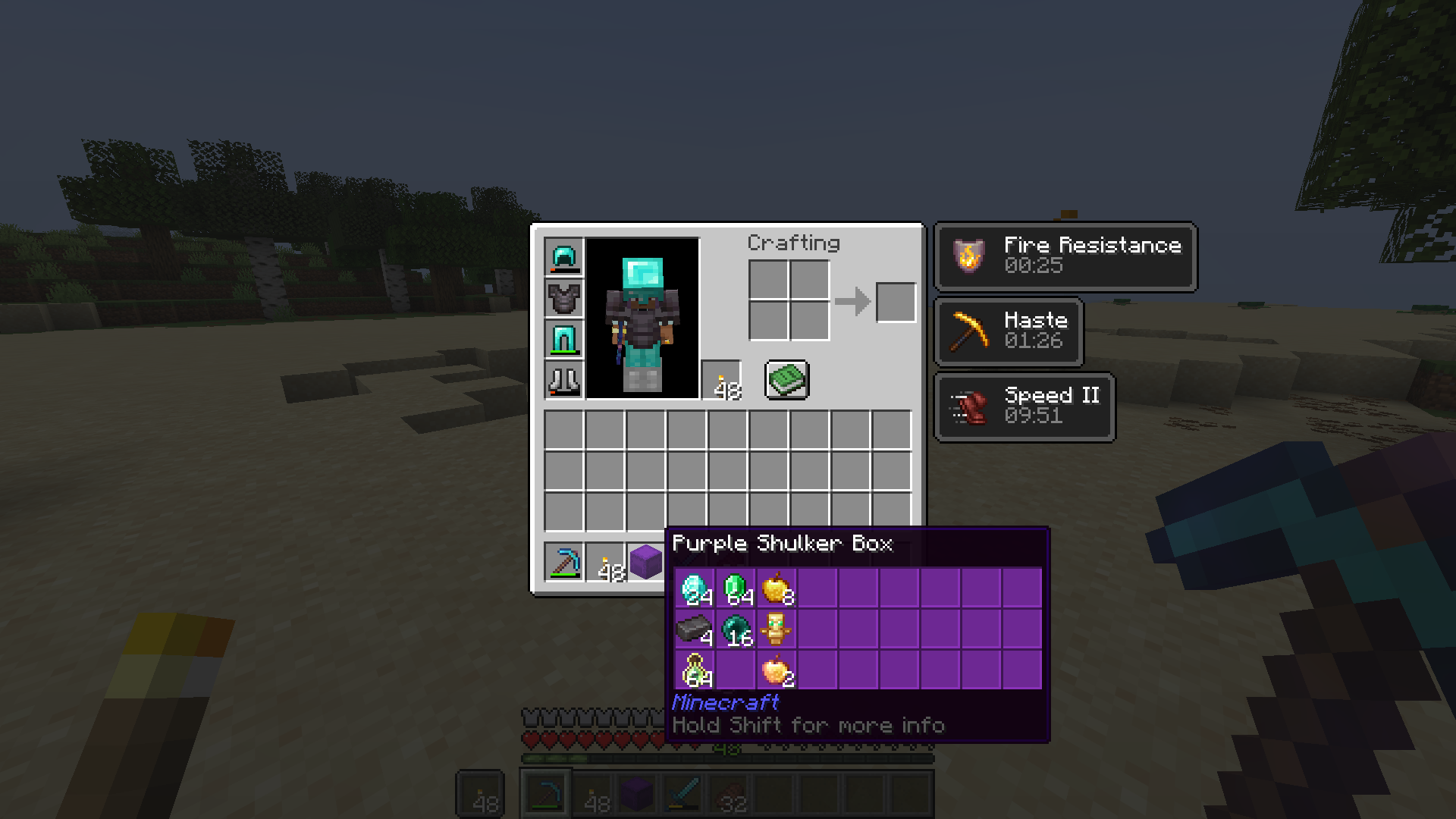
- Container preview for shulker boxes and other containers, plus your ender chest
- Map preview of filled maps
- Mod name and item id
| Shulker box preview | Enchantment descriptions |
|---|---|
 |
 |
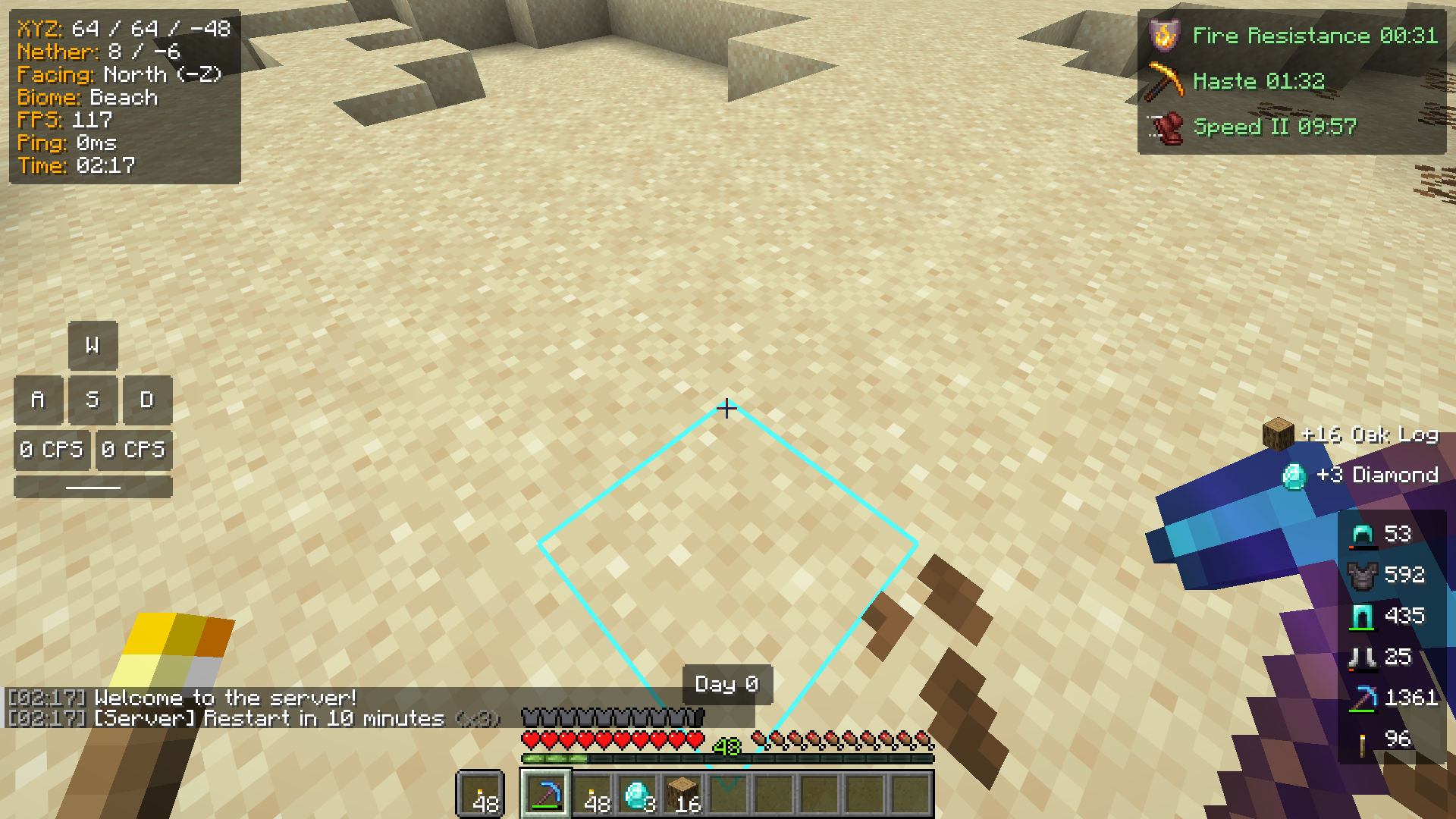
HUD
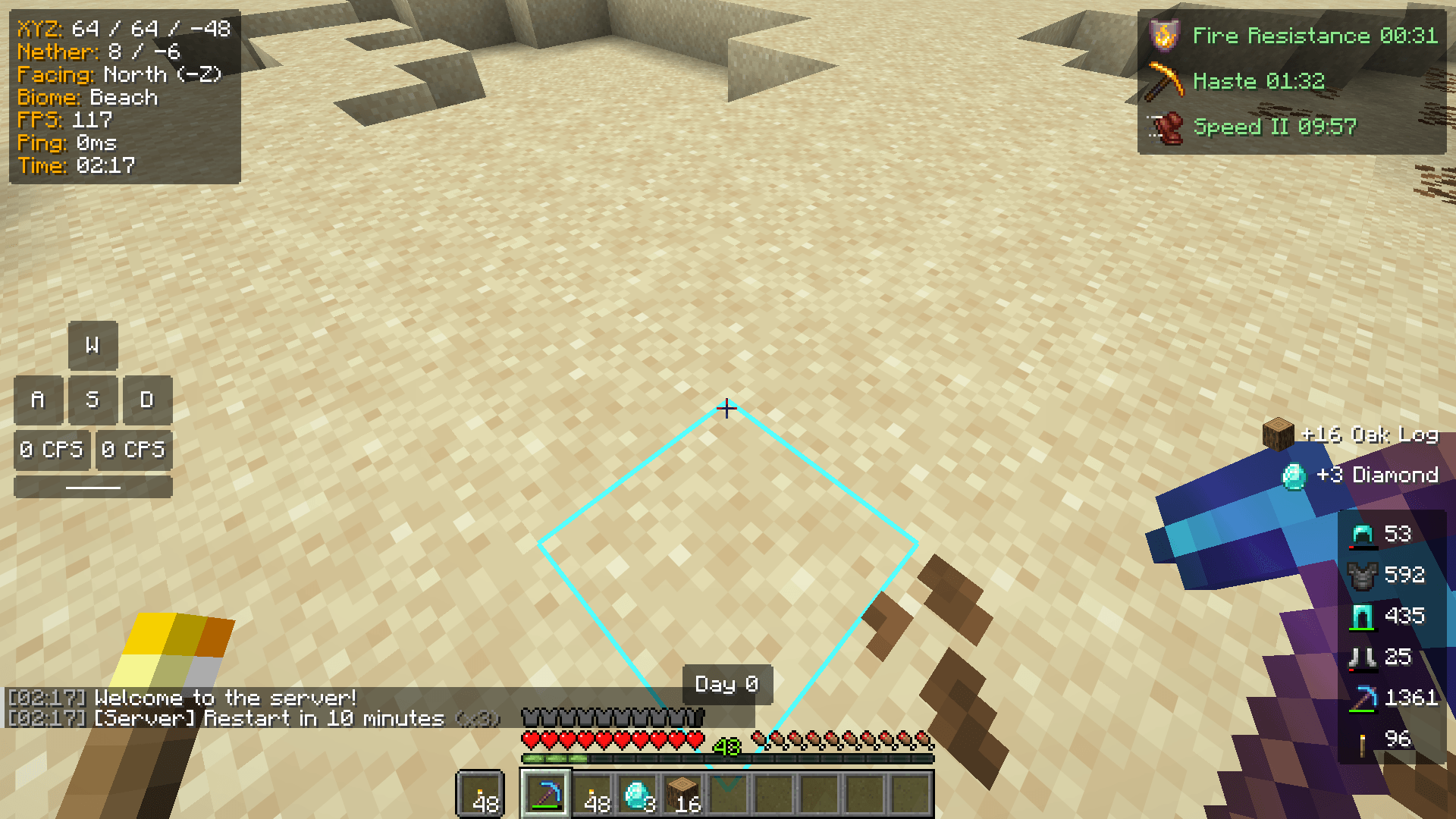
All HUD elements can be moved, scaled and styled in the HUD editor.
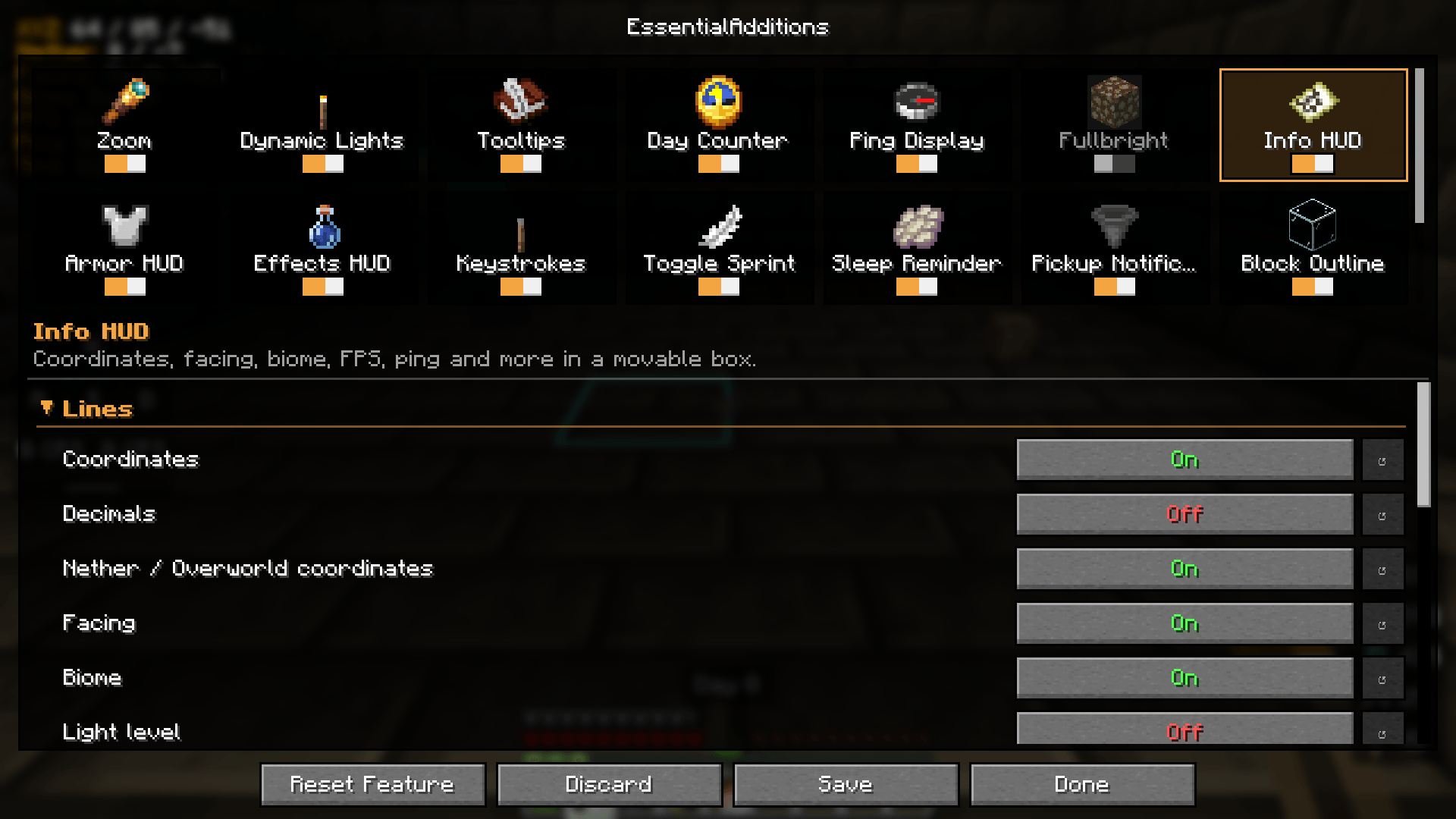
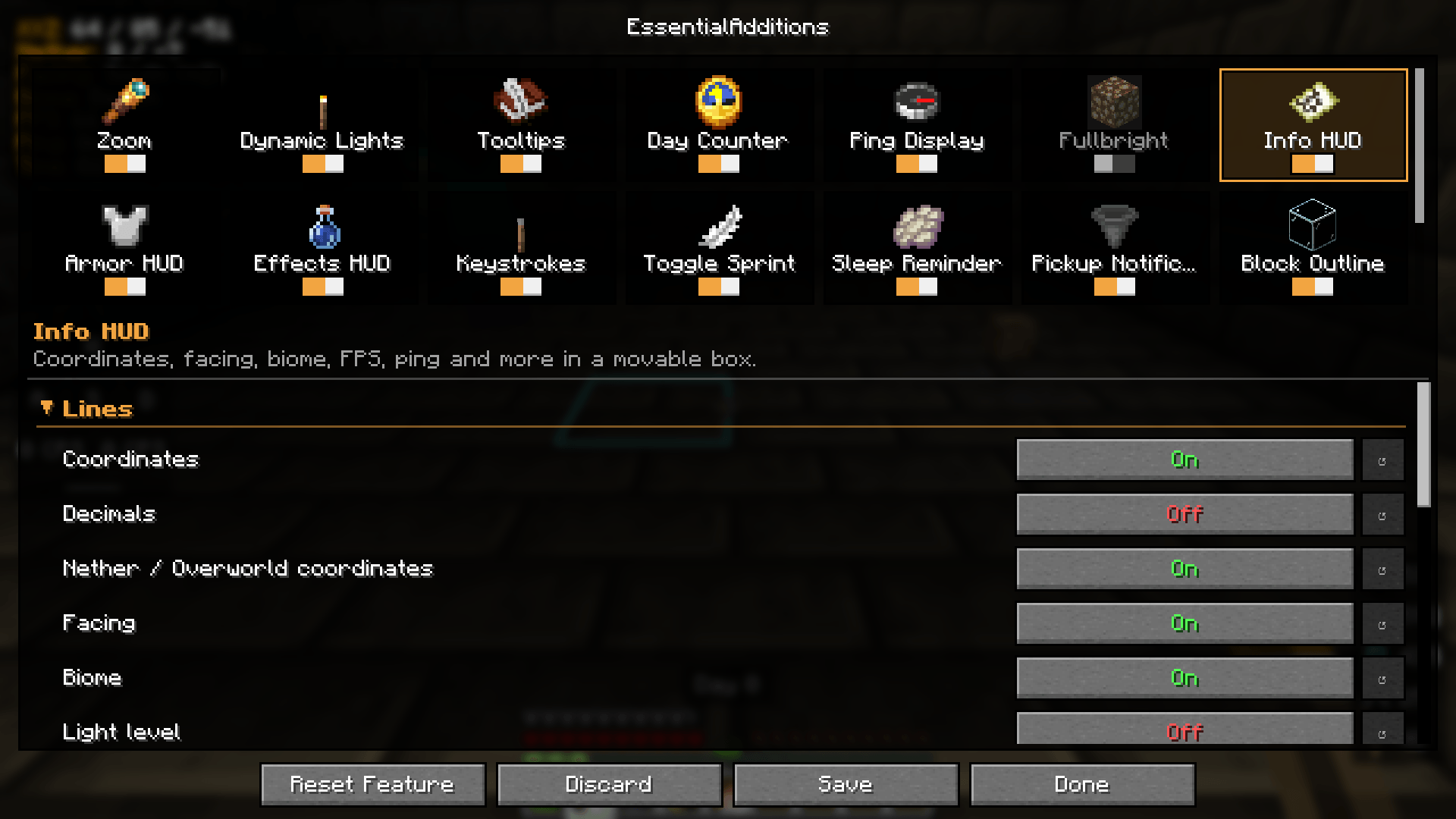
- Info HUD: coordinates, Nether/Overworld coordinates, facing, biome, FPS, ping, light level, clock and more
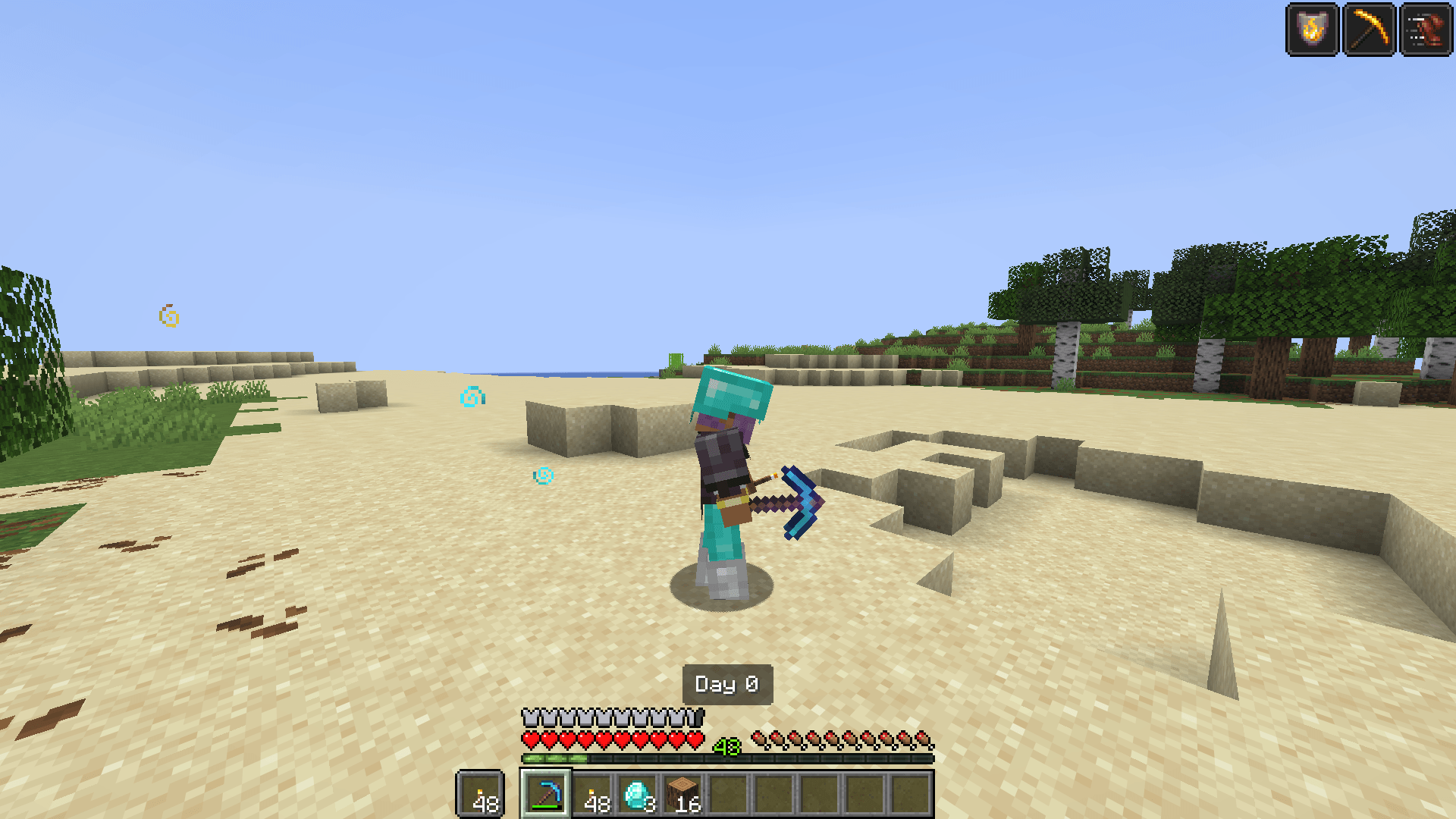
- Armor HUD: armor and held items with durability and a warning before something breaks
- Effects HUD: status effects with name, level and remaining time
- Keystrokes: movement keys, jump and mouse buttons with clicks per second
- Pickup Notifications: "+16 Oak Log" when you pick something up
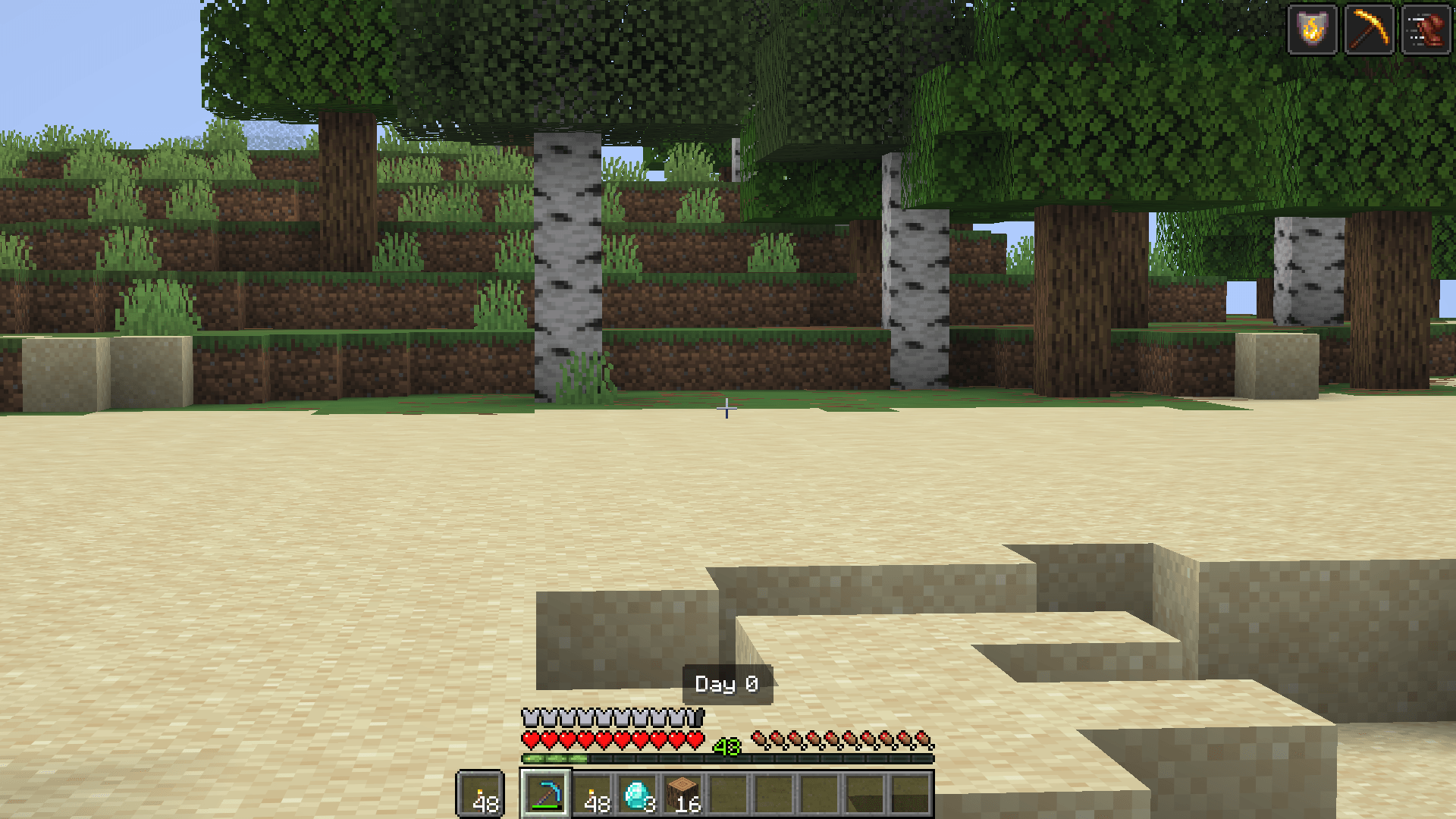
- Day Counter: the current Minecraft day (toggle with H)
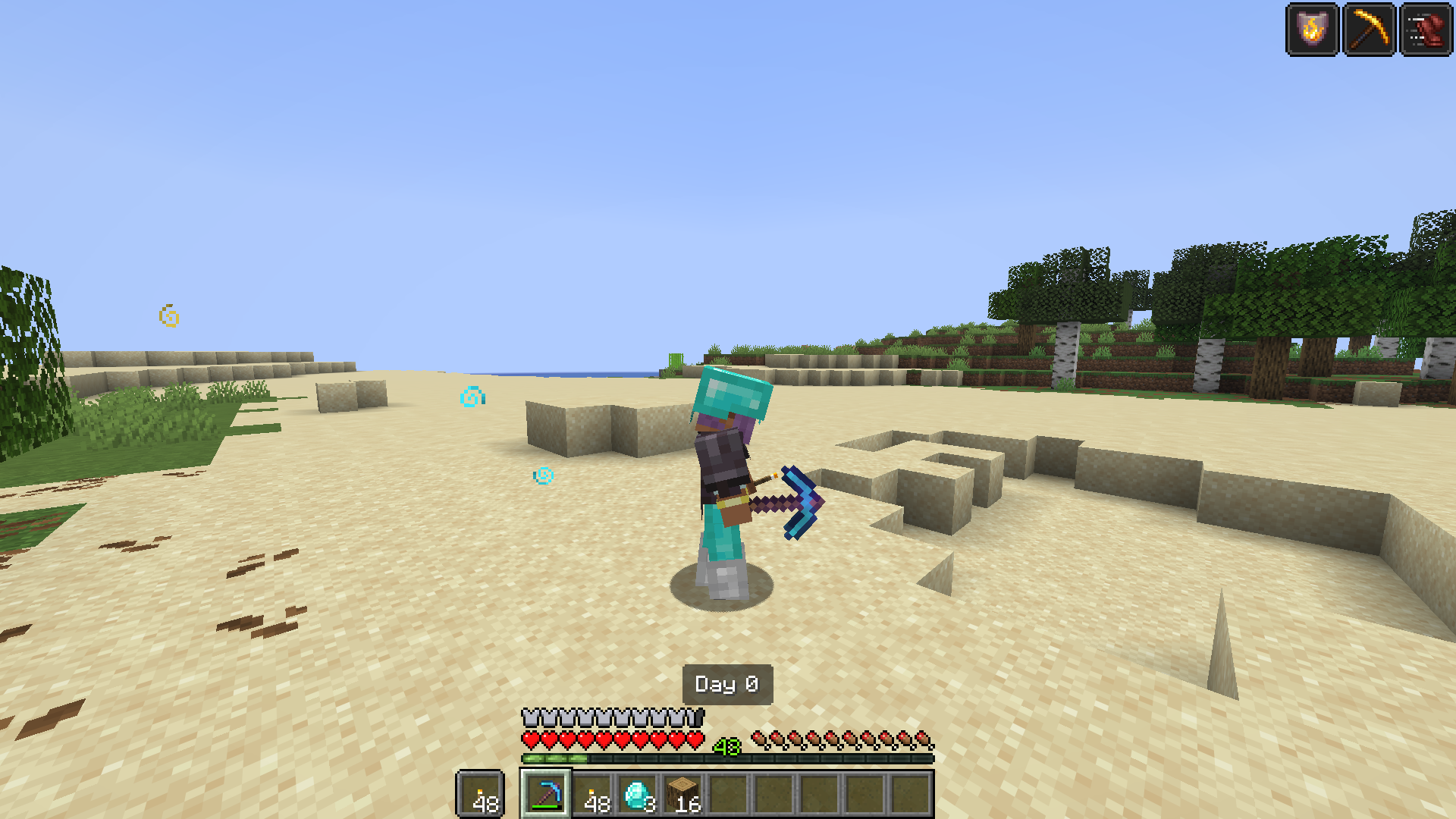
Freelook
Hold Left Alt to look around your character in third person while you keep walking in the same direction.
And more
- Ping Display: the ping as a colored number in the tab list and on name tags
- Fullbright: see everything in the dark, toggled with G
- Toggle Sprint / Sneak: keys that keep you sprinting or sneaking, with a status text
- Sleep Reminder: tells you when you can sleep and warns you before phantoms come
- Block Outline: own color, transparency, thickness or a rainbow for the block outline
- Chat: timestamps, a longer chat history and repeated messages stacked into one line (
(x3)) - Inventory Sorting: sort your inventory or a chest with R or a middle click, also in creative
Settings
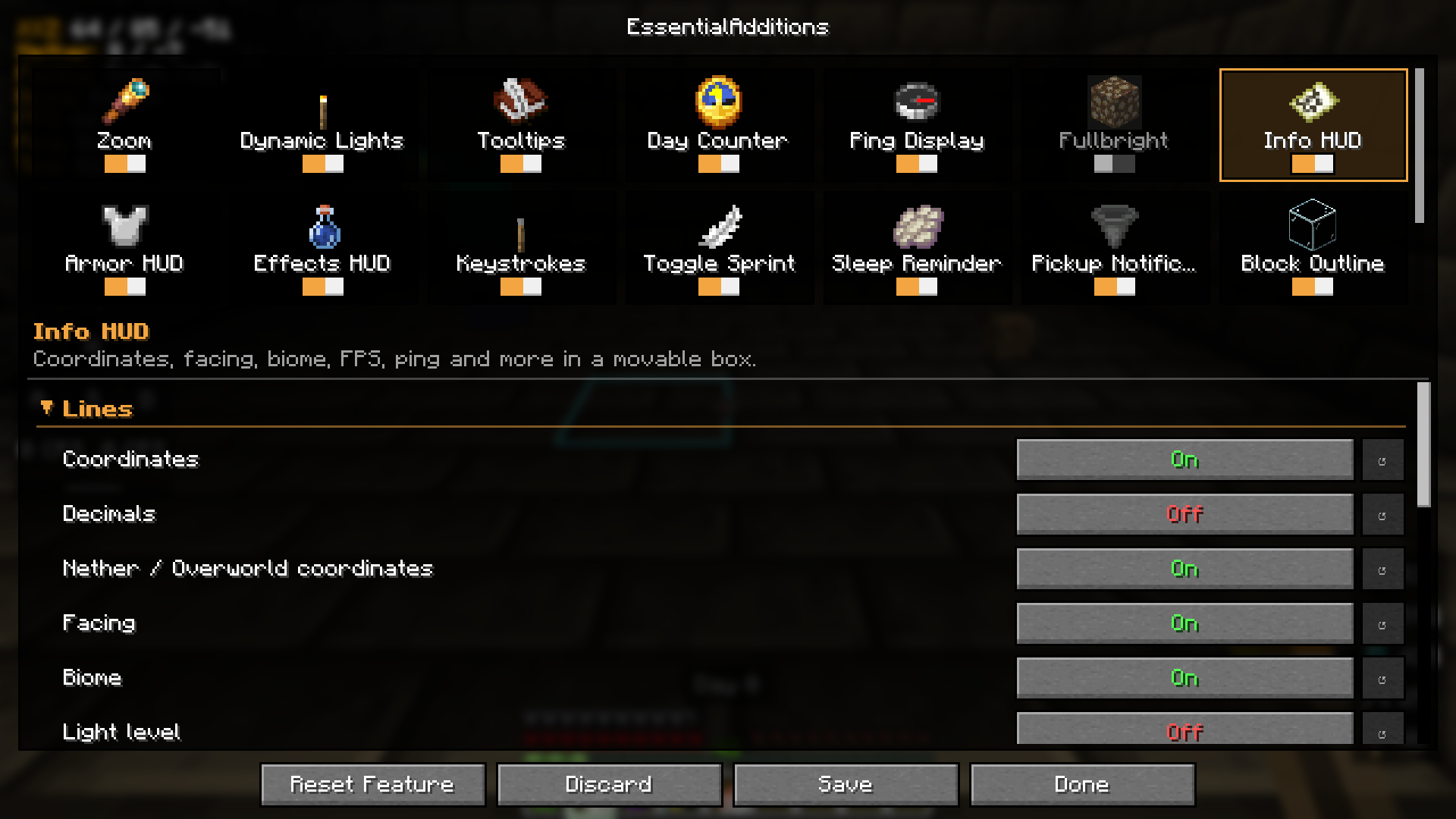
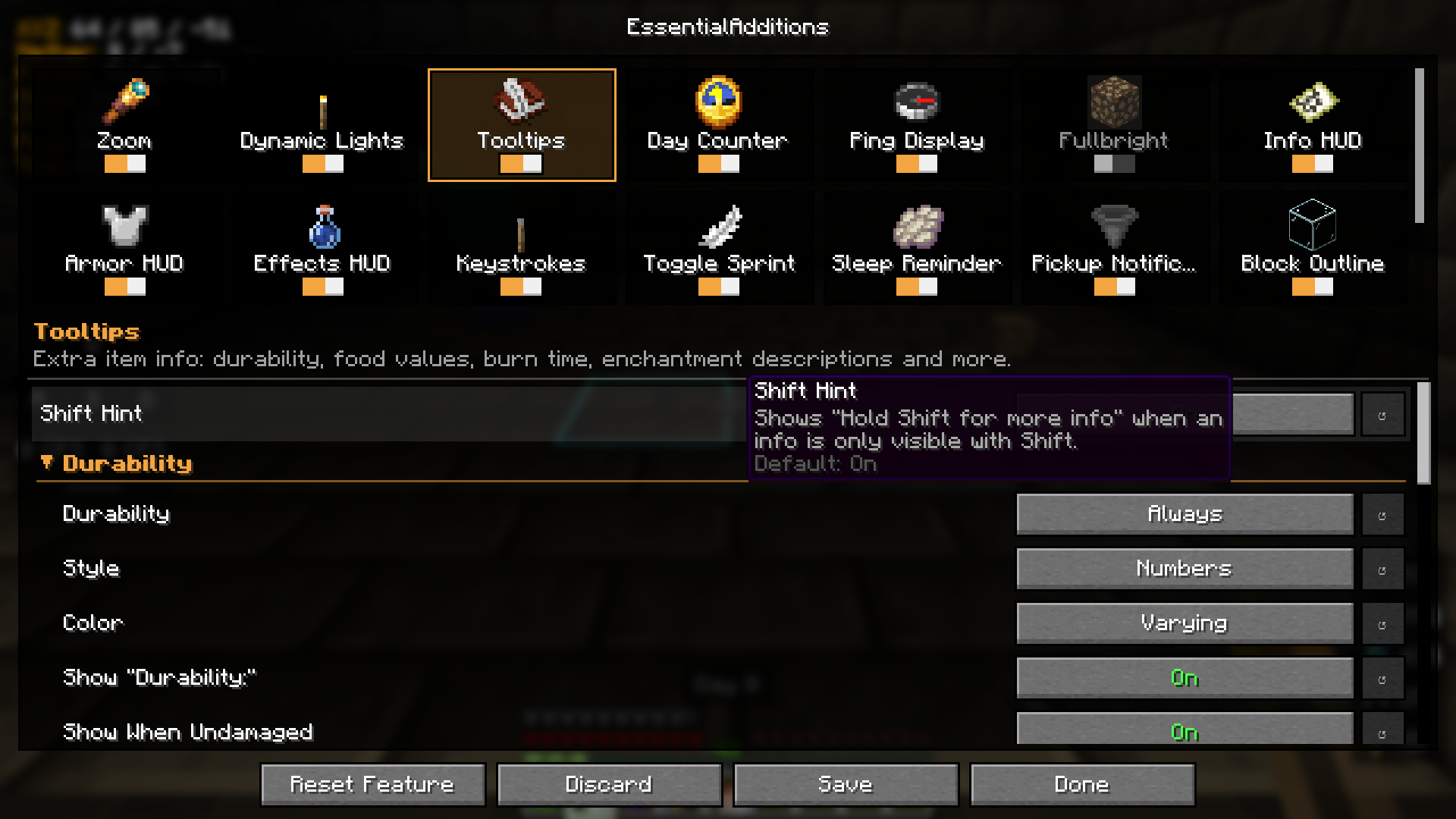
Open the settings with /esad or from the TabbyLib menu. Every feature is a card with an
on/off switch; click a card to see all of its options. Hover over an option to see what it does.
| Feature cards | Options of a feature |
|---|---|
 |
 |
Each feature saves its settings in its own file in config/esad/. All keys can also be changed in the vanilla
controls menu under "EssentialAdditions".
| Key | Default |
|---|---|
| Zoom | C |
| Freelook | Left Alt |
| Fullbright | G |
| Toggle Day Counter | H |
| Sort Inventory | R |
| Toggle Sprint / Toggle Sneak | not bound |
Requirements
- Minecraft 26.1, 26.1.1, 26.1.2, 26.2 or 26.3
- Fabric Loader and Fabric API
- TabbyLib 1.1.0 or newer
EssentialAdditions is client-side only. It works on any server, including vanilla servers, and does not need to be installed on the server.
Feedback
Found a bug or have an idea? Open an issue on GitHub. All changes are listed in the changelog.
License
This mod is licensed under Creative Commons Attribution-NonCommercial-ShareAlike 4.0 International (CC BY-NC-SA 4.0). See LICENSE.
EssentialAdditions Team

Owner