ERYDON Metrakron
A loading timer that learns how long your Minecraft actually takes to load.
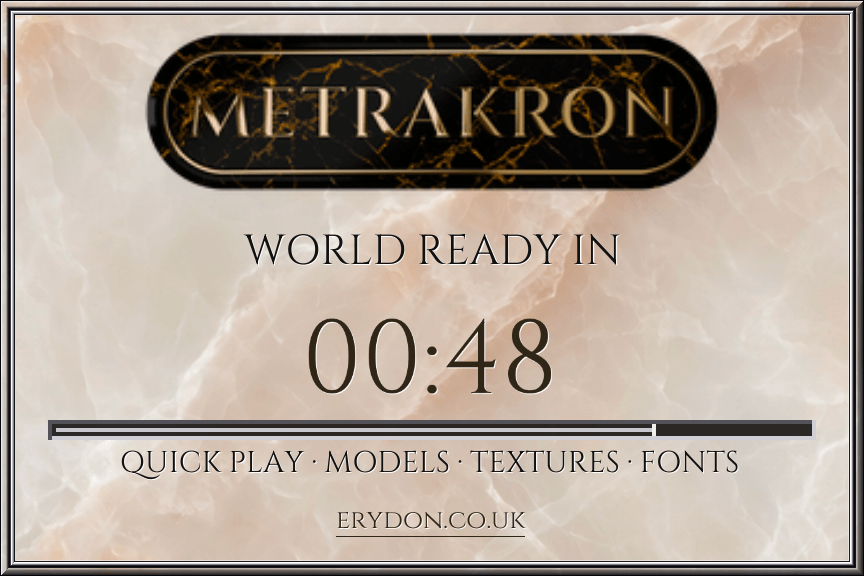
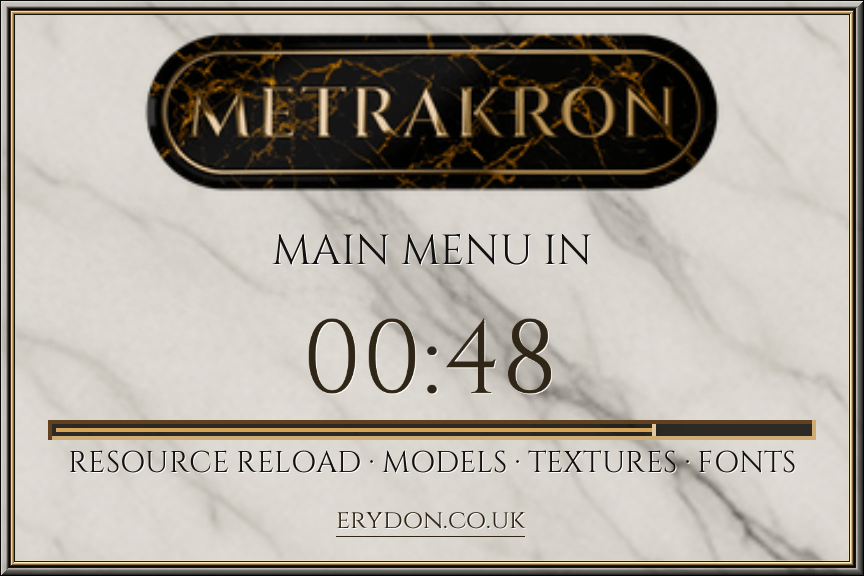
Metrakron measures startup and singleplayer world loading times, then uses your recent completed loads to estimate the wait next time. Its customisable display combines a clear timer with ERYDON stone backgrounds, a choice of fonts and metal inlays.
Metrakron is a client-side Fabric mod and works independently of ERYDON.
A countdown based on your own loading times
On the first load, Metrakron displays LEARNING and counts the elapsed time upwards.
After learning, it estimates the wait using the average of your latest three completed loads. Startup, individual worlds and launcher Quick Play each keep their own relevant history.
If loading takes longer than expected, the display switches to RELEARNING LOAD TIME and shows the extra time elapsed. Cancelled and incomplete loads do not contribute to future estimates.
Metrakron measures time independently. Its countdown does not use Minecraft’s progress bar or loading percentage, and remains an estimate rather than a guaranteed completion time.
What it measures
- Game startup — from the first visible Mojang loading screen until a usable menu or initial screen is ready.
- Singleplayer world loading — from selecting a world until gameplay is ready.
- Launcher Quick Play — one continuous timer from startup into a singleplayer world when launched through a supported world shortcut, including CurseForge and Modrinth.
Quick Play keeps separate loading history for each save, so launching directly into a world does not distort your normal startup or world-loading estimates.
Make it your own
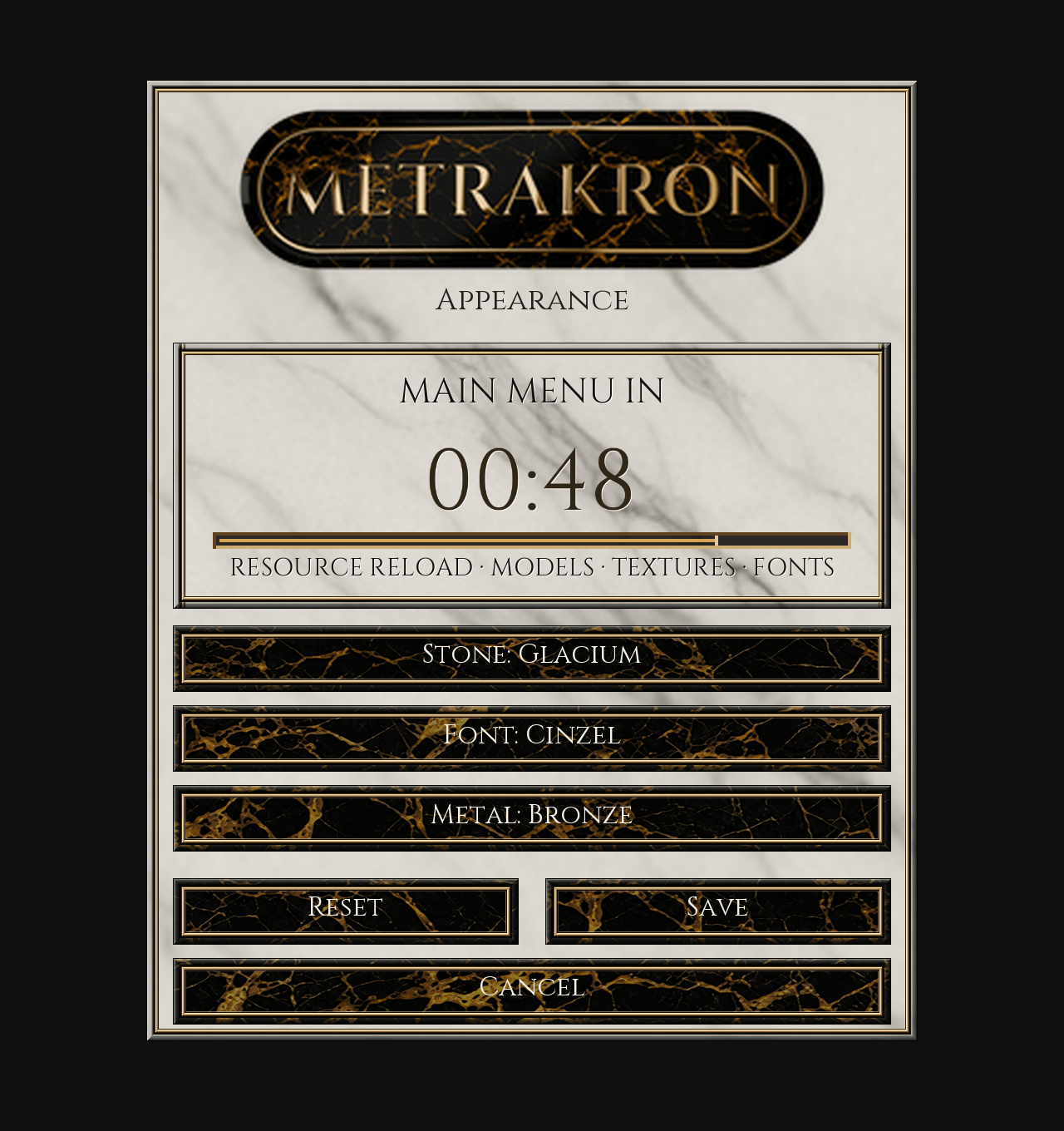
With the matching Mod Menu installed, open Mods → ERYDON Metrakron → Configure to customise the display.
Choose from:
- 27 ERYDON stone backgrounds, with Nerium as the default.
- Three fonts: classical Cinzel, clean Lato or monospaced Space Mono.
- Bronze or silver inlays.
The configuration screen includes an immediate preview. Text colour and shadows adjust automatically for readability.
Mod Menu is optional; Metrakron’s timer works without it.
Installation
- Install Fabric Loader and Fabric API for your Minecraft version.
- Download the Metrakron universal JAR whose supported versions include yours.
- Place it in your
mods folder.
- Optionally install the matching Mod Menu for appearance settings.
The universal JAR includes support for multiple specific Minecraft releases. Check the download’s game-version list before installing.
Metrakron runs on your client and does not require installation on a server. Loading history is stored locally in your game instance.
Support and feedback
Found an issue? Include your Minecraft version, Metrakron version and whether it occurred during startup, world loading or launcher Quick Play.
Visit the Metrakron GitHub repository or report an issue.