Epic Fight: Tinkers Integration
- By
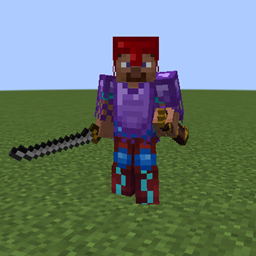
Fixes compatibility issues and integrates Tinkers' Construct weapons/modifiers with Epic Fight weapon types and movesets.
Epic Fight - Tinker Compat



What does this mod do?
- Makes the TConstruct tool stats system work with the Epic Fight combat system
Features
Tool Stats
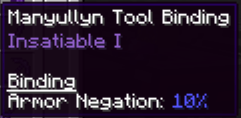
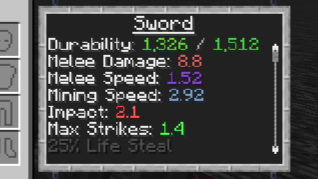
- There are 3 new stats for tools: Impact, max strikes, and armor negation, which are based on the materials.
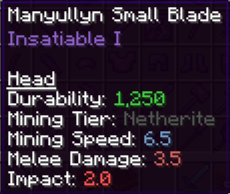
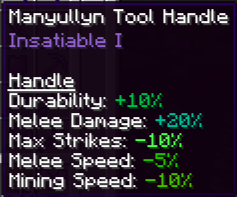
- There are 2 new stats for armor: weight and stun armor, which are based on the materials.
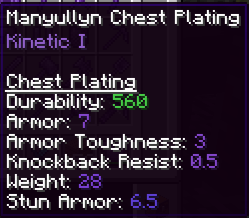
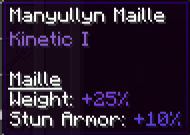
- Each material has its own stats. Combining materials can create variant tool stats. You can see the tool stats in the tinker station.
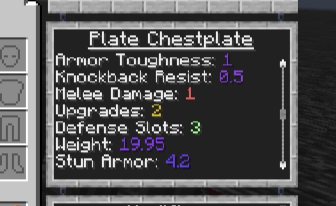
Tool Base Stats
(Some tools are still in progress and will have unique attack animations, innate skills, and modifiers in future updates)
It is highly unlikely that future updates will feature fully unique custom animations for weapons due to my lack of animation experience, limited time, and declining interest in the project. Instead, I will focus more on the compatibility logic between the two mods
- Small Tools
- Dagger (Dagger), the tool texture's size has been scaled up to look cooler:
- +5% armor negation.
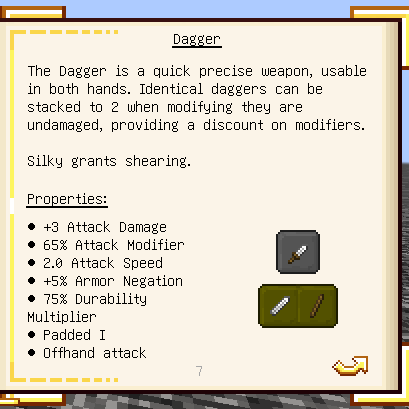
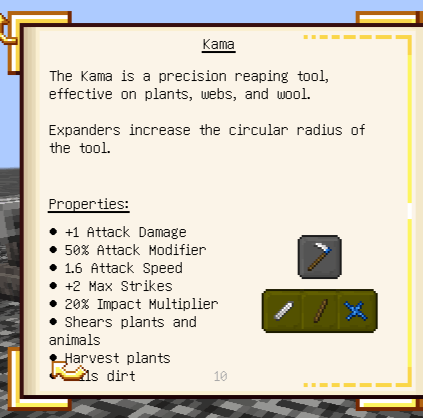
- Kama (Hoe):
- +2 max strikes
- 20% impact multiplier
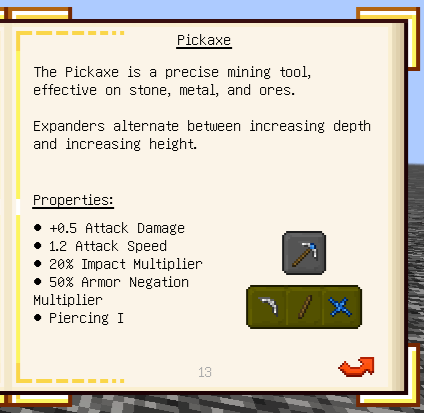
- Mattlock / Pickadze / Pickaxe (Pickaxe):
- 20% impact multiplier
- 50% armor negation multiplier
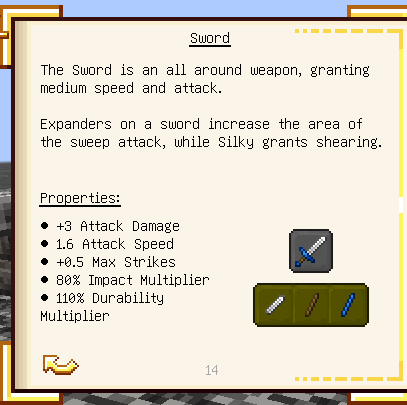
- Sword (Sword):
- +0.5 max strikes
- 80% impact multiplier
- Axe (Axe):
- No additional stats
Large Tools
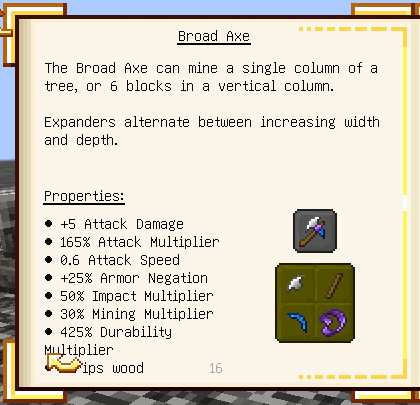
- Broad Axe (Axe):
- +25% armor negation
- 50% impact multiplier
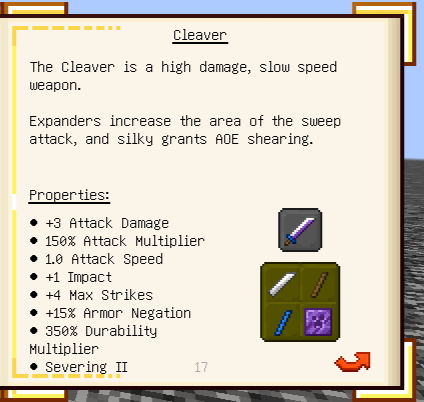
- Cleaver (Greatsword) was designed to have medium overall weapon stats:
- +1 impact
- +4 max strikes
- +15 armor negation
- Excavator (Shovel) was designed to dig blocks rather than act as a fine weapon:
- No additional stat
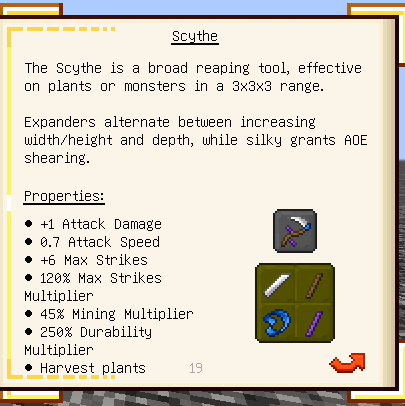
- Scythe (GreatSword) was designed to perform high AOE strikes:
- +6 max strikes
- 120% max strikes multiplier
- Sledge Hammer (GreatSword plus) was designed to deal with a small, powerful mob group:
- +1 max strikes
- 150% impact multiplier
- passive skill: Negate all incoming attacks from the front when performing strikes.
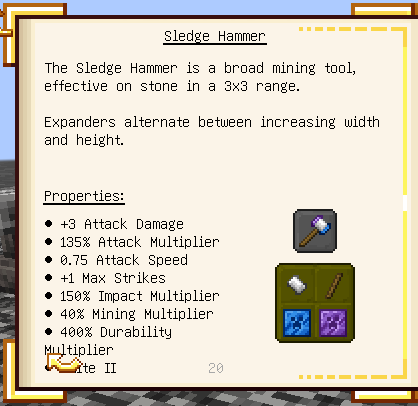
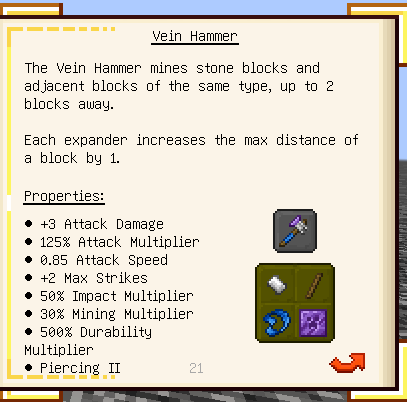
- Vein Hammer (GreatSword) was designed to be more of a tool than a weapon:
- +2 max strikes
- 50% impact multiplier
- Ranged Tools
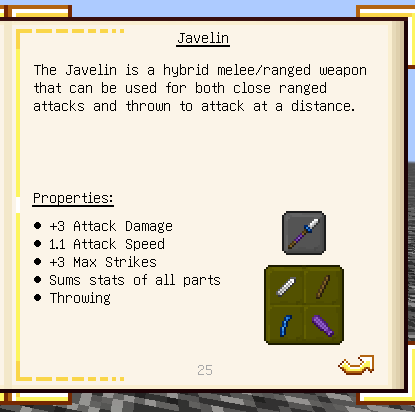
- Javelin (Trident/Spear) was designed to be a trident-like weapon, but can add modifiers to change the basic attack animation to a spear and add spears' innate skills.
- +3 max strikes
- 70% impact multiplier
- Staff (Trident) was designed to be a trident-like weapon.
Ancient Tools
- Battlesign (Sword) was designed to be a hybrid melee/shield weapon in a future update. It will still act as a sword for now.
- Melting Pan (Trident) was designed as an ancient staff.
- Swasher (Sword) was designed as a hybrid melee/ranged weapon in a future update. It is currently a sword.
- War Pick (Crossbow/Pickaxe): Was designed as a hybrid pickaxe/crossbow weapon in a future update.
Moveset Modifier
These modifiers can change weapon combat style
Basic modifiers
These are modifiers that change the default tool moveset to an Epic Fight weapon moveset. You can add them to any melee tools with no slot cost. Available movesets include: dagger, shortsword, longsword, axe, spear, greatsword, tachi, and uchigatana.
Addon modifiers
These are modifiers that change the tool moveset to an Epic Fight addon weapon moveset:
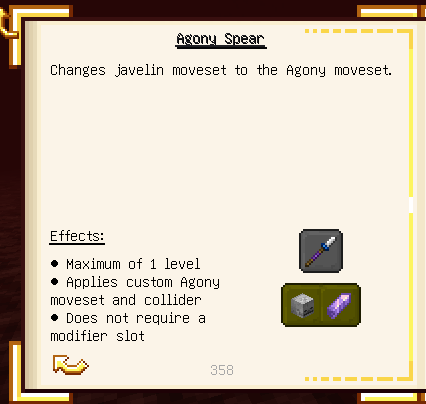
- Agony Spear: Transforms the weapon into the Agony spear.
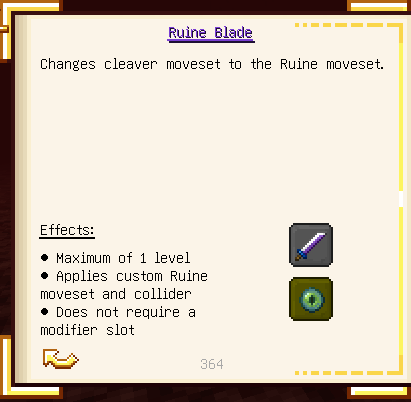
- Ruine Blade: Transforms the weapon into the Ruine greatsword.
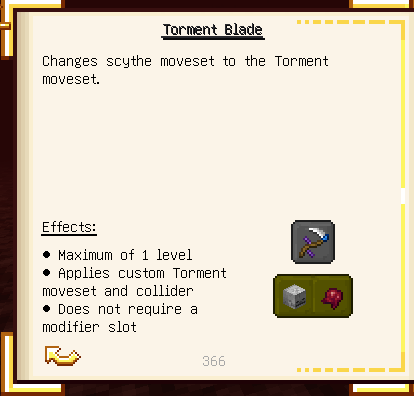
- Torment Blade: Transforms the weapon into the Torment greatsword.
(Note: These 3 modifiers are only available if the Weapons of Miracles mod is installed, but it is a completely optional dependency).
Modifier
- Add:
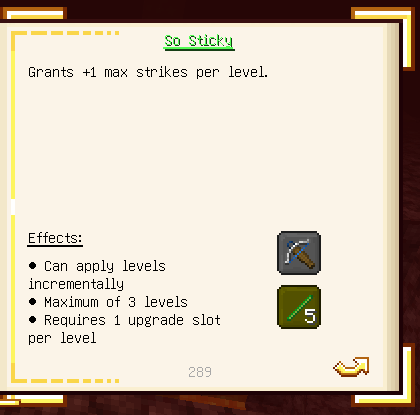
- So Sticky: Adds +1 max strikes on tools.
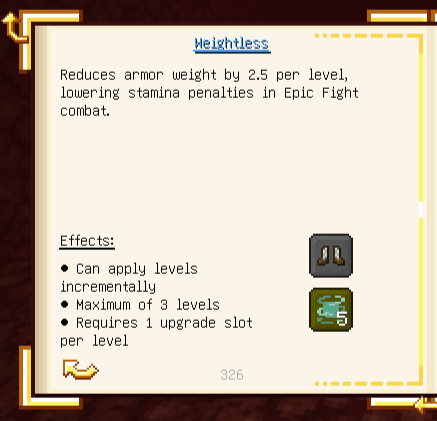
- Weightless: Decreases weight by 2.5 on armor.
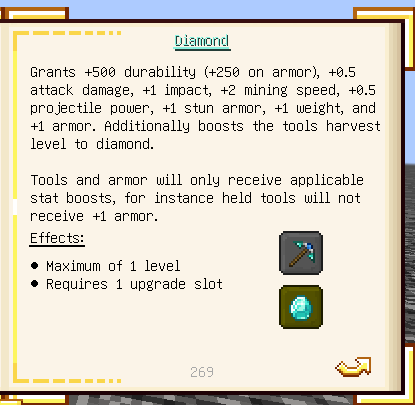
- Diamond: Adds +1 impact on tools, +1 weight and +1 stun armor on armor.
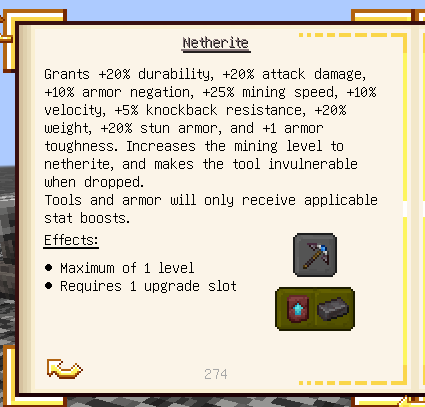
- Netherite: Adds +10% armor negation on tools, +20% weight and stun armor on armor.
- Fix:
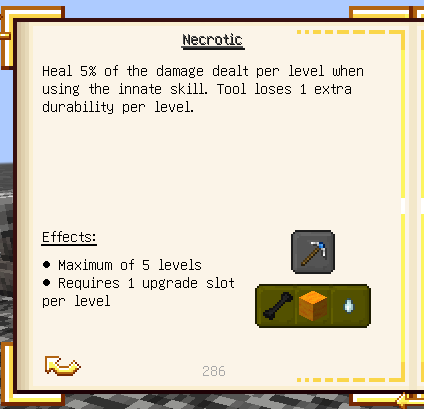
- Necrotic: The original modifier heals the player on a critical hit, which has been removed by Epic Fight. This mod makes players gain health through innate skills.
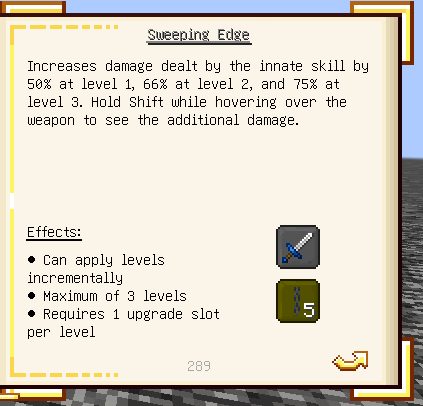
- Sweeping edge: Epic Fight doesn't recognize this modifier as a vanilla enchantment, making TConstruct sweeping edge function alongside with Epic Fight combat, causing the mob to get double damage. This mod disables the TConstruct sweeping edge module and makes Epic Fight recognize the modifier level as a vanilla enchantment.
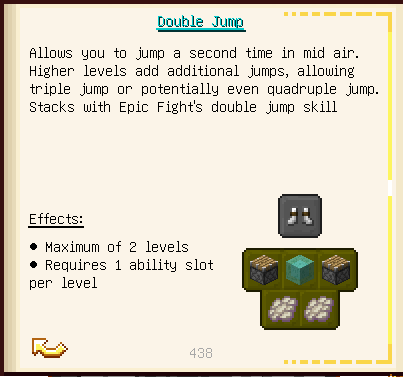
- Double jump: Makes the phantom ascent skill stack with TConstruct double jump.
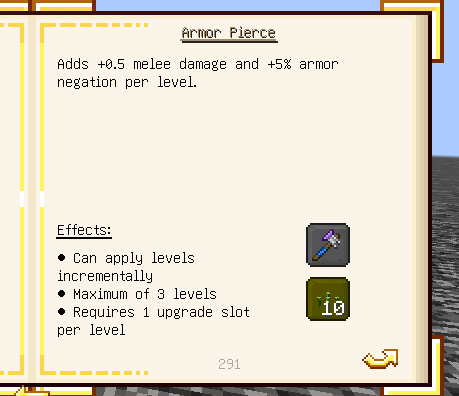
- Piercing: Disables the armor decrease effect applied when hitting with a tool. Each level now adds +5% armor negation instead.
Visual
- Armor: Fixes armor textures displaying as diamond armor.
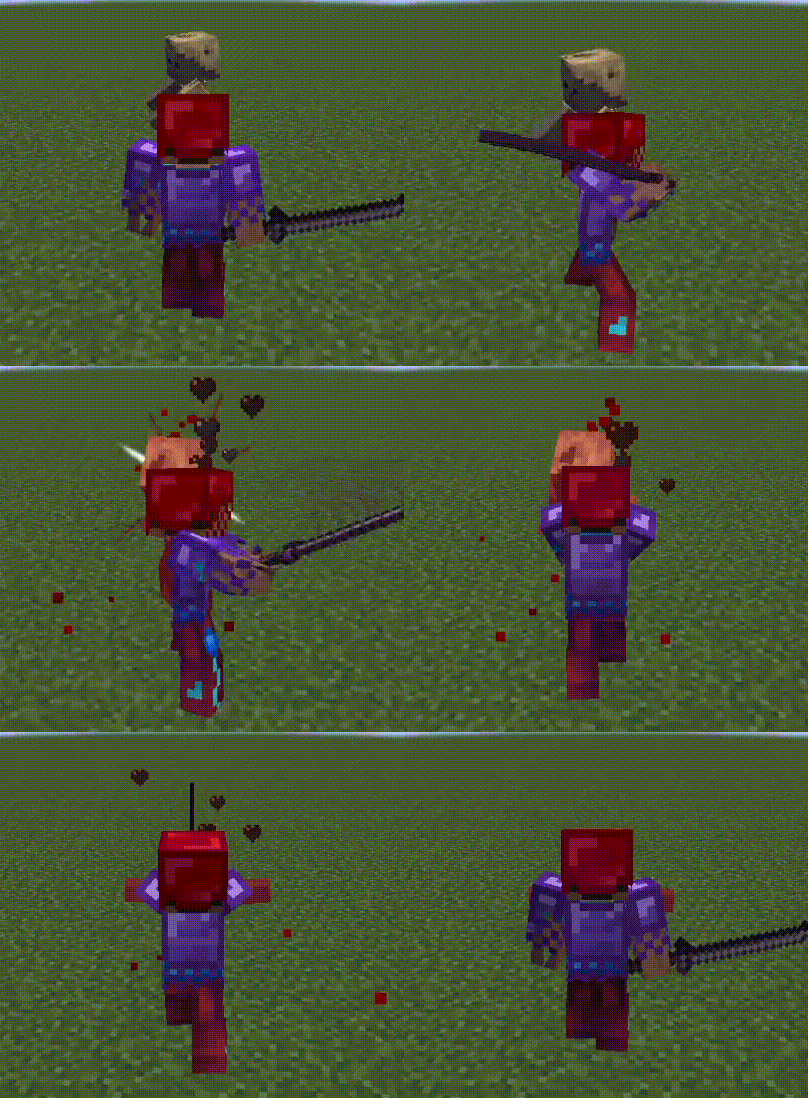
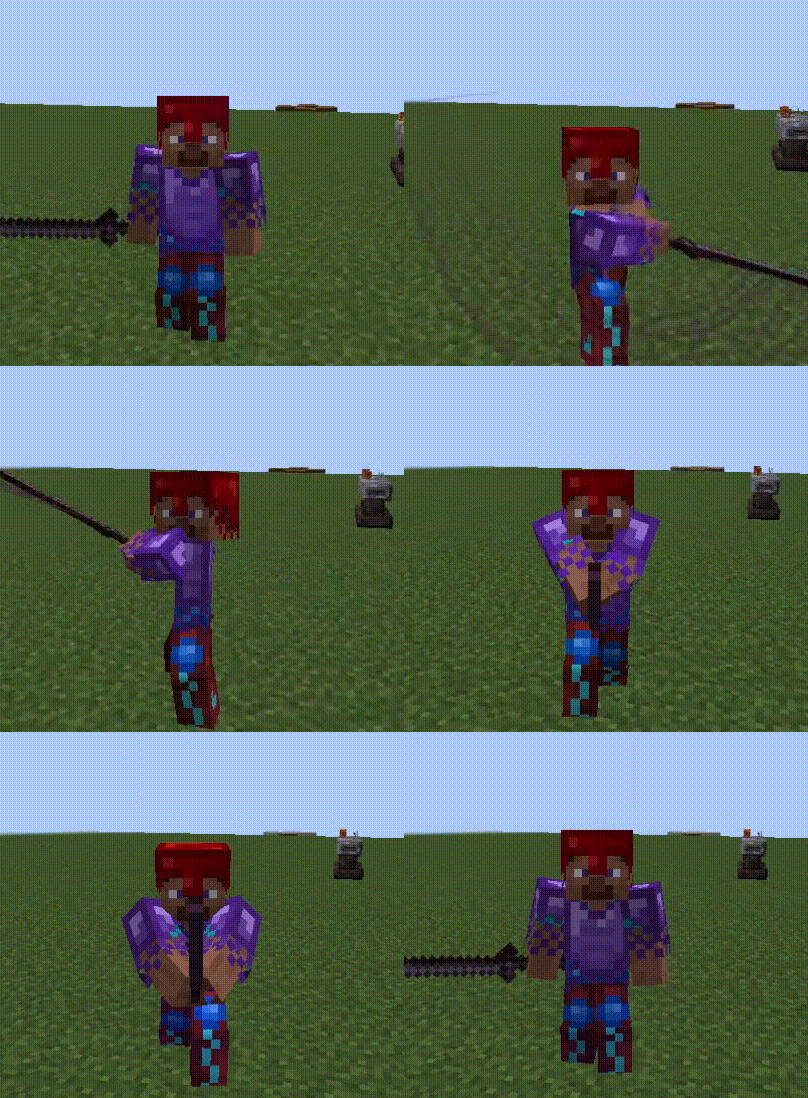
- Crossbow: Fixes reload and shooting animations that don't work with TConstruct crossbow.
- Longbow: Fixes FOV not changing when aiming.
- Tool: Makes dagger, javelin, sledgehammer, and cleaver textures larger.
- Shield: Fixes an issue where Tinkers' shields render as black outlines instead of proper textures.
- Trail: Adds weapon swing trails with colors based on the Tinkers' tool material. Certain modifiers now trigger unique particle effects during weapon swings.
Compatibility
This mod works seamlessly with several addons from both Tinkers' Construct and Epic Fight, including:
- Weapons of Miracles (WoM): Adds modifiers that change the default tool moveset to WoM movesets.
- P1nero's Epic Bow: The Longbow now works correctly with the custom drawing/shooting animations from P1nero's mod.
- Construct's Casting (if applicable): Provides Flamberge (Longsword) and Battlestaff (Spear) movesets.
- Tinkers' Katana: Provides the Katana (Tachi) moveset.
Other addons should also work fine with the new modifier moveset system.
Datapack
A template datapack for modpack makers who want to customize existing modifiers or create their own custom moveset modifiers. Download the datapack, edit or add the necessary JSON files, and include it in your modpack to apply your changes. Download here. Navigate to the epicfighttinkercompat folder and follow these steps to configure your own:
1. Defining the Modifier (tinkering folder)
This folder contains two subfolders: modifiers and tags.
- Create the Modifier: Open the modifiers folder. Copy the contents of an existing modifier JSON file into a new file, then rename it to your desired modifier ID.
- Right-Click Abilities: If your modifier is for a moveset with a right-click active skill, you must include the chargeable module in your JSON. (See antitheus.json for the exact syntax.)
- Tagging: Open the JSON file inside the tags folder and add your new modifier ID to ensure it is properly associated with the moveset tags.
2. Setting Up Recipes (recipes folder)
- Crafting Recipes: Navigate to recipes/tools/modifiers/slotless to define the recipe required to apply your newly created modifier.
- Extraction Recipes (Optional): If you want players to be able to safely remove the modifier and recover their weapon, add an extraction recipe in the root of the recipes folder. Refer to the existing extraction JSON files for the correct syntax.
- If you don't know the exact registry name of an item for your recipes, hold the item in your main hand in-game and run this command:
/data get entity @s SelectedItem
3. Mapping the Moveset (modifier_profiles folder)
This folder acts as a bridge between your modifier and its corresponding Epic Fight moveset.
- Create a new JSON file here and copy the syntax from the existing files to map your modifier to its corresponding animation set.
- If you don't know the exact ID of an Epic Fight moveset, you can find it by opening the Datapack Editor GUI provided by Epic Fight in-game.
Roadmap
I plan to implement a custom Datapack Editor GUI for this mod in the future. This will make adding and managing custom moveset modifiers much easier and more intuitive directly in-game.
Installation Required
Found a bug? Please report it in the Issues tab!
Epic Fight: Tinkers Integration Team

Owner