EntityLODCrowdScale
- By
exec-b636dfdf-914a-49ac-9188-8394fe8e5d66.png
Description
Entity LOD: CrowdScale
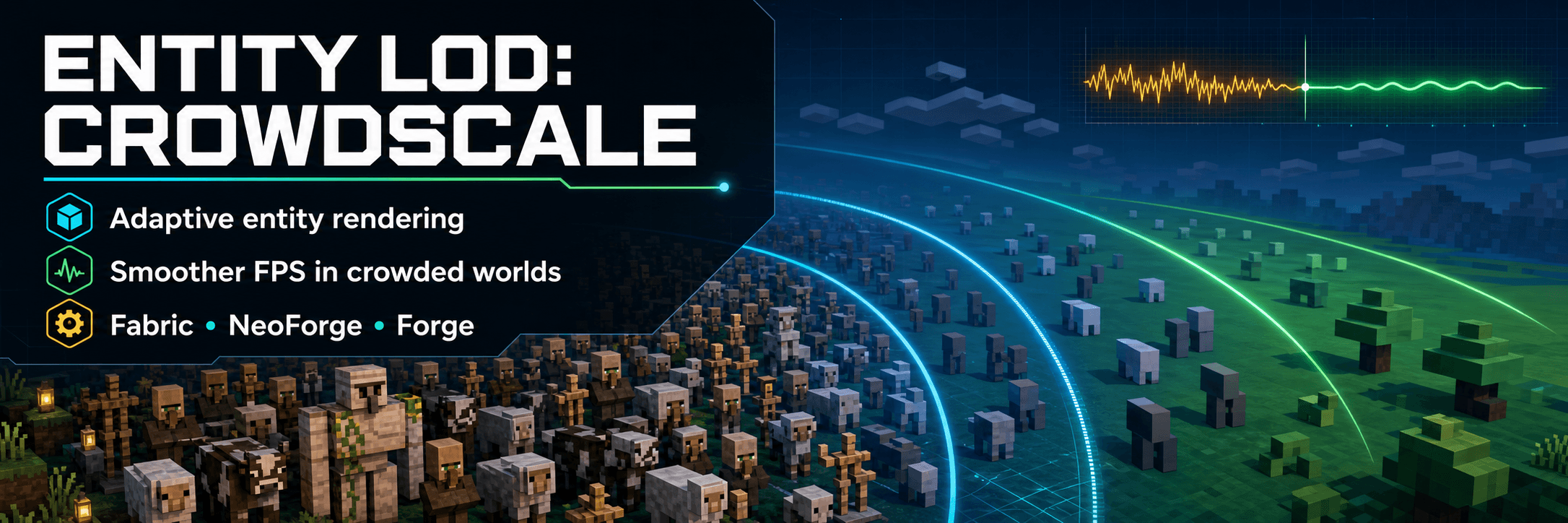
CrowdScale is a client-side performance mod for scenes with many visible entities, such as multiplayer hubs, mob farms, trading halls, and crowded bases.
The mod reduces distant entity rendering work through configurable detail tiers, lower update rates, cached render states, and—on supported versions—an Entity 2D representation. Nearby entities remain on their normal renderer.
CrowdScale does not change entity AI, spawning, server ticks, networking, world data, or gameplay rules. It does not need to be installed on the server.
Features available on all supported versions
- Distance-based Full, Reduced, Far, and Very Far tiers
- Configurable update rates for distant entities
- Cached render states with per-frame position interpolation
- Fixed and adaptive LOD modes
- Quality, Balanced, Performance, and Custom presets
- Protection for players and gameplay-relevant entities
- Villager profession and equipment-layer preservation
- Sheep-wool preservation
- Conservative fallback for unknown or modded renderers
- In-game configuration and diagnostic tools
- Built-in average FPS and 1% low comparison
Players always remain at full detail. CrowdScale does not cache, throttle, or convert local or remote players, so their movement, armor, held items, and feature layers remain on the normal rendering path.
Entity 2D on Minecraft 26.x
Minecraft 26.1.2 and 26.2 builds include CrowdScale's complete Entity 2D
pipeline for Vanilla living entities:
- Camera-facing flattened models
- Multi-angle model capture
- Bounded dynamic texture atlas
- Four-vertex quad impostors where supported
- Smooth transition before the quad boundary
- Per-group and per-entity start distances
- Configurable view-angle and low-rate animation-frame counts
- Automatic fallback when atlas capture is unavailable
Entity 2D remains upright and rotates horizontally toward the camera position. The entity's body direction, head direction, and pitch are handled separately from the player's camera orientation.
Passive, hostile, ambient, aquatic, villager, golem, boss, and other Vanilla living-entity categories are eligible. Special or unsupported render states fall back to the flattened-model path instead of disappearing.
Projectiles, vehicles, dropped items, and decorative non-living entities are outside the Entity 2D mob pipeline.
Important Visual Layers
The following entities are treated as having important visual layers:
- Villagers and wandering traders
- Mobs wearing armor or a head item
- Mobs holding an item
- Equipped armor stands
When Preserve profession and equipment layers is enabled, these entities keep their profession, armor, head-item, and held-item layers before and during Entity 2D. They bypass the base-model-only quad impostor and use the layered flattened fallback.
Ordinary mobs without important layers remain eligible for quad impostors. This option is enabled by default and is not changed by presets.
Minecraft 1.21.11
The 0.3.1 release line uses CrowdScale's earlier Reduced and Far rendering
architecture. It does not contain the newer Entity 2D, texture-atlas, or quad
impostor systems.
Important Visual Layers were backported to this version, so villager professions, armor, head items, and held items remain visible while an entity uses its Reduced or Far tier.
Presets
| Preset | Behavior |
|---|---|
| Quality | Keeps full 3D models visible at longer distances |
| Balanced | General-purpose settings for normal gameplay |
| Performance | Uses shorter 3D distances; on 26.x, eligible Entity 2D can begin at 5 blocks |
| Custom | Keeps distance settings under manual control |
LOD distances are stored independently. CrowdScale does not rewrite manually entered distances into a forced order; overlapping ranges are resolved safely at runtime.
On Minecraft 26.x, Entity 2D and per-group start distances can be configured
from 1 to 2048 blocks.
Configuration
Fabric users can open the settings through:
Mod Menu → Entity LOD: CrowdScale
On Minecraft 26.1.2 and 26.2, Fabric users with Sodium installed also get the settings directly inside the game's own video settings, drawn with Sodium's toggles and sliders:
Options → Video Settings → Entity LOD: CrowdScale
That covers General, LOD Distances, Entity 2D, Entity Groups, and Performance,
needs no other mod, and works with Reese's Sodium Options. With Cloth Config
installed, an extra Advanced & Presets entry opens the full screen for the
distance presets, per-entity overrides, and diagnostics.
Forge and NeoForge users can open the settings from the loader's mod list.
Depending on the Minecraft version, the configuration screen contains:
- General
- LOD Distances
- Entity 2D
- Entity Groups
- Performance
- Compatibility
- Diagnostics
- Presets
Most settings can be changed without restarting Minecraft.
Keybinds
| Key | Action |
|---|---|
F7 |
Enable or disable CrowdScale |
F8 |
Show or hide the diagnostics HUD |
F9 |
Reset benchmark samples |
The diagnostics HUD reports active LOD tiers, cache activity, frame time, average FPS, and 1% low FPS. Minecraft 26.x builds also report Entity 2D, quad, capture, and atlas activity.
Compatibility approach
CrowdScale avoids hard dependencies on private APIs from optional rendering mods. Unknown renderers use a conservative fallback unless a dedicated CrowdScale adapter explicitly opts them into a stronger LOD path.
| Mod or system | Current approach |
|---|---|
| Sodium | Main optimized-rendering baseline; on Fabric 26.x it also hosts the CrowdScale settings pages inside Video Settings through Sodium's public config API |
| Iris / shader packs | Detects shader and shadow passes; quad impostors are disabled by default while a shader pack is active |
| Voxy | Terrain LOD remains separate from entity LOD |
| Distant Horizons | Terrain LOD remains separate from entity LOD |
| Nvidium | Kept outside CrowdScale's entity-rendering hooks |
| Entity Culling | Can cull hidden entities before CrowdScale's distant rendering work |
| More Culling | Uses separate block and model culling responsibilities |
| ImmediatelyFast | Uses separate batching and GUI optimization responsibilities |
These are compatibility targets, not a guarantee for every combination. Behavior can vary with the Minecraft version, loader, GPU, shader pack, resource pack, server resource pack, and other installed mods.
Shader-pack support uses a safe fallback by default. Quad impostors with shaders remain experimental and opt-in. Depth, transparency, lighting, and shadows should be checked with the exact shader pack before enabling them.
Custom mobs, custom armor-stand models, emissive layers, animated resource-pack models, and renderer-specific effects may require a dedicated adapter or may remain on the conservative rendering path.
Supported releases
| Minecraft | Fabric | NeoForge | Forge |
|---|---|---|---|
1.21.11 |
0.3.1 |
0.3.1 |
0.3.1 |
26.1.2 |
0.7.3 |
0.5.5 |
0.5.5 |
26.2 |
0.7.3 |
0.5.5 |
0.5.5 |
Install the file matching both your Minecraft version and mod loader. Only one CrowdScale loader variant should be present in an instance.
Installation
- Install the matching Fabric, Forge, or NeoForge loader.
- Fabric users must install Fabric API.
- Place the matching CrowdScale JAR in the instance's
modsfolder. - Fabric users may optionally install Mod Menu and Cloth Config for easier access to the in-game configuration screen.
CrowdScale is client-side and does not require server installation.
Measuring performance
For a useful comparison, keep the world, camera position, visible entity count, render distance, shader settings, and FPS cap unchanged:
- Press
F9to clear previous samples. - Collect at least 600 frames with CrowdScale enabled.
- Press
F7without moving the camera. - Collect another 600 frames with CrowdScale disabled.
- Press
F8and compare average FPS and 1% low FPS.
An FPS cap or VSync can hide changes in average FPS. Results depend on visible entity count and type, CPU, GPU, shader pack, render distance, and the rest of the modpack. CrowdScale is intended for entity-heavy scenes and does not guarantee a performance increase in every situation.
Current limitations
- Profession and equipment layers are preserved through the flattened fallback rather than baked into the quad atlas.
- Emissive, animated, transparent, multi-part, and renderer-specific effects may not be suitable for atlas capture.
- Quad impostors with shader packs are experimental and disabled by default.
- Modded entity renderers and custom server resource-pack models may remain on a conservative LOD path.
- Build and unit-test verification do not prove compatibility with every shader pack, resource pack, or modpack.
Reporting an issue
Please include:
- Minecraft version
- Mod loader and CrowdScale version
- Rendering and performance mods
- Shader pack and resource pack, if enabled
config/entitylod_crowdscale.json- An
F8diagnostics screenshot - A screenshot of the affected entity for visual issues
License
Entity LOD: CrowdScale is available under the MIT License.
The EntityLODCrowdScale Team