Ender Energy Telepads
- By
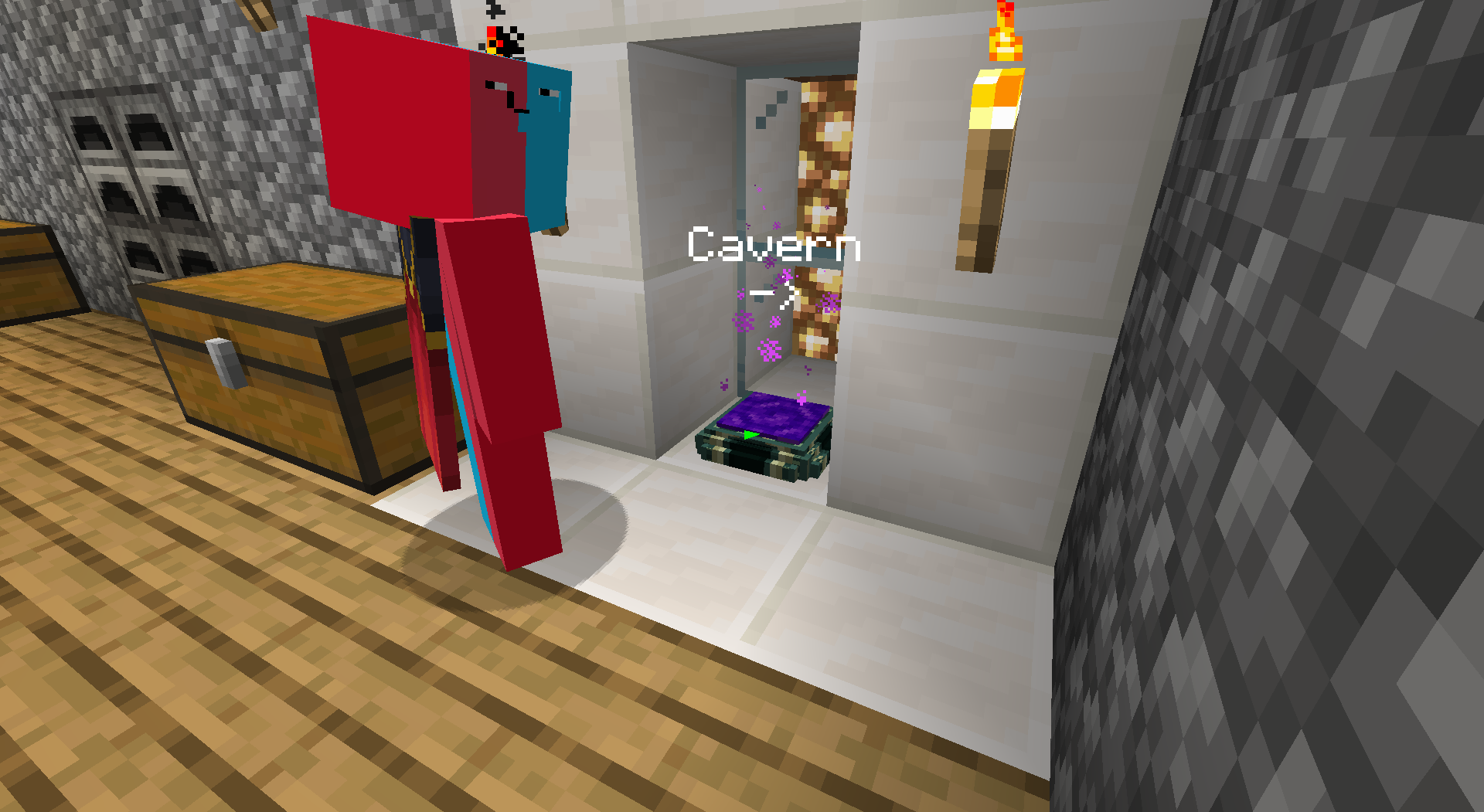
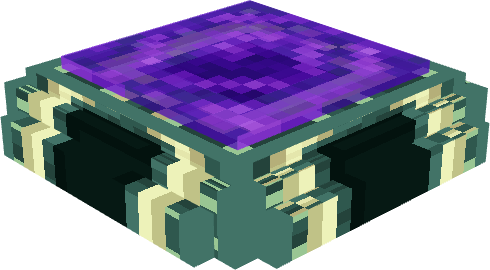
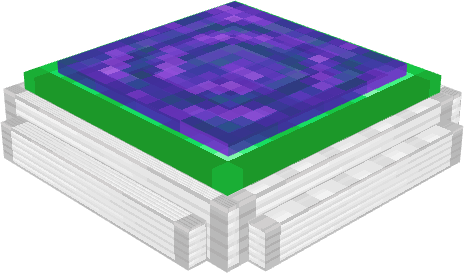
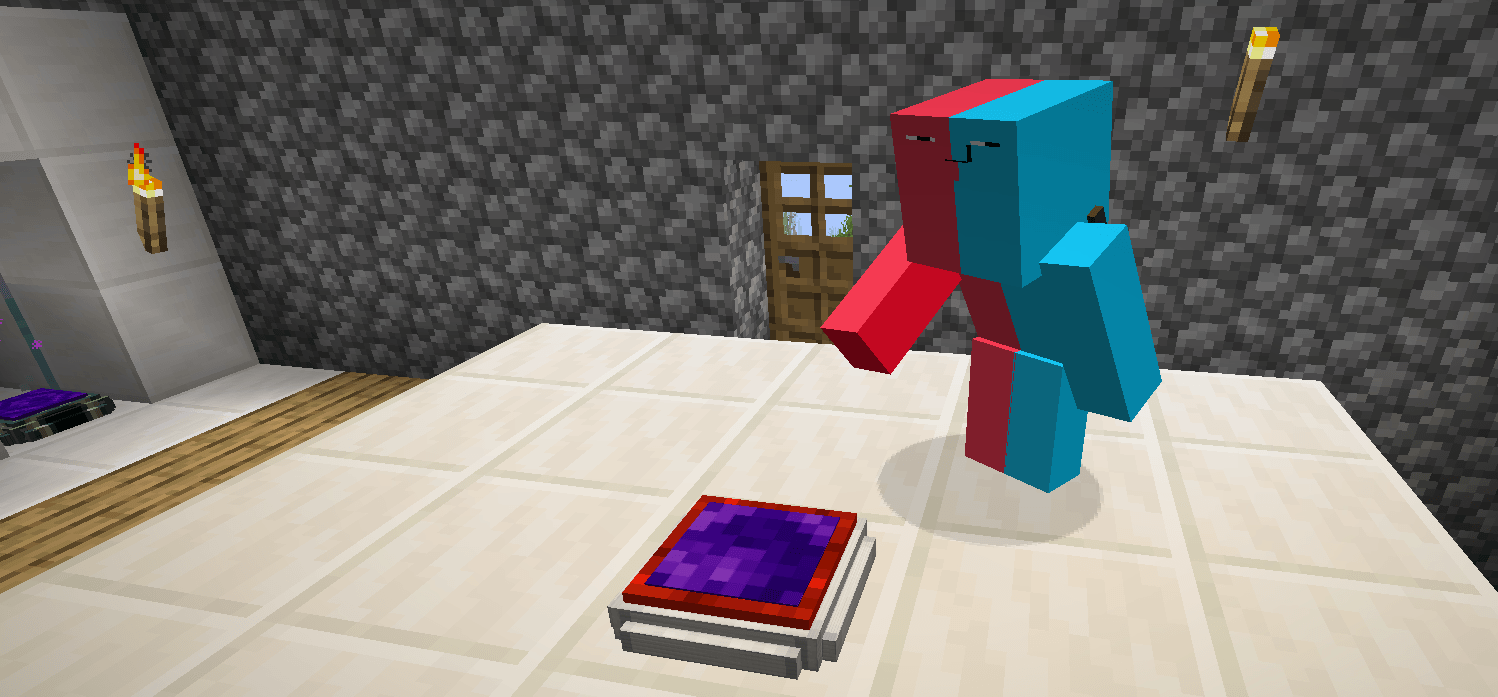
This is me, and my beautiful Networking Telepad
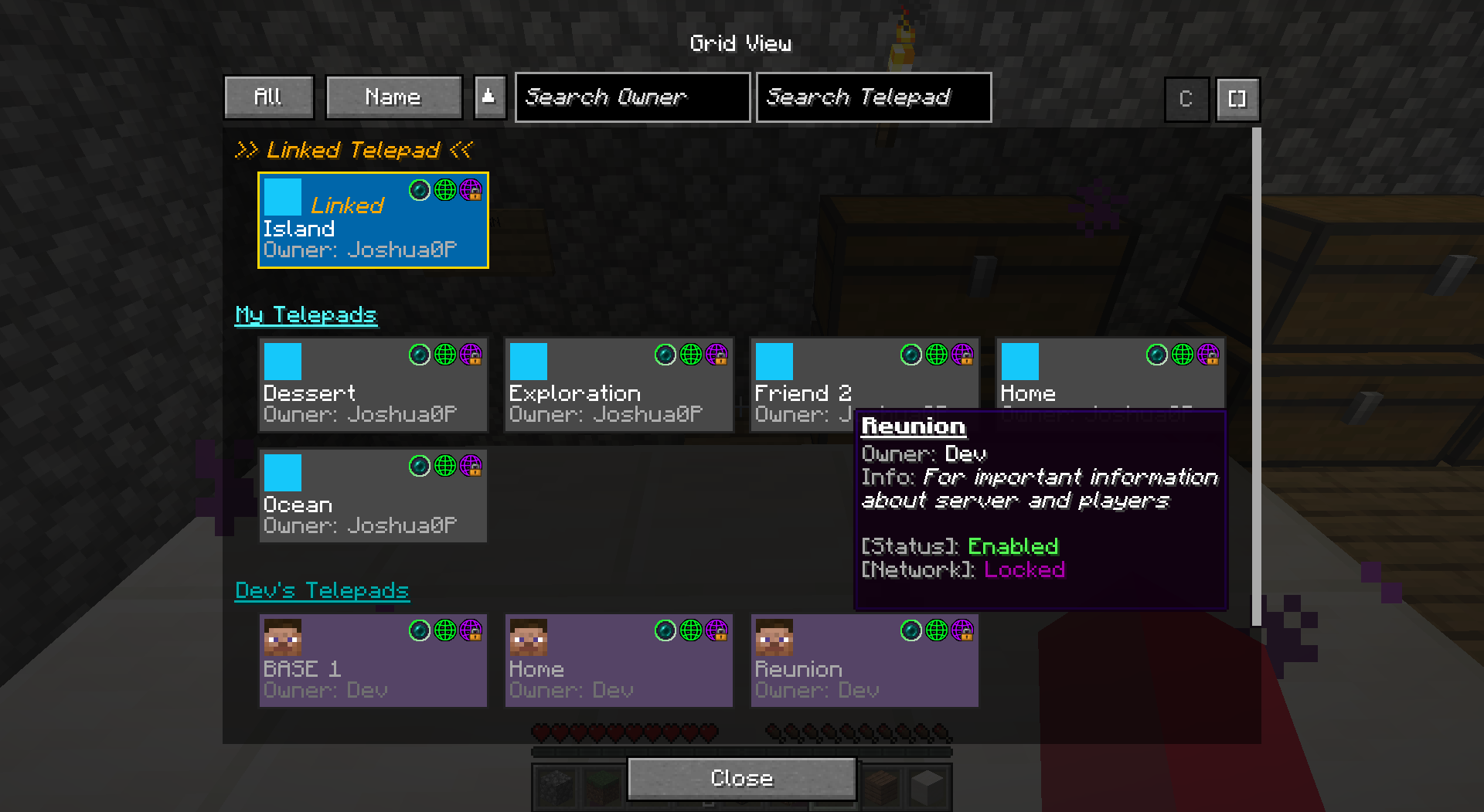
From here, you can teleport to any telepad currently in Networking mode.
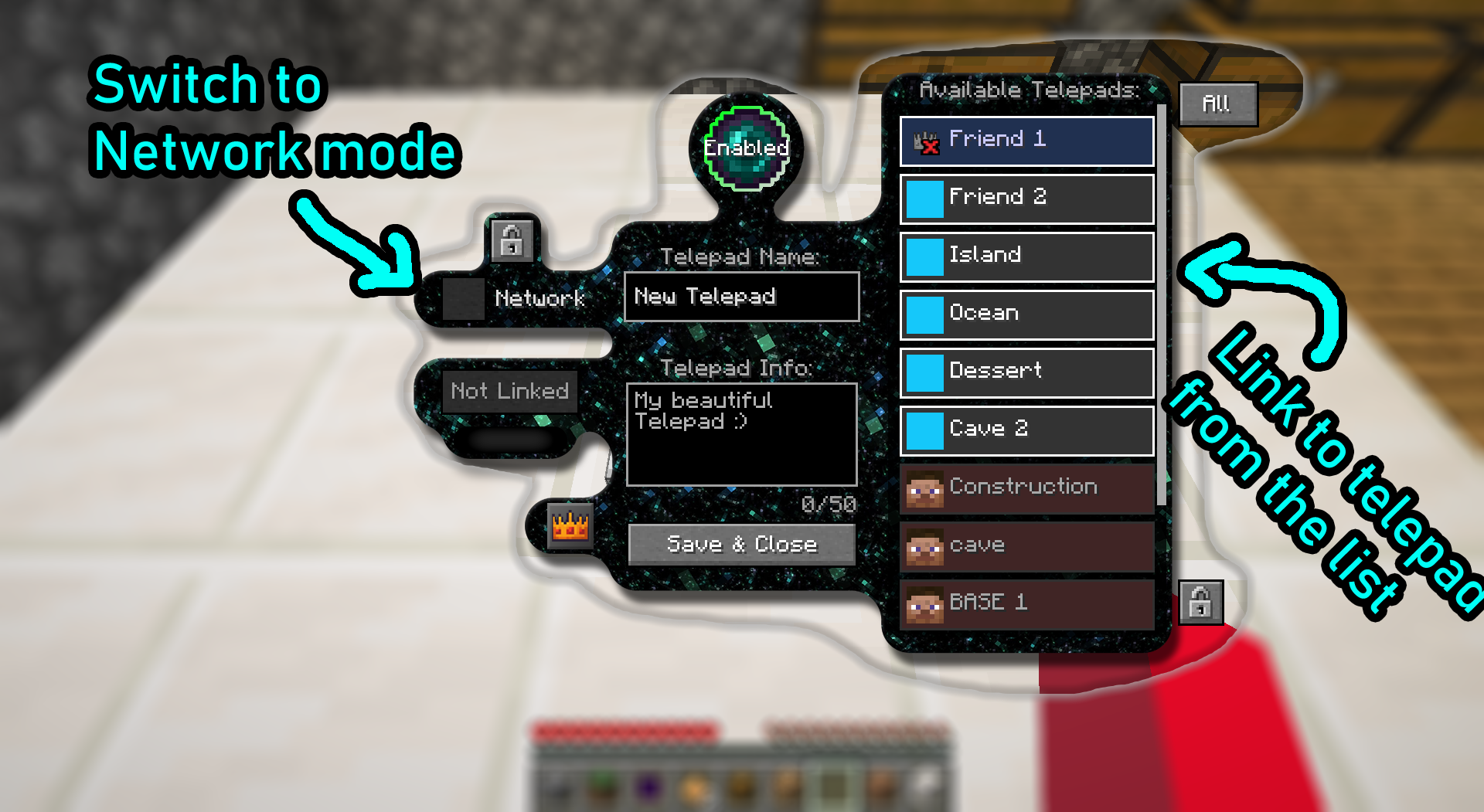
This is a Telepad Config Screen
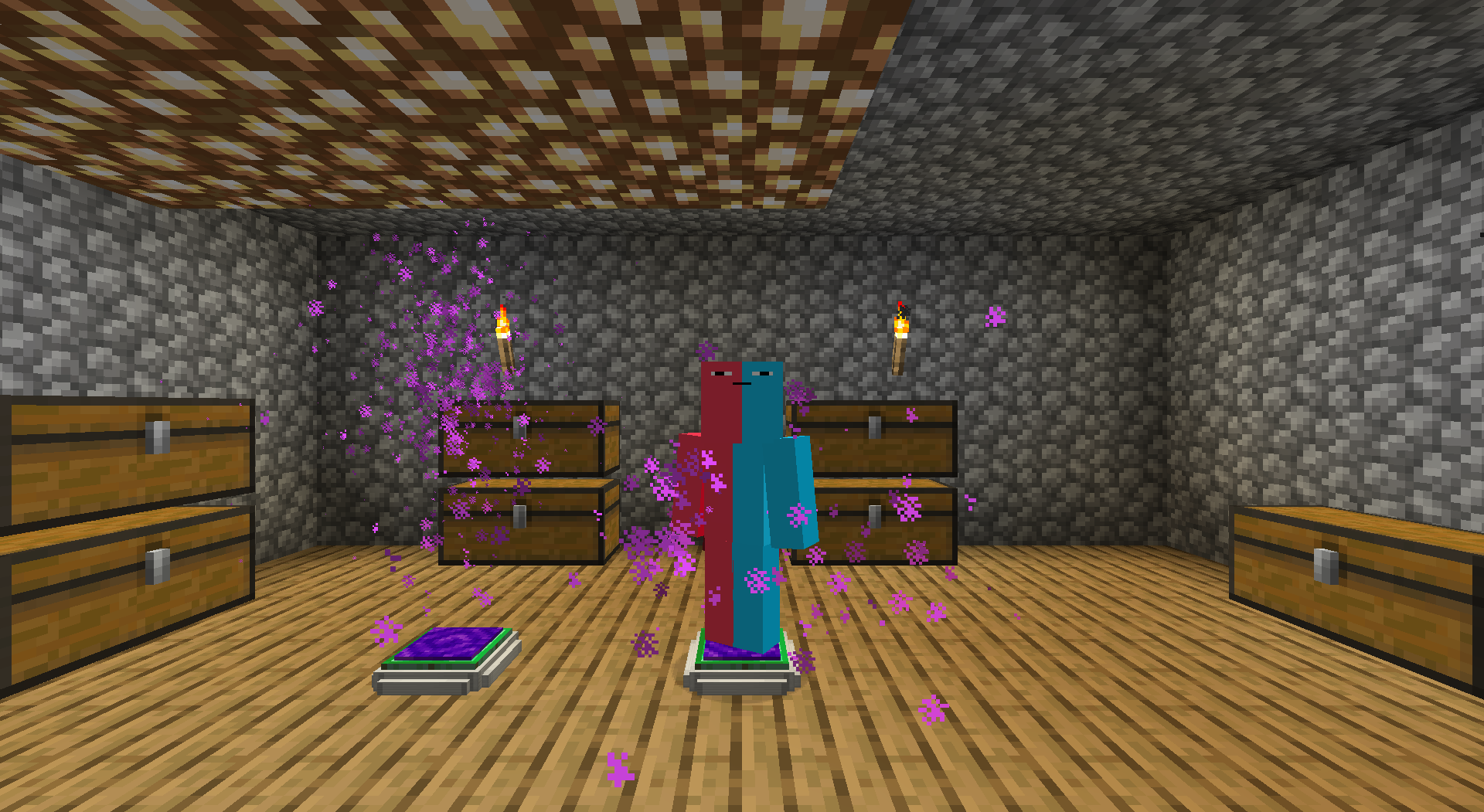
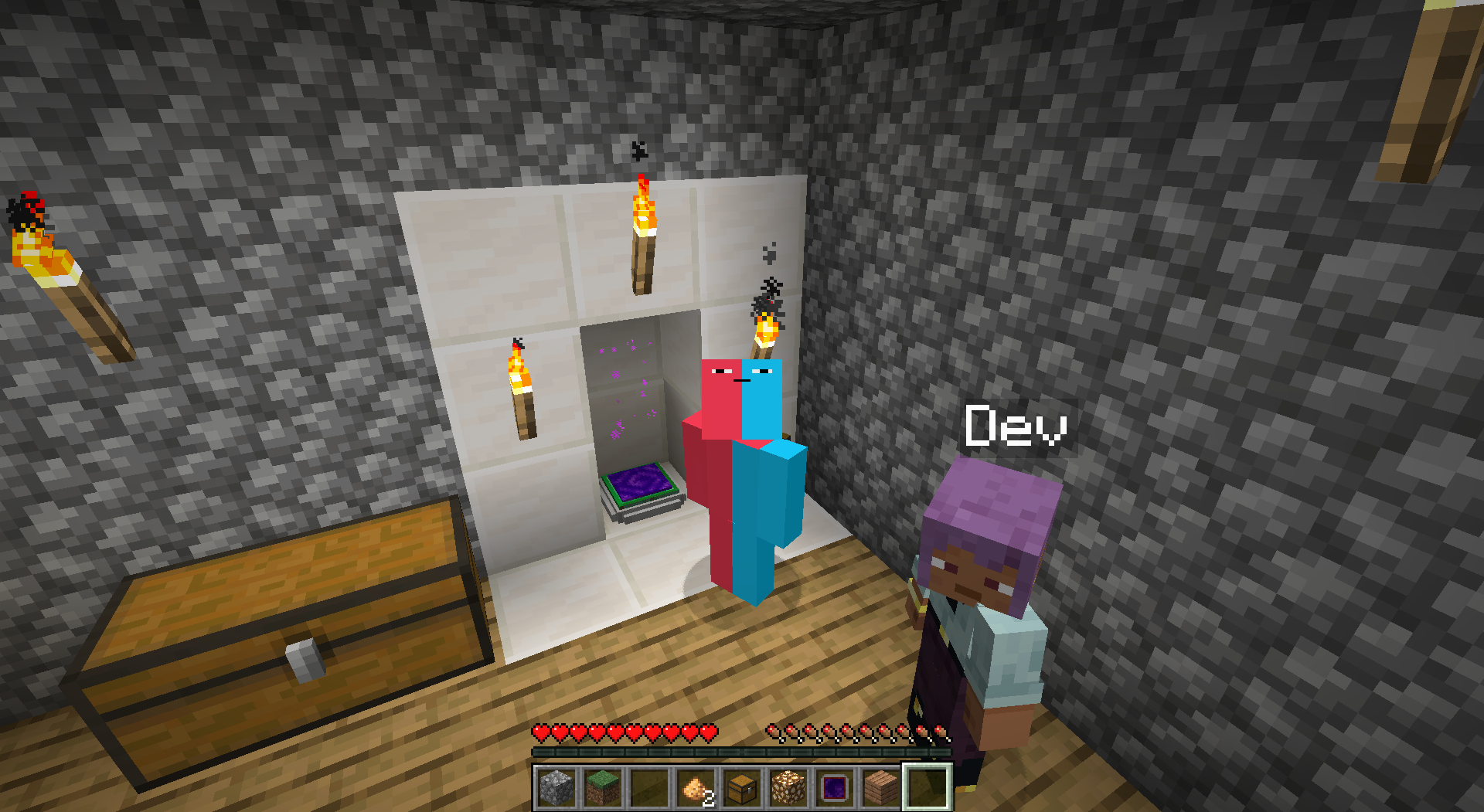
Look at this beautiful effects


Description
✨ Ender Energy Telepads ✨
Networked Travel, Vanilla Feel!
Tired of slow, tedious travel across your vast Minecraft world? Ender Energy Telepads introduces a powerful yet balanced way to instantly connect your bases, farms, and discoveries!
Craft intricate networks of Telepads, manage them globally, and maintain that precious vanilla gameplay feel.
🛠️ Crafting Your Telepad 🛠️
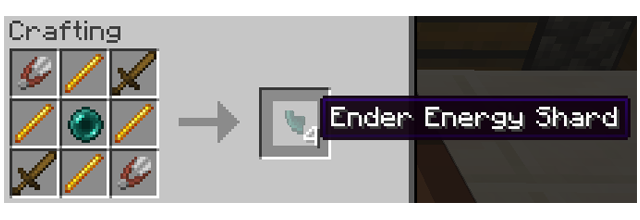
Crafting Telepads requires significant investment, reflecting their power. You'll first need Ender Energy Shards.
Ender Energy Shard Recipe:
Telepad Recipe: (Requires 4 Shards) 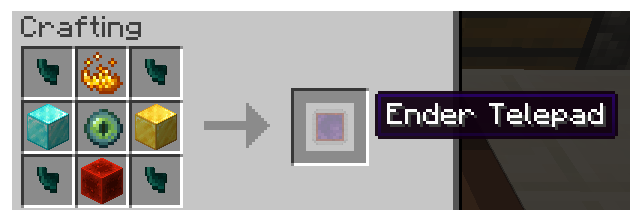
⚙️ How to Use Your Telepad ⚙️
* Opening Configuration: To configure your Telepad (linking, networking, permissions, name, etc.), sneak (crouch) and right-click the Telepad block with an empty main hand. This opens the Configuration Screen.
* Direct Teleport: Once linked to another Telepad (via the Config Screen), simply step onto the platform. Wait for the activation sequence (particles and sound!). You will be teleported to the linked pad.
* Network Teleport: If a Telepad is set to 'Networking' Mode (via the Config Screen), stepping on it will open the Global Network Screen instead of teleporting directly. From there, select your destination!
✅ Key Features ✅
* Craft & Link Telepads: Create sophisticated Telepads and link them for point-to-point instant travel.
* Server Ready: Designed from the ground up to work flawlessly on multiplayer servers.
* Share & Secure: Configure permissions for each Telepad you own. Decide who can use or modify them.
* Individual Configuration: Fine-tune settings for every Telepad via its dedicated screen.
🌐 NETWORK YOUR WORLD! (Core Feature) 🌐
* Activate 'Networking' Mode: Makes your Telepad appear on the Global Network Screen.
* THE Global Network Screen: This is the heart of the mod! Access a unique screen listing ALL Telepads currently in 'Networking' mode.
* Discover & Travel: Easily find and teleport to any listed networked Telepad – perfect for community hubs!
📡 SCANNER (Optional Convenience Item) 📡
(Not Required!) While you can always access the Global Network Screen by interacting with a networked Telepad block, the Telepad Scanner offers ultimate remote convenience!
Scanner Recipe:
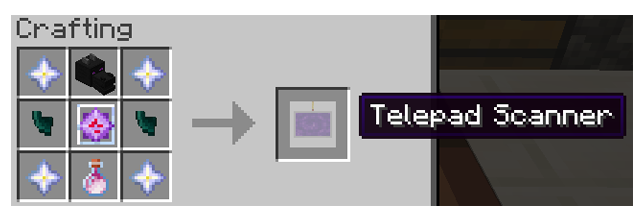
This powerful (and resource-intensive!) handheld device lets you:
* 🛰️ Access the Global Network Screen remotely, from absolutely anywhere!
* 🚀 Select any networked Telepad directly from the list and teleport instantly.
Provides powerful remote access for those who invest in crafting it.
💡 Vanilla+ Design & Balance 💡
Ender Energy Teleport aims to feel like a natural, balanced extension of vanilla Minecraft.
* Meaningful Cost: Both Telepads and the Scanner have expensive recipes. Powerful travel comes at a cost, respecting vanilla progression.
* Vanilla Integration: Custom textures add a unique look, but the mechanics integrate smoothly.
🚀 Future Plans 🚀
This is just the beginning! Planned features include:
* ⚡ Energy System: Telepads will eventually require energy/resources per use, adding another layer of vanilla-friendly balance.
⭐ Feedback Welcome! ⭐
Thank you for trying Ender Energy Teleport!
Ender Energy Telepads Team