Enchant Master
- By
Server admin tool to forge custom enchanted items and edit player inventories via a web UI (OP-controlled) or optional in-game UI. Server-only safe.
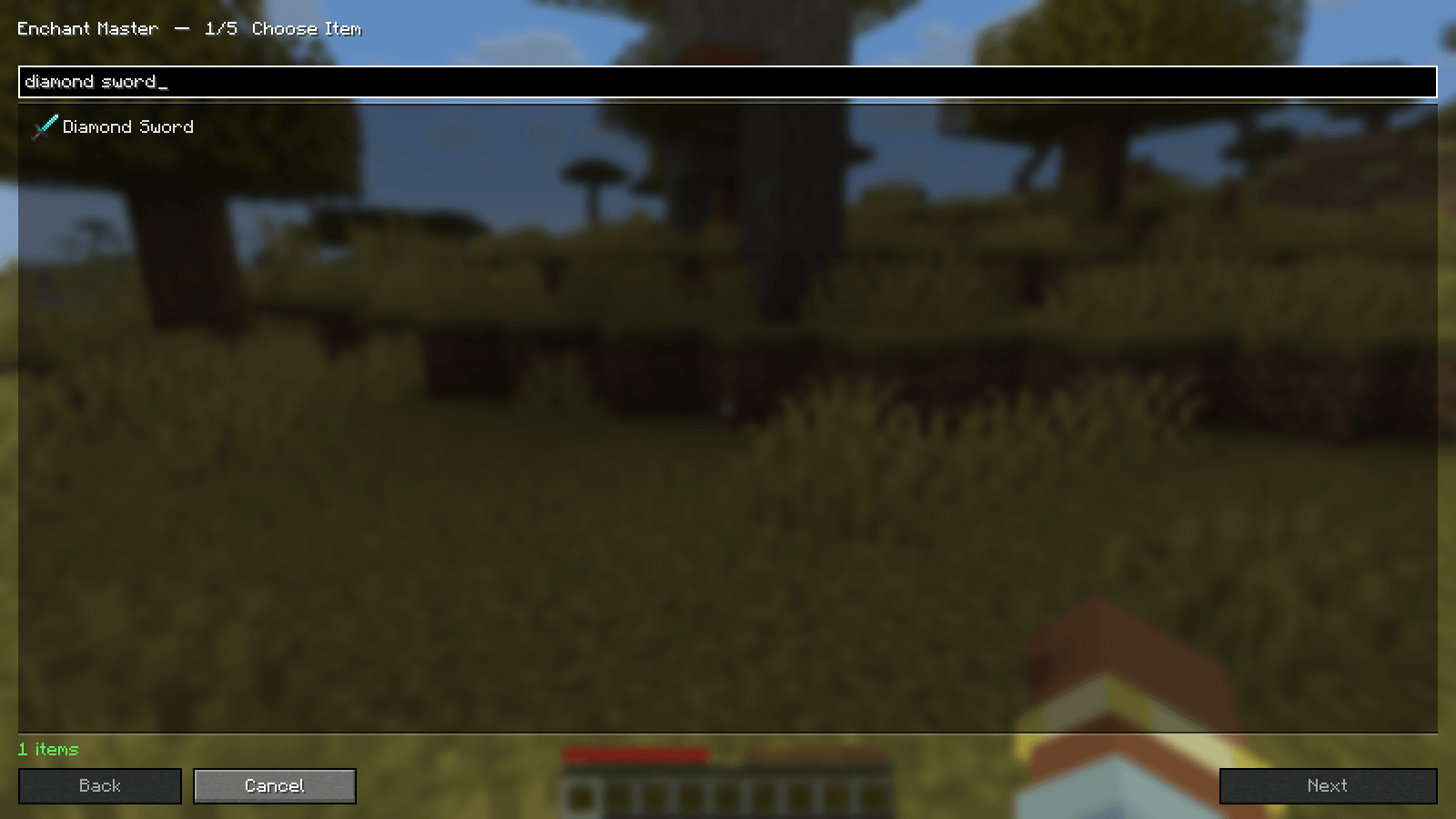
ingame-01-item-select.png
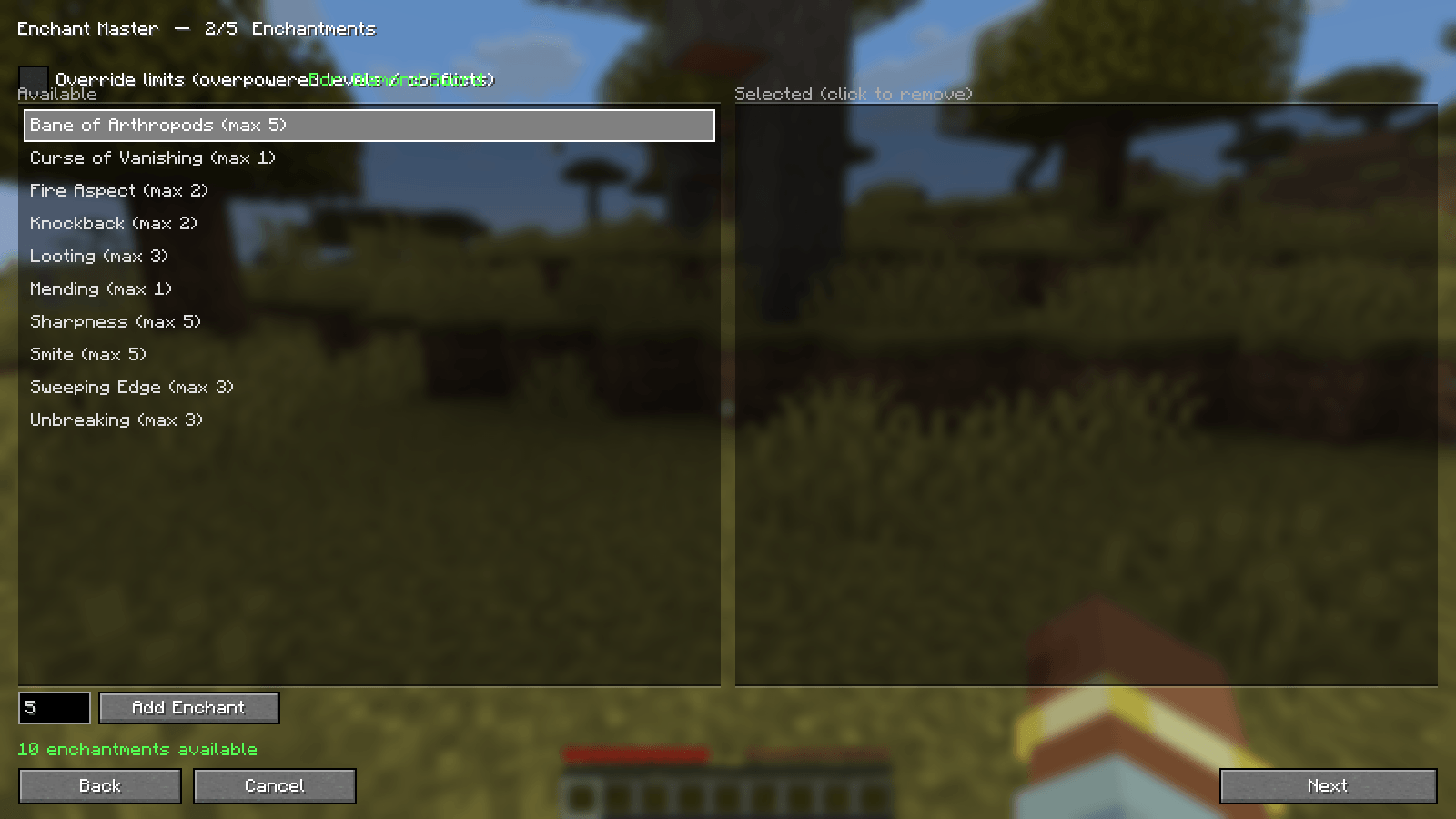
ingame-03-enchantments.png
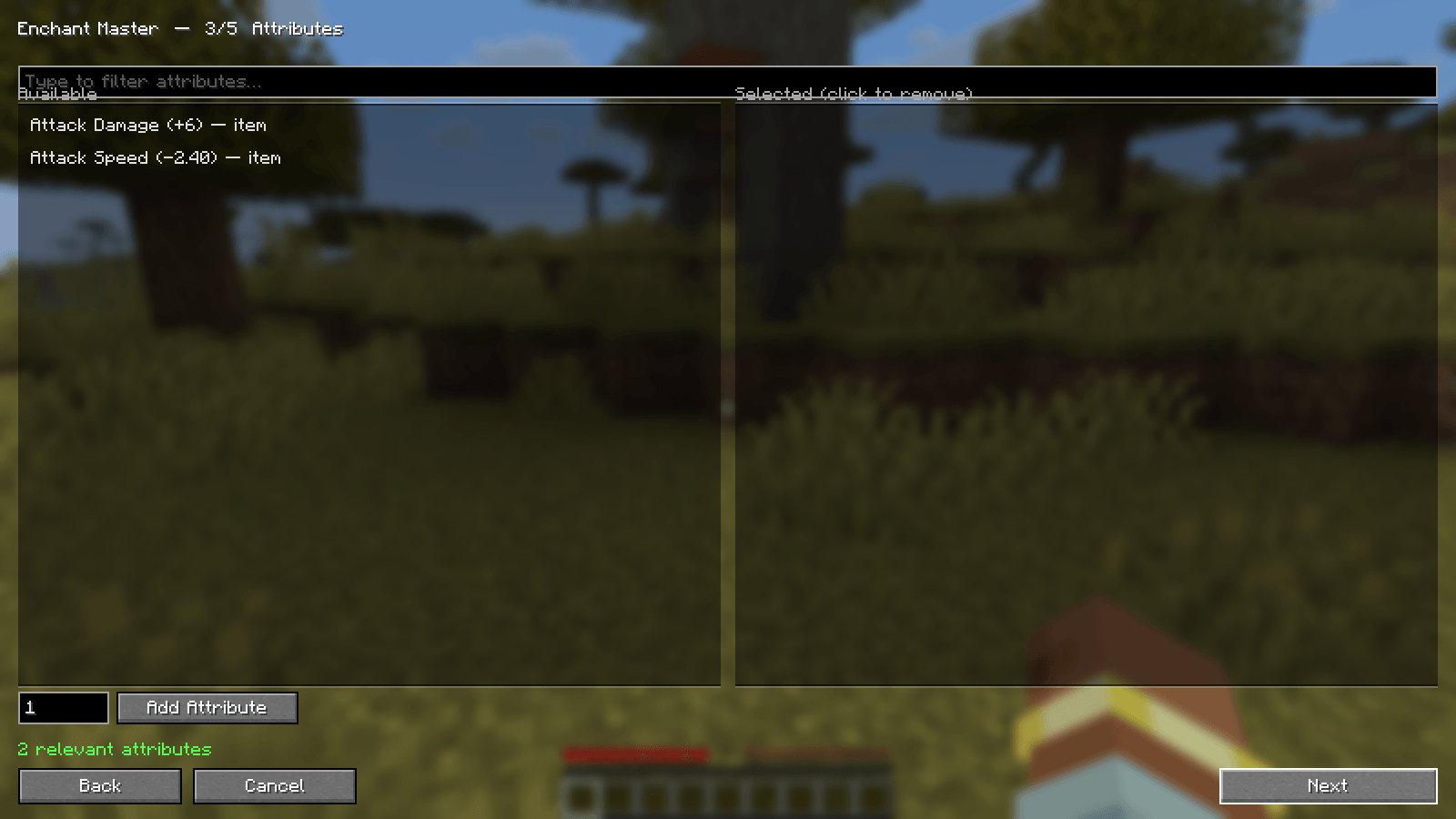
ingame-04-attributes.png
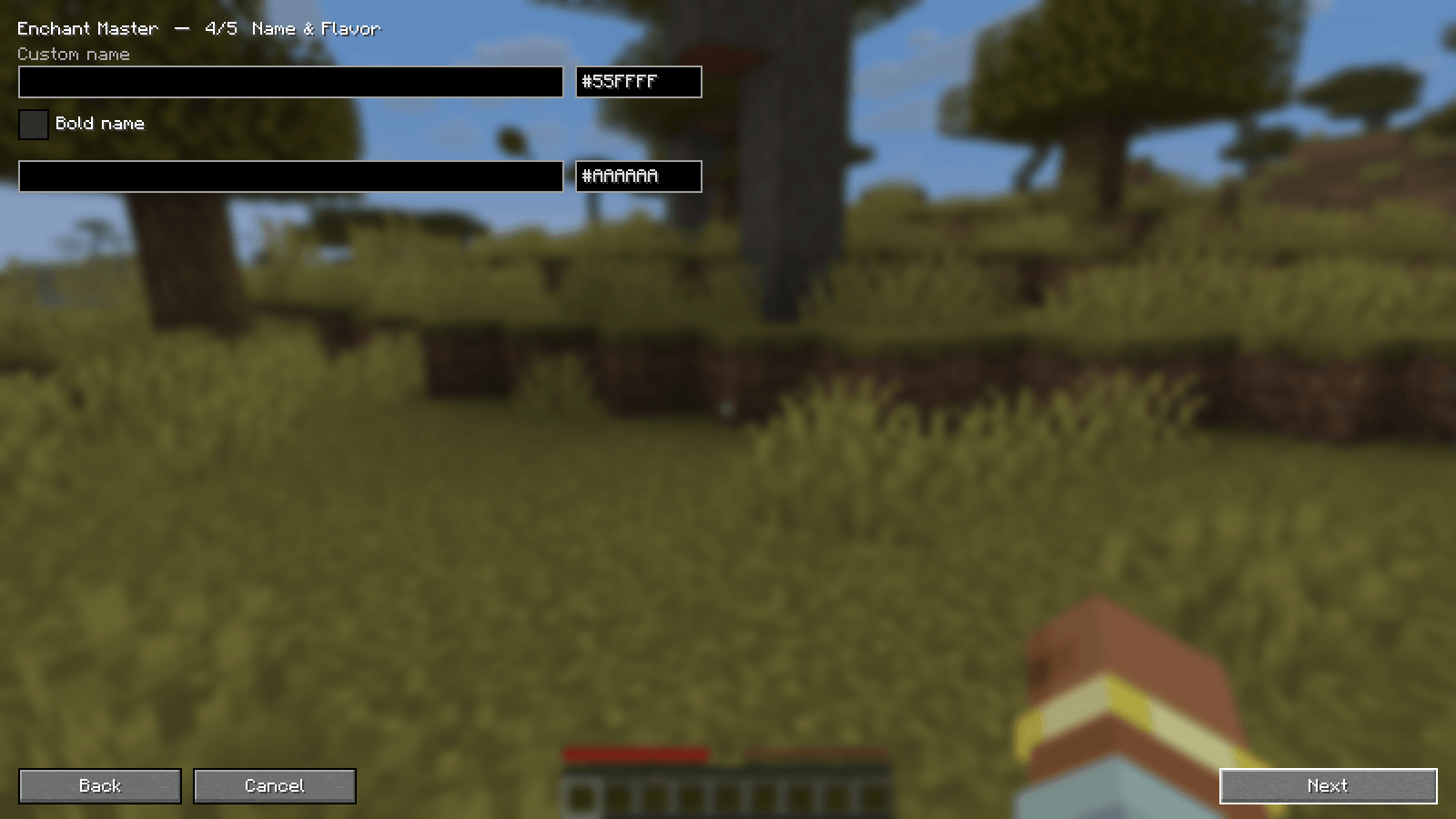
ingame-05-appearance.png
ingame-02-forge-overview.png
Description
Enchant Master
 Enchant Master is a server admin toolkit for forging custom items and editing inventories.
Features
- Web admin UI (Forge + Inventory Modify tabs) — started only by OPs
- Custom enchantments, attribute modifiers, names, and lore
- Override mode for over-max levels / exclusive conflicts (configurable cap)
- Edit online and offline player inventories
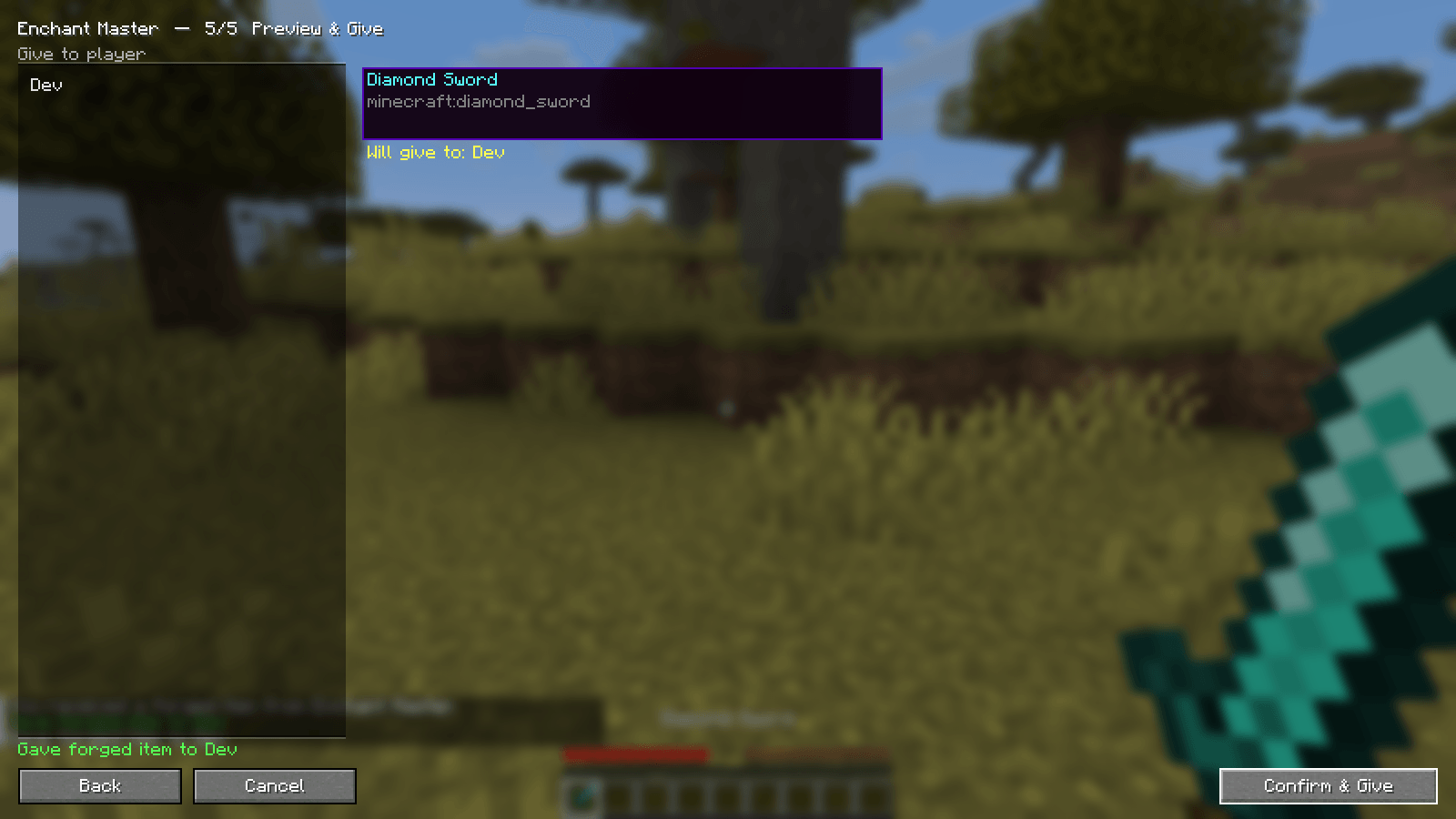
- Optional in-game UI for operators who install the client mod
- Server-only deploy: normal players need nothing extra
- IP access control + audit log
Installation
- Install matching Forge or NeoForge for your Minecraft version.
- Put the correct Enchant Master jar in the server
modsfolder. /enchantmaster web startas OP or console.- Open the printed URL.
Security: No web password. Use on trusted networks or behind a reverse proxy. See project wiki.
Commands
/enchantmaster web start|stop|status/enchantmaster open(OP + client mod)
Versions
Separate jars per Minecraft version — download the file that matches your server.
Forge: 1.16.5, 1.20.1
NeoForge: 1.20.2+, 1.21.x, 26.x (see file list)
Links
- Source / issues: GitHub
- Changelog: see GitHub CHANGELOG.md
The Enchant Master Team