Empty Map Preview
- By
Preview the exact area an empty map will cover before you use it. 100% client-side, works on any server.
show.png
red.png
block(1).png
setting-mod-menu.png
Description
Empty Map Preview
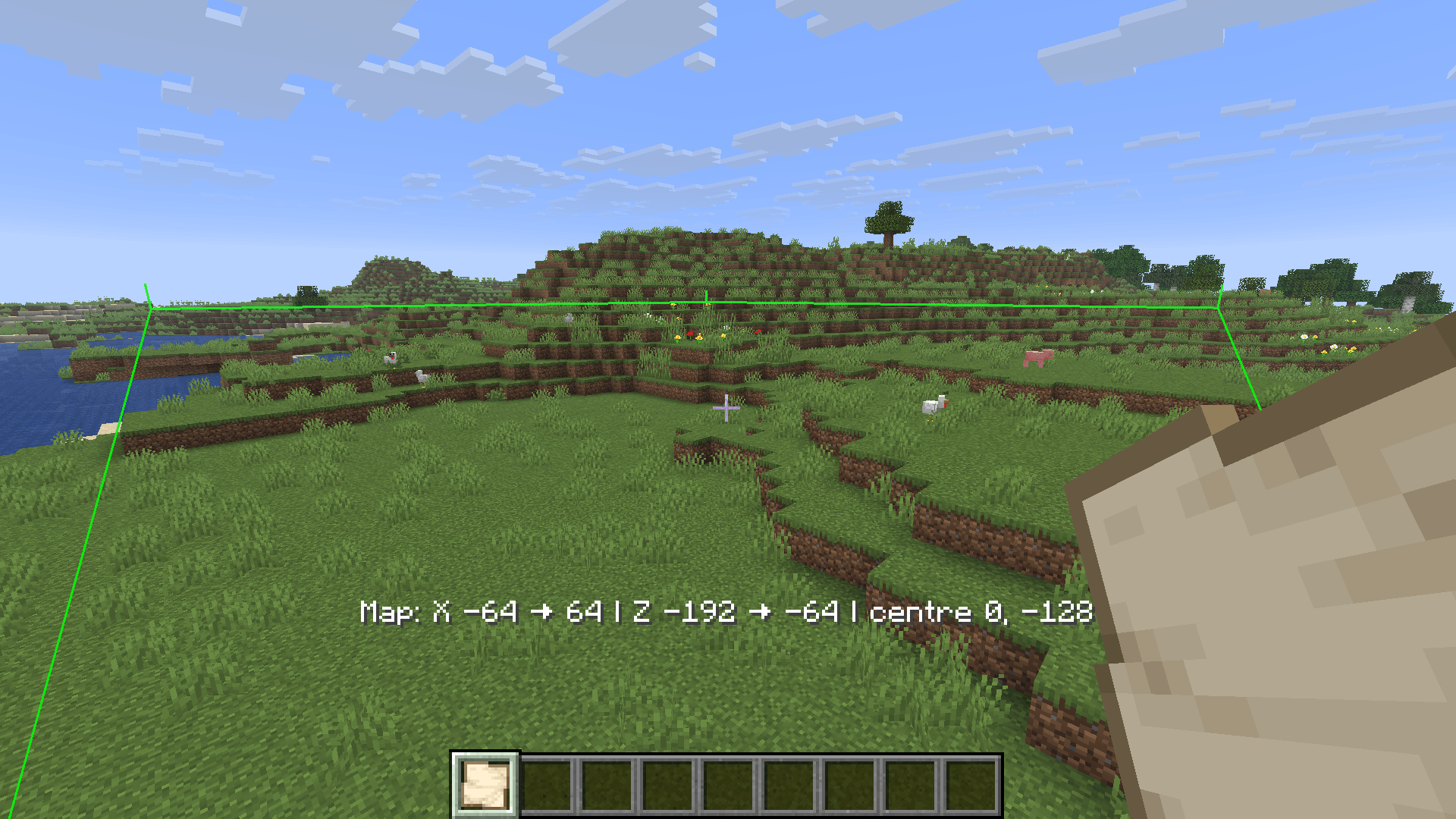
Hold an empty map and see, right in the world, the exact area it will cover. No more guessing where to use it.
Features
- Outline of the 128×128 area, computed from the vanilla map grid
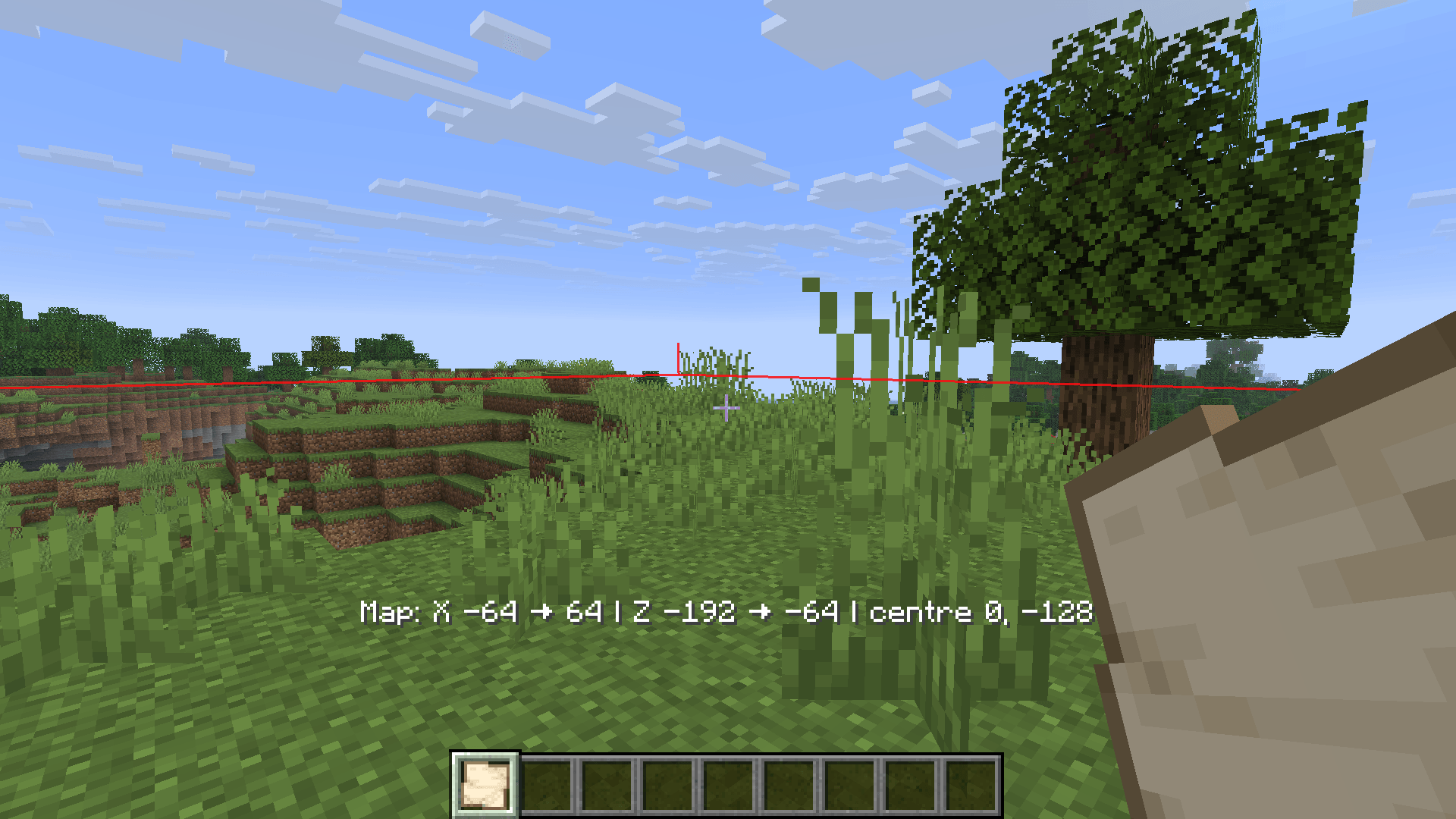
- Lines visible through blocks (can be turned off)
- Coordinates of the borders and the center
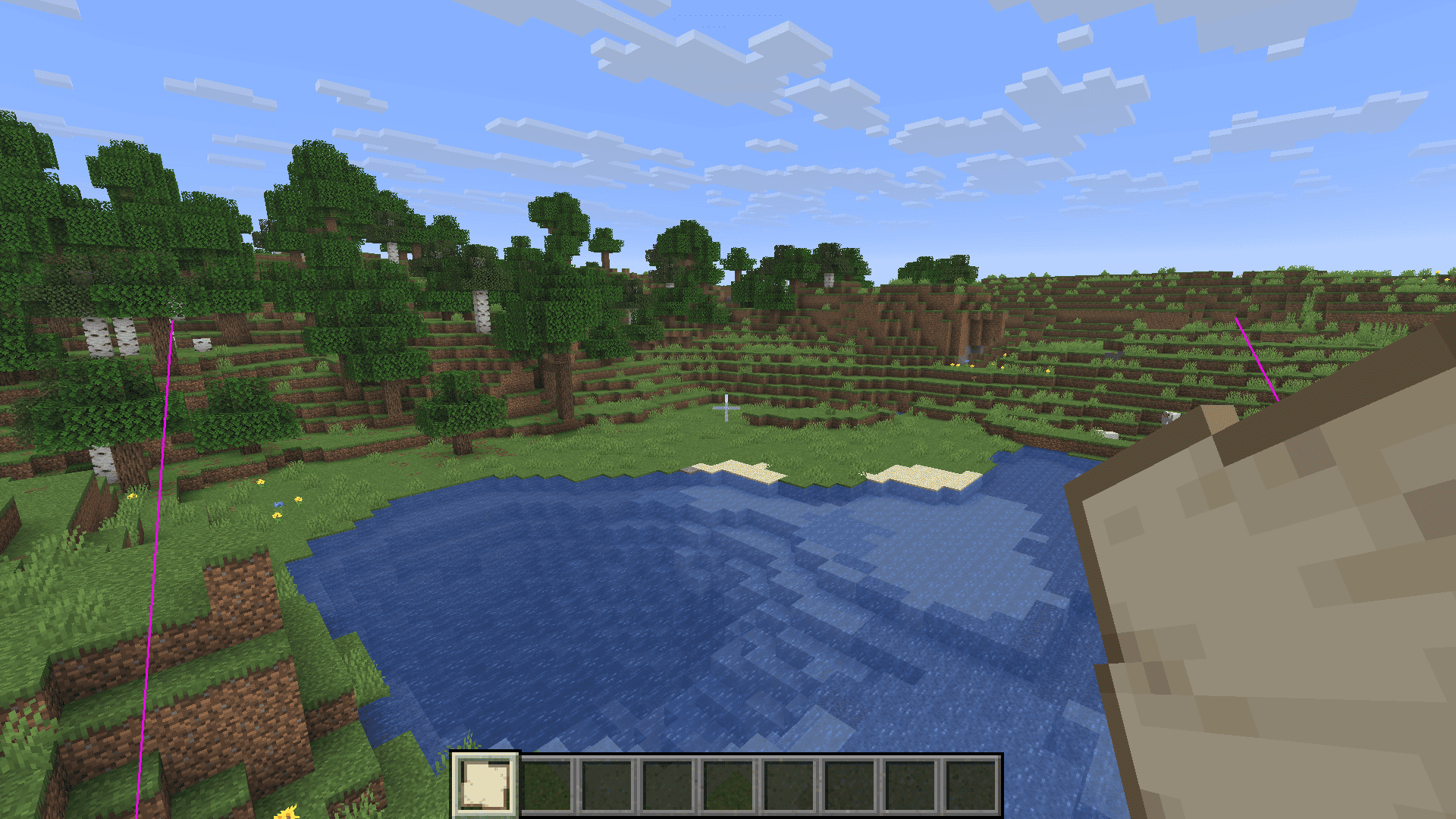
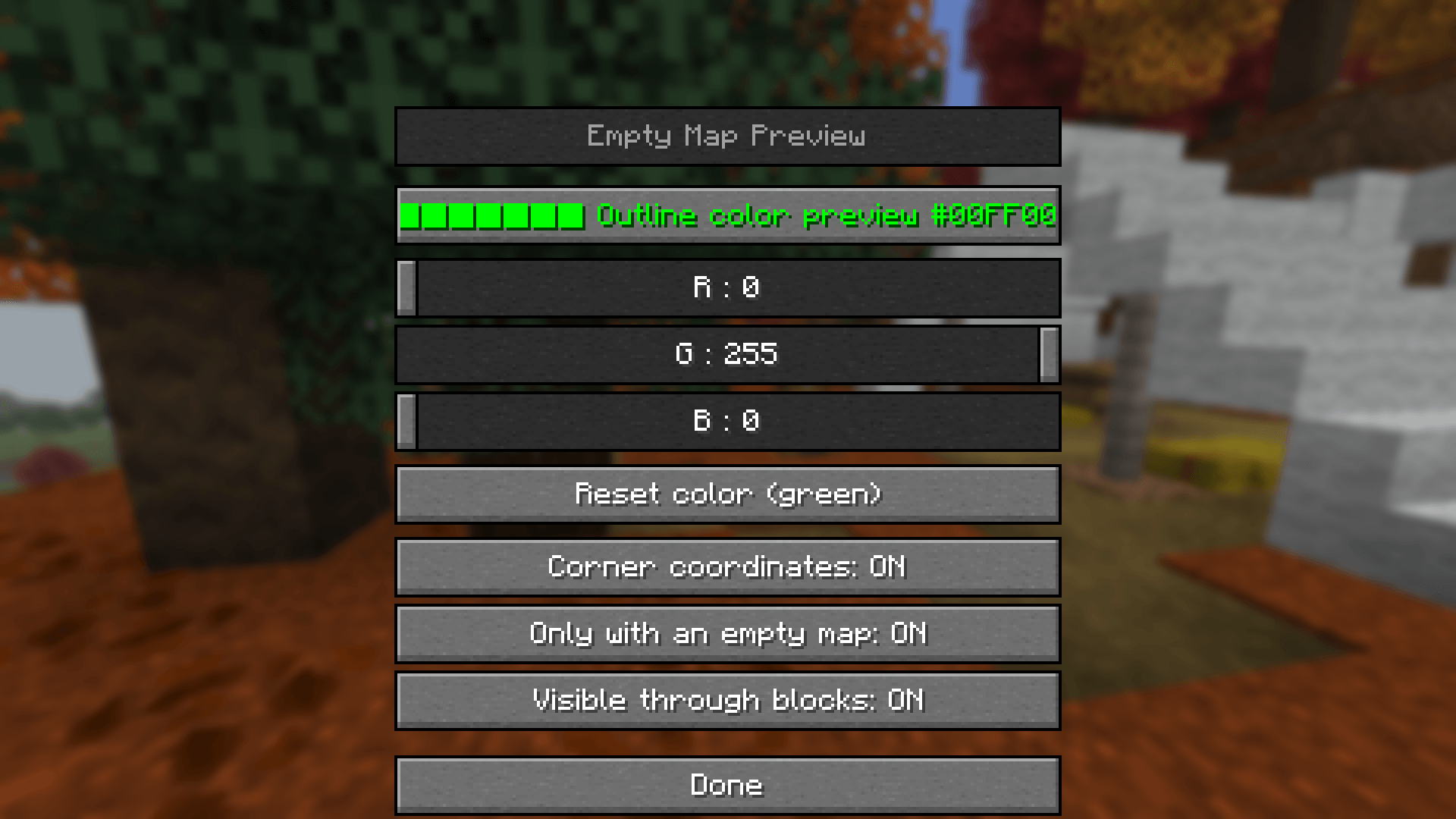
- Customizable outline color with an RGB picker and a reset button (green by default)
- Configurable keybind to toggle the preview (F by default)
- Config screen in Mod Menu
- Option to show the preview only while holding an empty map
Client-side only
Nothing to install on the server. The mod works on vanilla and modded multiplayer servers. It doesn't change maps or items, and it sends no packets. Vanilla map behavior is untouched: right-click works as usual.
Requirements
- Minecraft Java 26.3
- Fabric Loader 0.19.5 or newer
- Fabric API
- Mod Menu (optional, for the config screen)
Configuration
Open Mod Menu, select Empty Map Preview, and click the config button. You can also edit config/emptymappreview.properties. The keybind is in Options → Controls → Empty Map Preview.
Empty Map Preview Team