Jump → go up. Sneak → go down
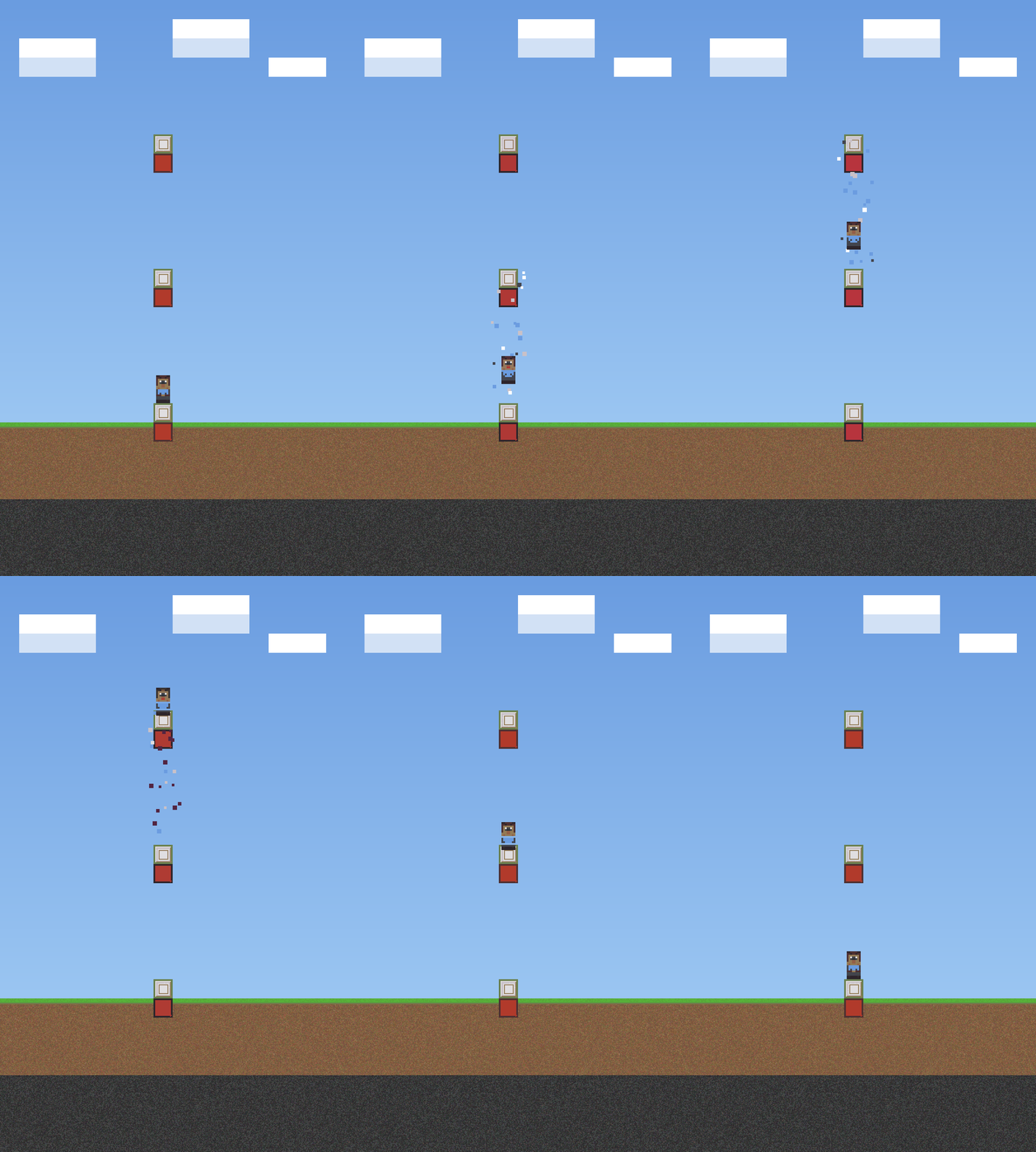
GIF animation of how the elevator works
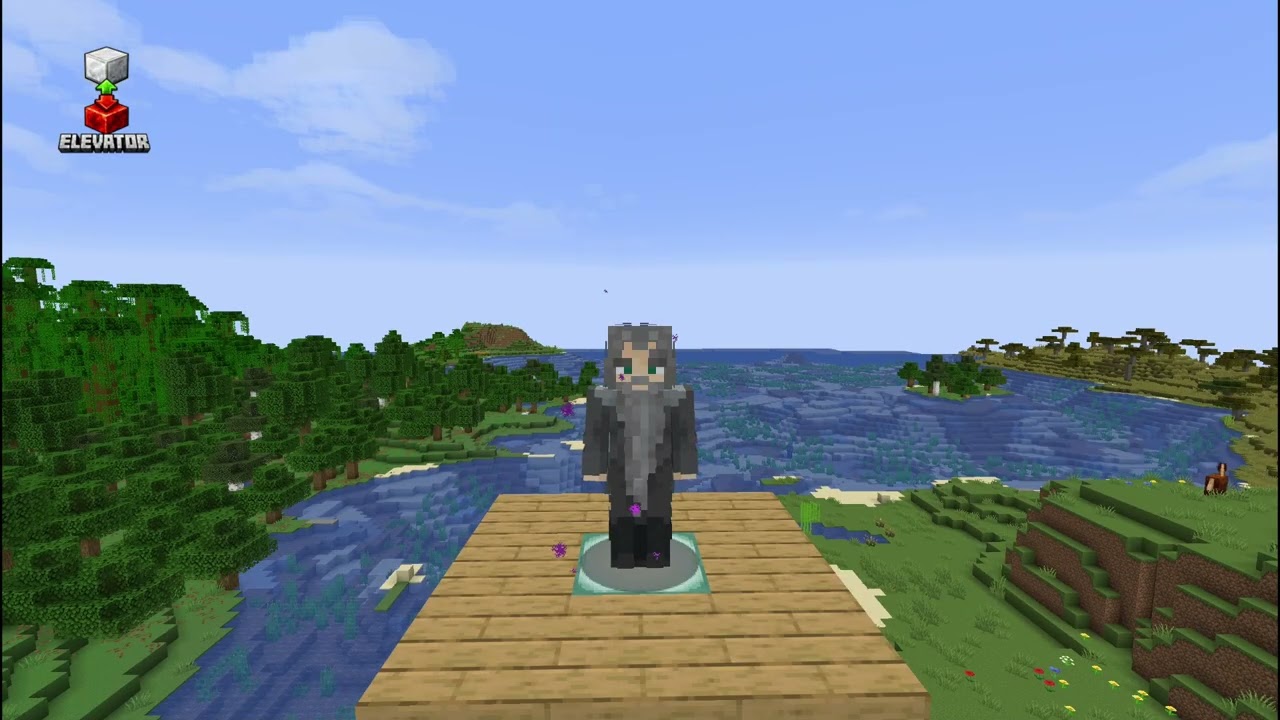
Description
Elevator — Fabric Mod
A simple elevator mod for Fabric.
Features
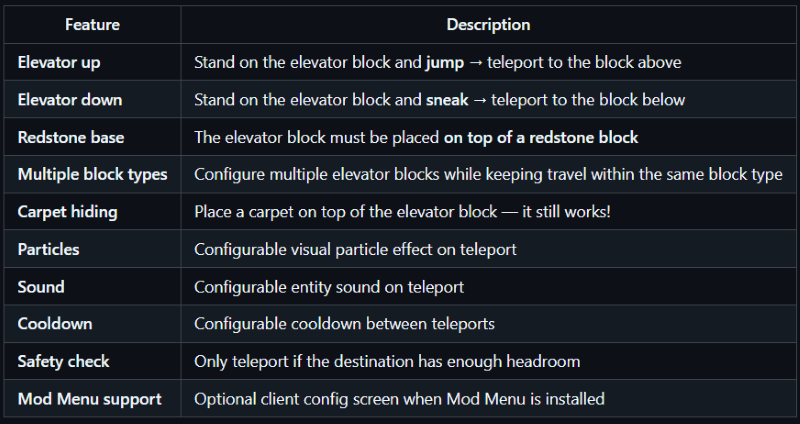
How to use
- Place a redstone block on the floor.
- Place one of the configured elevator blocks (default: iron block) on top of the redstone block.
- Repeat on each floor.
- Travel only works between elevator platforms made from the same block type.
- Leave at least 2 free blocks of space above each elevator block.
- Stand on the elevator block and:
- Jump → go up
- Sneak → go down
Tip: hide the elevator block by placing a carpet on top of it!
Configuration
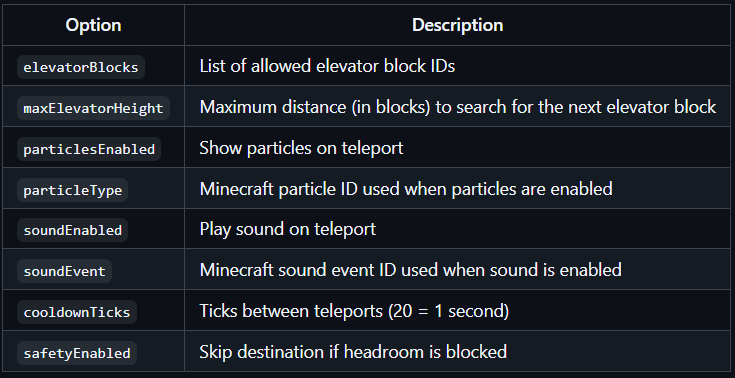
The config file is created automatically on first server start: `config/elevator.json`
json
{
"elevatorBlocks": ["minecraft:iron_block", "minecraft:gold_block", "minecraft:sea_lantern"],
"maxElevatorHeight": 50,
"particlesEnabled": true,
"particleType": "minecraft:portal",
"soundEnabled": true,
"soundEvent": "minecraft:entity.enderman.teleport",
"cooldownTicks": 20,
"safetyEnabled": true
}
With Mod Menu + Cloth Config installed on the client, you get a full in-game config screen.
Commands
/elevator info - Shows the configured elevator blocks and reminds that travel only works between matching block types - Everyone
/elevator reload - Reload the config file - OP
Installation
- Download the latest JAR
- Place the JAR in your server's `mods/` folder
- Make sure Fabric API is also installed
- Start the server — the config file will be created automatically
🏜️ Test Server
Feel free to join my Minecraft server to test my mods: play.swordfishbe.eu
Elevatorr Team