Economics and Banking - Trading, Bounties, Auctions, Chunks, and More!
- By
A mod that adds a physical fiat currency for use in minecraft, primarily to facilitate trade, rewards, and server or world based economic systems where all aspects can be tweaked via configuration.
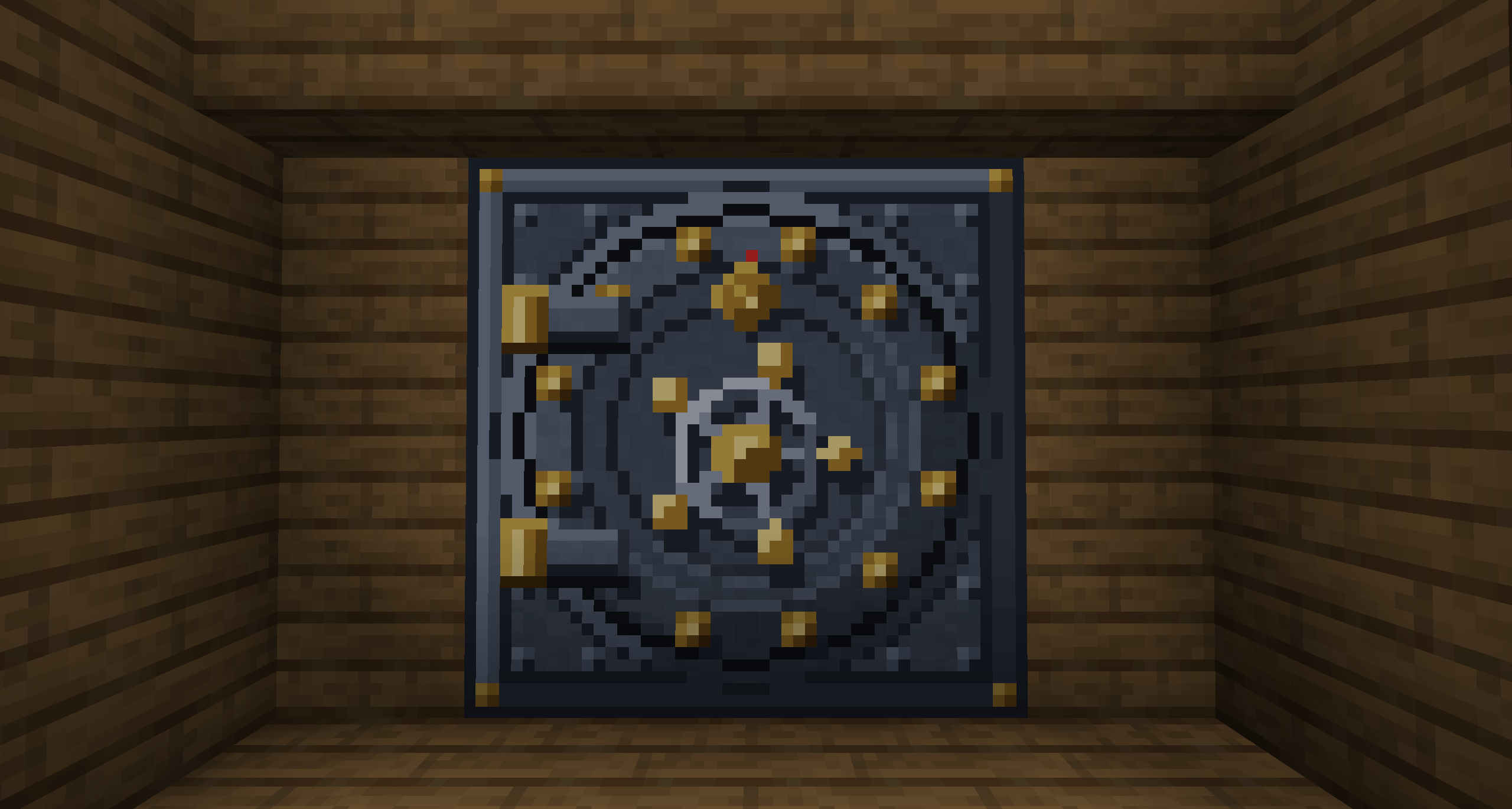
Vault door.png
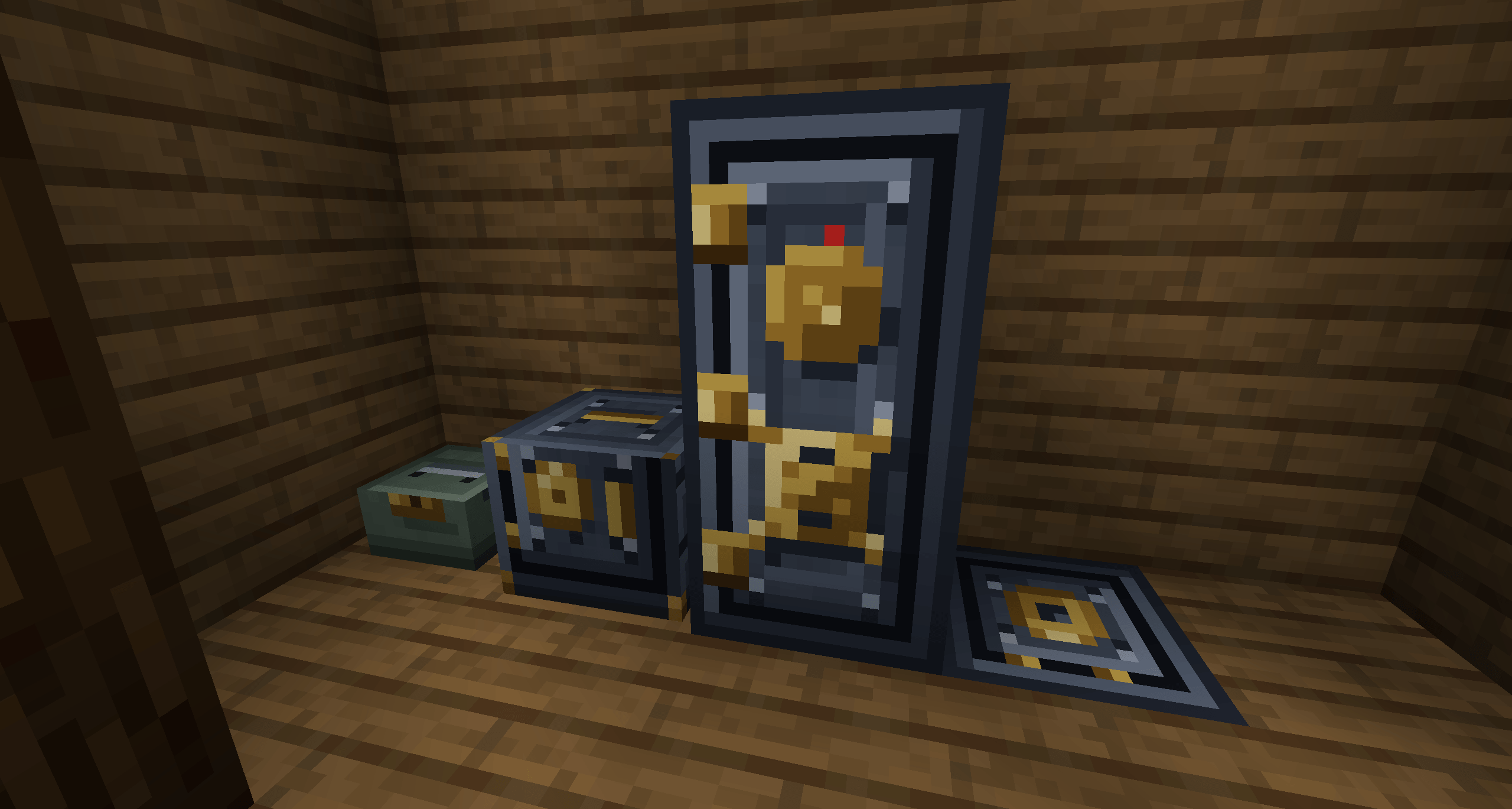
Safes.png
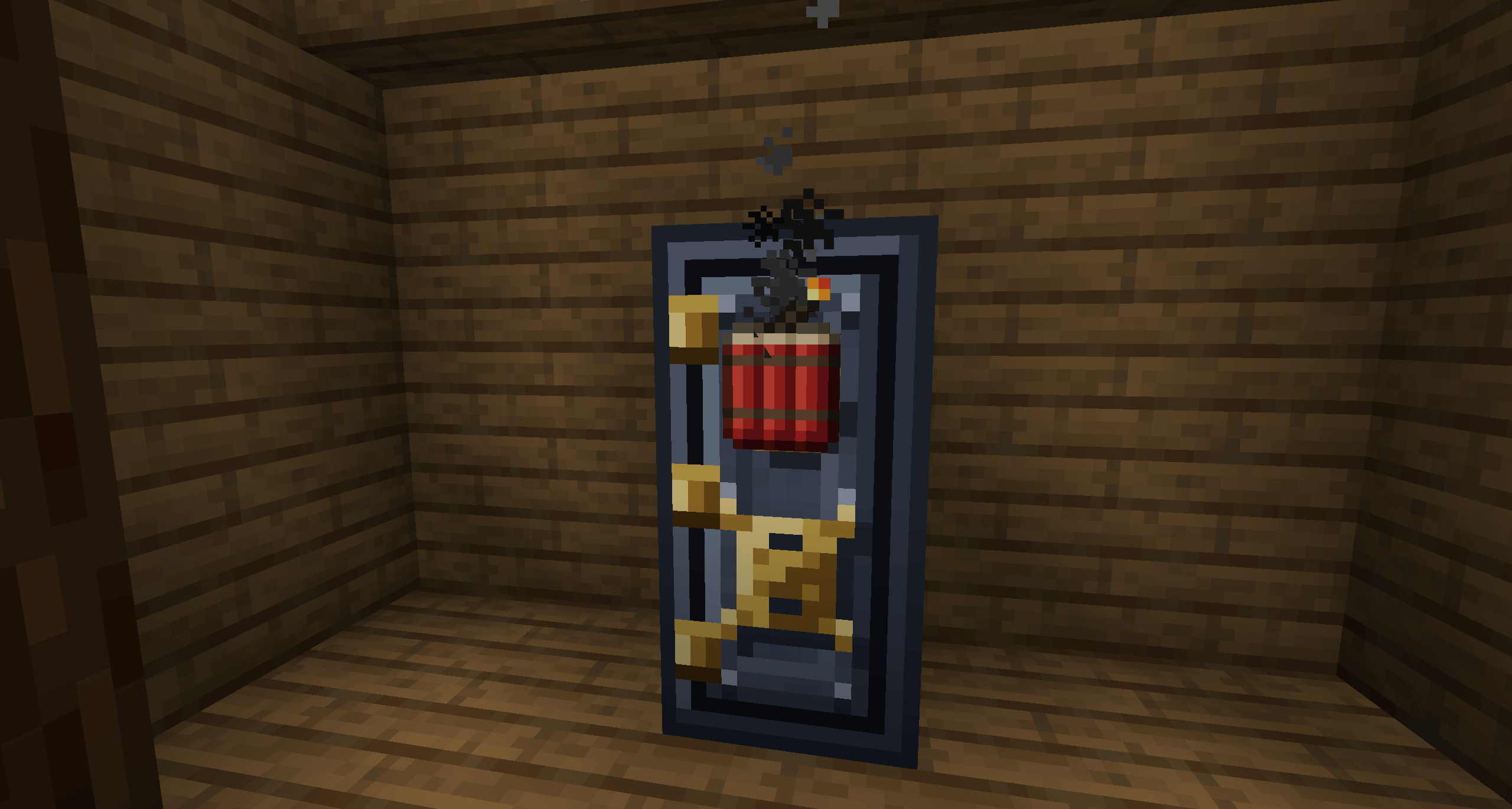
Safe with dynamite on door.png
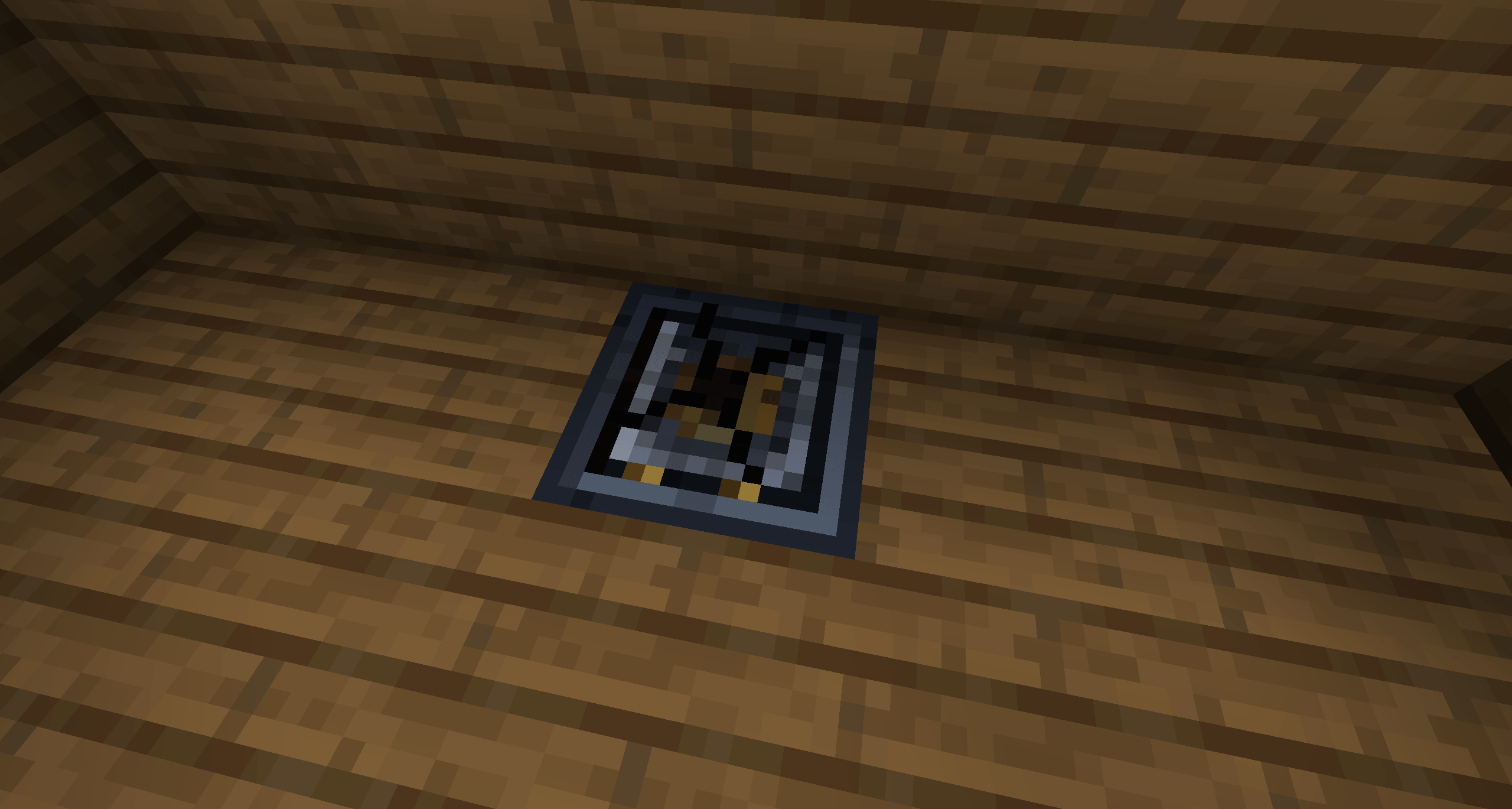
Blasted safe.png
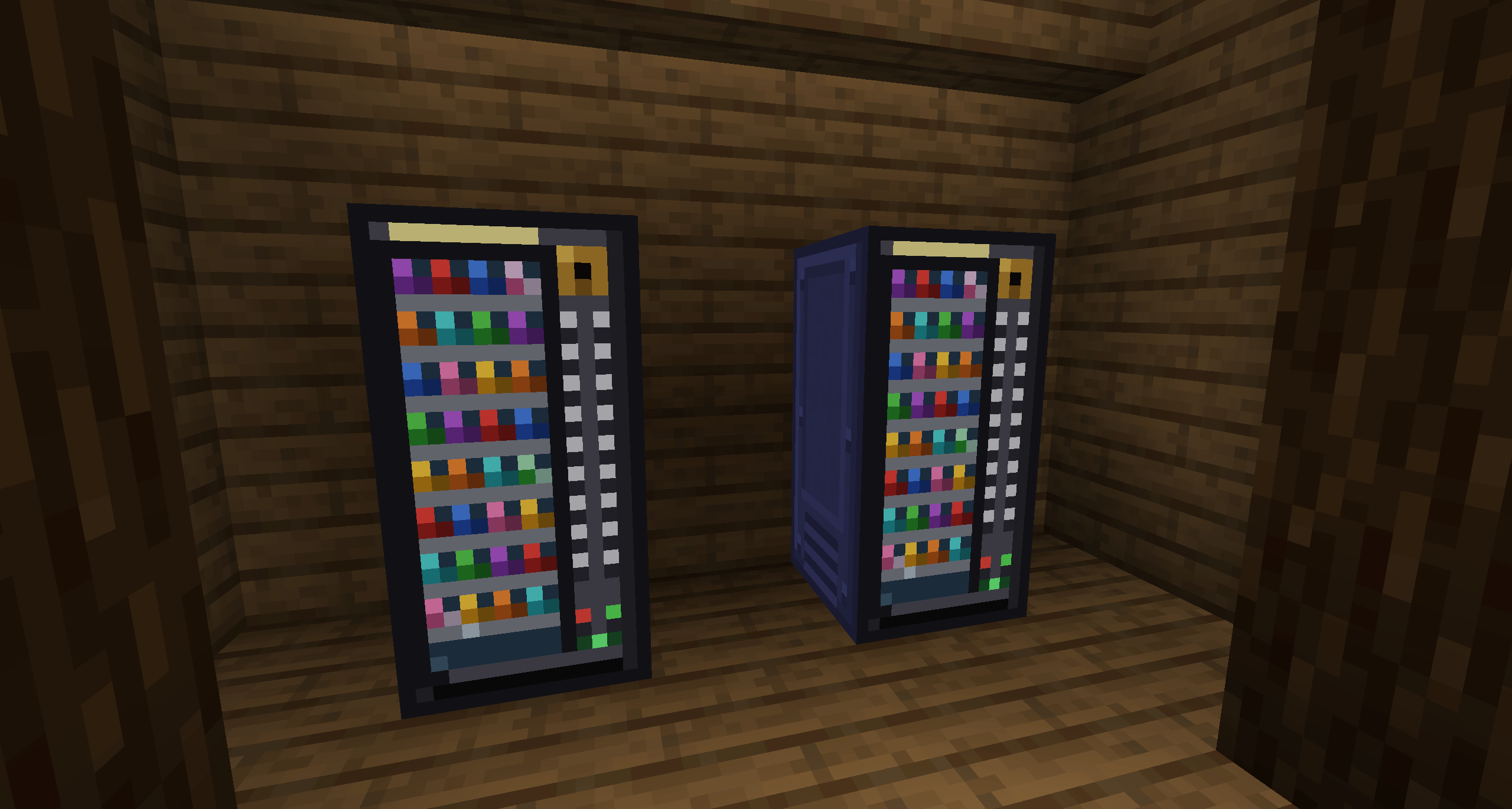
Vending machines.png
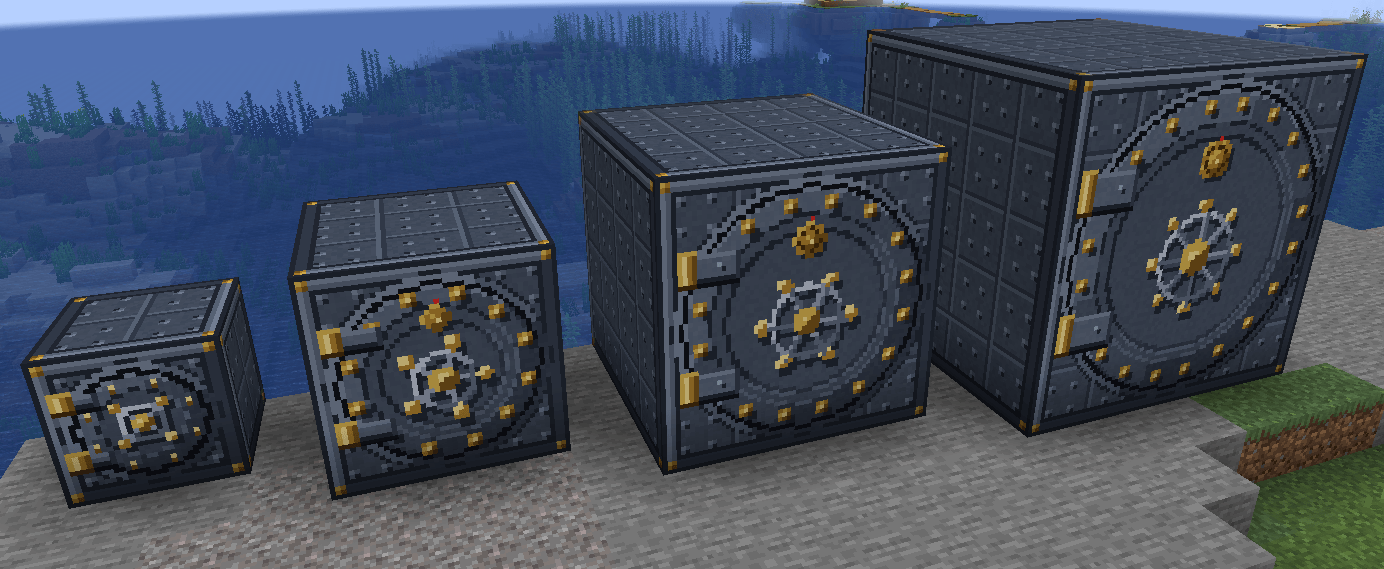
Vaults.png
Description
Economics & Banking
A fiat-currency economy for multiplayer servers.
Currency
Six coins, each worth 9 of the one below: copper → iron → gold → diamond → emerald → netherite (1 netherite = 59,049 copper). Prices are written like 86, 5c, 1g5c or 2n 3e. Every payment makes change automatically. For example, paying a 5c price with a gold coin takes the gold and returns 8i 4c. Coins can't be crafted from ingots. They come from loot, from trade, and from /eco give. The 9↔1 exchange recipes can be turned off.
Money storage
| Block | Size | Slots | Lock pins | Cracked by | Blast res. |
|---|---|---|---|---|---|
| Cash Box | 1 block | 27, coins only | 1 | anything | 6 |
| Strongbox | 1 block | 27 | 3 | power 1+ | 1200 |
| Floor Safe | 1 block | 36 | 5 | power 2+ | 2400 |
| Standing Safe | 1 block, or 2 stacked | 54, or 108 (2 pages) stacked | 7 | power 3+ | 3600 |
| Vault | solid cube of Vault Blocks, 2×2×2 to 5×5×5 | 162 / 216 / 324 / 432 (3 / 4 / 6 / 8 pages) | 10 | power 4+ | 3,600,000 |
- Standing safes join up when you put one of your own directly on top of another: one tall door, twice the room. Break either half and the other goes back to a one-block safe (anything on the second page drops).
- Vaults: build a solid cube of your own Vault Blocks (they can face any way), then right-click it with an empty hand. The whole cube becomes one vault with the door on the side you clicked. Right-click another side to move the door there; right-click the door to open it. Build the cube out to the next size and right-click again to grow it, contents and code included. Breaking any block dissolves the vault and spills what's inside.
- Only the owner can open or break a safe. The owner sets a 4–8 digit code from the safe's GUI.
- Inside an FTB Chunks claim nobody else can interact with it at all: no keypad, no lockpicks, no charges. A config option lets claim-team members in.
- Outside a claim others can enter the code on a keypad (wrong guesses lock them out), pick the lock, or blow it open. The owner is notified if online.
- Lockpicks (basic / advanced / master): hold use on the safe. Each second the server rolls one pin. A failed roll may break the pick.
- A cracked safe opens for anyone until the owner uses a Safe Repair Kit on it.
Explosives
Place one on a block face; it detonates after its fuse. Hit a placed charge to defuse it.
| Charge | Power | Blast | Money destroyed | Fuse |
|---|---|---|---|---|
| Blackpowder Charge | 1 | 3.0 | 40% | 4s |
| Dynamite Bundle | 2 | 3.5 | 30% | 4s |
| Shaped Charge | 3 | 2.0 | 15% | 5s |
| Thermite Charge | 4 | none (burns within 1.5 blocks) | 10% | 12s |
| Plastic Explosive (C4) | 5 | 4.0 | 20% | 5s |
Charges don't break terrain unless explosivesBreakBlocks is on. Only coins are destroyed, never other items.
Shops (16 dye colours each)
- Vending Machine has up to 12 trades. Put a second one of the same color on top of (or underneath) your own and the two join into one tall machine with 24 trades and twice the stock (two pages of shelves in the edit view); either half opens the same shop. Trade Booth has 1 trade, with the item floating on top and the price on the front. Display Case has 1 trade, with the item inside the glass.
- A trade either sells (customer pays for items) or buys (shop pays the customer for items).
- The owner clicks Edit to fill the 27 stock slots and edit trades: put an item on the cursor, click the item box, then set the count and price. Hoppers can restock a shop but can't take from it.
- Shop Linker: sneak-use a cash box, safe or vault you own, then use the shop. Up to 4 links within 30 blocks (configurable). Income goes into linked storage, and buy-trades are paid from it. The built-in till catches the overflow.
- Operators can flag a shop as Admin: unlimited stock and funds.
Paid machines
- Payment Block: customers see a coin slot and the cost. Paying outputs redstone for a set time on the sides the owner chose.
- Fluid Dispenser: fill it with pipes or buckets. Customers use any bucket or other mod's tank item on it and pay per 1000 mB.
- Charging Station: fed by any FE cable. Customers put an item in the slot and pay to charge it up to the owner's FE amount; a partial charge costs proportionally less.
- Teleporter: link it to another of your teleporters with the Shop Linker, then set a price and a name. Can be disabled; the recipe is off by default.
Bank, MineBay, bounties
- ATM: deposit coins into a per-player bank account and withdraw cash. Bank money can only be spent on MineBay.
/eco paytransfers between accounts. Can be disabled; the recipe is off by default. - MineBay: list the item in your hand at a Drop-off, either as buy-now or as an auction with escrowed bids. Browse and buy from either terminal, paying from bank and then cash. Purchases and returned items are collected at a Pickup. Unsold listings return after 7 days. Can be disabled; the recipes are off by default.
- Bounty Board: put cash in escrow on a player. Whoever kills them claims the reward at any board. Can be disabled; the recipe is off by default.
Land (FTB Chunks)
Everything here needs FTB Chunks and lives in the [land] section of the config.
Land Office block. The Land tab covers claim chunks, force-load slots, upkeep and your Land Office fund. The Market tab lists chunks for sale. The recipe is off by default.
Stepped prices. Claims, force-load rent and upkeep each have their own price curve:
basePriceis the price of each unit up toflatUntilunits.- After that the price rises by
stepAmounteverystepEveryunits. - Examples: "+10 per chunk after 10" is
flatUntil=10, stepEvery=1, stepAmount=10. "+100 every 2" isstepEvery=2, stepAmount=100.
Team caps. Claims and force-load rentals are each capped per FTB team:
capapplies to a solo player.capPerExtraMemberis added for each team member beyond the first.capHardMaxis an absolute ceiling for any team (0 = none).- Claim prices also step up with what the whole team has bought, so splitting purchases across members doesn't dodge the curve.
Extra claim chunks are bought once in cash and kept for good. You can sell unused ones back for sellBackFraction of their current price.
Force-load slots are rented every billingPeriodMinutes (default 1440, one real day):
- A new slot is charged straight away for the rest of the current period.
- Slots you can't pay for are given up, and FTB releases the newest force-loaded chunks over the new limit.
Upkeep (off by default) charges every claimed chunk beyond freeChunks each period:
- The bill goes to the party owner, or to the player for a solo team.
- After
gracePeriodsmissed bills, the team's newest chunks are unclaimed until what's left can be paid for.
Bills come out of the payer's Land Office fund, which they top up with cash. With payBillsFromBank on, any shortfall comes from the bank. Time the server is offline is never billed.
Selling land.
- The team owner stands in a claimed chunk and runs
/eco land sell <price>. - The chunk then shows a gold coin with the price on the FTB Chunks map and minimap.
- Players walking into it get a notice.
- Anyone with free claim space can buy it with
/eco land buywhile standing in it, or from the Market tab. - The claim moves to the buyer's team, and the seller's money (minus
tax) goes into their Land Office fund. - Listings disappear on their own if the chunk is unclaimed or changes hands.
Extra claims and slots are added to the player's own FTB data, the same way /ftbchunks admin extra_claim_chunks does it, so they count toward their party team. Changes are added on top, so anything an admin set by hand is left alone.
Commands
/eco balance [player], /eco worth, /eco pay <player> <amount>, /eco bounties, /eco land, /eco land sell <price>, /eco land unlist, /eco land buy, /eco land listings. Operator-only: /eco give <player> <amount>, /eco bank add|set <player> <amount>.
Config
config/economicsandbanking-common.toml holds:
- feature and recipe toggles
- loot: chest/mob coin drops, chances and amounts (copper only)
- security: claim team access, keypad lockouts, owner alerts, explosives
- link range, machine capacities, MineBay limits/fees/tax, bounty minimum
- land: price curves, team caps, rent, upkeep, sell-back, land sales
Recipe toggles apply on world load or /reload.
Economics and Banking - Trading, Bounties, Auctions, Chunks, and More! Team