Easy Model Entities
- By
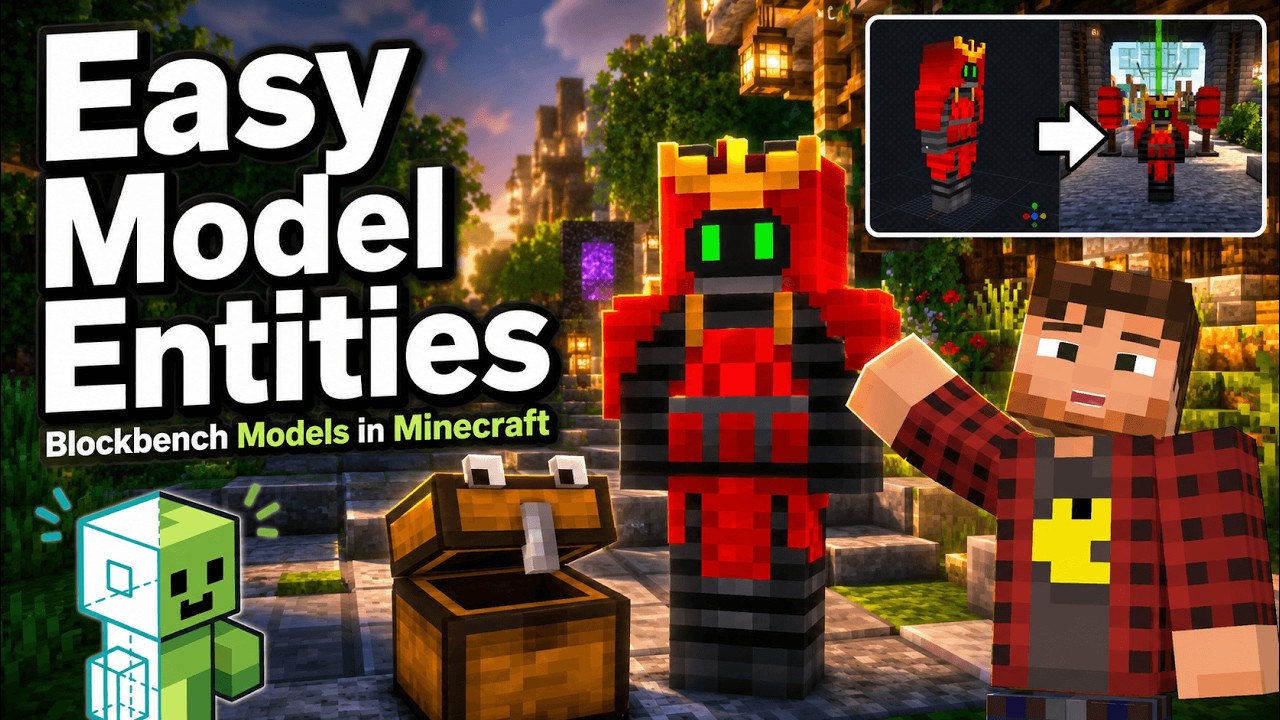
Turn Blockbench models into simple Minecraft entities without writing Java code.
EME-example.png
demo_01.png
Description
Easy Model Entities








Note: This is an early release to gather feedback. Some settings, file formats and the export output may still change before the final version. Please report problems and ideas on the issue tracker.
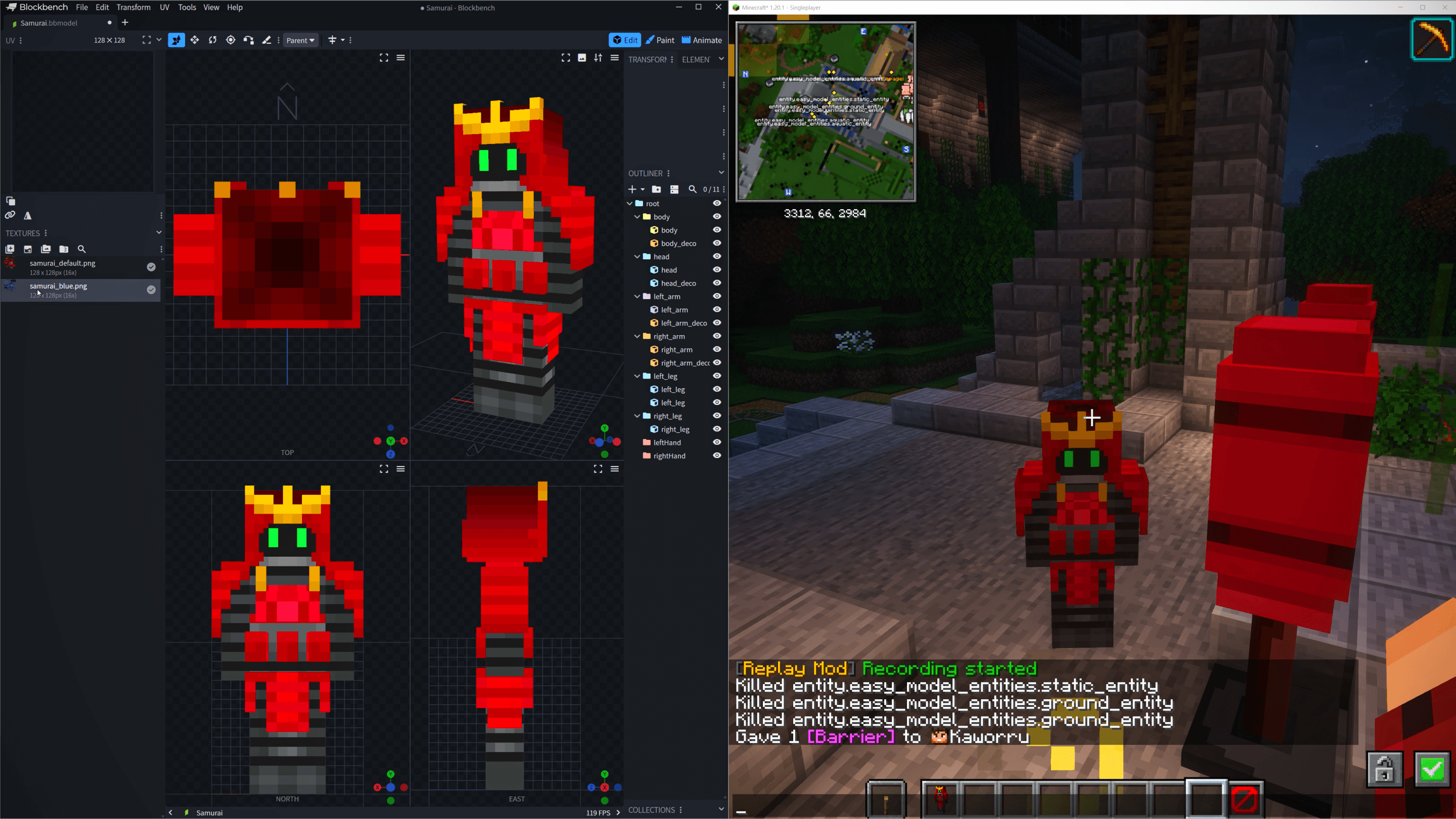
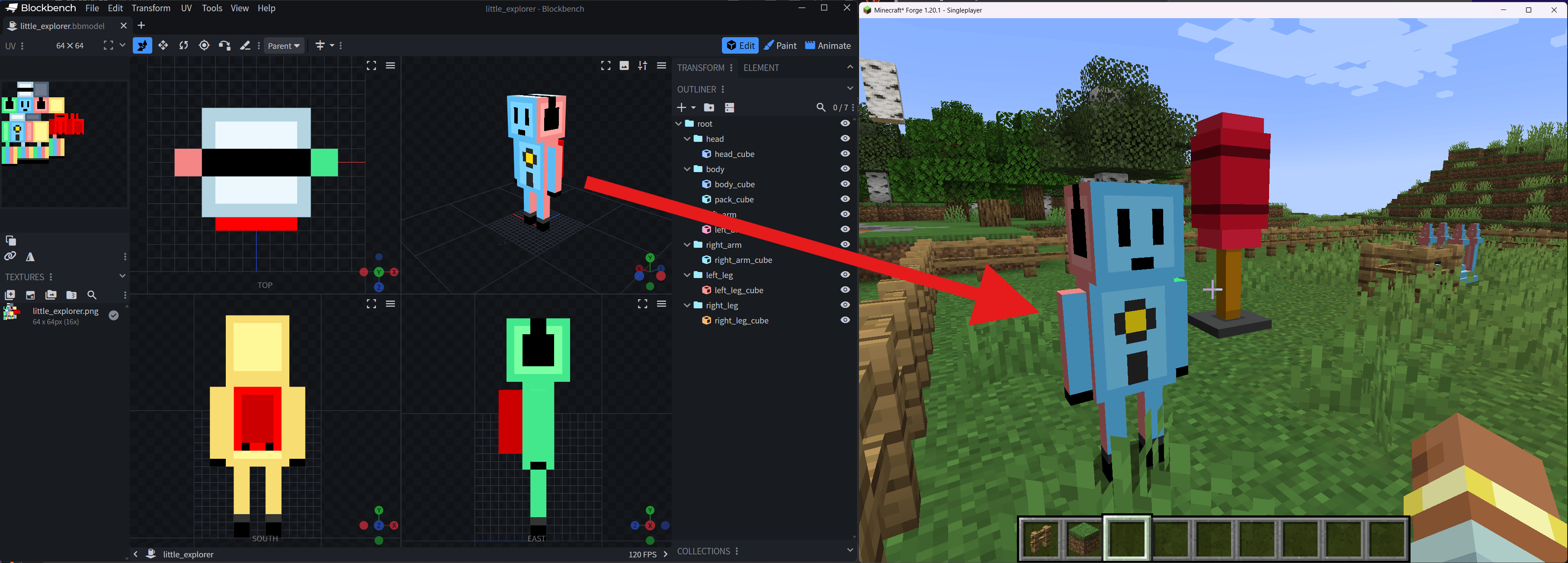
Easy Model Entities turns Blockbench models into Minecraft entities and block-entities without requiring custom Java code for every model.
It exists to make custom models easier to ship, test, and maintain. Instead of writing a renderer, registering one-off entity classes, and hardcoding animation behavior, you describe the model with data and resource pack profiles. EME provides the host entities, host blocks, renderer integration, profile validation, and a small automatic animation layer.
Install it if you want custom Blockbench models that can appear as ambient creatures, static display entities, decorative block-entities, shrines, mimics, or mod-integrated renderable objects with much less boilerplate.
Introduction & Overview Video
✨ Why Use It?
- No per-model Java required: Define most models with data packs and resource packs.
- Entity and block-entity support: Use moving entities for mobs or fixed block-entities for decorations and machines.
- Blockbench-friendly workflow: Load bundled
.bbmodelassets directly from resource packs. - Profile-driven behavior: Configure host type, body type, dimensions, movement, behavior, rendering, texture, and animation from JSON.
- Automatic animation: Basic idle, walk, wing, tail, and random-idle behavior is available out of the box.
- Standard keyframe clips: Blockbench animations named
idle,walk,swim,fly, orattackare played automatically.hurtanddeathare loaded but only play when driven by a command or a mod. Clips with any other name are ignored to keep the runtime simple (no state machines, no Molang). - Developer API: Mods can use render delegates, custom part animators, and runtime profile data without depending on internal renderer classes.
- Diagnostics and demo profiles: Commands help list, validate, debug, spawn, and place test models in a dev world.
🗣 What Can You Build?
- Ambient critters, NPCs, training dummies, and simple custom entities.
- Static display models that still use Minecraft entity rendering.
- Decorative block-entities such as shrines, statues, altars, or mimics.
- Mod-controlled entities and block-entities that use EME for model loading, rendering, texture handling, and optional part animation.
ℹ️ Quick Start
After installing the mod, try the bundled demo profiles in a dev or test world:
/easy_model_entities summon easy_model_entities_examples:entity/little_explorer
/easy_model_entities summon easy_model_entities_examples:entity/stone_turtle
/easy_model_entities place_block easy_model_entities_examples:block_entity/shrine
Useful diagnostic commands:
/easy_model_entities list_profiles
/easy_model_entities validate_profiles
/easy_model_entities debug_profile easy_model_entities_examples:entity/little_explorer
/easy_model_entities set_animation @e[distance=..8] walk
More demo commands and explanations are available in the Demo Commands wiki page.
🧩 Blockbench Plugin
You can write the profile JSON by hand, but the [Easy Model Entities Exporter][plugin] does it for you: it exports the current Blockbench project as a ready-to-install data pack and resource pack, detects a fitting preset from your bone names, and validates the model before writing anything.
Two ways to get it:
- Blockbench plugin list (recommended): File > Plugins > Available, search
for
Easy Model Entities. This is the reviewed release, so new versions can take a while to appear there. - Development version: use File > Plugins > Load Plugin from URL with this address:
https://raw.githubusercontent.com/MarkusBordihn/BOs-Easy-Model-Entities-Blockbench-Plugin/refs/heads/master/plugins/easy_model_entities/easy_model_entities.jsThis is the current master state — newer, but it may contain errors and is
not reviewed.
📦 Pack Workflow
Easy Model Entities uses two profile layers:
- Server profiles in a data pack decide what the model is and how it behaves.
- Render profiles in a resource pack decide which model, texture, scale, bounds, and animation settings are used on the client.
Typical files:
data/<namespace>/easy_model_entities/profiles/entity/<id>.json
data/<namespace>/easy_model_entities/profiles/block_entity/<id>.json

assets/<namespace>/easy_model_entities/render_profiles/entity/<id>.json
assets/<namespace>/easy_model_entities/render_profiles/block_entity/<id>.json
assets/<namespace>/easy_model_entities/models/<model>.bbmodel
assets/<namespace>/textures/entity/<texture>.png
assets/<namespace>/textures/block/<texture>.png
See the Pack Usage wiki page for the full structure.
Developer Integration
Mods can integrate EME into their own renderers by implementing
EasyModelRenderable and using the client render delegates:
EasyModelEntityRenderDelegateEasyModelBlockEntityRenderDelegateEasyModelEntityRenderOptionsEasyModelBlockEntityRenderOptionsEasyModelPartAnimator
Custom part animation can either add to the automatic EME transform or replace
it entirely with EasyModelPartAnimationMode.REPLACE.
See the Developer Integration wiki page for examples.
Installation and Compatibility
Install the matching loader build on both client and server when profiles, entities, or block-entities are used in multiplayer.
ℹ️ Documentation
Please check the wiki for additional information.
🐛 Report Issues, Bugs, Crashes or Feature Requests
Please report issues and feature requests over the issues link. I'm happy to help you.
The Easy Model Entities Team


Owner