DUATAR: Private Message
- By
Private Message A lightweight, letter-inspired private messaging system for Minecraft. Send private messages to online players through a simple interface and receive incoming messages as clickable letter notifications. Features
14-private-message-1.png
14-private-message-2.png
14-private-message-3.png
Description
DUATAR: Private Message
A lightweight, letter-inspired private messaging system for Minecraft. Send private messages to online players through a simple interface and receive incoming messages as clickable letter notifications.
Features
- Private player-to-player messaging
- Letter-style conversation window
- Incoming mail notifications on the HUD
- Separate notifications for multiple senders
- Server-side player validation
- Built-in message rate limiting
- Multiplayer and singleplayer support
How to Send a Message
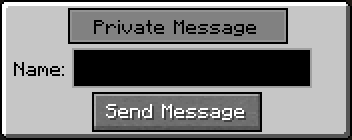
1. Press Z to open the Private Message menu.
2. Enter the exact username of an online player in the Name field.
3. Click Send Message.
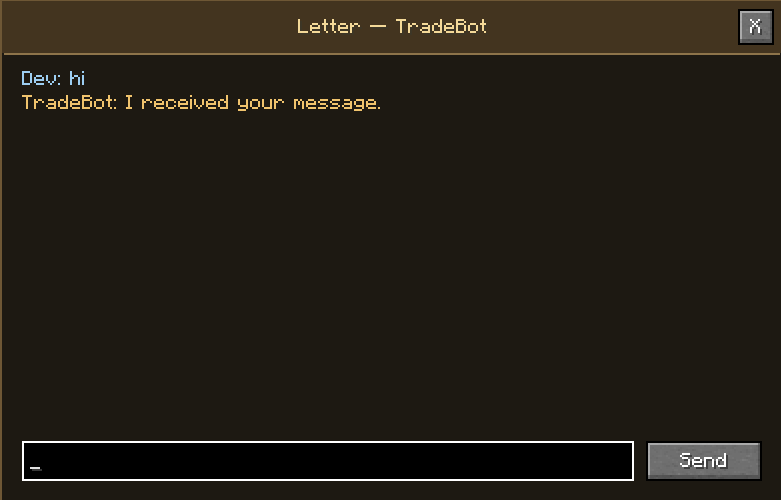
4. The conversation window will open.
5. Write your message and click Send.
The Z key can be changed from Minecraft’s Controls menu.
How to Read Incoming Messages
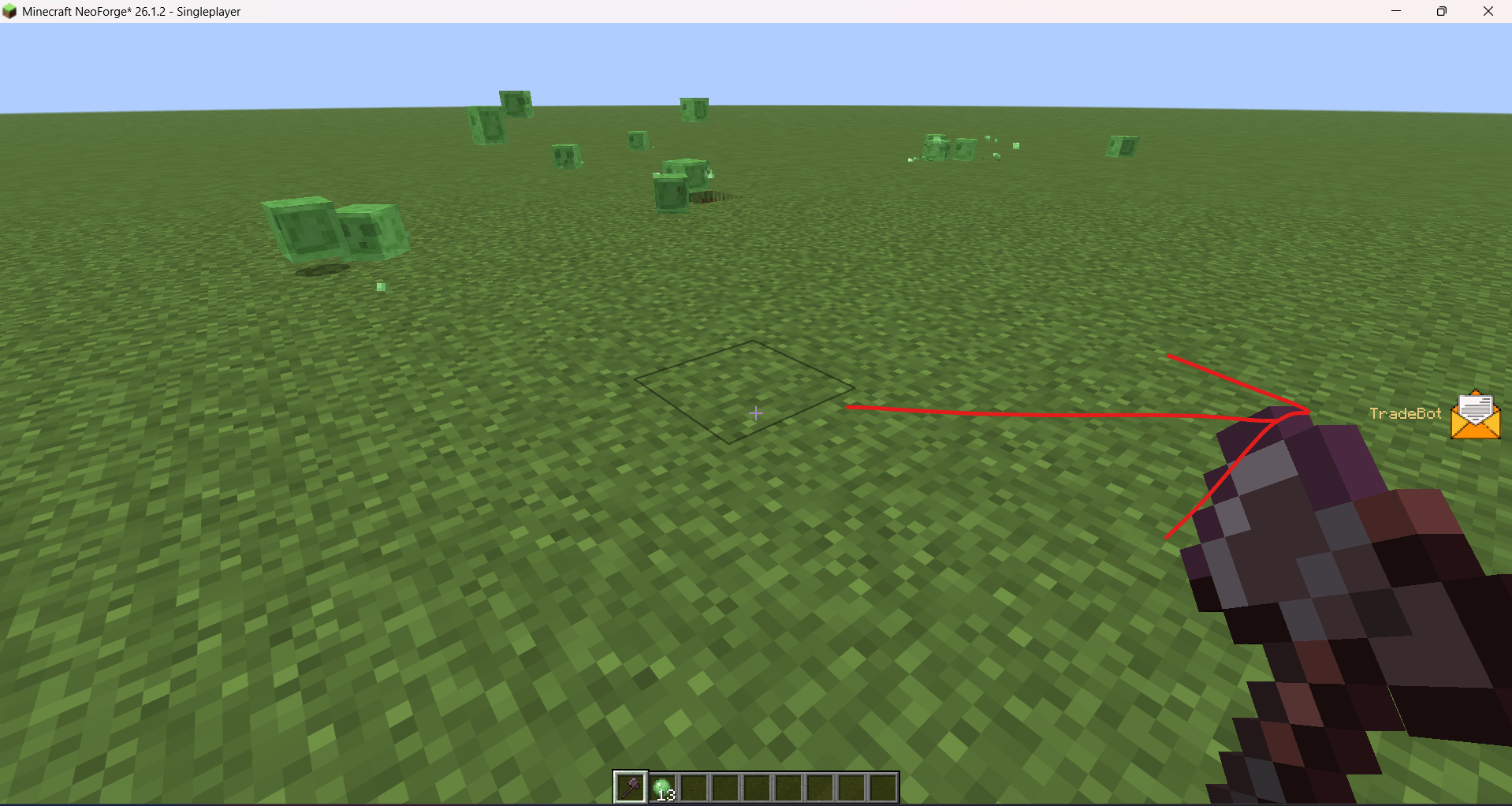
When another player sends you a message, a letter icon appears on the right side of the screen together with the sender’s name.
To open the message:
1. Open your inventory with E or open another menu to release the mouse cursor.
2. Click the letter icon.
3. The conversation with that player will open.
If multiple players message you, their letter notifications are displayed separately.
Requirements
- Minecraft 26.1.2
- NeoForge 26.1.2
- The mod must be installed on both the server and every connecting client.
Important Notes
- The recipient must be online.
- Offline message delivery is not currently supported.
- Conversation history is cleared when leaving the server.
- Messages are handled by the Minecraft server and are not end-to-end encrypted.
DUATAR: Private Message Team