2026-05-11_20.21.05.png
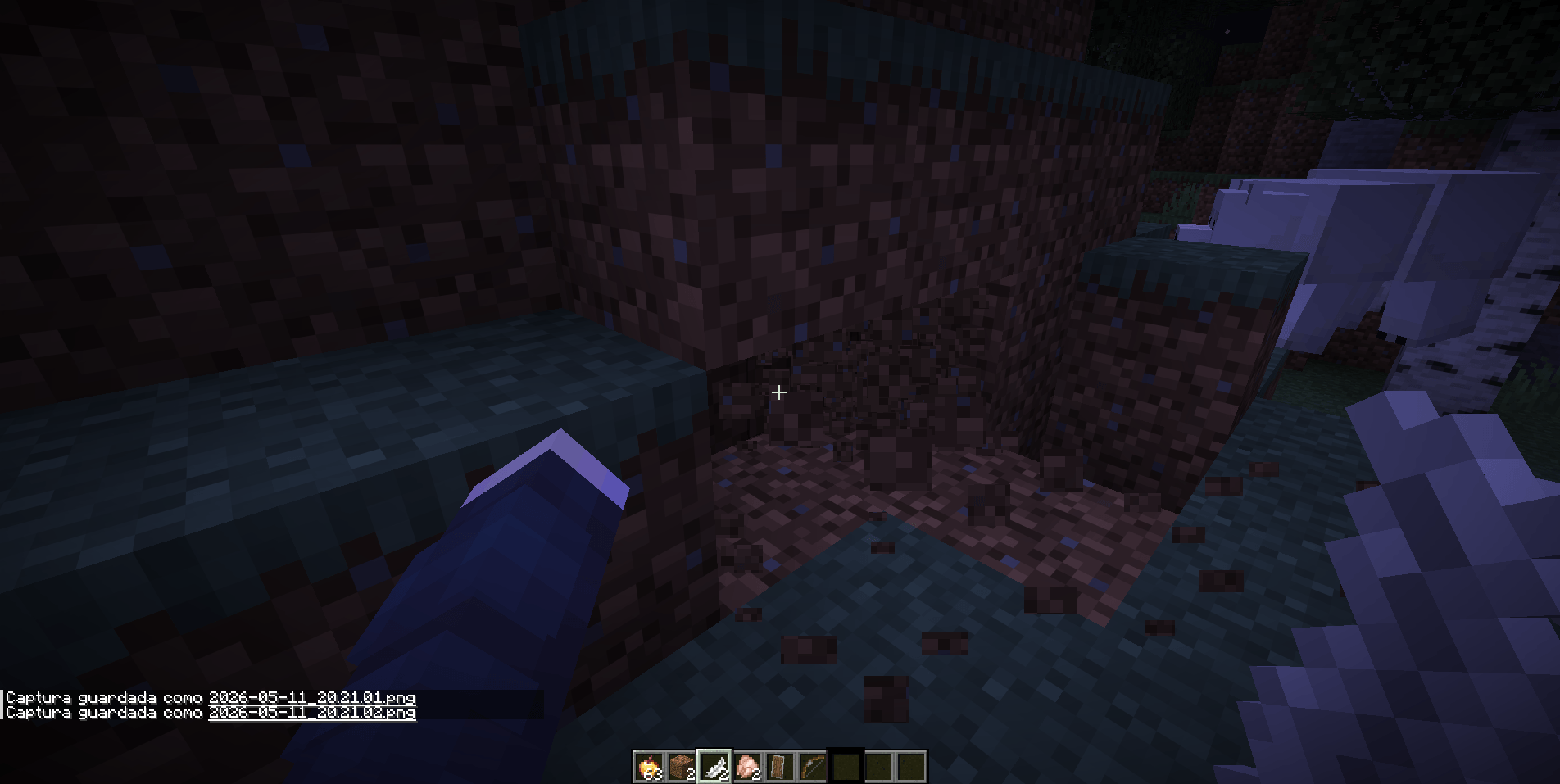
2026-05-11_20.21.06_2.png
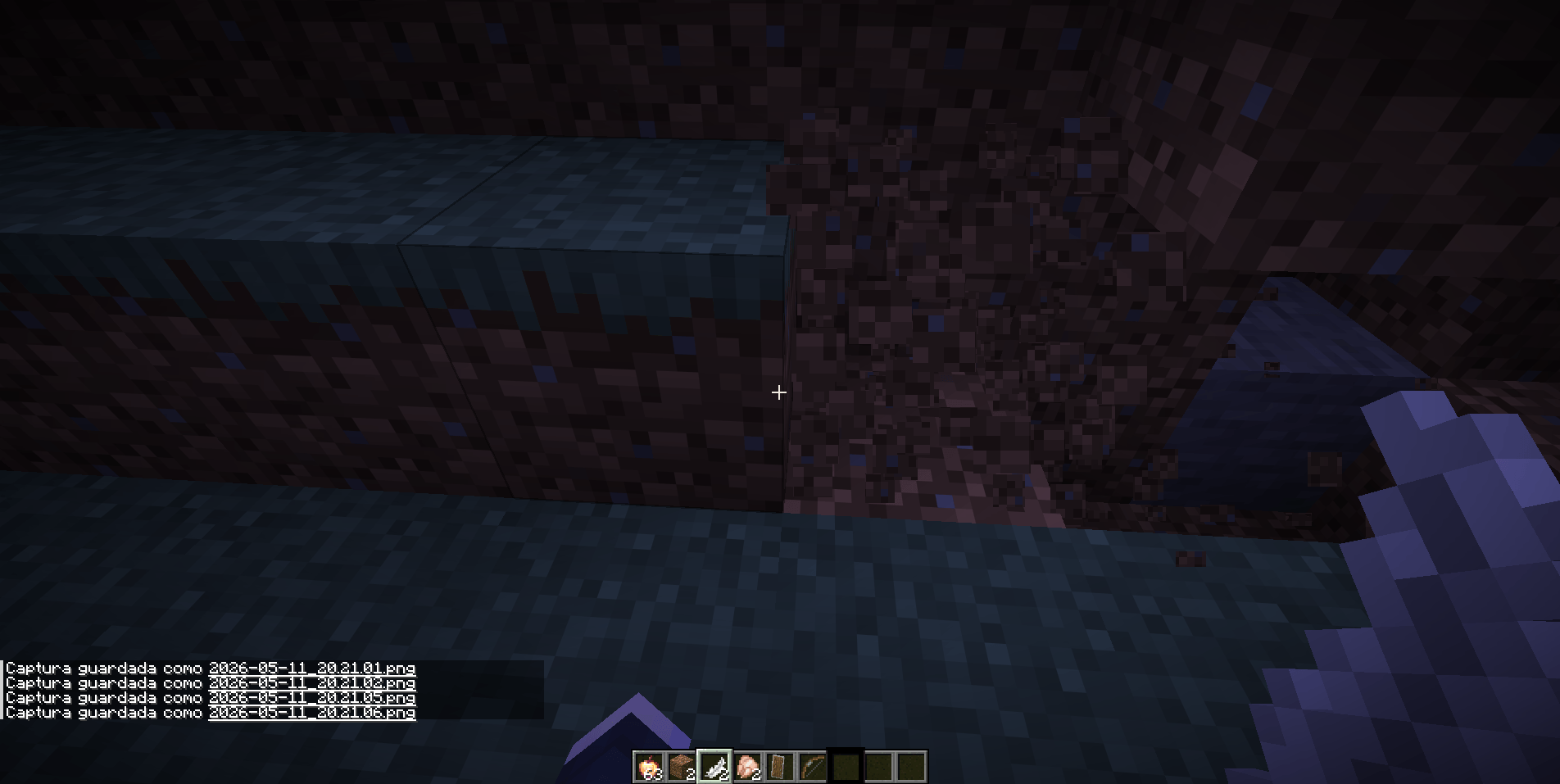
2026-05-11_20.21.01.png
2026-05-11_20.21.06.png
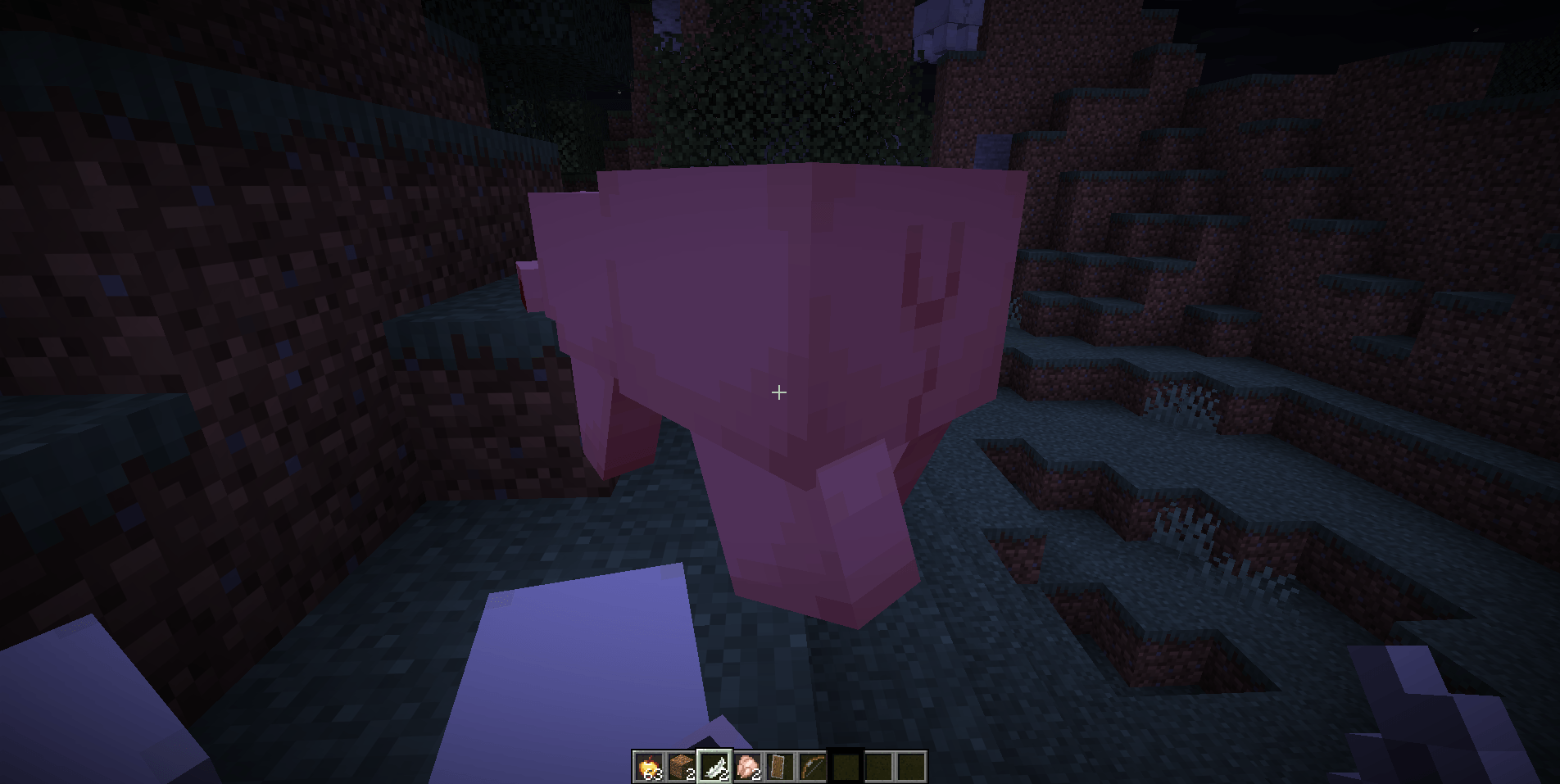
2026-05-11_20.21.11.png
Description
English
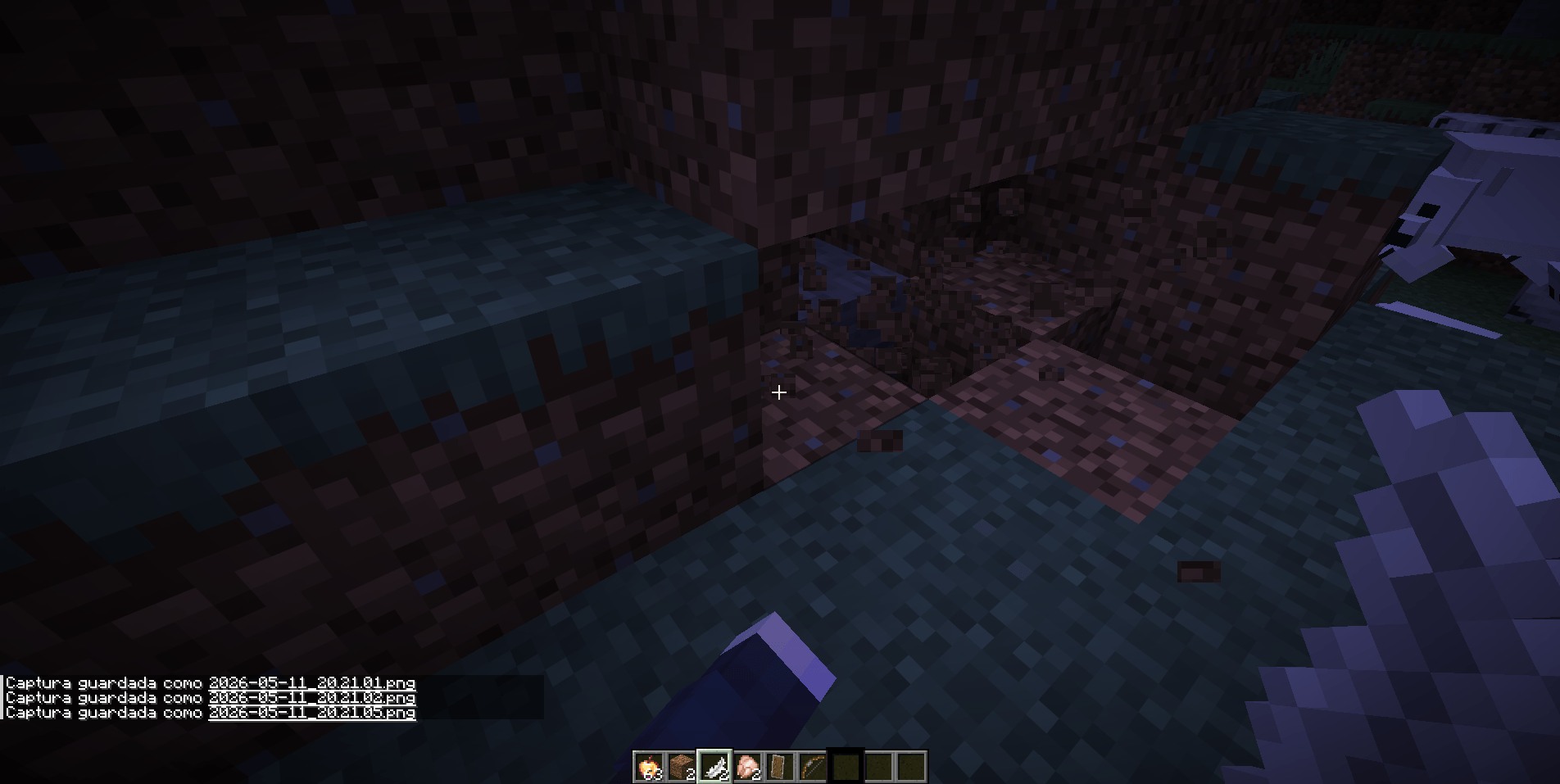
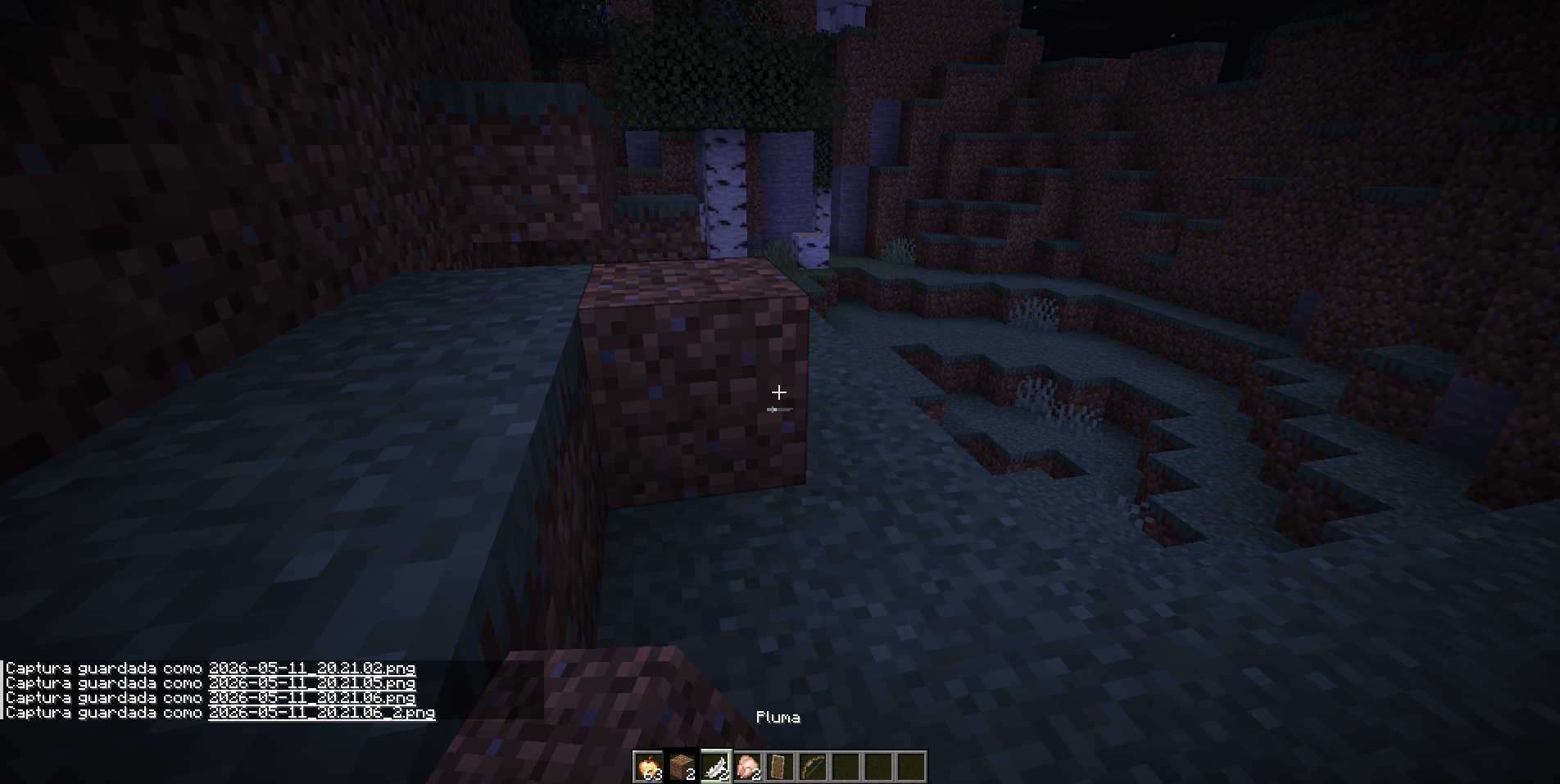
OpenGL/Vulkan Dual Hand transforms Minecraft’s hand system by adding a fully functional and independent second hand. Instead of relying on the limited vanilla offhand, this mod introduces a new left hand with its own always-visible hotbar selector, allowing it to perform complete actions such as mining, attacking, placing blocks, using items, eating, blocking with shields, and shooting bows.
The hotbar displays two selectors: the vanilla white selector for the right hand and a black selector for the left hand. Each selector works independently, avoids selecting the same slot as the other, and can be controlled with keys, the mouse wheel, and configurable shortcuts.
DualHandModOV keeps the right hand working like normal Minecraft, while the left hand uses the item selected by the black selector. If the black selector is on a bow, food, shield, block, snowball, or tool, the left hand can use that item directly. Visually and functionally, the left hand replaces the vanilla offhand with a more complete and independent system.
Default controls:
- Left-hand attack/destroy:
Button 5— the mouse browser forward button - Left-hand use/place:
Button 4— the mouse browser back button - Change active selector:
F - Swap the white and black selected slots:
R - Quick selector control:
Middle Button— hold it and move the mouse wheel to move the selector
The goal is simple: play Minecraft with two functional hands. Right-click still belongs to the right hand, while Button 4 belongs to the left hand. Each hand has its own actions and animations.
Español
OpenGL/Vulkan Dual Hand transforma el sistema de manos de Minecraft al añadir una segunda mano completamente funcional e independiente. En lugar de depender de la limitada offhand vanilla, este mod introduce una nueva mano izquierda con su propio selector en la hotbar, siempre visible y capaz de realizar acciones completas como minar, atacar, colocar bloques, usar objetos, comer, bloquear con escudo y disparar arco.
La hotbar muestra dos selectores: el selector blanco vanilla para la mano derecha y un selector negro para la mano izquierda. Cada selector funciona de forma independiente, evita seleccionar el mismo slot que el otro y puede controlarse con teclas, la rueda del mouse y atajos configurables.
DualHandModOV mantiene la mano derecha funcionando como en Minecraft normal, mientras que la mano izquierda usa el objeto seleccionado por el selector negro. Si el selector negro está sobre un arco, comida, escudo, bloque, bola de nieve o herramienta, la mano izquierda puede usar ese objeto directamente. Visual y funcionalmente, la mano izquierda reemplaza la offhand vanilla con un sistema más completo e independiente.
Controles por defecto:
- Atacar/romper con la mano izquierda:
Button 5— botón de avanzar del mouse - Usar/colocar con la mano izquierda:
Button 4— botón de retroceder del mouse - Cambiar selector activo:
F - Intercambiar los slots seleccionados por el selector blanco y negro:
R - Selector rápido:
Middle Button— mantenlo presionado y mueve la rueda del mouse para mover el selector
La idea es simple: jugar Minecraft con dos manos funcionales. El click derecho sigue perteneciendo a la mano derecha, mientras que Button 4 pertenece a la mano izquierda. Cada mano tiene sus propias acciones y animaciones.
DualHandModOV Team