Linked Tanks with BuildCraft
Description
Fluid storage add-on for Storage Drawers.
Requires Storage Drawers 19.1.8 or newer. Minecraft 26.2, Fabric and NeoForge.
Usage
- Right-Click with a fluid container: Fill the tank from it, or fill the container from the tank
- Right-Click with an upgrade: Install it immediately
- Shift+Right-Click with an empty hand: Open a UI to see the exact amount and upgrades
The front of a tank shows the fluid it holds and its own color and texture.
Tanks, Styles, Upgrades
Tanks come in all twelve vanilla woods and hold 8 buckets by default.
Any tank can be run through Storage Drawers' Framing Table to become a Framed Tank. Only a side material is required, the trim is optional.
Tanks take seven Storage Drawers upgrades each.
- Storage: Multiplies capacity, using the same tiers and multipliers as drawers.
- One Stack: Cuts a tank down to a single bucket
- Void: Silently discards overflow instead of backing up the pipe feeding it
- Creative Storage: Infinite capacity
- Creative Vending: Infinite source
- Illumination: Brightens the window
All other upgrades are rejected.
- Drawer Key locks a tank to its current fluid
- Concealment Key hides the contents
- Quantify Key prints the amount
Linked Tanks and Linked Drawers
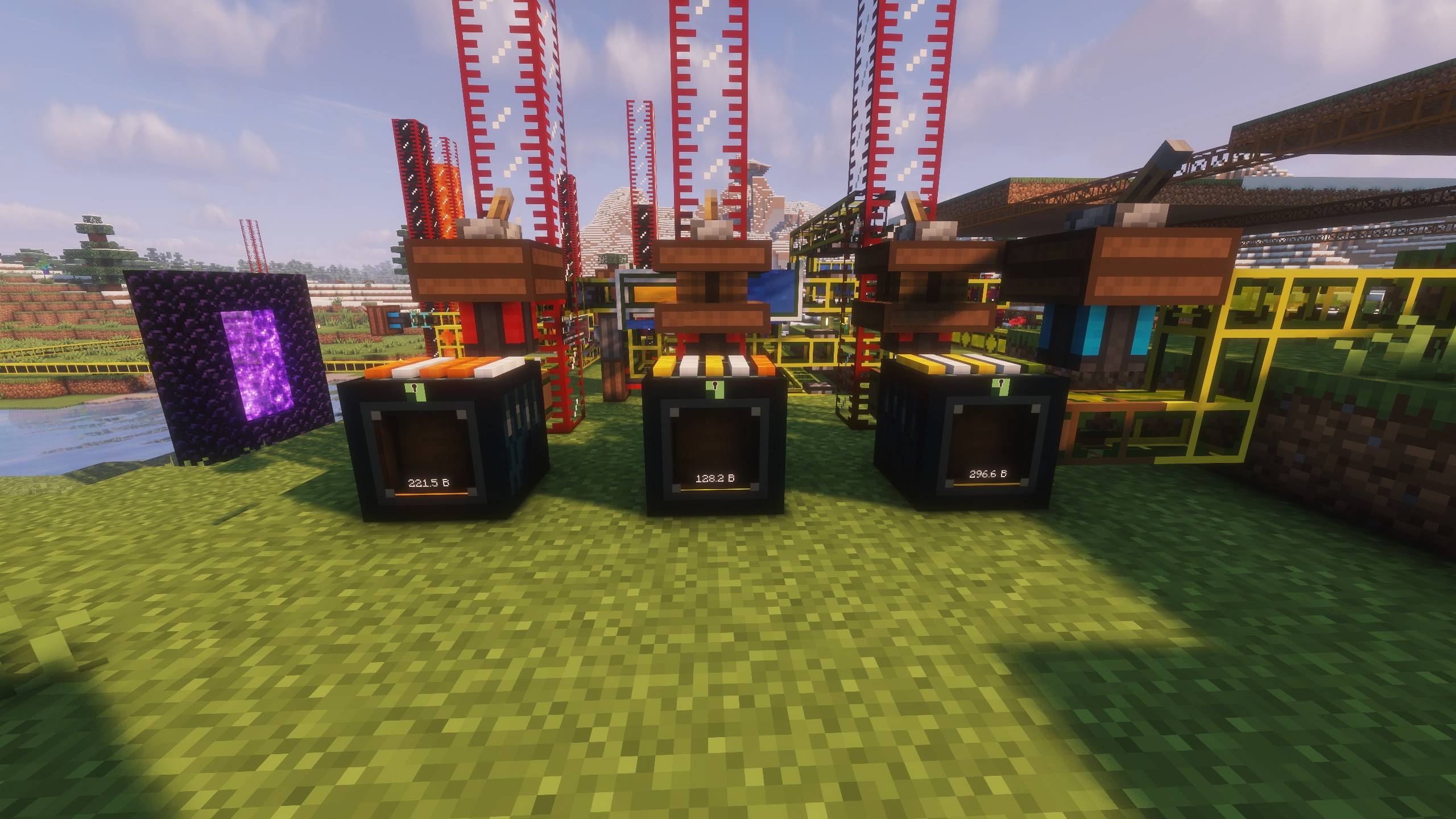
Linked Tanks are Ender Chests for fluid. Customized by the five colored strips on the top. Right-click the top face with a dye to color the strip. Any other linked tank wearing the combination is the same tank. A Sponge will reset it back to white. A drawer holds 16 buckets before upgrades.
Linked Drawers are the item half of the same idea, on their own separate set of channels. One channel holds one item type, 32 stacks of it by default, and behaves exactly like a drawer face: right-click to insert what's in your hand, punch to take one, sneak-punch to take a stack, empty hand to open the upgrade screen. Pair one at a quarry with one at your base and the items simply arrive.
Upgrades belong to the channel, not the block, which is the part worth understanding. Drop a diamond storage upgrade into a linked tank in the Overworld and every linked tank on that pattern grows, everywhere, at once — as do its lock, concealment and quantity settings. The blocks are only windows; there is one pool behind them. Locking a channel with the Drawer Key also freezes its dyes, so nobody can recolour a channel that's in use, or wash a carefully built pattern off by accident.
Both linked blocks need a diamond pickaxe, resist blasts, and drop only their colour pattern when broken. The contents stay in the channel and are waiting when you place the block back down.
Compatibility
Every tank exposes a standard fluid handler on all six sides, and every linked drawer a standard item handler, so pipes, pumps, hoppers and storage networks read and write them directly. On a linked block, all the blocks on one channel share 1 single handler, two pipes pulling from two ends will never duplicate.
That makes a pair of linked drawers a quiet way to bridge two bases: put one where the items are made, put the other against an inventory connector or storage bus, and the network sees them as an ordinary inventory. Linked tanks are fluid-only, so item-network mods won't see them at all.
Tanks are not part of a Drawer Controller network.
Configuration
Settings are in drawertanks-server.toml
baseCapacityBuckets— capacity of a plain or framed tanklinkedChannelCapacityBuckets— capacity of a linked tank channellinkedChannelCapacityStacks— capacity of a linked drawer channel
Support
Please report problems on the issue tracker. Include the mod version, and the client or server log.
Drawer Tanks Team