


Draw it!
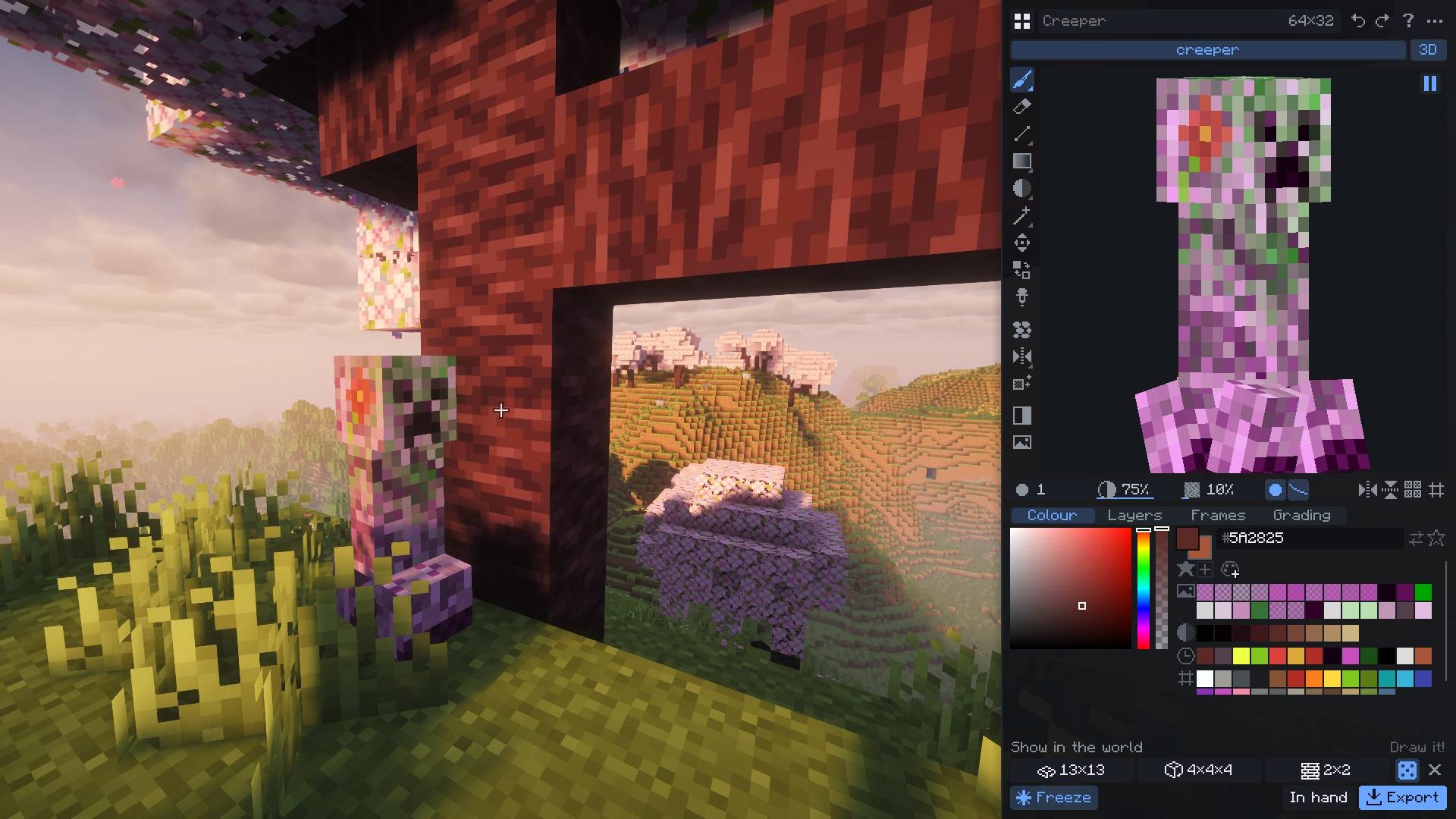
Pink Creeper
Description
Draw it!
A pixel-art texture editor that lives inside the game.
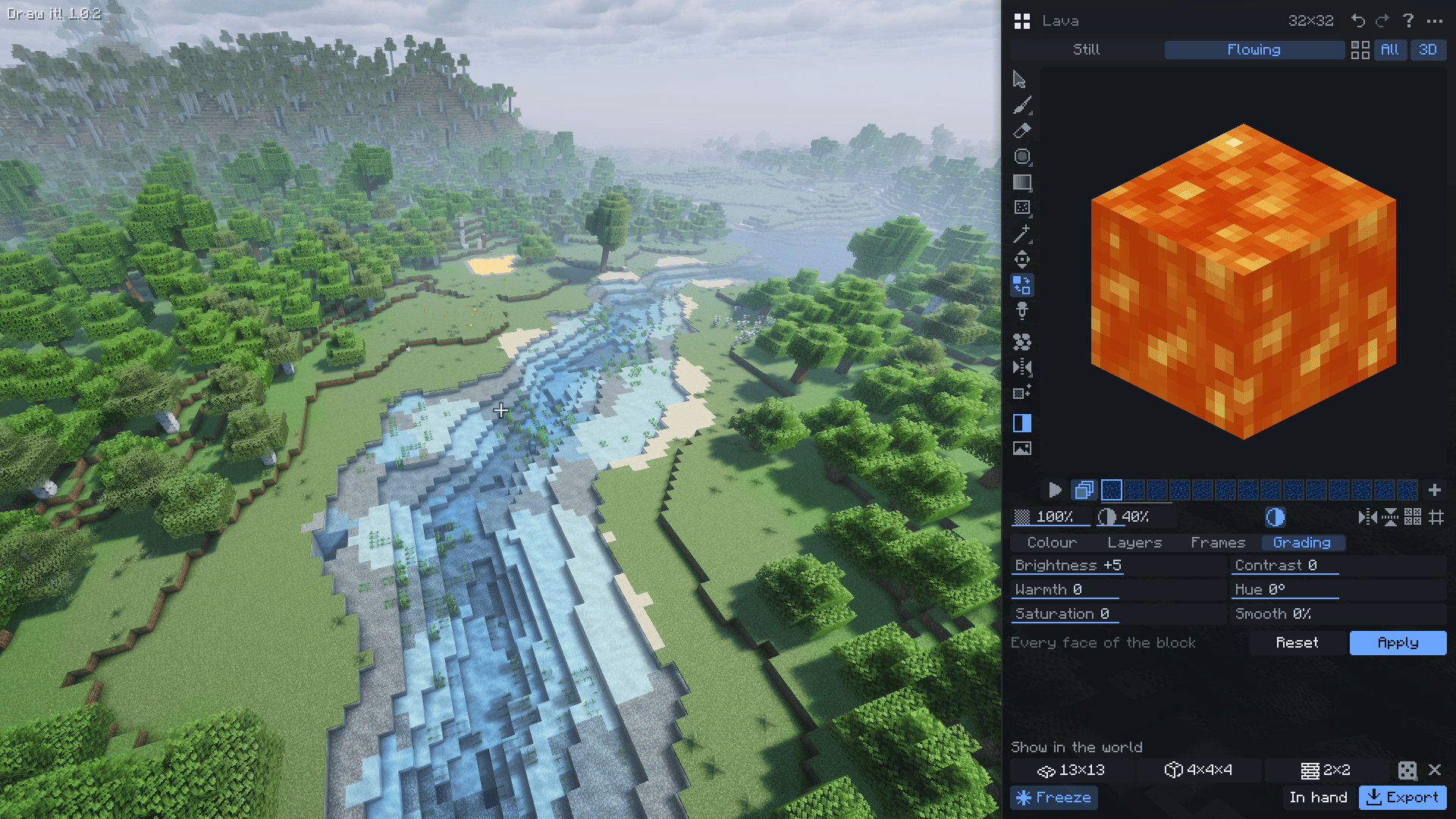
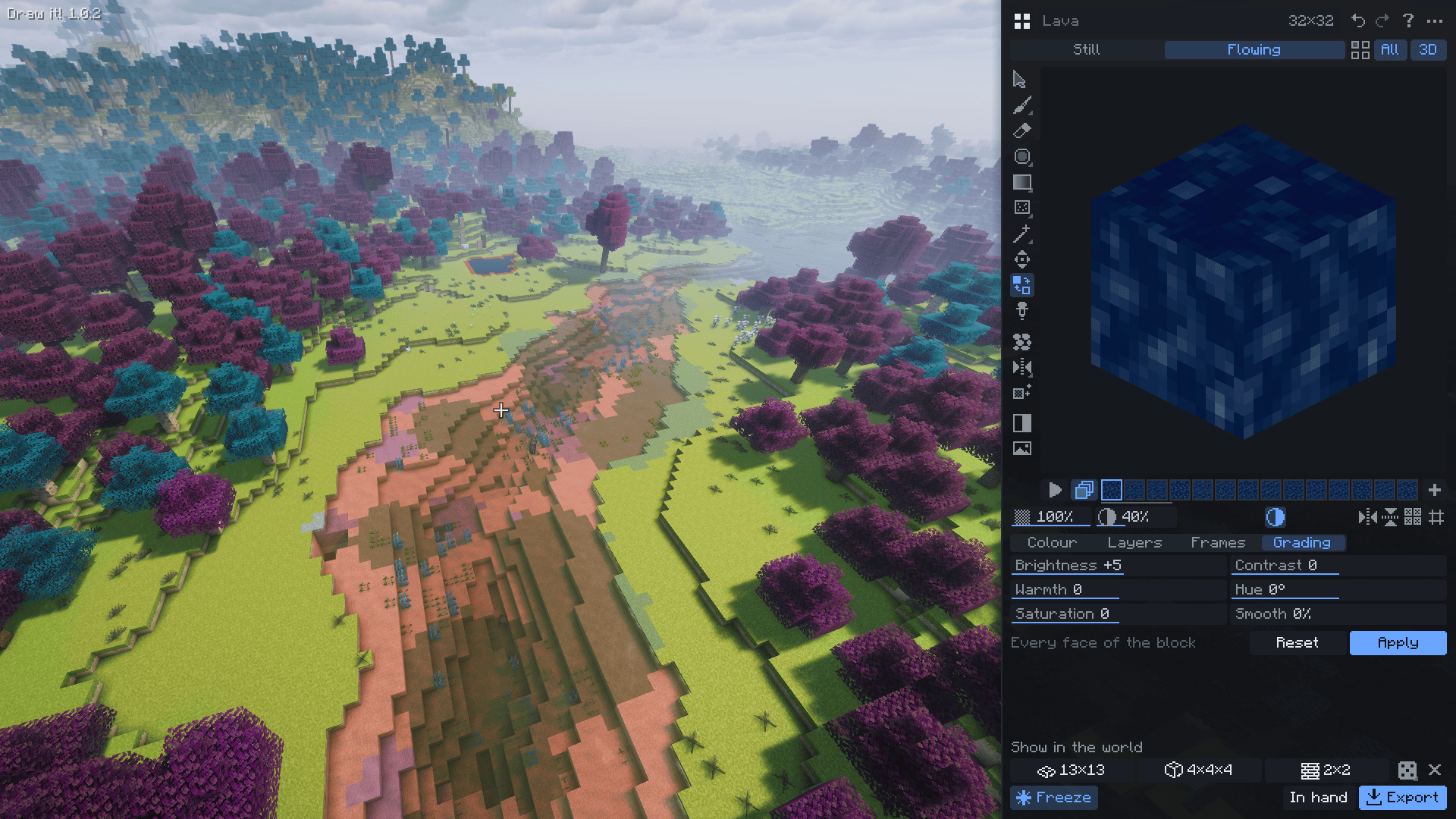
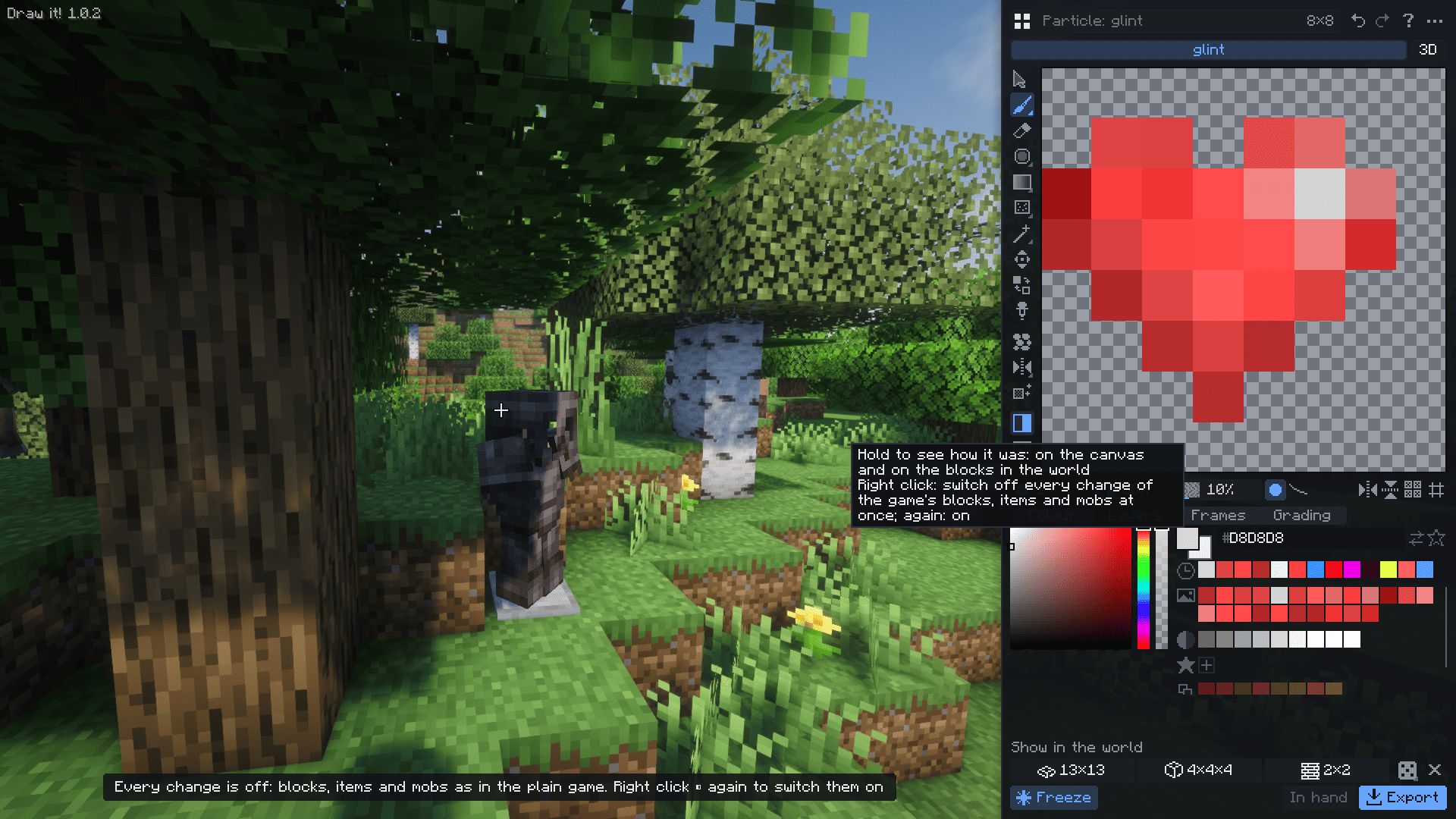
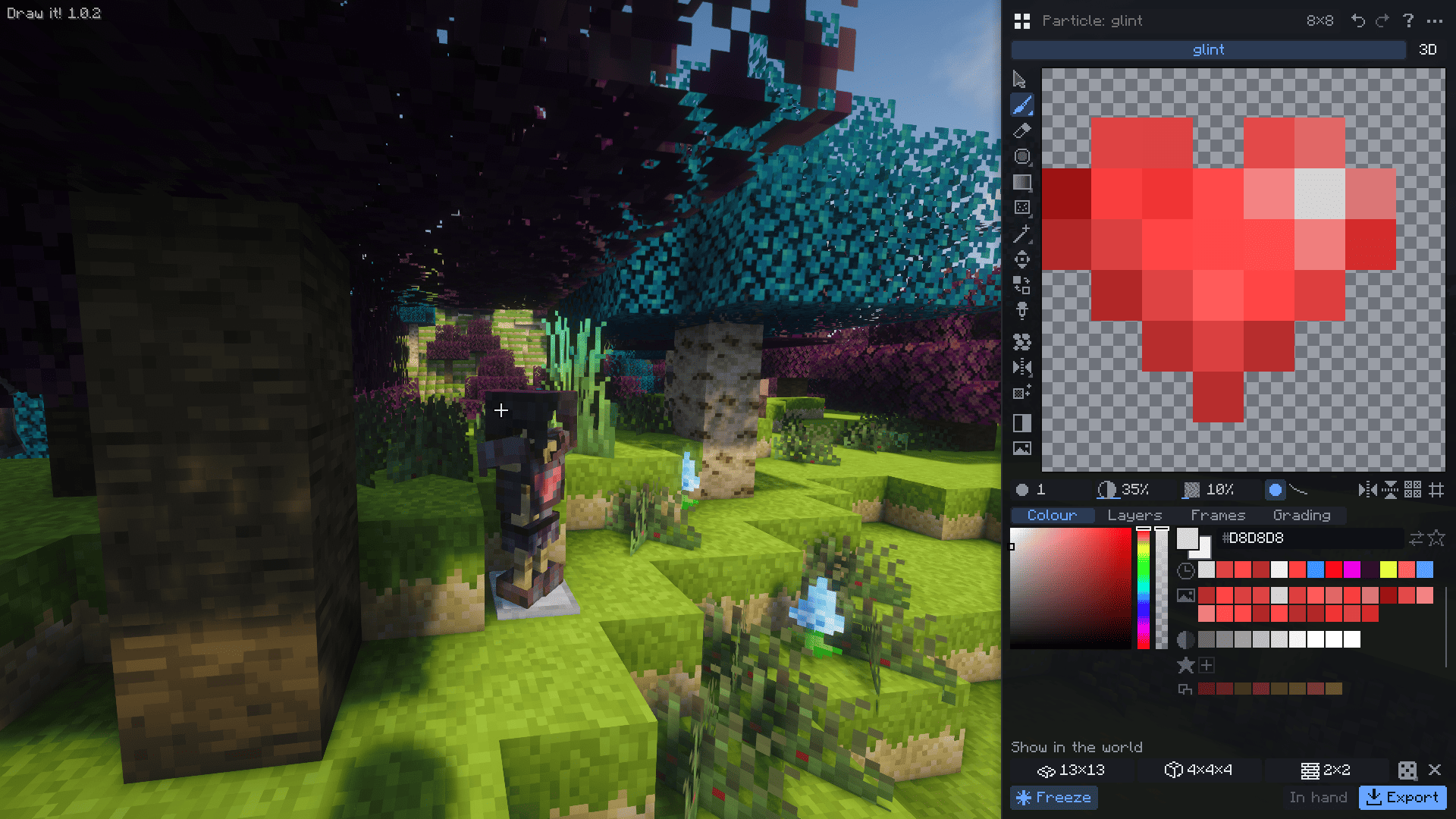
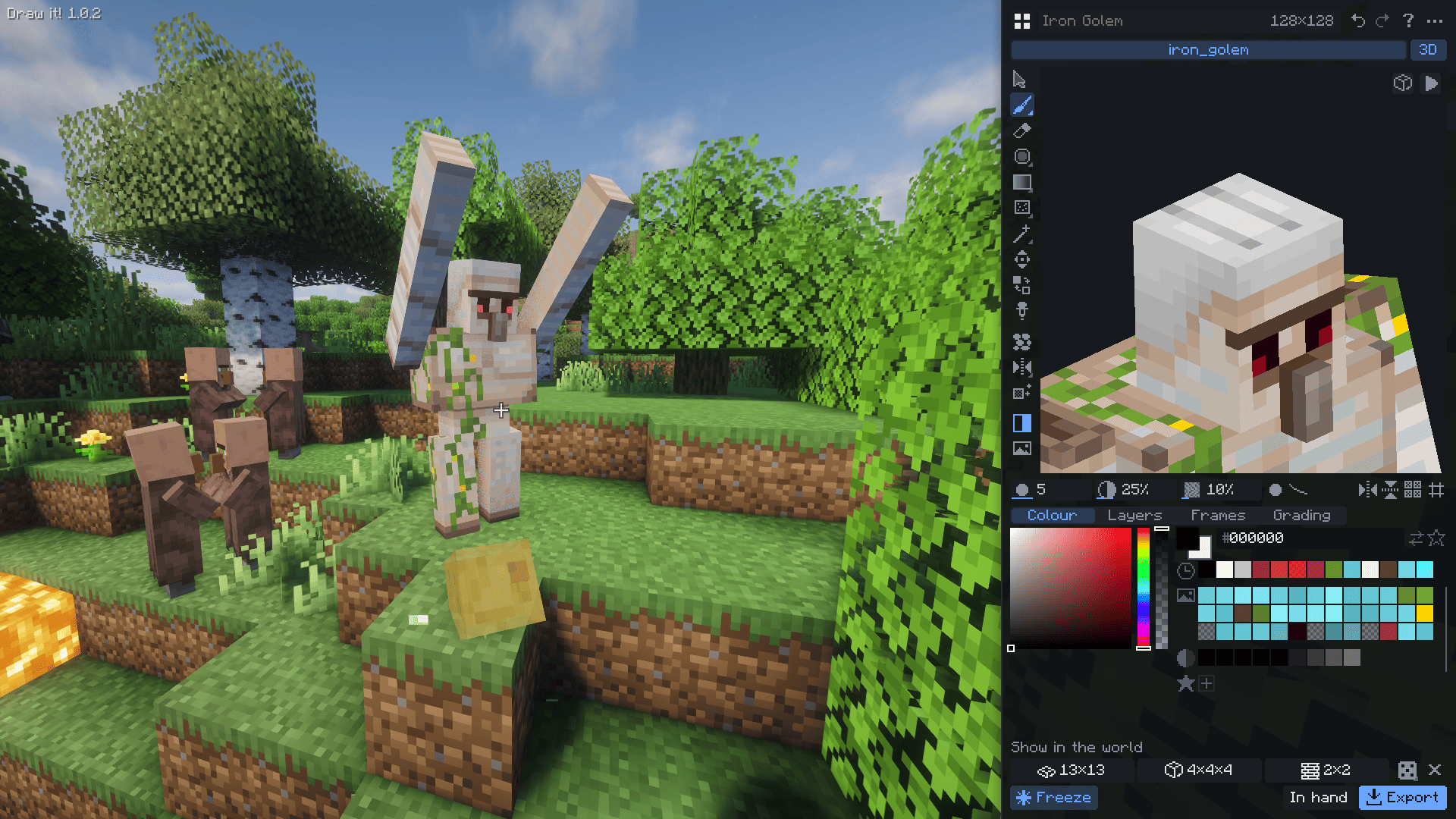
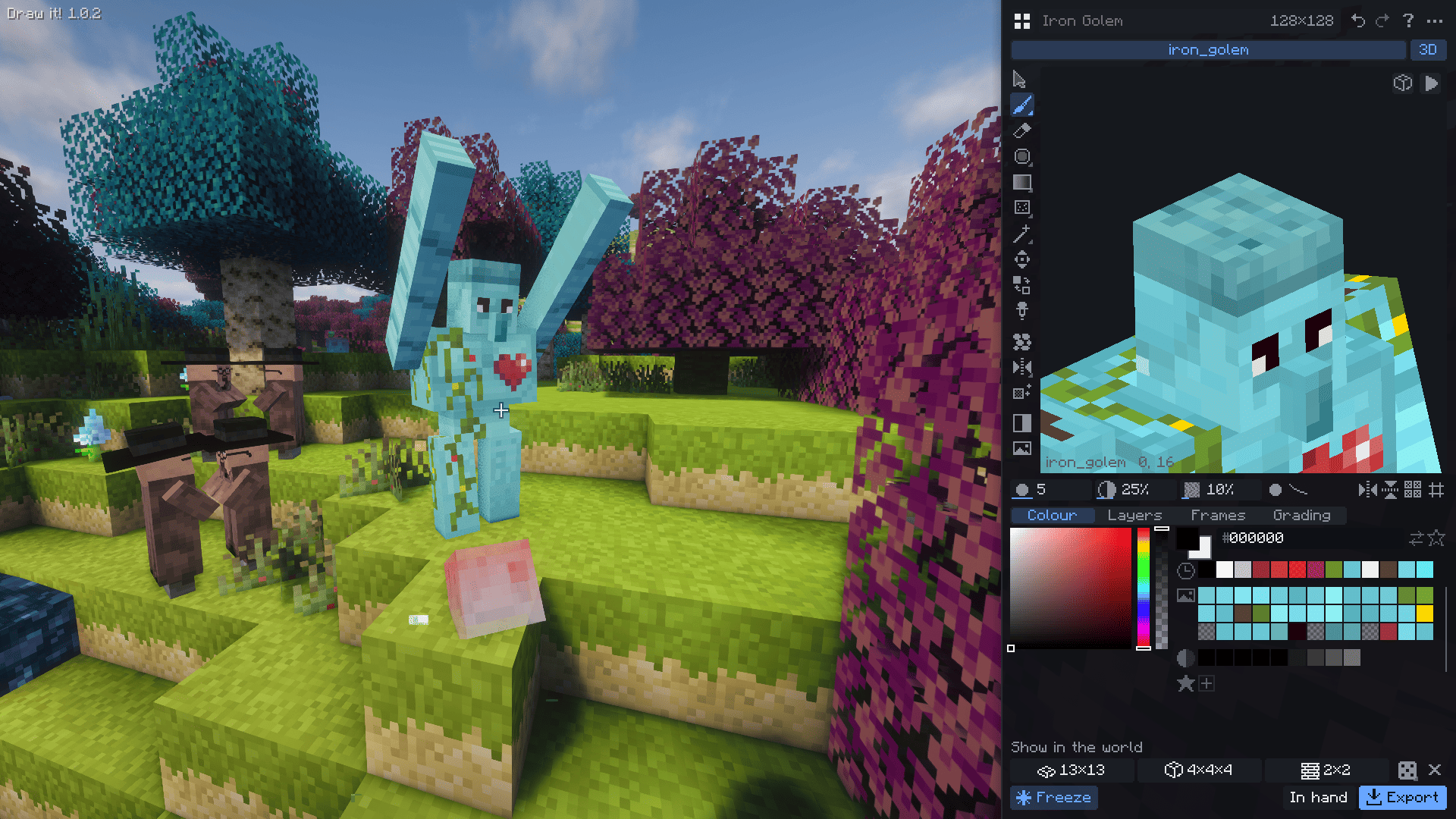
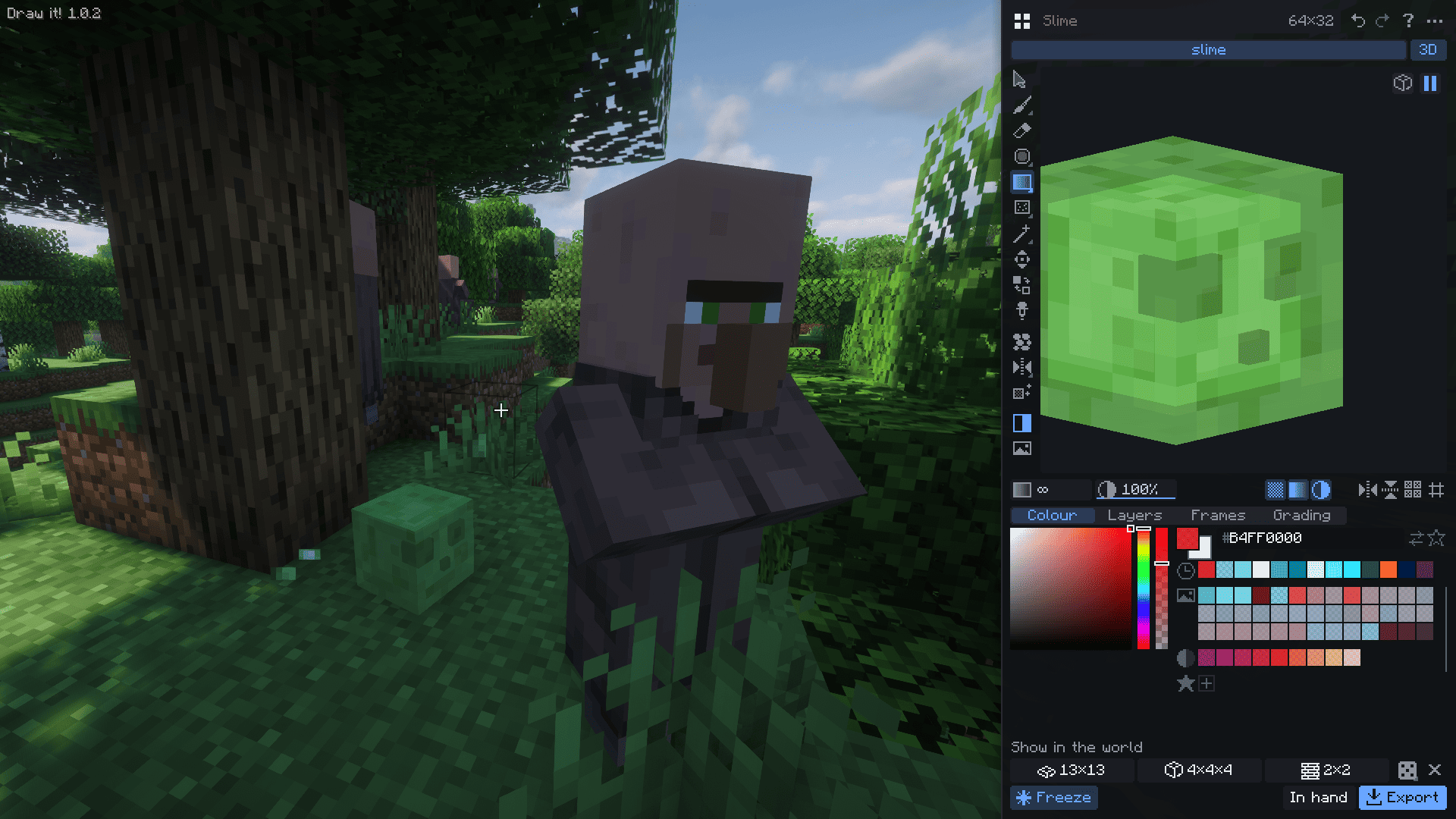
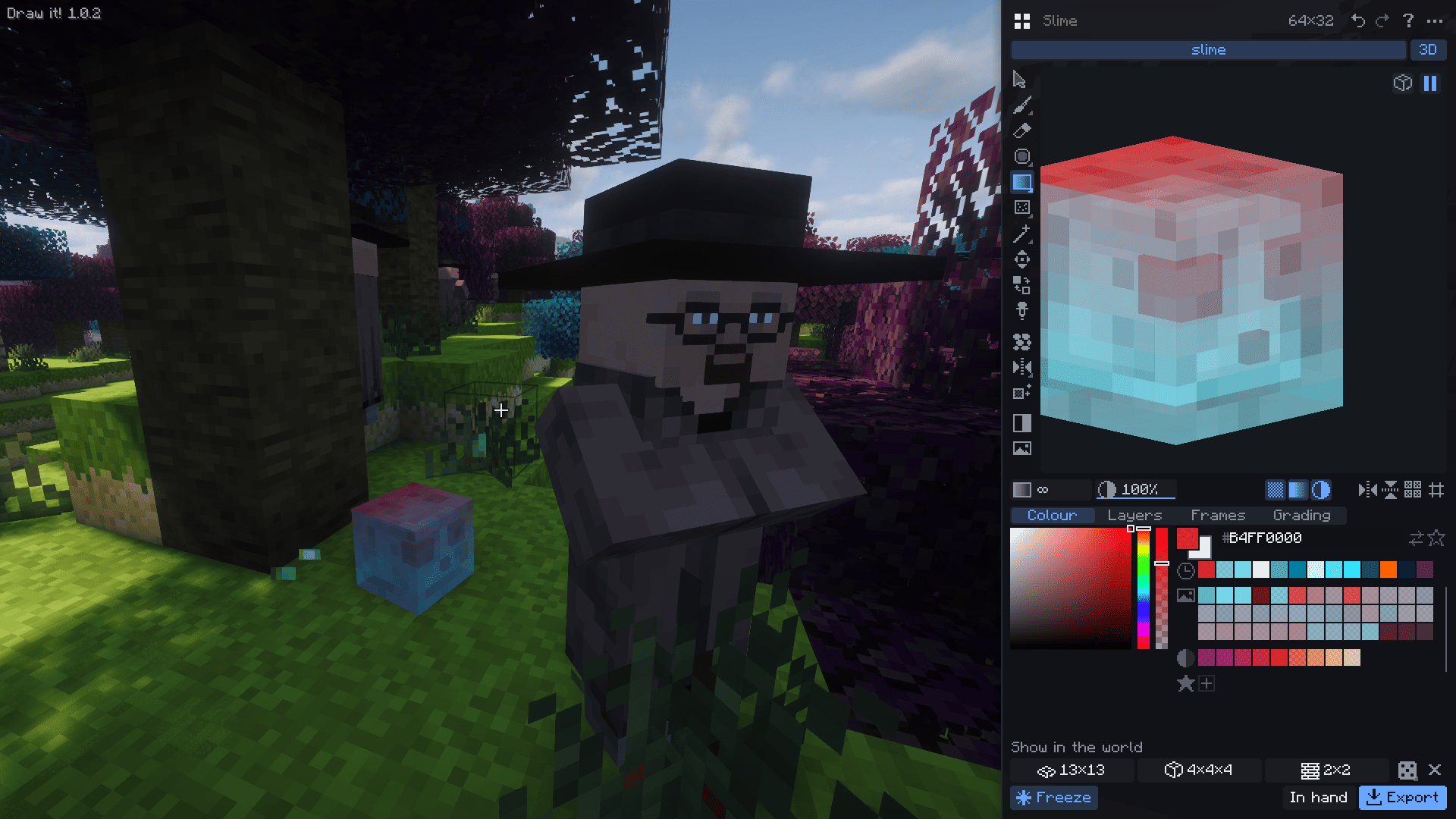
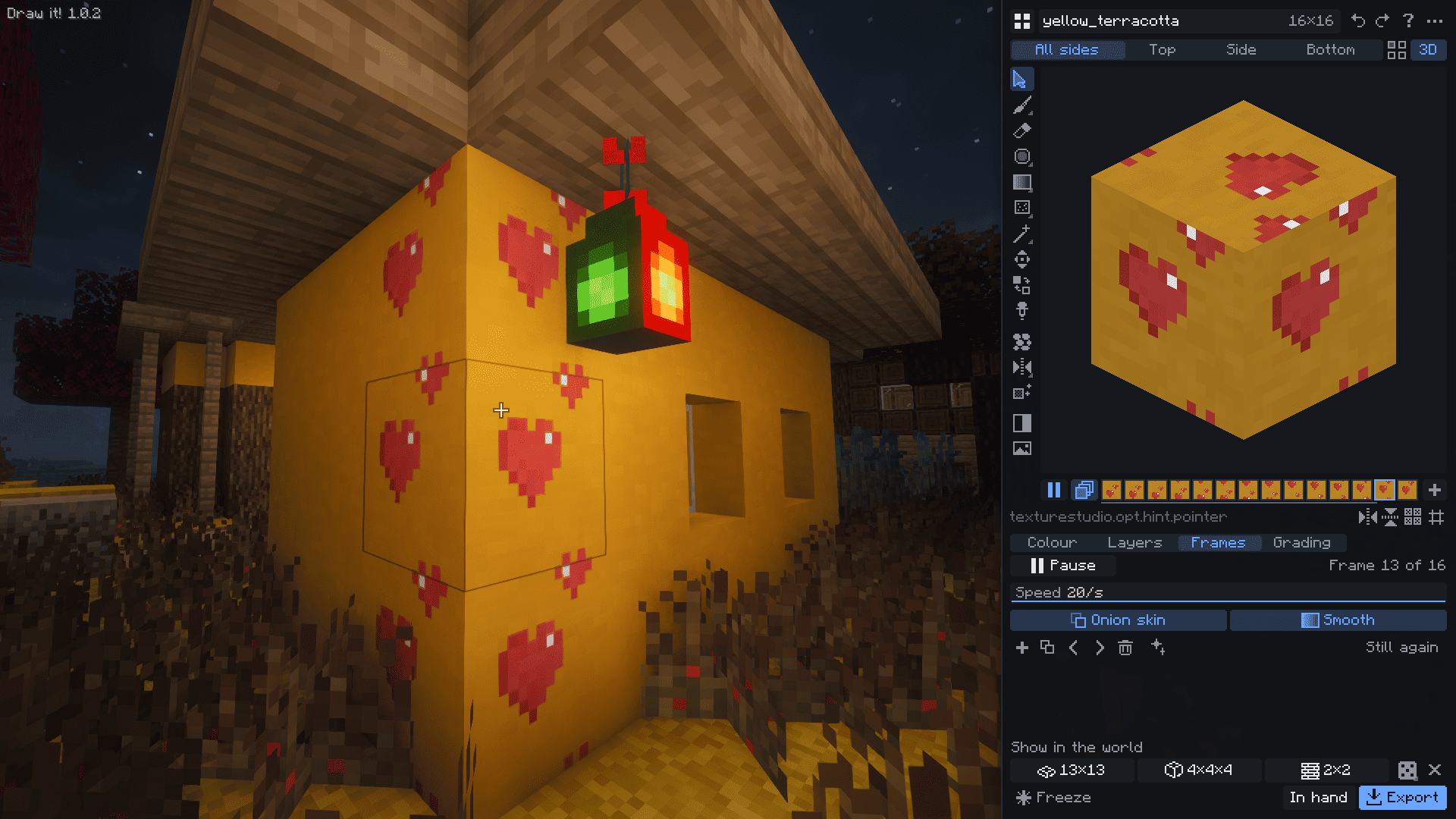
Press N. A painting panel opens on the right, the live world stays on the left, and every pixel you paint appears at once on every placed copy of the block, in your hand and in your inventory. No switching between an image editor and the game, no reloading resource packs.
What you can do
- Make your own blocks and items. Every texture in your library (up to 128) is a real block, or a flat item like a sword, in the Draw it! creative tab. One texture for all sides or separate top, side and bottom; 16, 32 or 64 pixels.
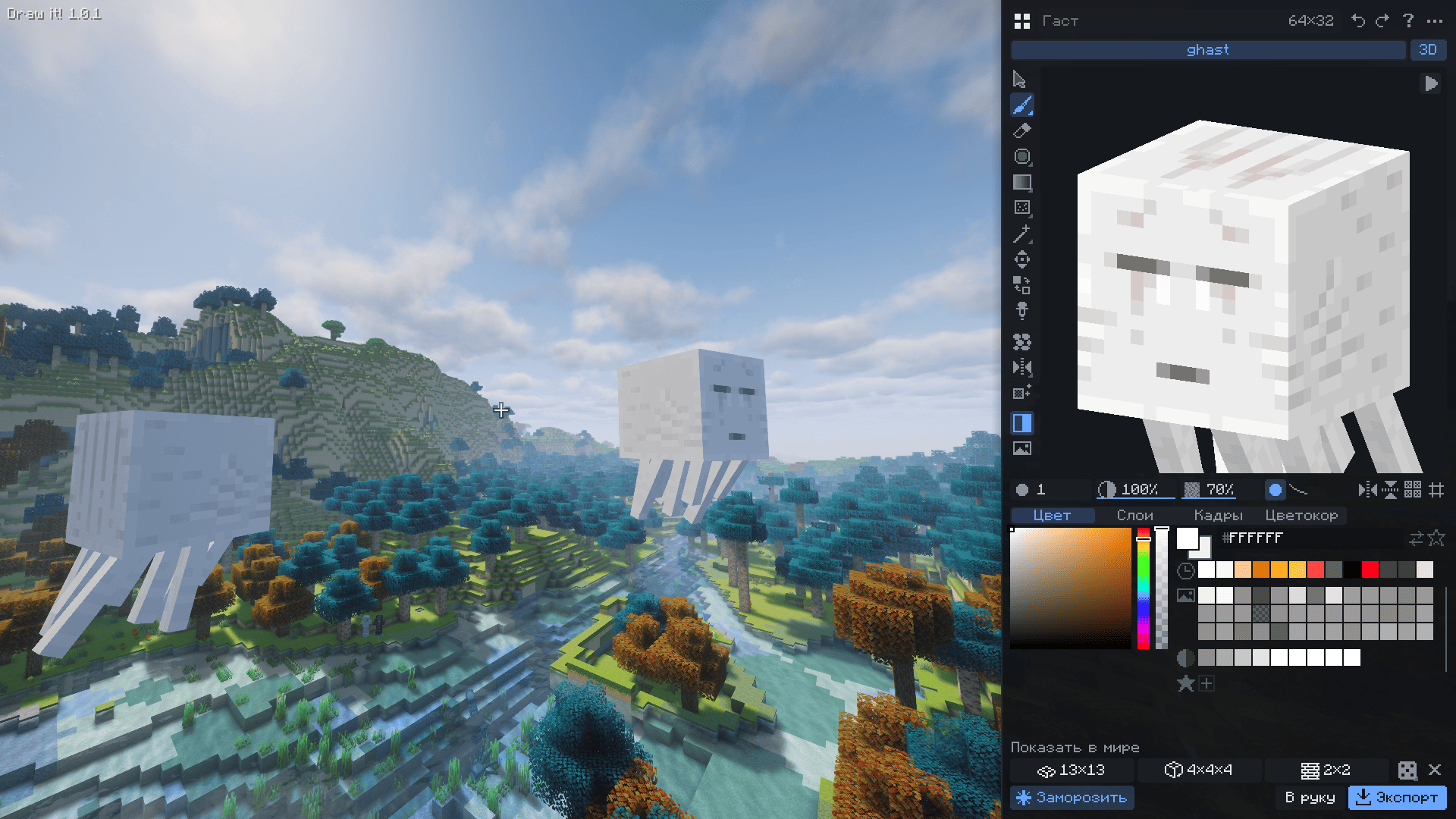
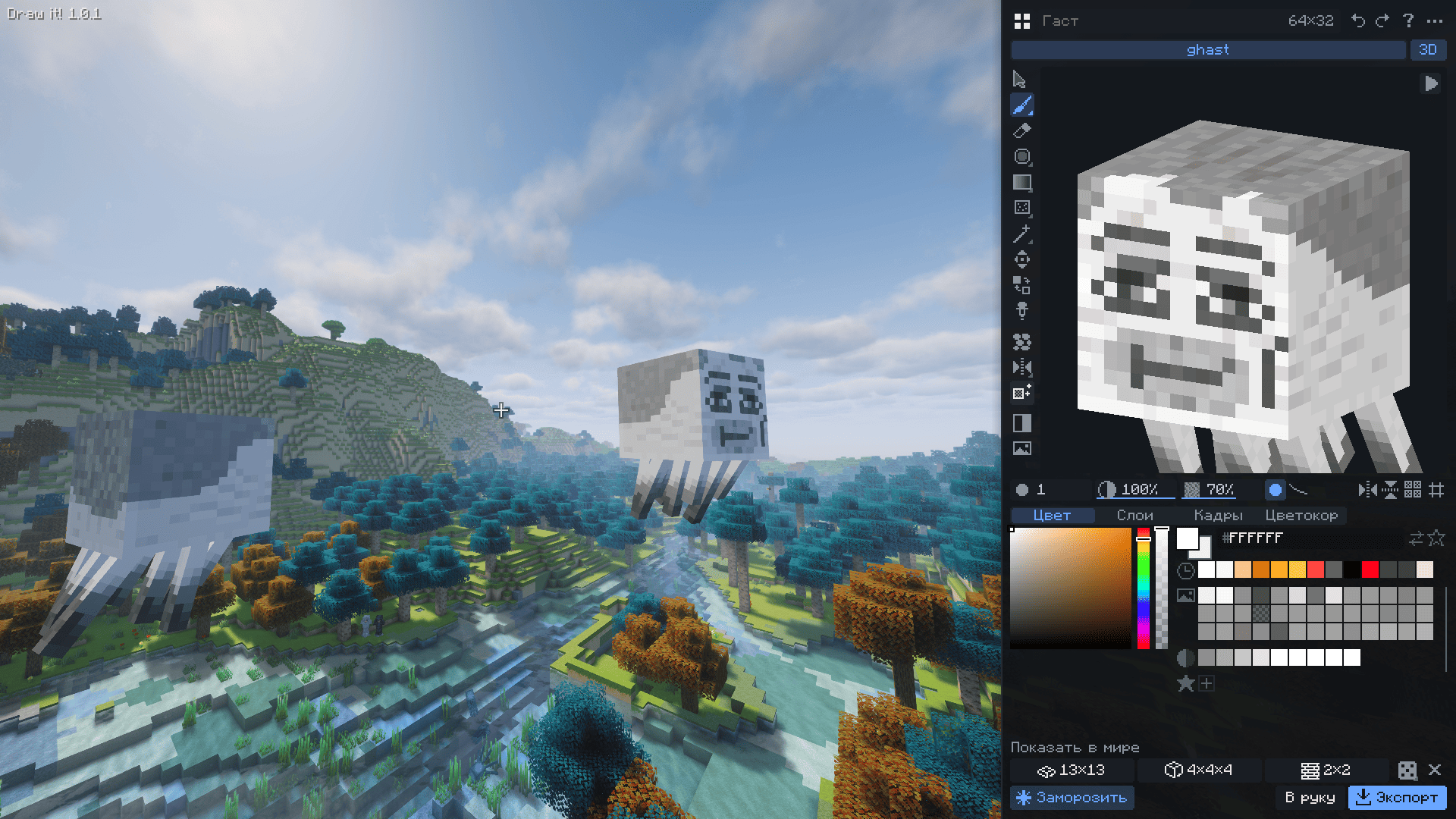
- Repaint anything in the game, vanilla or modded: blocks, items, armour, chests, banners, signs, mobs, the sun and moon, GUI, particles, and even your own skin. Changes show up everywhere right away and stay after a restart. One button brings the original back.
- Try it in the world. Build a floor, cube or wall (up to 33×33) from your block where you look, with random rotation like natural stone. Freeze the world while you paint.
- Paint in 3D right on the block, item, armour stand or mob. The brush crosses from one face to the next.
- Magic variation. One click makes another look of the same block from its own pieces: bricks, stones, wood grain and ore spots move around, while the layout and the seamless tiling stay. Keep it as a new variant, and placed blocks will mix both looks so a wall never repeats.
- A full pixel-art toolset: brush with texturing, eraser, line, rectangle, ellipse, fill, gradient, gradient brush, noise, smoothing, lighten/darken with warm light and cool shadows, selection, magic wand, outline, colour replace, wrap-around move, pixel-perfect strokes, mirror and seamless (tiling) modes, layers, undo.
- Colours: the texture's palette, shades of any colour, recent and favourite colours, your own palettes. Copy the palette of any game texture and recolour your work with it while keeping the shading.
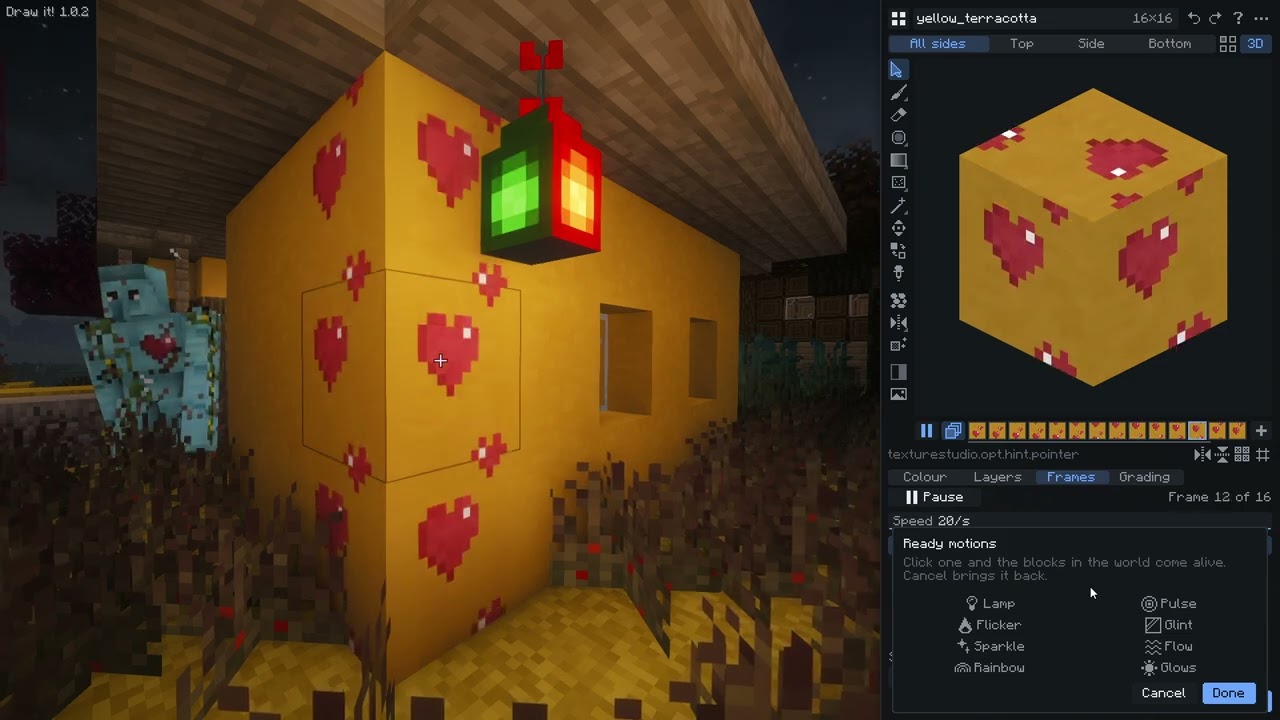
- Animation: frames, onion skin and smooth blending. It plays on the blocks in the world and exports with a
.mcmetafile. Ready motions bring a block to life in one click: a lamp that blinks and glows in the dark, a slow pulse, a candle flicker, a passing glint, sparkles, flowing lava or water, a rainbow shift. - Extras: glowing pixels, block variants (placed blocks pick a look by position), seamless base patterns (stone, cobblestone, bricks, planks, tiles, ground, ore), colour correction, a reference image to paint from, a "before" preview, version history, folders and favourites, LabPBR normal and specular maps for shaders.
- Export PNG files for a resource pack or a mod, a ready resource pack with your edits of game textures, or a complete mod block (texture, models, blockstate, lang entries and the registration line). Drop a PNG or GIF into the window, or paste an image with Ctrl+V, to add it as a layer.
Good to know
In survival without cheats you can paint, but "Give", demo builds and freezing the world need creative mode or cheats.
Your textures are stored in your game folder (
texturestudio). Edits of game textures and your skin are visible only to you; to show them to others, share the resource pack you export.The key can be changed in Controls if N is taken by another mod.
Draw it! does not include any Minecraft textures: it works with the textures already loaded in your game. If you share packs with repainted vanilla textures, follow the Minecraft Usage Guidelines.
Not an official Minecraft product. Not approved by or associated with Mojang or Microsoft.
Not tested on servers yet: made and tested in single player.
Modpacks: you may include Draw it! in any modpack. Please don't reupload the mod on its own to other sites; link to this page instead.
♥ Support the mod ♥
If you like the mod, you can help me get a little closer to my dream on Ko-fi: every penny helps me keep releasing updates. Thanks!

Draw it! Team
