Donut SMP Profit Calculator
A draggable profit calculator overlay for DonutSMP — smelting, crafting, and resale margins, right in your inventory.
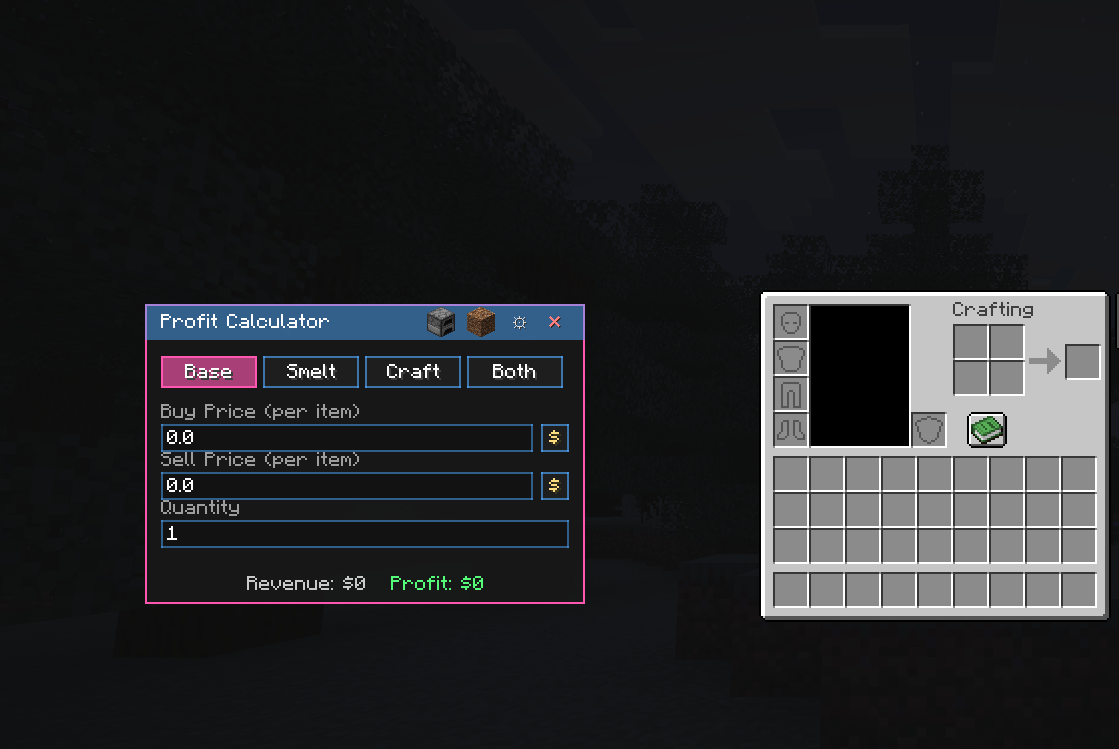
Screenshot 2026-08-26 091305.png
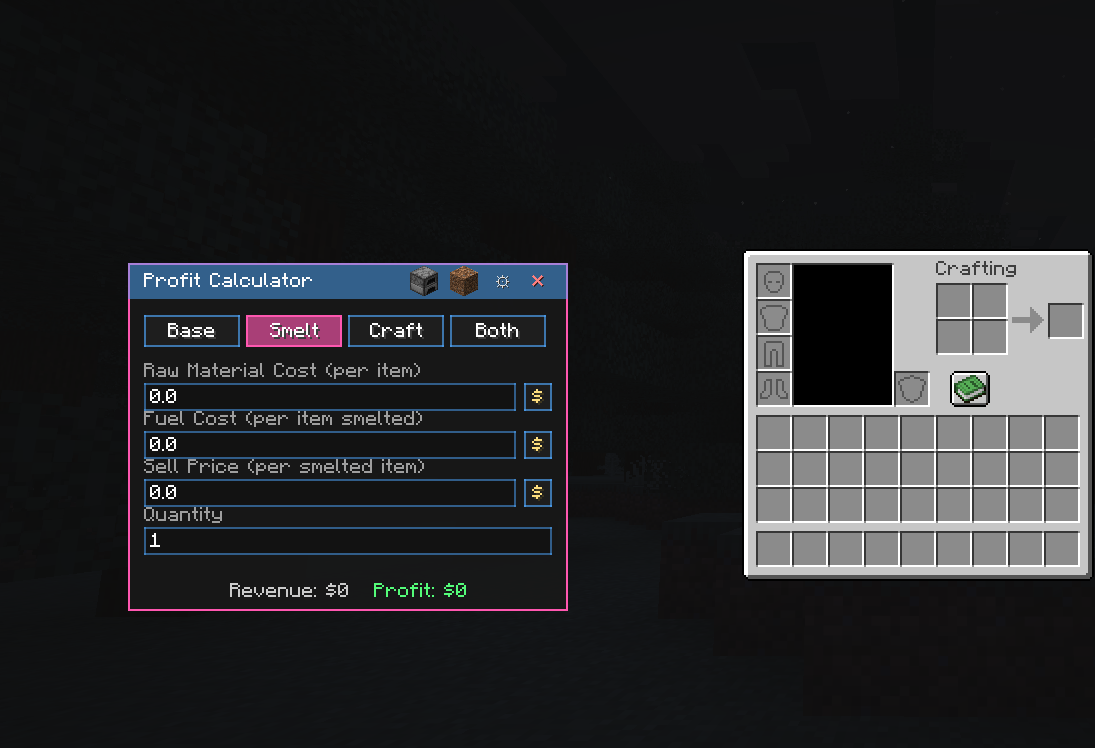
Screenshot 2026-08-26 091322.png
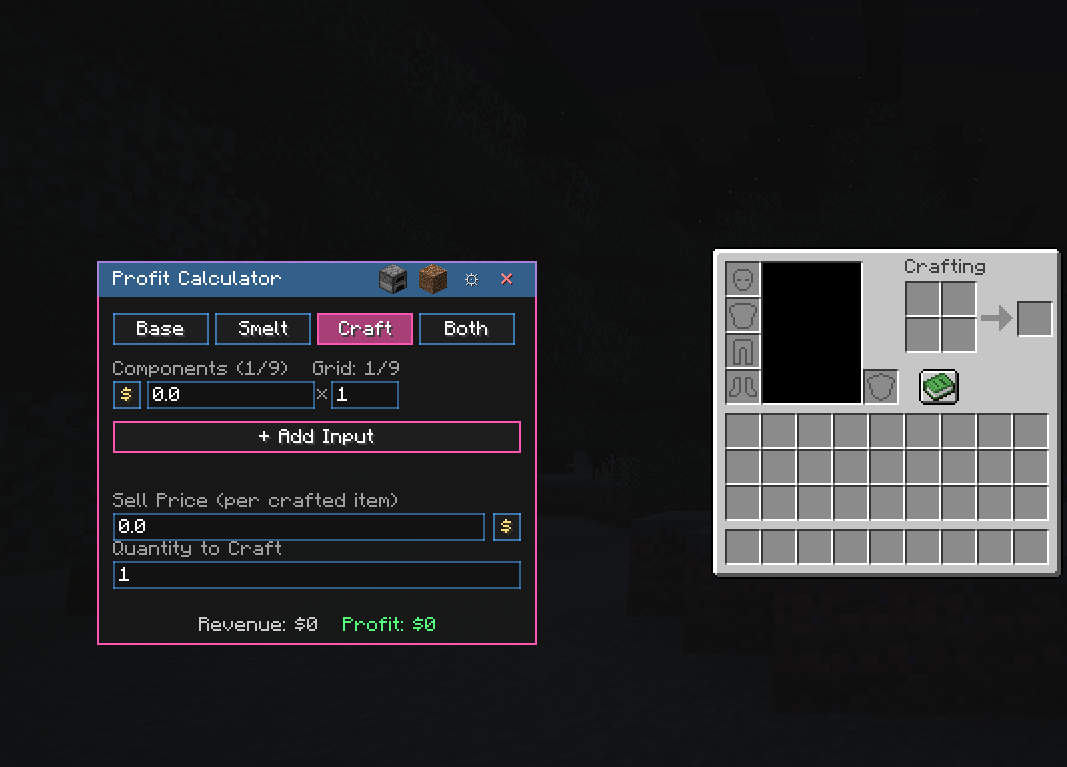
Screenshot 2026-08-26 091339.png
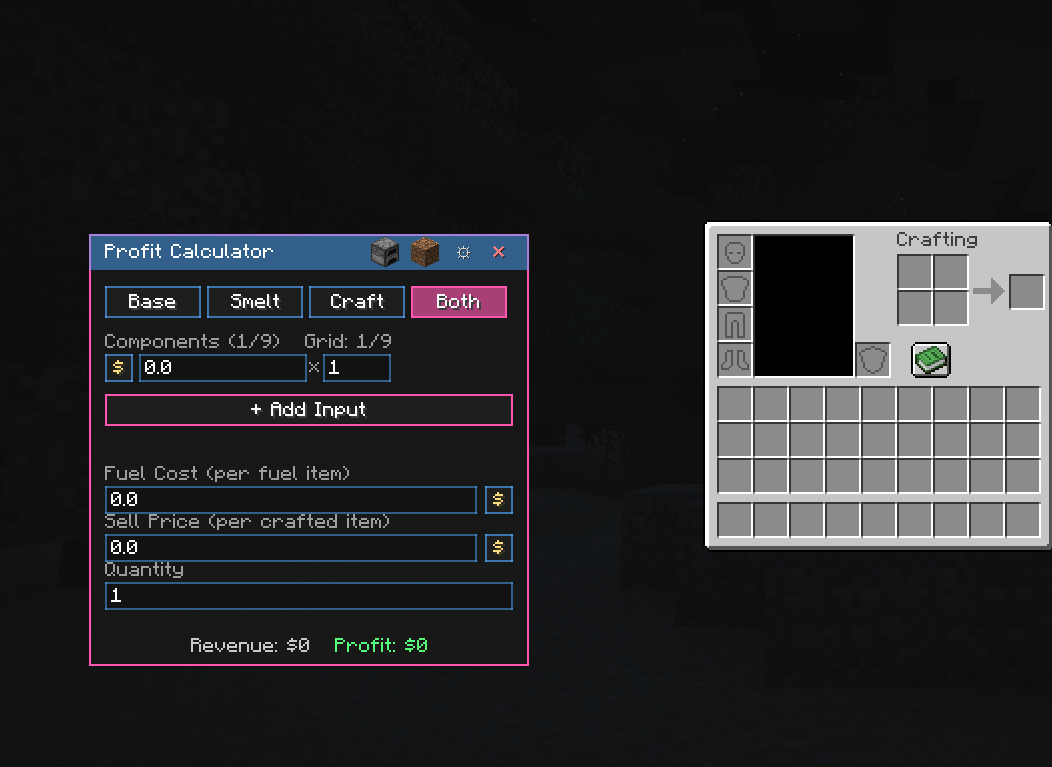
Screenshot 2026-08-26 091353.png
Screenshot 2026-08-26 091408.png
Description
Donut SMP Profit Calculator
A lightweight, client-side profit calculator built for DonutSMP players. Open it as a draggable
overlay right on top of your inventory, plug in a few numbers, and see your margin instantly
Features
Four profit modes
Sell As-Is — flat resale, no processing required
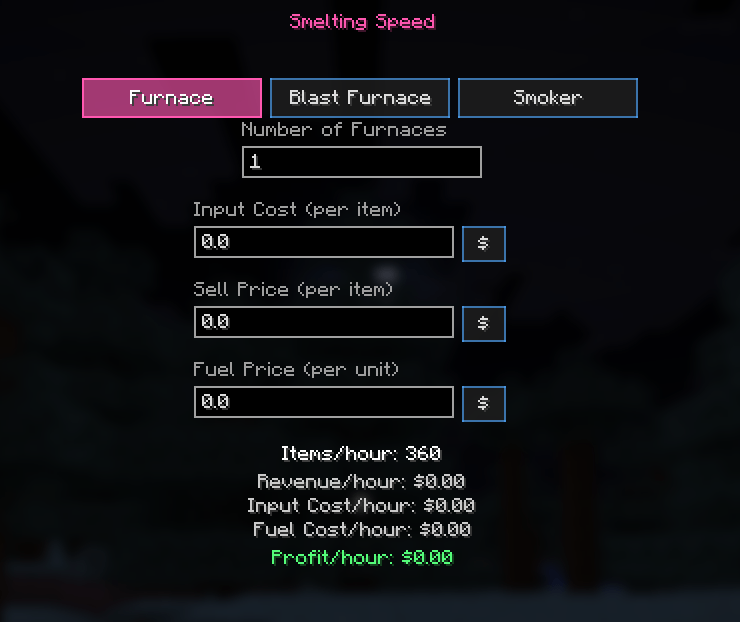
Smelting — factors in fuel cost per item
Crafting — factors in the cost and quantity of components per craft
Smelt + Craft — combines both for recipes that need smelted ingredients
Item Price Library — click the dirt-block icon to open a searchable list of every item and block in the game. Set a price once, and pull it into any calculator field later instead of re-typing it.
5 color themes — Donut, Emerald, Obsidian, Crystal, and Lapis.
Press the keybind (default: comma) while your inventory is open to show or hide the panel; drag it anywhere on screen and it stays put.
## How to use
1. Open your inventory and press comma (rebindable in Controls) to show the calculator.
2. Pick a mode along the top (Base / Smelt / Craft / Both).
3. Fill in the fields — type a number directly, or click the **$** button next to any price field
to pull it from your Item Price Library.
4. Read your profit at the bottom, colored green (profit) or red (loss).
5. Click the gear icon for settings (theme, rounding), or the dirt block to manage your price
library.
- All data is client-side and stored locally under `.minecraft/config/donutprofitcalculator/`.
- This is a calculator/reference tool only — it does not read, modify, or interact with any
server data, inventory, or trades.
Donut SMP Profit Calculator Team