Description
Dochi's Warfare Expanded
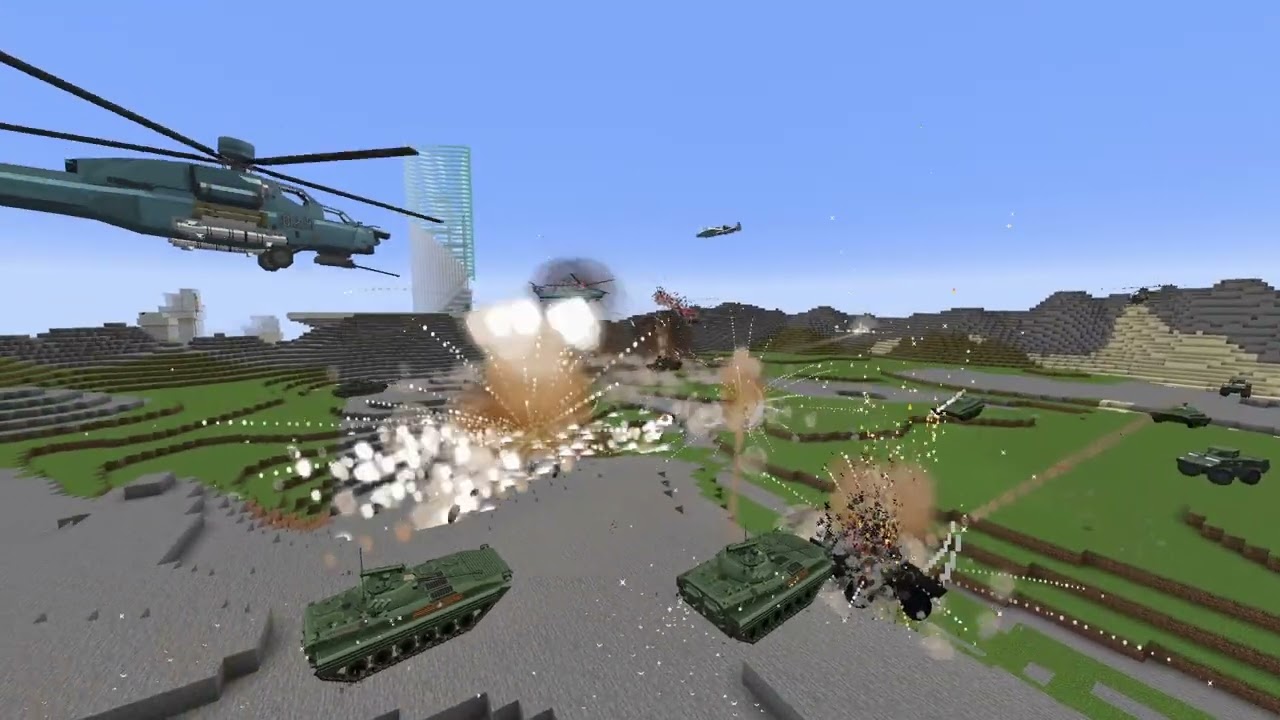
Vehicle AI and battle scenario tools for Dochi's Warfare. Dochi's Warfare Expanded (DWE) is an addon for Dochi's Warfare. Build battles with autonomous vehicles, advancing infantry, helicopter reinforcements, strafing runs, and bombing missions.
0.3.3 Tactical Command Update
Call in battlefield support with consumable WWII radios and rugged tactical tablets. Link an item to a saved battle timeline, aim at the ground, and hold right-click to request bombing runs, fire support, or reinforcements.
- Create and issue tactical orders through the tactical editor.
- Configure targeting range, call time, movement restrictions, shared cooldowns, and active request limits.
- Choose radio or tablet appearances and customize targeting guides and progress bars.
- Preview your target and follow the call progress on screen. Release before completion to cancel.
Use your saved scenarios to give players support items for missions, maps, and multiplayer battles.
0.3.2 GUI Update
Place actions directly in the world, edit the battle timeline, and test your scenario with live simulation. Watch the video for the updated editor workflow.
Vehicle AI
- Configure supported tanks, wheeled vehicles, helicopters, and fixed-wing aircraft.
- Set patrol routes, movement orders, factions, detection, and target priorities.
- Adjust weapon accuracy, range, ammunition, reload settings, and crew requirements.
- Manage NPC crew and save reusable vehicle AI profiles and clones.
Vehicles use Superb Warfare's native movement, weapons, projectiles, and sounds. Available functions depend on the vehicle.
Combat Gimmicks
Add damage-triggered retreat, emergency smoke, low-health reactions, reload retreat, evasive movement, firing cues, and NPC combat dismounts.
Set triggers and cooldowns in the vehicle editor. Supported options are filtered by the vehicle's capabilities.
Battle Timeline Editor
Combine actions in one saved scenario:
- Tank, armored vehicle, and helicopter reinforcements
- Aircraft strafing and ground gun support
- Level, dive, and carpet bombing
- NPC clone deployment and advances
- Movement orders for existing NPCs in an area
Choose deployment times, positions, factions, formation spacing, and unit lifetimes. Save scenarios as JSON and run them at a chosen location. Six built-in examples are included.
Quick Start
- Right-click a supported vehicle with DW Npc Core to configure its AI.
- Open Editors → Gimmick Editor to create a battle timeline.
- Save and select Run at my position, or use:
/dw callgimmicks <name> ~ ~ ~Scenario files: config/dochi_warfare/vehicle_ai/gimmicks/
Requirements
- Dochi's Warfare and its dependencies
- Superb Warfare compatible with your selected DWE build
NPC deployment and crew features support Dochi's NPC Core (DNPC) and CustomNPCs, depending on the loader and feature. CustomNPCs soul-stone features require CustomNPCs. Dochi's RPG Maker is optional for shared editor integration.
Available for Forge 1.20.1, NeoForge 1.21.1, and Fabric 1.21.1. Install the same DWE 0.3.3 build on both client and server.
Dochi`s Warfare Expanded Team