## DNZ Client
**A clean, modern client for Fabric: DNZ menu, movable HUD and more FPS.**
Press **Right Shift** in game to open the DNZ menu.
---
### Features
**HUD**
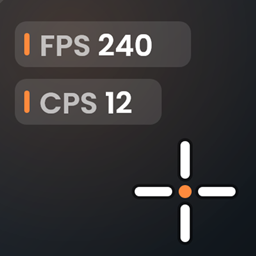
- Movable panels: FPS, ping, CPS, coordinates, direction, biome, time, speed, memory, keystrokes, reach, combo, armor, potions, item counters and more
- Drag, resize and restyle every panel in the HUD editor
**Visual**
- Custom crosshair: styles, size, gap, color and outline
- Block outline: color, rainbow, width and fill
- Chat heads next to chat messages
- Motion blur (off by default, four strengths)
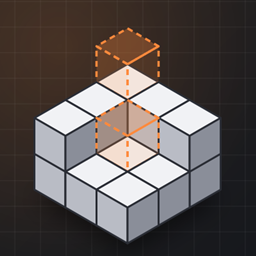
- In-game texture editor: look at a block and press **B** to paint its texture pixel by pixel
**Utility**
- Zoom, freelook (single player), shulker preview, food info
- DNZ badge: see who else plays with DNZ Client
- DNZ themes for the menu
- Optional DNZ Cloud: keep your settings on every computer
---
### Good to know
- Works great with Sodium, Sodium Extra and Mod Menu
- Everything can be turned on or off in the DNZ menu
- Get the DNZ Launcher with capes and invites free at **https://dnzclient.com**
---
### Details
- **Loader:** Fabric (needs Fabric API)
- **Minecraft:** 26.2 and 26.3
- **Side:** Client only
- **License:** GPL-3.0
- **Source code:** https://github.com/DnzMc/DnzClient
- **Discord:** https://discord.gg/vaPUBjUnZN
DNZ Client is not an official Minecraft product and is not associated with Mojang or Microsoft
Dnz Client Mini Team