
Icy's Horse Breeds
Multiple new models, textures, and armors for your horses to spice up your world!
- 80
- September 15, 2026



Icy's Horse Breeds
Multiple new models, textures, and armors for your horses to spice up your world!
- 80
- September 15, 2026



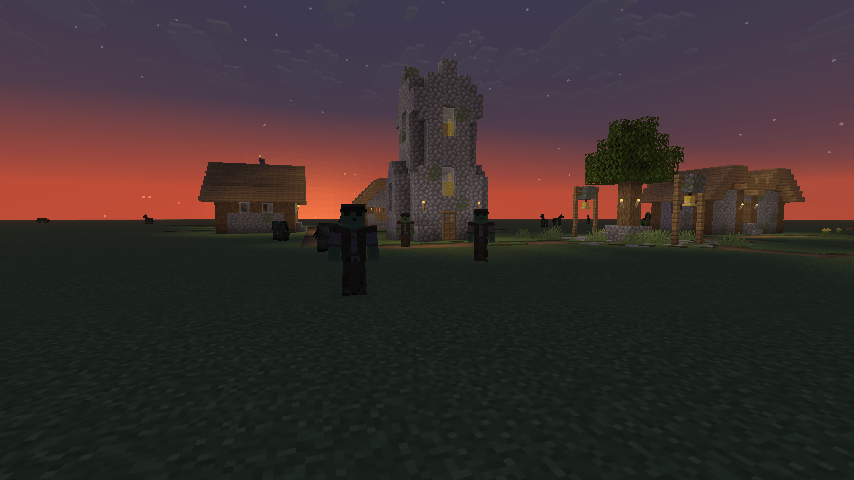
2026-09-15_00.00.08.png
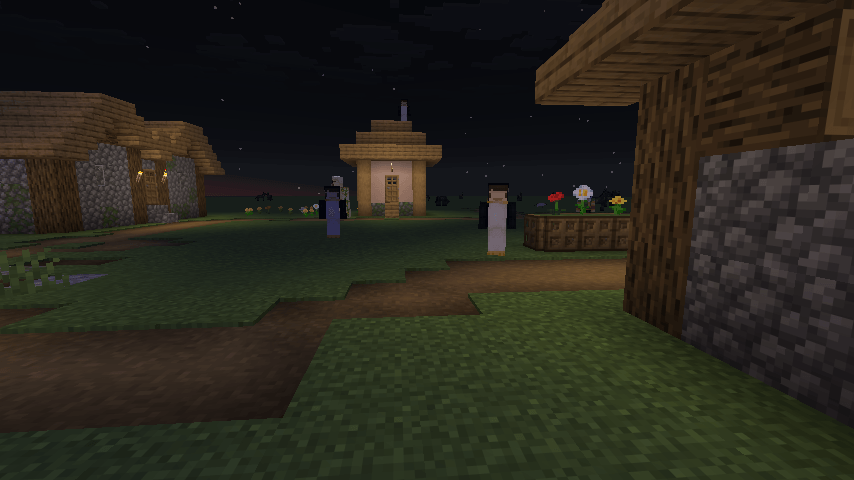
2026-09-14_23.59.42.png
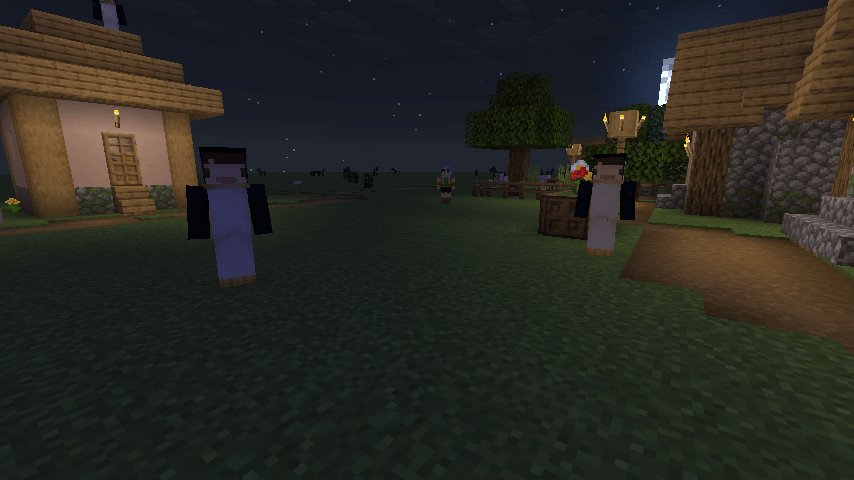
2026-09-14_23.59.49.png
Distant Friends adds silent, motionless figures into the dark parts of your world. They appear behind you at a distance, stand there, and turn their heads to follow you. Get close and they puff away in a cloud of smoke before you ever reach them.
They are harmless. They cannot attack you, they cannot chase you, and hitting one just makes it disappear.
Every figure wears a skin you put there yourself. Drop PNGs into the folder so you can fill your world with whatever you think will get to you.
This port is fully client-side. Nothing is installed on the server.

Nothing will spawn until you give it skins. None are bundled.
distantfriends/skins/. It is created the first time you launch with the mod installed.F3 + T in game, or restart, to load them.A few things worth knowing:
Herobrine.png shows up as Herobrine._slim for slim arms, like Alex_slim.png.this works offline and works for skins that were never on a real account.
Everything is adjustable through Mod Menu, or by editing config/distantfriends.json.
Spawning
Behaviour
Distant Friends is a fork of the mod by Mrbysco, rewritten to run entirely on the client, with additional configs and some behavioral changes.
Mrbysco still maintains his version and if you play singleplayer or run your own server you may well prefer his. This fork exists because I wanted the mod on servers I do not control.
It is not an official continuation and is not affiliated with or endorsed by the original author.
If you hit a problem, report it with as much detail as you can in my discord so it can be reproduced properly.


Q: Do I need this on the server?
No, and that is the point of this port. It runs entirely on your client, so it works on servers that have never heard of it.
Q: Will I get banned for this on a server?
It adds no packets, sends nothing to the server, and does not touch gameplay. It is a rendering mod. That said, server rules are server rules, so check yours if you are unsure.
Q: Nothing is spawning.
You probably have no skins in distantfriends/skins/, or Max Friends At Once is set to 0. Check the log, it says how many skins loaded on startup.
Q: Can they hurt me?
No. They have no attack goal and cannot damage you. Hit one and it vanishes.
Q: Can other players see them?
No. They only exist on your client.
Q: How is this different from the original?
client-side instead of server-side, local skin files instead of usernames, and a lot more config.
Q: Can I use your mod in a modpack?
Yes, feel free to include it.




Multiple new models, textures, and armors for your horses to spice up your world!
Multiple new models, textures, and armors for your horses to spice up your world!