


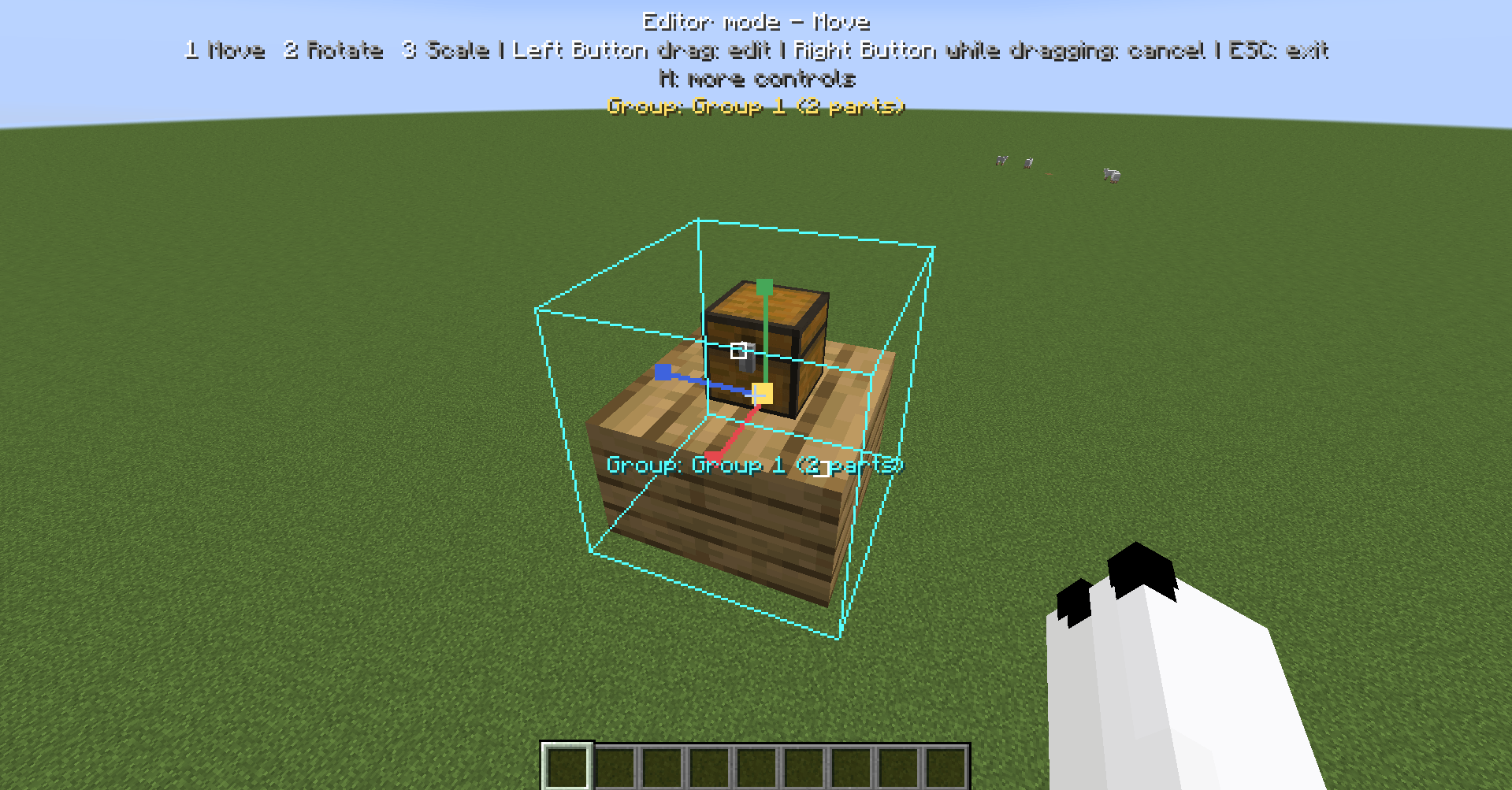
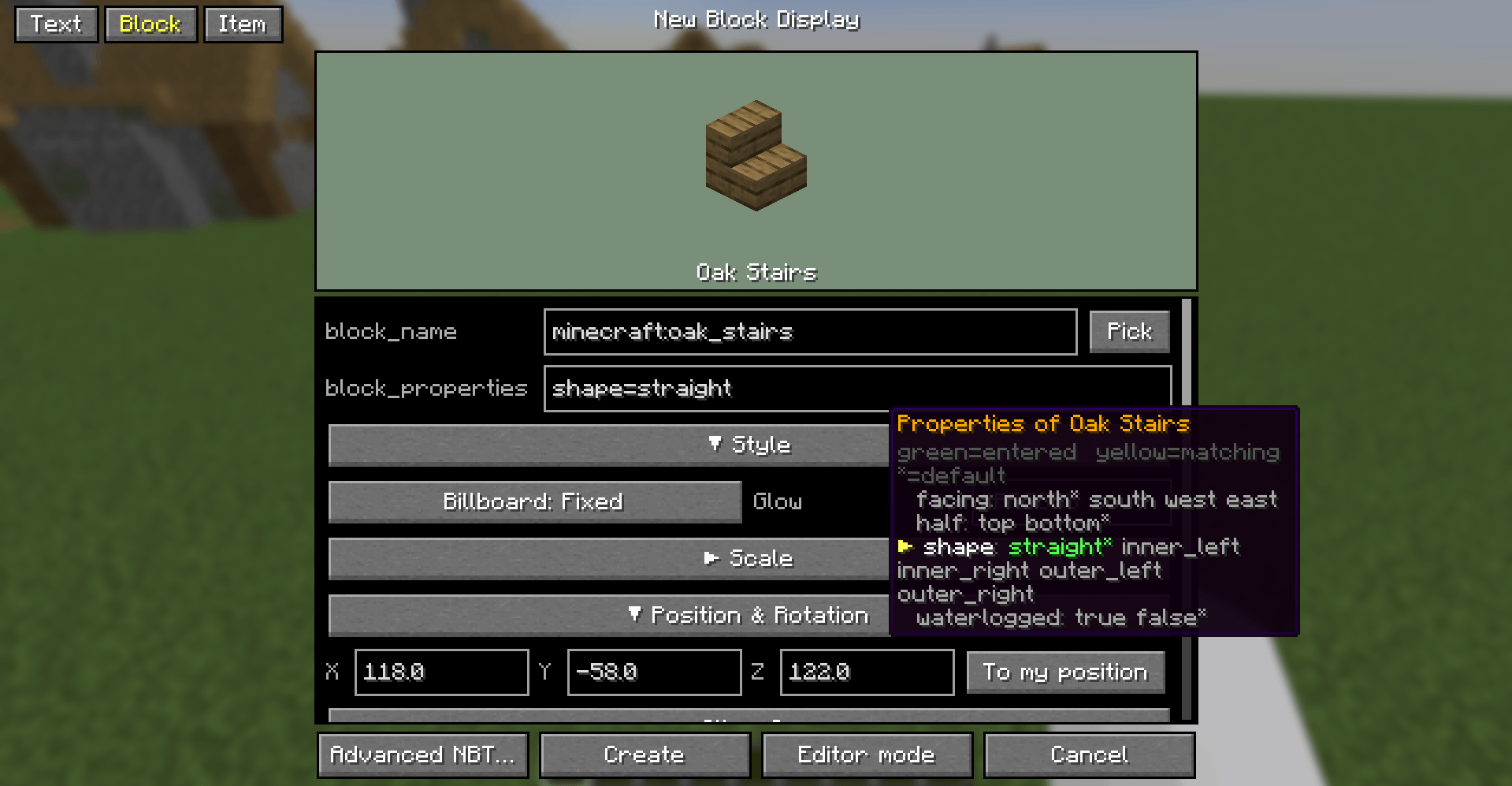
You can preview the appearance of a Display Entity before creating or modifying it! You don’t need to have prior knowledge of block_properties either—simply hover your mouse over the input field to check
Description
type some texts. hit Apply. It's easy, isn't it?
Edit display entities(text display, block display, item display) with a real GUI instead of long /data merge commands.
In Creative mode, look at a text display and press G key. A clean editor with a live preview opens, where you can tweak its text, colors, size, alignment and more.
Requirements & permissions
- Fabric Loader and Fabric API
- Creative mode is required to open the editor.
- Changes are applied by sending
/data merge entityand/data remove entitycommands (and/killfor deleting), so you need the permission to run them:- Singleplayer: cheats must be enabled.
- Multiplayer: you need operator permissions, and the server must allow those commands.
Display Entity Editor Team
