DigammaXR (ARCHIVED)
- By
VirtualDesktop.Android-20260729-194126.jpg
VirtualDesktop.Android-20260729-200355.jpg
VirtualDesktop.Android-20260729-194051.jpg
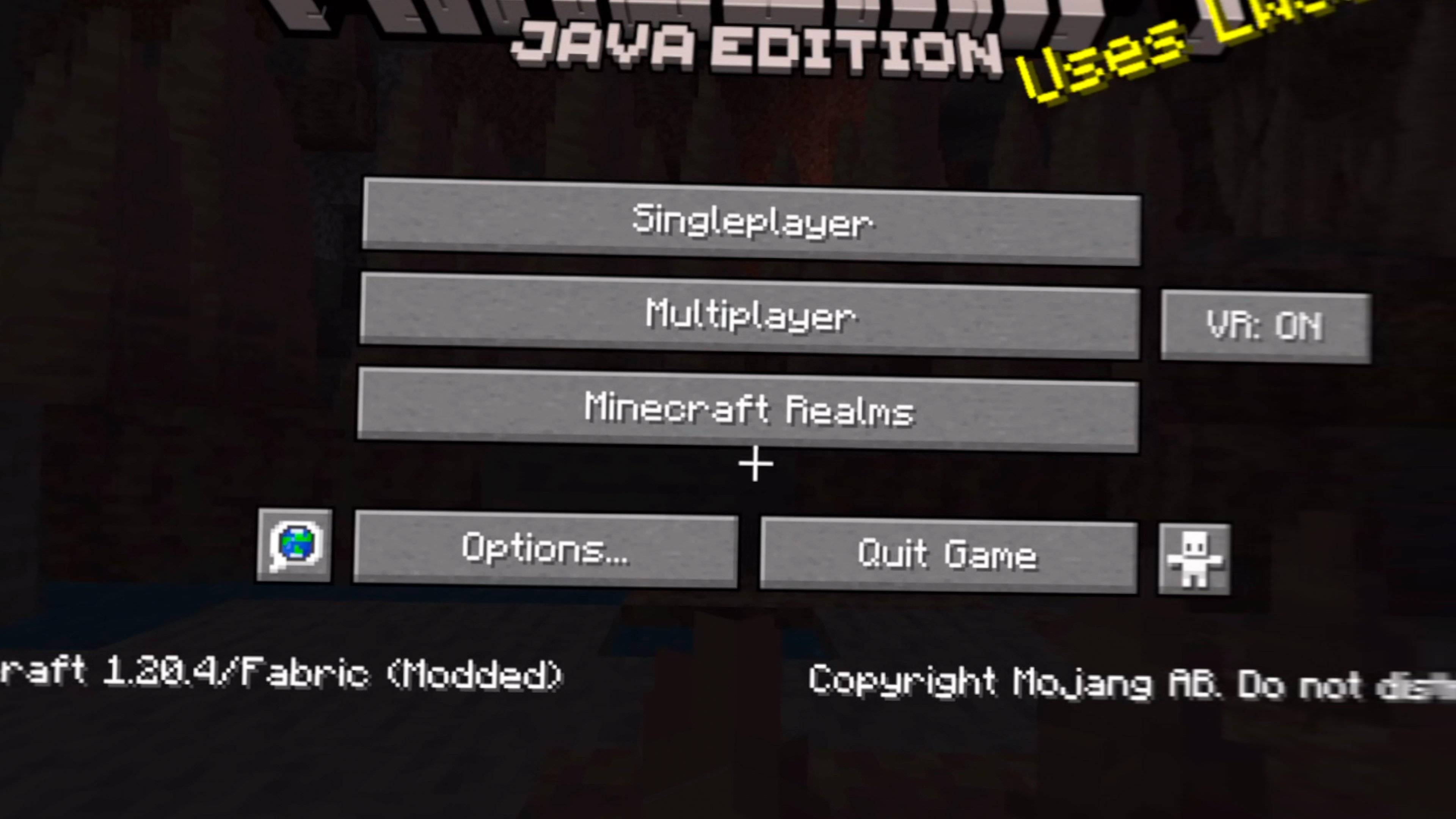
VirtualDesktop.Android-20260729-200111.jpg
Description
DigammaXR
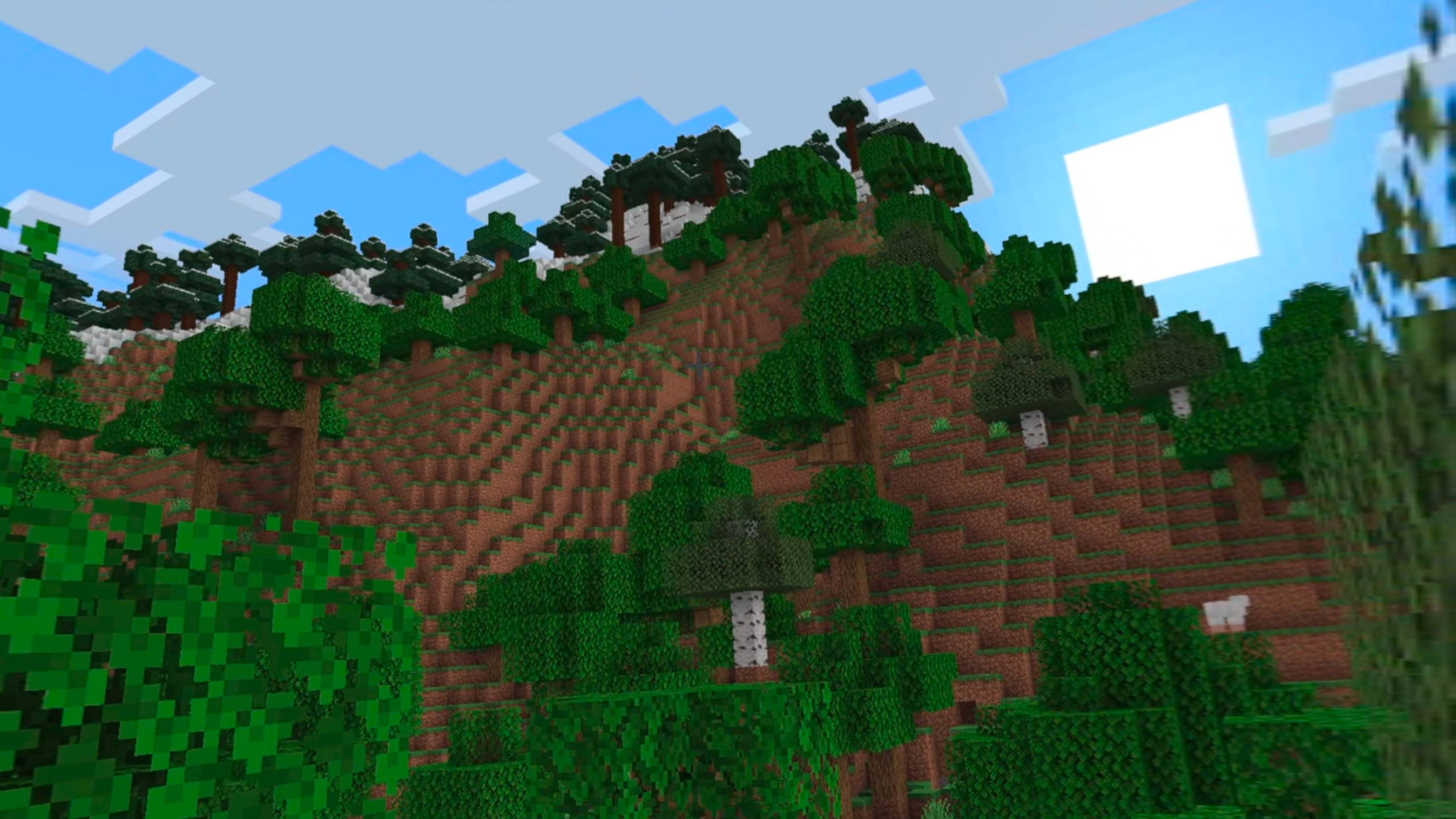
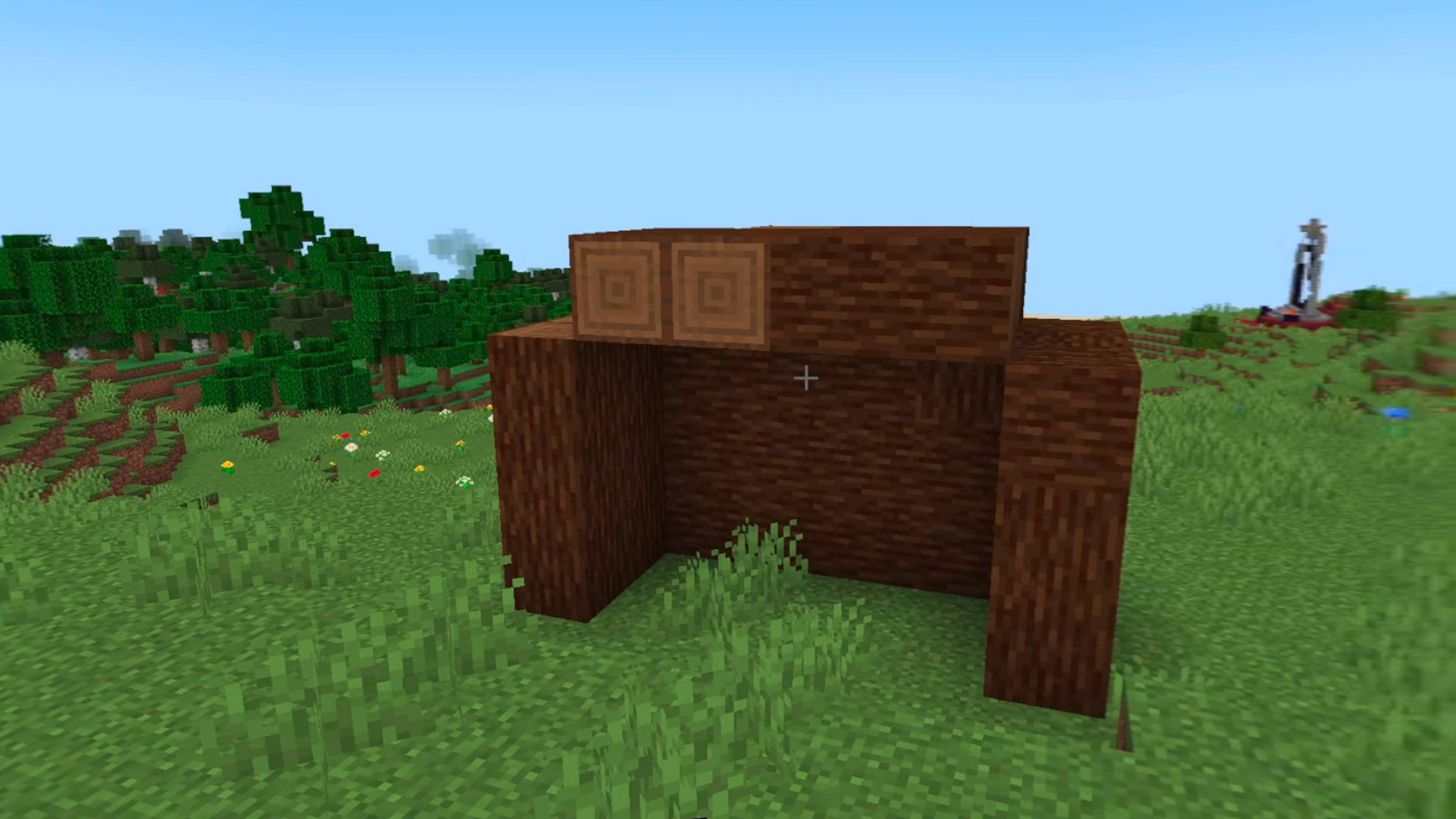
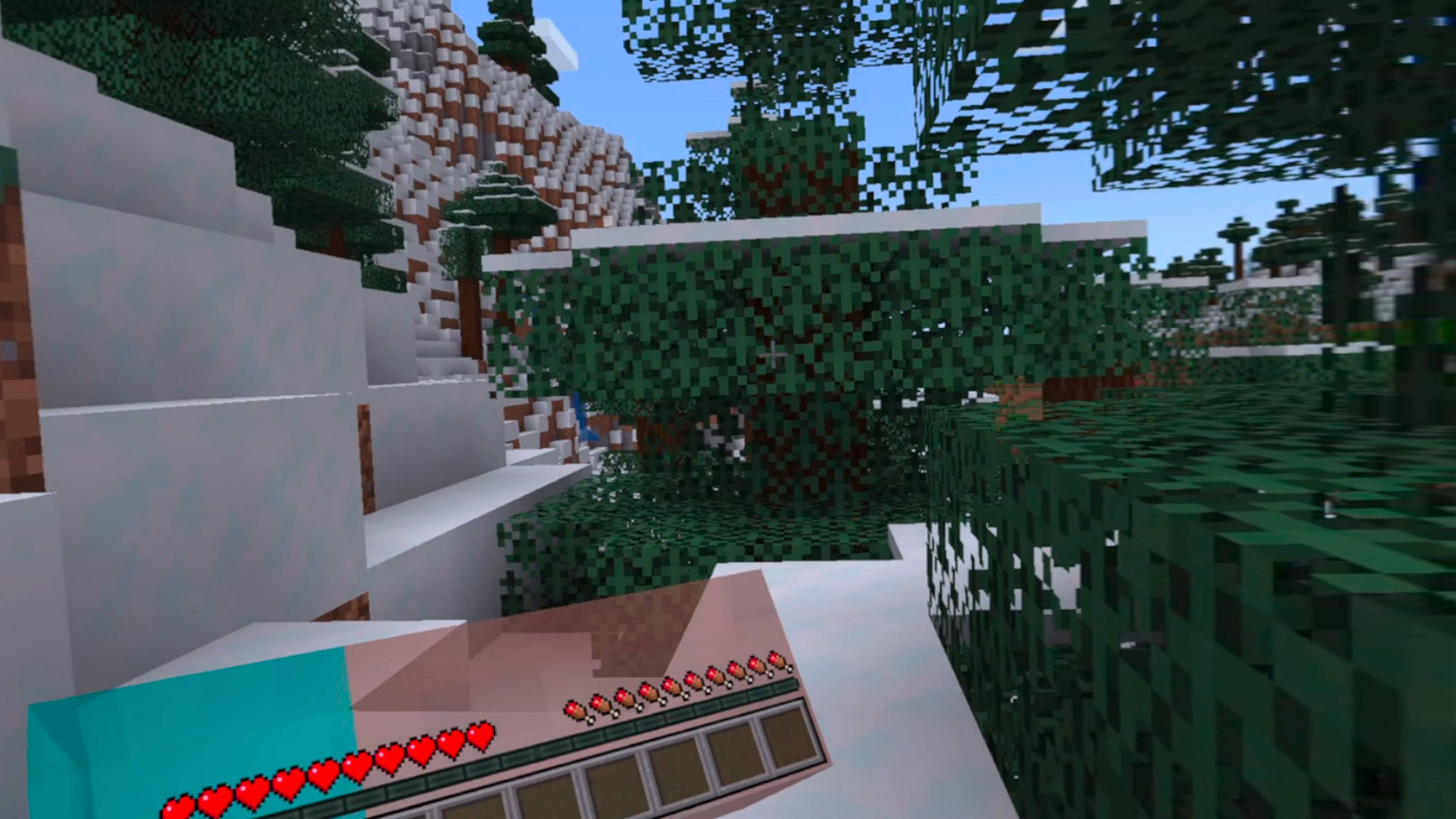
DigammaXR is a Vivecraft fork that makes Minecraft VR playable on Intel Arc graphics.
Enjoy tracked hands, motion controls, joystick movement, snap turning, VR menus, inventory controls, room-scale gameplay, and Vivecraft’s familiar VR features.
Requirements
- Minecraft 1.20.4
- Fabric
- Windows
- Java 17
- Virtual Desktop with VDXR
- Meta Quest 3S with Touch Plus controllers
Sodium is optional. Do not install DigammaXR and Vivecraft together.
Controls
- Left stick — Move
- Right stick — Turn
- Right trigger — Attack
- Left trigger — Use
- A — Jump
- X — Game menu
- Y — Inventory
- Left grip — Sneak
- Right grip — Next hotbar slot
Install DigammaXR in your client’s mods folder, select VDXR as your OpenXR runtime in Virtual Desktop, connect your headset, and start Minecraft.
DigammaXR is based on Vivecraft and is licensed under LGPL-3.0-or-later. It is not an official Vivecraft, Mojang, Microsoft, Meta, Intel, or Virtual Desktop release.
⚠️ This project is archived. Development has ended. The last released version remains available for download.
The DigammaXR (ARCHIVED) Team