Dazti's Item Rain
- By
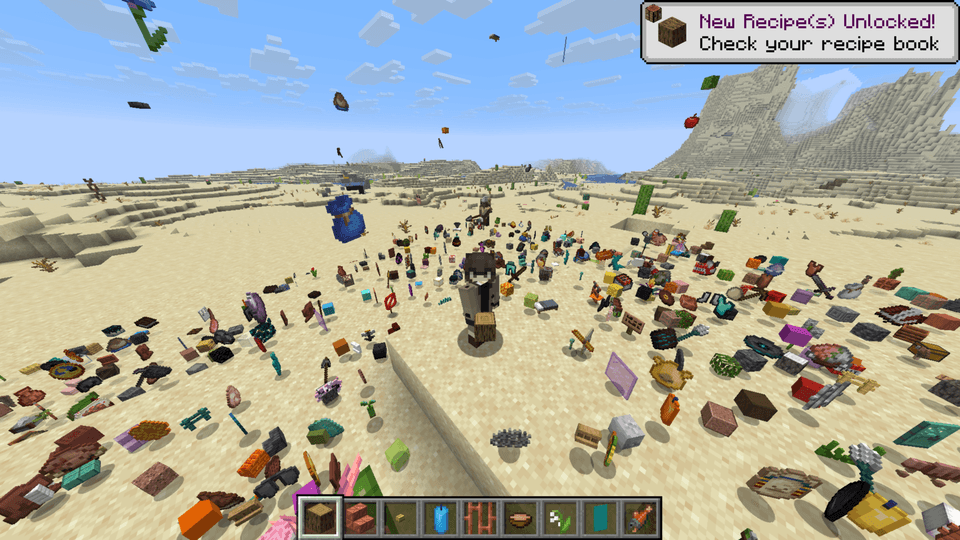
Base Profile Screenshot 2026.05.17 - 17.35.20.71.png
Description
Item Rain Mod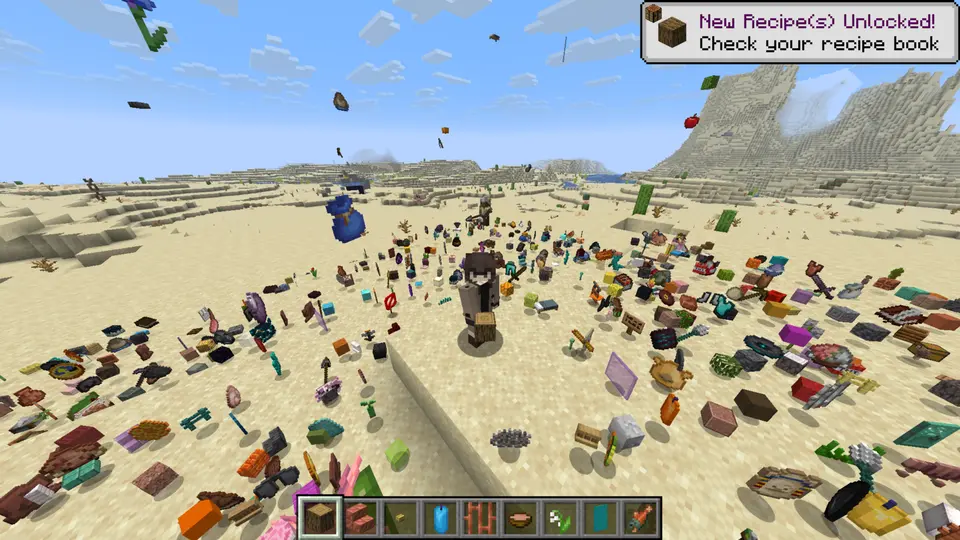
This mod introduces the `/ir` command, which controls all the item rain functionality.
Command Syntax
/ir [amount] [duration] [range] [height] [delay]
How to Use
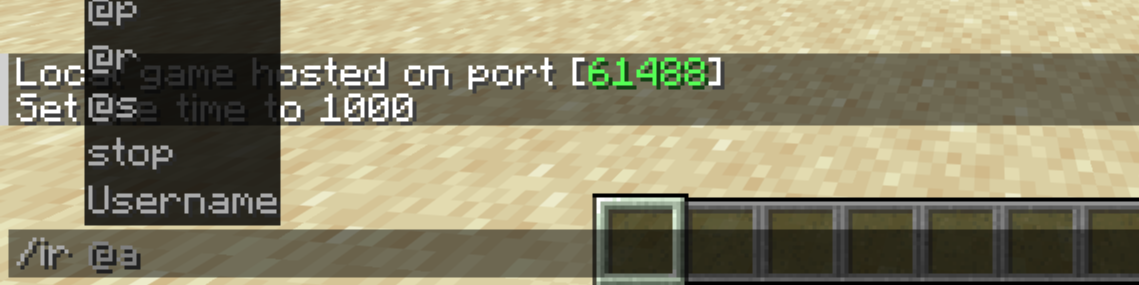
1. Target
First, you must specify who the items will rain on. The command will not work if this parameter is missing.
2. Item
Next, choose which item will fall from the sky.
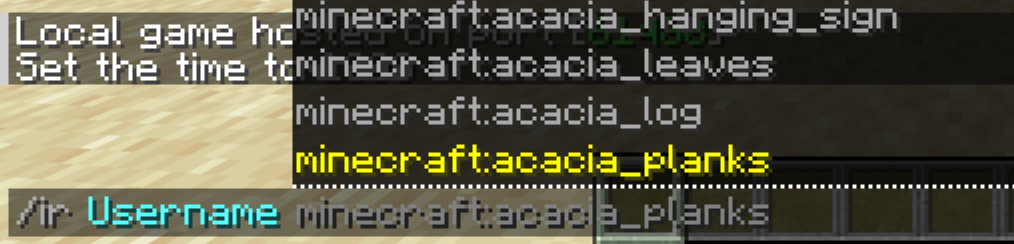
If you want completely randomized item drops, simply type **`random`** instead of an item name.
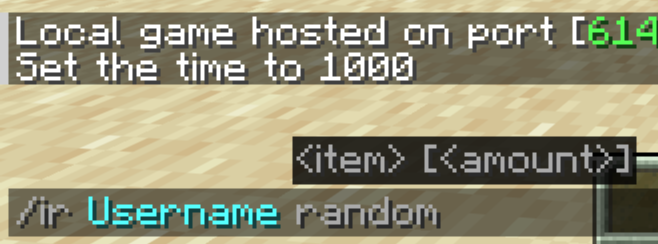
3. Amount
Now, decide how fast and dense the items should fall.
Default: 1
Minimum: 1
Maximum: 5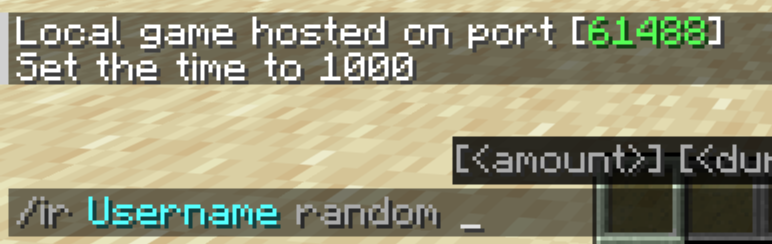
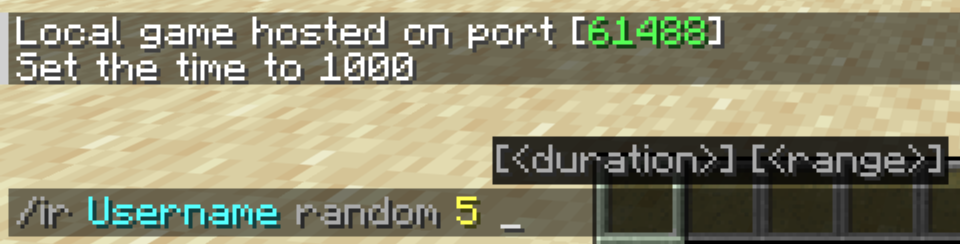
4. Duration
Specify how long (in seconds) the item rain will last.
Default: 10 seconds
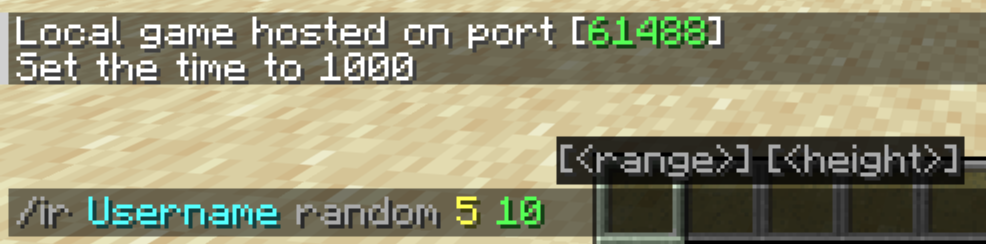
5. Range
Determine the horizontal radius (in blocks) around the target where the items will scatter.
Default: 10 blocks
6. Height
Choose how high above the target the items will spawn and begin their descent.
Default: 20 blocks
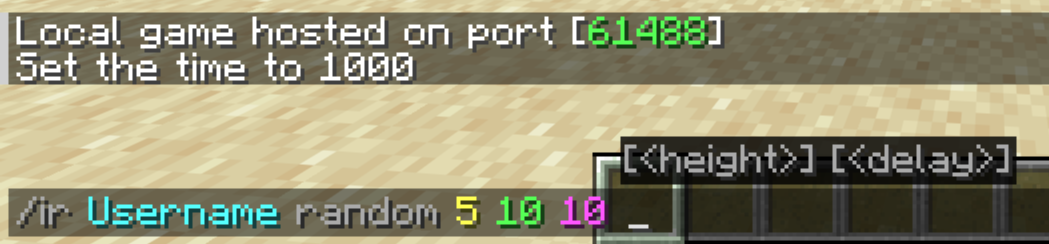
7. Delay
Finally, you can add a countdown timer (in seconds) before the rain starts. **This is completely optional.**
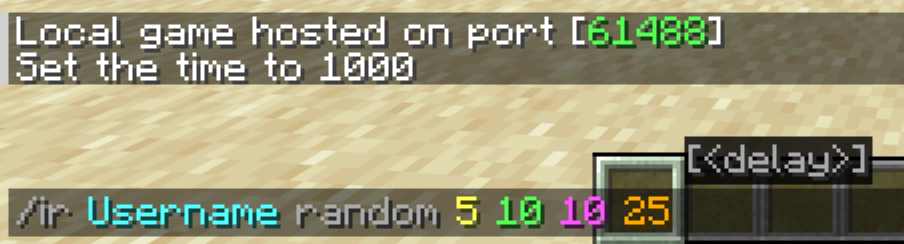
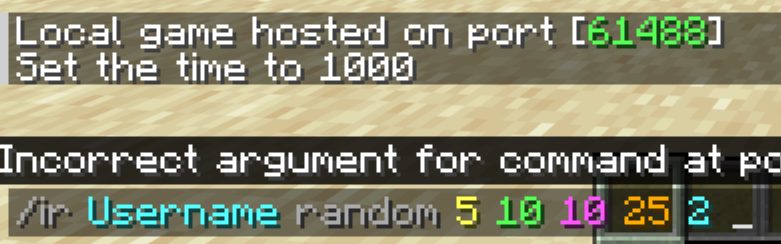
Stop the Rain
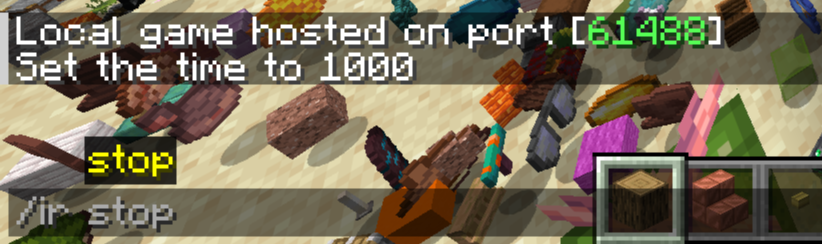
If the chaos gets out of hand, you can clear all active rain effects instantly by running:
/ir stop
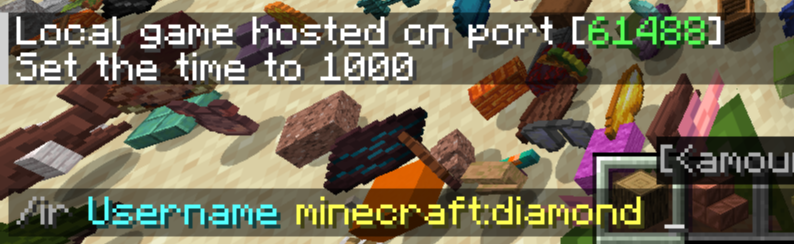
NOTE: You can also launch a quick rain by typing **only the target and the item name
.
Example
/ir Username minecraft:redstone
/ir YourFriend minecraft:cobblestone 5
/ir stop
The Dazti's Item Rain Team