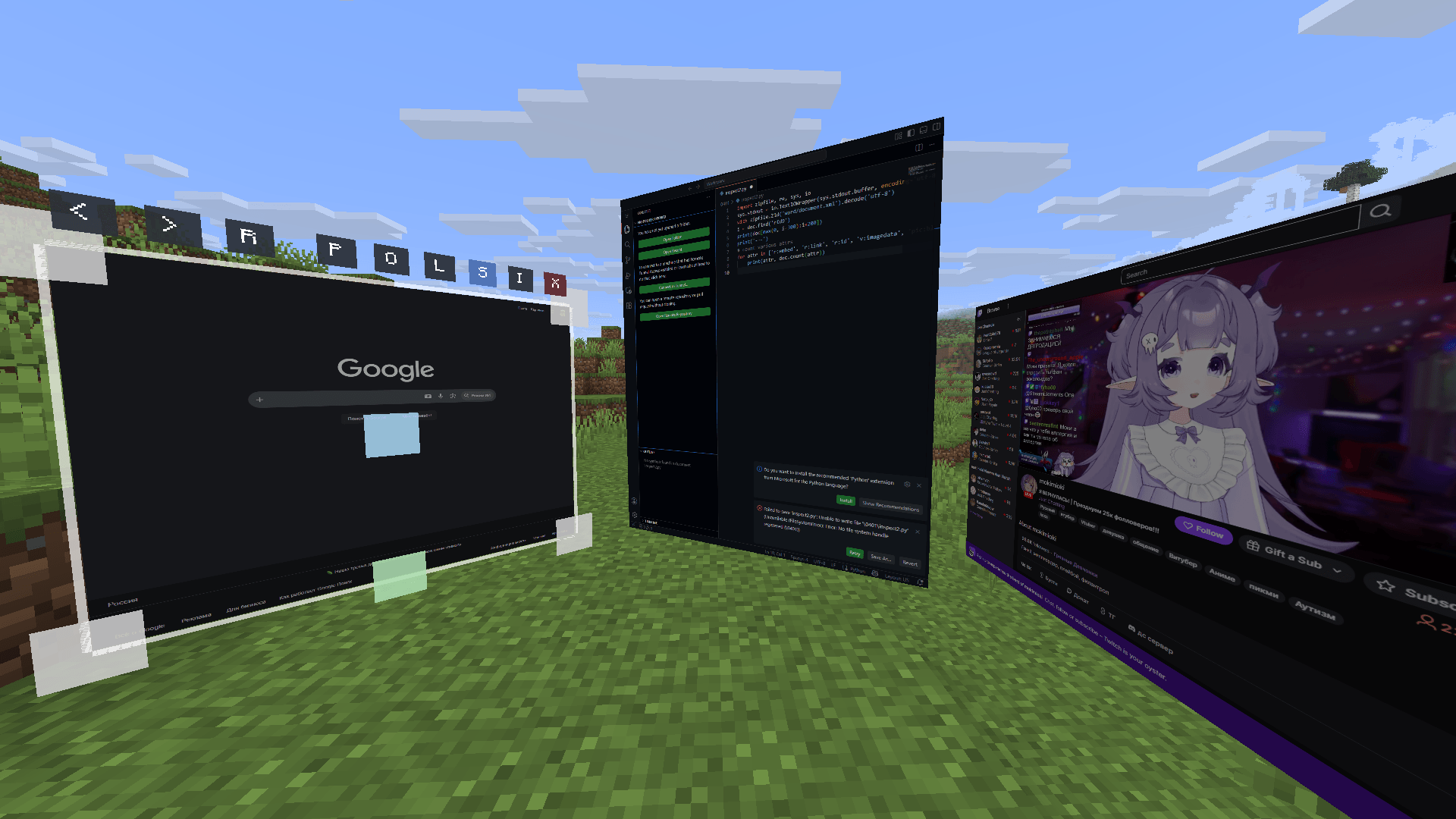
2026-06-02_21.00.14.png
Description
Client Web Displays
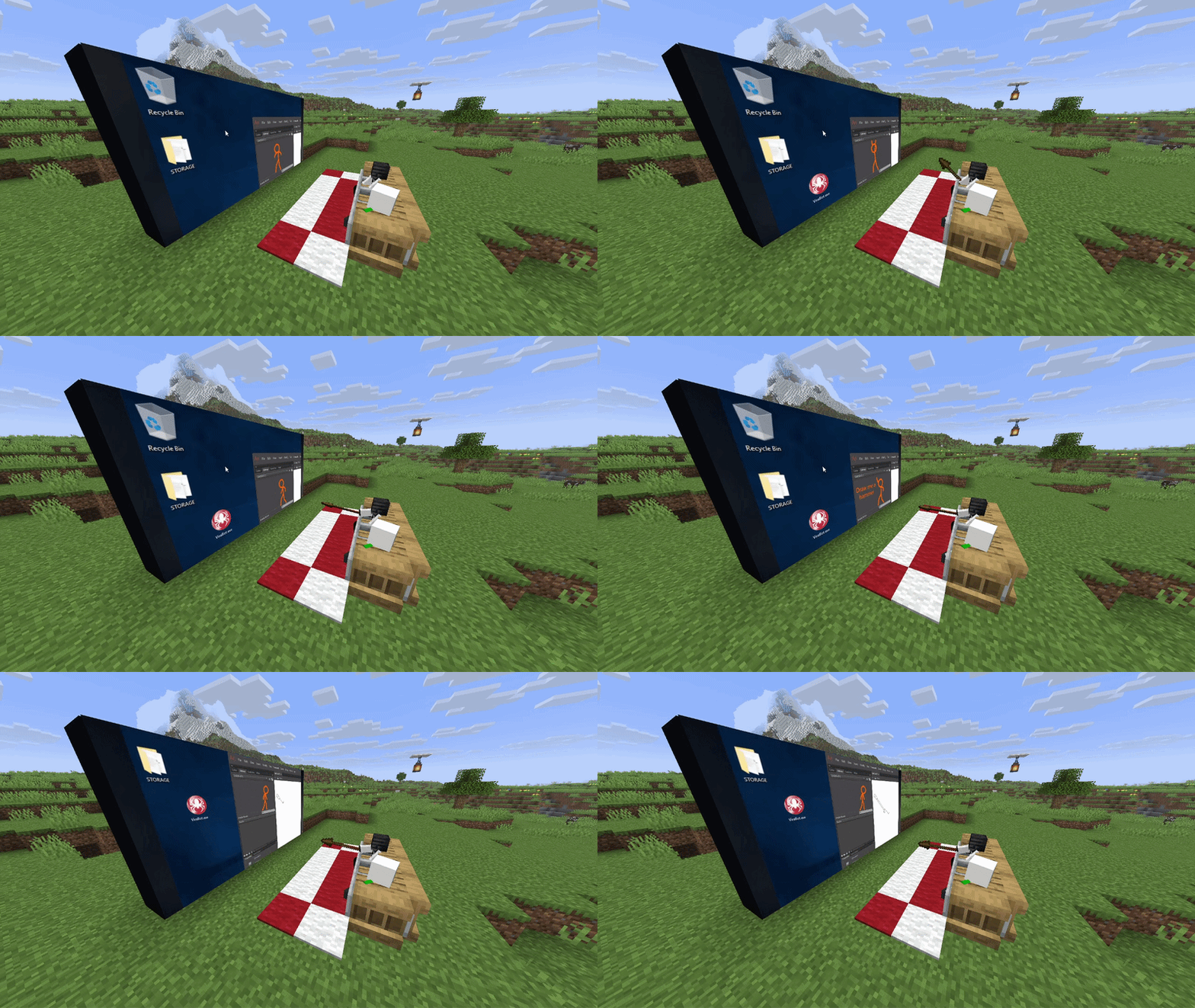
Features:
- Client-side: you can use it on any server!
- Rich window configuration
- Spatial audio
- Browser actions / YouTube media sync (if installed on host/server)
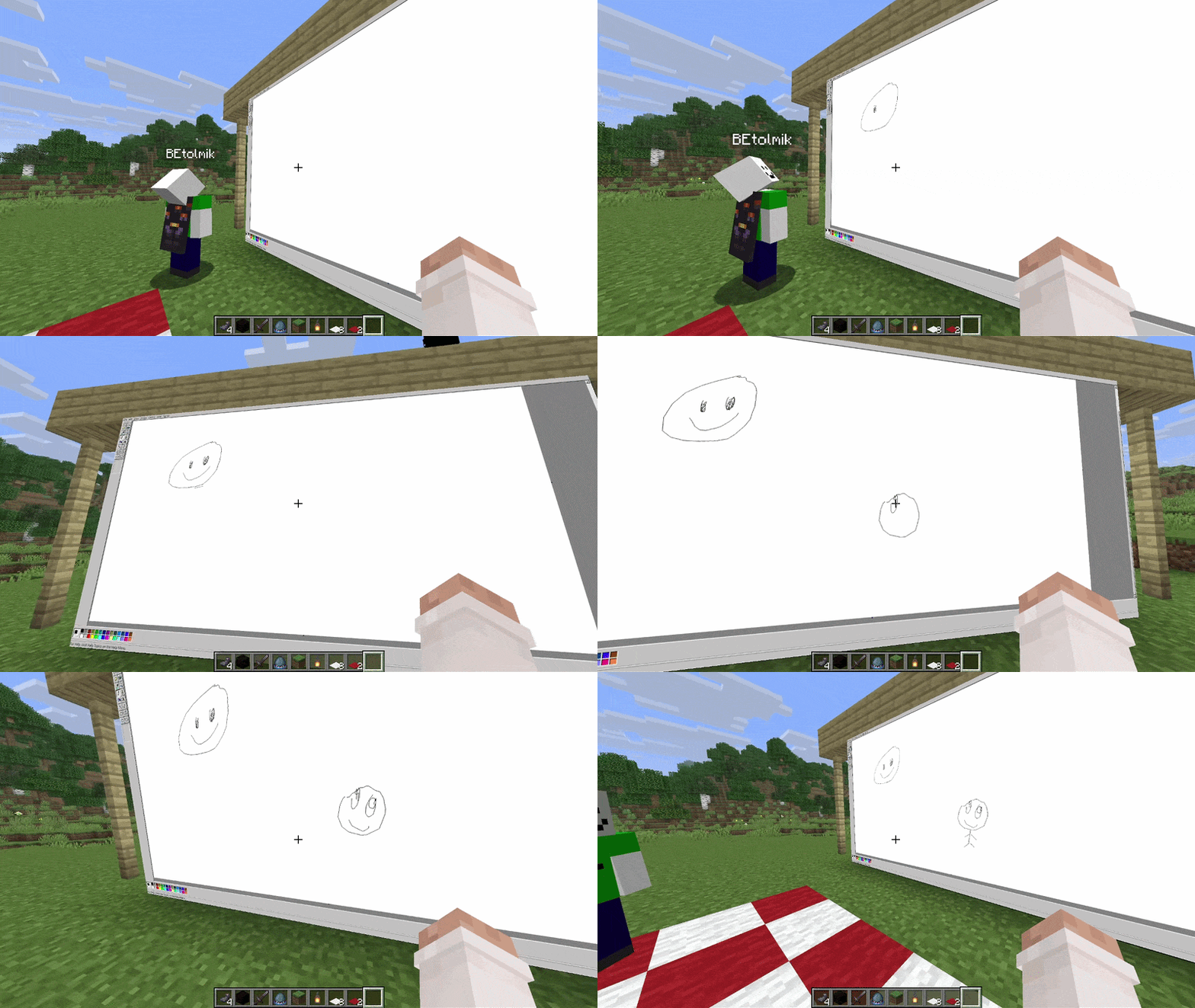
Usage
- to create window type
/cwd create <access>command - aim to window and press ALT (by default) to enter in edit window mode
- or press ENTER (by default) to enter in input mode to type something
Buttons in edit mode:
R- reload pageP- pin window to player positionO- render window on top of world and entitiesL- light window (ignore world's light)S- spatial audio (by default its turn ON)I- lock input mode
Other usefull commands:
/cwd url <url>- change a URL of the display/cwd acces grant/revoke <target> <access-type>- give/take an acces to your display
Compatibility
render on-top of world and ignore light are not works with Iris shaders =(
The Client Web Displays Team

Owner

![[RPF] Resource Packs Fusion project image](https://media.forgecdn.net/avatars/thumbnails/1573/917/256/256/639019892806527908.png)
![[RPT] Resource Packs Tweaks project image](https://media.forgecdn.net/avatars/thumbnails/1694/955/256/256/639075953778163361.png)