


customizable tooltips
- By
Design your own item tooltips in game: colours, frames, glow, motifs, shapes, stickers, gauges, sound and animated text. No data packs.
CUSTOMIZABLE TOOLTIP
Make any item's tooltip your own.
A complete in-game tooltip designer for Minecraft. Transform ordinary item tooltips into fully customized, animated works of art.

arsam12
✦ Overview
Customizable Tooltip is an in-game designer that gives you complete creative control over Minecraft item tooltips.
Hold an item and press ALT + K to open the designer. From there, you can customize almost every visual aspect of its tooltip:
- Backgrounds, gradients and custom images
- Frames, borders, patterns and decorative details
- Glows, shadows and lighting effects
- Custom shapes, masks and stickers
- Animated text and visual effects
- Live gauges and dynamic item information
- Sound effects and holographic interactions
No resource pack or data pack is required. All designs are stored locally on your client and can be shared with other players through a simple text code.
✦ Complete Customization
01. Backgrounds & Appearance
- Solid background colors
- Custom gradients
- Adjustable opacity
- Your own background images
- Layered visual effects
02. Borders & Frames
- Adjustable border width and color
- Gradient borders
- Decorative corner brackets
- Double, Rune, Ornate, Tech, Frost and Nature patterns
- Custom image-based borders using imported PNG files
03. Glow, Shadow & Shine
- Customizable glow effects
- Adjustable shadows
- Animated shine sweeps
- Additional visual depth and lighting
04. Motifs & Decorations
Add decorative patterns behind your tooltip content:
- Drifting diamonds
- Stars
- Grids and dots
- Circles
- Checkerboard patterns
05. Masks & Shapes
Change the actual silhouette of your tooltip.
- Rounded corners
- Circle-shaped cards
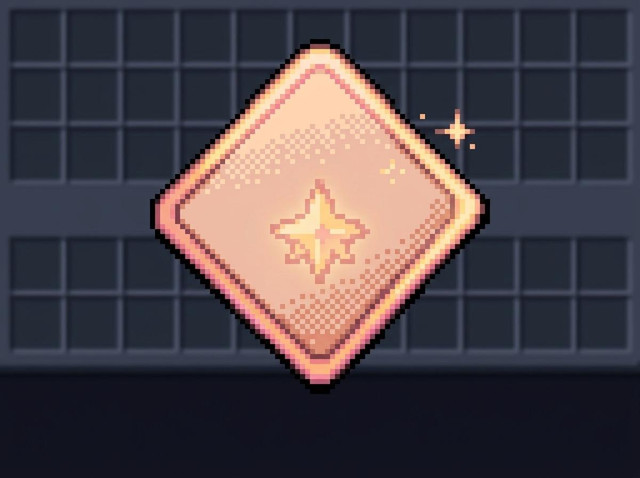
- Diamond-shaped cards
- Custom visual masks
06. Stickers & Artwork
- Built-in decorative artwork
- Import your own images
- Place custom stickers on your tooltip
✦ Advanced Text Customization
Your tooltip text doesn't have to look ordinary.
Custom Text Lines
Add your own text alongside the item's original information.
Available formatting options include:
- Custom prefixes and symbols
- Chips and brackets
- Pips and dotted tails
- Variables that read information from the item
Per-Letter Animation
Animate individual letters with different visual styles:
- Rainbow
- Wave
- Glitch
- Additional animation styles
Each animation can have its own speed and color settings.
Shader Effects
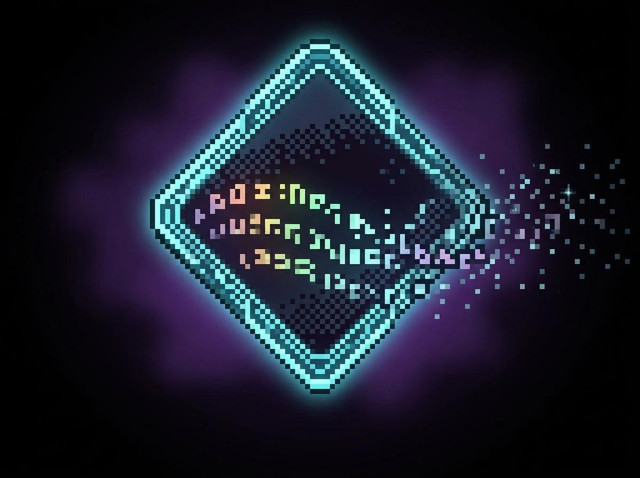
Build stacks of shader effects and apply them to different tooltip elements, including the background, frame and glow.
Keyframe Animation
Use the built-in keyframe editor to animate the entire tooltip or individual components independently.
vietnamien
✦ Live Values & Interactive Features
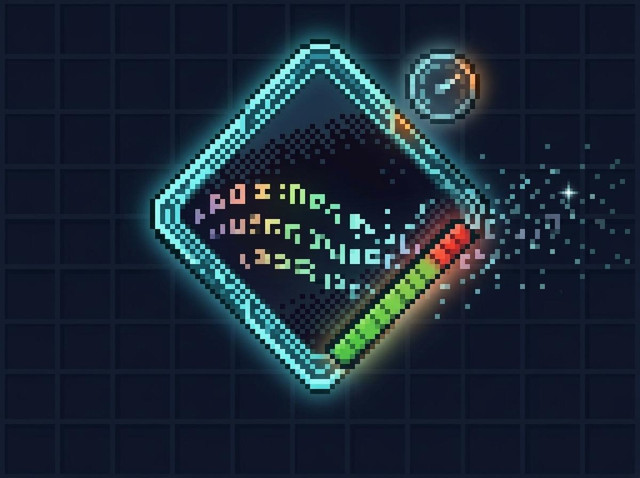
Dynamic Gauges
Display live Minecraft information directly inside your tooltip.
- Item durability
- Health
- Experience points (XP)
- Item stack size
- Other supported live values
Custom Sounds
Add a subtle sound cue that plays when your tooltip appears.
Holographic Tilt
Make your tooltip react to your cursor with a holographic tilt effect.
✦ The Designer & Controls
Everything is accessible directly in-game through simple keyboard shortcuts.
| Key / Command | Function |
|---|---|
| ALT + K | Open the designer for the held item |
| /cct | Open the designer |
| K | Open the style gallery |
| T | Open the template gallery |
| F1 | Open help for the current tab |
| CTRL + Z | Undo the previous action |
| /cct help | Show file locations and help |
| /cct tips on|off | Enable or disable hint cards |
Style Gallery
Press K to explore eight complete visual styles for the editor.
Template Gallery
Press T to browse finished tooltip designs. Use them as they are or take them apart and customize every detail.
✦ Sharing & Importing Designs
Your creations belong to you. Every design is stored as an individual file inside the cct_designs/ directory next to your mods folder.
Export & Import
- Export: Save your design as a
.cctfile. - Import: Load a previously exported design.
- Share Codes: Copy your entire design into a single line of text.
Share your code with a friend. They can paste it into the designer and recreate your tooltip.
Custom Templates
Place your .cct files inside cct_templates/ to add them to the template gallery.
This makes it easy to distribute collections of custom tooltip designs.
✦ Server Owners
Server owners can distribute custom tooltip designs to players automatically.
Simply place .cct files inside the server's cct_server_designs/ directory.
- Players receive the server-provided designs when joining.
- Server designs are read-only on the client.
- A player's own design group takes priority if both groups contain a design for the same item.
✦ Requirements & Compatibility
| Minecraft Version | 1.20.1 |
| Mod Loader | Forge |
| Forge Version | 47.x |
| Side | Client-side |
| Additional Libraries | None required |
| Resource Packs | Not required |
| Data Packs | Not required |
✦ Beta Information
Customizable Tooltip is currently in beta.
The designer, renderer and file formats are functional and actively used by the creator. However, some aspects may still change between releases.
The save format may evolve as development continues. If changes are necessary, existing designs will be migrated rather than intentionally broken.
Reporting Issues
If something doesn't work as expected, please include:
- The Minecraft item you were editing
- The designer tab you were using
- The action you performed
- What happened instead of what you expected
These details are enough to help investigate most issues.
✦ Planned Features
The following systems have been written but are currently disabled in this release:
- Conditional Rules: Tooltips that change dynamically when specific conditions are met.
- VFX Suite: Additional visual effects and customization capabilities.
These features are planned for a future release.
✦ About This Project
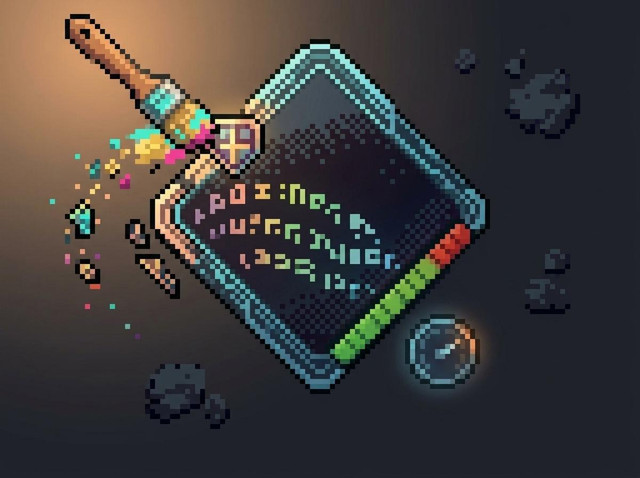
The card, gauge, text and brush illustrations shown on this page are concept artwork, not in-game screenshots. Any markings inside those illustrations are decorative and do not represent actual text.
Images explicitly presented as screenshots were captured in-game using F2 in this build.
I'd rather be transparent about what you're seeing than promise something different from the actual mod.
Created by arsam12
License: MIT
Make every tooltip yours.
Thank you for checking out Customizable Tooltip!
customizable tooltips Team

