Custom Recipes (In Game Editor)
- By
Capture d'écran 2026-10-27 123327.png
Capture d'écran 2026-10-27 123224.png
Capture d'écran 2026-10-27 123431.png
Capture d'écran 2026-10-27 123549.png
Capture d'écran 2026-10-27 123623.png
Description
Custom Recipe
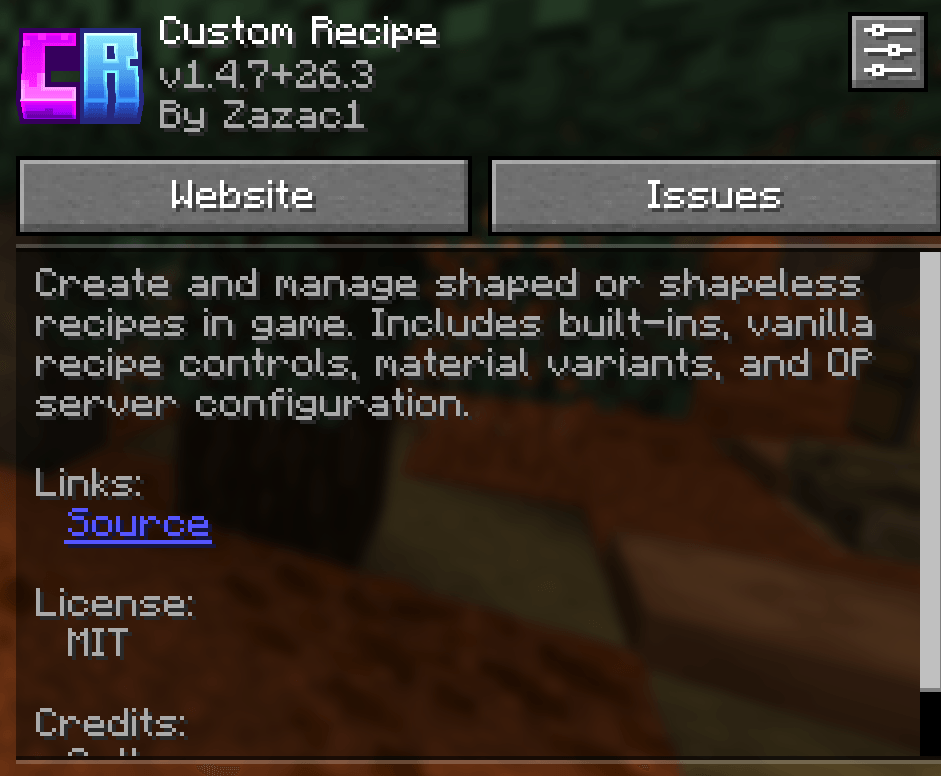
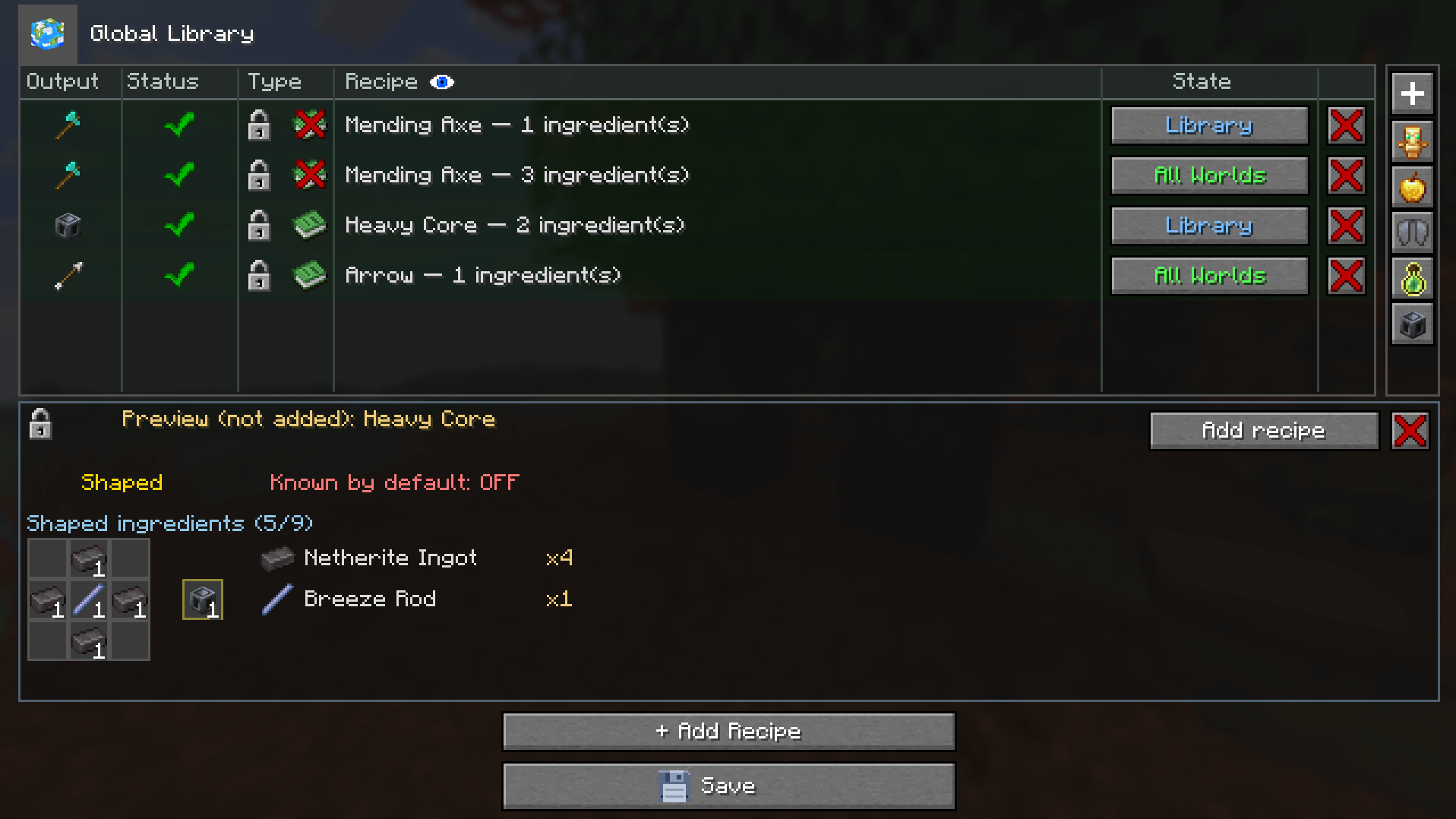
Create, edit, and manage Minecraft crafting recipes directly in-game — without writing datapacks or JSON files.
Custom Recipe is a visual recipe editor for singleplayer worlds, modpacks, and dedicated servers. Create your own recipes, customize existing ones, and reuse your creations across worlds.
Use vanilla or modded items, set ingredient quantities, and craft with exact custom items, including their durability and custom data.
Main Features
- Create shaped and shapeless crafting recipes.
- Use items from Minecraft and installed mods.
- Require multiple items in a single ingredient slot.
- Configure ingredient and output quantities.
- Save custom items and use them in recipes.
- Keep separate recipe configurations for each world.
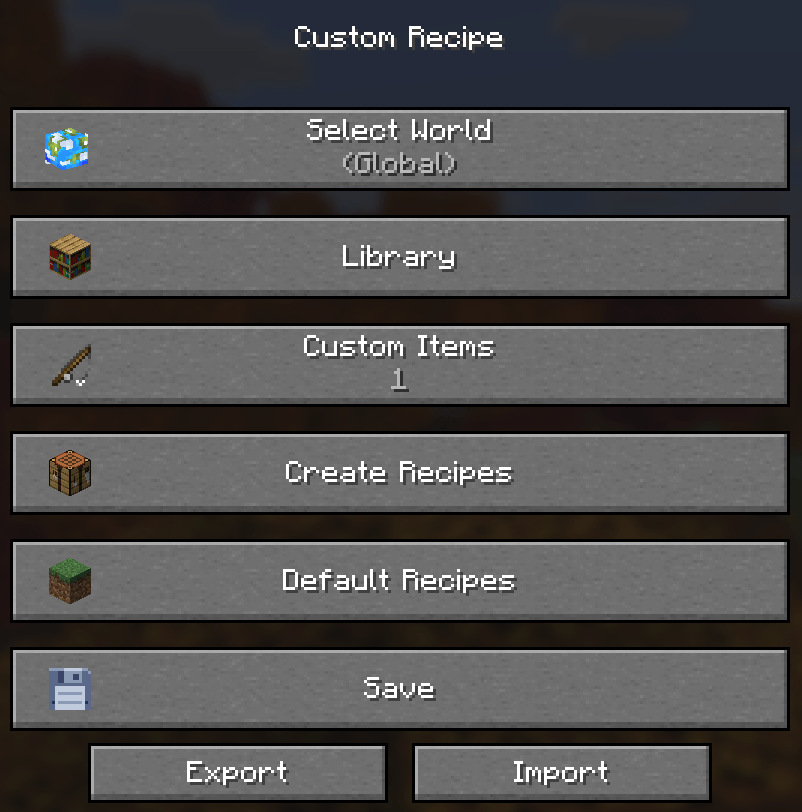
- Reuse recipes and custom items through the Global Library.
- Browse and disable vanilla or modded crafting recipes.
- Disable entire recipes or individual material variants.
- Add custom recipes to Minecraft’s recipe book.
- Support normal crafting and Shift-crafting.
- Manage dedicated server recipes as an authorized operator.
- Import and export configurations.
Getting Started
In singleplayer: open the editor using the Custom Recipe button in the pause menu, or run /customrecipe_solo.
On a dedicated server: authorized operators can open the editor with /customrecipe_server.
A compatible Custom Recipe installation is required on both the server and the operator’s client.
Visual Recipe Editor
Creating a recipe works similarly to using a normal crafting table.
Arrange your ingredients in the crafting grid, choose an output, and set the quantities you need.
- Shaped recipes: ingredients follow a specific layout. Compact recipes can be positioned anywhere in the crafting grid.
- Shapeless recipes: ingredient positions do not matter.
- Ingredient quantities: require several items in one slot while respecting each item’s stack limit.
- Recipe management: enable, disable, duplicate, edit, or remove recipes.
- Search tools: find items and recipes by name, identifier, ingredient, recipe ID, or mod namespace.
- Ingredient tags: browse the items accepted by a tag.
- Recipe discovery: mark recipes as Known by default to make them available without manual discovery.
The editor can automatically apply a recommended GUI scale while open and restore your previous setting when you leave.
Custom Items
Save the exact item you are holding to the Custom Items Library:
/customrecipe_item save [name]
Supported properties include custom names, enchantments, durability, mod-added data, and other custom item properties.
Saved items can be used as recipe ingredients or outputs. Rename a saved item or its identifier directly from the library, and recipes referencing it update automatically.
Custom item commands also support listing, giving, and removing saved entries.
Organize Your Recipes
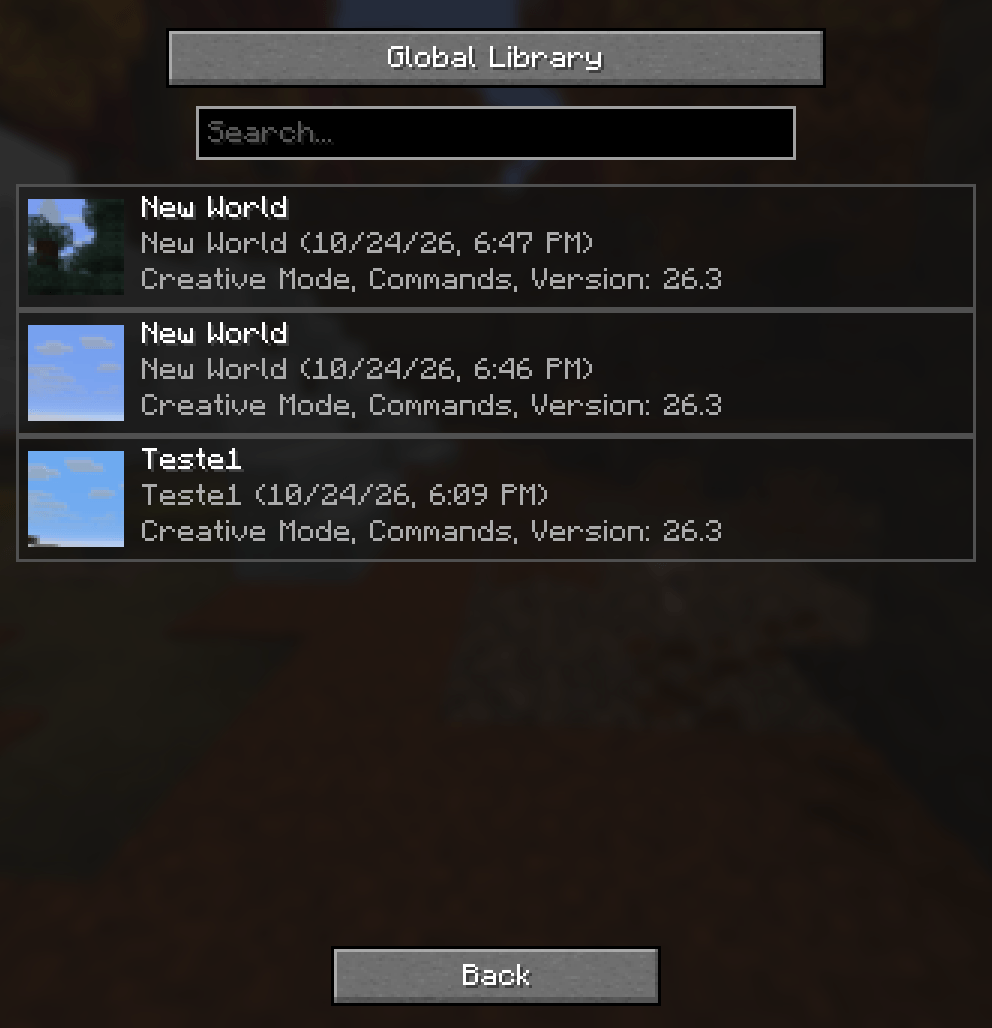
Global Library
Store reusable recipes and custom items to share between your local worlds.
World Configuration
Keep recipes specific to one singleplayer world.
Dedicated Server
Maintain shared server recipes managed by authorized operators.
Recipes copied from the Global Library become independent copies. Editing a world’s copy does not change another world or the original library entry.
Customize Existing Recipes
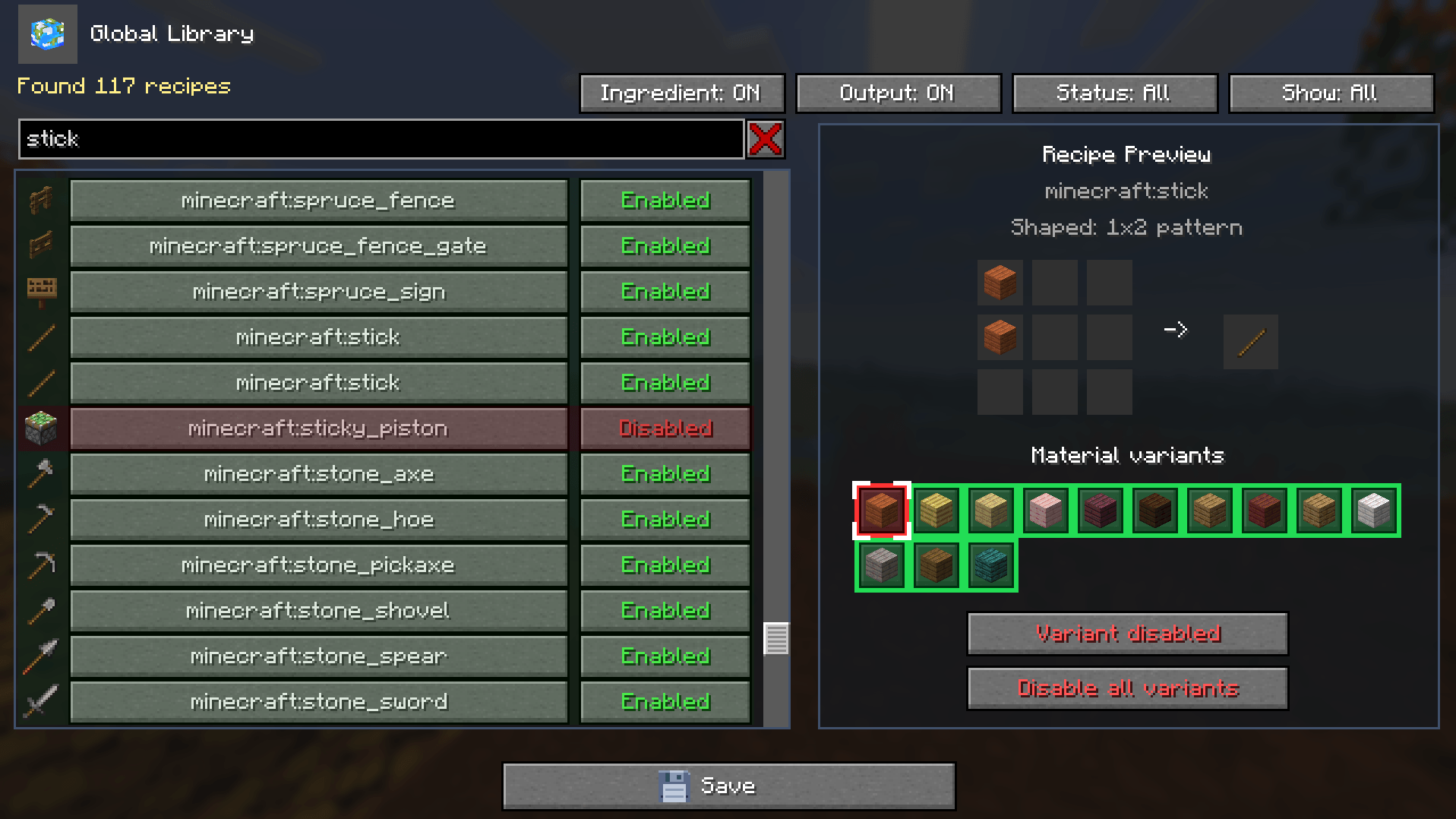
The Default Recipes browser lets you inspect crafting recipes from Minecraft and installed mods.
- Search by output, ingredient, identifier, or namespace.
- Preview the actual crafting-grid layout.
- Inspect ingredient tags and accepted materials.
- Disable an entire recipe or only one material variant.
- Replace existing recipes while keeping unrelated crafting behaviour intact.
Quick Add Templates
Use Quick Add to start from optional ready-made templates or user-created shortcuts. Each added recipe becomes an independent copy that you can edit or remove.
Depending on your Minecraft version, included templates may feature:
- Elytra
- Totem of Undying
- Enchanted Golden Apple
- Bottle o’ Enchanting
- Heavy Core
Templates are never activated automatically. Add only the ones you want.
Recipe Book and Crafting
Custom recipes can appear in Minecraft’s normal recipe book. Recipes marked Known by default are available without requiring manual discovery.
The recipe book can place complete ingredient stacks when a recipe requires multiple items in one slot.
Custom Recipe also handles non-stackable ingredients, different stack limits, exact custom item matching, Shift-clicking, repeated crafting, and multiple recipes with similar layouts.
Dedicated Server Management
Recipe management is restricted to authorized operators.
Changes remain drafts until Save is pressed. The server validates changes before applying them, and failed saves keep the editor open with unsaved work preserved.
Client and server recipe catalogs remain separate.
Configuration and Missing Mods
If a recipe references an item from a missing mod, Custom Recipe detects the unavailable item and preserves the recipe instead of silently deleting it.
Affected recipes can be marked as unavailable and recover when the missing mod is installed again.
Configuration tools include:
- Full configuration export.
- Global Library import and export.
- Migration from older Custom Recipe formats.
- Protection against unsupported newer formats.
- Conflict handling during library imports.
Backing up your world before major recipe or modpack changes is recommended.
Supported Minecraft Versions
Forge
- 1.16.5
- 1.18.2
- 1.19.2
- 1.20.1
Fabric
- 1.20.1
- 1.21.1
- 1.21.8
- 1.21.10
- 1.21.11
- 26.1.x
- 26.2
- 26.3
NeoForge
- 1.21.1
- 1.21.11
- 26.1.x
- 26.2
- 26.3
Choose a file matching your exact Minecraft version and mod loader, and check its required dependencies before installing.
Made for Your World
Add one missing recipe or build a custom progression system for your modpack. Custom Recipe brings visual recipe management to singleplayer worlds, modded survival, and multiplayer servers.
Need help or found a bug?
Custom Recipes (In Game Editor) Team