CUI gives you full control over Minecraft’s UI colors.
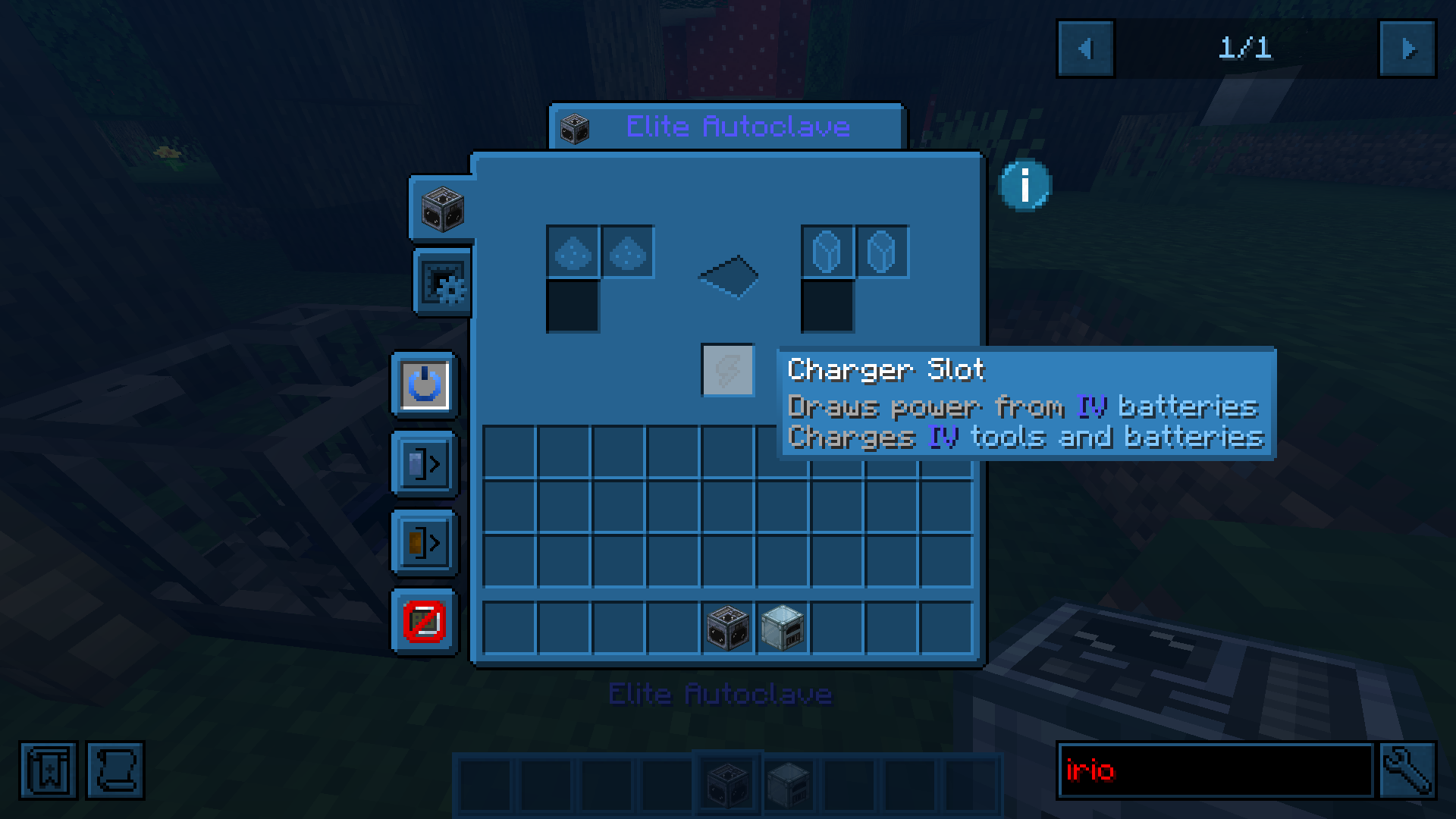
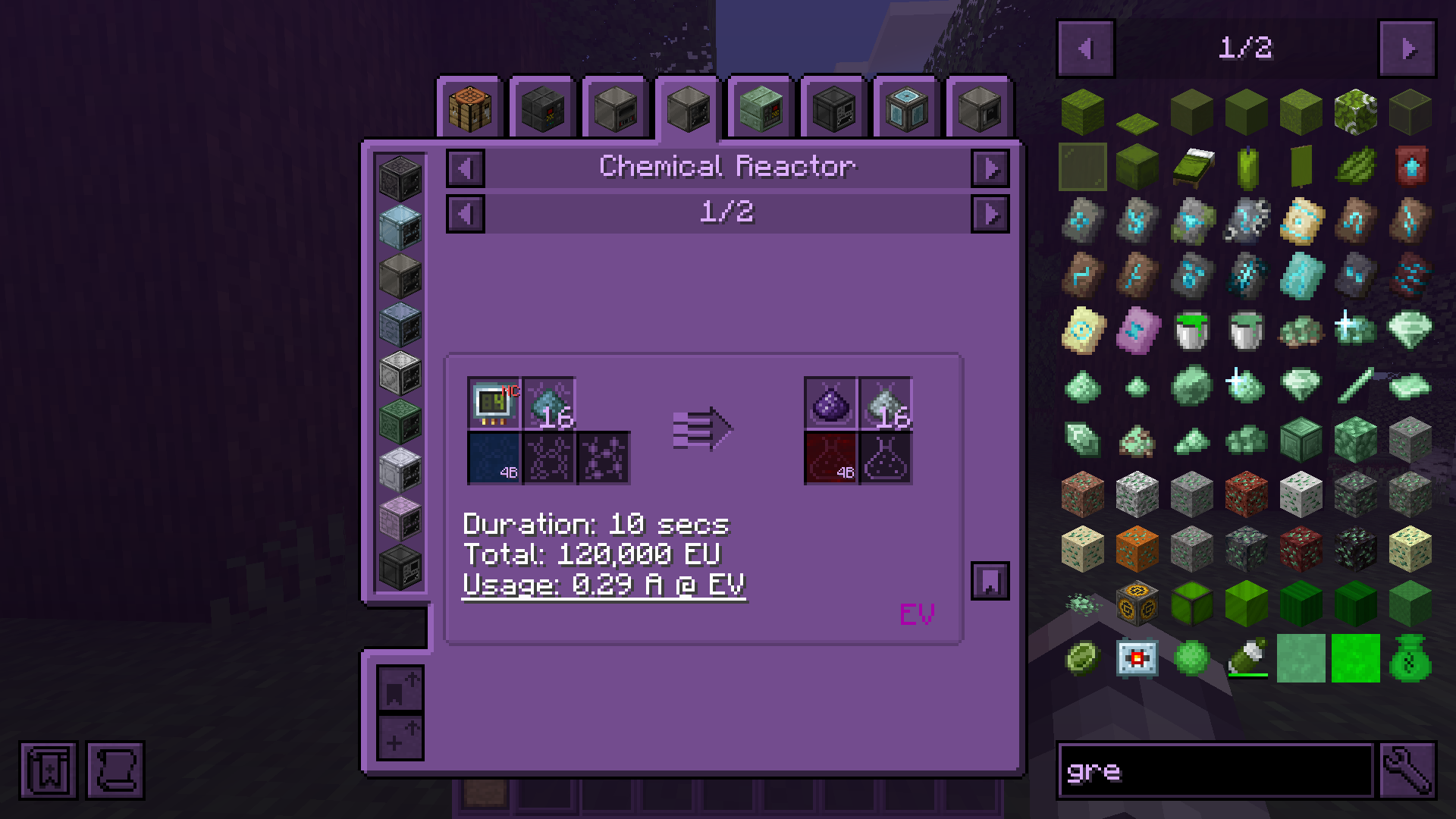
Menus, HUD elements, inventories, buttons, hotbars, hearts, text, and even interfaces added by other mods can all be recolored in real time. Because apparently every mod author on earth independently decided that dark gray buttons on slightly darker gray backgrounds are peak design.


Universal Texture Support
CUI is not limited to vanilla textures.
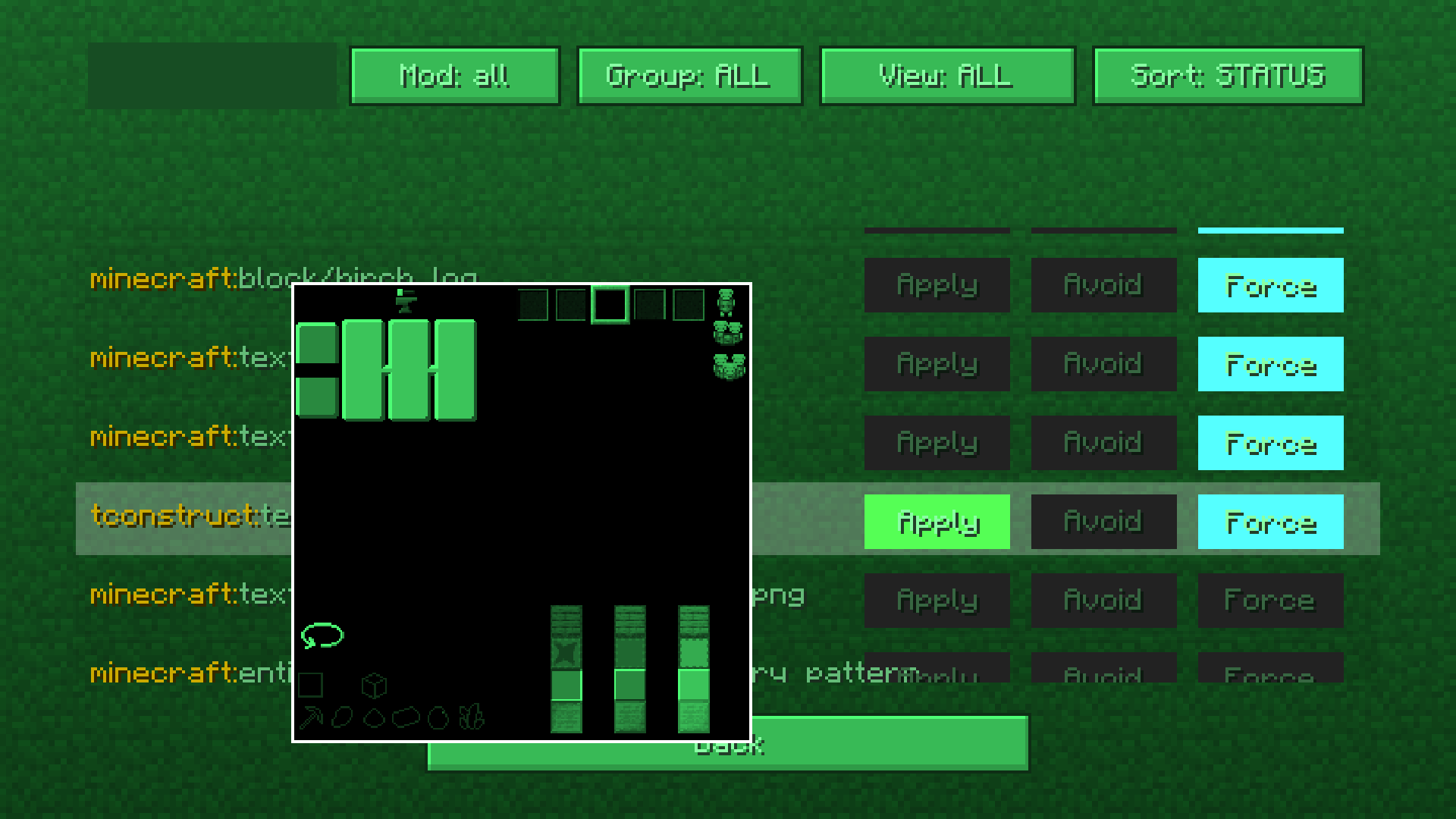
The mod includes a built-in texture management screen that lets you manually control how textures are processed and recolored.
You can:
- recolor virtually any GUI texture in the game
- prevent textures from being modified
- create compatibility with unsupported mods
This system works with practically any mod interface and textures.
You can even force CUI to recolor block textures if you really want to. Which is an amount of power humanity historically does not handle responsibly.
Built-in Color Editor
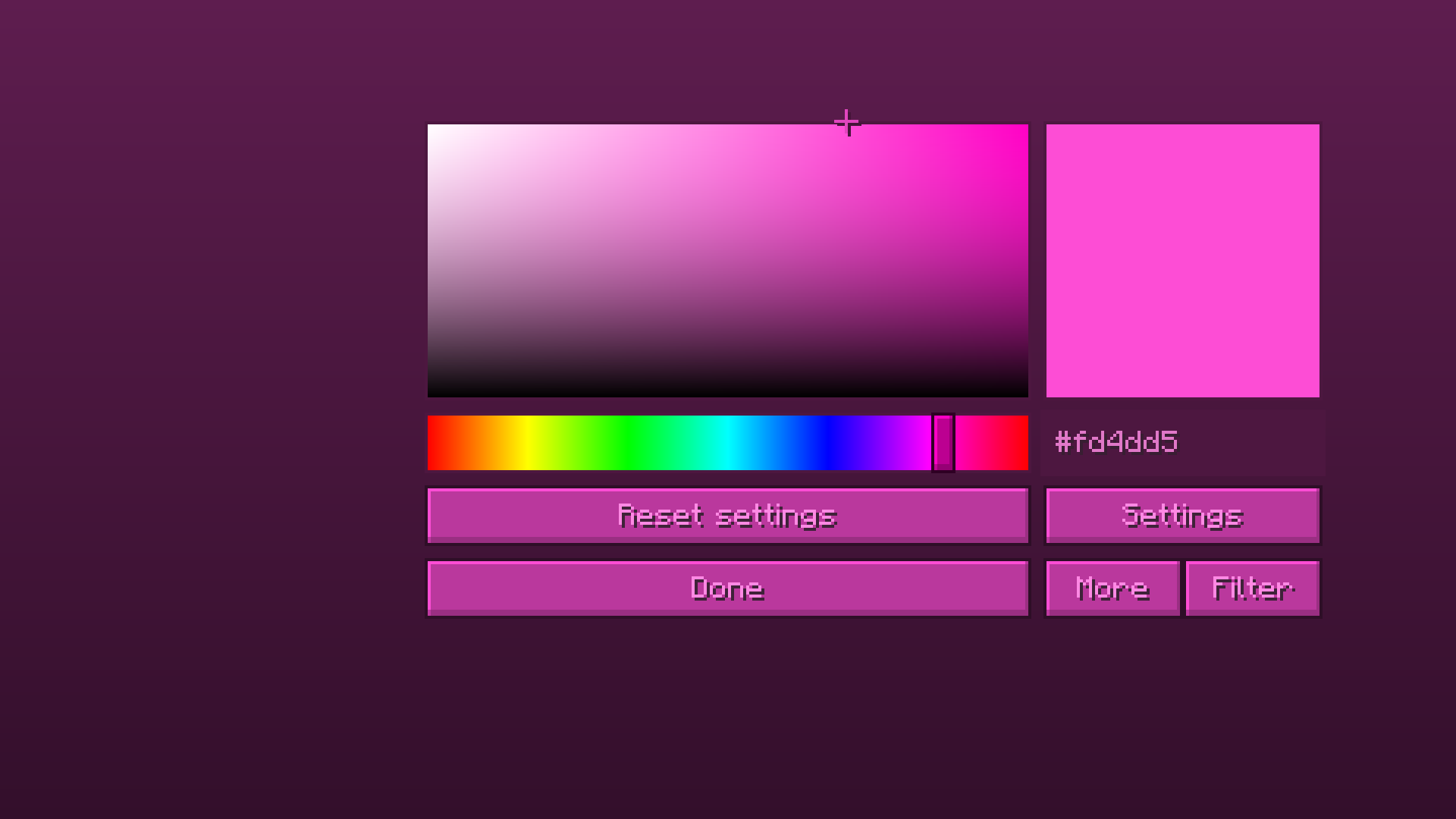
CUI comes with a full color editor featuring:
- HSV color picker
- live preview
- filters
- advanced settings
- almost instant updates without restarting the game
Everything updates in real time, so tweaking colors does not feel like performing dark rituals through JSON files anymore.
Features
- Recolor vanilla UI elements
- Recolor modded interfaces
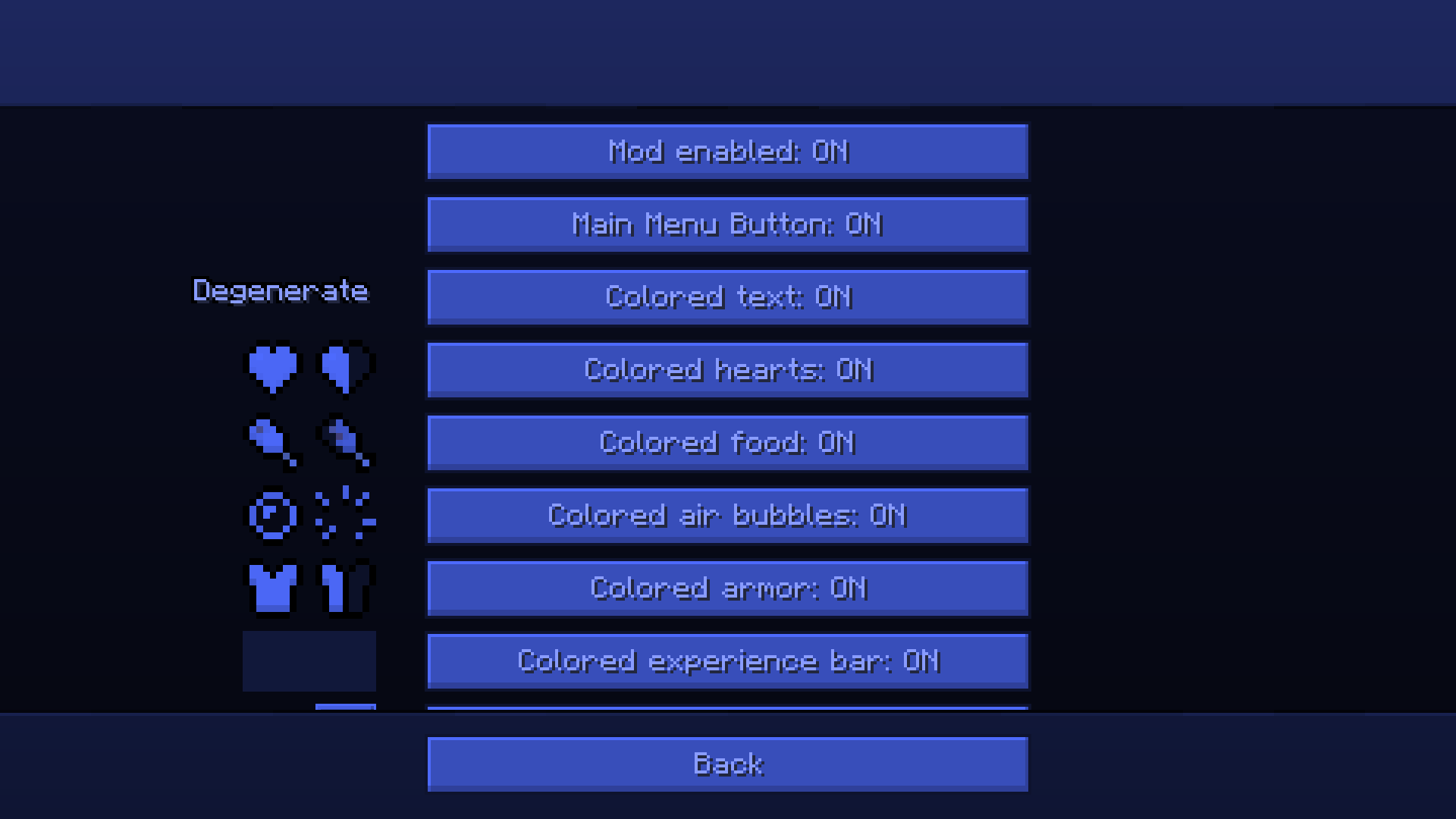
- Colored hearts, armor, hunger, XP bar, bubbles, and hotbar
- Colored text support
- Real-time color updates
- Advanced texture filtering system
- Force/Avoid texture processing
- Lightweight and configurable
- Works without resource packs
Usage
Open the mod settings through Mod Menu or directly from the title screen.
Pick a color, tweak filters if needed, and changes apply instantly.
For advanced customization, open the texture management screen and configure exactly which textures should or should not be recolored.
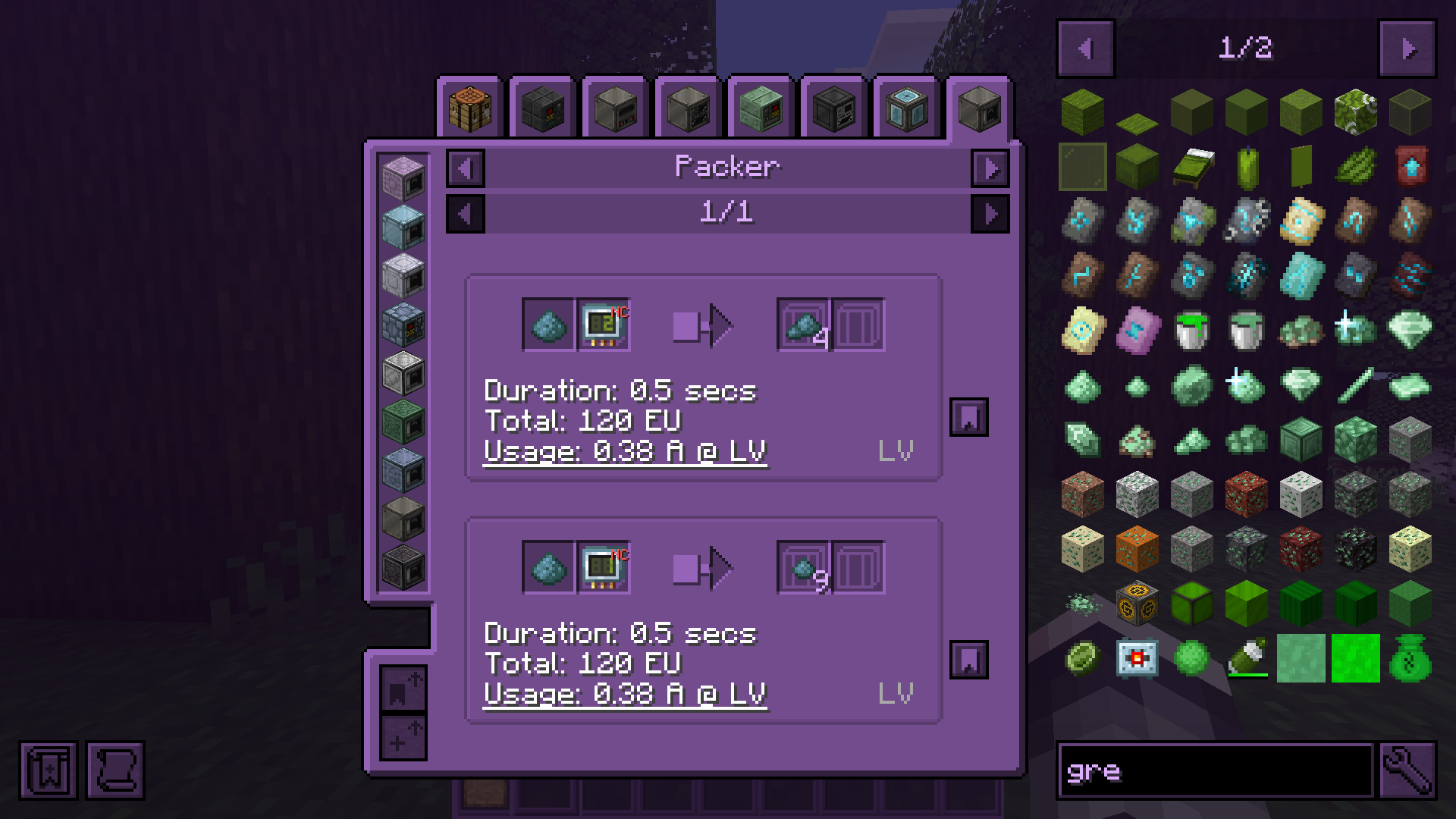
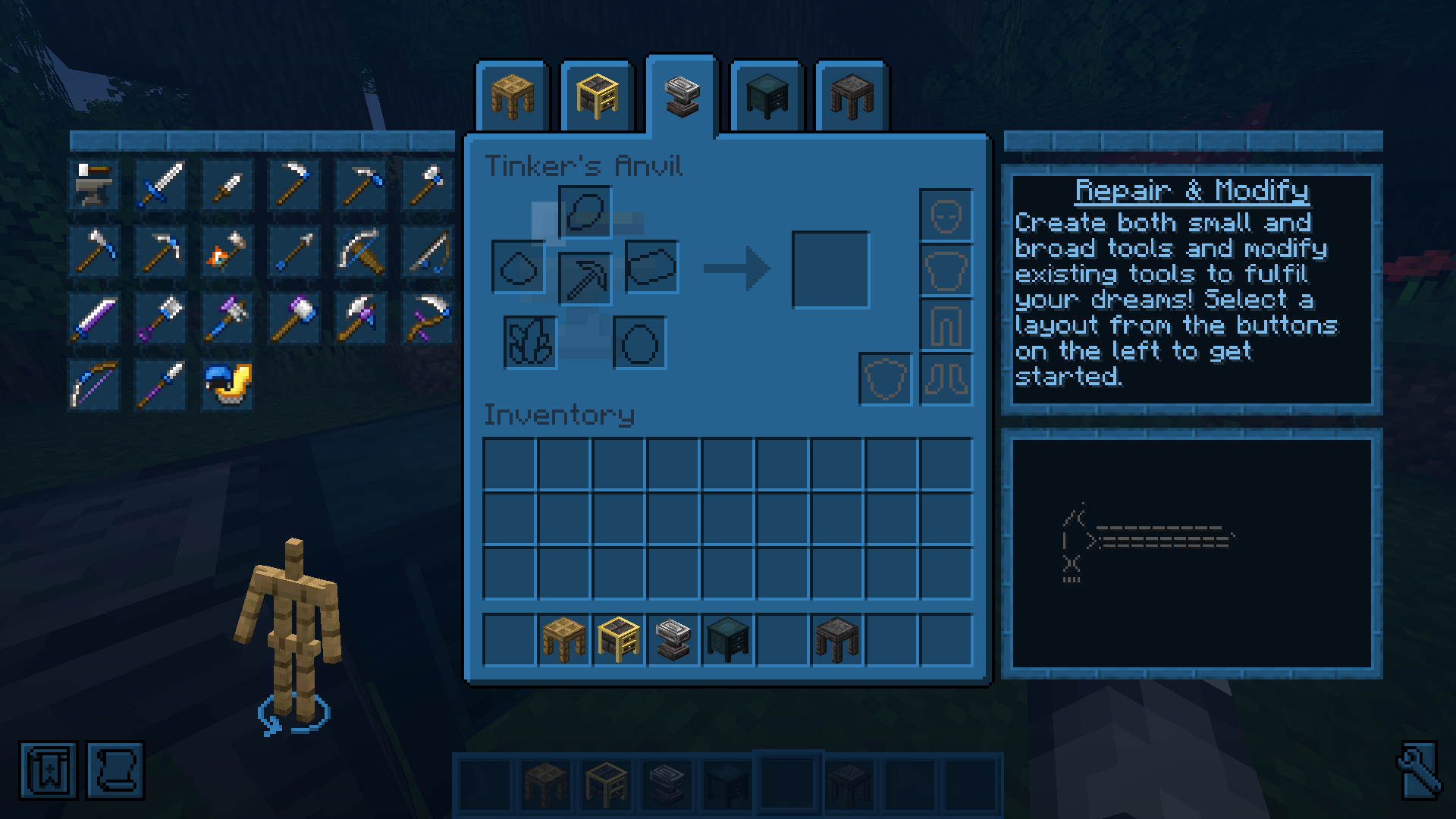
Out of box mods support
As I already said cui supports modded uis.
Colorful UI Team


Owner