CS2 Hand Swap (tacz supported)
- By
One-key hand swap that mirrors the whole first-person view, including guns and weapons from mods like TACZ. Vanilla's "Main Hand" setting can't do that. Client-side only.
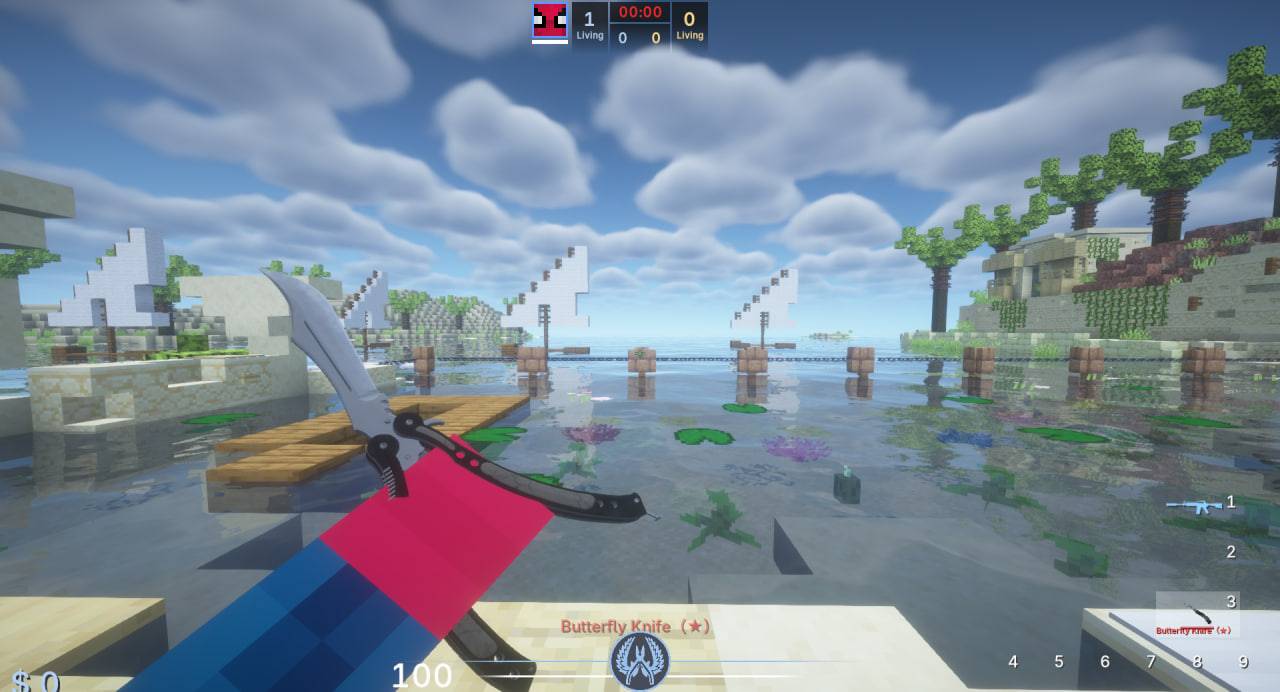
photo_2026-10-13_12-54-40.jpg
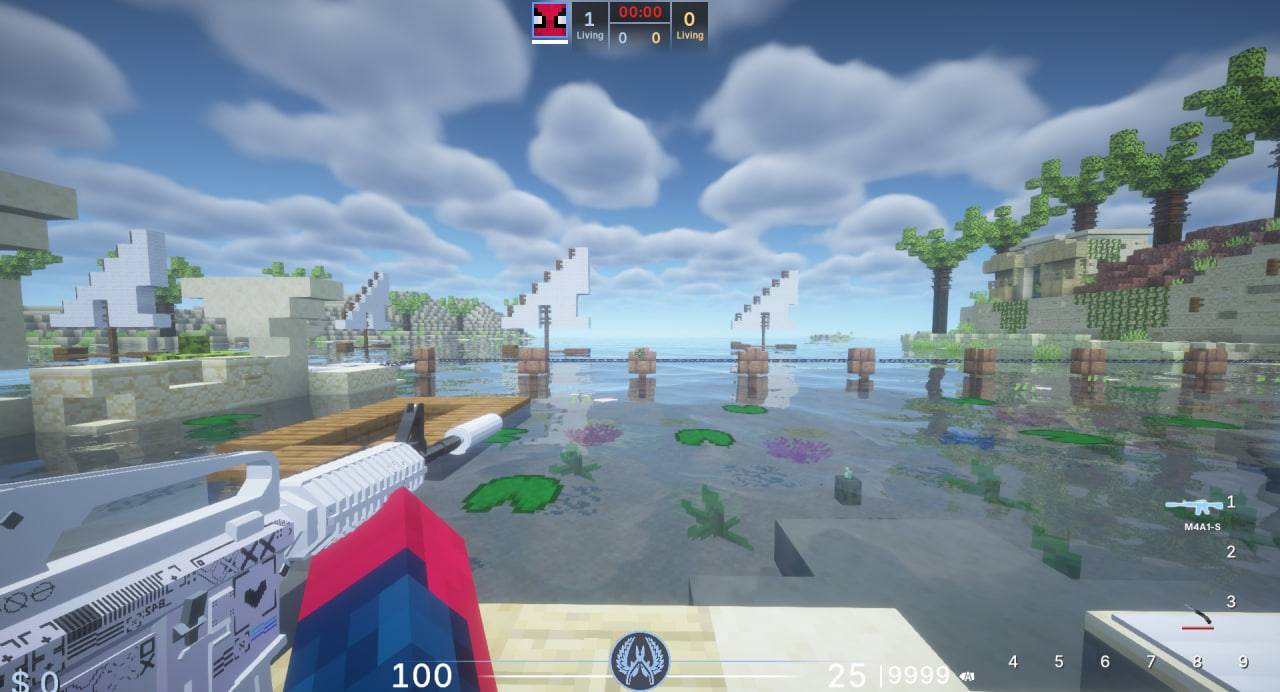
photo_2026-10-13_12-54-37.jpg
Description
Your view, your side. In vanilla Minecraft your items always sit on the right. CS2 Hand Swap lets you flip the whole first-person view to the other side with a single key, a feature shooter players know from Counter-Strike, now for every item in your modpack.
🔫 A hand swap that works with modded guns
Minecraft's built-in Main Hand: Left option only flips vanilla items. Guns, knives and other weapons from mods use their own custom first-person renderers, so they stay stuck on the right, as if the setting did nothing.
CS2 Hand Swap works differently. It mirrors the entire first-person render, so whatever your mod draws in your hands flips with them: arms, gun models, weapon animations, recoil and view bobbing. And you toggle it with one key, right in the middle of a match. No trips to the options menu.
✨ Features
- 🔫 Gun mod compatibility is the point: built for custom-rendered weapons such as TACZ and its add-on packs, and knives and melee weapons from other mods
- 🔁 One-key swap: bind it to anything (default
H) and flip sides on the fly, likecl_righthandin CS - 🪞 Everything flips together: hands, held items, swing and reload animations, view bobbing
- 🧍 100% client-side: only you see the change. No server install needed, works on any server
- 💾 Remembers your choice after relogging, switching servers or restarting the game
⚙️ How to use- Install Minecraft Forge 1.20.1.
- Put the jar in your
modsfolder (client only). - Open Options → Controls → CS2 Hand Swap and bind a key (default
H). - Press it in game to swap sides.
🔧 Config (
config/cs2handswap-client.toml)Option Default Description mirroredfalseCurrent state (saved automatically) skipMapstrueDon't mirror while holding a filled map scopeThreshold0.9TACZ only: stop mirroring when aim-down-sights reaches this progress, so optics stay untouched
CS2 Hand Swap (tacz supported) Team