CRYOFALLOUT
- By
CRYOFALLOUT-Fallout-Materials.png
CRYOFALLOUT-Uranium-Equipment.png
CRYOFALLOUT-Field-Gear.png
Screenshot 2026-11-16 203610.png
min-2026-11-16_20.34.55.png
min-2026-11-16_20.35.22.png


Description
CRYOFALLOUT
Survive a nuclear winter. Scavenge frozen cities, fight mutated zombies, and shut down the radioactive cores buried beneath the ruins.
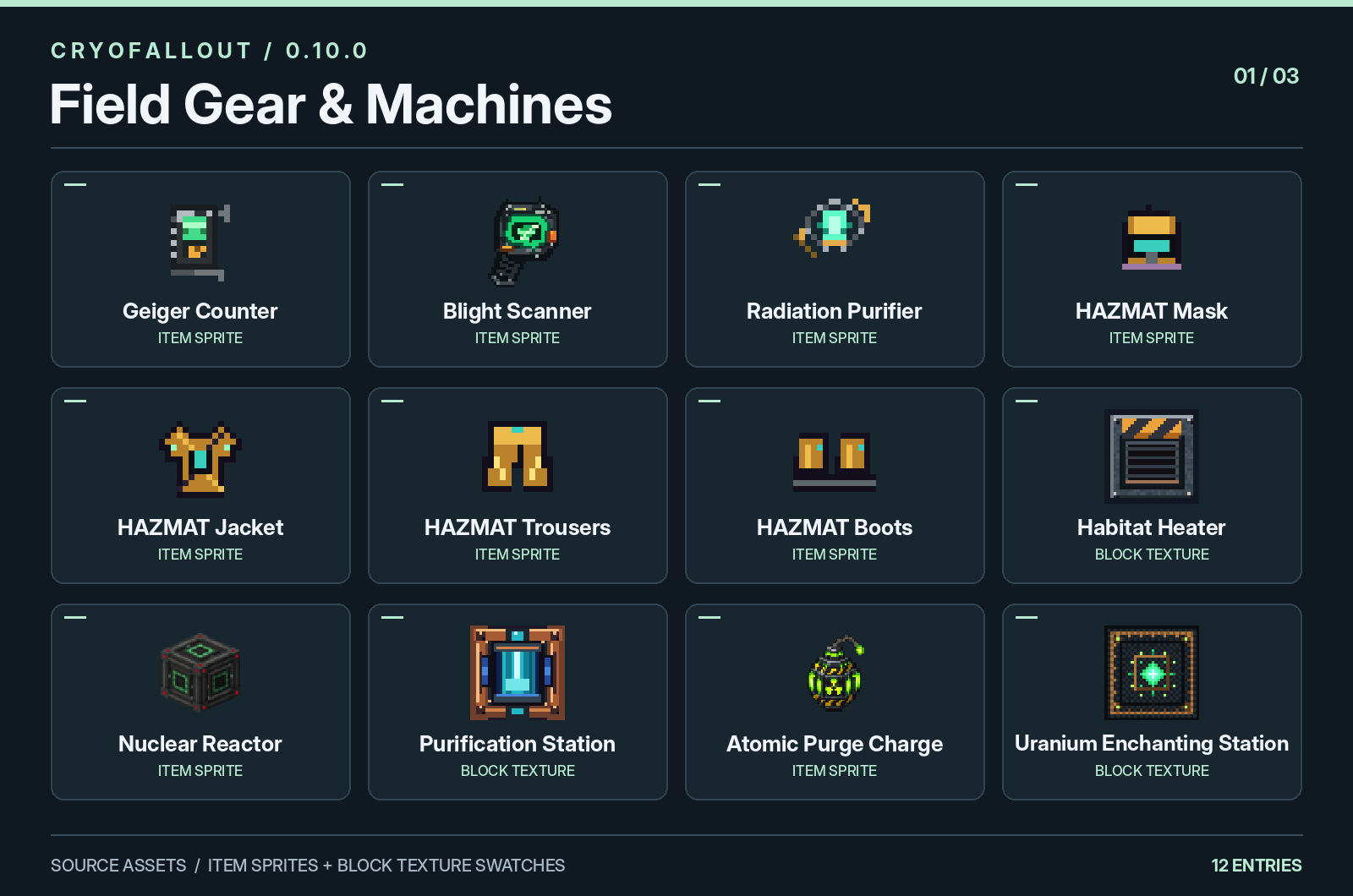
A ruined city might have the supplies you need to survive the next storm. It might also have an active Radiation Core. Bring a Geiger Counter, wear your hazmat gear, and leave yourself enough time to get back to shelter before the snow closes in.
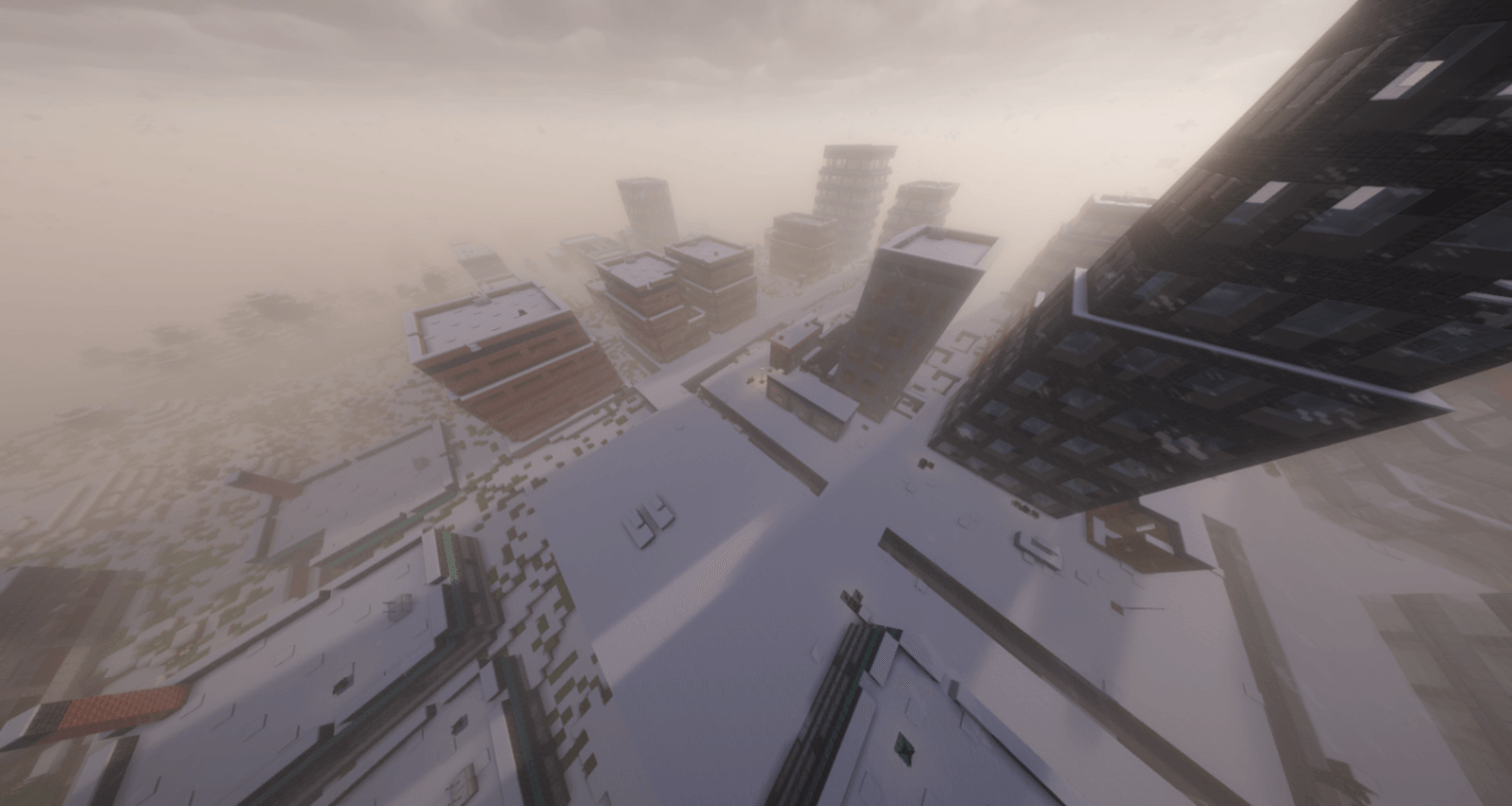
Explore the ruins
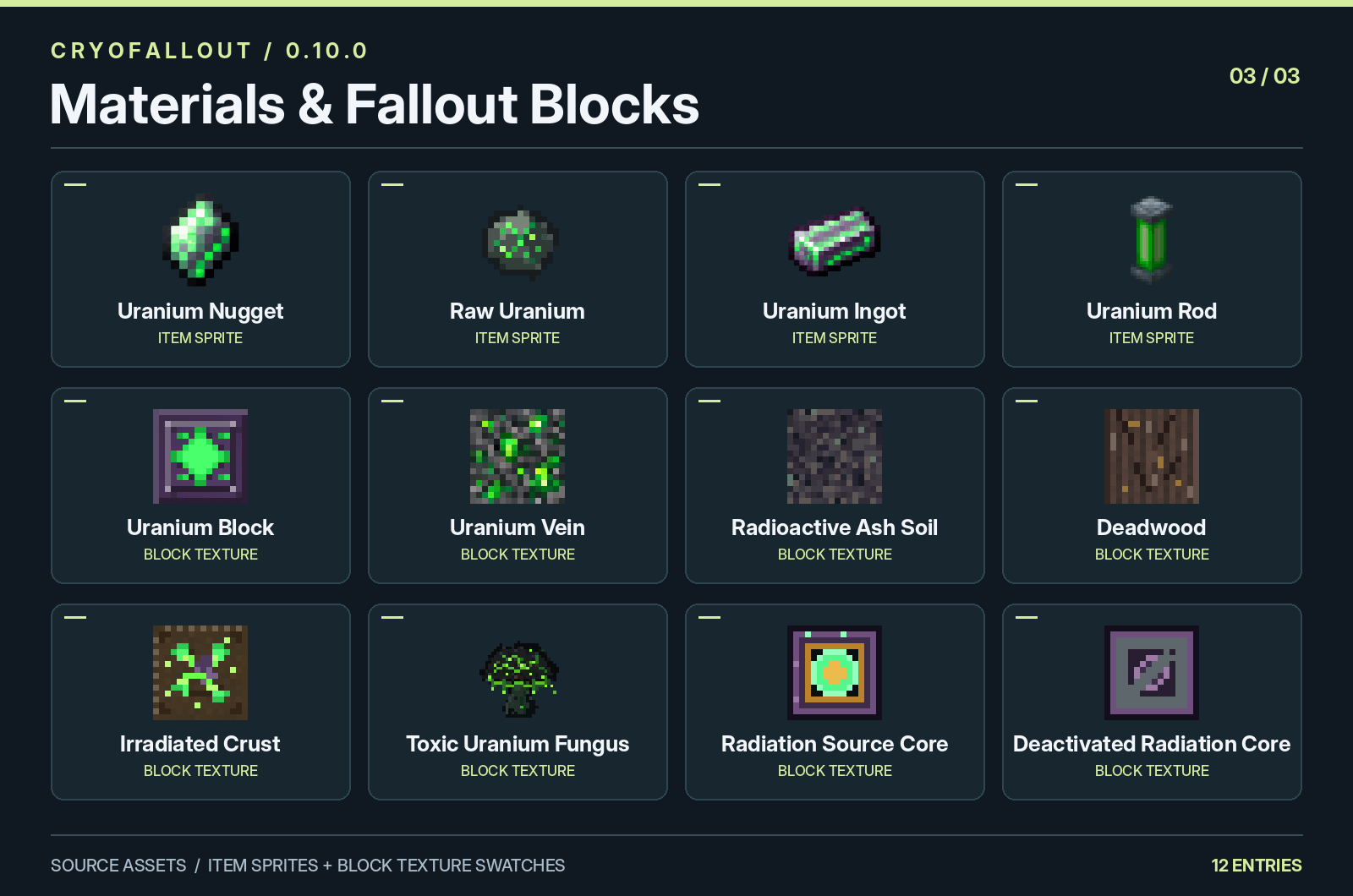
Scavenge abandoned cities on land and water. Follow connected streets through damaged apartment blocks, railway districts, industrial sites, and waterfronts. Search buildings for supplies, or head toward blast sites to find uranium deposits and toxic fungal growth.
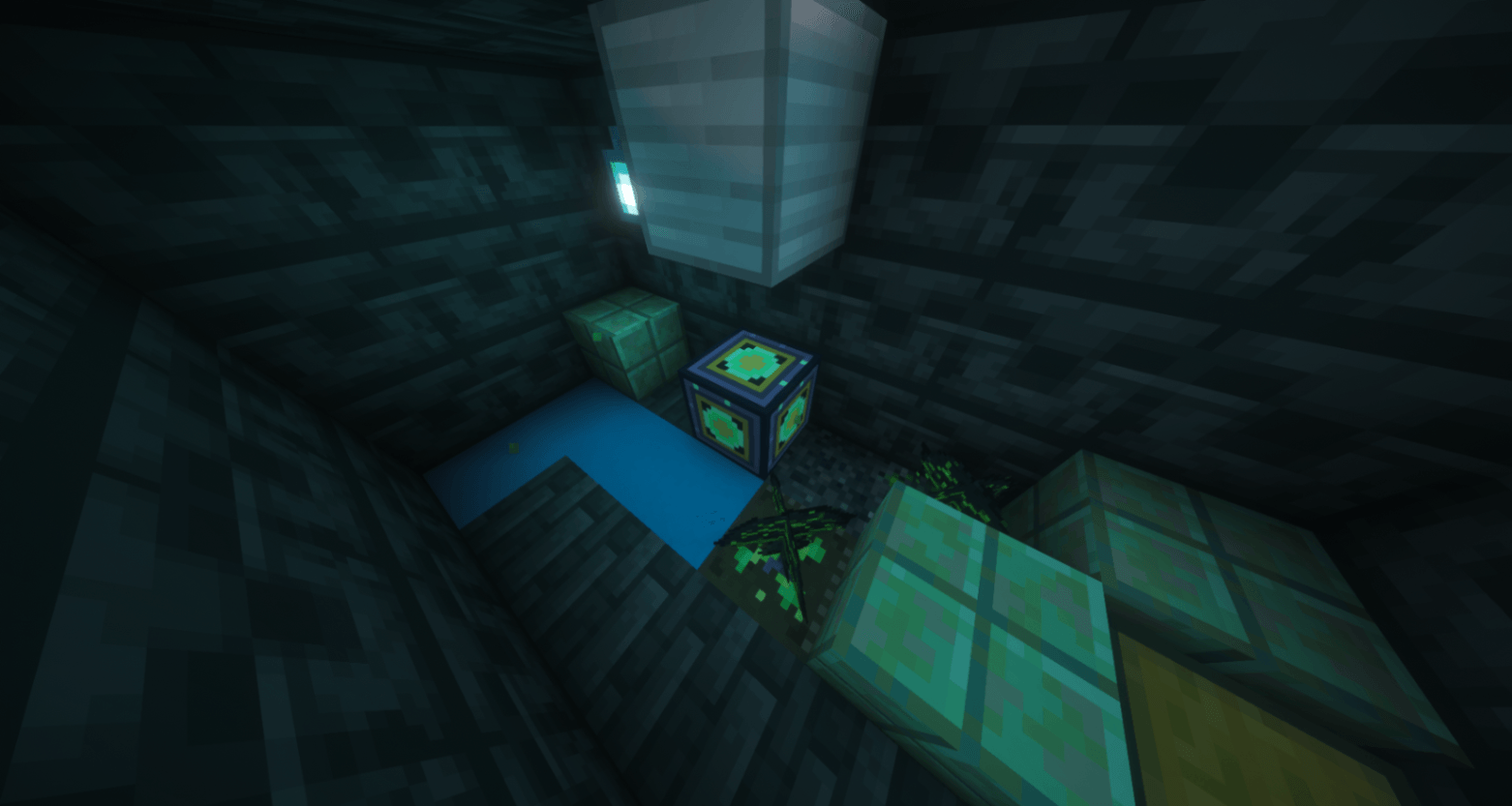
Track and shut down Radiation Cores
Use the Geiger Counter to track radiation from active cores, separately from environmental contamination. Find a way into the damaged containment area and shut down the core with a Radiation Purifier.
Survive the cold and the infected
Snowfall and blizzards alternate with breaks in the weather. Use those breaks to travel, and build a Habitat Heater to keep your shelter warm. Mutated zombies and Blood Moon encounters make it worth planning your route home before you leave.
Craft your survival gear
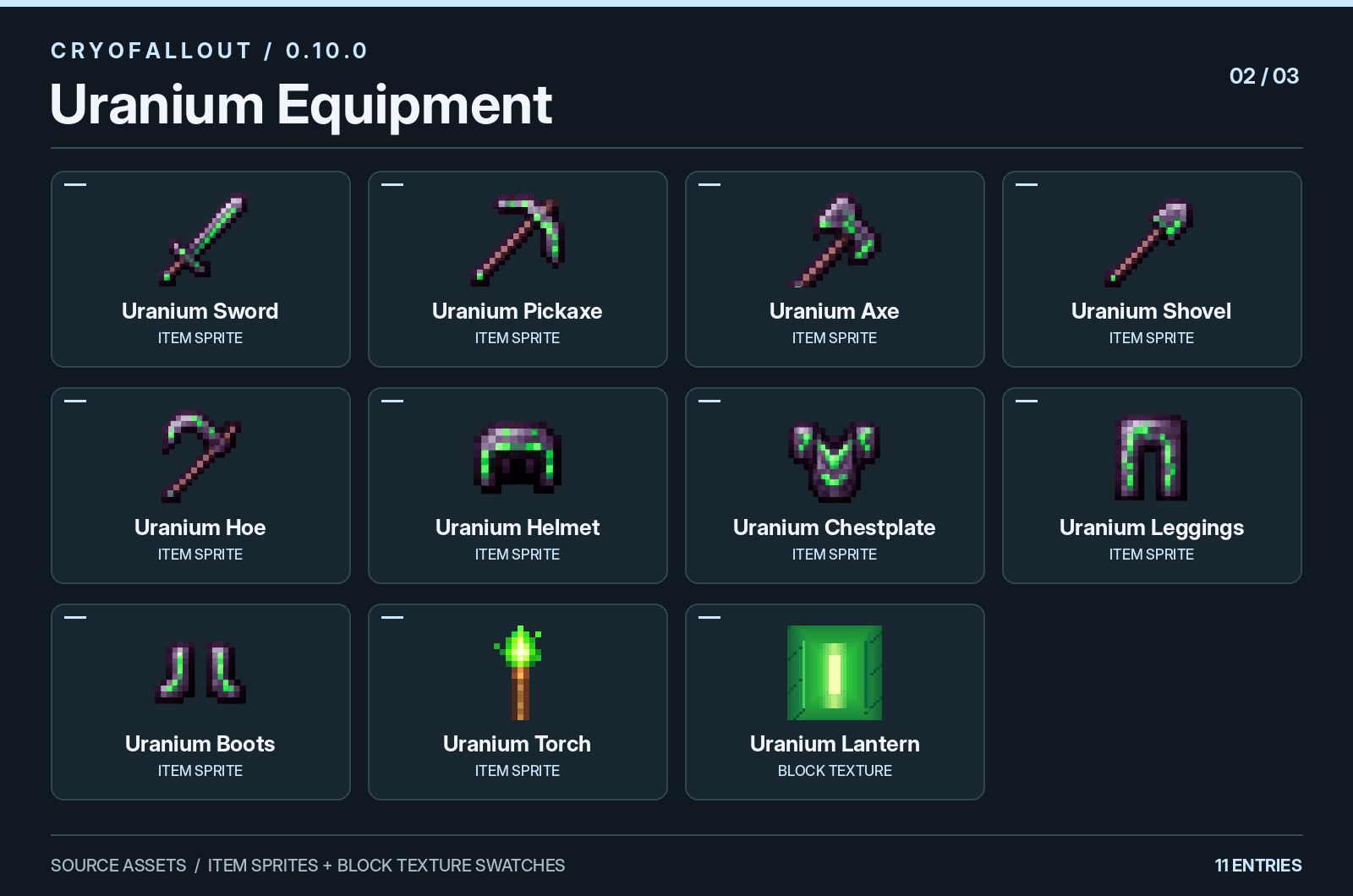
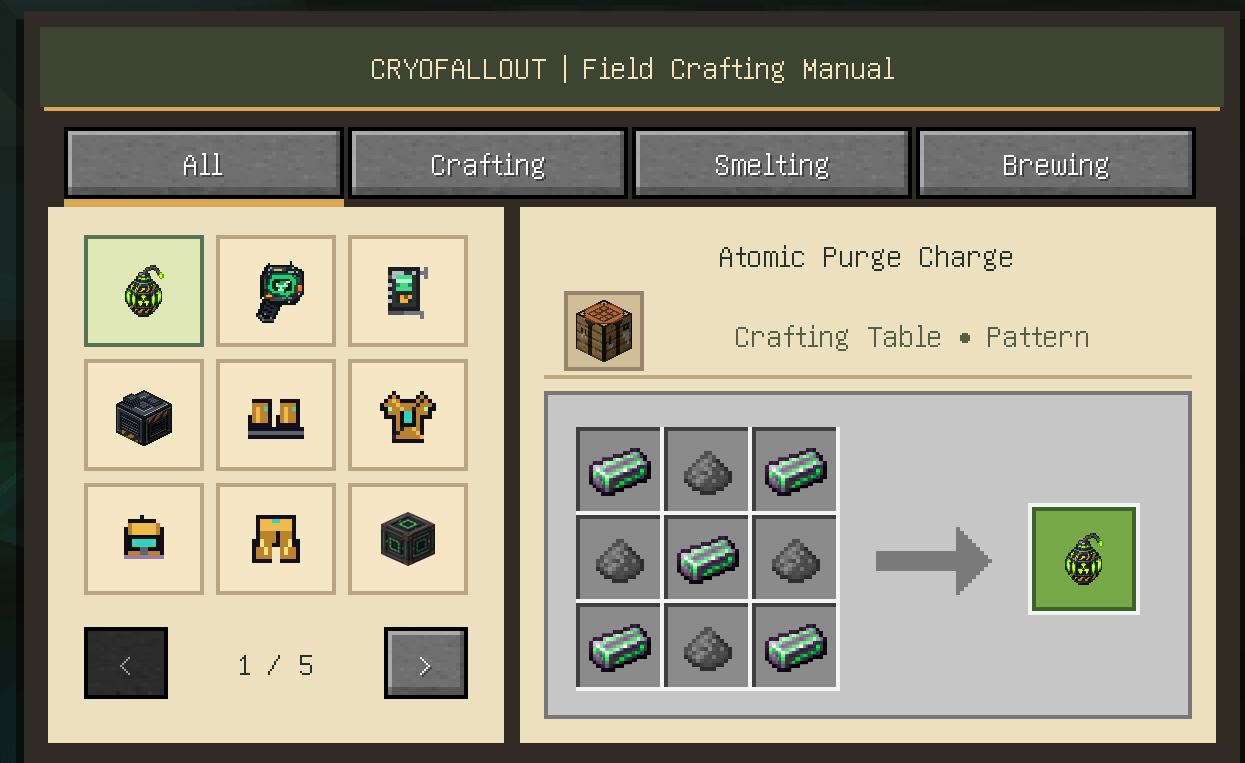
Make hazmat equipment, radiation detectors, and uranium tools. The in-game visual recipe guide shows ingredient icons, crafting-grid layouts, and outputs, with separate sections for smelting and brewing.
Installation
CRYOFALLOUT 0.10.0 requires Minecraft 26.3, Fabric Loader, Fabric API, and Java 25. Install Fabric Loader and Fabric API for your Minecraft version, then place the CRYOFALLOUT .jar in your mods folder.
Updating from Living World? CRYOFALLOUT is the same project under a new name. Remove the old Living World JAR before installing CRYOFALLOUT; both use the same internal mod ID (livingworld).
A new world is recommended. If you’re updating an existing save, back it up first. New cities generate only in new chunks and do not replace terrain you’ve already explored.
CRYOFALLOUT Team