


CrosshairFX
- By

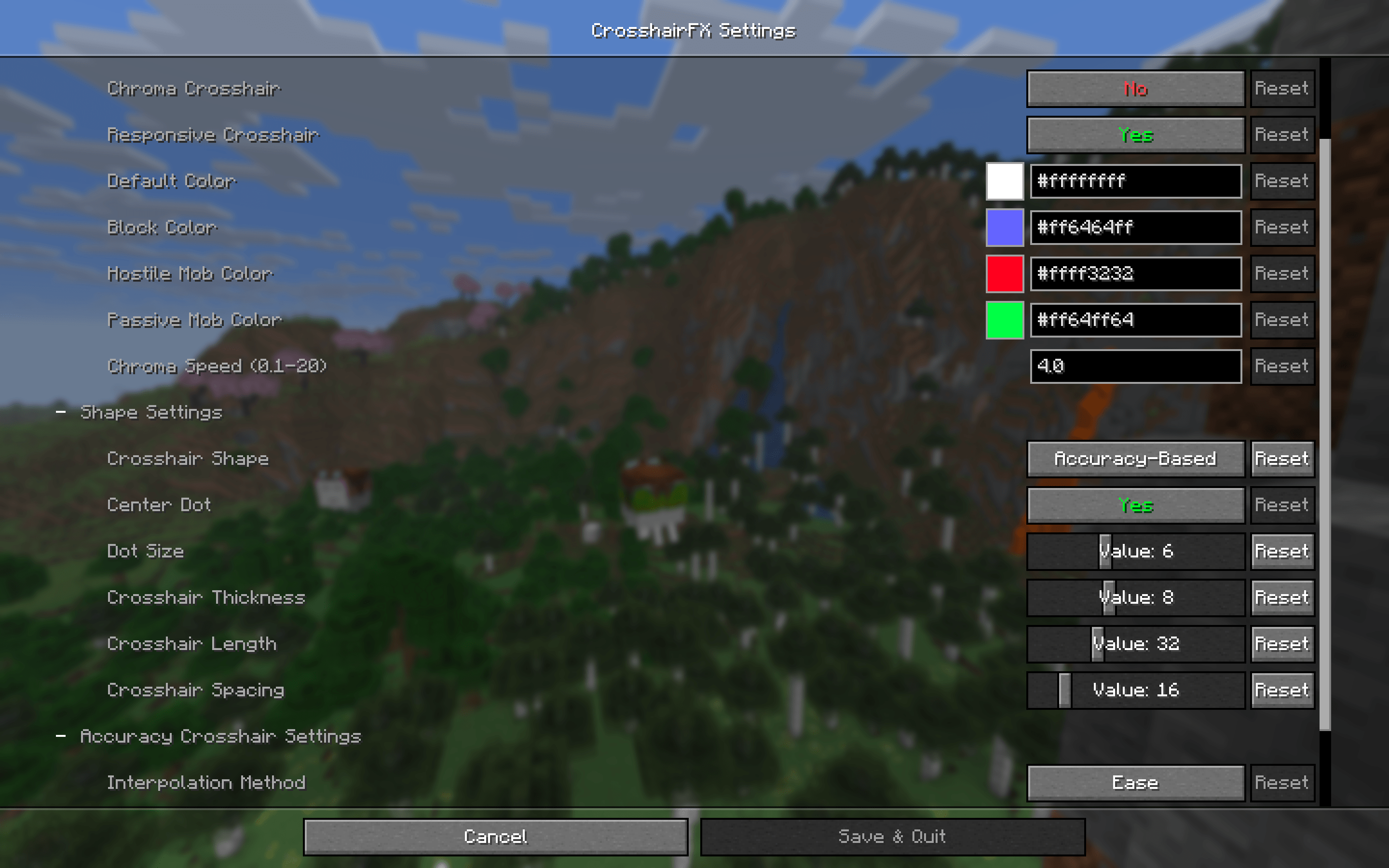
Settings Menu. The crosshair is highly customizable, you can change the color based on the targeted block, you can change the size, and the shape.
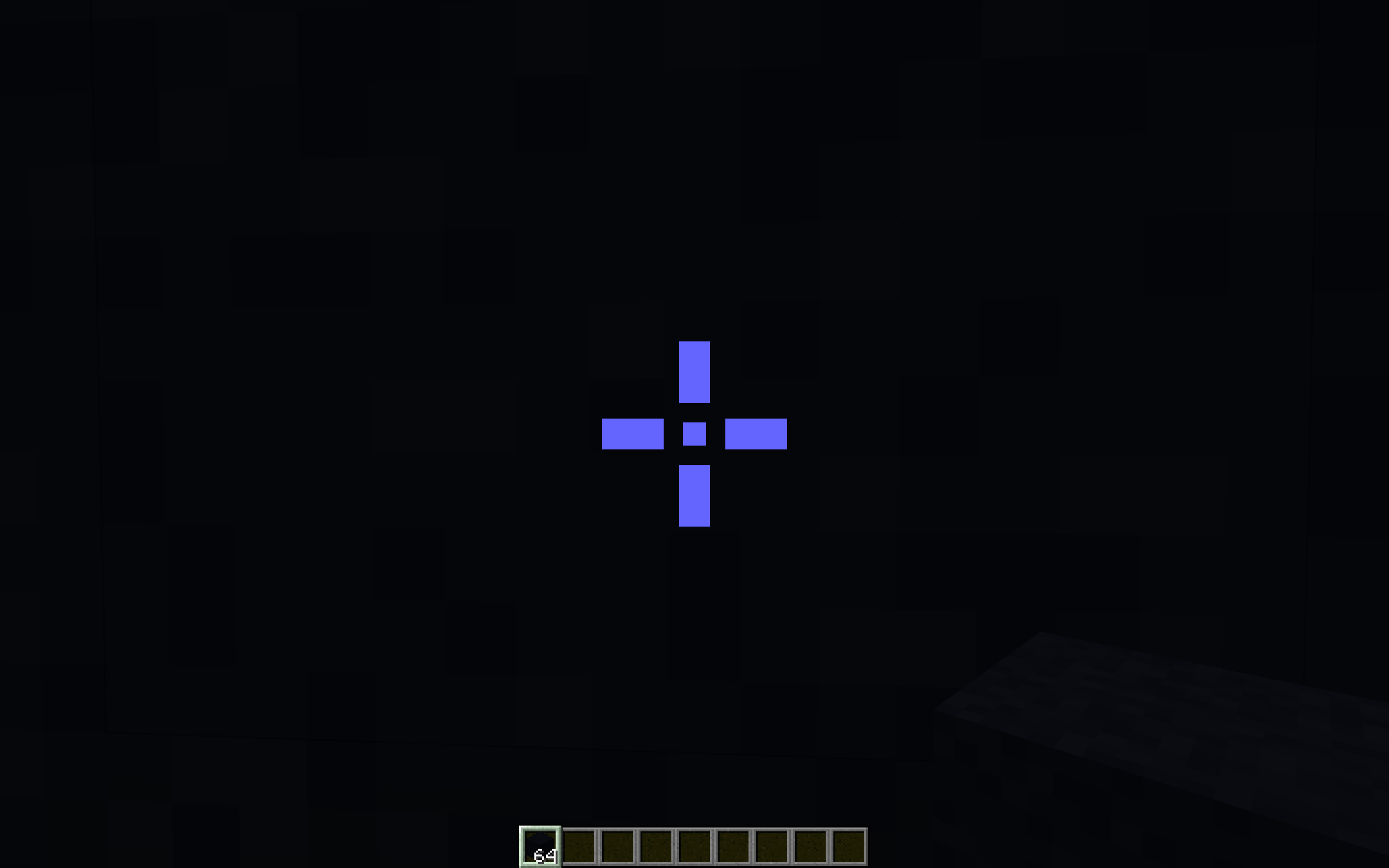
CS:GO Style Crosshair. One of the available crosshair shapes. Each line can be customized, and the center dot can too.
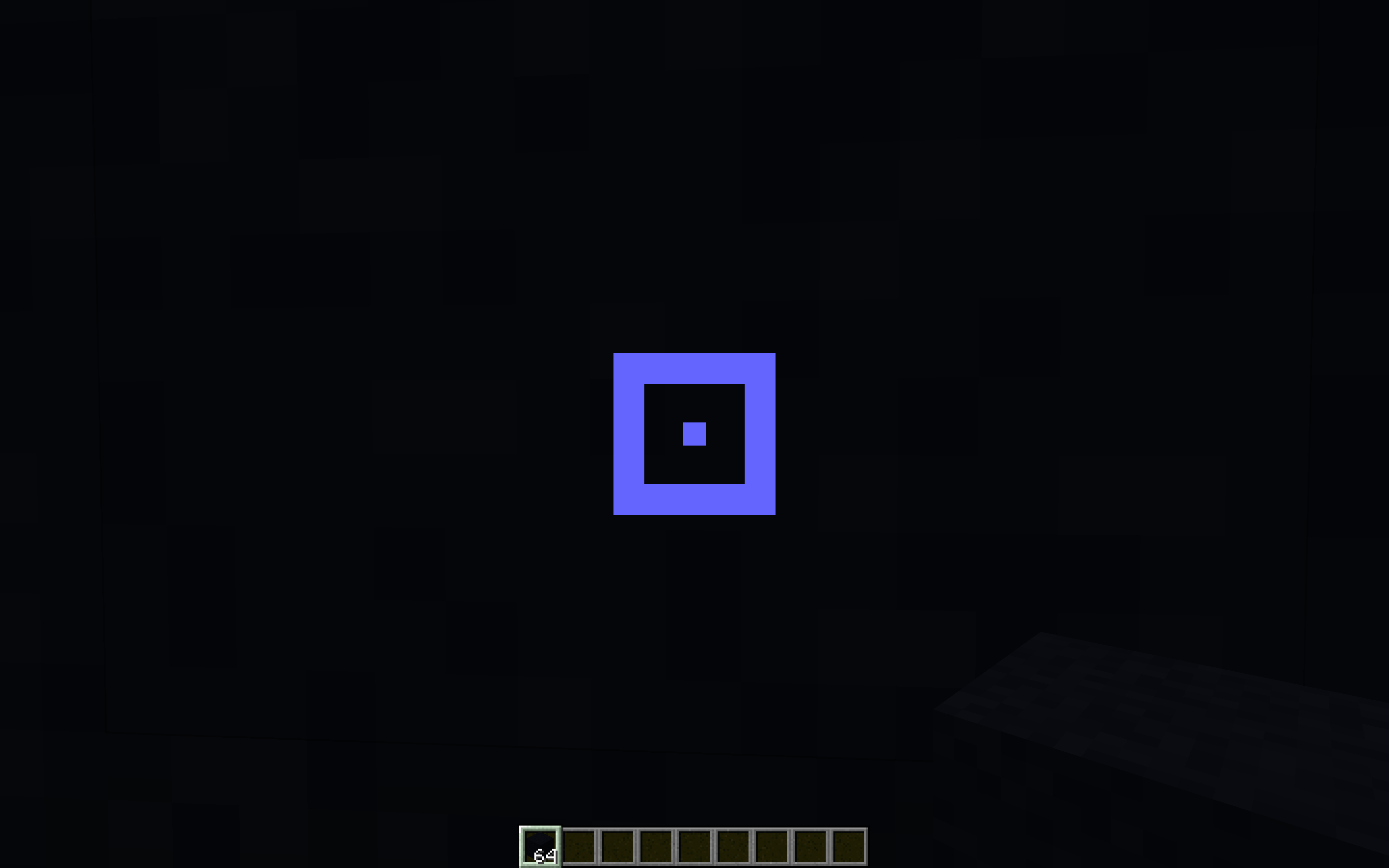
Square Crosshair. A square crosshair for an even more blocky feel. The size and thickness of the box and the center dot can be customized independently.
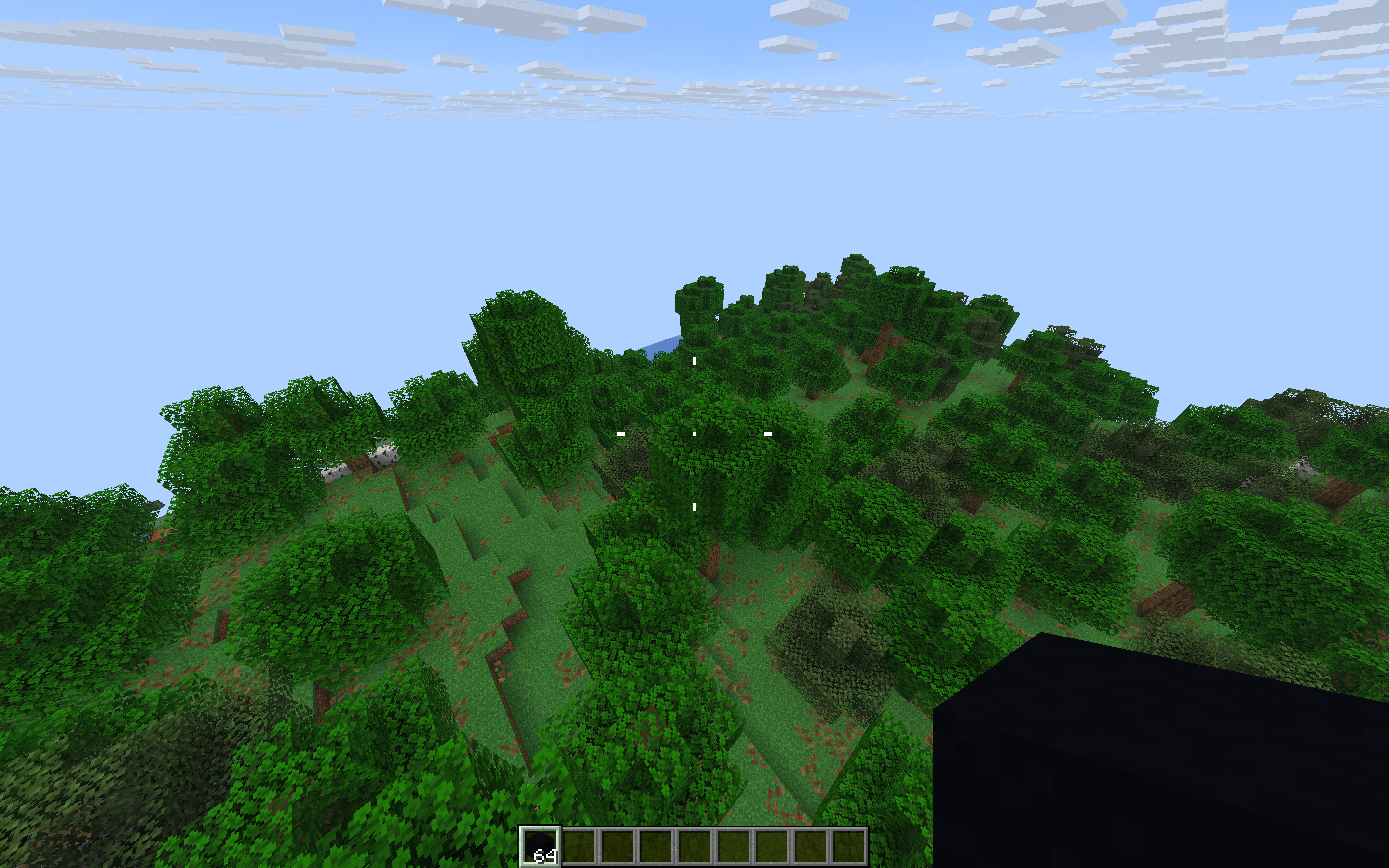
Accuracy Crosshair. This crosshair changes its size based on your velocity, a common feature in FPS games.
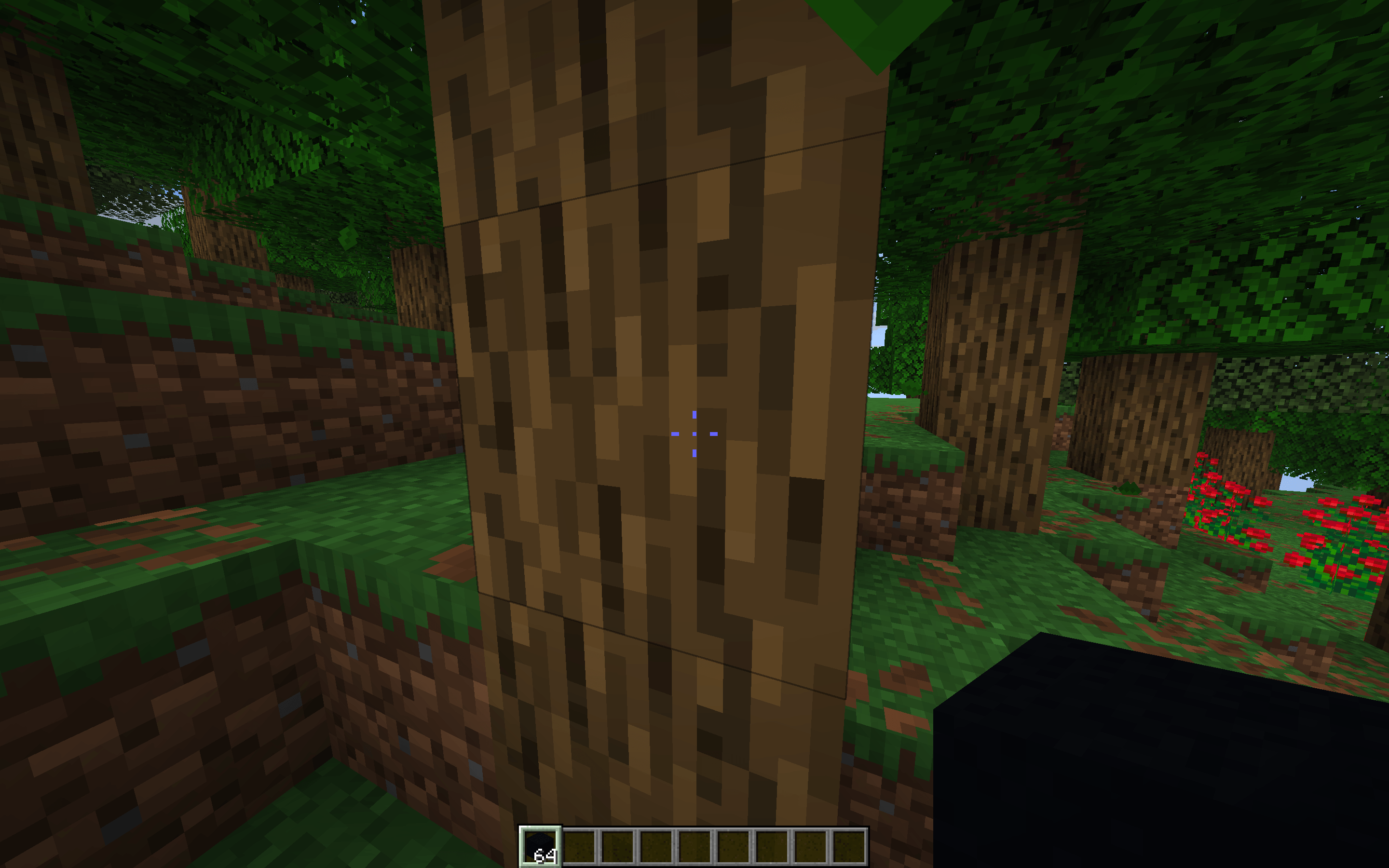
Block Target. The crosshair changes colors when looking at a block versus looking at air. The color can be changed, and this feature can be disabled.
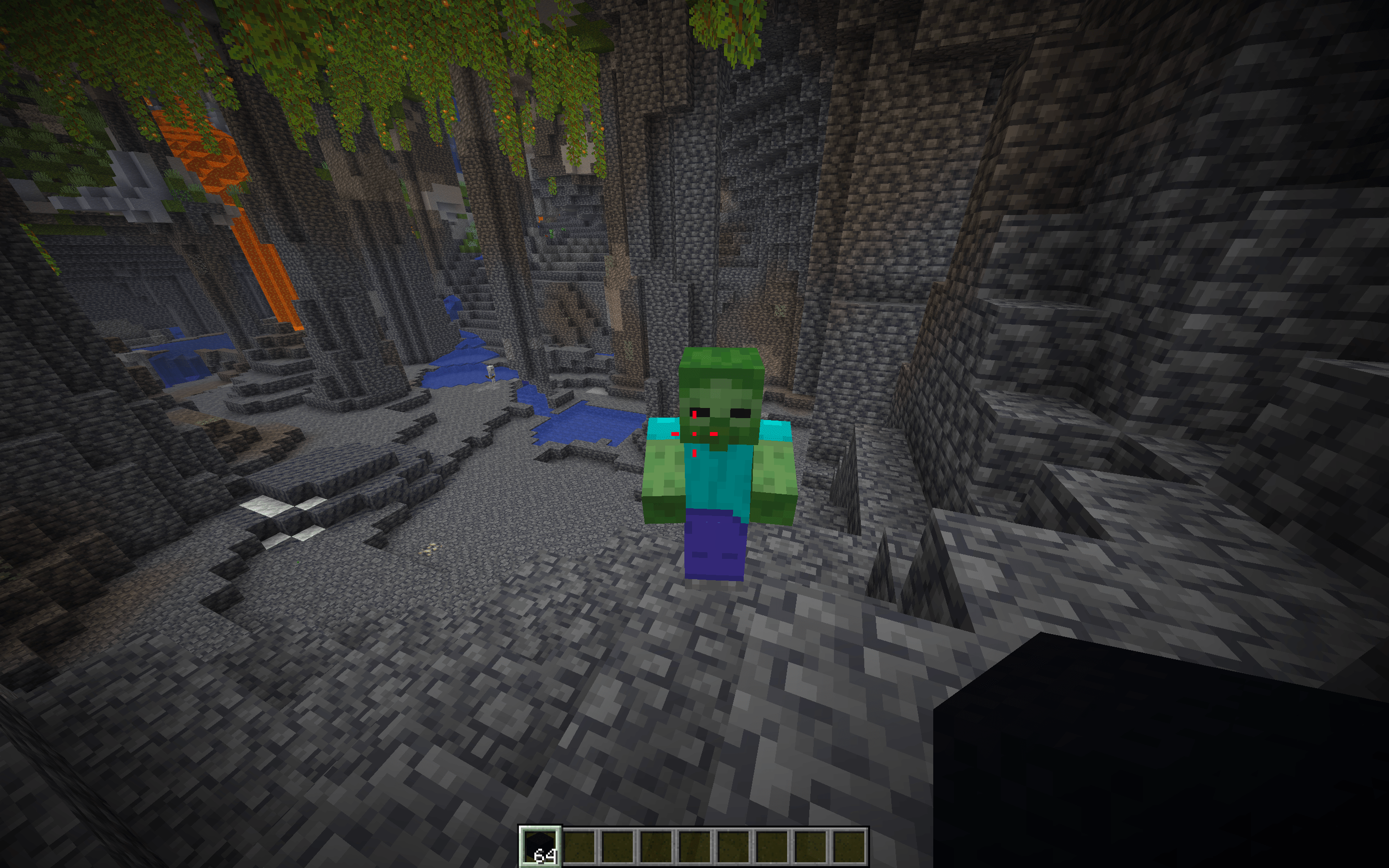
Enemy Target. The crosshair changes colors when looking at an aggressive entity. The color can be changed, and this feature can be disabled.
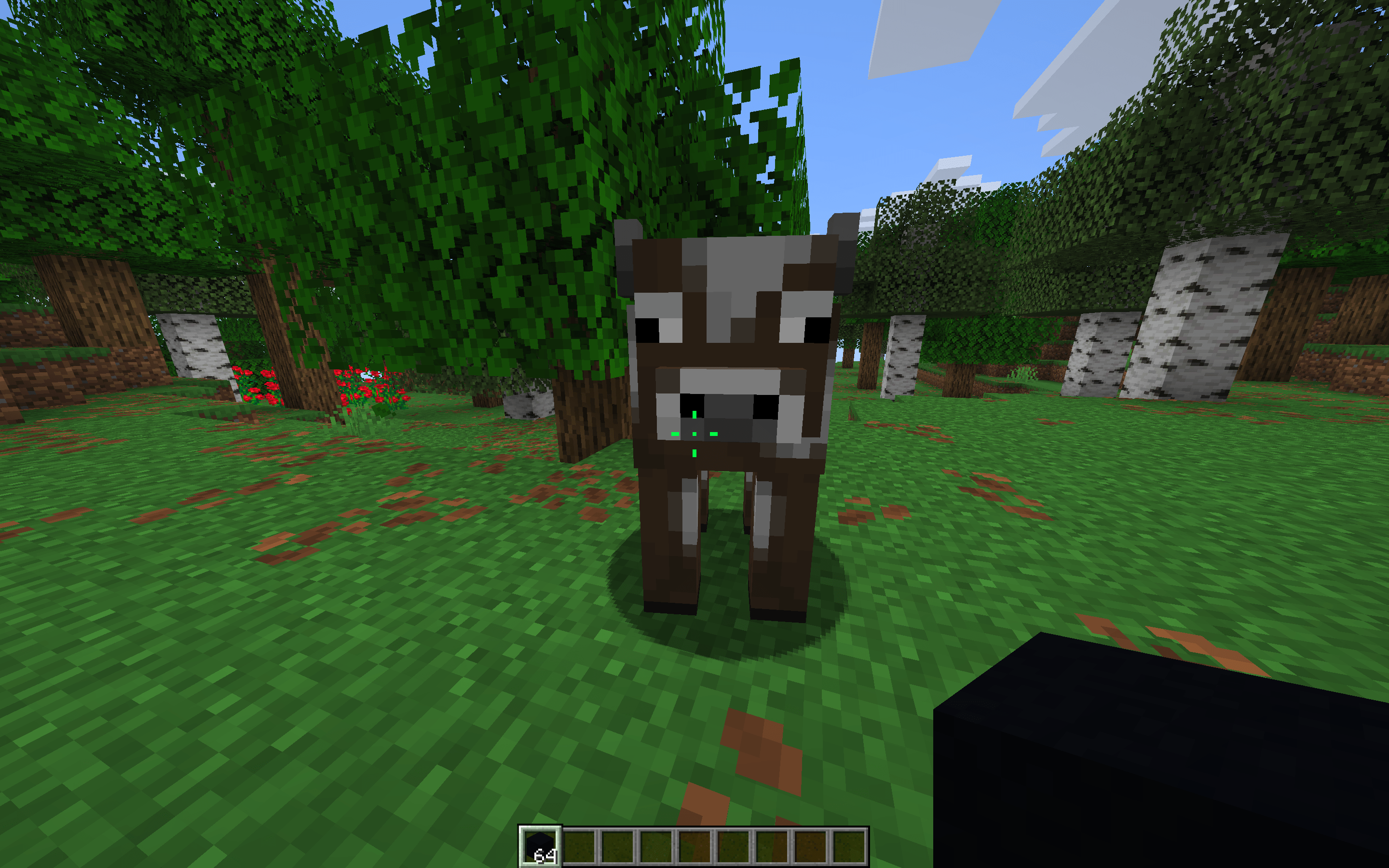
Passive Target. The crosshair changes colors when looking at a passive or neutral mob. The color can be changed, and this feature can be disabled.