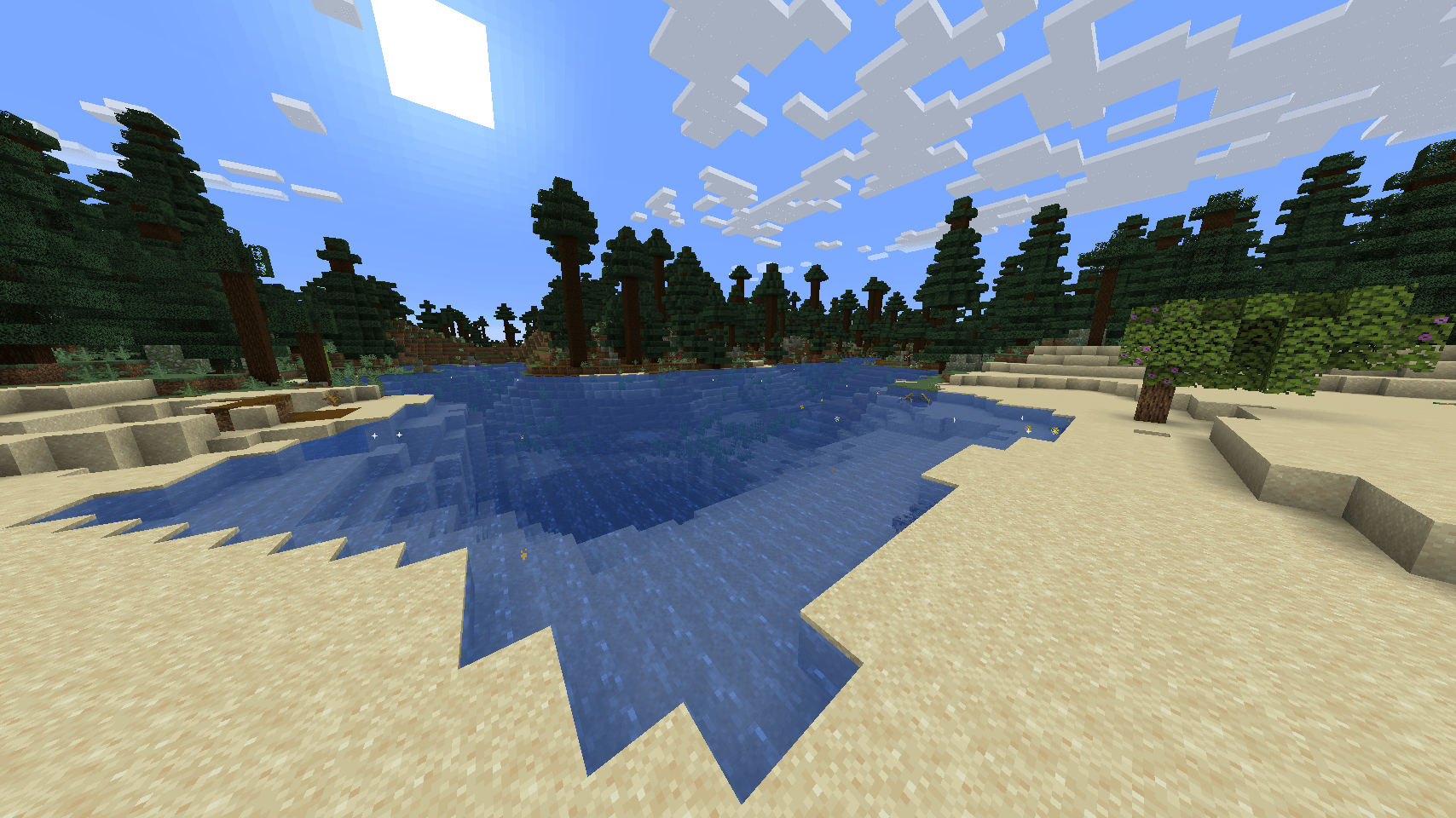
PHOTO11.png
Description
# Overview
Create: Water on Electrical is an add-on for Create and Create Addition.
It lets you electrify water with a **Water Connector** block and glide across
the electrified water at incredible speed using the **Electric Boat**.
---
## Features
### 1. Water Connector
A block that connects to Create Addition's electrical network. Attach an
electrical cable and choose one of two modes:
- **Discharge Mode:** Consumes energy and electrifies the water around it.
The more power you supply, the farther the electricity spreads through the
water (up to 2048 blocks). The block shows the current **FE/t** usage and
**range** above the water surface.
- **Pull Mode:** Pulls energy from nearby generators (Accumulator, Alternator,
etc.) and feeds it into the network. In this mode the water is NOT
electrified, and the block shows the amount of energy being pulled (**FE/t**).
Right-click the block with any tool in hand (while NOT sneaking) to switch
modes. Wearing **Create goggles** shows more details: mode, energy amount and
range.
**Effects of electrified water:**
- Entities in the water (players, animals, mobs) take **electric damage** — it
can be deadly.
- Damage scales with the power supplied to the water.
- Boat riders are **immune to electrocution** — travel safely with the
Electric Boat.
**Recipe:** 8x Copper Casing (Create) + 1x Brass Ingot (Create)
### 2. Electric Boat
A special boat that travels at blazing speed on electrified water. It features
a navy-blue hull with copper trim and an energetic yellow lightning pattern.
- **On electrified water:** **6x speed**
- **On normal water:** **0.8x speed** (slightly slower than a regular boat)
- Riders are immune to electric damage
- Pick-block (middle click) correctly gives you the Electric Boat instead of a
wooden one
**Recipe:** 5x Copper Ingot + 1x Gold Ingot (arranged in a boat shape)
---
## How to Use
1. **Craft the items** — a Water Connector (8 Copper Casing + 1 Brass Ingot)
and an Electric Boat (5 Copper Ingot + 1 Gold Ingot).
2. **Place the Water Connector** in or next to your water pool. It works
underwater too.
3. **Connect it to power** — run an electrical cable (Create Addition) from a
generator like an Accumulator or Alternator to the connector.
4. **Switch to Discharge Mode** — right-click the connector with a tool in
hand while not sneaking, until the display shows discharge mode.
5. **Supply power** — the connector starts electrifying the surrounding water.
The electrified area grows with the power you give it (up to 2048 blocks).
6. **Verify it works** — check the display above the water: you should see
FE/t and a range value. That means the water is electrified.
7. **Craft and launch the Electric Boat** — place it on the electrified water
and hop in. You will travel at 6x speed.
8. **Move the boat** with the WASD keys like any boat. Since boat physics are
simulated on your client, the speed feels exactly right for every player.
9. **Warning:** do not jump into electrified water on foot — you will take
electric damage. Stay in the boat.
10. **To pull energy instead** — switch the connector to Pull Mode. It will
drain nearby generators into the network without electrifying water. Use
this to move energy between stations.
---
## Technical Details
- Electrified water data is **kept in sync between server and client**
(synchronized via chunked network packets); ridden boats are simulated
client-side, so the speed is accurate for every player.
- Large water bodies are sent in small chunks per tick instead of all at
once — breaking a connector does not lag the game (measured ~17 ms for a
50,000+ block lake).
- The connector shows its info text above the water surface even when the
block itself is underwater.
---
## Dependencies (required)
- **Create** (≥ 0.5.1)
- **Create Addition** (≥ 1.20.1)
Create: Water on Electrical Team