Create: Stockworks
- By
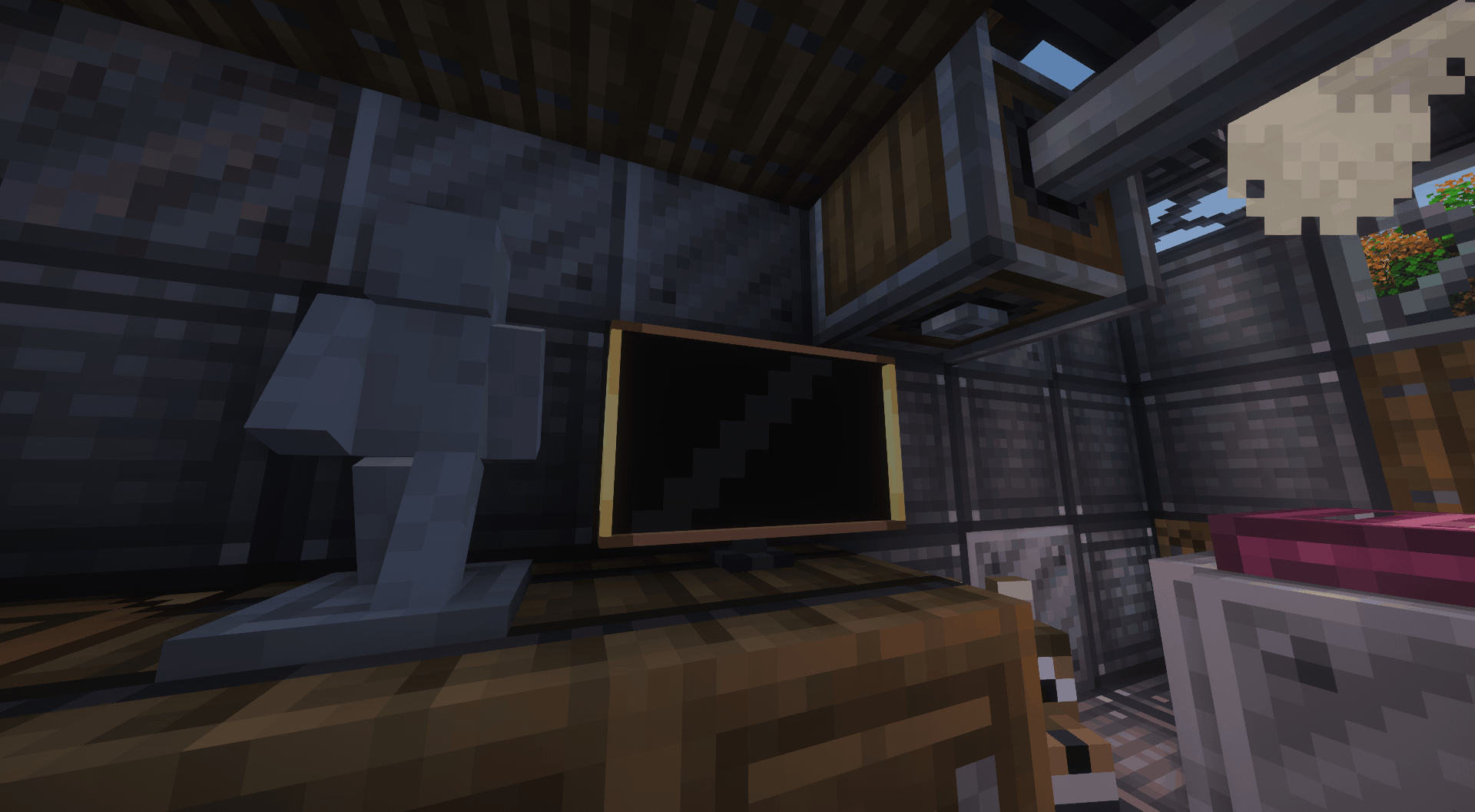
2026-10-16_20.30.36.png
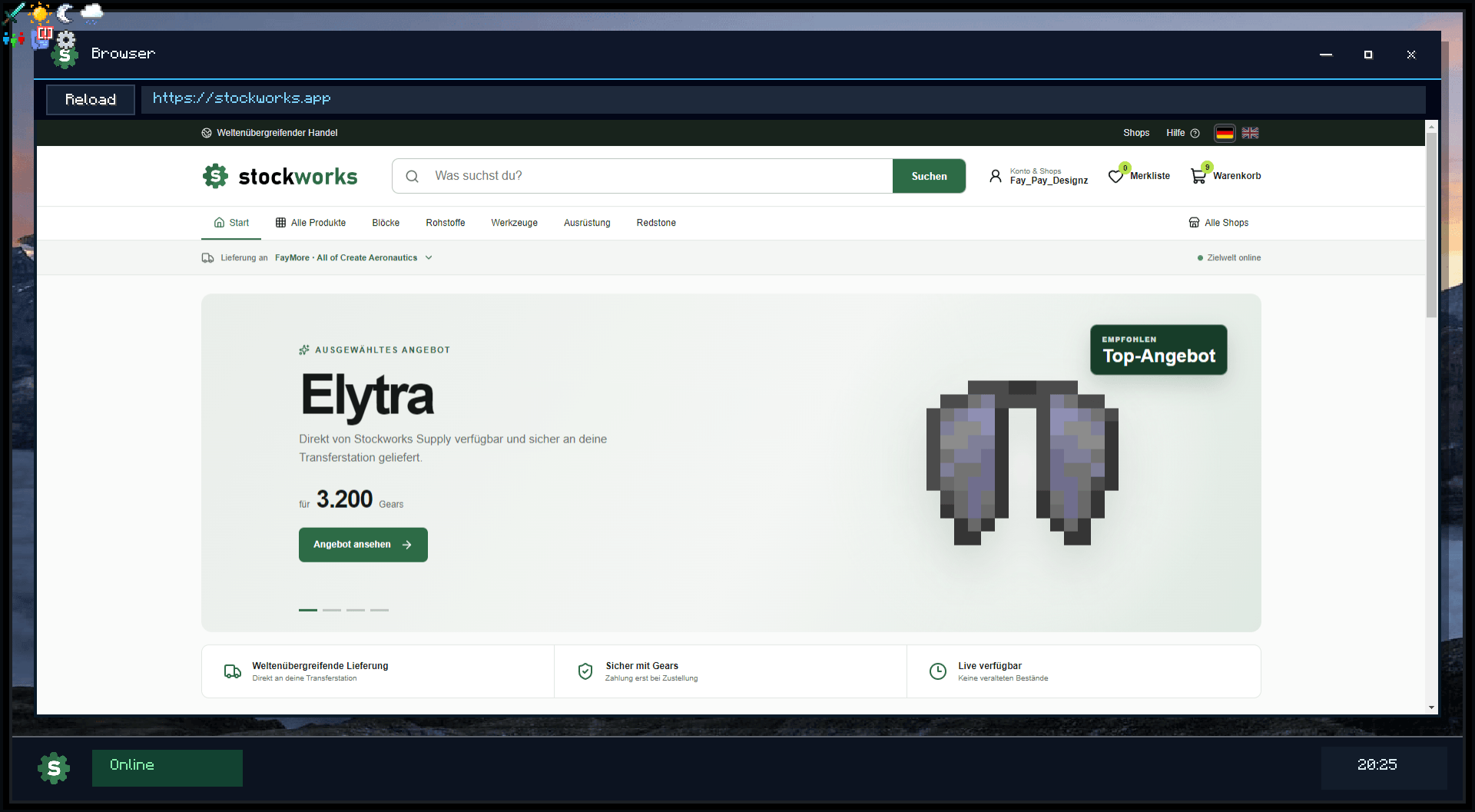
2026-10-16_20.25.47.png
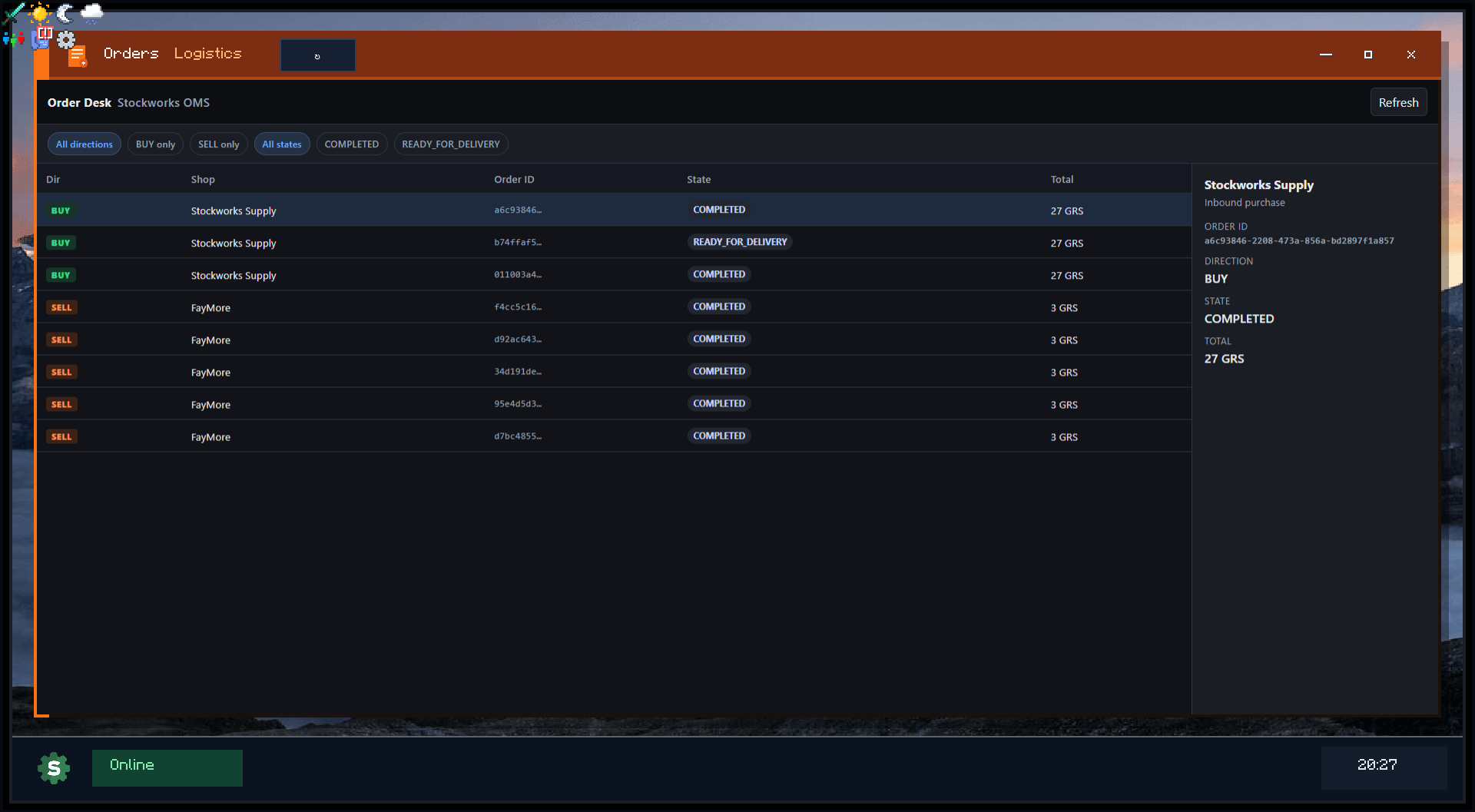
2026-10-16_20.27.28.png
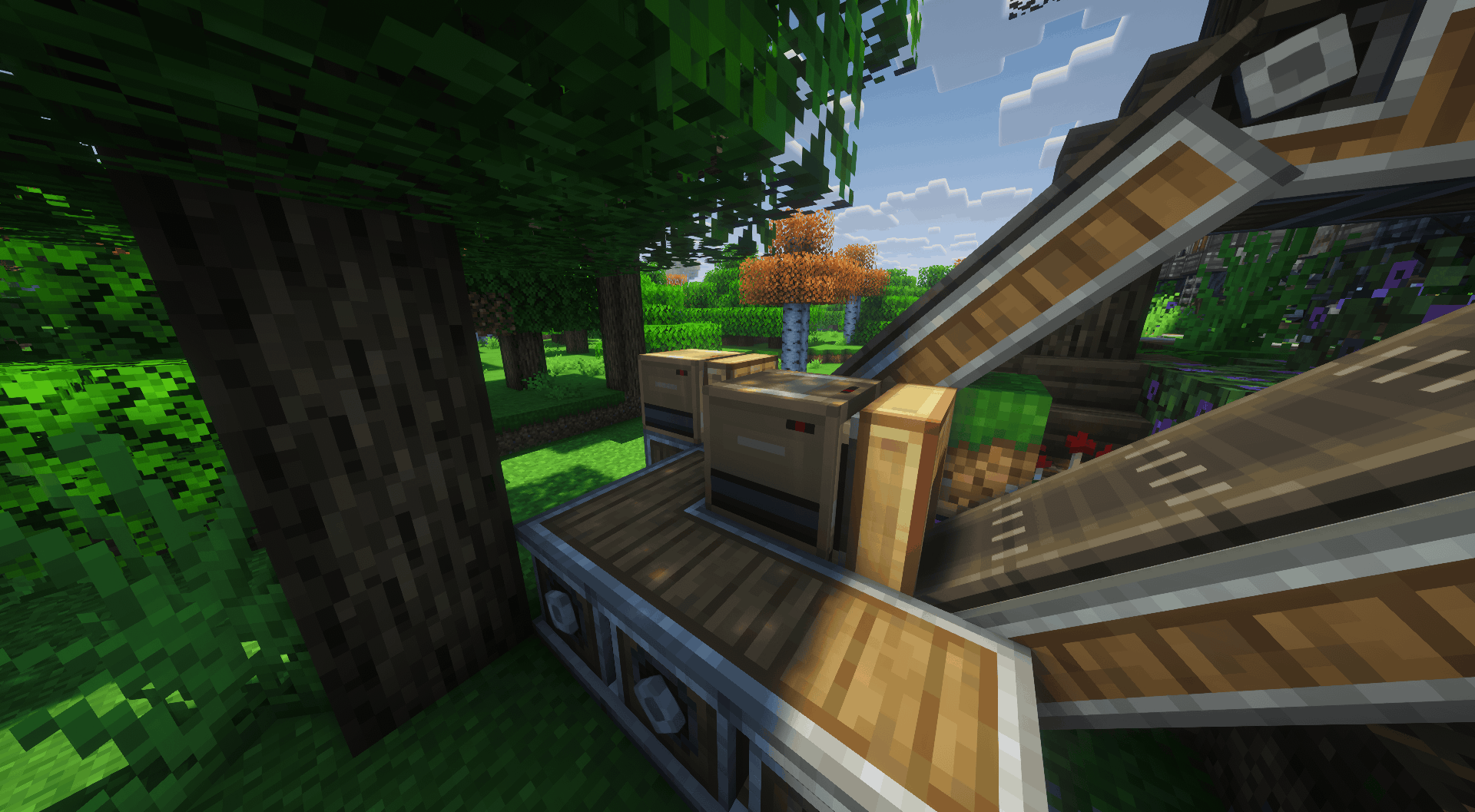
2026-10-16_20.31.03.png
Description
Stockworks
This is my first ever Mod and heavily vibecoded. Textures, Graphics and 3D Models are made by me.
You will most definitly run into bugs, please let me know: Bug Report
Cross-world shops. Gears currency. Create logistics that actually deliver.
Stockworks turns your Create factory into a real shop: list stock from Vaults and Packagers, sell for Gears, and move items safely between worlds with dedicated Export and Import stations. Manage everything in-game on the Computer Terminal — or on the website at stockworks.app.
What is Stockworks?
Stockworks is a NeoForge + Create companion that connects Minecraft worlds to an online marketplace.
- Players and companies open shops bound to a specific world / server
- Stock is read from Create logistics (Shop Link on Packager / Vault lines)
- Buyers pay in Gears (GRS) on the website or via linked accounts
- Create packages ship sales into an Export Station; purchases arrive in an Import Station
- Optional virtual warehouse keeps cloud stock online even when the world is offline
One economy. Multiple worlds. Exact item fingerprints so you only trade what both sides can spawn.
Features
Marketplace economy
- Player & company shops with own Gear wallets
- Public listings with price, discount, and per-order limits
- Cross-world checkout with reserved stock and timed export windows
- Trust tiers for world sell reach and daily caps
Create-native logistics
- Export Station
- Import Station
- Shop Link — binds a Create frequency / Packager to your Stockworks shop
- Named stations selectable on the website for delivery and withdrawals
- Leftover packages from finished orders are cleaned up automatically
In-world Computer Terminal
- Desktop-style UI: account, orders, bank, shops, company
- Link codes, shop creation, and live bridge status
- Optional in-game browser to stockworks.app (MCEF recommended)
Website tools (stockworks.app)
- Browse & buy on the marketplace
- Shop dashboard: inventory, offers, branding
- Dedicated Virtual ↔ world transfer page
- Sales & purchases history (warehouse transfers excluded from commerce lists)
Blocks
| Block | Role |
|---|---|
|
Export Station
|
Receives Create packages for sales and cloud deposits
|
|
Import Station
|
Delivers purchased / withdrawn items into the world
|
|
Transfer Station (Combined)
|
Legacy 18-slot all-in-one (still supported)
|
|
Shop Link
|
Links Create Packager / logistics network to a shop
|
|
Computer Terminal
|
In-world Stockworks desktop
|
Tip: Use separate Export + Import blocks. Create always inserts into the first free upper-left slots — splitting roles keeps belts simple.
Getting started
- Install NeoForge 1.21.1, Create 6.0.10+, and this mod (client + server).
- Place a Computer Terminal and open it.
- Create an account on stockworks.app and generate a link code.
- Link with
/stockworks link <code>or the terminal UI. - Create a shop.
- Configure a Shop Link and place it on the Create Packager connected to your warehouse.
- Place Export + Import stations, sneak + right-click to name them and assign the shop.
- List items on the website — keep world + station chunks loaded so the bridge stays READY.
Optional server config
Usually not needed — /stockworks link can register the installation automatically.
Requirements
| Dependency | Version | Required |
|---|---|---|
|
Minecraft
|
1.21.1
|
Yes
|
|
NeoForge
|
21.1.224+
|
Yes
|
|
Create
|
6.0.10+
|
Yes
|
|
MCEF
|
2.1.6+
|
Optional (in-game browser)
|
Internet access to stockworks.app (or your own Stockworks API) is required.
How orders work
- Buyer checks out → stock reserved
- Export Station requests Create packages for that order
- Packages arrive → export to cloud / target world
- Buyer Import Station (or virtual warehouse) receives items once
- No packages within 10 minutes → cancel + release stock/Gears
Links
- Website: https://stockworks.app
- Feedback: CurseForge comments
Notes
- Shops are world-bound
- Item compatibility uses fingerprints (matching mods required)
- License: All Rights Reserved unless a later release says otherwise
Create: Stockworks Team