Description
Create: Iron Vaults
Create: Iron Vaults extends Create's Item Vault with a full set of material tiers, in the spirit of Iron Chests and Sophisticated Storage. Every tier is a real Create vault: it forms the same multiblocks, feeds the same Packagers and logistics, mounts on contraptions, and keeps its connected textures.
Tiers
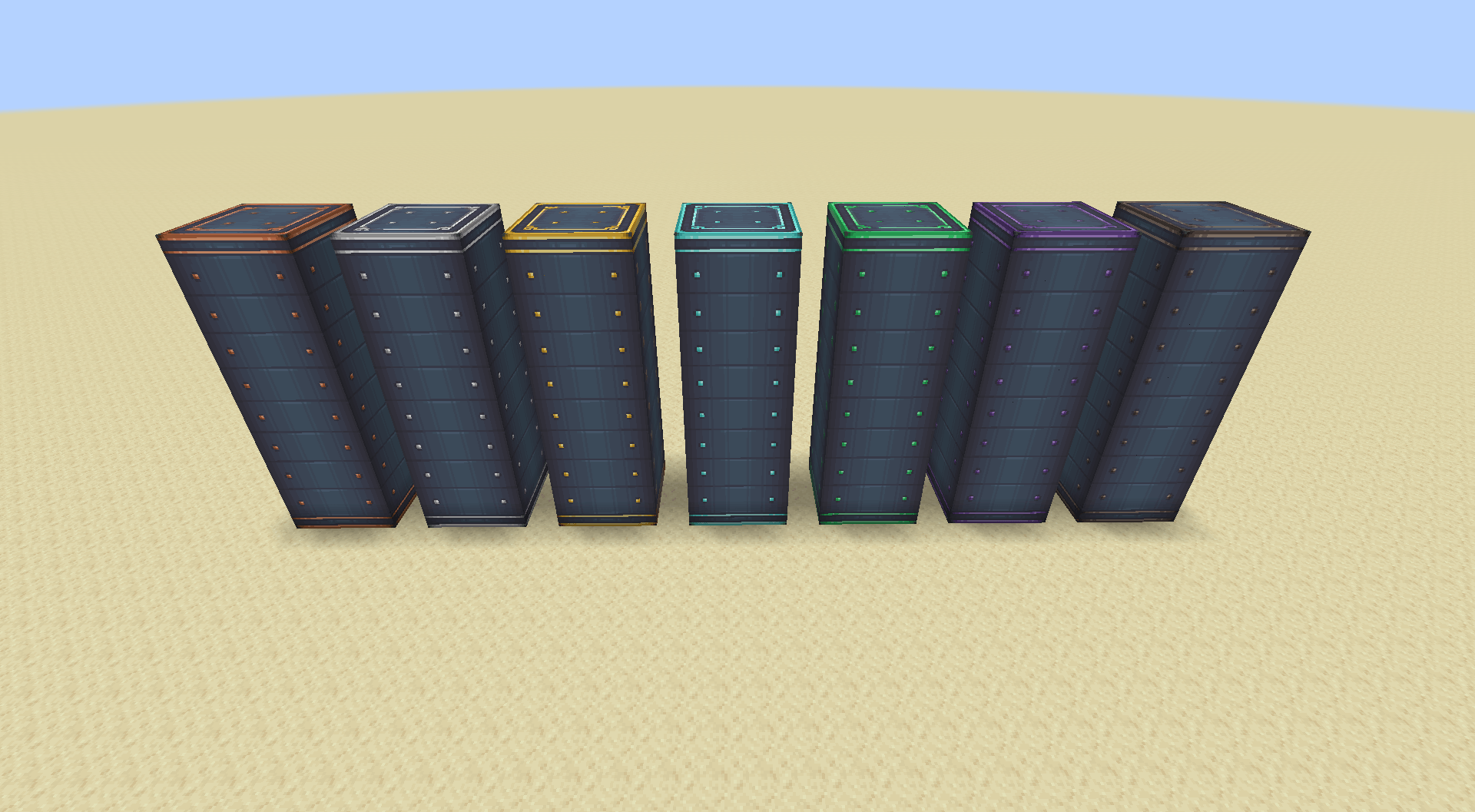
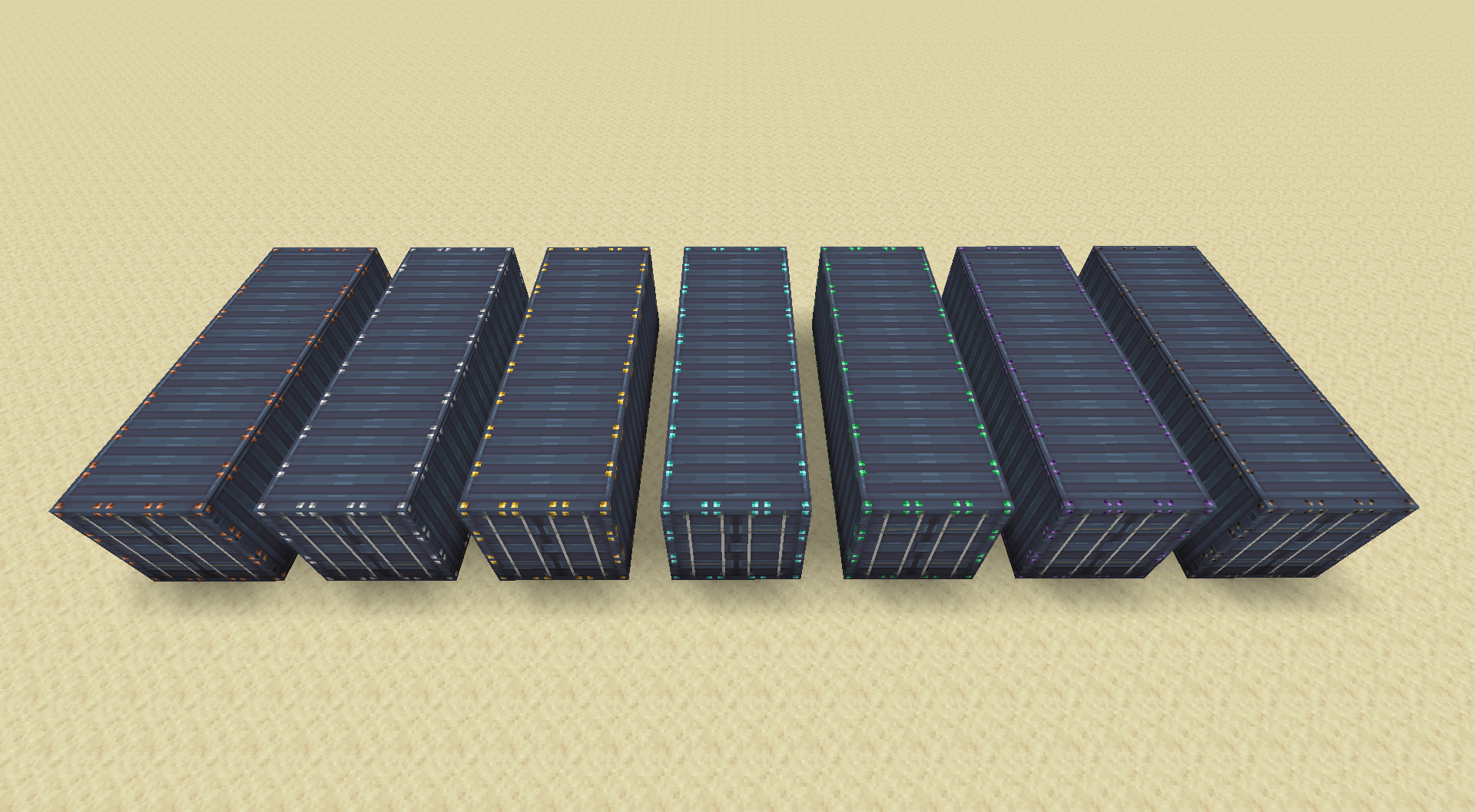
Seven tiers above Create's Basic vault: Copper, Iron, Gold, Diamond, Emerald, Obsidian and Netherite.
| Tier | Slots per block | Items per stack | Total vs. Basic |
|---|---|---|---|
| Basic (Create) | 20 | 64 | 1x |
| Copper | 30 | 72 | 1.7x |
| Iron | 45 | 80 | 2.8x |
| Gold | 60 | 88 | 4.1x |
| Diamond | 80 | 96 | 6x |
| Emerald | 100 | 99 | 7.7x |
| Obsidian | 125 | 99 | 9.7x |
| Netherite | 160 | 99 | 12.4x |
Capacity grows on two axes: more slots per block, and deeper stacks in each slot. A single Netherite vault block holds 15,840 items, and a full 3x3x9 structure holds over 1.28 million. Both axes are configurable per tier, in game, from the Mods screen — and changing them resizes vaults that already exist rather than only new ones.
Two ways to upgrade
At a crafting table. Put the vault in the centre, six of the tier's material down the sides, and its block form above and below. Each rung steps up one tier.
With an upgrade item. Sneak-right-click a vault and the entire connected structure converts at once, with its contents intact. Upgrade items are a reusable key rather than a consumable: they are checked and kept, and you need one per vault block in the structure.
There is one upgrade item for every jump you can make: 28 in all, 7 out of a plain Basic vault and 21 between tiers. Copper to Gold, Iron to Netherite, Diamond to Obsidian — whatever you are standing on, there is an item that takes it where you want to go.
Each one works on exactly one source tier. Reaching Netherite from Copper is either the single Copper to Netherite upgrade or the five cheap rungs walked in order, and the two cost roughly the same, so the choice is convenience rather than a shortcut.
Upgrades are crafted progressively. The first rung out of any tier is built from raw materials around an Andesite Alloy; every longer jump is built around that same tier's next-shortest jump. So the Copper ladder is climbed with Copper upgrades and never sends you back through the Basic ones.
Upgrading always preserves what kind of vault it is. Type, orientation and colour all survive; only the material changes.
Create: Vibrant Vaults support
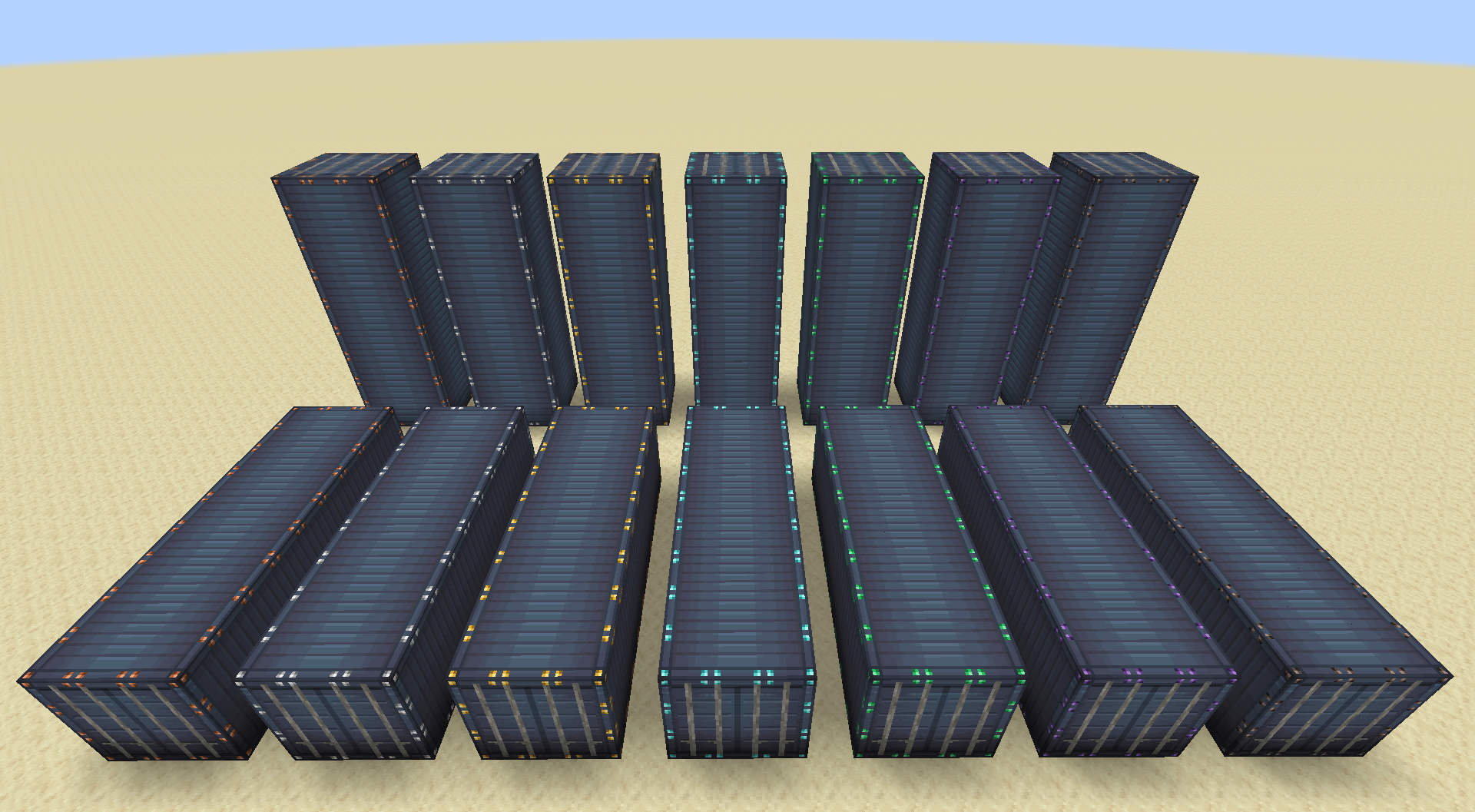
With Vibrant Vaults installed, every one of its vault kinds gets the full tier ladder: Item Vaults, Shipping Containers and Basic Shipping Containers, in both horizontal and vertical orientations, across all 17 colours. That is 714 blocks in total.
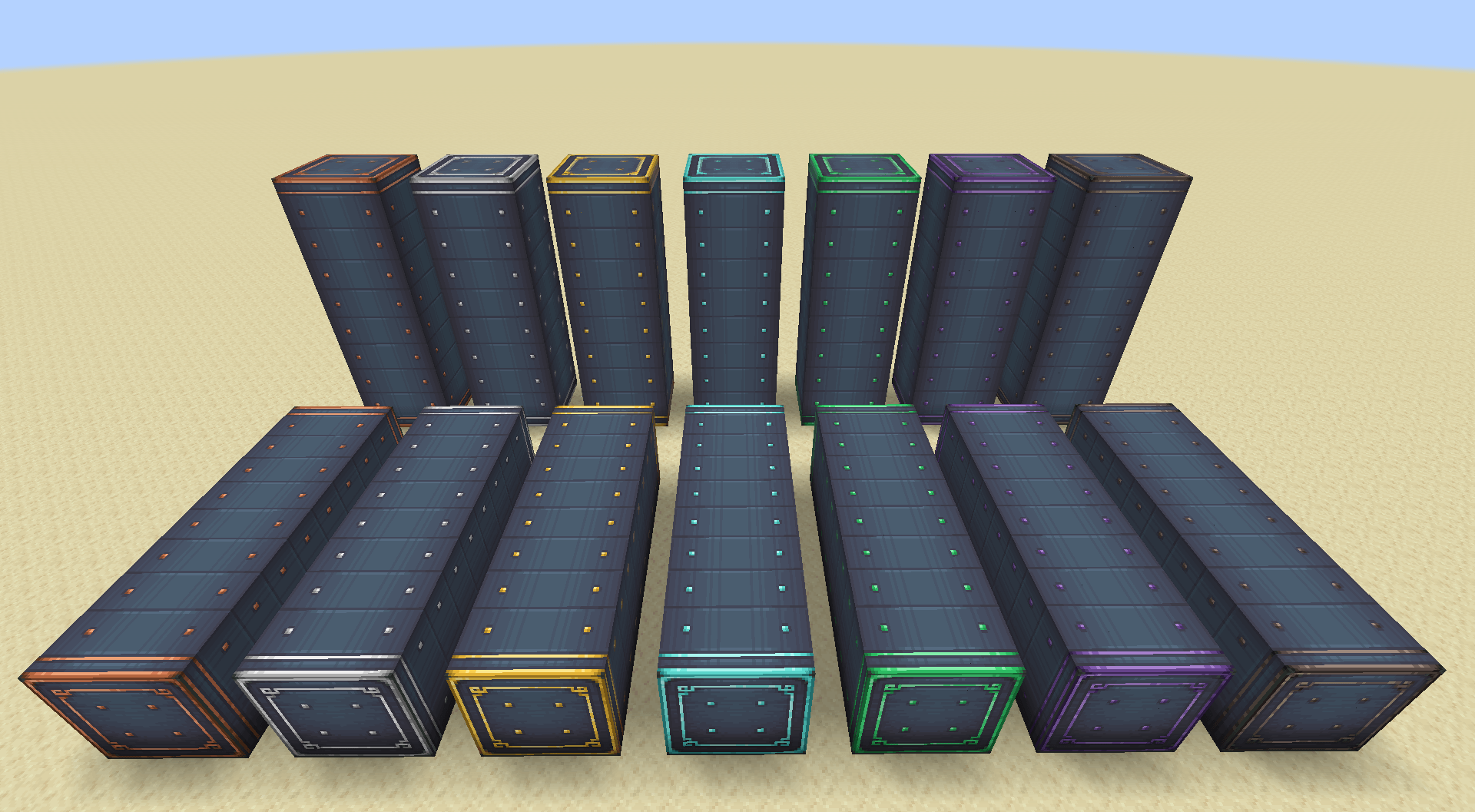
A dyed vault always keeps its paint through an upgrade. Item Vaults show their tier in the metalwork — the material replaces Create's grey trim ramp, so a blue vault stays blue and gains copper metal. Shipping Containers are painted panels with no grey to take over, so they show their tier as small corner studs instead.
Without Vibrant Vaults, only the plain Item Vault tiers are registered, and the rest are not loaded at all.
Create: Connected support
With Create: Connected installed, its Item Silo gets the same seven tiers. Tier silos form the same multiblocks, share one inventory, keep their connected textures, take the same sneak-right-click upgrade, and support the click-the-top-face trick that fills a whole 3x3 cross-section in one go. Capacity per block matches the equivalent vault tier.
Silos are drawn to match the vertical vaults standing next to them: with Vibrant Vaults installed they use exactly the same art, and without it they fall back to Create's own vault art so they are still textured.
Design n' Decor support
With Design n' Decor installed, its Containers get the tier ladder too — all 33 finishes, which is the undyed container plus its sixteen dyes in both the plain and solid styles, across seven tiers. That is 231 more blocks.
A tiered container is a real Design n' Decor container in every way that matters. It keeps its colour and style through an upgrade, forms the same multiblocks, and clicking the end of a formed run still fills its whole cross-section in one go. Like the Shipping Containers, a container is painted rather than trimmed in grey, so it shows its tier as small corner studs rather than a metal recolour.
Tools
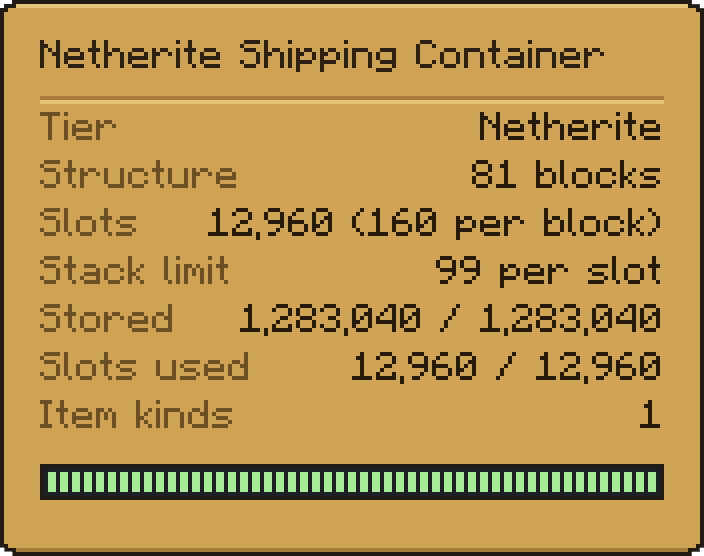
Scanner — right-click any vault, container or silo and a panel reports its tier, how many blocks the structure formed, slots total and per block, stack limit, what it holds against its capacity, and how many kinds of item are in it. It reads through the item capability, so it works on Create's own vaults and Vibrant Vaults' too, not just this mod's.
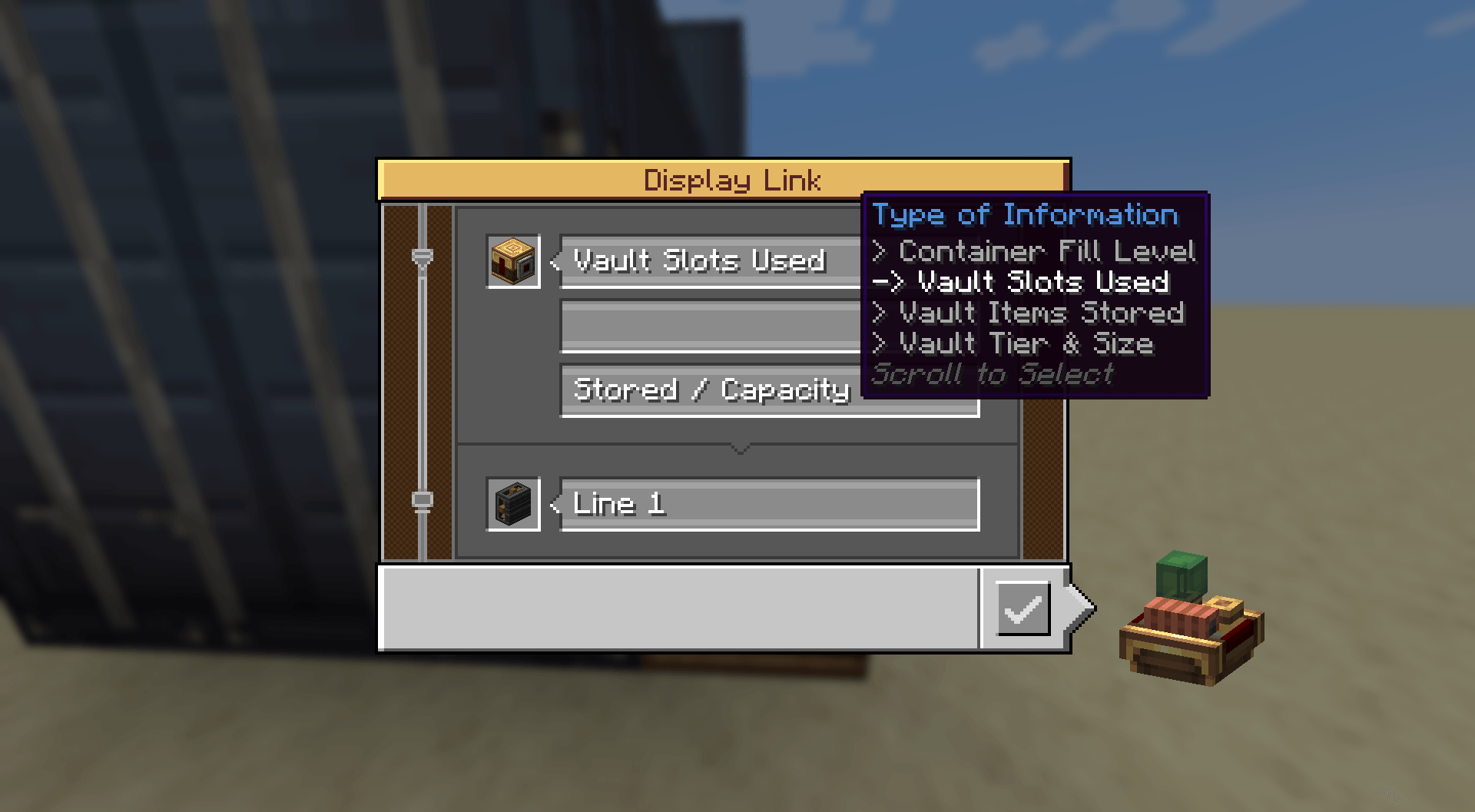
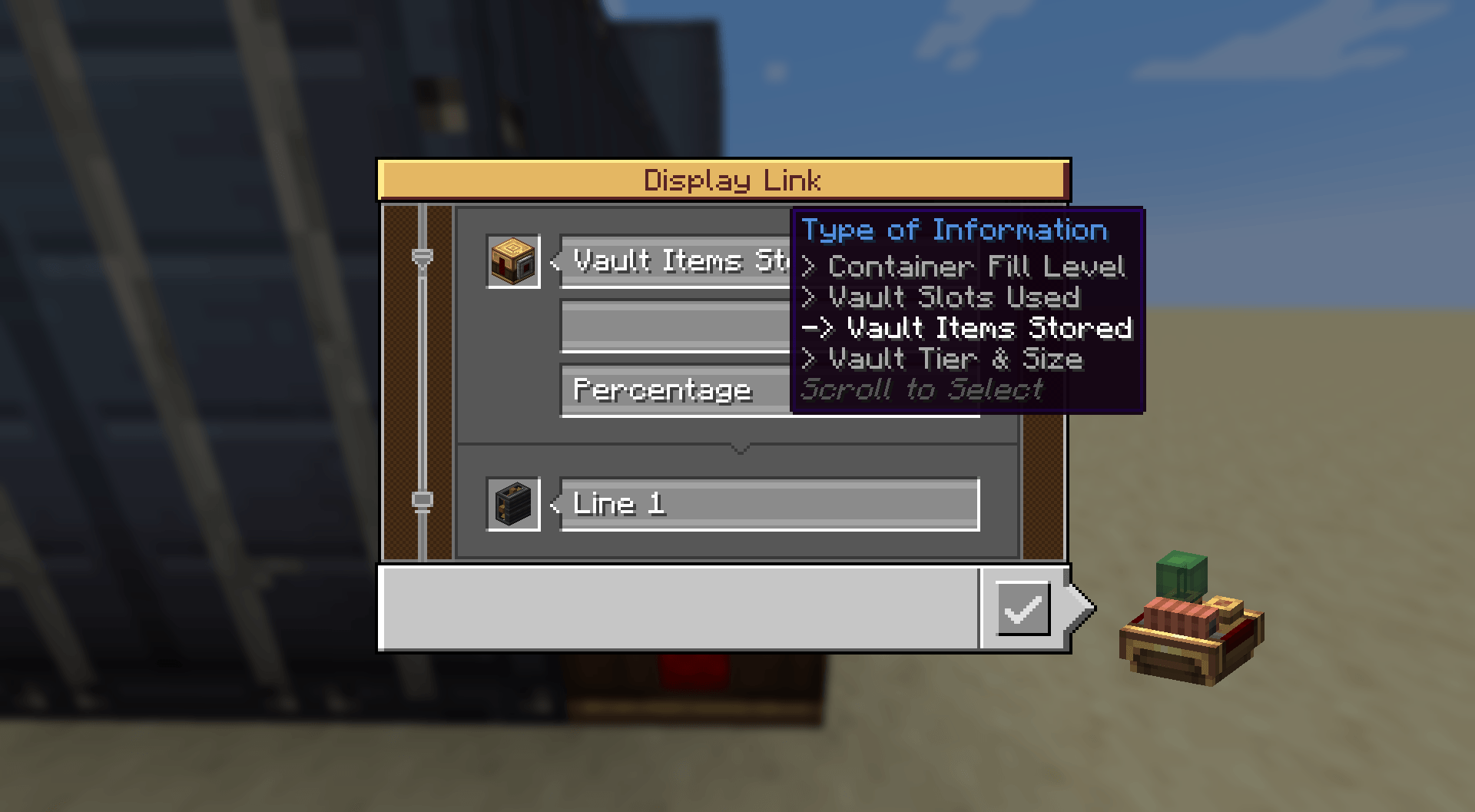
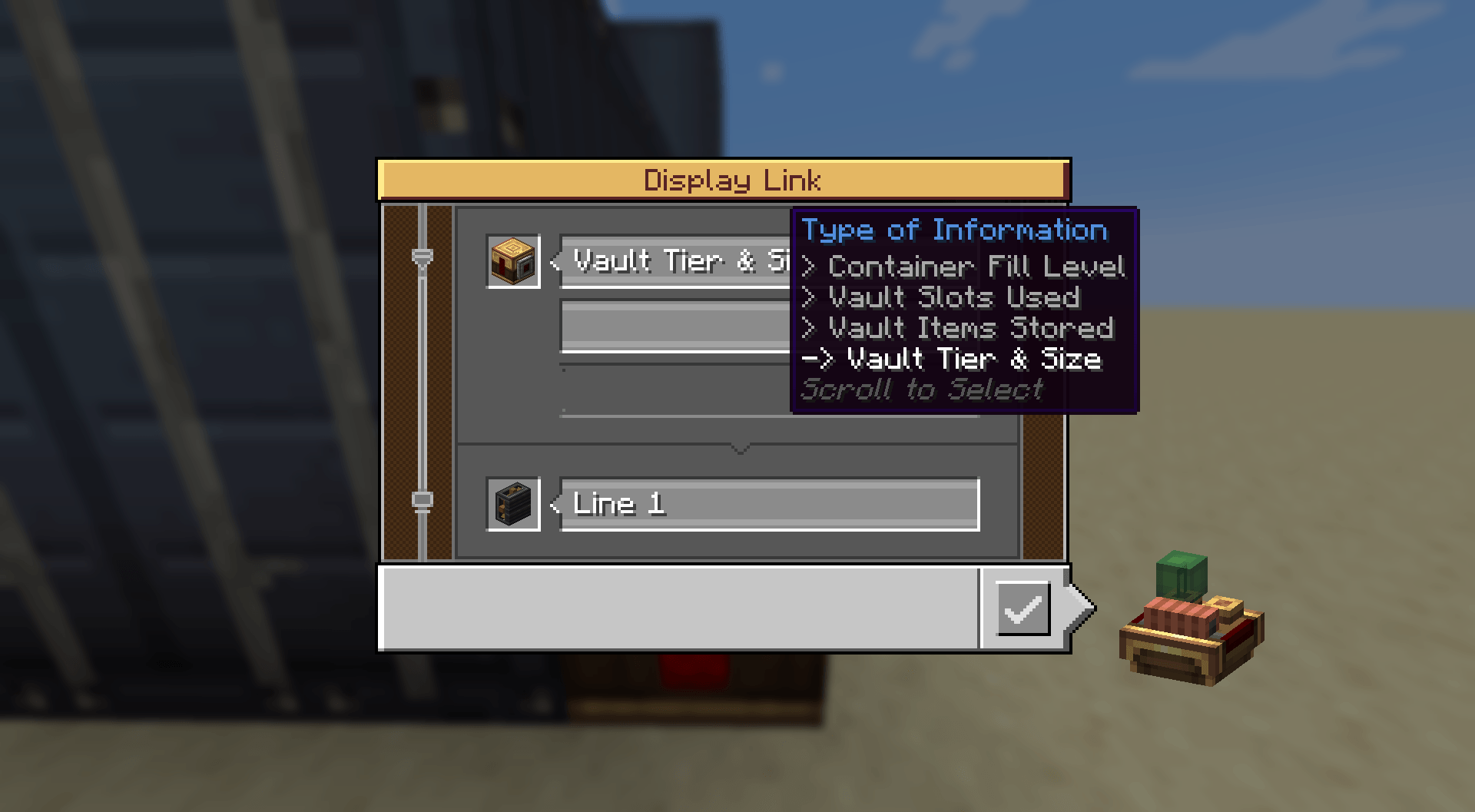
Display Link — three extra readouts for a board: Vault Slots Used, Vault Items Stored and Vault Tier & Size. They read any tiered block, vault, silo or container alike. Each can be shown as stored/capacity, stored only, space left, capacity only or a percentage. Stick the link on the vault or on a Threshold Switch watching it; either works.
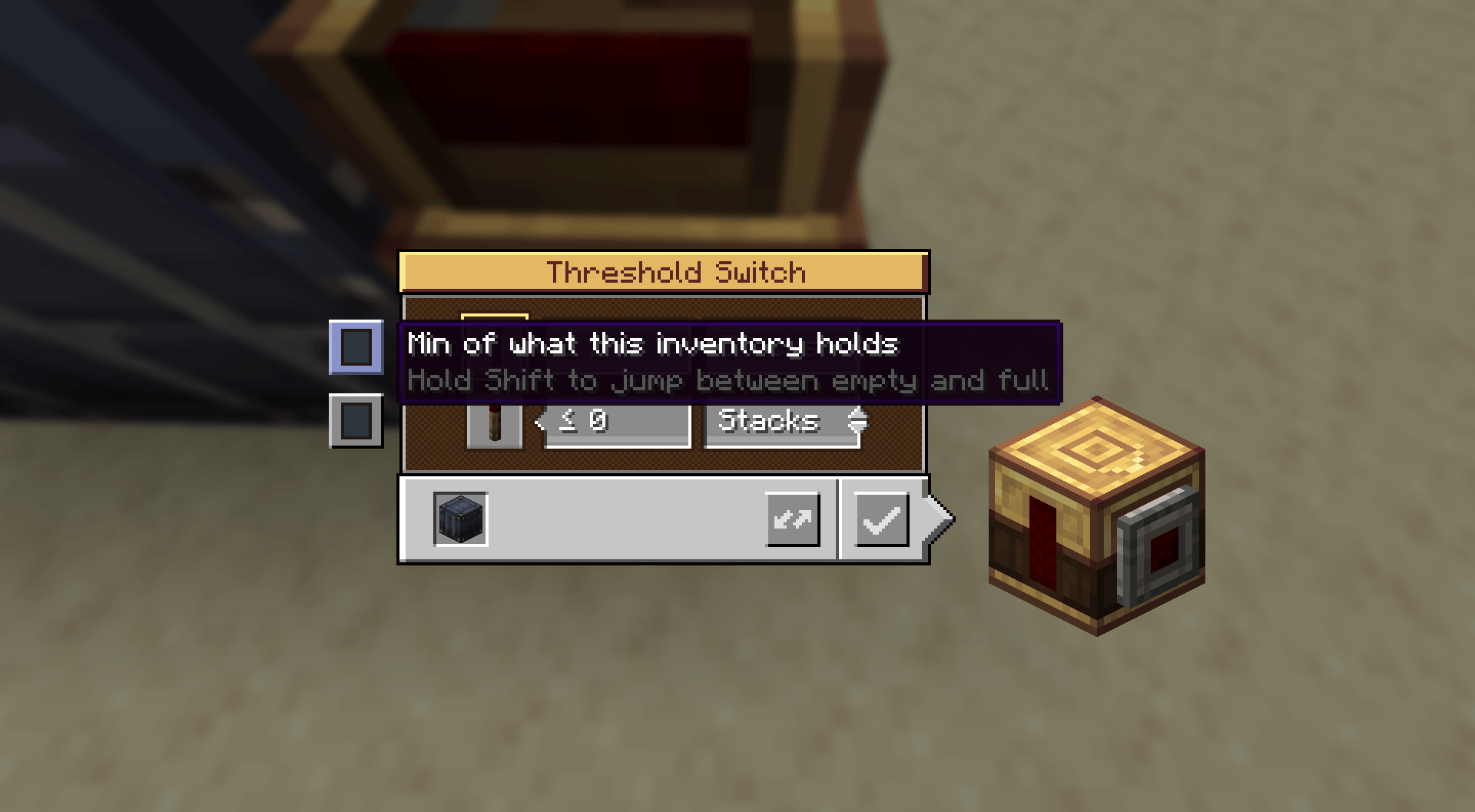
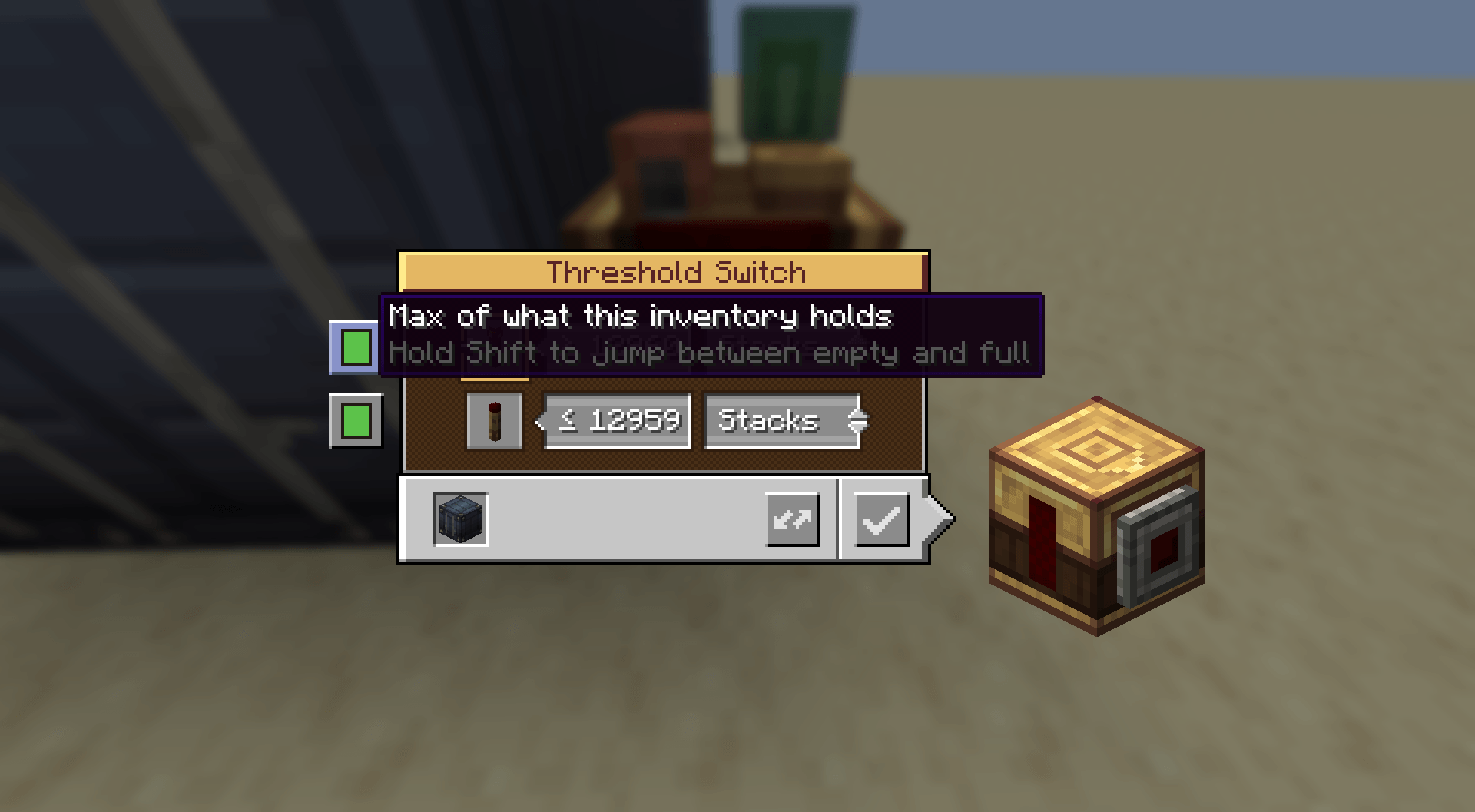
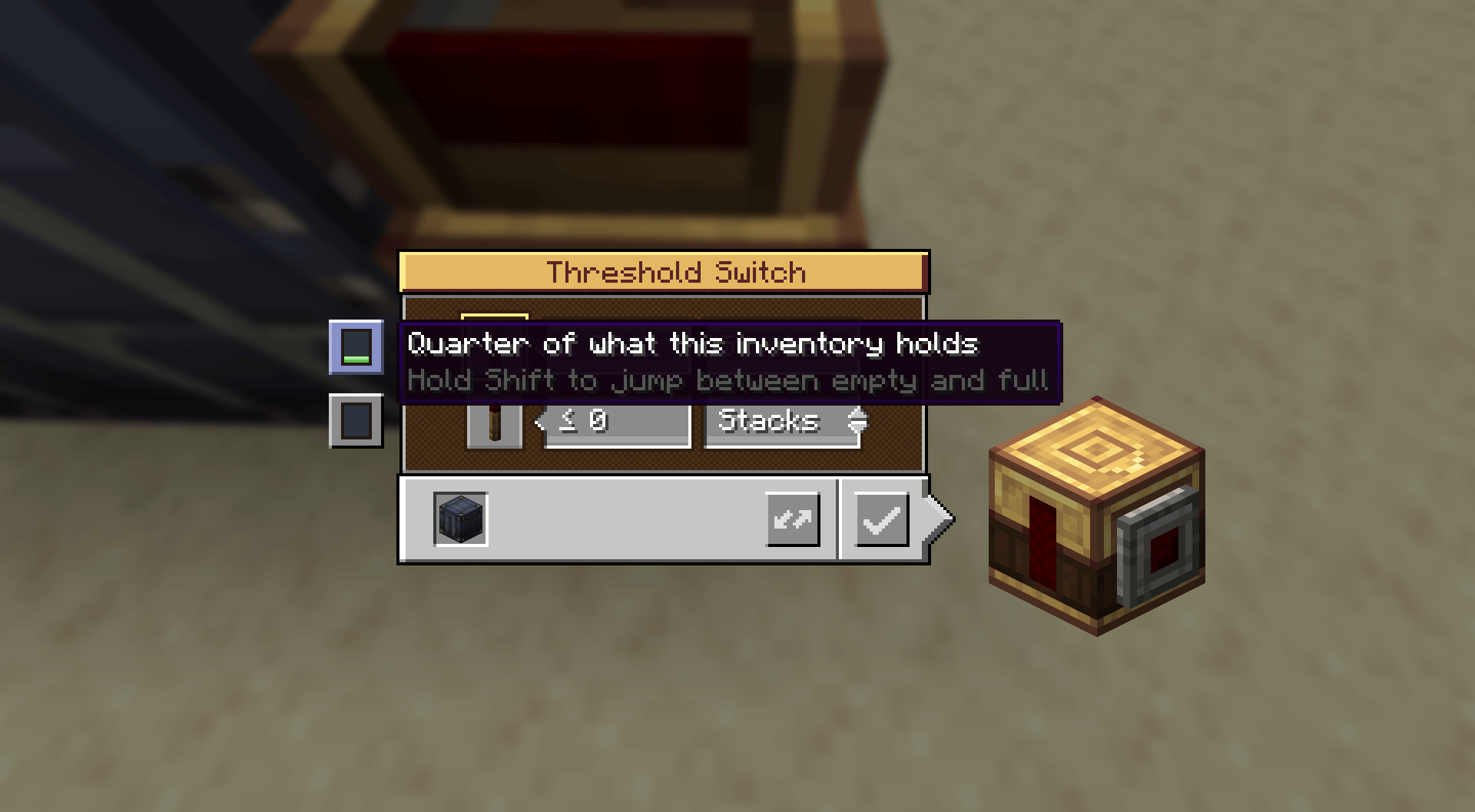
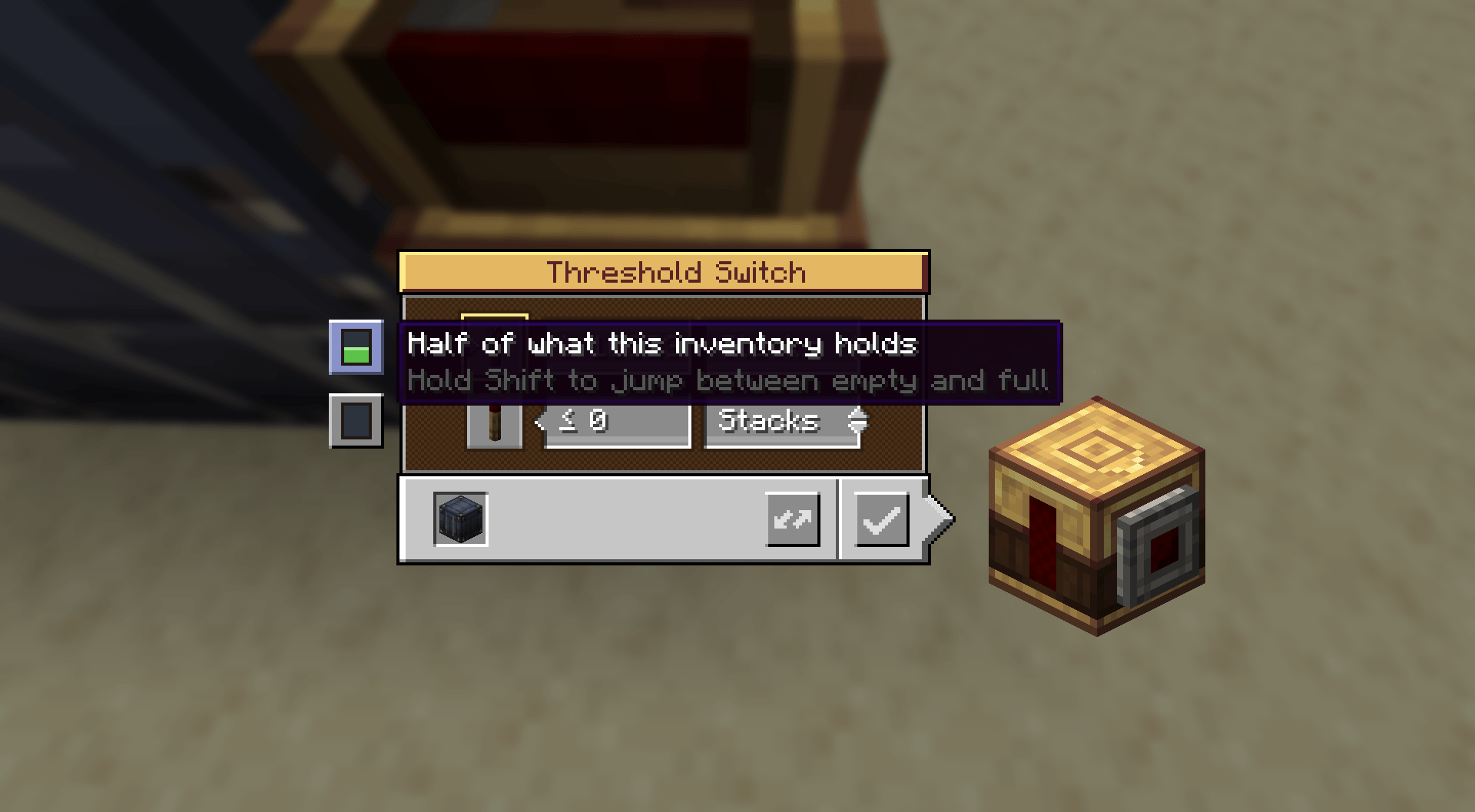
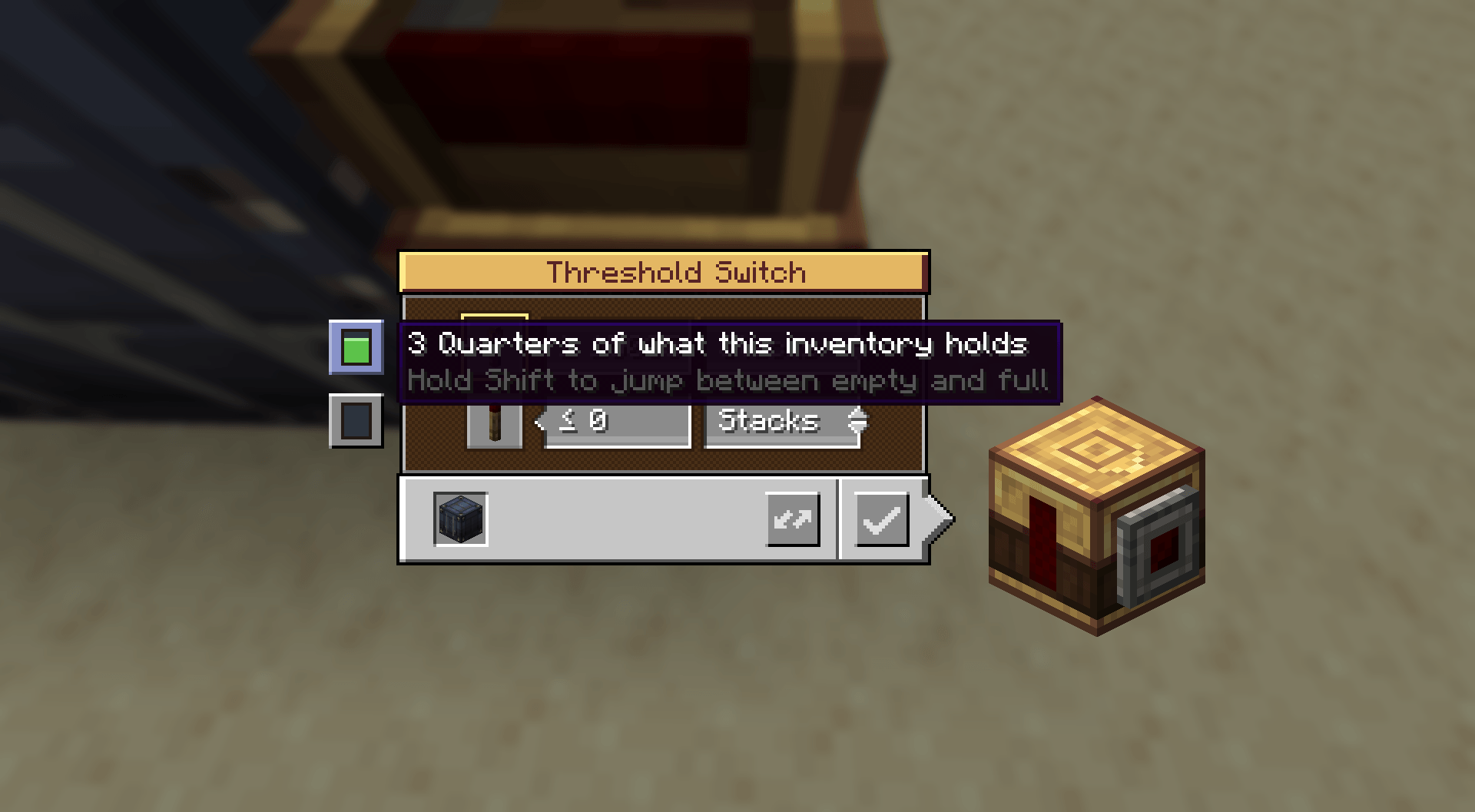
Threshold Switch — preset buttons on its screen jump a threshold straight to min, a quarter, half, three quarters or max of what the observed inventory holds, which matters once an inventory runs to seven figures. Hold Shift to jump between the two ends. The block also gains Clipboard support, and it copies what the thresholds mean rather than what they read - copy a switch watching a Netherite vault, paste onto one watching a barrel, and both behave the same way at their own scale.
Performance
Create refreshes a vault's comparators on every single slot change, and each refresh walks the entire multiblock. Filling a large vault therefore costs dozens of full structure walks per tick. This mod collapses that to at most one per tick, which applies to Create's own vaults and other addons' vaults as well as its own. It can be turned off in the config.
Jade's item readout is also served directly rather than through its generic collector, so vault, silo and container contents appear immediately instead of being counted up over several ticks.
The mod ships no copies of vault art. Every tier texture is built by the game while the block atlas is stitched, from the un-tiered block's own sprite plus a small tier overlay, which keeps the download under 2 MB. A side effect is that resource packs retexturing Create's or Vibrant Vaults' vaults automatically retexture the tier versions to match.
Configuration
Everything is tunable in game from Mods -> Create: Iron Vaults -> Config: slots per block and items per slot for each tier, an overall storage multiplier per tier, whether upgrade items are consumed, whether one click upgrades a whole multiblock, the break warning and its threshold, and the comparator throttle. Changing a capacity resizes vaults that already exist rather than only newly placed ones, and never drops items to do it.
In-game guides
Every one of the 28 upgrade items has its own Ponder scene showing that exact transition on a full 3x3x3 vault. Press W while hovering an item, or find them gathered under the "Vault Upgrades" entry in the Ponder index.
Requirements
- Minecraft 1.21.1, NeoForge
- Create 6.0.10 or newer
- Create: Vibrant Vaults (optional) — adds the Shipping Container, vertical and coloured tiers
- Create: Connected (optional) — adds the Item Silo tiers
- Design n' Decor (optional) — adds the Container tiers
- Jade (optional) — instant vault contents readout