Create: Integrated Propellers
- By
pic2.png
pic1.png
pic3.png
Description
Add some different function propeller for create aeronautics.
A NeoForge 1.21.1 addon for Create: Aeronautics that adds integrated propeller bearings, eight separate propeller blade levels, and optional gyroscopic steering.
- Minecraft: 1.21.1
- NeoForge: 21.1.233
- Create: 6.0.10
- Create: Aeronautics: 1.3.2
- Sable: 2.0.6
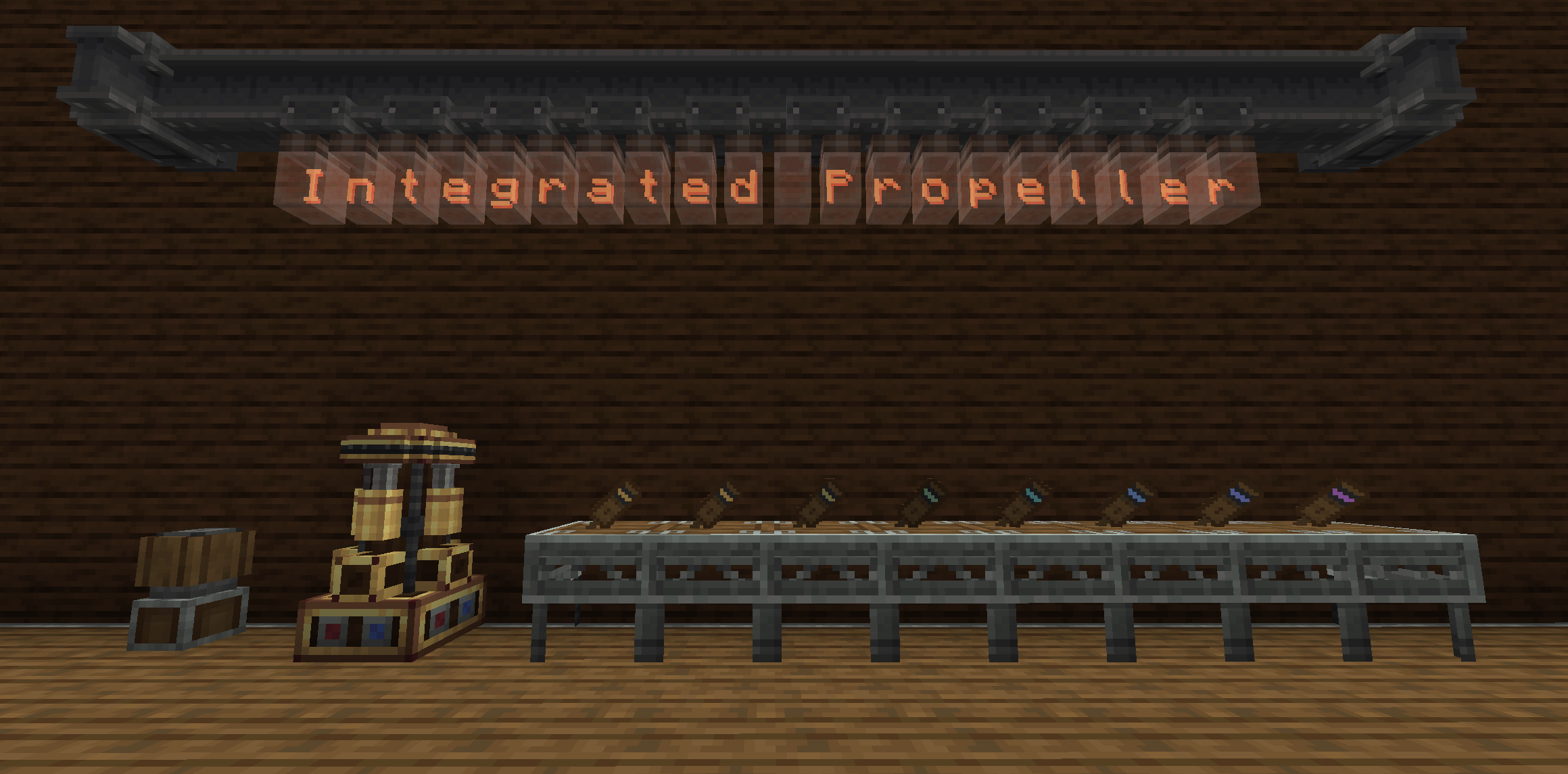
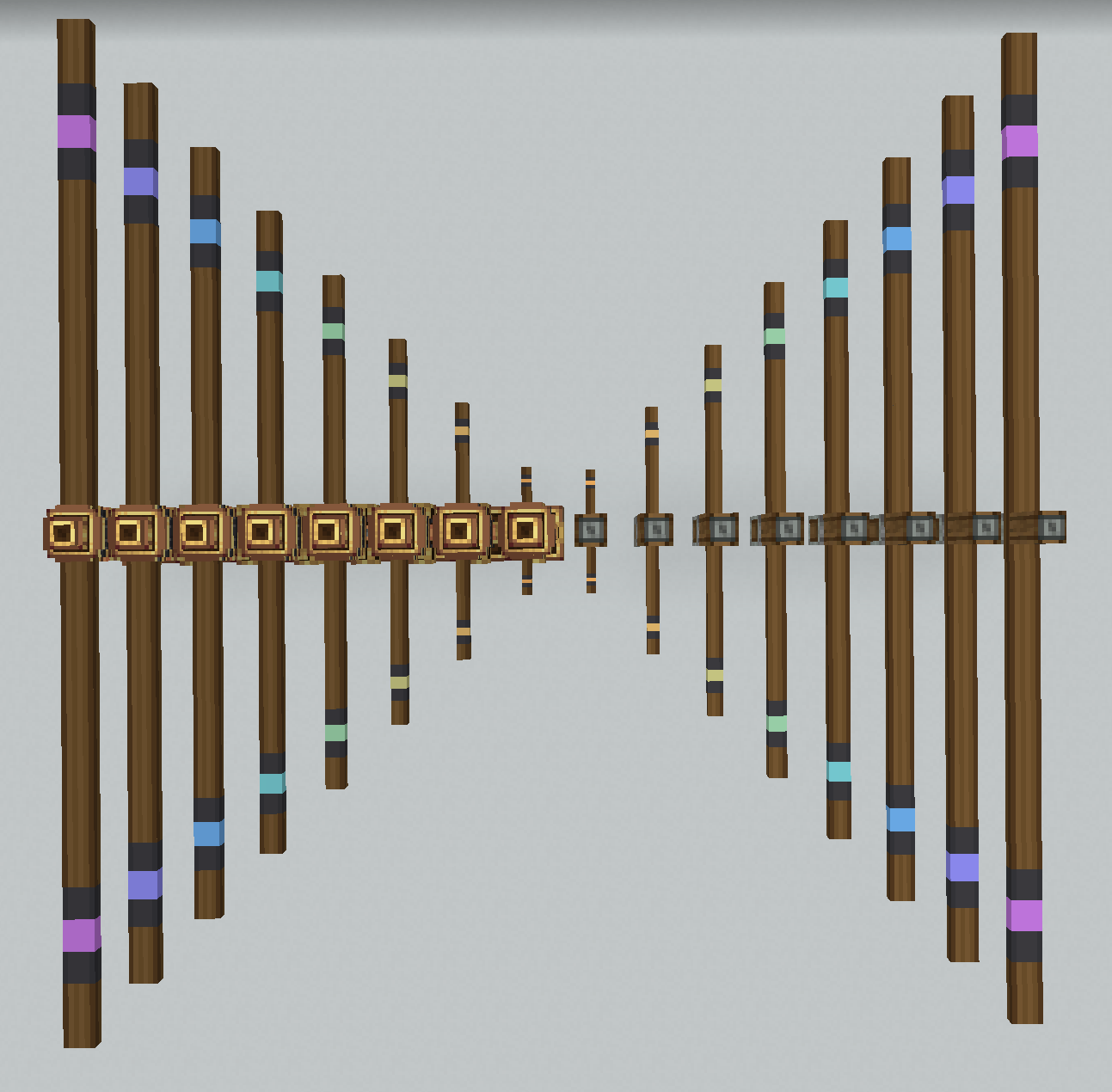
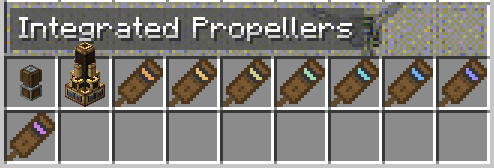
Eight items, propeller_blade_1 through propeller_blade_8, with increasing length and stress impact.
- Level 1 is crafted from wooden slabs and andesite alloy.
- Levels 2–8 are crafted shapeless from two blades of the previous level.
- Blades are installed directly into either bearing; no separate contraption is assembled.
- 1×1×1 kinetic block.
- Holds up to 6 blades.
- Top slot selects thrust direction relative to rotation.
- Create wrench can rotate its facing.
A two-block structure:
integrated_gyroscopic_propeller_base— lower/kinetic block, owns blades, frequencies, modes and stress.integrated_gyroscopic_propeller_bearing— upper propeller block and its top-thrust value box.
Features:
- Holds up to 12 blades.
- Four gyroscope modes:
- Normal — follows local gravity/up with a clamped tilt cone.
- Stable — normal alignment plus lateral velocity compensation.
- Gyroscope — wireless redstone steering while anti-sway stays active.
- Manual Gyroscope — gravity alignment plus wireless steering without velocity compensation.
- Two Create-compatible frequency slots per base face. Frequencies can also be bound directly with Create Linked Controller or Simulated typewriter keys.
- Anti-sway damping and lateral speed compensation are configurable.
The addon includes nine built-in Ponder scenes converted from the project's Ponderer scripts:
- 4 scenes for the integrated gyroscopic bearing.
- 5 scenes for the integrated ordinary bearing.
集成螺旋桨
为 Create: Aeronautics 添加一些具有不同功能的螺旋桨。一个用于 Create: Aeronautics 的 NeoForge 1.21.1 附属模组,添加了集成螺旋桨轴承、八个独立的螺旋桨叶片等级,以及可选的陀螺仪转向功能。
Minecraft:1.21.1
NeoForge:21.1.233
Create:6.0.10
Create: Aeronautics:1.3.2
Sable:2.0.6功能
螺旋桨叶片
共有八个物品,从 propeller_blade_1 到 propeller_blade_8,长度和应力影响依次递增。1 级由木台阶和安山合金合成。
2–8 级由两个上一等级的叶片无序合成。
叶片可直接安装到任一轴承中;无需组装单独的装置。集成普通轴承
1×1×1 动力方块。
最多可容纳 6 个叶片。
顶部槽位用于选择相对于旋转方向的推力方向。
可使用 Create 扳手旋转其朝向。集成陀螺仪轴承
一个由两个方块组成的结构:integrated_gyroscopic_propeller_base——下层/动力方块,负责叶片、频率、模式和应力。
integrated_gyroscopic_propeller_bearing——上层螺旋桨方块及其顶部推力值框。功能:
最多可容纳 12 个叶片。
四种陀螺仪模式:
普通——跟随局部重力/上方,并带有限制倾角锥。
稳定——正常对齐,并附加横向速度补偿。
陀螺仪——启用无线红石转向,同时防摆功能保持启用。
手动陀螺仪——重力对齐加无线转向,但不进行速度补偿。
每个底座面有两个 Create 兼容频率槽。频率也可直接通过 Create 链接控制器或 Simulated 打字机按键绑定。
防摆阻尼和横向速度补偿可配置。思索
该附属模组包含九个内置思索场景,均由项目的 Ponderer 脚本转换而来:4 个用于集成陀螺仪轴承的场景。
5 个用于集成普通轴承的场景。
Create: Integrated Propellers Team