


Create: Frequency Filter
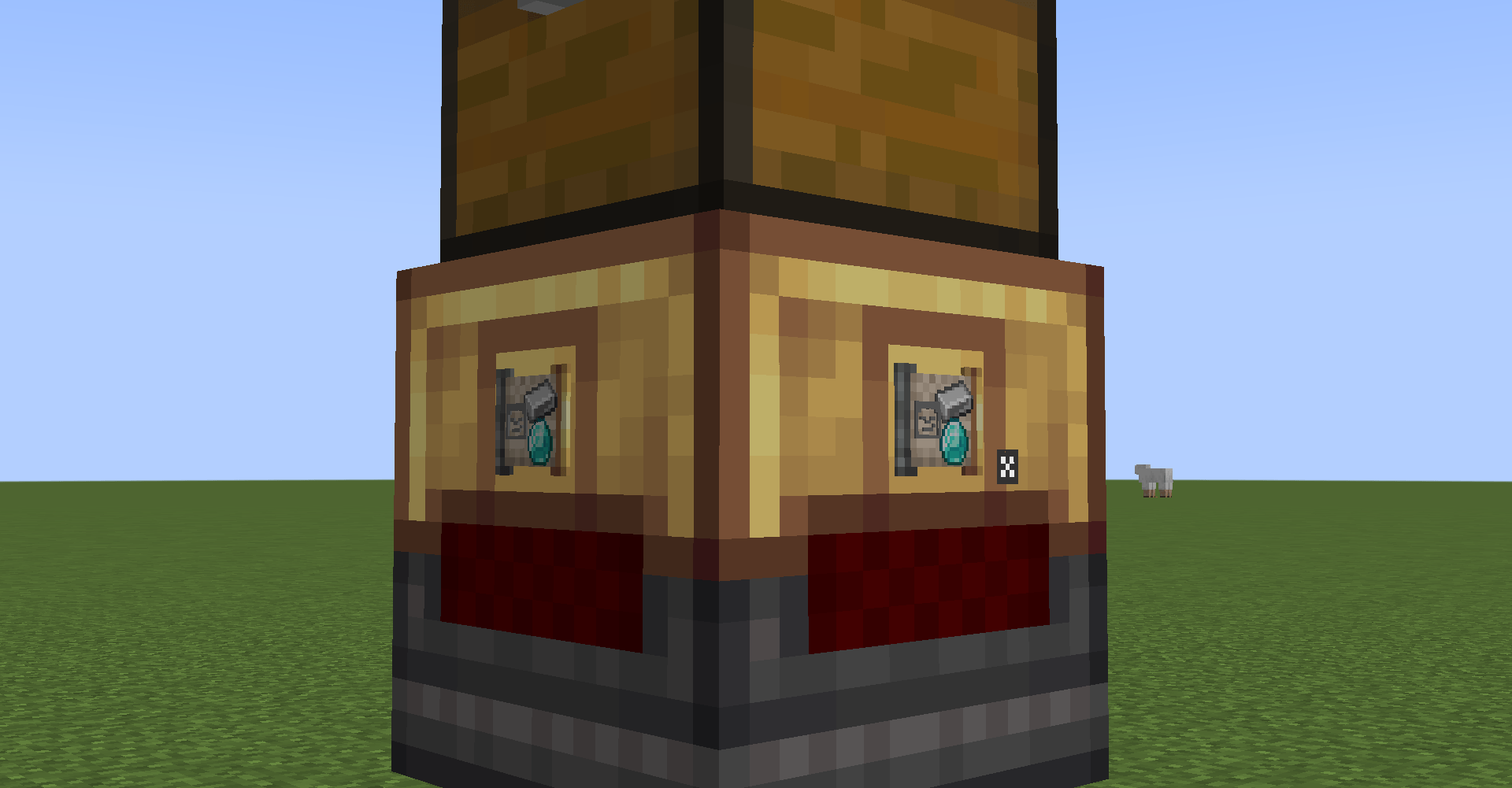
A frequency filter in a smart chute. Frequency filters can go in any kind of block that can contains filters, such as chutes, deployers, basins, and more!
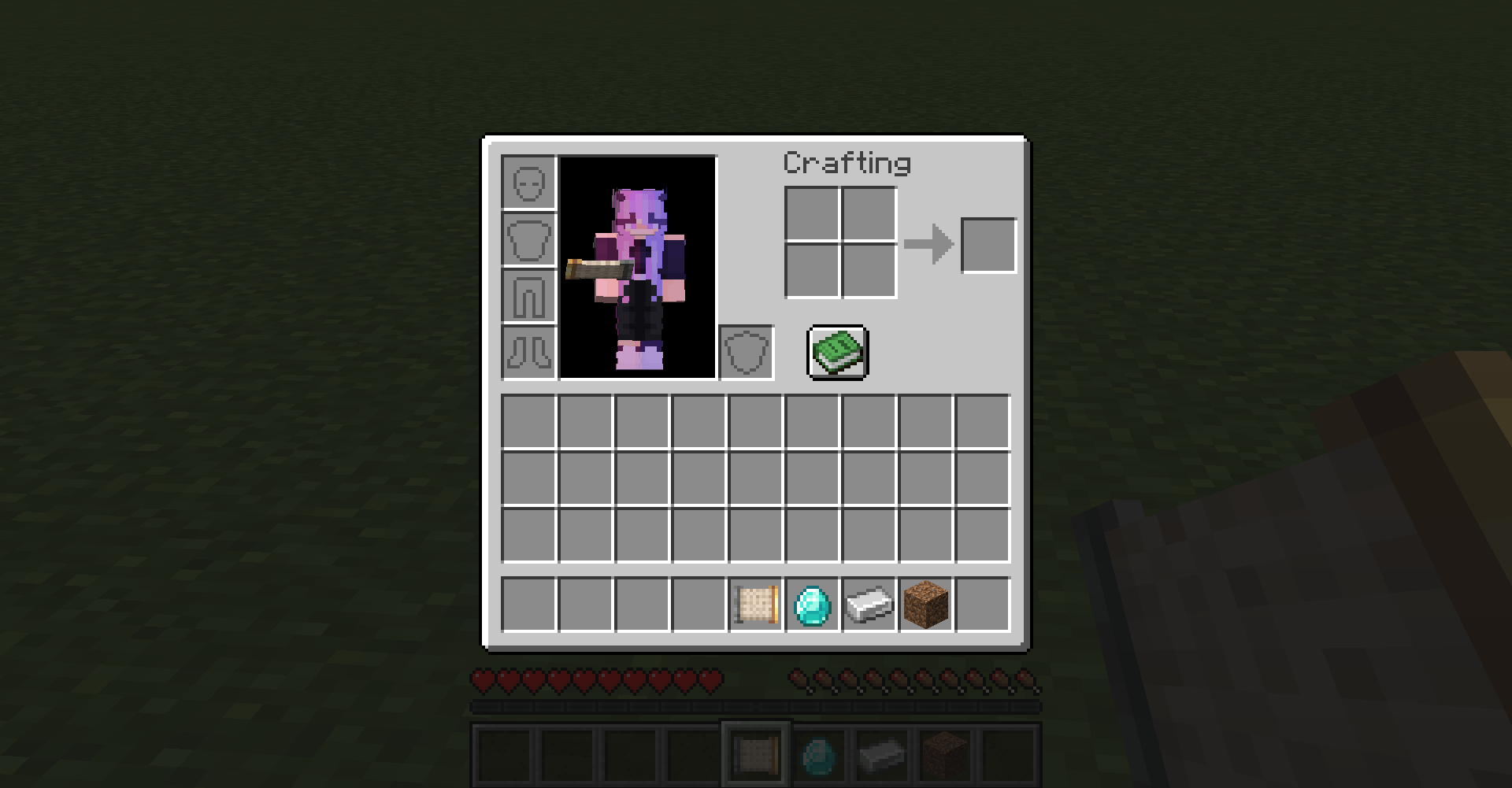
A frequency filter in an inventory.
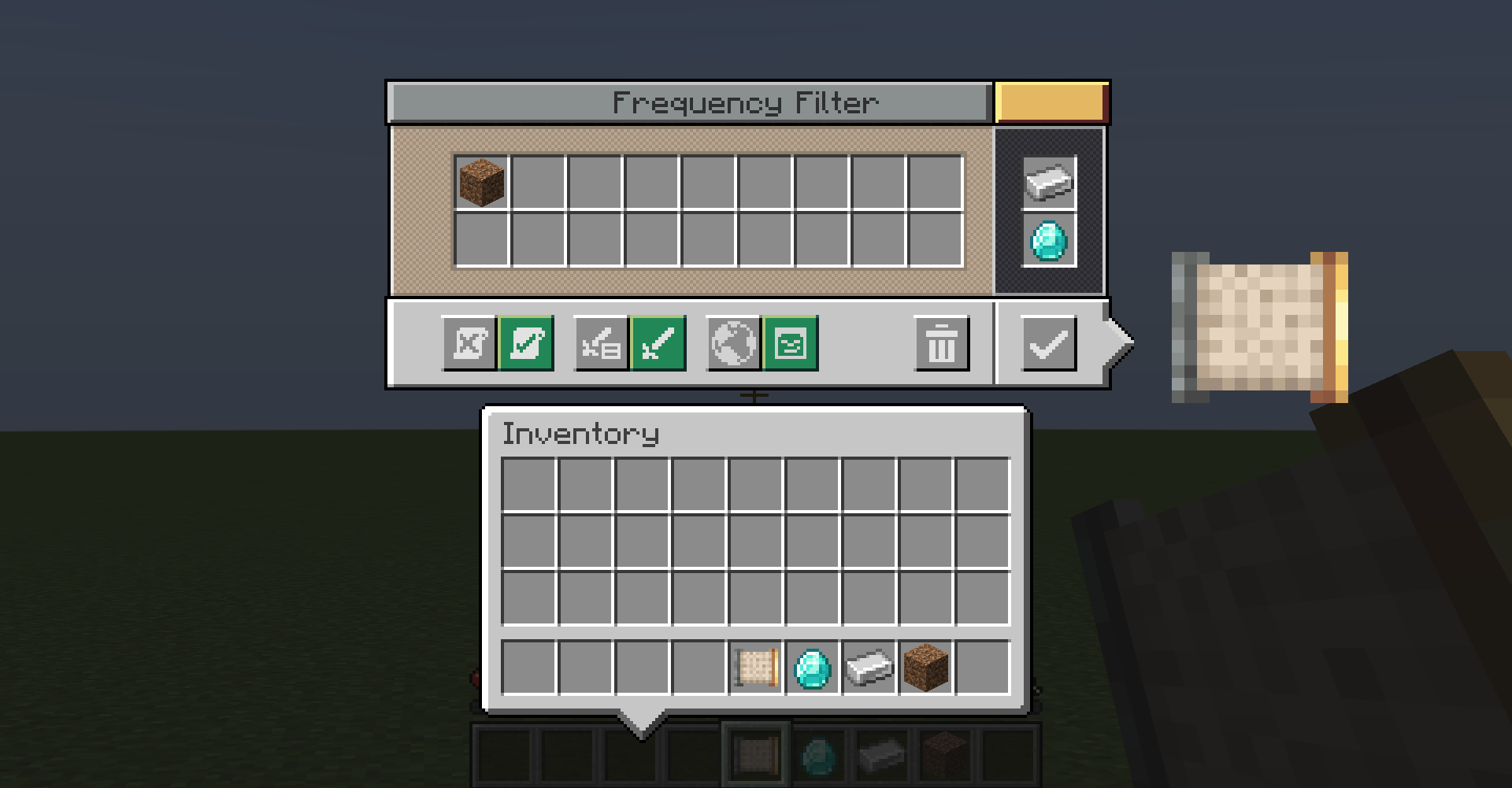
The frequency filter screen after setting the frequency (Iron + Diamond) and the settings (dirt).
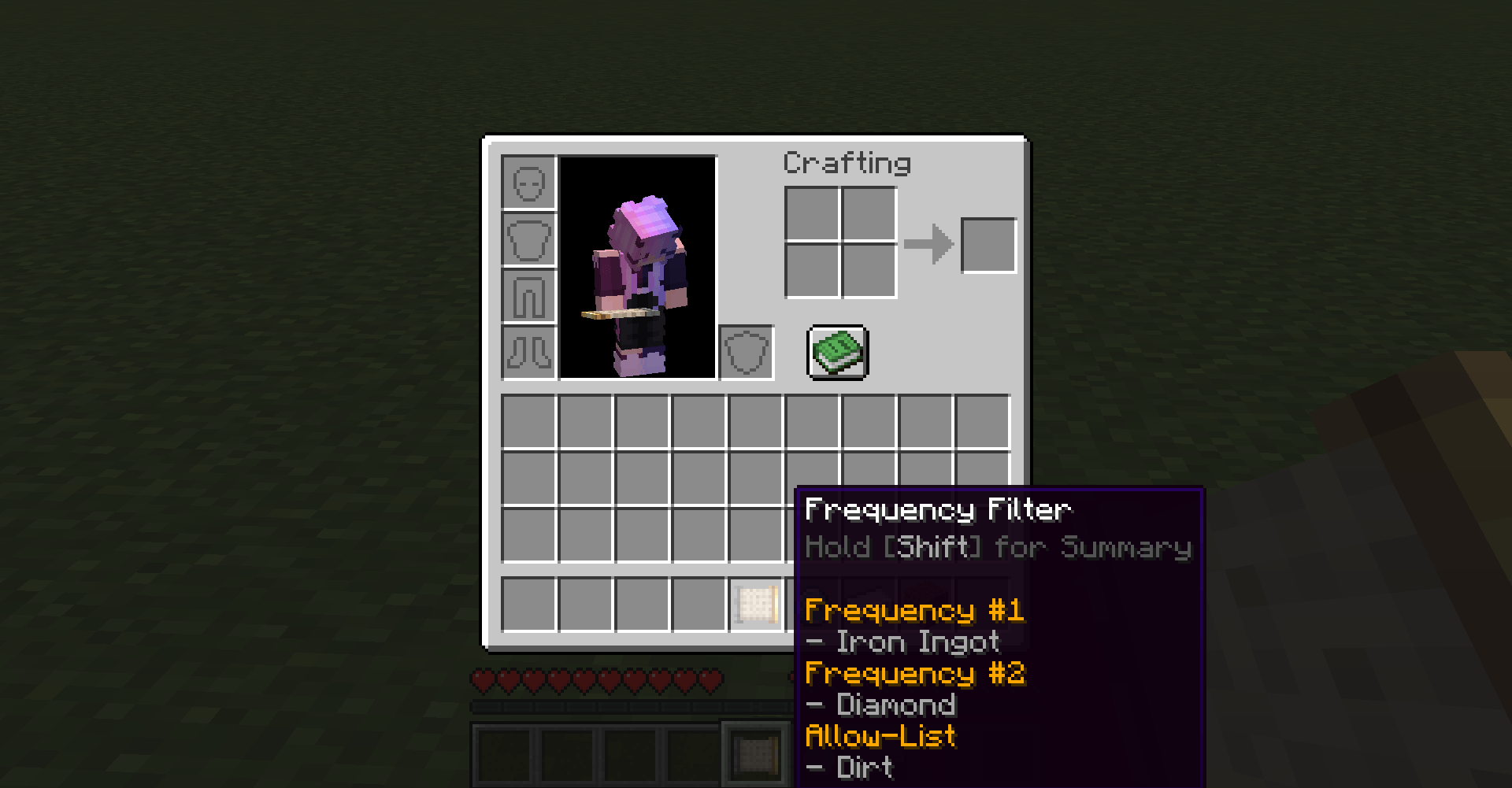
Hovering over a frequency filter in your inventory will reveal the settings that the frequency filter currently has set.
Description
Create: Frequency Filter
Frequency Filter is a Minecraft mod that extends the Create mod by adding a new type of filter, the frequency filter! This new filter allows you to sync filter slots and settings according to the frequency you set, which enables instant synchronized filter behavior across contraptions and across your world!
Most other Create addons are compatible with this mod, but if you find any mods that conflict, please leave a copy of your crash log in the GitHub Issues!
*Now supports JEI!
If you have any questions or ideas, please leave them in the comments! Thank you! :)
Supported Versions:
- Minecraft Forge 1.20.1
Dependencies:
- Create (version 6.0.0+)
- Forge
Below is a demo of the frequency filter being used on Create contraptions.
Demo:
Step 1: Obtain a frequency filter. (List filter + Transmitter)

Step 2: Set the filter’s frequencies, filter slots, and settings.

Step 3: Place the frequency filter into any filter slot.

Step 4: That’s it! That filter slot will now reflect any changes made on that frequency. This includes any changes made to filter slots and settings!

Create: Frequency Filter Team
